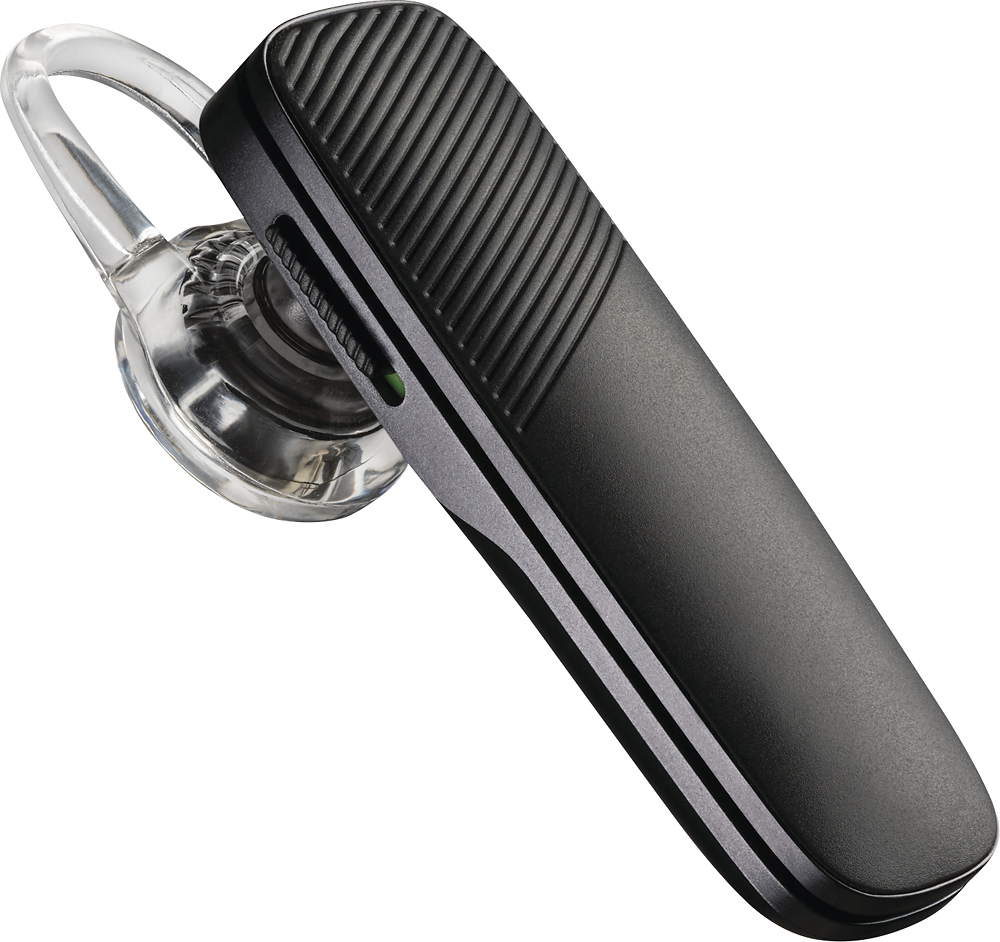
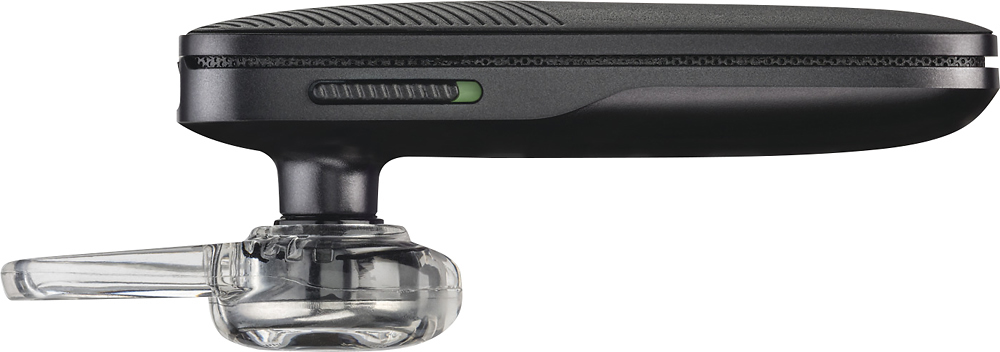
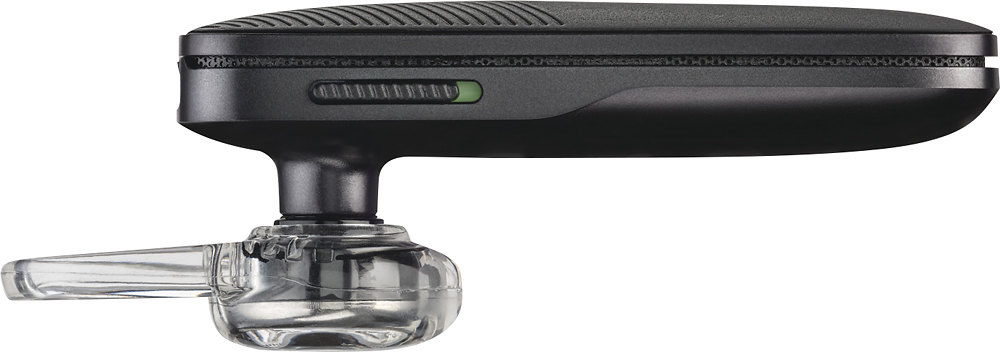
A:Answer Hello! Once your headset is paired and connected to your phone, you can change the headset language. Wearing your headset, power it on. Then, press and hold the Volume up and down buttons together until you hear “welcome." The language selection directions repeat in every supported language. Finally, follow the voice-guided prompts to select the headset language. Please don't hesitate to contact our Customer Care Team at 800-985-9815 if you require assistance.