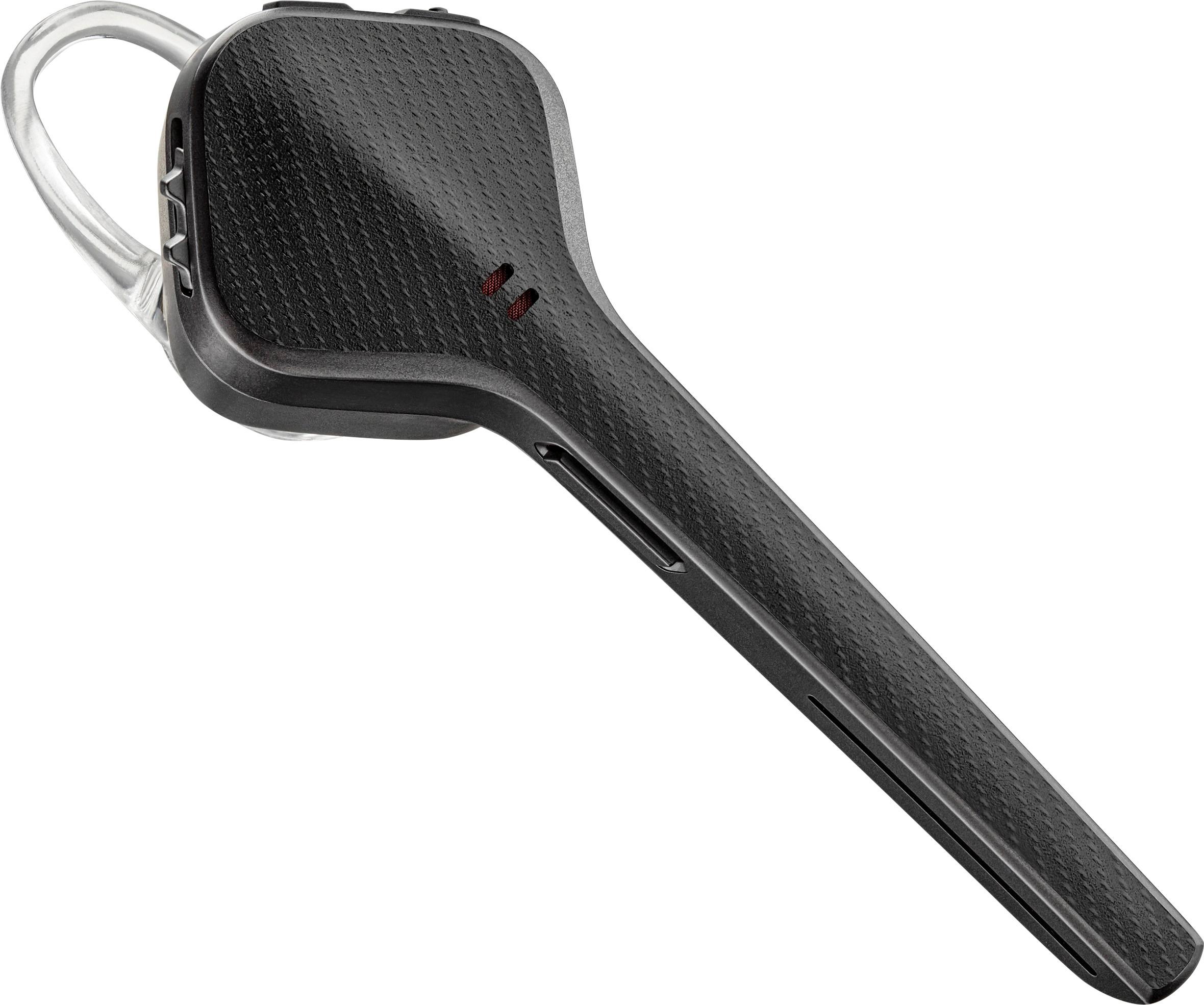
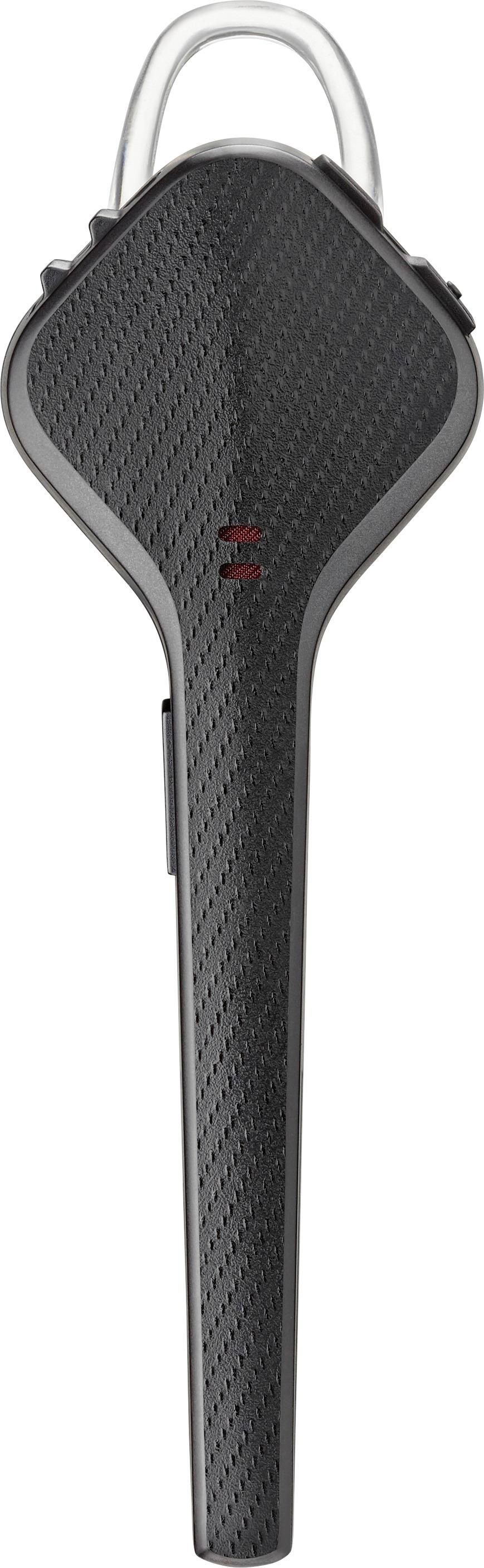
A:Answer Hello! Let us help you with this, the headset is compatible with your phone. Most likely we just need to set it into pairing mode: Turn on the headset, press and hold the call button (the one used to answer calls) for around 7 seconds (LED will flash red/blue or you will hear "pairing"), let go and go back to the Bluetooth menu of your iPhone. The headset should now show up, tapping on the name will connect it.
If you continue to experience difficulties, please don't hesitate to contact Plantronics Customer Care at 855-765-7878, additionally, you have a 1 year warranty from the purchase date, if needed.