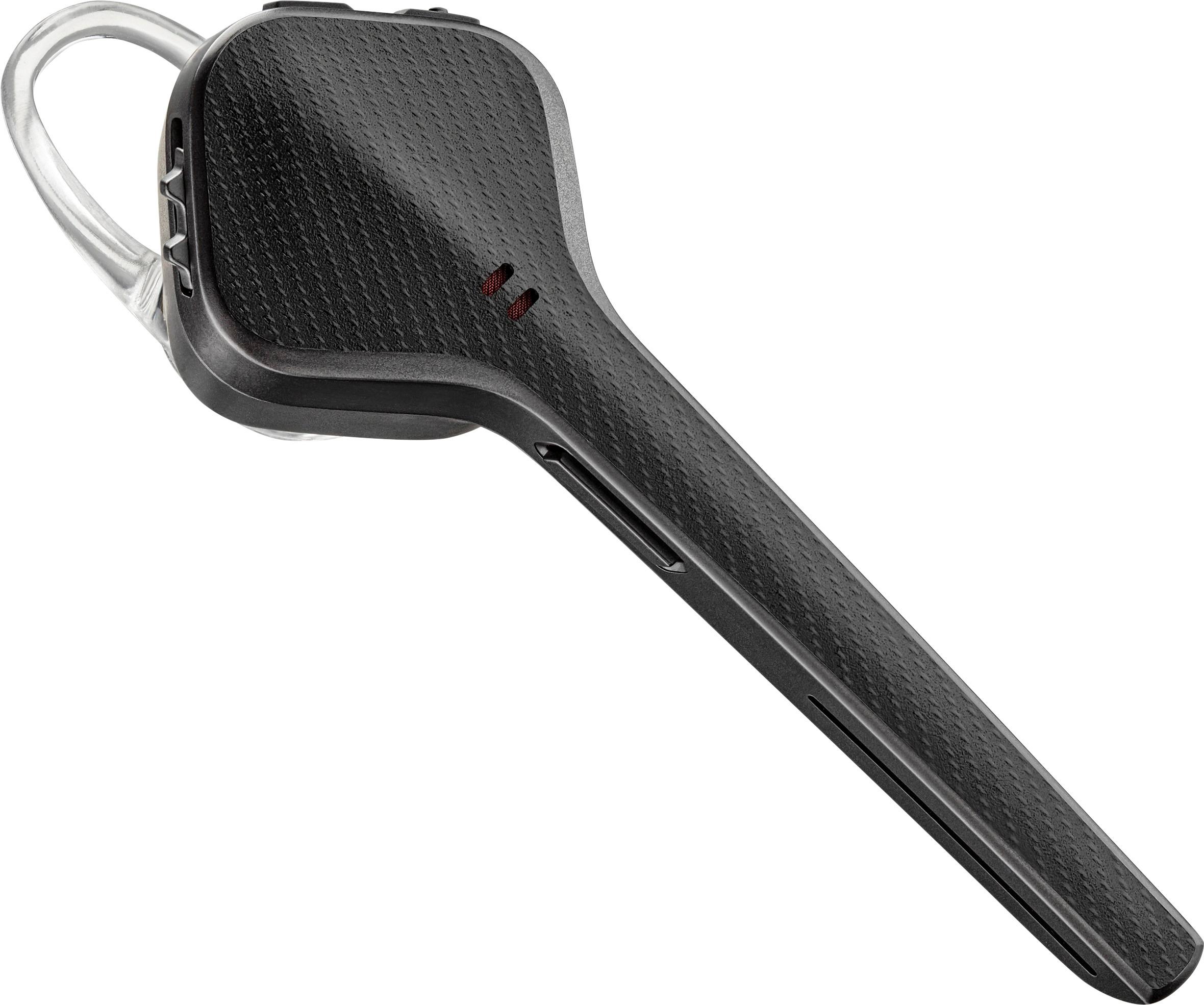
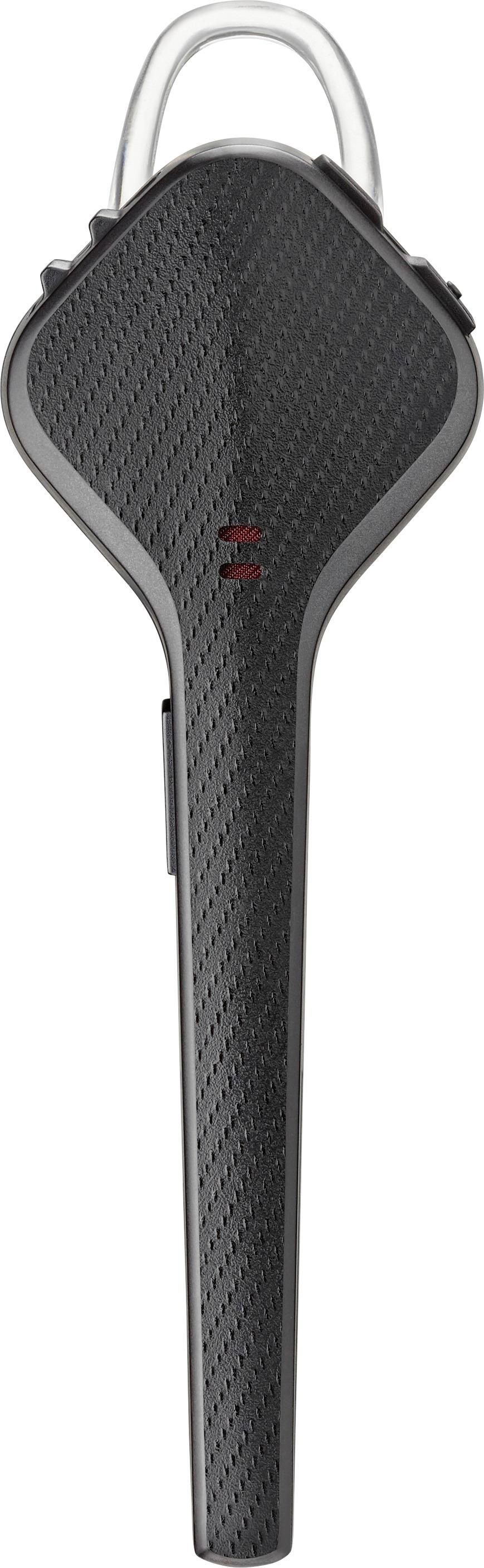
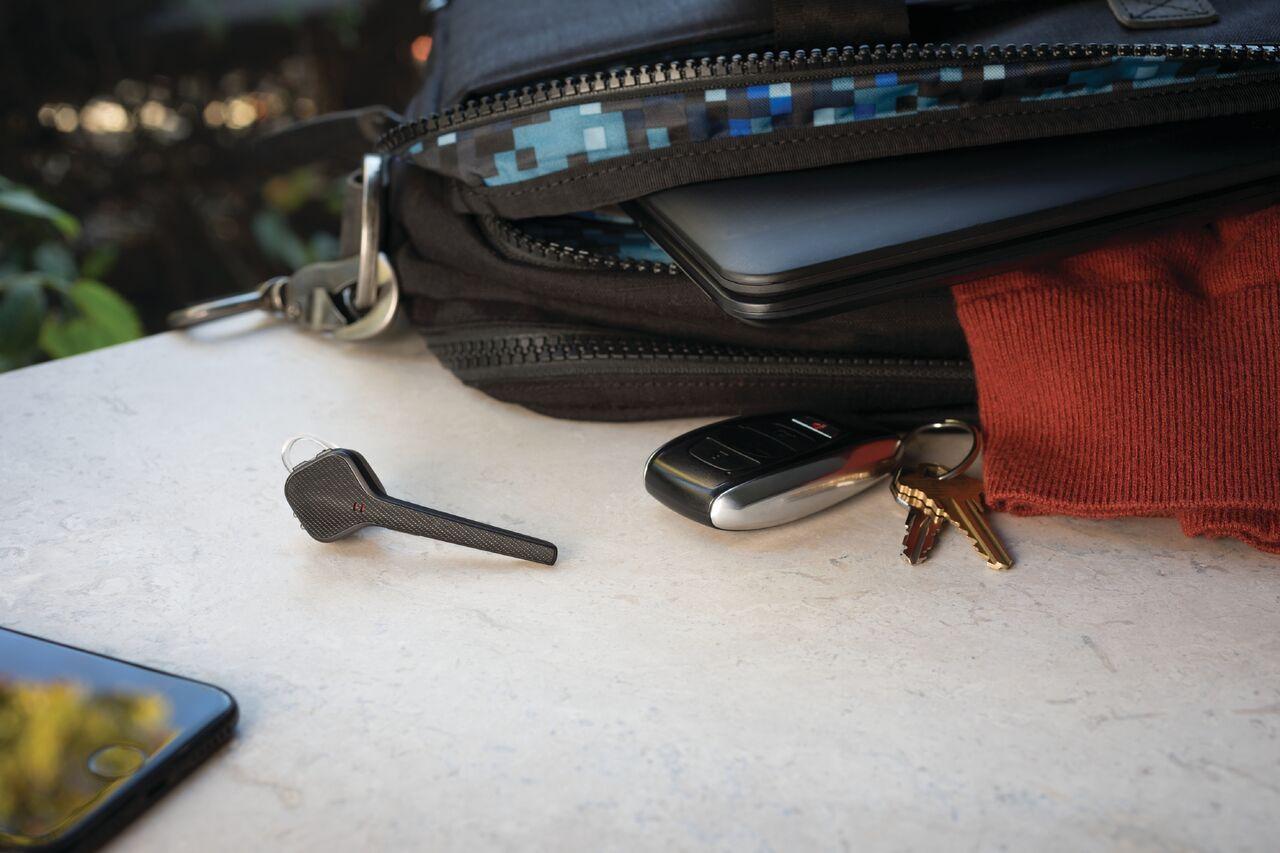
A:AnswerGo to Settings>Connections>Bluetooth hit Scan (Should be to right corner), set 3200 ear piece in pair mode (Press and hold the call control button for 5 or 6 seconds until the light starts flashing red and blue (some models flash red and white)) and you should see it appear on the phone screen as Available device
A:AnswerHello! The Voyager 3220 comes with a micro-USB charging cable and a vehicle charger. If you're interested in the charging case, please note it sold separately. PN: 208360-01. If you have any further questions, feel free to contact our Customer Care Team at: 1-888-363-0726
A:AnswerYes, there’s a small hard clear plastic one. It works really well in keeping them in even when exercising or mountain biking or things like that.
A:AnswerI think you might have got a lemon unfortunately. I’d take it back and exchange it. I’ve had mine on iPhone 6 and now the iPhone 11 Pro with no problems.
A:AnswerGo to settings and see if your bluetooth is on. See if the model number is there. If so it may say not connected, if it does press where it says not connected. This worked for me.