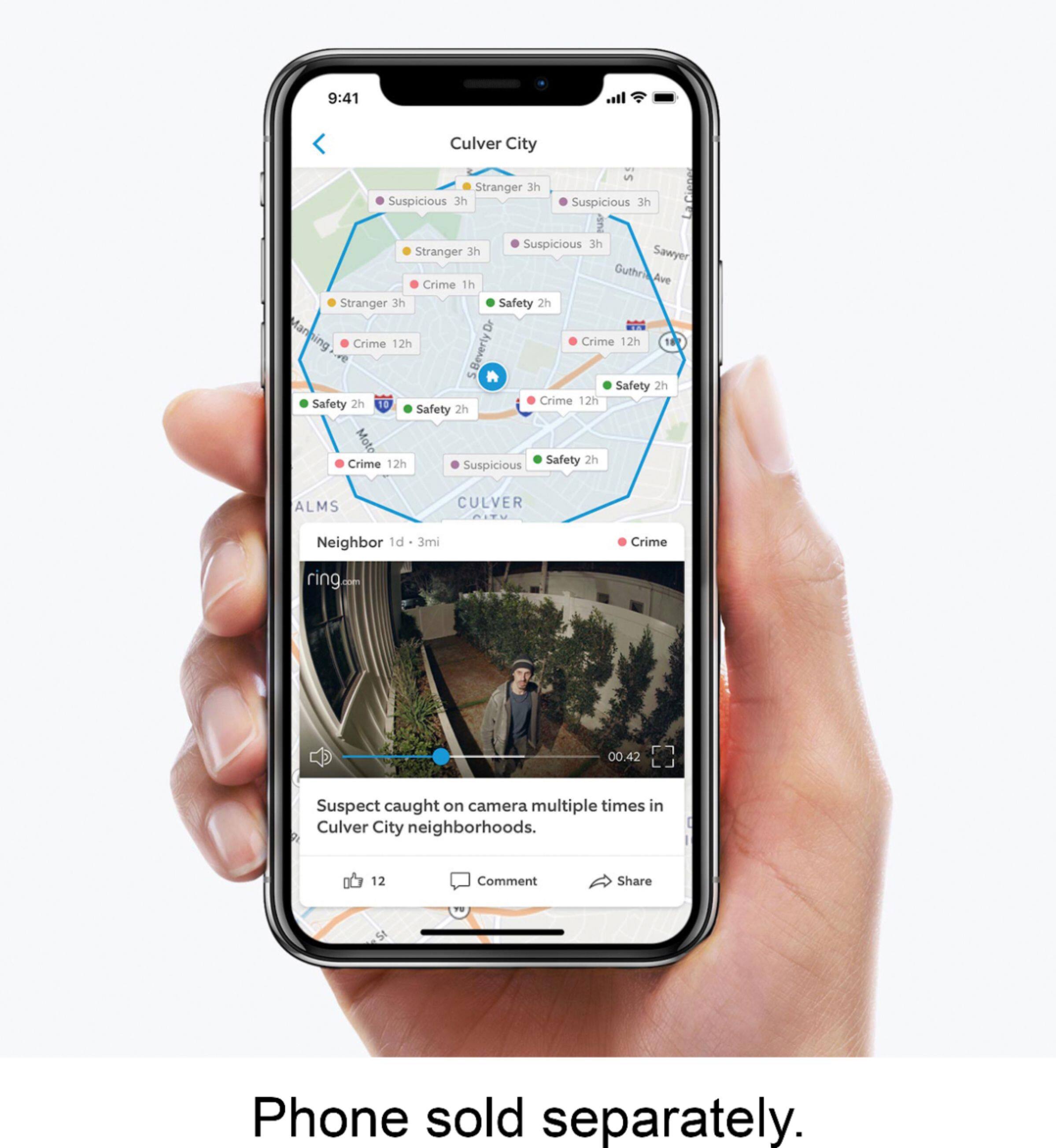
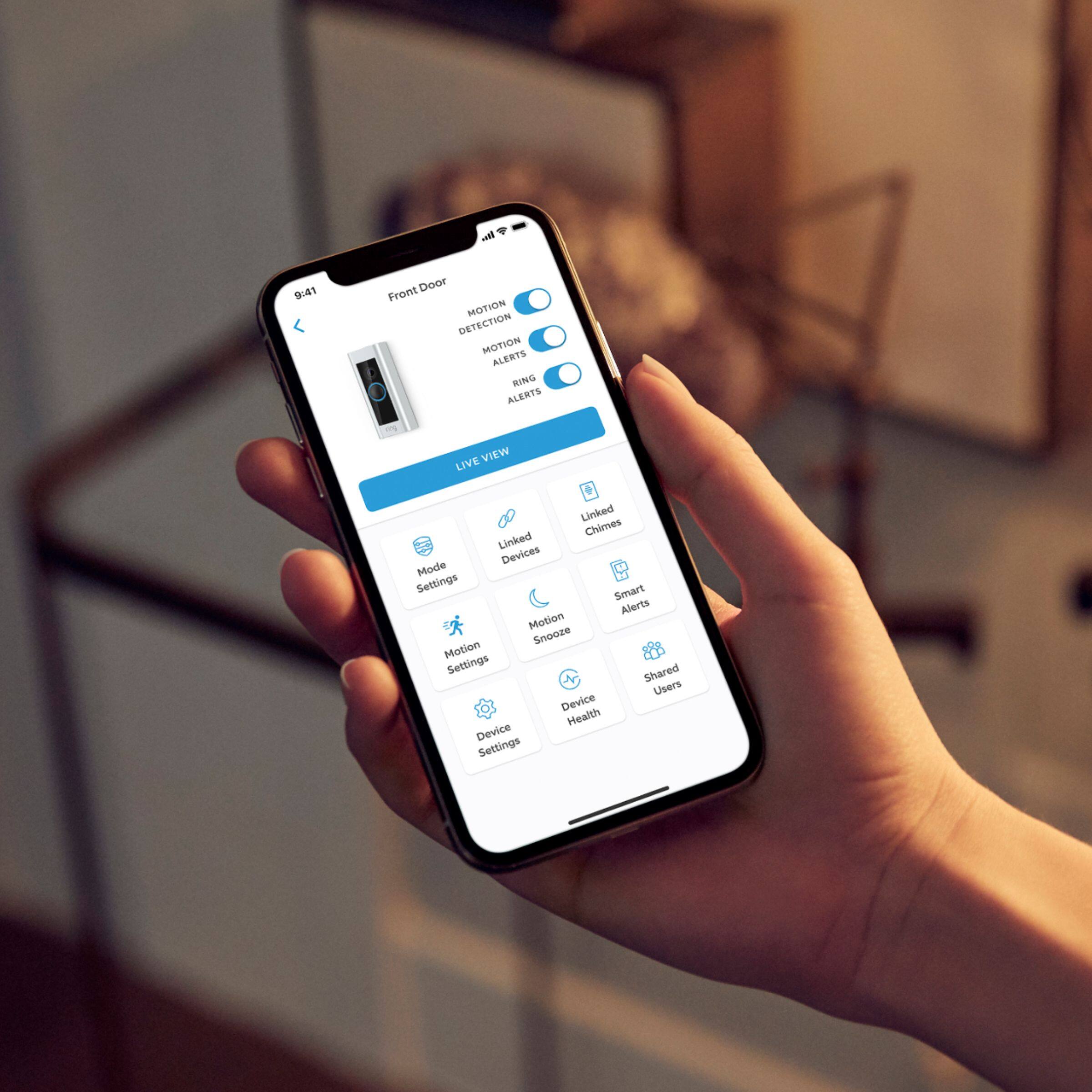
A:AnswerYes. Download the app to the “main” user. Then in the app, share with multiple users. They’ll get a notification to follow download and set up procedures. Only the main user has rights to change setup settings.
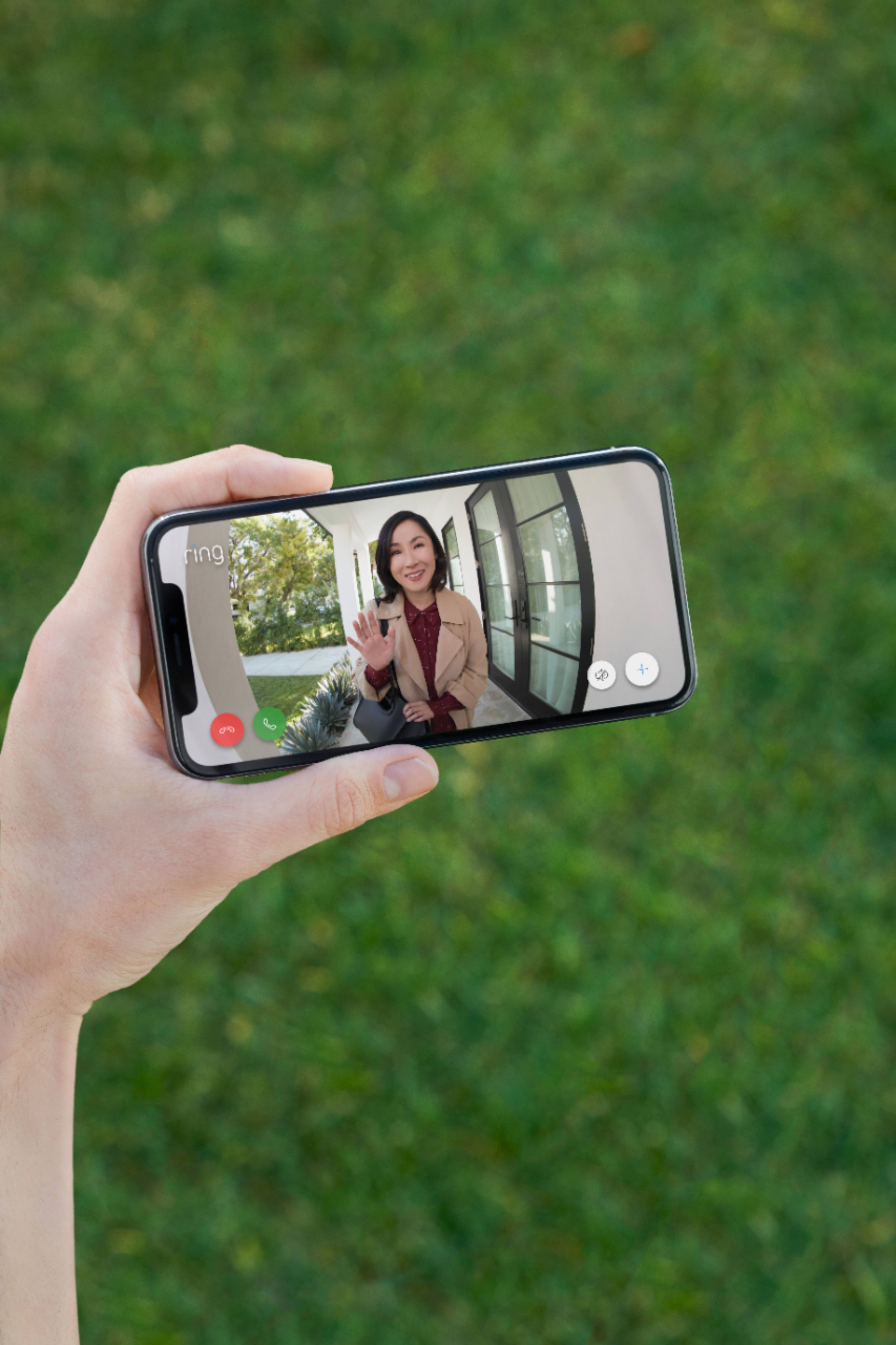
A:AnswerYes, if the alert hits your phone quickly and if the people stick around for say 10 to 30 seconds. It can take a while for the connect to occur between the doorbell being pressed and the loading of the doorbell camera image on your phone. There is room for improvement with this but I don't think Ring has total control over the speed of this.
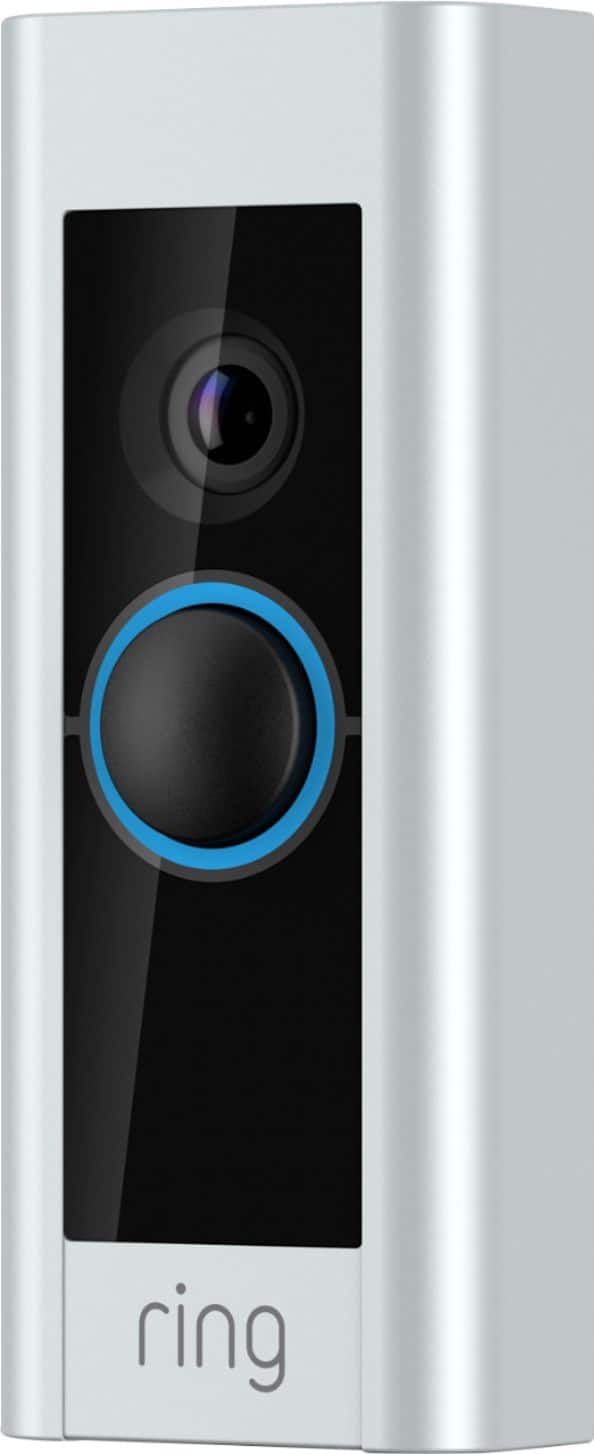
A:AnswerMine came with 4 faceplates; Silver, Black, Chocolate Brown, Cream Beige. I don't know the official Ring color names. These names are my own invention.
A:AnswerYou can try. But I was told it requires around 18-24V. Ring Support is great, they have something called as Pro Power Cable, they'll ship it to you for free if you can't get your Doorbell to turn on or have issues keeping it connected. You could try that before upgrading/changing your transformer.
A:Answerit has a back piece that shows u leveling, and screw points. It was super easy to install even over stucko. check it out before u shovel out money for a 5-10min job
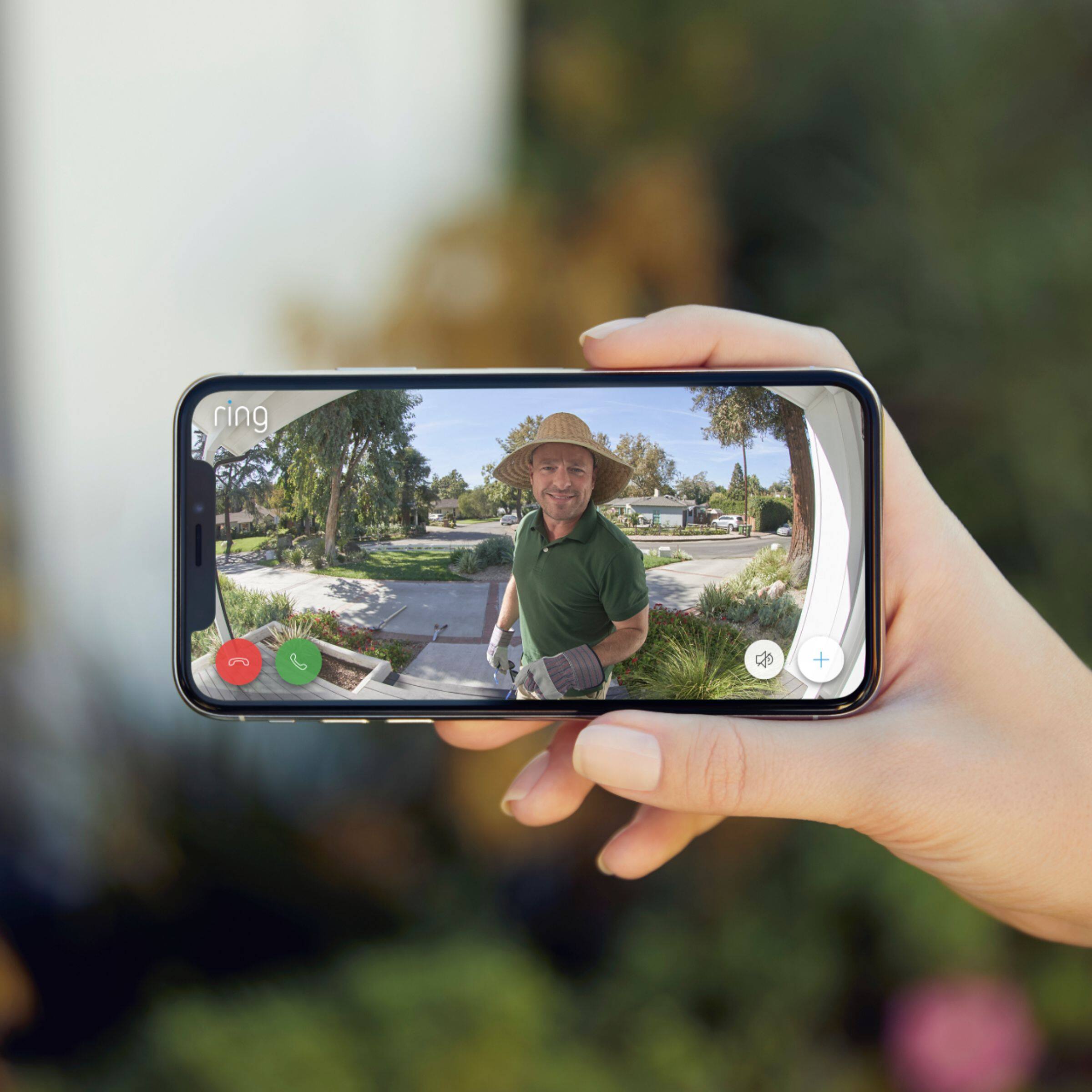
A:AnswerThe Ring Doorbell Pro has a field of view of 160 degrees horizontal and 100 degrees vertical. The original Ring (non-pro) has a field of view of 180 degrees horizontal and 140 degrees vertical. Taken from the product FAQ page on support.ring.com