A:AnswerHi.
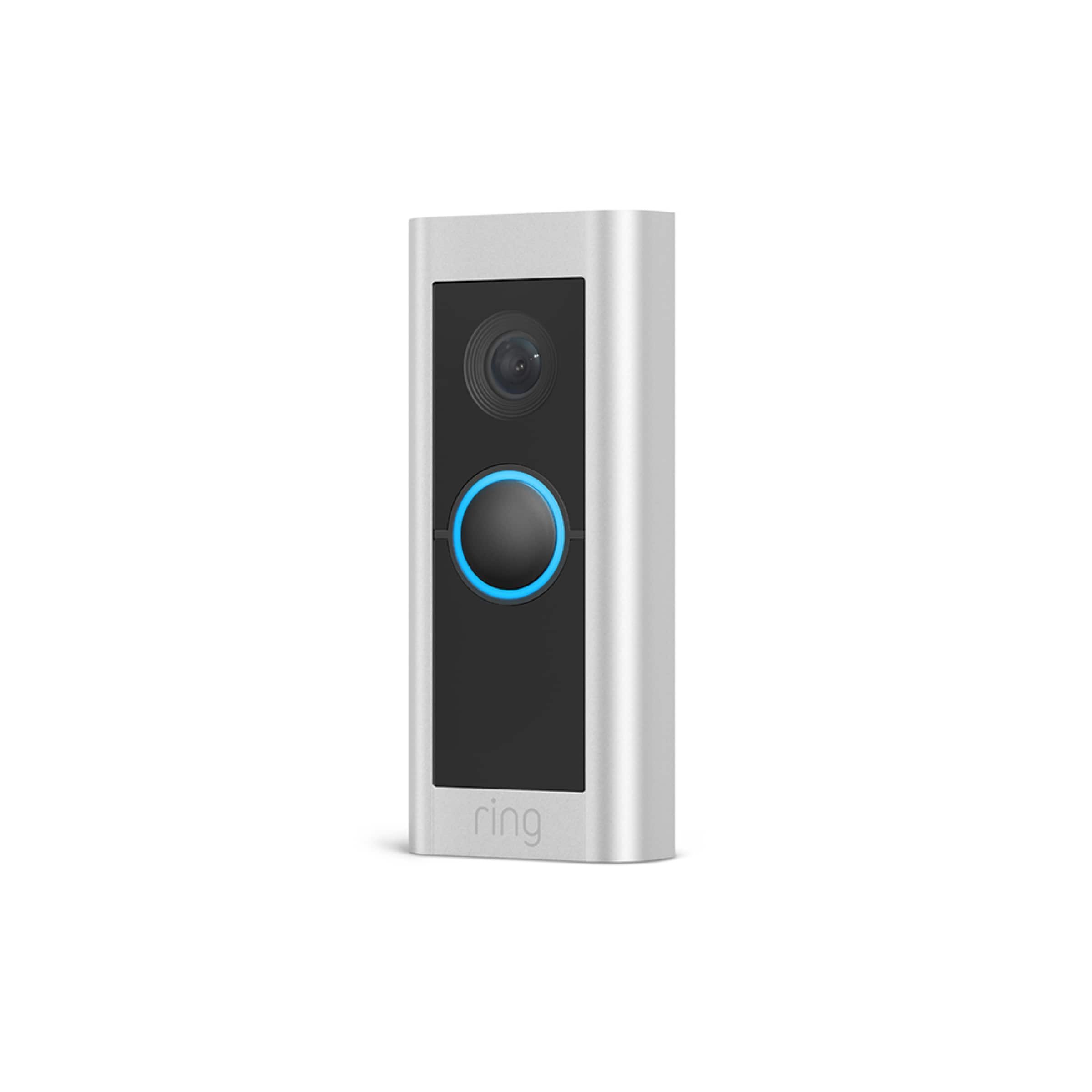
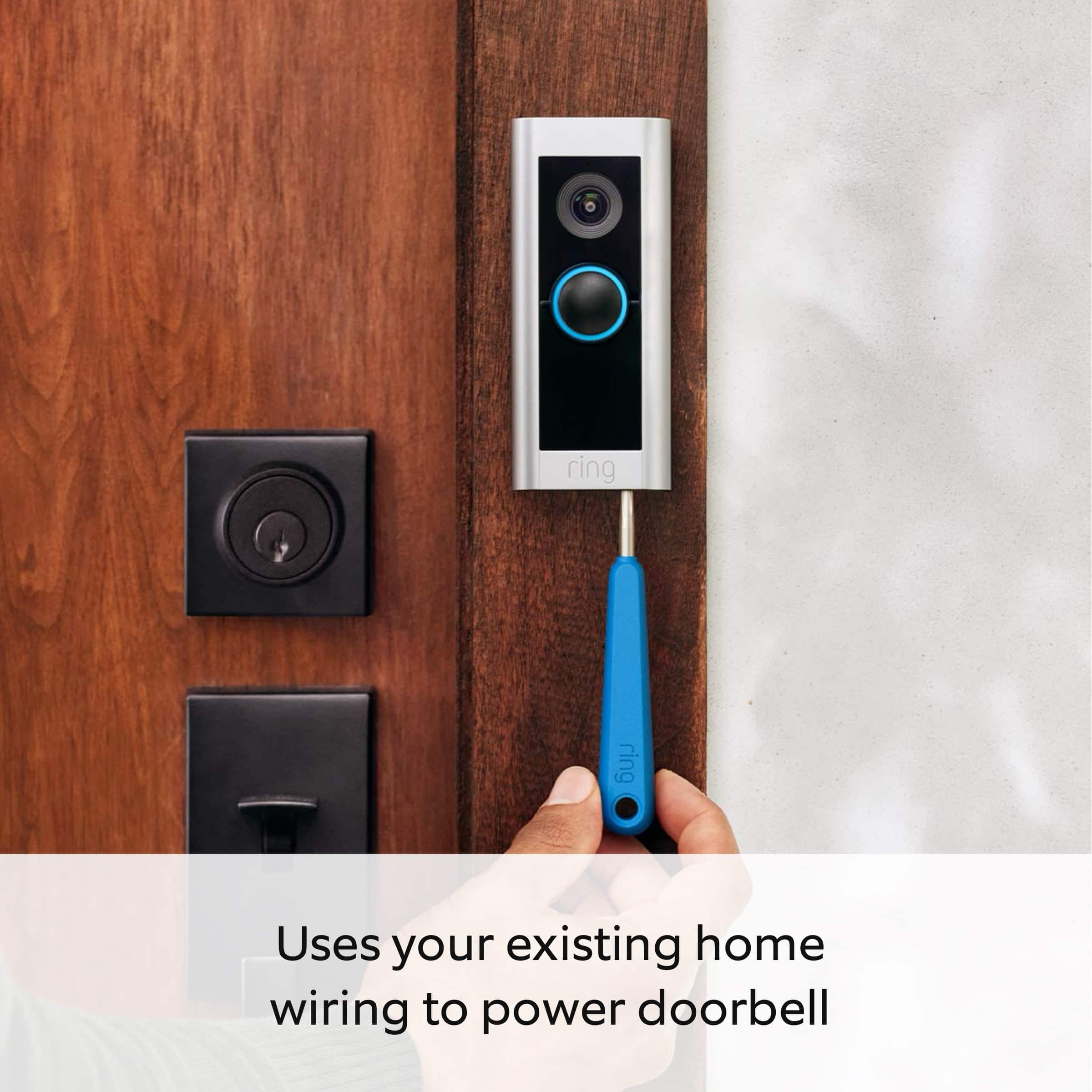
Thank you for your question today! Yes, your Ring Wired Doorbell Pro is designed to replace an existing doorbell button and gets its power from the doorbell system. The Ring Wired Doorbell Pro requires a compatible doorbell, Ring plug-in adapter, or transformer (not included): 16-24 VAC, 40VA max, 50/60Hz No halogen or garden-lighting transformers. You can visit our support center for a list of mechanical and electronic doorbell chimes we have tested and confirmed.
We invite you to reach out to our community if any additional information is needed regarding your question. The Ring Community is our first peer-to-peer community forum, giving our customers the ability to help one another by sharing their feedback and experiences with each other.
Thank you,
Miyuki from Ring.
A:AnswerHi Milo.
Thank you for taking the time to ask this question. Yes, the Ring Wired Doorbell Pro requires an 802.11 b/g/n wifi connection at 2.4 GHz or 5 GHz and a minimum upload speed of 2 Mbps for optimal performance.
If any additional information is needed regarding your question, please reach out to our community. Ring Community is our first peer-to-peer community forum, giving our customers the ability to help one another and share their feedback and experiences directly with Ring. Join the Ring Community today!
Thank you,
Amilia from Ring.
A:AnswerHello 1.
We appreciate the time you have taken to ask this question. The Two-Way Talk feature allows you to speak with visitors through your Ring device during Live View. By default, your device will play incoming sounds, and your microphone will be muted when Live View is activated.
Tap the microphone button to speak with visitors. Tap it again to mute yourself.
Tap the speaker button to control incoming audio from your Ring device.
If any additional information is needed regarding your question, please reach out to our community. Ring Community is our first peer-to-peer community forum, giving our customers the ability to help one another and share their feedback and experiences directly with Ring. Join the Ring Community today!
Thank you,
Amilia from Ring.
A:AnswerDepends, if you're doorbell transformer is 50+
Years old it might not be the right voltage.
Not a electrician here, i think its worth a try but
Its possible if your home is older might need
To change it.
A:AnswerHi Debra118.
Thank you for your question today! Yes, the Ring Indoor Cam and Ring Wired Doorbell Pro can both be setup on the same Ring app account. From there you can set the Indoor Cam to start recording when the doorbell picks up motion or someone rings the doorbell. This can be setup the other way as well where the doorbell records when the Indoor Cam detects motion.
If any additional information is needed regarding your Ring Indoor Cam or Ring Wired Doorbell Pro please reach out to our community. Ring Community is our first peer-to-peer community forum, giving our customers the ability to help one another and share their feedback and experiences directly with Ring.
Sincerely,
Matthew from Ring.
A:AnswerHi 54094.
Thank you for taking the time to ask this question. The Ring Wired Doorbell Pro is designed to be a DIY home security solution. The Ring Wired Doorbell Pro requires an existing doorbell system, Ring plug-in adapter or transformer for power supply (16-24 VAC, 50/60Hz, 30-40 VA max). Installation by a qualified electrician may be required in your area. Refer to your local laws and building codes before performing electrical work; permits and/or professional installation may be required by law.
If any additional information is needed regarding your question, please reach out to our community. Ring Community is our first peer-to-peer community forum, giving our customers the ability to help one another and share their feedback and experiences directly with Ring. Join the Ring Community today!
Thank you,
Amilia from Ring.
A:AnswerHi Nate.
Thank you for reaching out to us with your question. The Ring Wired Doorbell Pro requires a doorbell transformer rated at 16-24 VAC 50/60HZ, 10-30VA max. Some symptoms of insufficient power include not correctly ringing your existing internal doorbell, regularly losing connection to your wifi network, freezing up or shutting down during the ringtone sound after a button press, regularly shutting off (the white light on the front will turn off), freezing up during a live event, night vision doesn't work, or the doorbell working fine for a couple of events and then stopping working.
Check the following in the Ring app:
Confirm the Chime Type settings match your in-home chime type.
Check that the Ring my in-Home Chime setting is toggled on for doorbells that require hardwiring.
Make sure your Ring device is online and other functions are working (i.e., Live View).
If any additional information is needed regarding your Ring Wired Doorbell Pro, please reach out to our community. Ring Community is our first peer-to-peer community forum, giving our customers the ability to help one another and share their feedback and experiences directly with Ring. Join the Ring Community today!
Thank you,
Amilia from Ring.
A:AnswerI have a wired ring doorbell on the front door and a battery ring doorbell at the back door! The biggest difference between the two ring door bells is that the front ring door bell doesn’t require any power adjustments after it has been hard wired (it uses the existing wires of the door bell) and the back door ring doorbell which is the battery doorbell! It is required to be recharged ( about once every 1 1/2 to 2 months pending usage ) but is easy to charge the rechargeable battery!
A:AnswerHello.
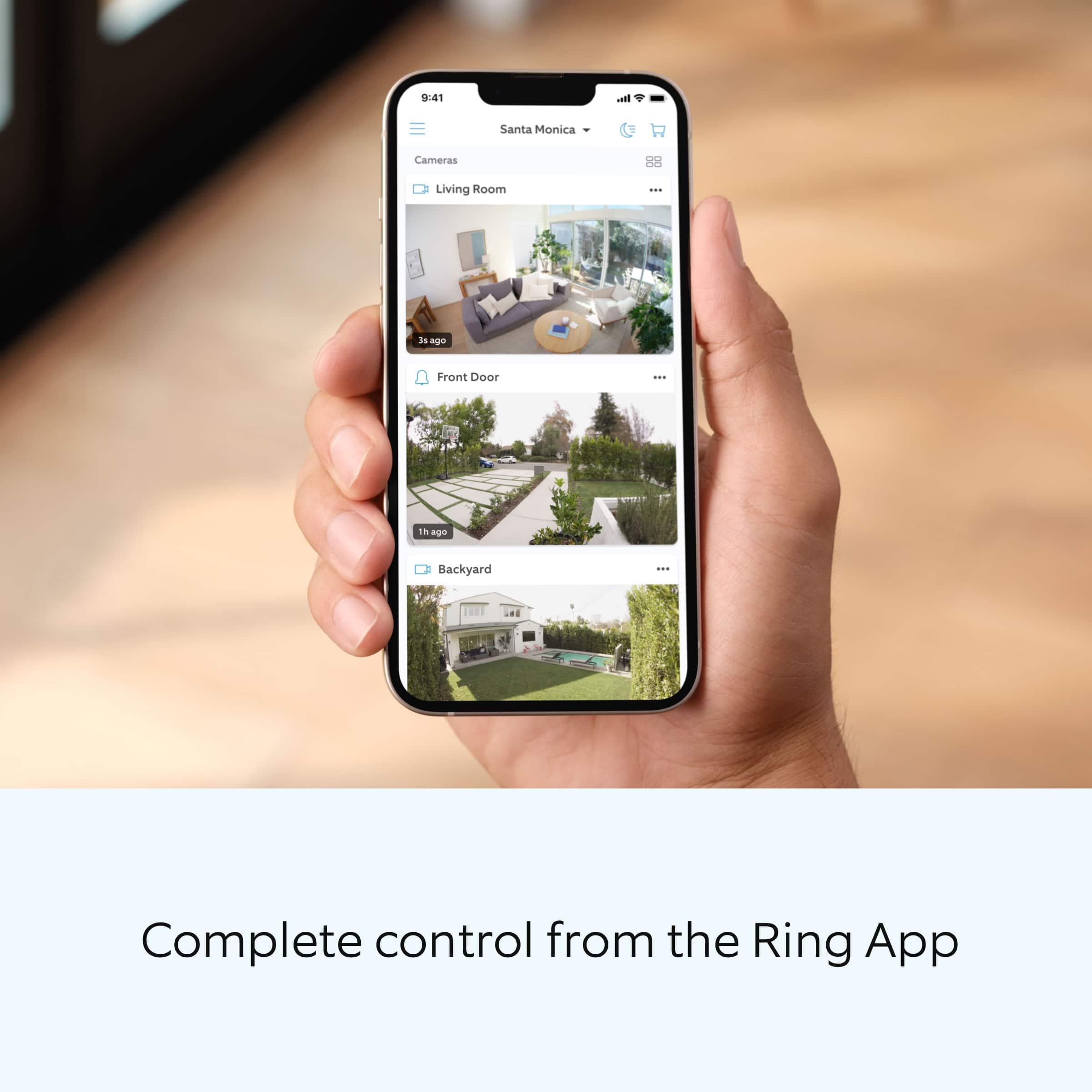
Thank you for reaching out to us with your question. You can configure compatible Ring doorbells to work with your existing in-home chime via the Ring app.
For doorbells that require a hardwired power source:
Open the Ring app to the main dashboard.
Tap more (•••) on the camera you want to access.
Tap your device's Settings.
Tap the Device Settings tile.
Tap In-home Chime Settings.
Select your Chime Type (Mechanical, Digital, or None)
Tap the toggle to turn on or turn off your in-home doorbell chime.
Tap Save in the upper right to save your changes.
If any additional information is needed regarding your question, please reach out to our community. Ring Community is our first peer-to-peer community forum, giving our customers the ability to help one another and share their feedback and experiences directly with Ring. Join the Ring Community today!
Thank you,
Amilia from Ring.
A:AnswerHi Wireless.
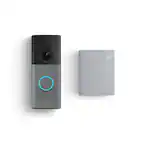
Thank you for taking the time to ask this question. No, the Ring Wired Doorbell Pro requires a standard doorbell system, Ring plug-in adapter (not included), or Ring hardwired transformer (not included) with 16-24 VAC/24VDC, 30-40VA max, 50/60Hz. However, we have battery-operated doorbells such as the Ring Battery Doorbell Plus and Ring Battery Doorbell Pro.
If any additional information is needed regarding your question, please reach out to our community. Ring Community is our first peer-to-peer community forum, giving our customers the ability to help one another and share their feedback and experiences directly with Ring. Join the Ring Community today!
Thank you,
Amilia from Ring.

A:AnswerThe you need to get the Ring Door Bell that has the lithium battery and I would get the chime Pro so when the bell is pressed, your chime will go off too making things louder.
A:AnswerHi Matt.
Thank you for reaching out to us with your question. The Ring video doorbell is compatible with doorbell systems supplying 16-24 volts VAC at 50 or 60Hz, 40 VA max. We recommend using the Ring Pro Power Kit that is included in the package. The Pro Power Kit ensures that your Ring video doorbell gets the power it needs and must be installed before you install your video doorbell. The AC connector is a Class 2 energy source. We have included a link here to an article on our website with the installation instructions for the Ring Wired Doorbell Pro: https://ring.com/support/articles/qo7oc/Installing-Your-Wired-Doorbell-Pro. In addition, we have included a link to the safety and compliance information for the Ring Wired Doorbell Pro: https://ring.com/support/articles/gzx4o/Safety-and-Compliance-Information-for-Ring-Wired-Doorbell-Pro.
If any additional information is needed regarding your Ring Wired Doorbell Pro question, please reach out to our community. Ring Community is our first peer-to-peer community forum, giving our customers the ability to help one another and share their feedback and experiences directly with Ring. You can find it here: https://community.ring.com/.
Thank you,
Melissa from Ring.
A:AnswerHi JD.
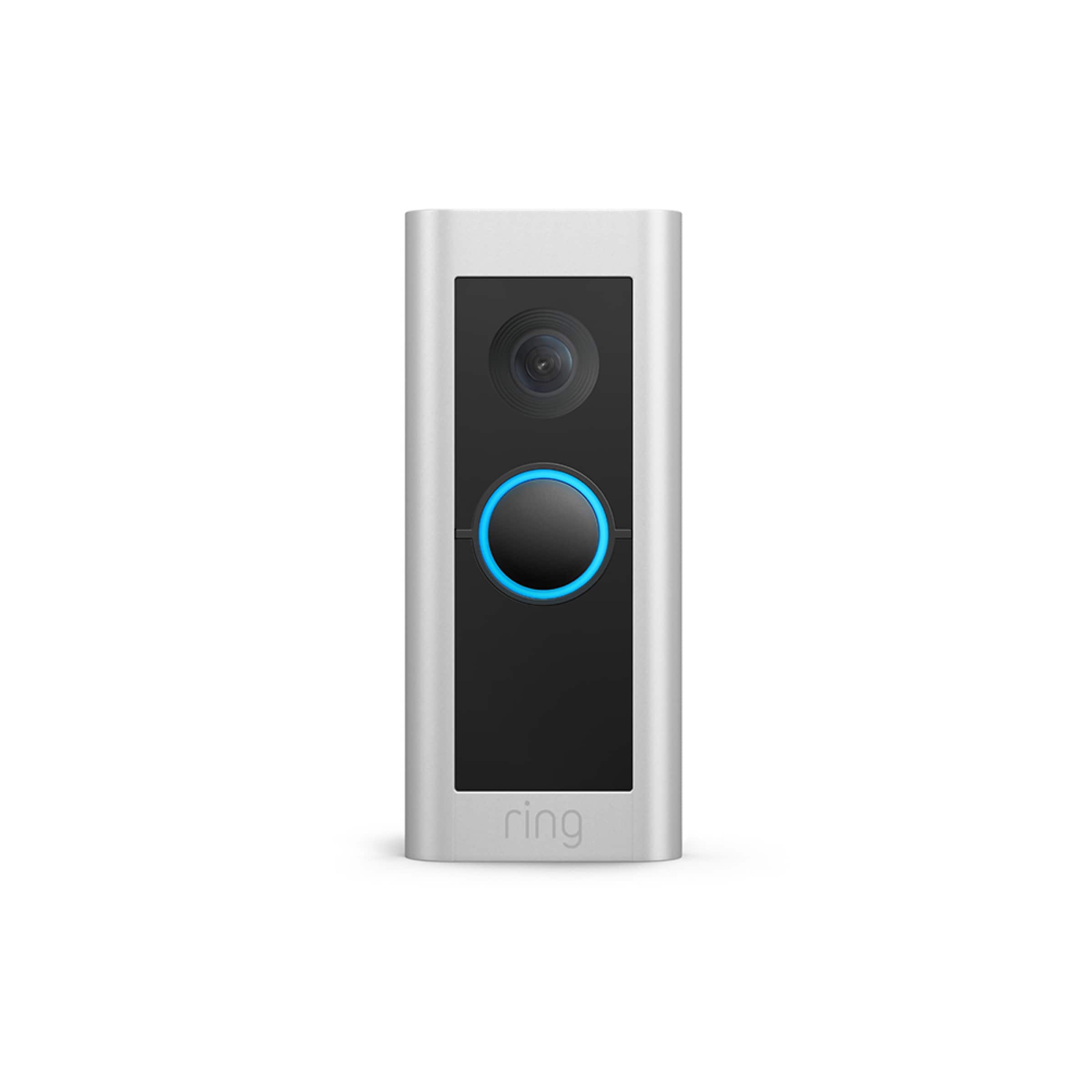
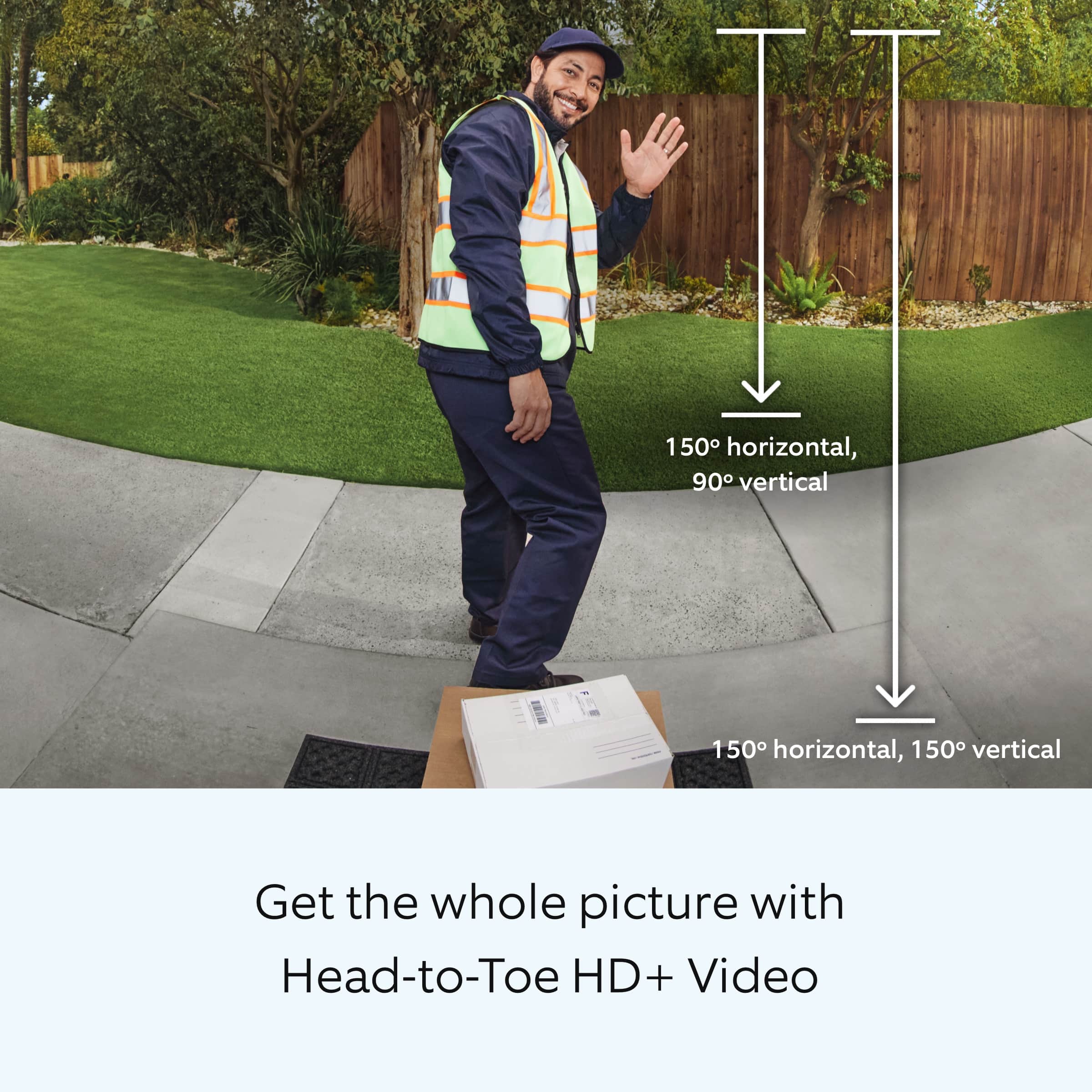
Thanks for asking. The Ring Wired Doorbell Pro offers head-to-toe HD+ video in 1536p. It is water-resistant and rated for temperatures ranging from -4°F to 120°F (-20°C to 48.5°C). Visit our support center for additional information.
If any additional information is needed regarding your Ring Wired Doorbell Pro question, please reach out to our community. Ring Community is our first peer-to-peer community forum, giving our customers the ability to help one another and share their feedback and experiences directly with Ring.
All the best,
Nicole from Ring.
A:AnswerHi Me.
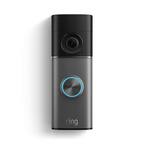
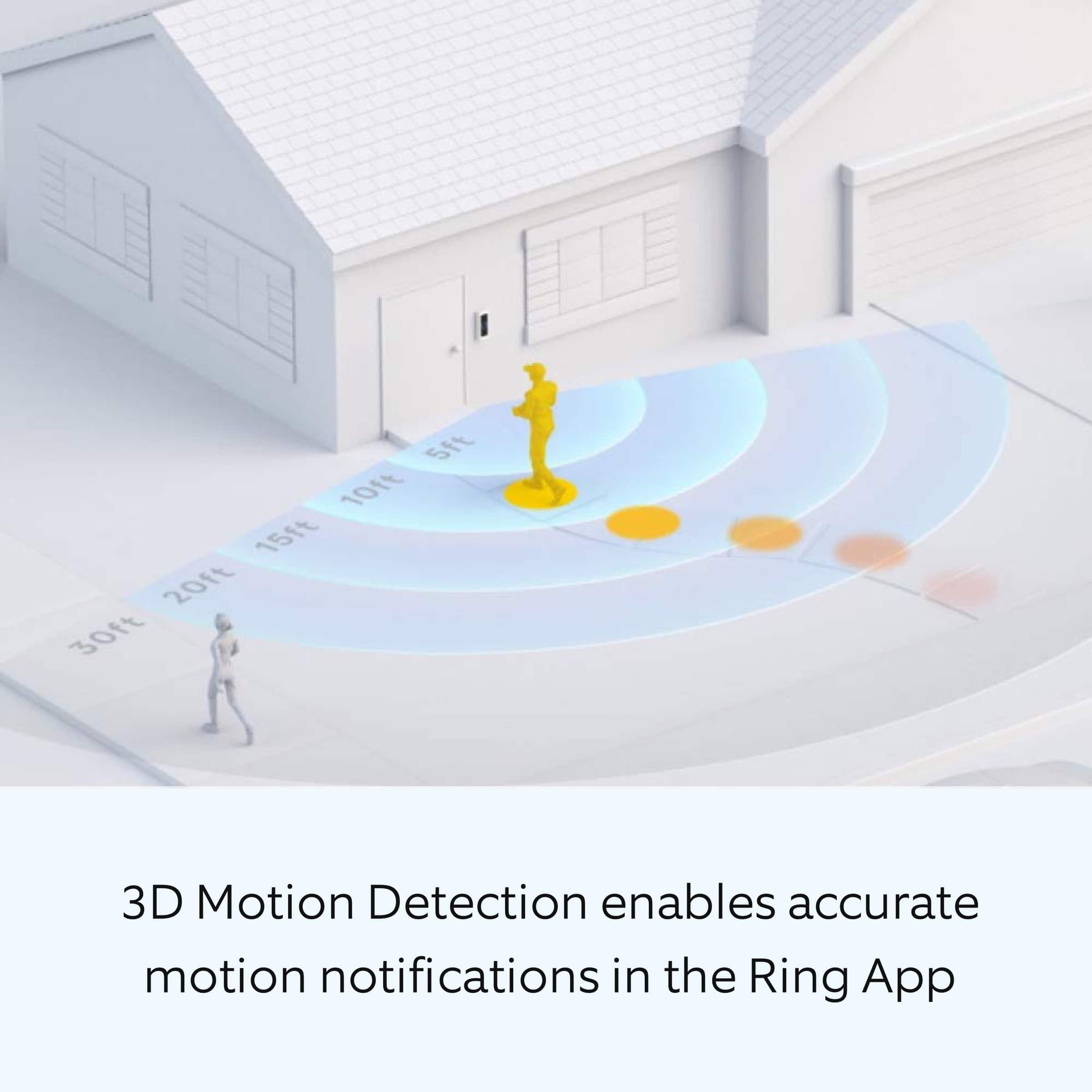
Good question. The Ring Wired Doorbell Pro (previously Ring Video Doorbell Pro 2) is our best-in-class wired doorbell camera with cutting-edge security features. The Ring Wired Doorbell Pro delivers enhanced head-to-toe HD+ video and first-of-its-kind 3D motion detection. Visit our support center for more information.
We invite you to reach out to our Community if any additional information is needed regarding your question. The Ring Community is our first peer-to-peer community forum, giving our customers the ability to help one another by sharing their feedback and experiences with each other.
All the best,
Nicole from Ring.
A:AnswerHi T33Bone.
Good question. Yes, the Ring Video Doorbell Pro 2 requires a 16-24 VAC, 30-40 VA max, 50/60Hz power supply. The Ring Plug-in Adapter (2nd Generation) can be used in place of an existing doorbell system to power the Ring Video Doorbell Pro 2.
We invite you to reach out to our Community if any additional information is needed regarding your question. The Ring Community is our first peer-to-peer community forum, giving our customers the ability to help one another by sharing their feedback and experiences with each other.
All the best,
Nicole from Ring.