Black Friday is hereShop new DoorbustersShop now

Main Content

Questions & Answers

Your price for this item is $35.99
Clearance
The comparable value price is $179.99
Page Showing 1-5 of 5 questions
  • QuestionI'm wondering is this compatible with a PS5?

    Asked by Anonymous.

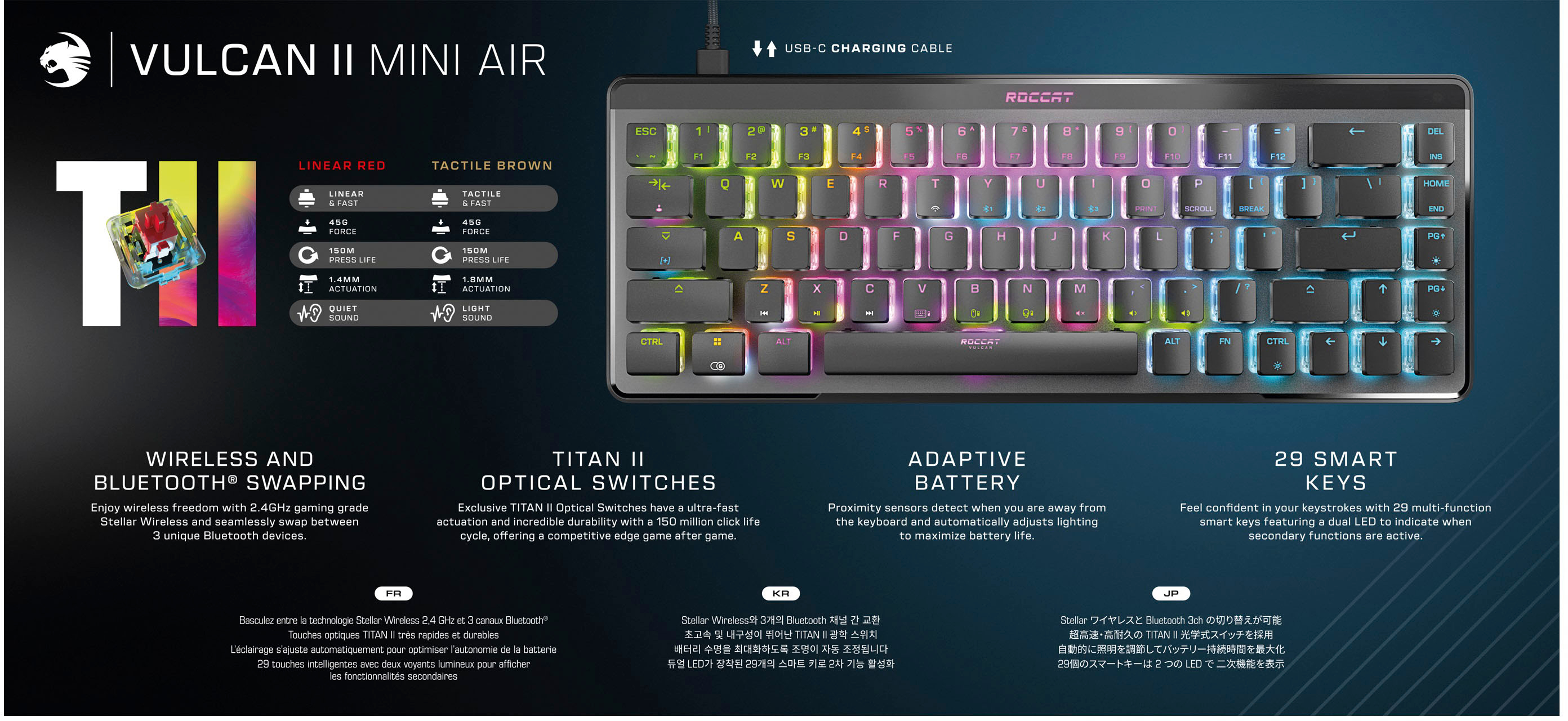
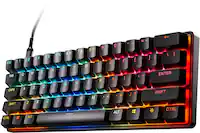
    • Answer The Vulcan II Mini Air can be connected to the PlayStation and used like any other keyboard, however both the console and the active game or application need to support keyboards. Advanced functions that require Swarm to be active however are not available on console.

      Answered by Turtle Beach Support

  • QuestionIs this keyboard compatible with Xbox series S?

    Asked by Anonymous.

    • Answer The Vulcan II Mini Air can be connected to the Xbox and used like any other keyboard, however both the console and the active game or application need to support keyboards. Advanced functions that require Swarm to be active however are not available on console.

      Answered by Turtle Beach Support

  • Questionis there a Spanish layout version?

    Asked by Fjbisso.

    • Answer Hi and thanks for your interest in our product. Unfortunately, there is no Spanish layout version of the Vulcan II Mini Air.

      Answered by Turtle Beach Support

  • QuestionHow does it charge? Or is it external battery powered

    Asked by Matt.

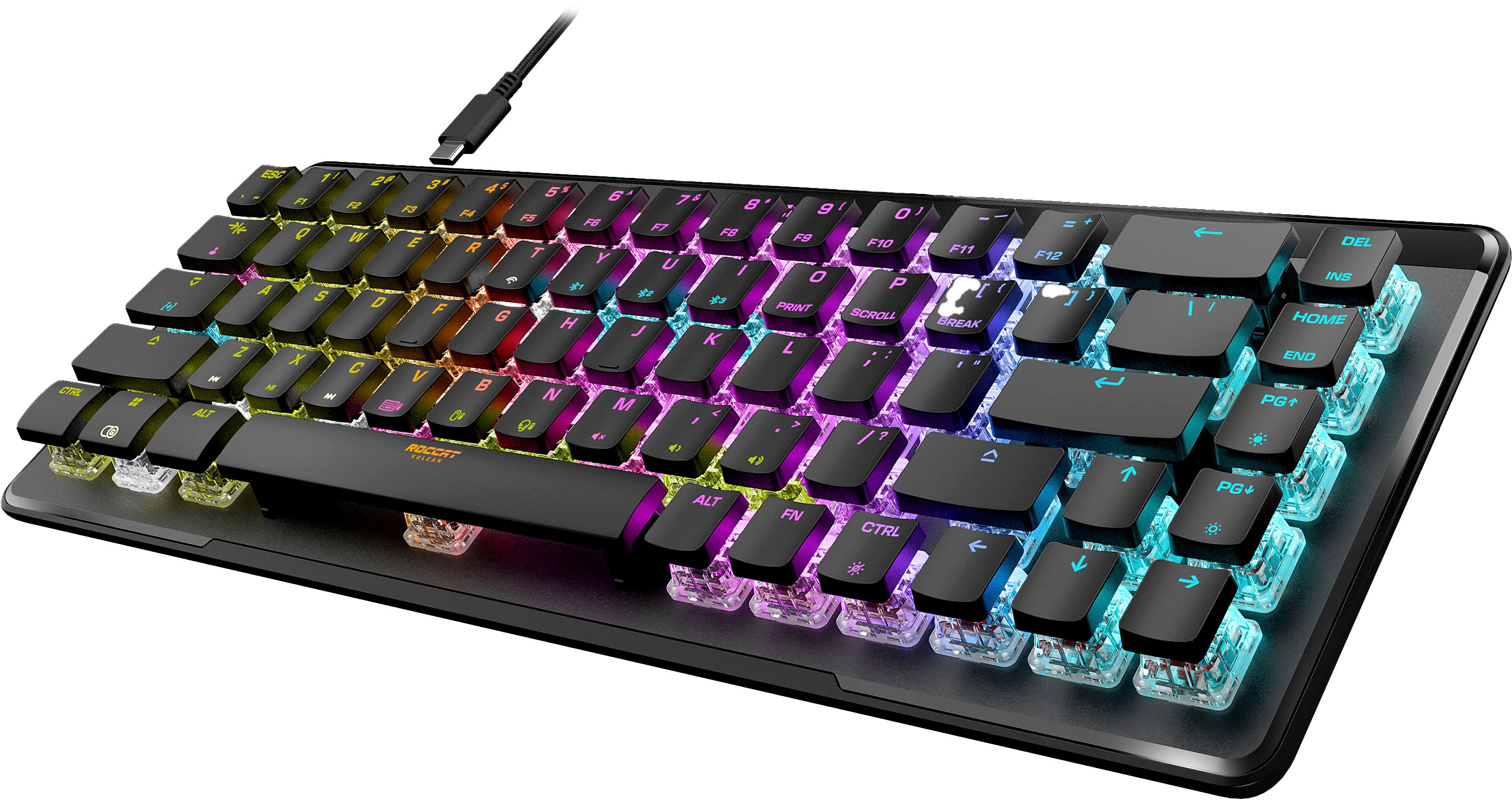
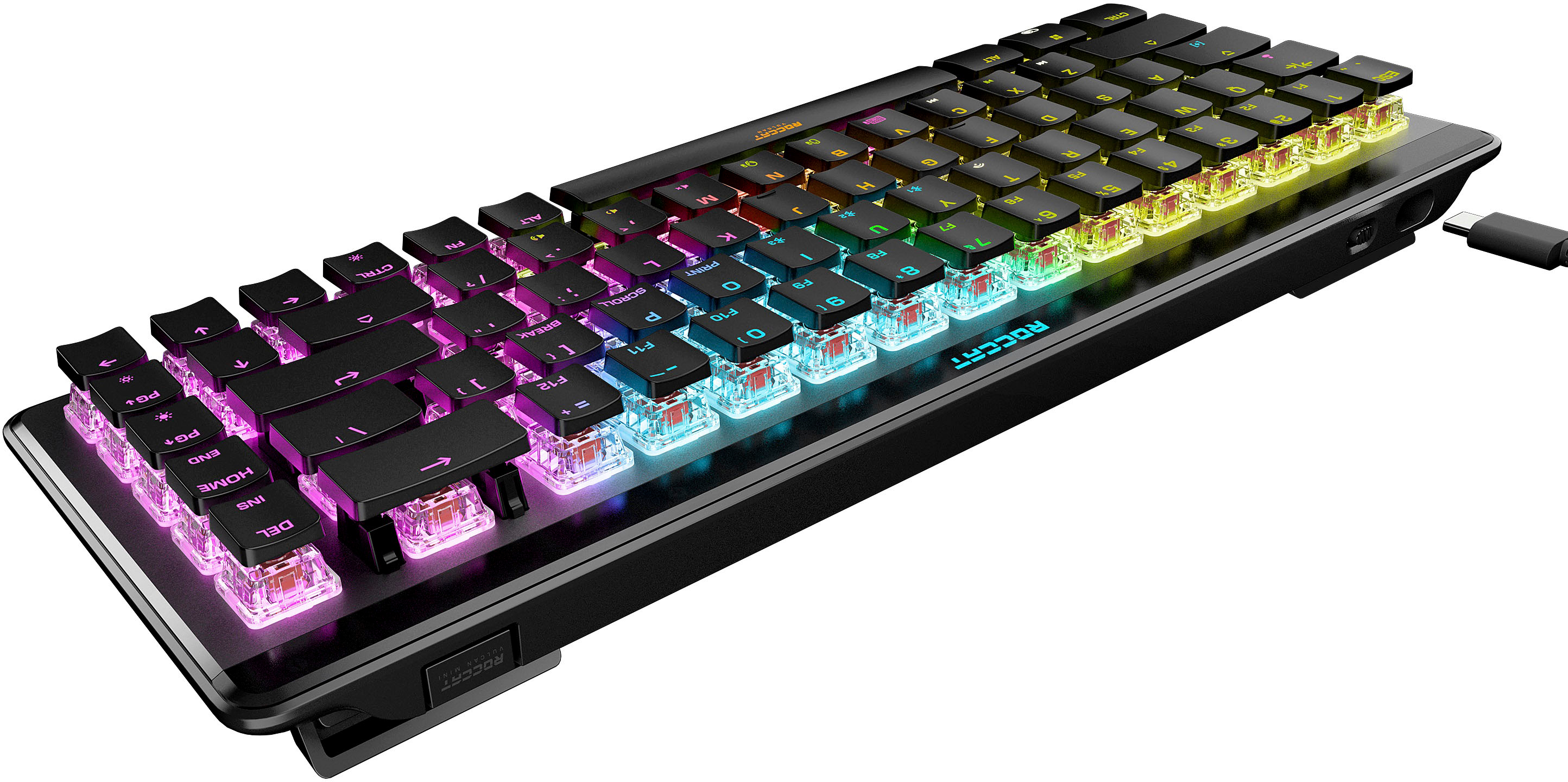
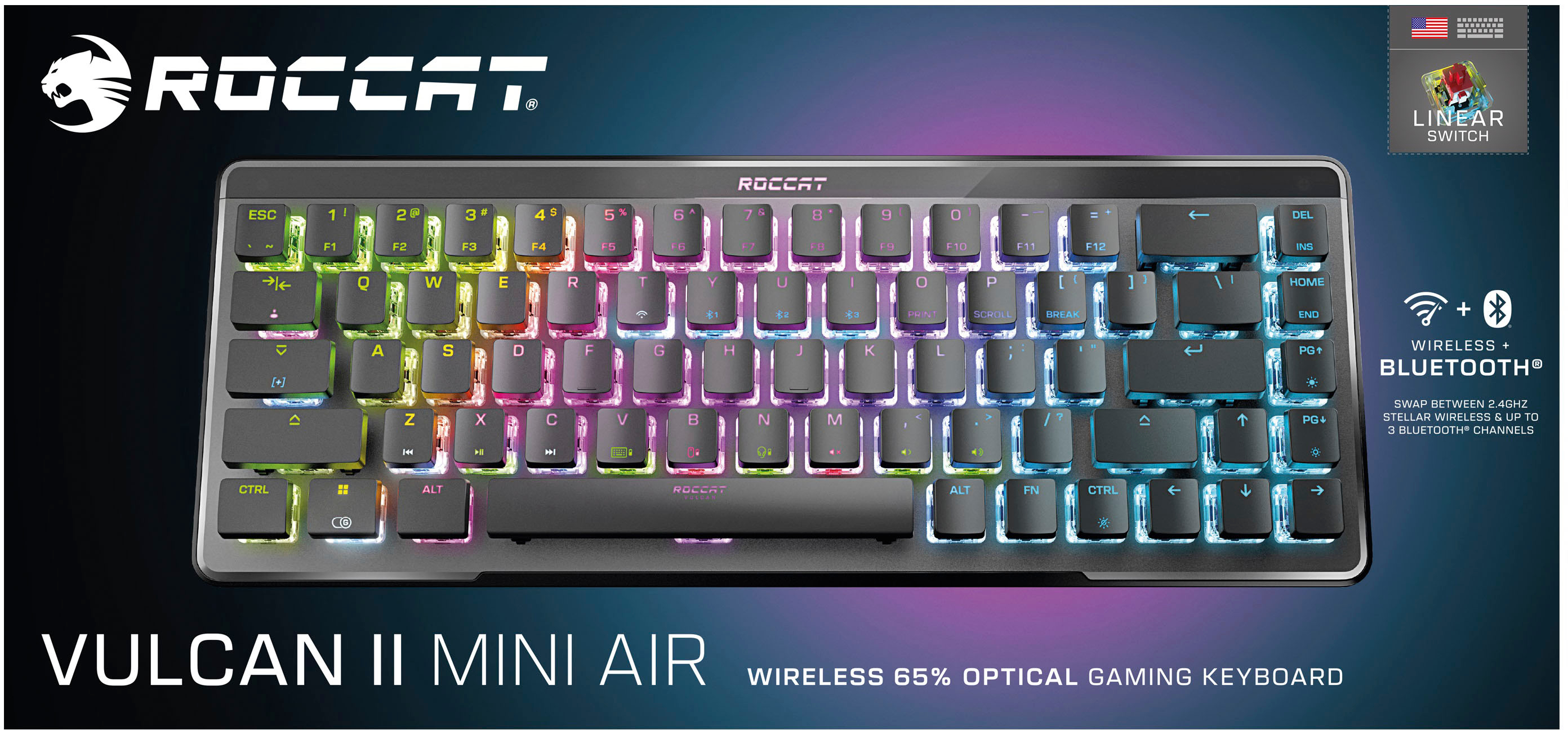
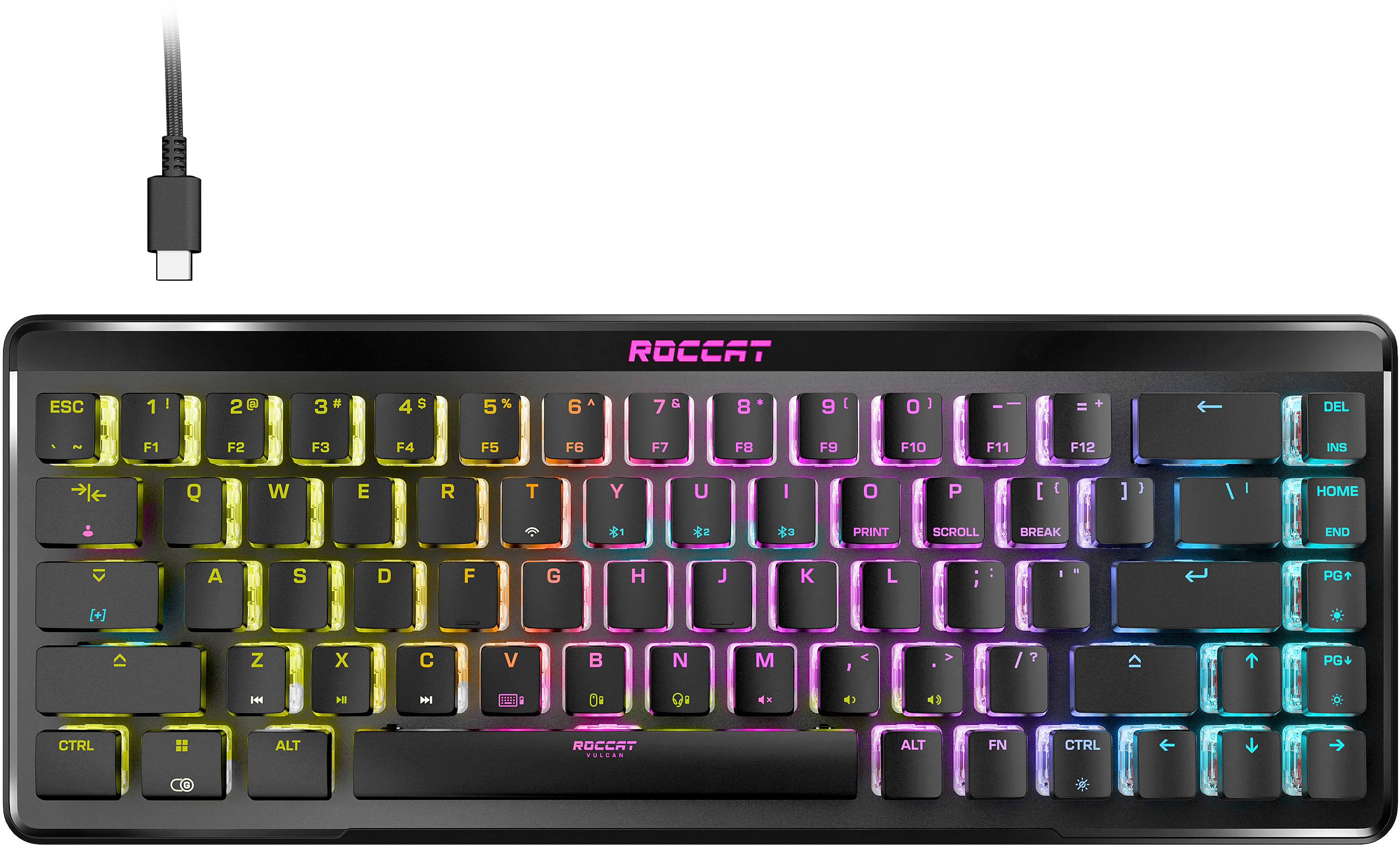
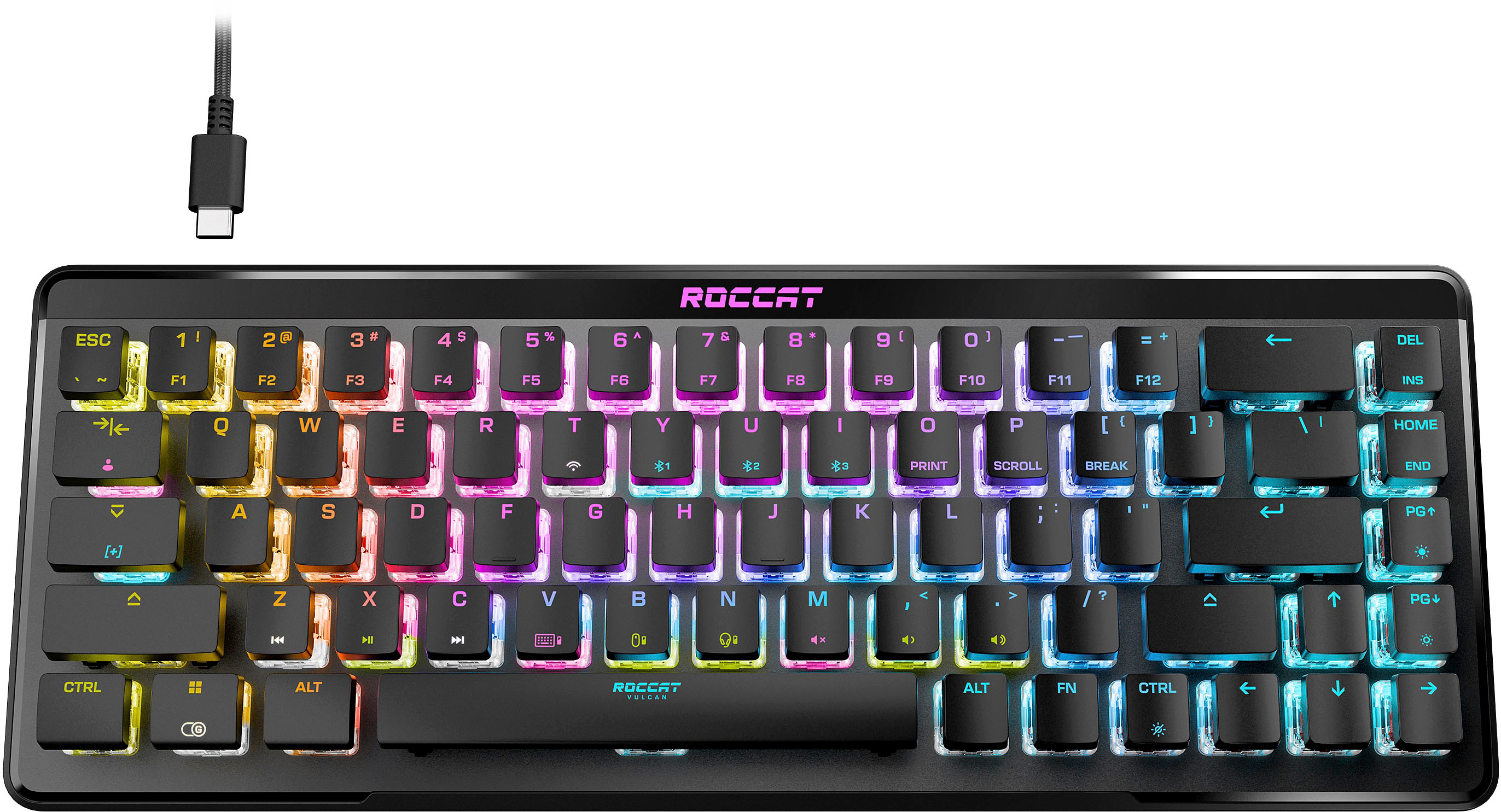
    • Answer Hi Matt and thanks for your question. The Vulcan II Mini Air has a built-in battery that can be charged by connecting the keyboard to the PC via cable from time to time. The keyboard's battery takes about 6 hours to charge from empty to full, but it lasts for at least 240 hours. However, turning illumination on reduces the battery life significantly.
      Answered by Turtle Beach Support

  • QuestionDoes it come with a wireless USB thing

    Asked by Anonymous.

    • Answer Hi and thanks for your interest in one of our products. The Vulcan II Mini Air's packaging's contents include a USB-A transmitter that needs to be connected to the PC to establish a wireless connection. The transmitter can be stored in a slot in the keyboard itself. Also, the keyboard needs to be turned on and in 2.4 GHz wireless mode instead of Bluetooth for it to properly connect to the transmitter.

      Answered by Turtle Beach Support