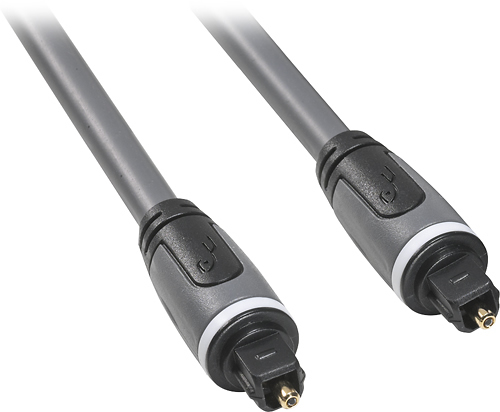
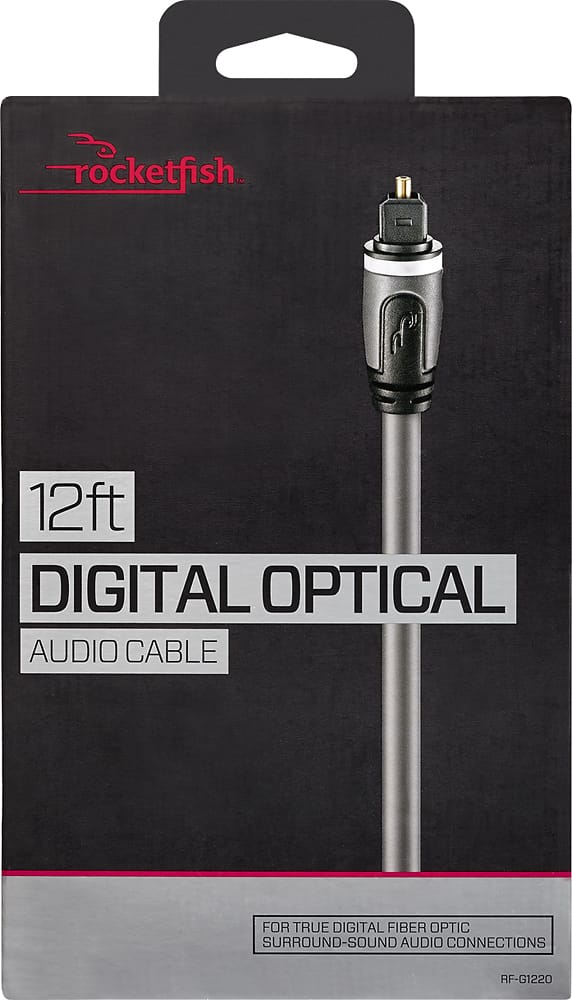
A:AnswerAt the very tip of the optical audio cable plug is a clear plastic piece that looks like a tiny lightbulb. It is actually just a cover to a metal tip. You have to remove the plastic cover or the cable won't insert. There is no mention on the box that the cover has to be removed. Major error by Rocketfish. A tech at Best Buy told me ..."You wouldn't believe how many people come in with the same problem." Remove the plastic cover and it will work nicely.
A:AnswerAlso on the end of the cables sometimes there is a plastic or rubber protector, if you do not remove them the the cable will not go in all the way.
A:AnswerIf your TV & Blu-ray player are both digital audio cable compatible, then it should be as easy as just connecting both ends into the corresponding inputs.
A:AnswerYes I used it to hook up my sound bar to my Samsung TV works great no issues. I used both Rockfish HDMI and the Optical cable also good choice.
A:AnswerCable goes from soundbar to your audio source like playstation or boom box if your device has optical audio setup you can connect so maybe the TV too