A:AnswerI'm not sure if a CABLE can cure audio latency problem. To the best of my knowledge it's usually a hardware or (on a computer) a software problem.
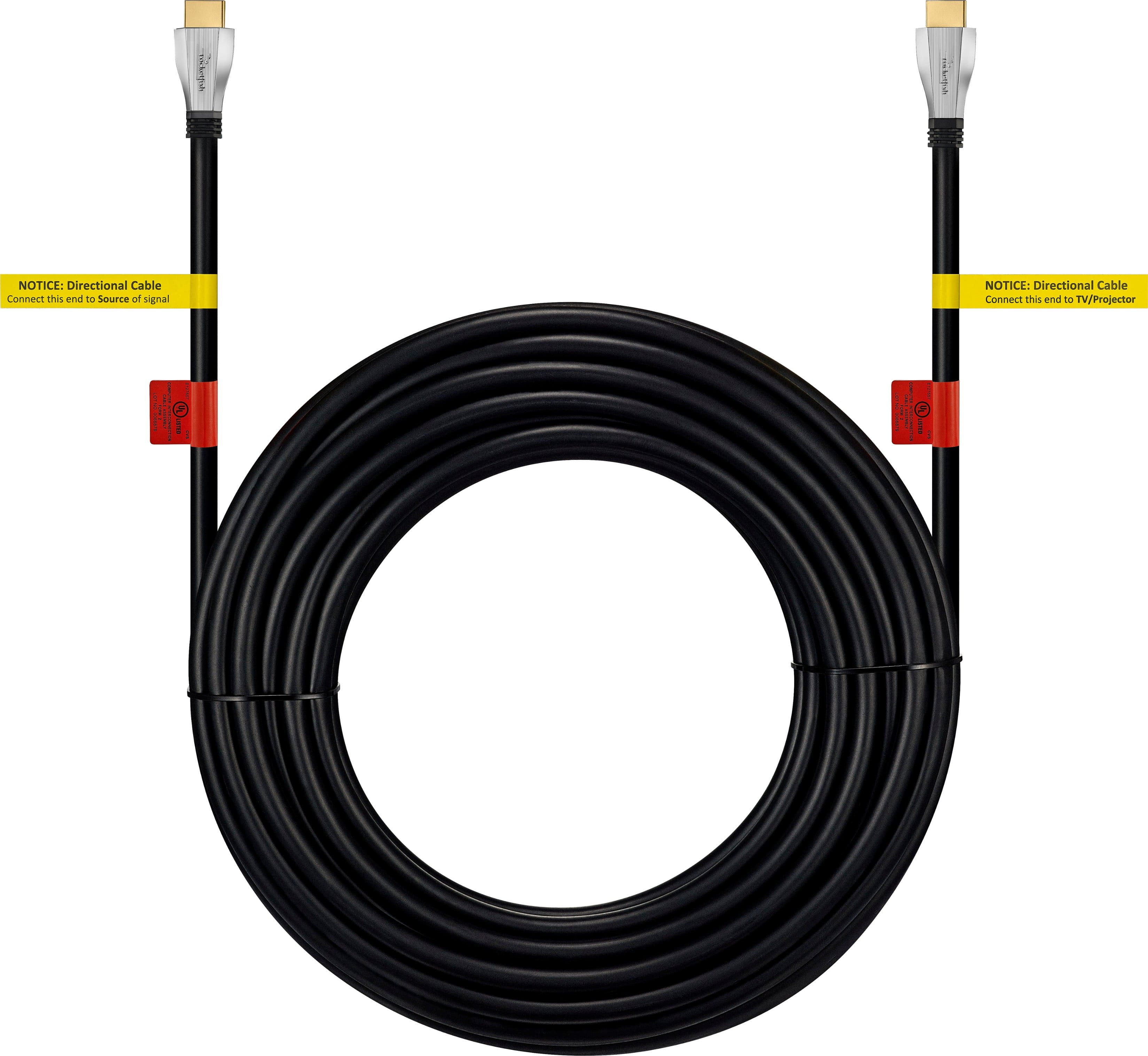
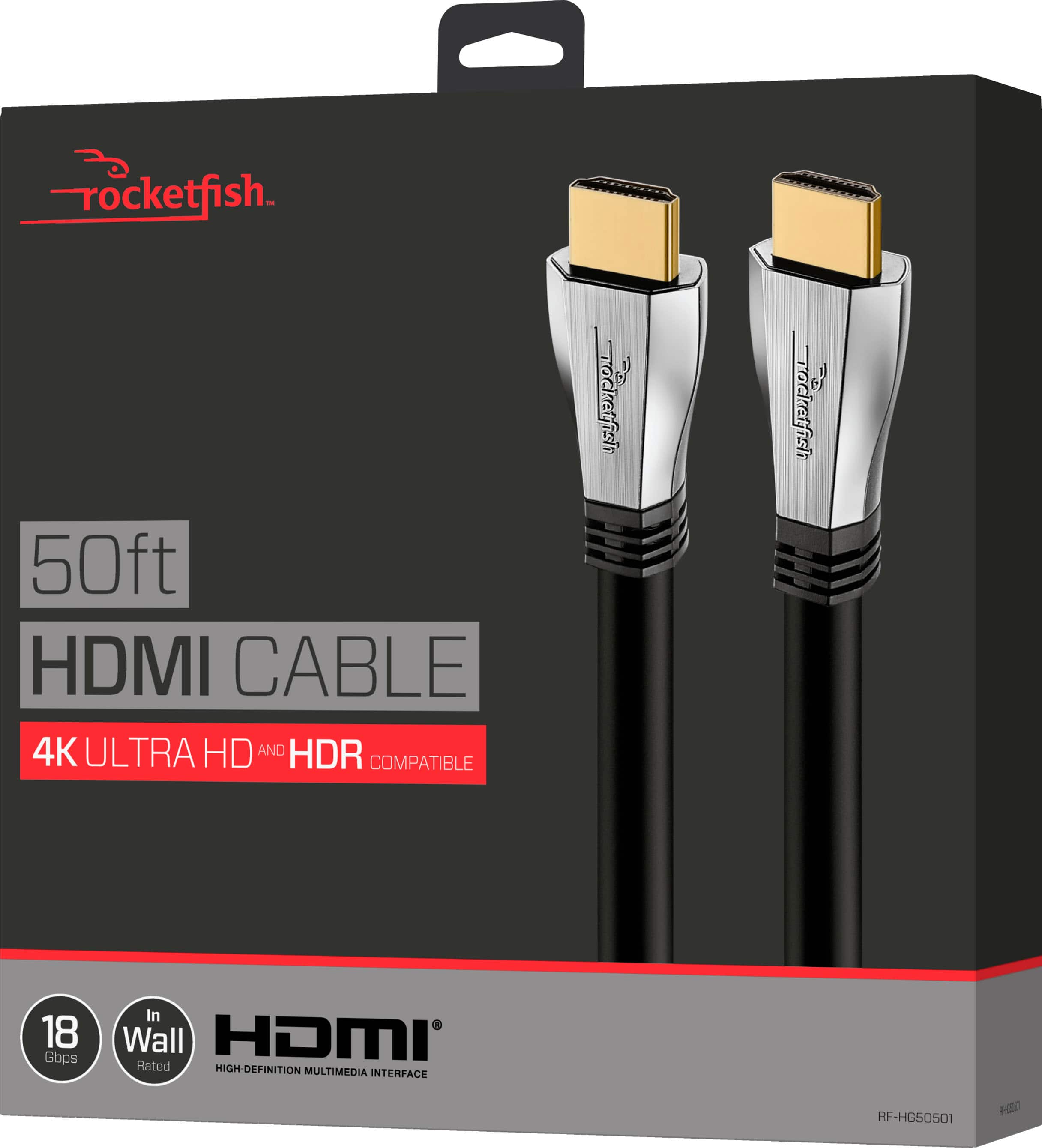
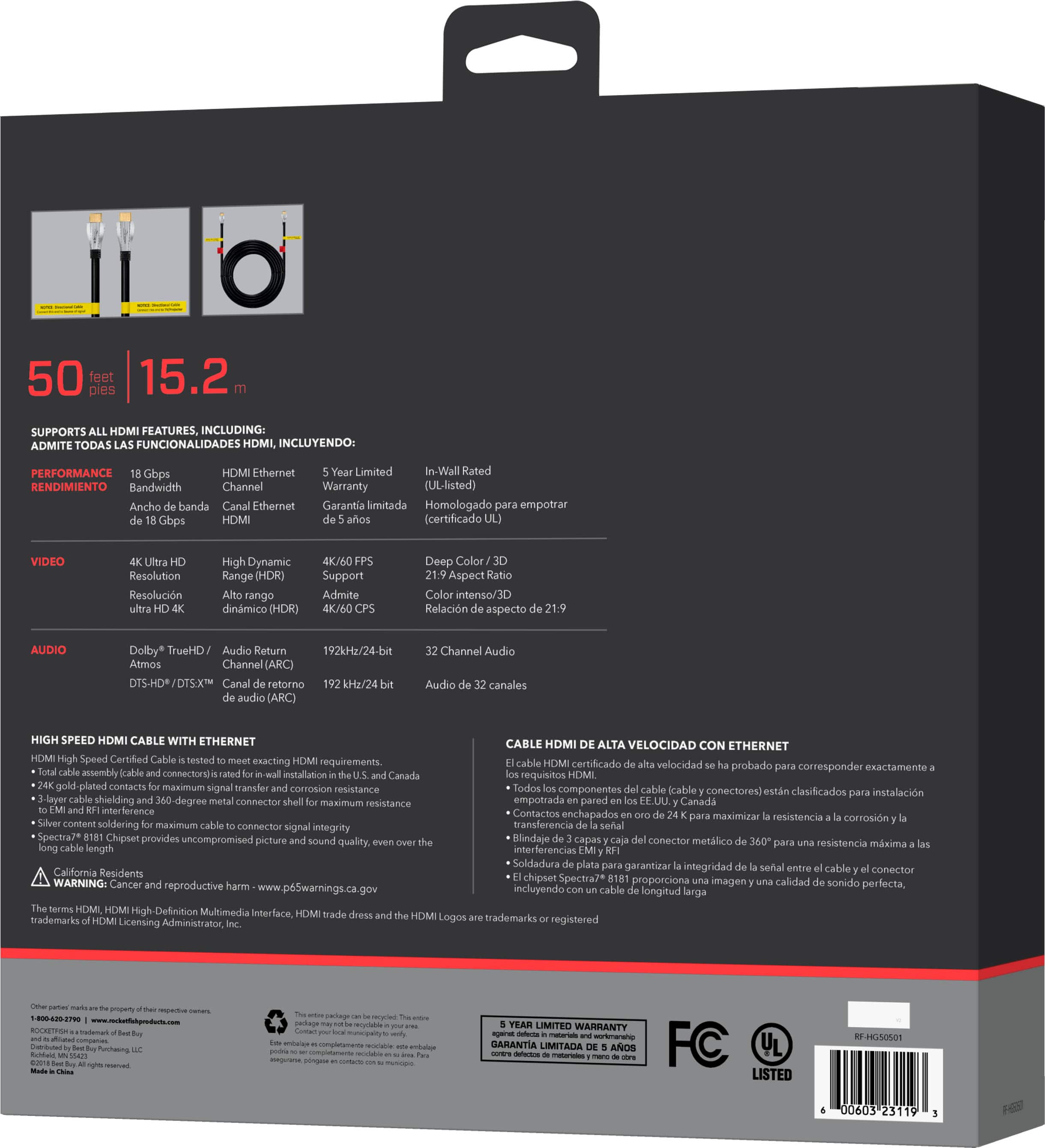
A:AnswerThis cable is wall rate and has the additional shielding to help with any interference and durable to stand the pulling the cable in the wall cavities.
A:AnswerThe HDMI organization was not committed to an answer. The eARC requires hdmi 2.1 capabilities by the devices, but the cable connecting the devices was not codified in the specifications “ HDMI 2.1 eARC (Enhanced Audio Return Channel)
Will this work with any HDMI cable?
This works with HDMI High Speed Cables with Ethernet and the new Ultra High Speed HDMI Cable”
I would buy a “Certified Hdmi 2.1 cable” simply because of the 45 GBits per second bandwidth, I would not buy any additional gadgets as long as the source and sink are both hdmi 2.1 devices
A:AnswerIf your new tv has a coaxial cable terminal on the back or side, you can run a coax cable from your cable box or wall outlet. Most cable boxes today come with HDMI ports so as long as your tv and your signal provider (i.e., cable box or whatever) have HDMI ports, this will work fine. The tv picture quality will be a bit better using an HDMI cable, but on a 19" tv, I really don't think you'll notice it that much if at all.
A:AnswerYou can if you want, but it won't make any difference. The HDMI(ARC) is used when you output the sound from a TV (say) to a sounder. ARC stands for Audio Return Channel. The communication then goes both ways between the TV and the sound bar. In your case, you are connecting a Blu-ray player and the "ARC" won't do a thing - neither good nor bad.
A:AnswerYes, this cable works. Make sure it is the right length. The quality is fantastic. It just is better than I expected for my system. Put it The Dark Knight in $k and check it out.