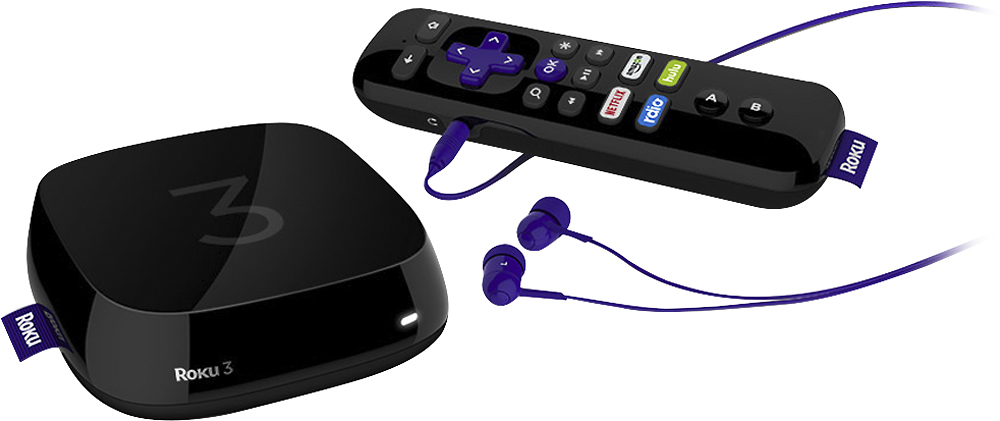
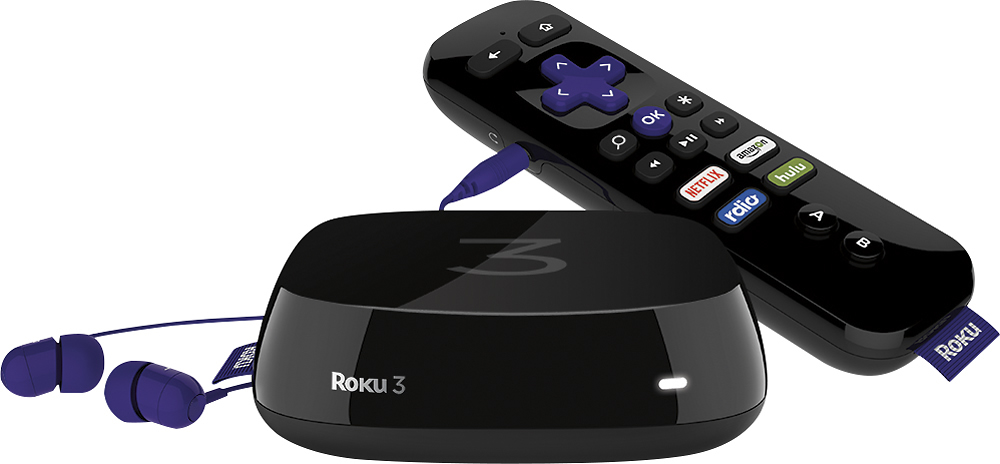
A:Answer First, understand that Roku is not a cable box. As long as you understand that, yes, it will work for you as long as you have Wi-Fi in your house and the Wi-Fi signal reaches your bedroom (or wherever you want to hook up a TV).
You will be able to stream any channel that is offered on Roku for which you have an active cable subscription; for example, History, Disney, and many other channels have Roku channels, but you can't use them unless you have an active cable subscription. So since you have Comcast, you will be able to get all of those channels.
You can also stream Netflix and Hulu with separate subsciptions, as well as Slingbox for more channels of "real-time" television access if you wish.
The bottom line: Roku offers a TON of content, and you can hook it up anywhere you have Wi-Fi access, but it's not a 1:1 cable box. That's not its purpose.