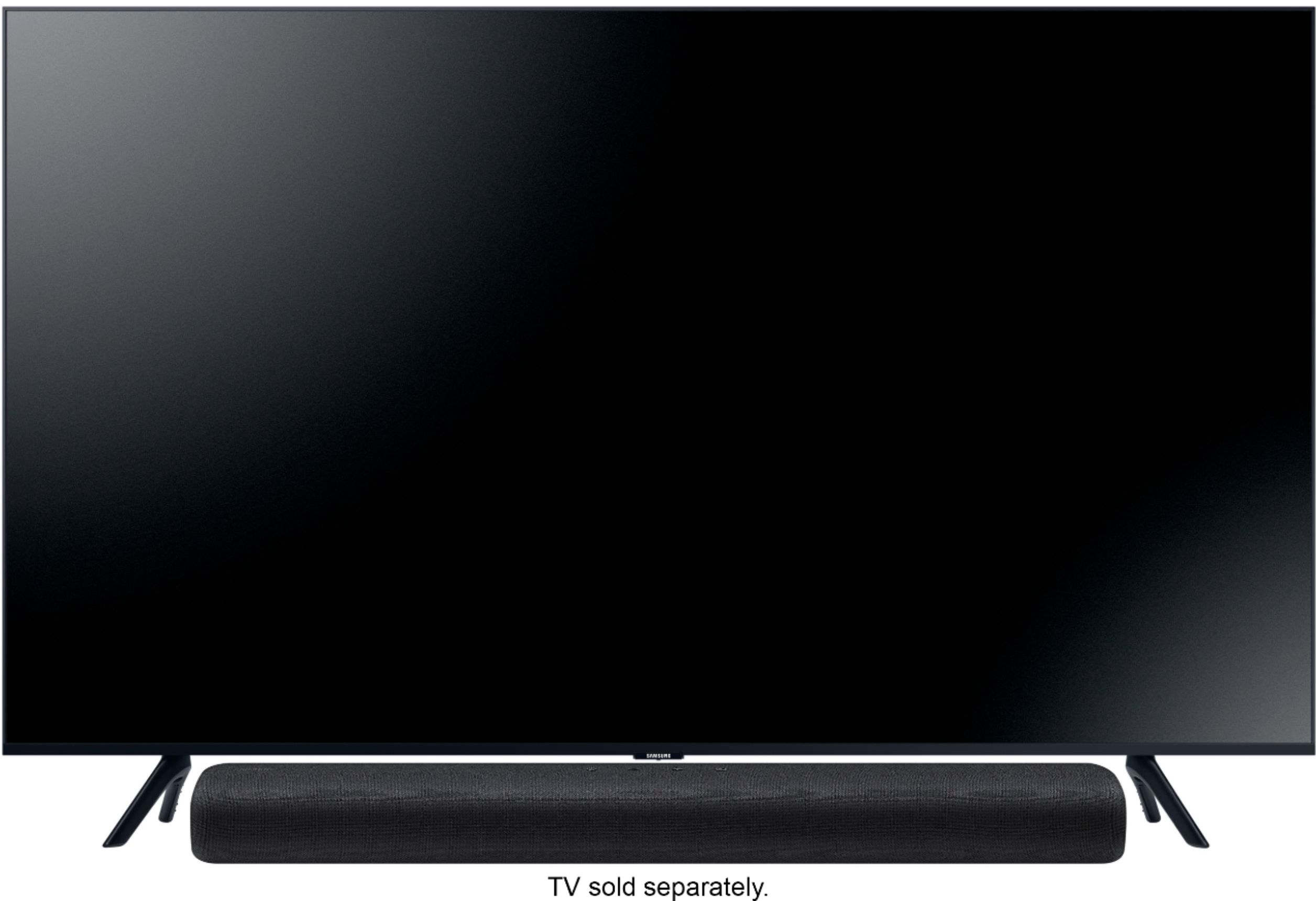
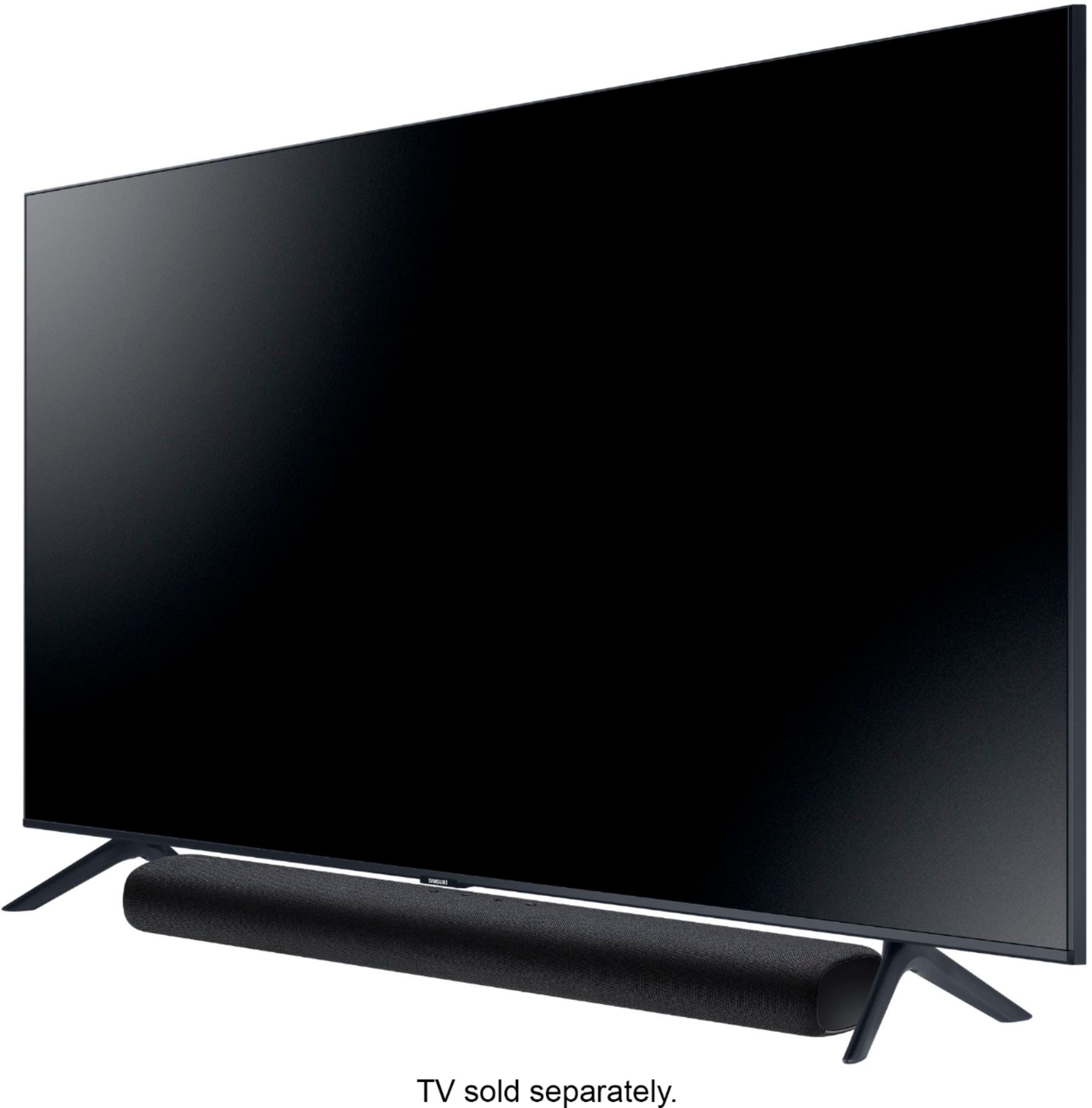
A:Answermichaeldantep, The HW-S40T is compatible with the 40" N5200 - you can connect the soundbar to your TV via Optical cable. When you select the soundbar as your audio source, the TV speaker audio will automatically switch to your soundbar audio. ^Gina
A:AnswerHi FredyG! The HW-S40T is compatible with any brand TV supporting digital optical audio, or Bluetooth audio technology. Check the back of your existing TV to confirm if your model supports digital optical audio before purchasing. ^Tim
A:AnswerHi gesiBE! There are no recommendations for USB brand or type to use. Important note: Make sure there are no music files on the USB thumb drive. This may cause the firmware update to fail. Also, make sure the USB can accommodate the size of the firmware update (3.71 MB) and be sure to unzip the file before putting it on the thumb drive. ^Patty
A:AnswerHi sksj~ I am sorry to hear that you are experiencing issues with lip sync issues. Please reach out to Samsung Support directly so we can better identify your issue and provide troubleshooting. Phone: 1-800-SAMSUNG / Available 8AM - 12AM EST, 7 days a week ― LiveChat or Email: https://www.samsung.com/us/support/#contact_us_for_support. ^Patty
A:AnswerHi there, When connected to the TV by optical cable, and that device is not powered on for 20 minutes, the Soundbar will turn itself off. If you have a Samsung TV with OneRemote then it will turn on and off with the TV. ^Jeremy
A:AnswerHi CJ! The HW-S40T features a digital optical audio connection for compatibility with a wide range of models! If your TV supports a digital optical audio output you will experience no issues with the connection. ^Tim