A:AnswerThis system has the following inputs for external device connection: 1 mini jack, 1 Toslink and 1 micro-USB type B. With the proper cables and adapters, both consoles can be used with this system.
A:AnswerYes. If you have the player connected to TV using HDMI and if also using a optical cable to connect the TV to the soundbar, when you select Digital input in the soundbar, it takes the player as the sound source.
In this scenario, any sound source selected in the TV will use the soundbar as the sound exit. With my TV unit, a Samsung one, it redirects the sound to soundbar automatically, in other TV sets it may require to change sound exit to external speakers.
Hope this helps!
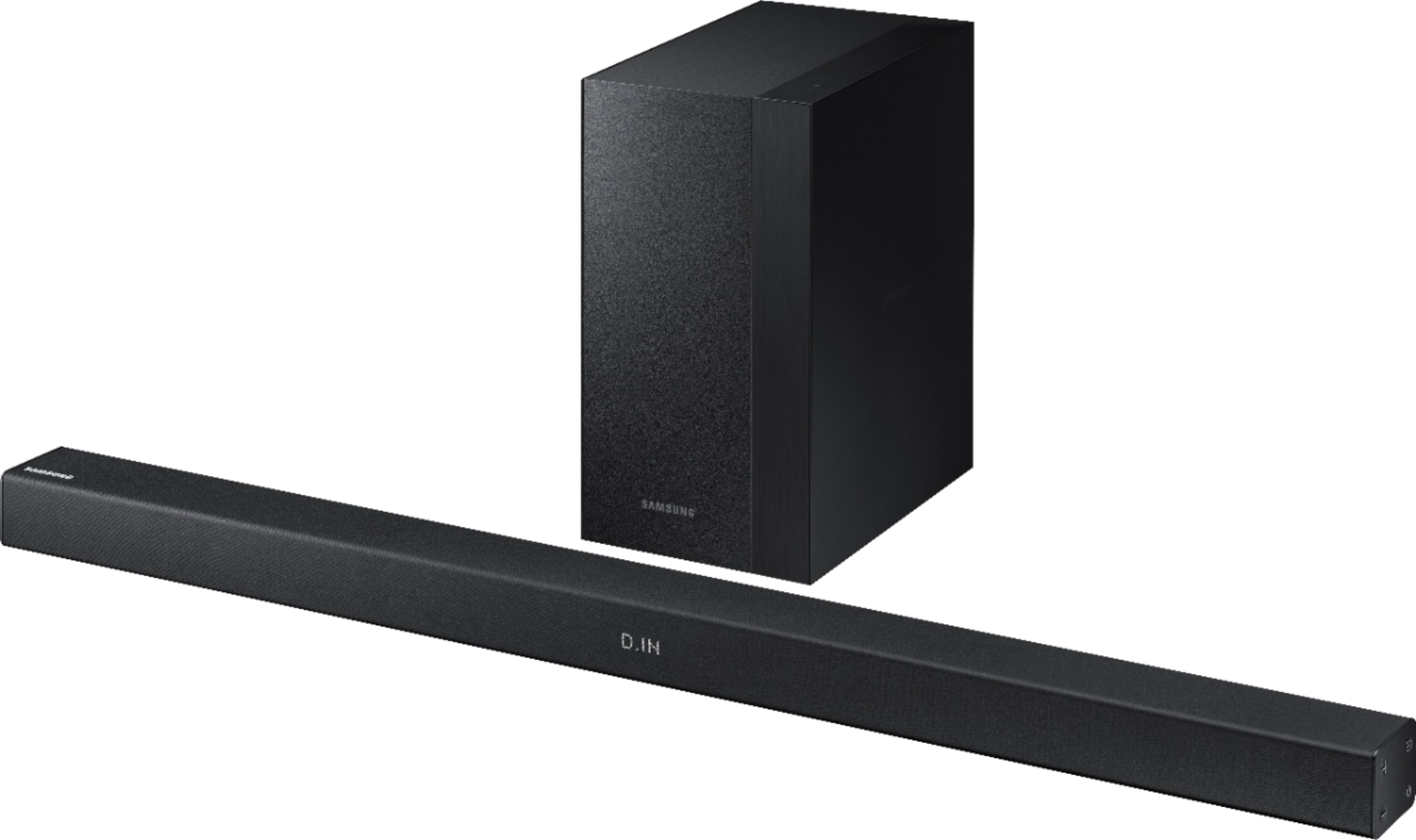
A:AnswerYes it works nicely with the wireless rear surround speakers. I recommend using the Remote to turn the rear speaker volume up to max-- even tho rear surround speakers are meant to supplement and not replace other speakers they will help fill the room, but will still not be as loud the front speakers.
A:AnswerIf you mounted it to the TV with a flat bracket and the holes on the soundbar, the bar display is facing down. You will need to either make new brackets or find brackets with a 90 to mount it correctly.
A:AnswerYes it can connect to pretty much any Bluetooth device. I have it connected to my desktop and I occasionally connect it to my phone to listen to music. Very easy to connect.
A:AnswerEddie, Please feel free to include the model code and serial numbers of your device in the Support Form: http://smsn.us/SamsungSupportUSA and we will respond accordingly. ^Heath
A:AnswerWe use the system for regular tv, movies as well as our Xbox and PS4 and we love it! If you set it up with Bluetooth there is an annoying delay but it's perfect with the optical cable. Sounds great for everything.