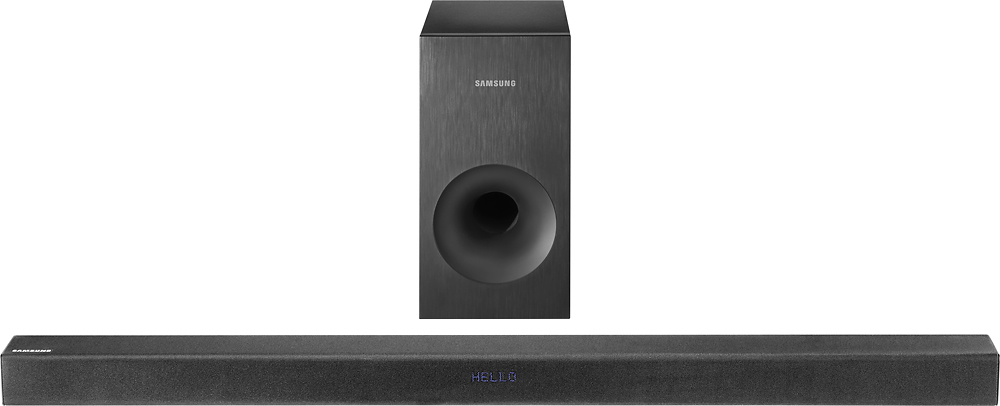
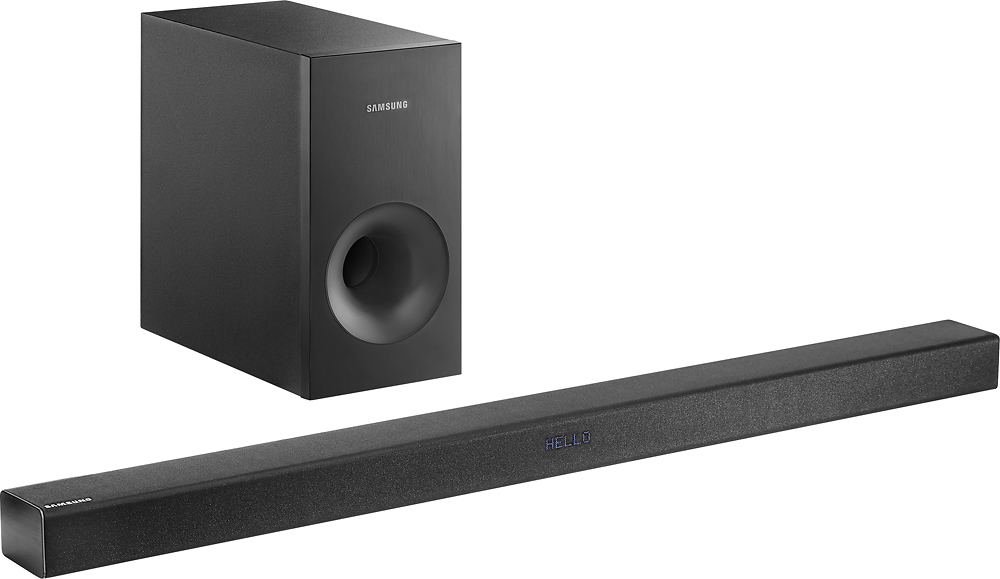
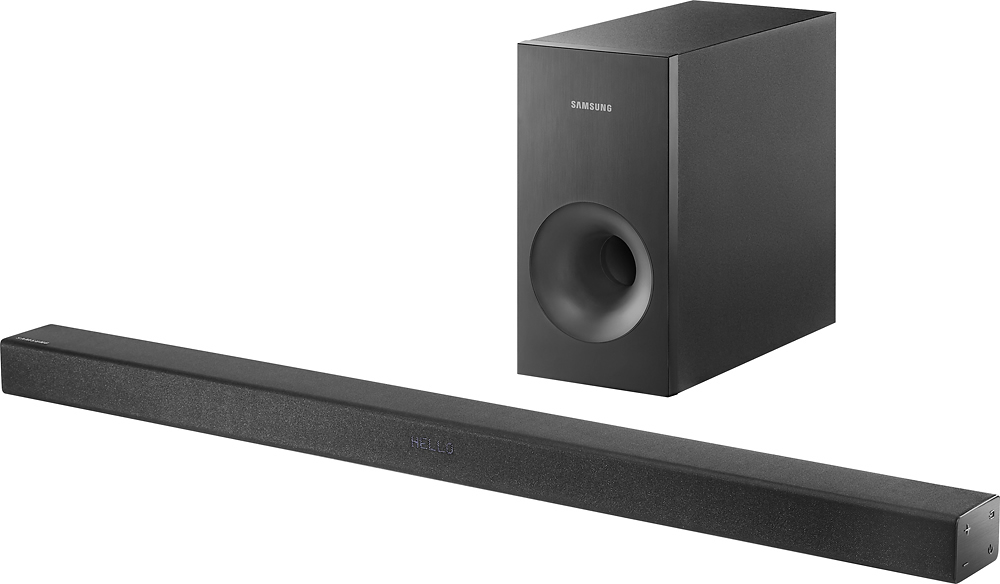
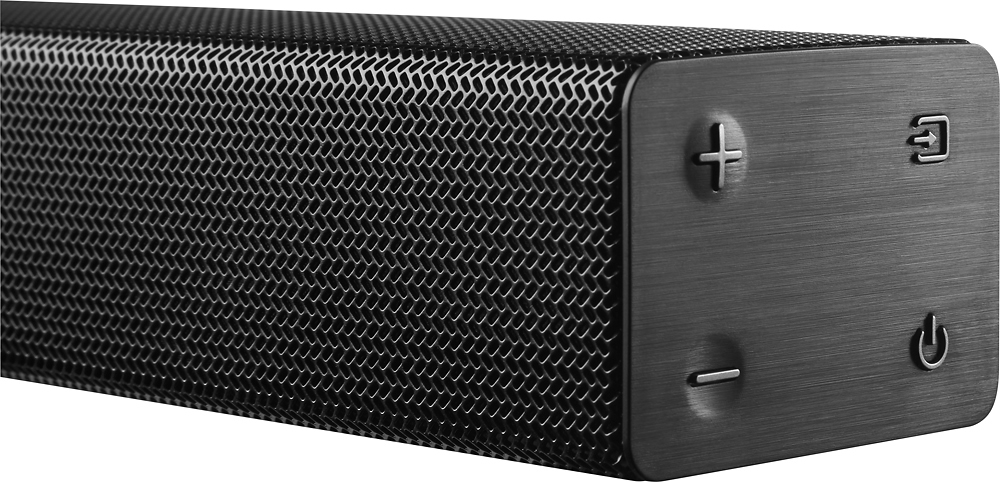
A:AnswerYep - works like a charm. You go into your Samsung TV > Audio settings, select "External Speaker" and bam! Even my cable remote automatically started controlling the soundbar volume. The nicest thing is that you turn the TV on, and the soundbar fires up automatically - turn the TV off and in a few minutes the soundbar turns off too.
A:AnswerIt depends on how you've got your TV set up. My soundbar sits right in front of the TV, on the media stand. Since the TV and stand don't take up the entire depth of the top of the stand, there's room for the soundbar.
A:AnswerEasy enough to try and find out. Also, there are several sound shaping options the sound bar can do. One of them is for voice clarity. Scroll through the different settings of the soundbar and try them out.
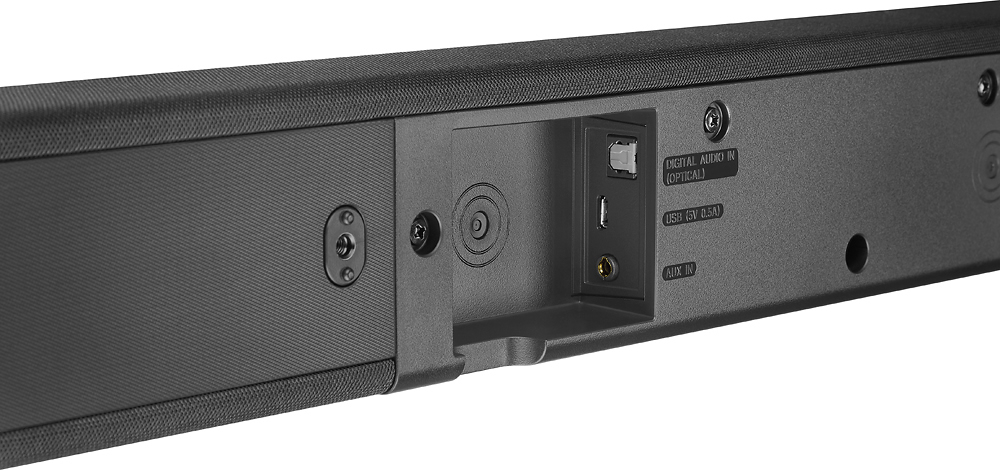
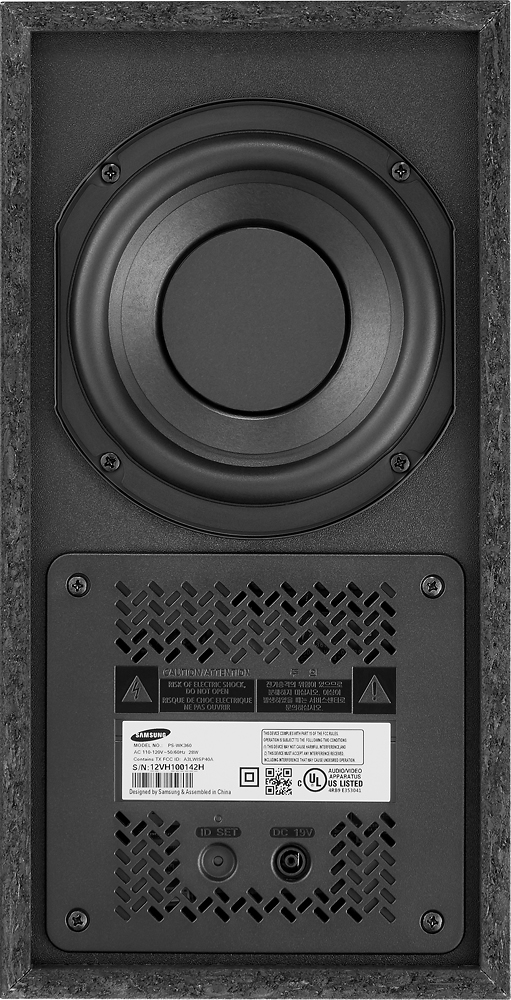
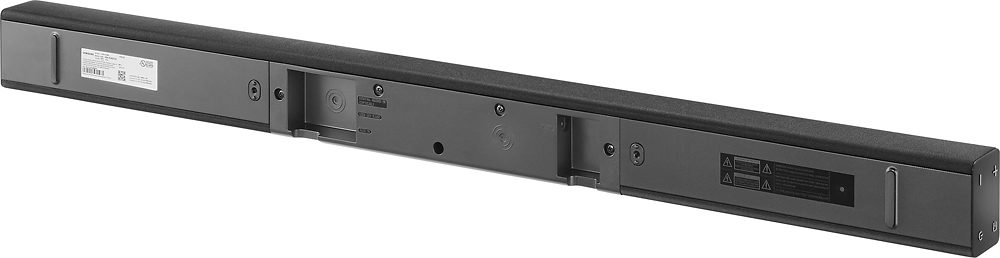
A:AnswerThe wireless part of the soundbar is the connection between the soundbar and the subwoofer (meaning you can place the subwoofer somewhere else in the room). The soundbar has Bluetooth technology already in it and it is used for the sub and for phone/ other Bluetooth capable devices (play music from phone/laptop). You can also plug devices in through USB and AUX cables to the bottom of the soundbar.
A:AnswerThere should also be an optical cable input on the back of your cable box. Try to connect it there rather than directly into the back of your TV. That may solve the problem.
A:AnswerI have an lg tv that is not a smart tv and it only worked with the optical cable. I tried using hdmi cables but could not get sound. It may be different for a smart tv though.
A:AnswerYou need a cable with a mini plug on both ends (looks like a stereo earphone plug).
One end goes to the iPhone earphone connection.
Set the volume about 4/5 maximum on the iPhone.
On the sound-bar there is a mini jack located (as seen from the bottom) where the remaining end plugs in.
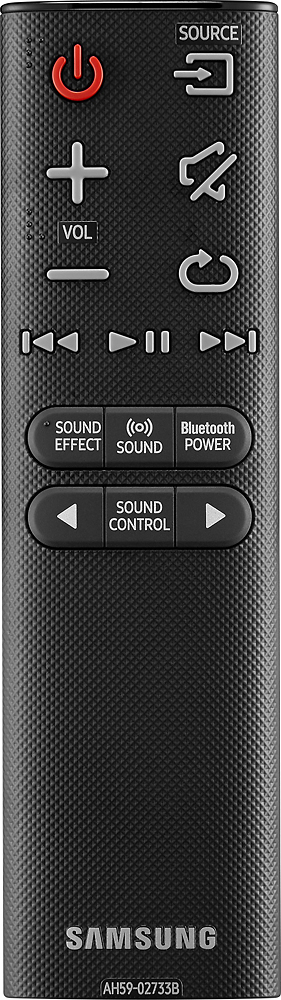
Set the sound-bar SOURCE to AUX and choose MUSIC under SOUND EFFECT
You are ready to go....