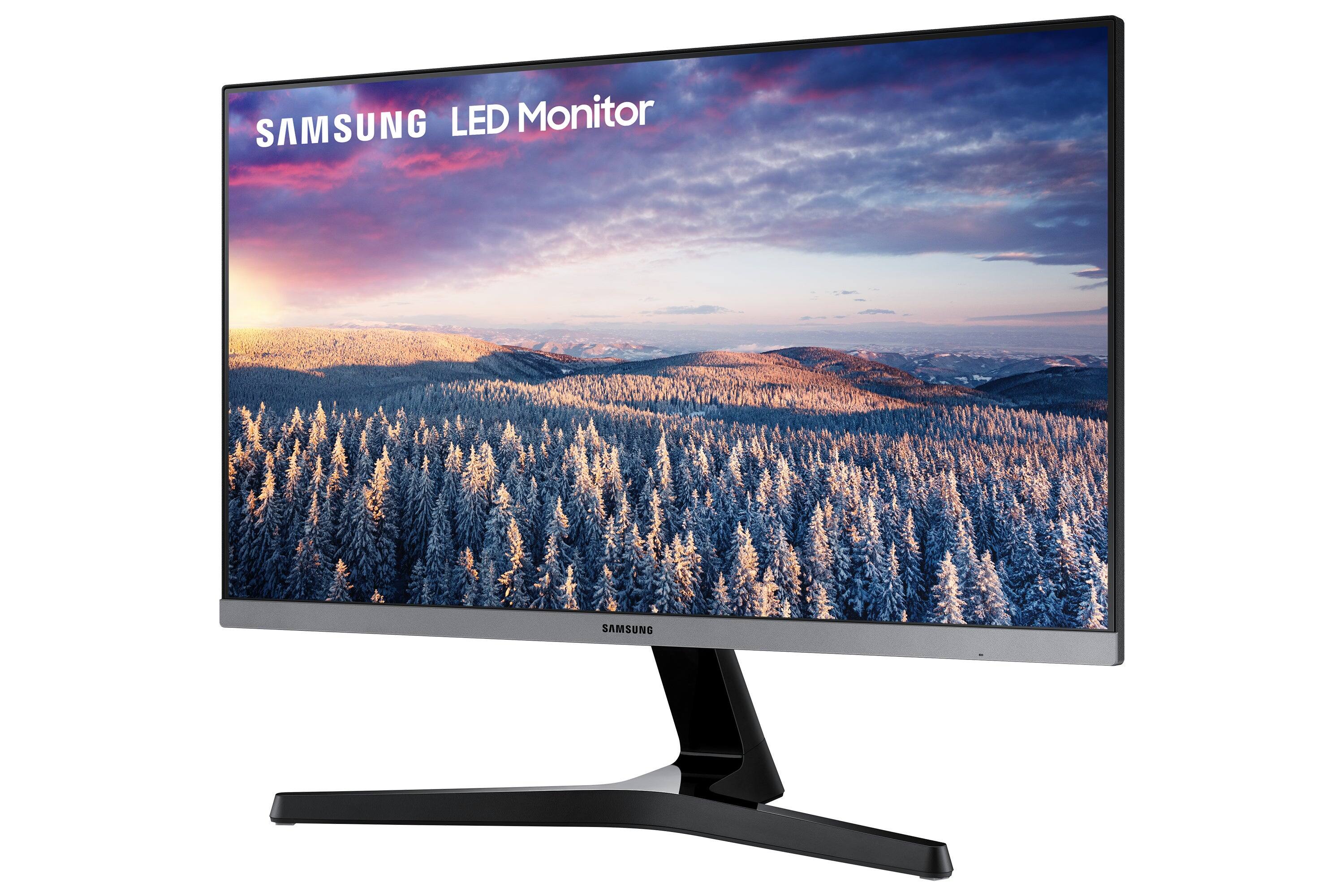
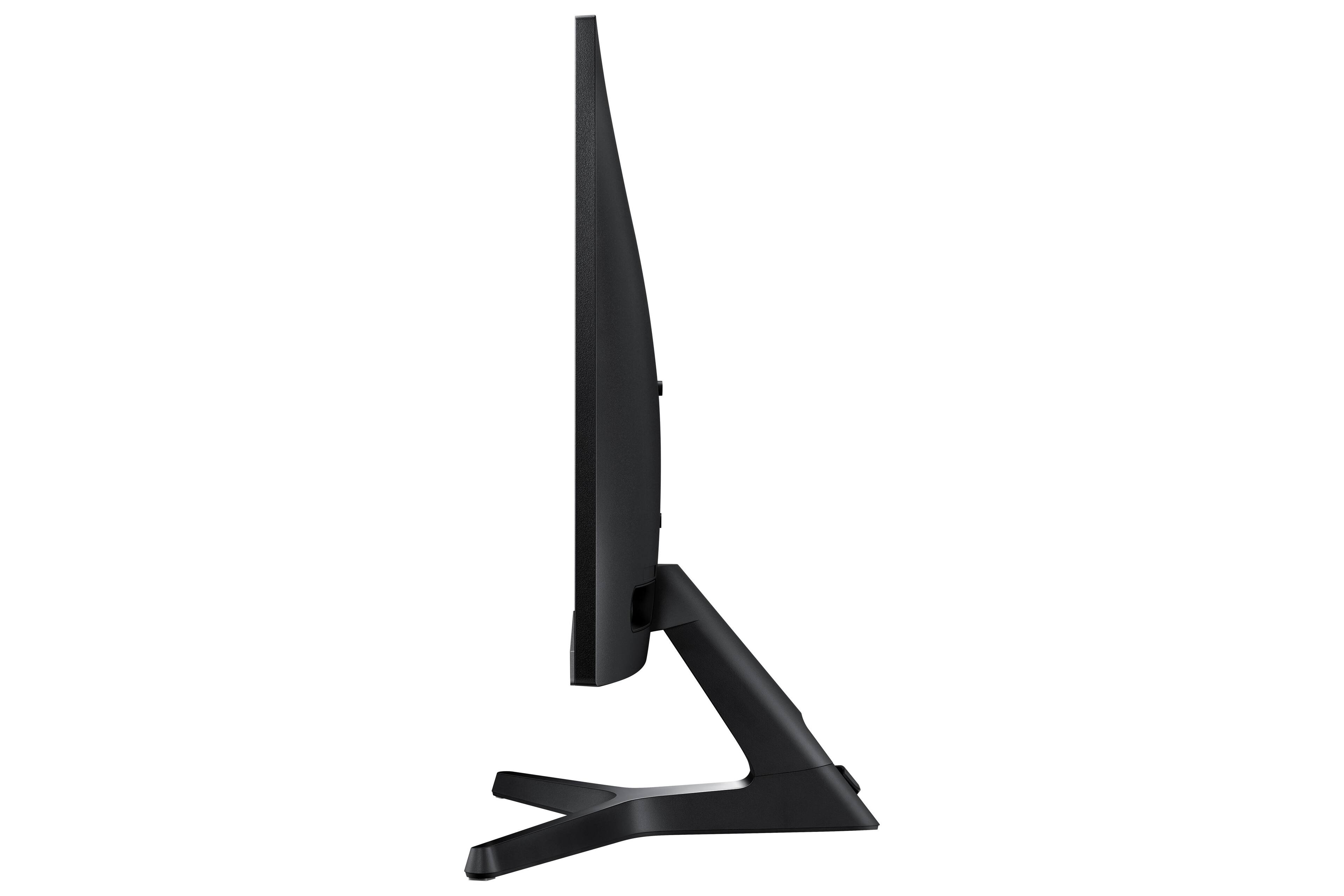
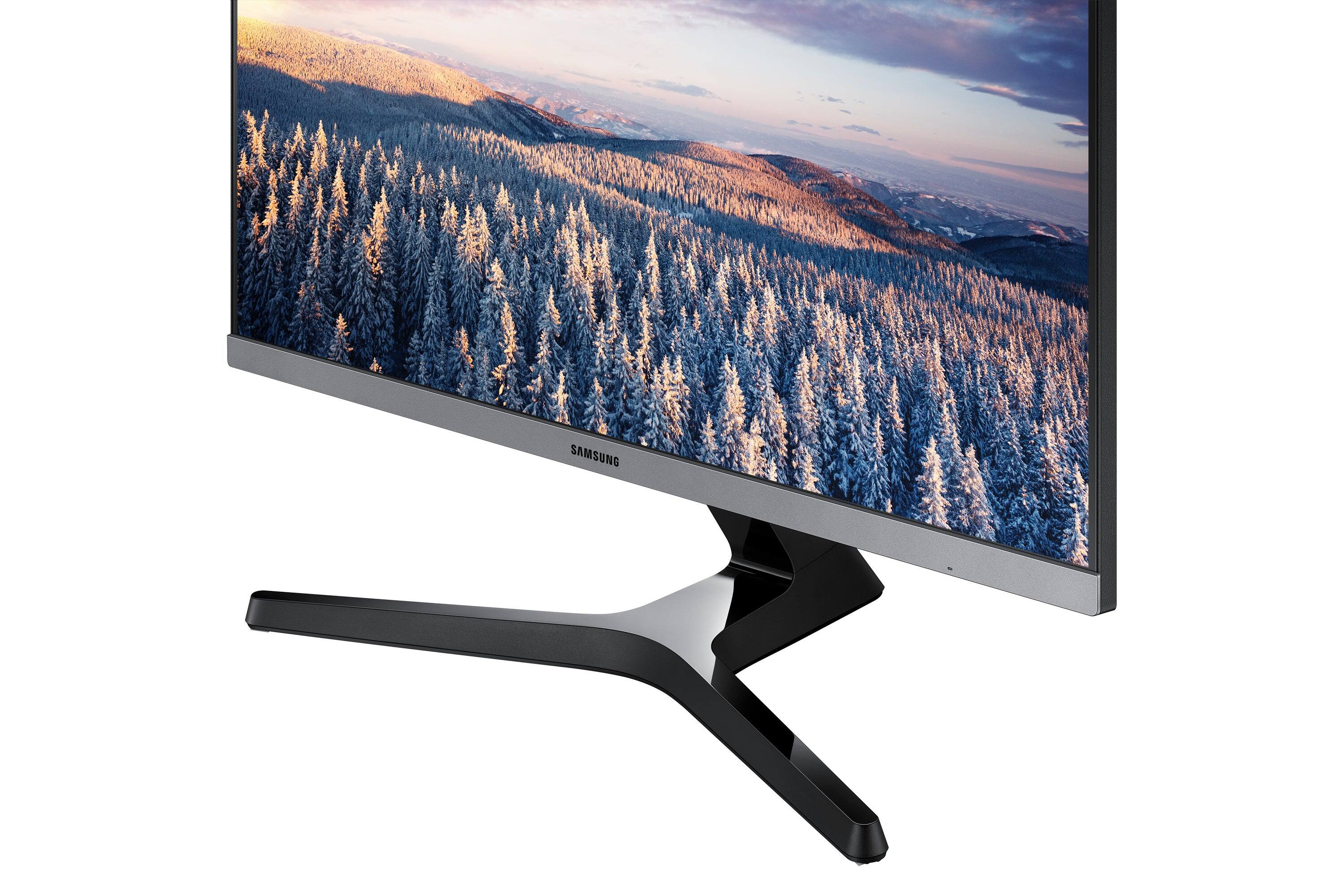
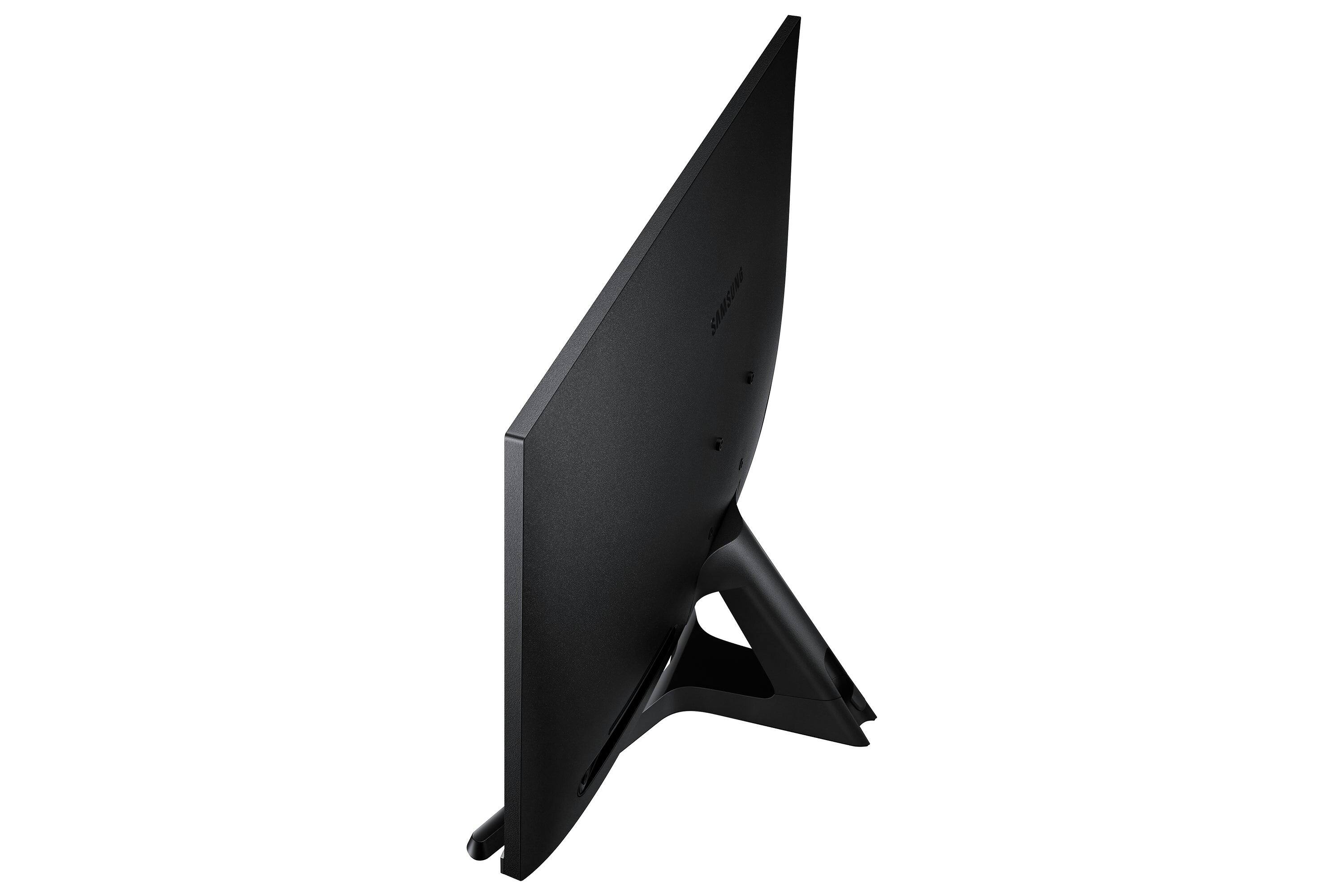
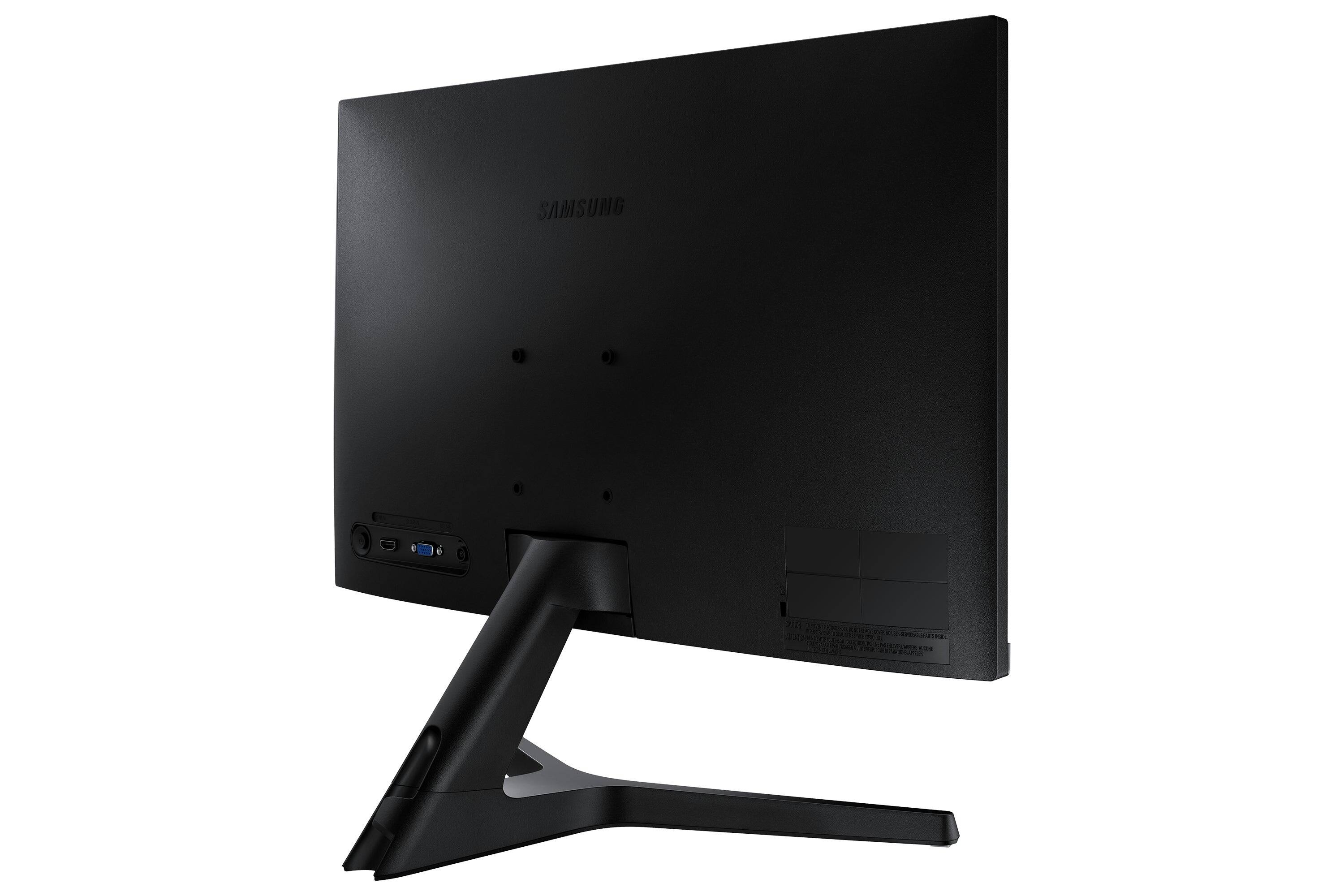
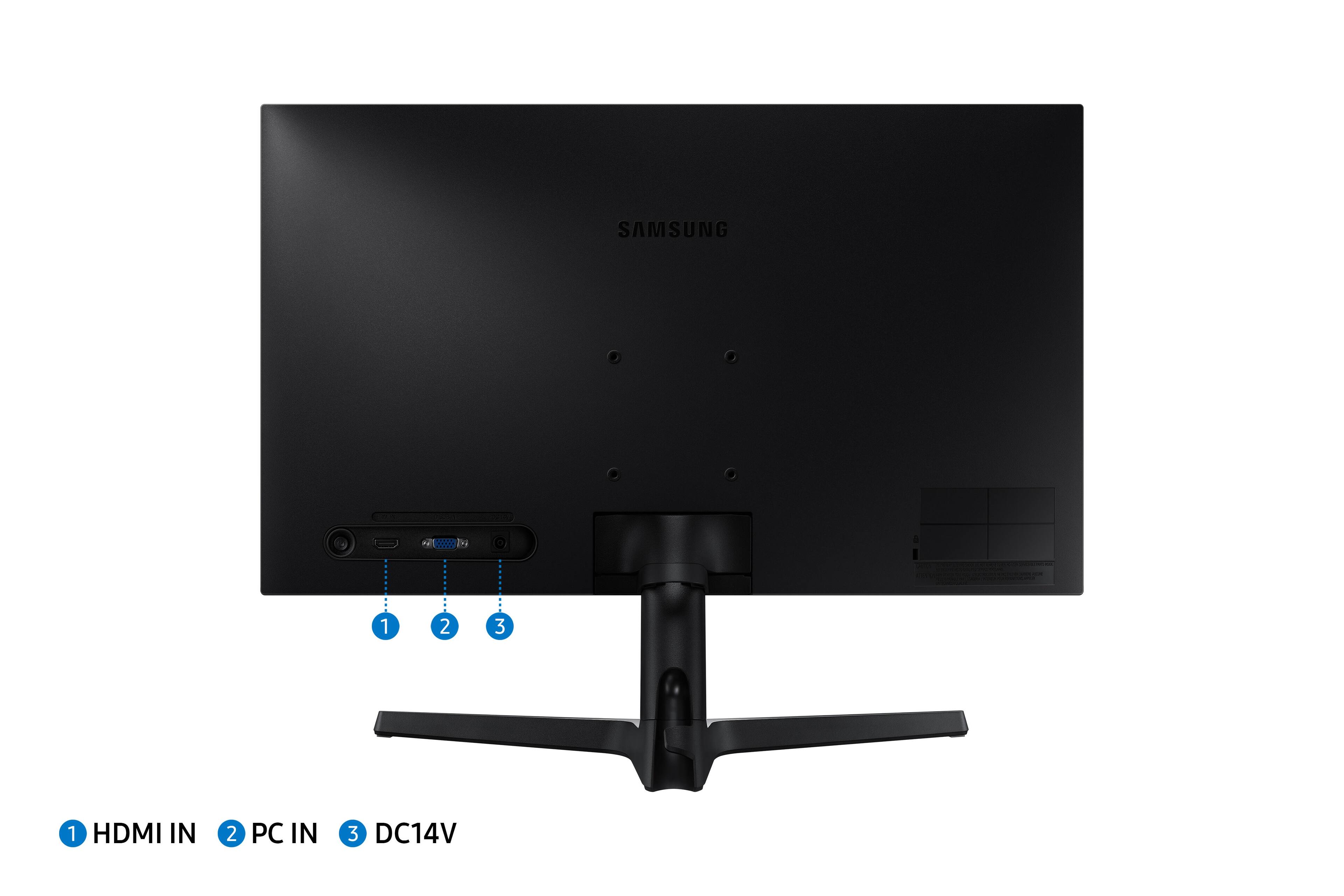
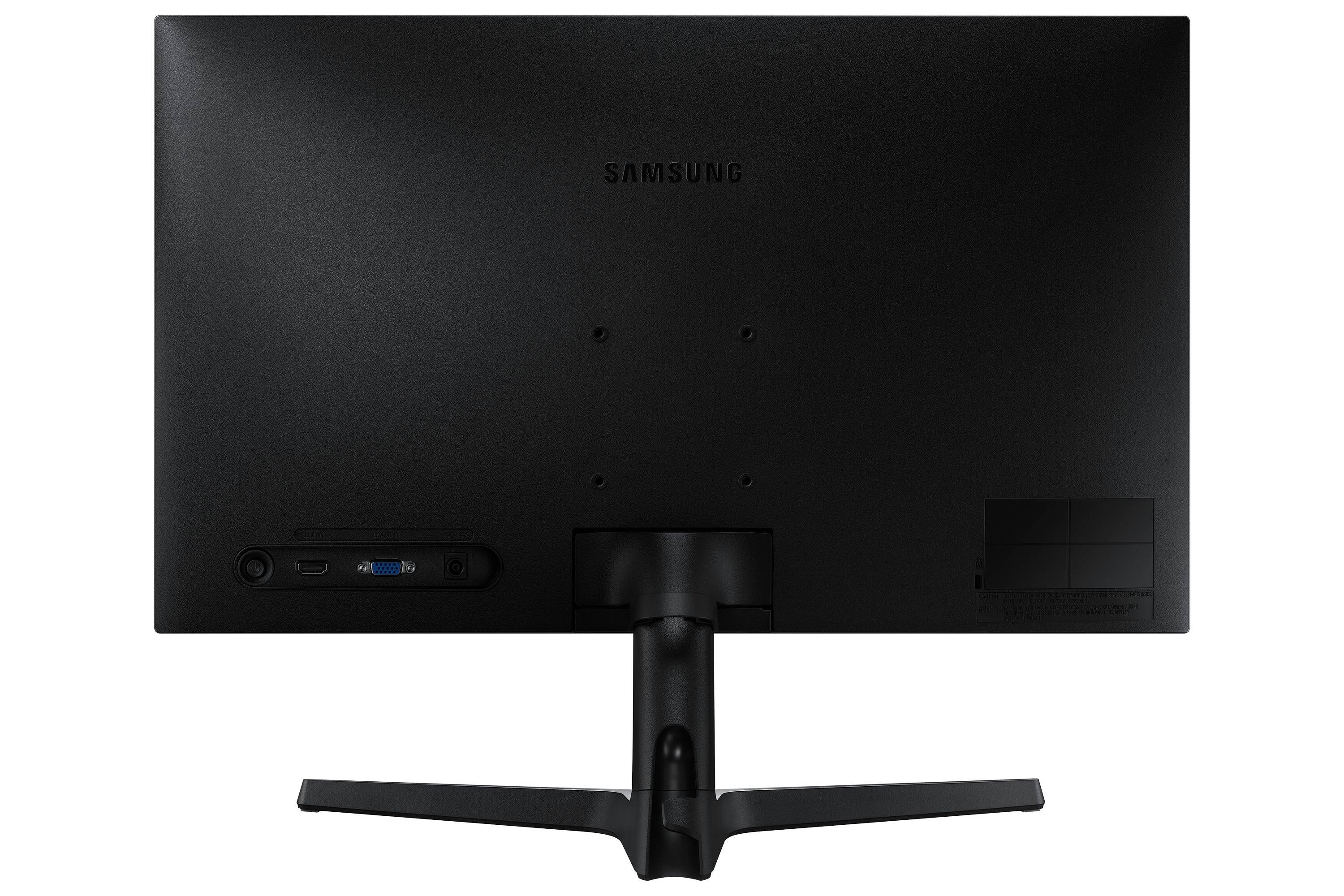
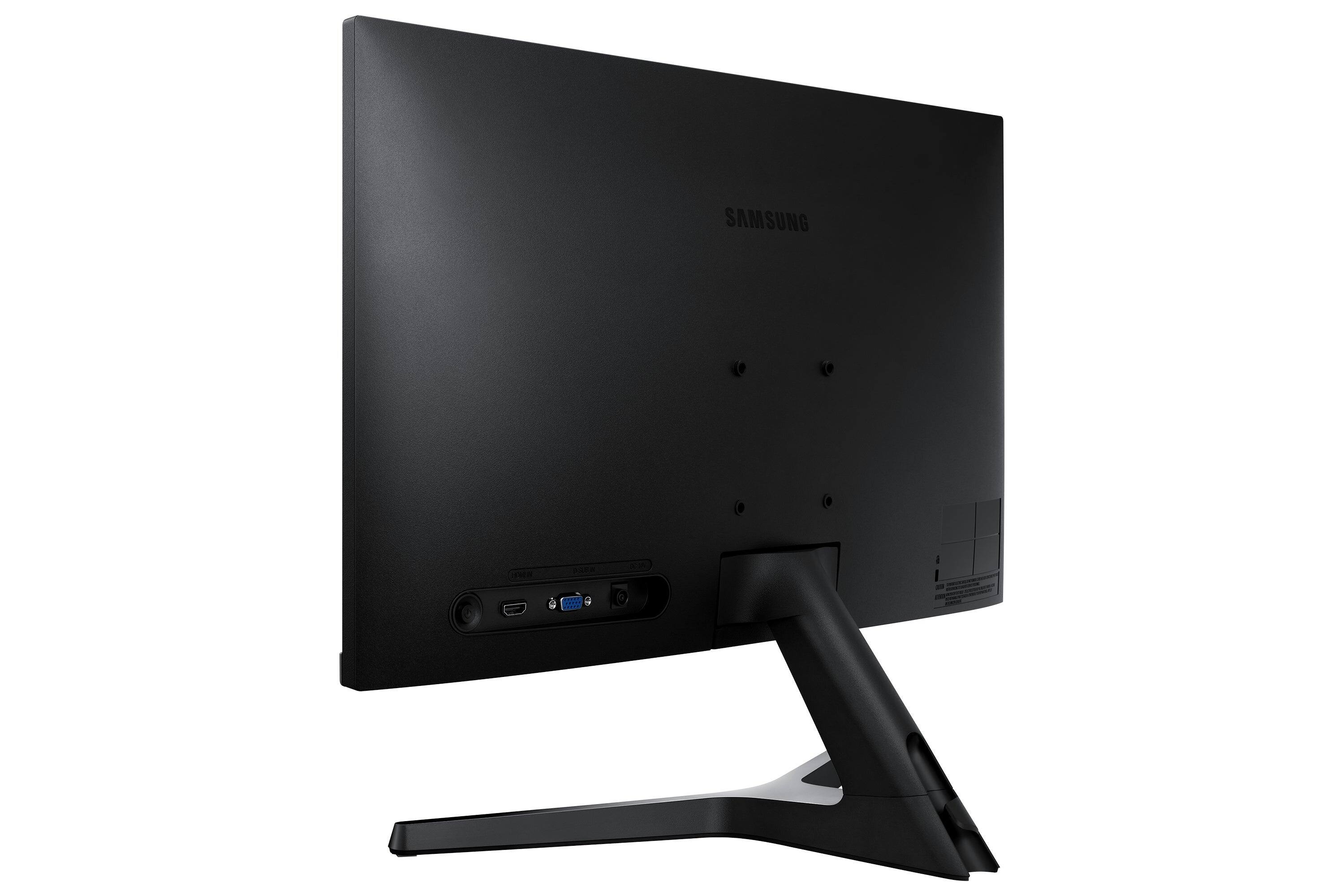
A:AnswerIt should be possible. I’m curious to try this myself. The only issue is that the stand that comes with it doesn’t support rotating the screen, so you would need a mount for the screen that does rotate.
A:AnswerBefore you spend money on a new monitor, make sure that the external monitor has been set to its highest resolution in the laptop's settings. If the default setting is lower than the external monitor's highest resolution, you will get suboptimal results. Search YouTube for "How to set SAME RESOLUTION for external MONITOR". That video will show you how to set the external resolution to match the laptop screen or make it higher (if applicable).
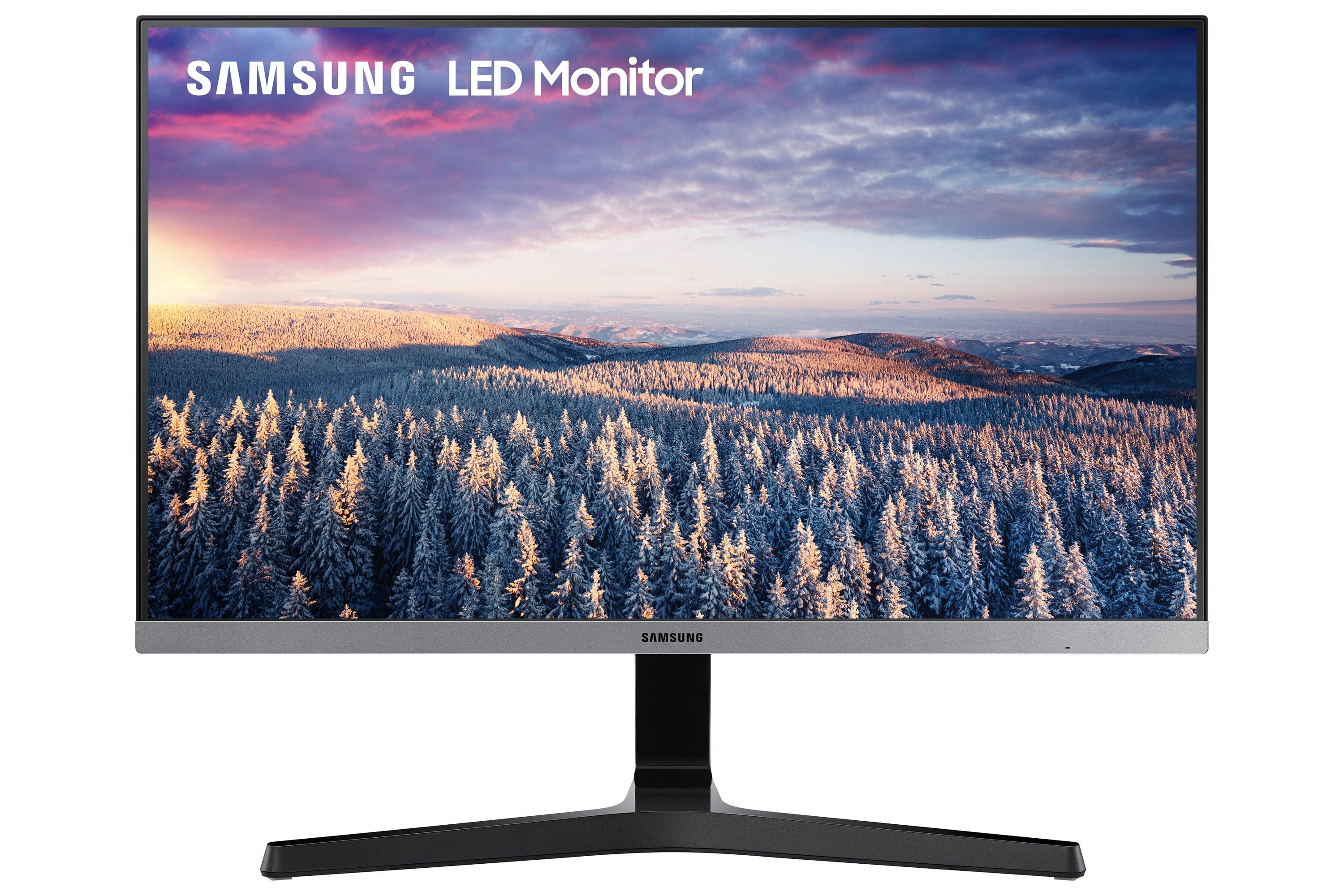
A:AnswerThank you for your Question! Thank you for bringing this to our attention as Samsung is committed to providing the best possible product experience. We are very sorry to hear this product is missing screws.
Please contact Samsung Customer Support and a rep will be happy to assist you:
1-800-SAMSUNG, available 8AM - 12AM EST (Mon-Fri) / 9AM - 11PM EST (Sat-Sun)