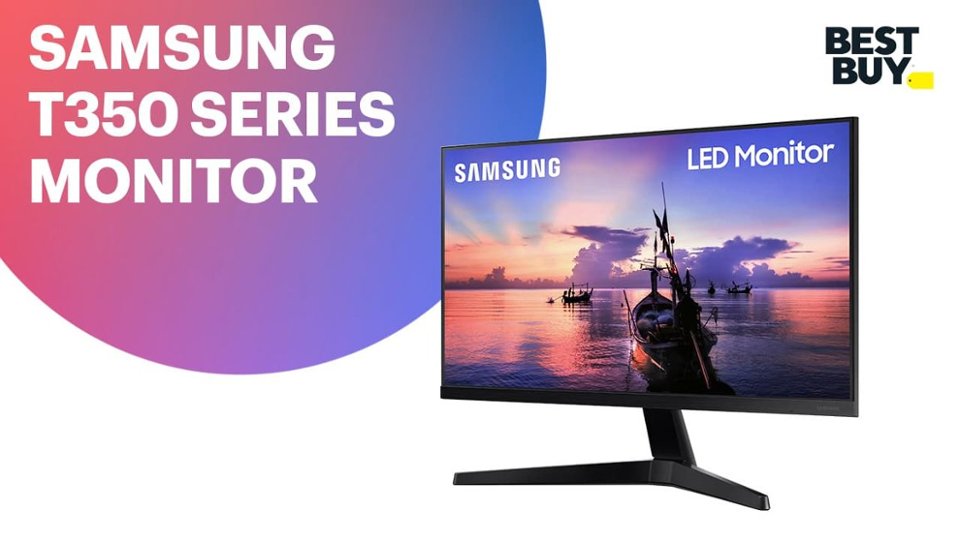
A:AnswerUnfortunately no, the monitor doesn’t have Bluetooth connectivity. However, the computer or device that you are connecting to it may have Bluetooth and be able to connect to your speaker directly.
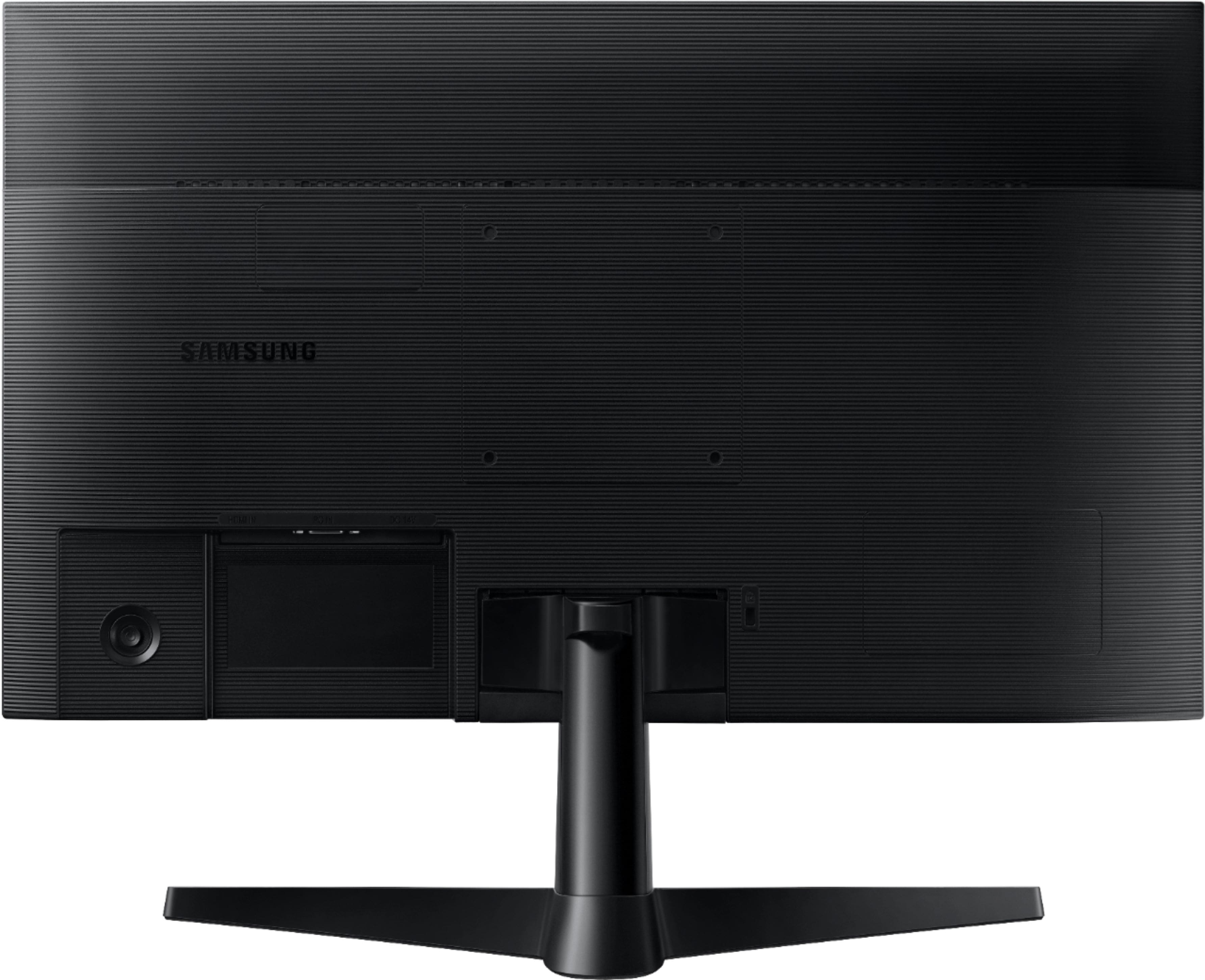
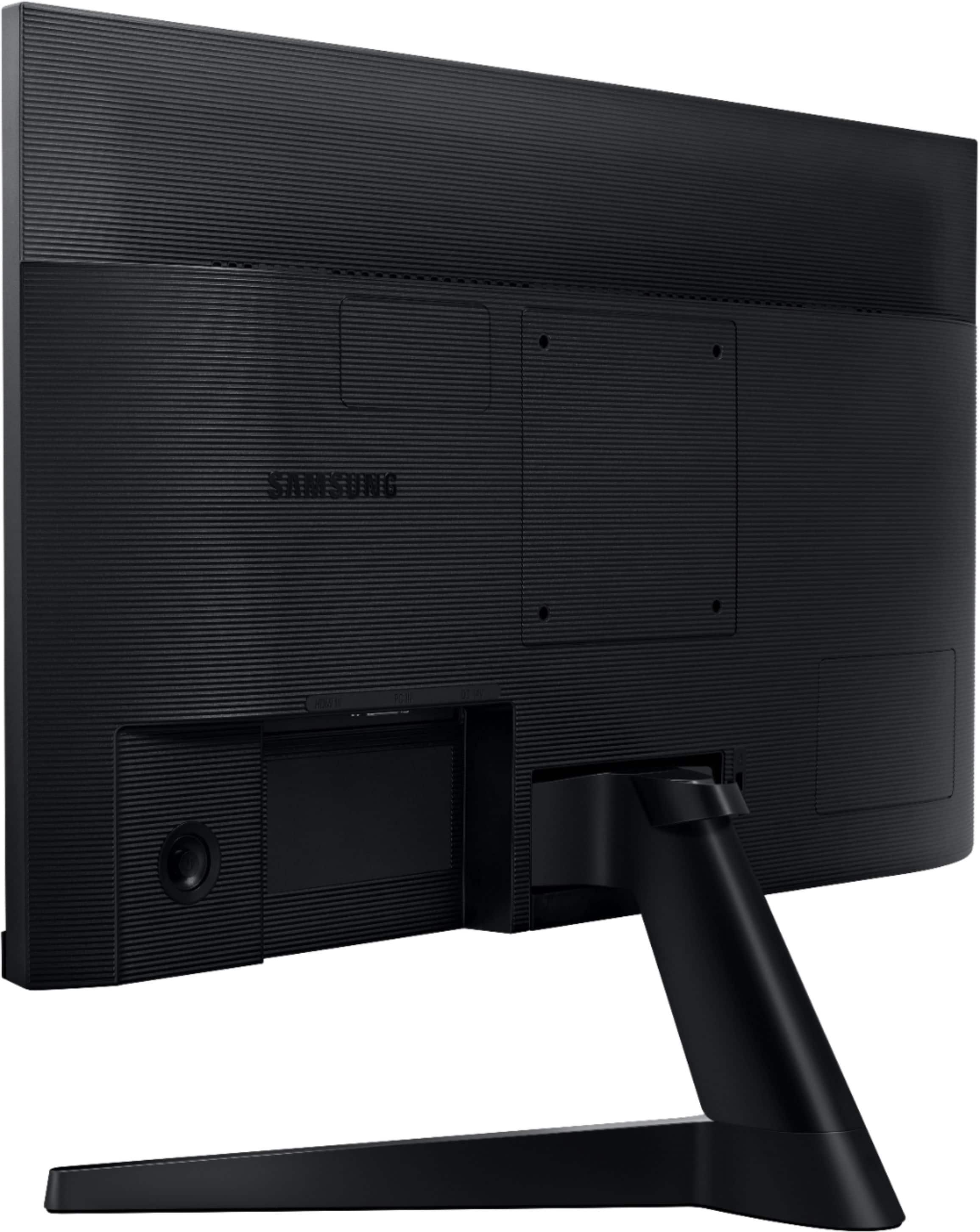
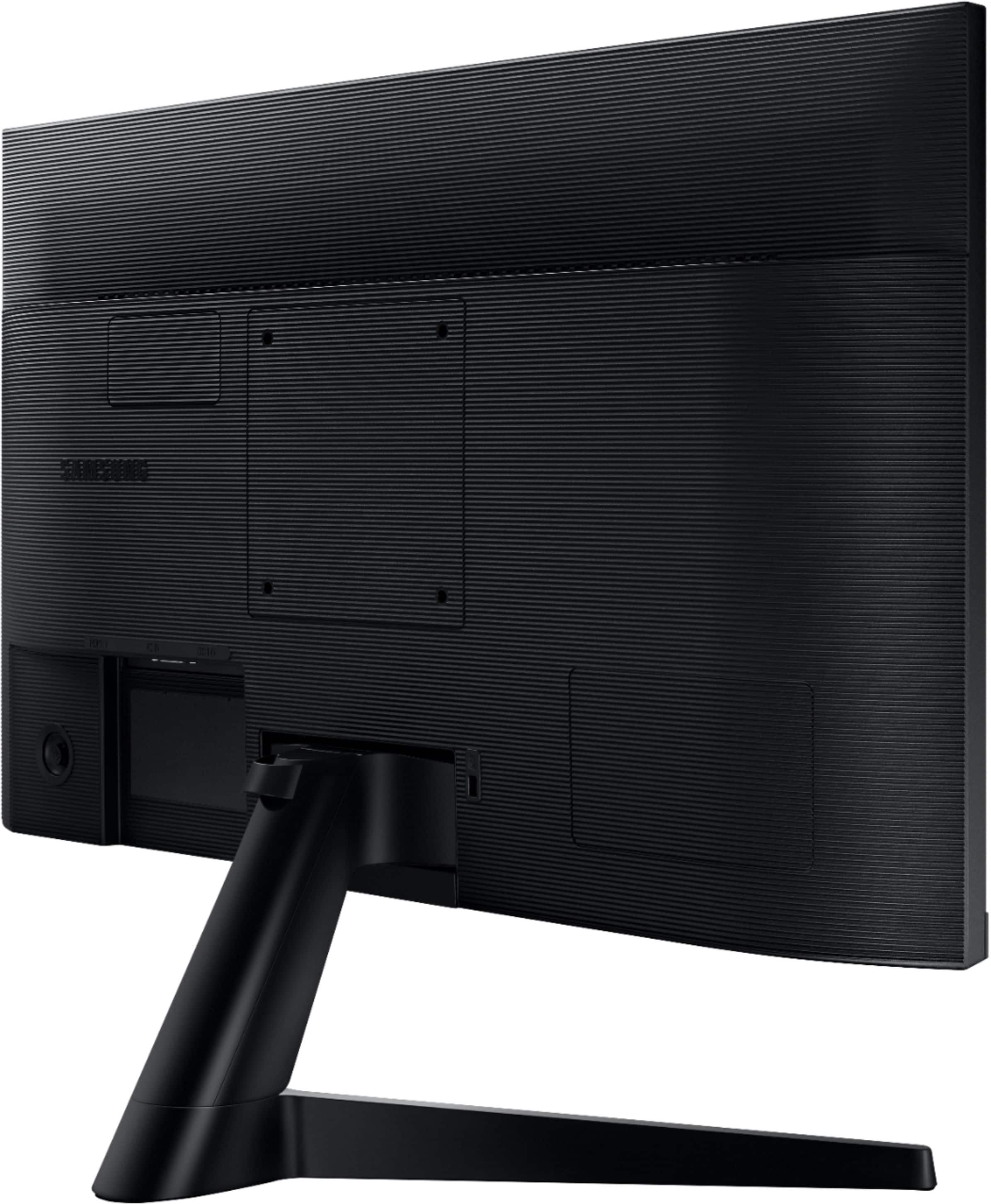
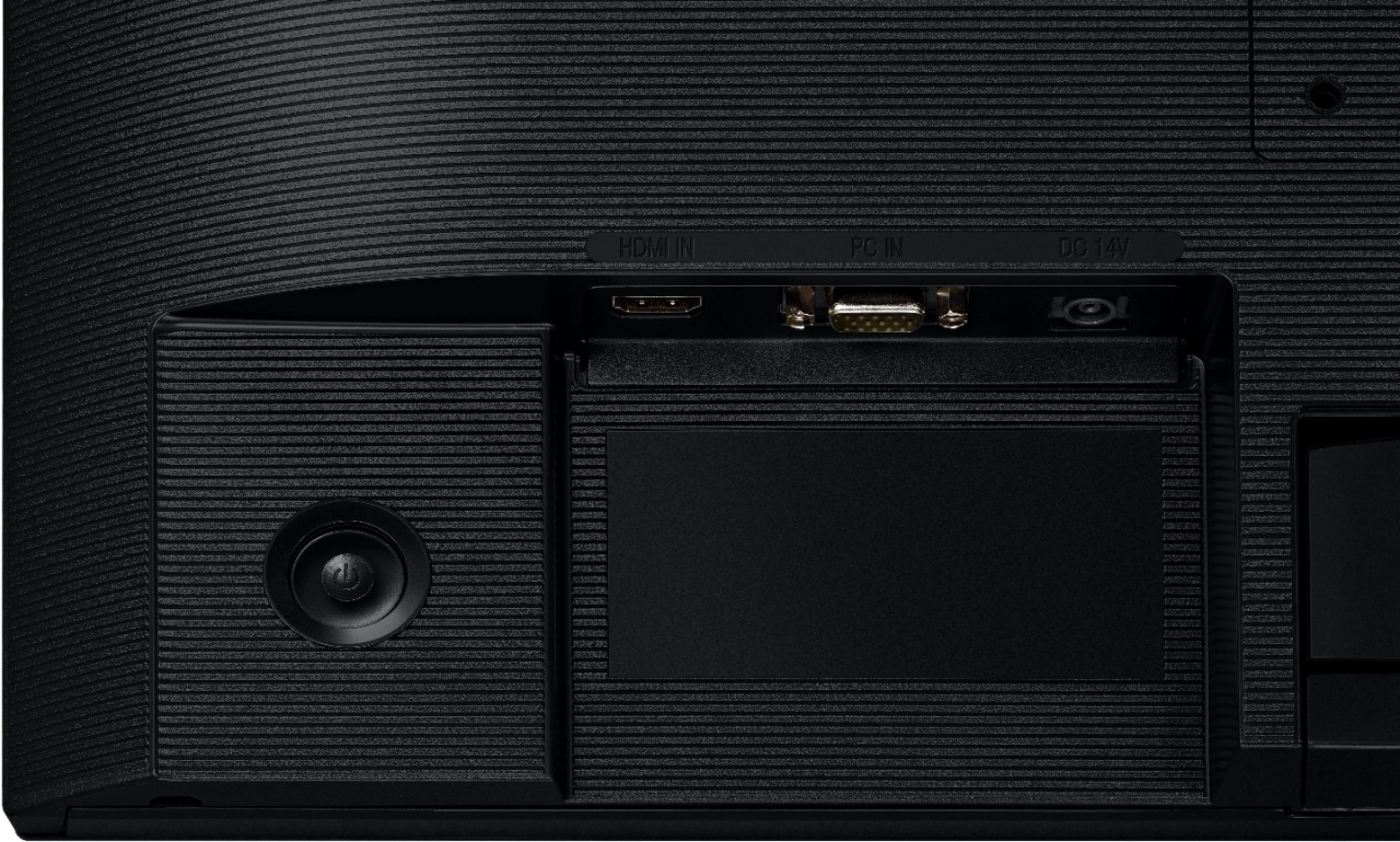
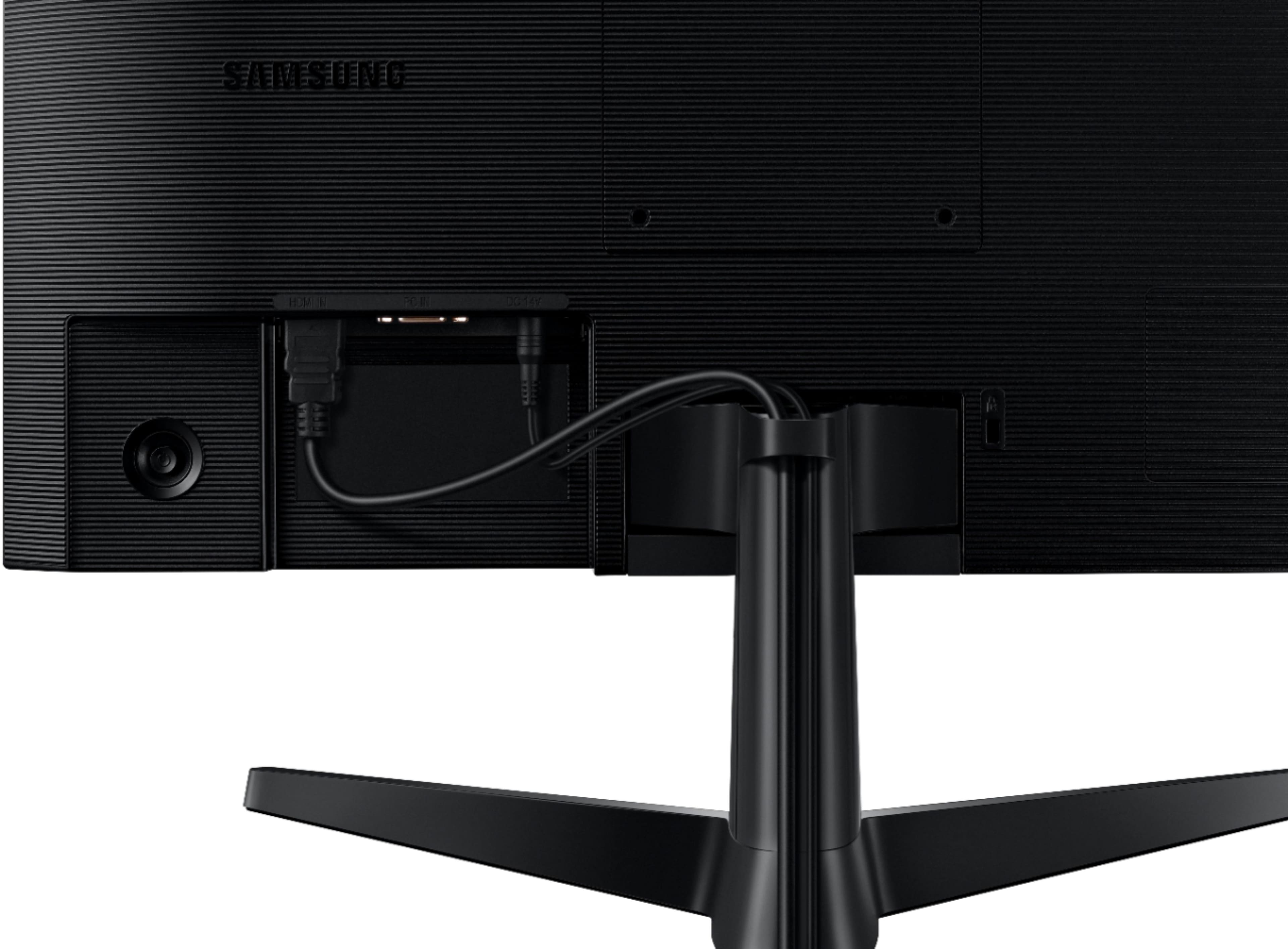
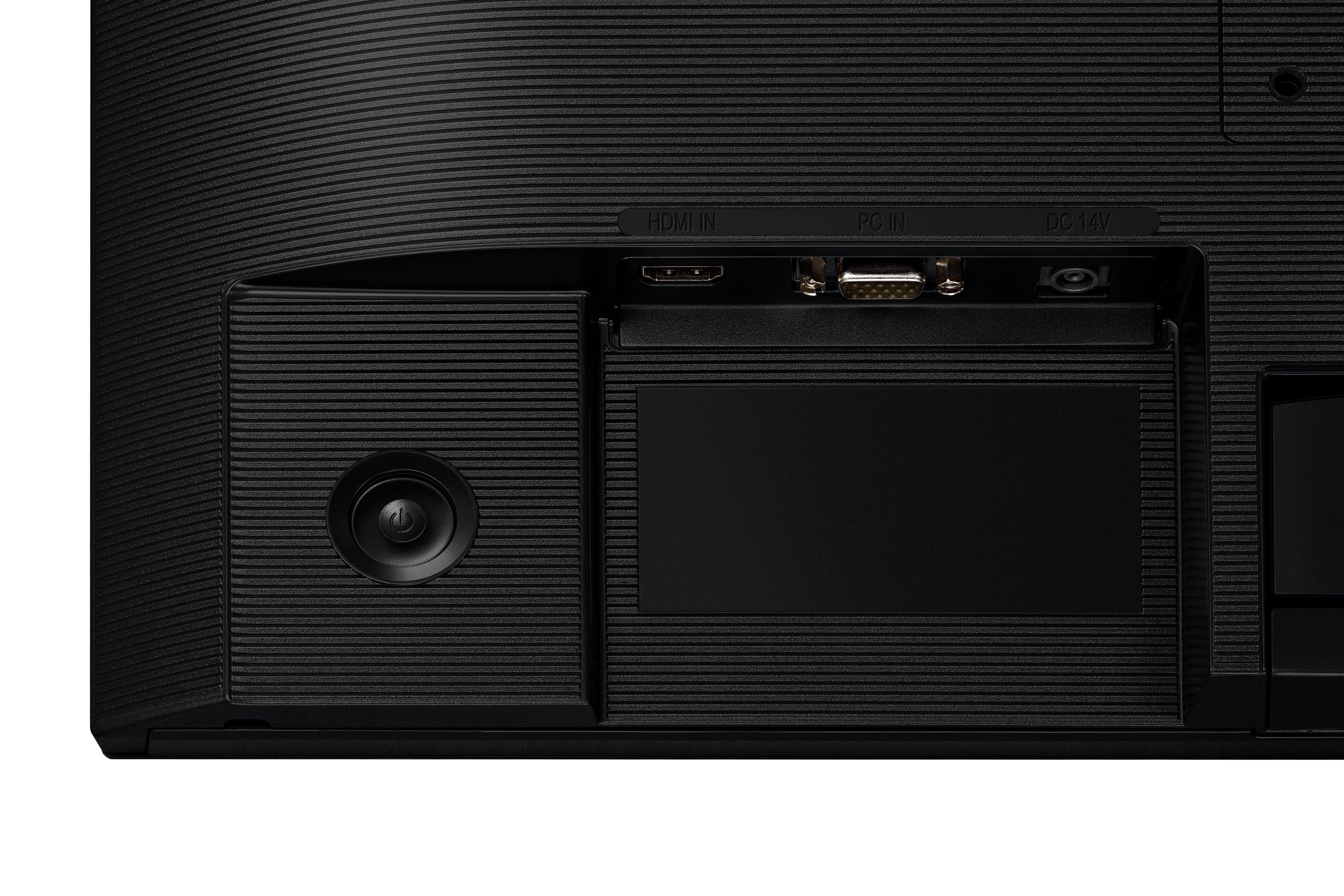
A:AnswerFrom my experience, the monitor is always in stand-by mode unless manually power it off by using the back toggle button. To wake it up, I turn on my computer or use my mouse and/or keyboard to wake my computer up from sleep mode to turn on my monitor.
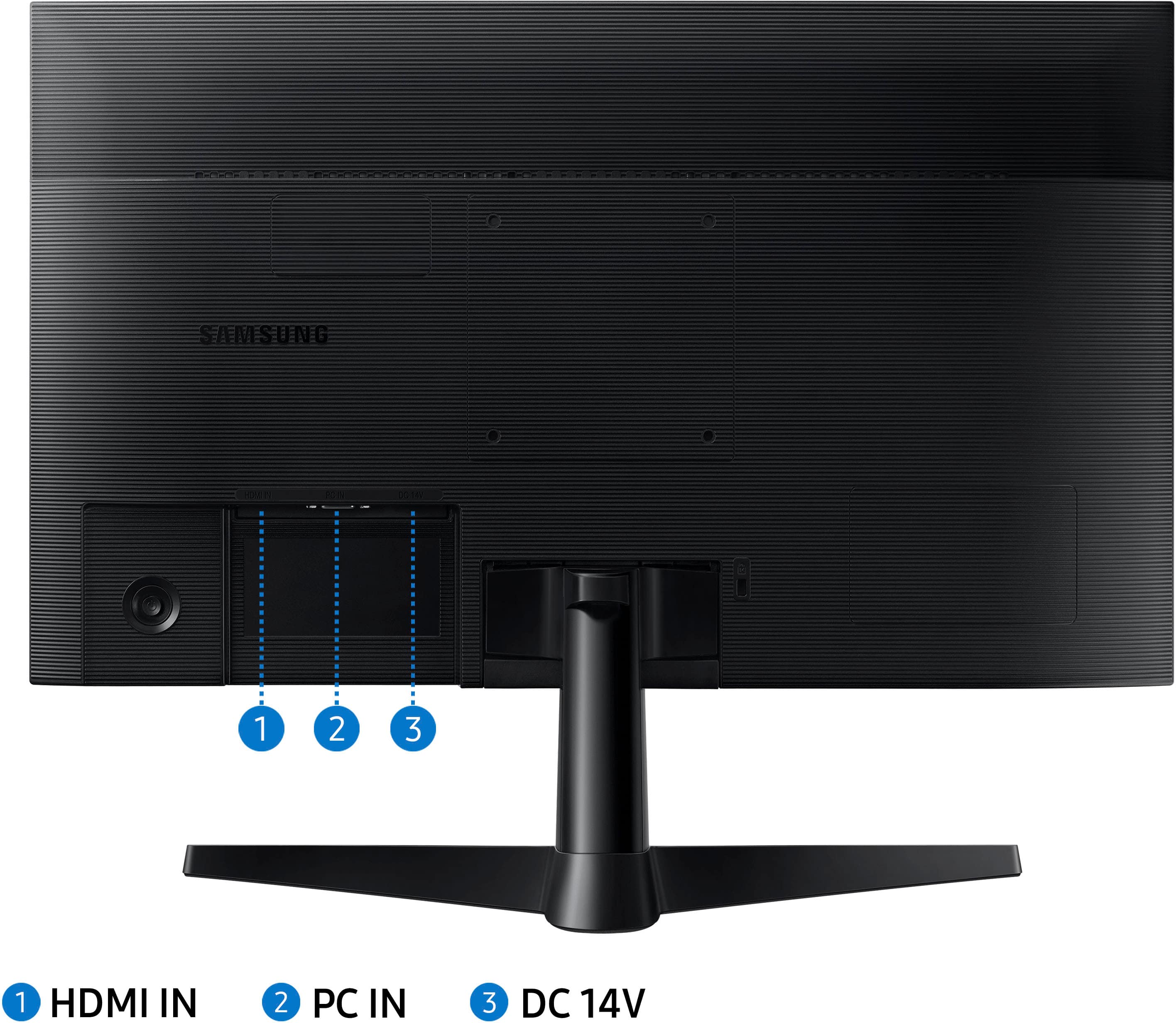
A:AnswerIt's not a TV, it's a monitor so it requires a source of signal to display it on the screen. Anything with HDMI or DVI output will work with this one (usually, it's PC or laptop, I'm afraid).
A:AnswerI use the Creative brand Pebble speakers. They're really cheap, around $25 but sound very good. They also have a version with a separate subwoofer but it's a bit more money. You will need a USB-C port on your computer but the speakers do come with an adapter in case you only have the standard USB.