A:AnswerYou can downgrade it to 1080p as it has a built-in scaler, but it would not enable refresh rates above 60Hz.
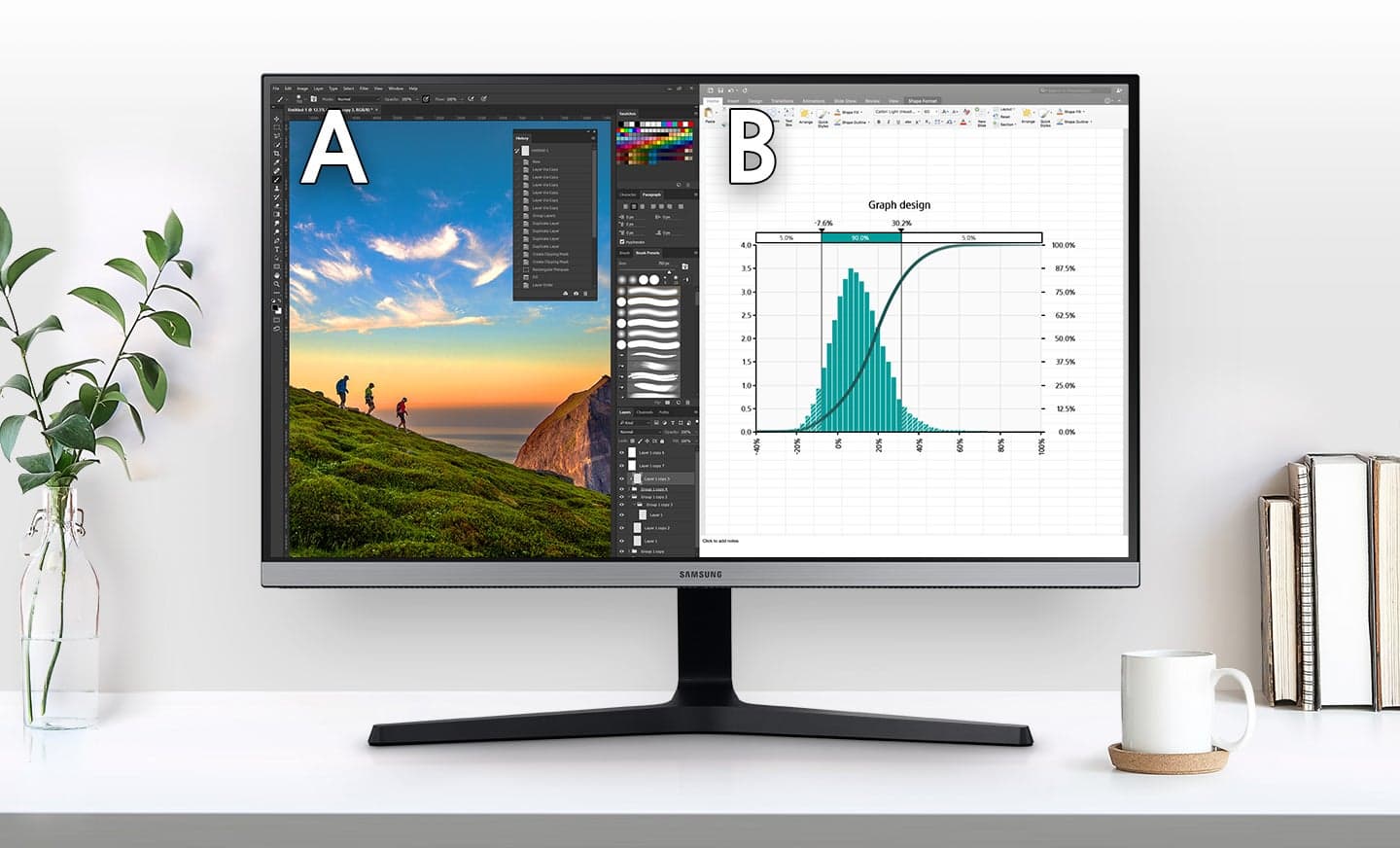
If you are intending to use this for school, I can't imagine why you would ever want to run this below 4K. For productivity purposes, 4K is *fantastic*. Text is unbelievably sharp, and the higher resolution allows you to fit more content on the screen at once. 1080p will look absolutely huge on a monitor of this size and would be a very poor experience.
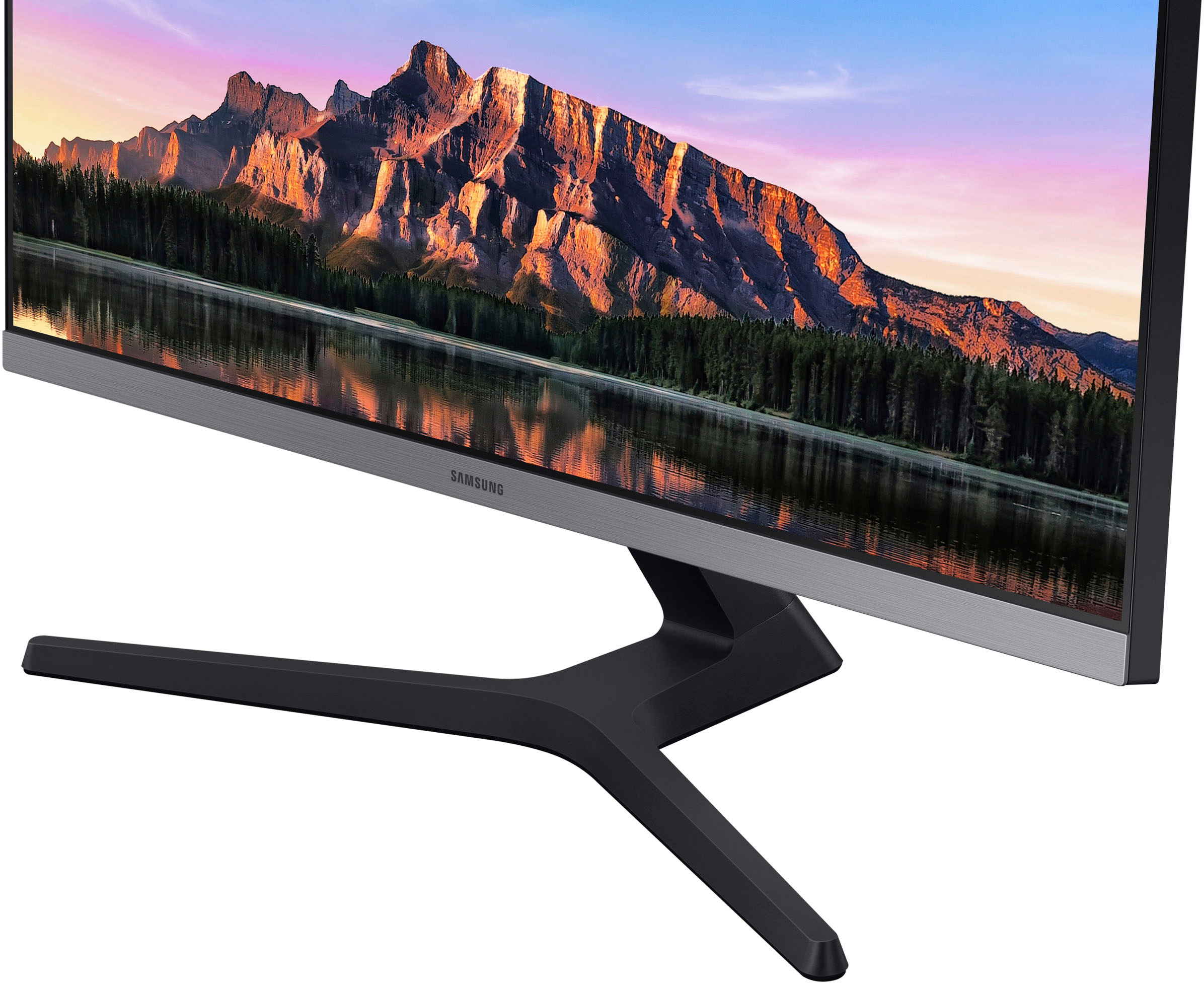
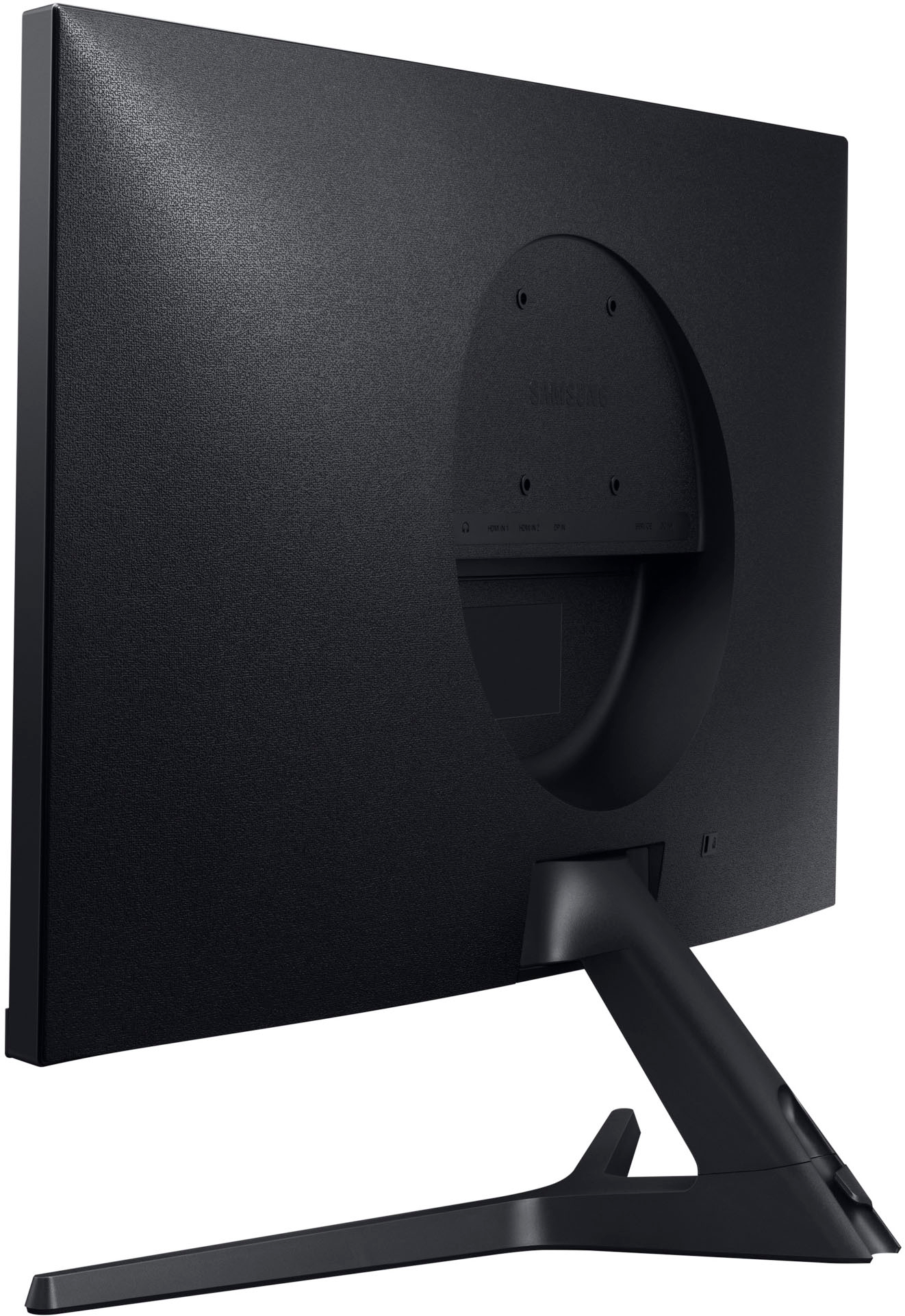
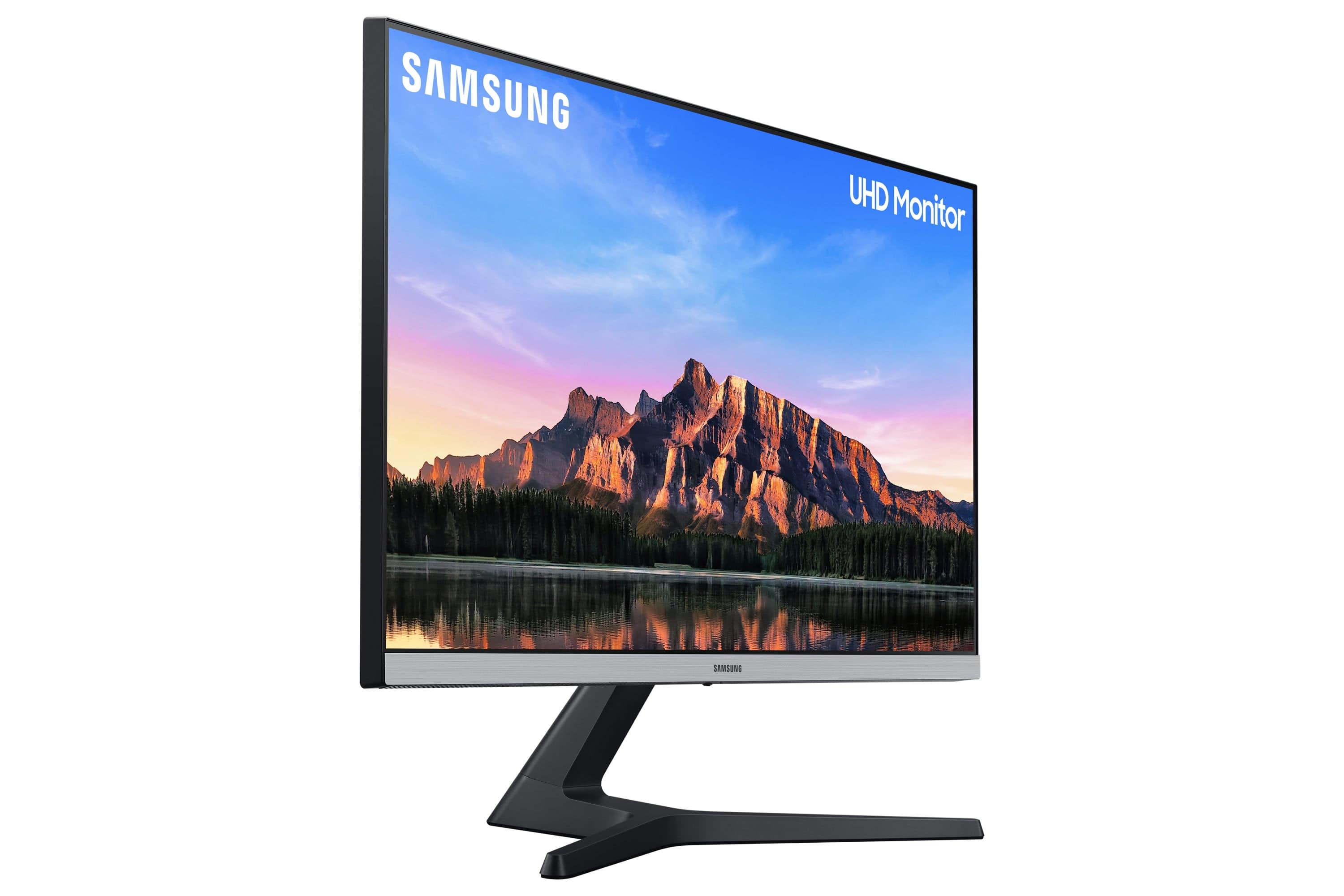
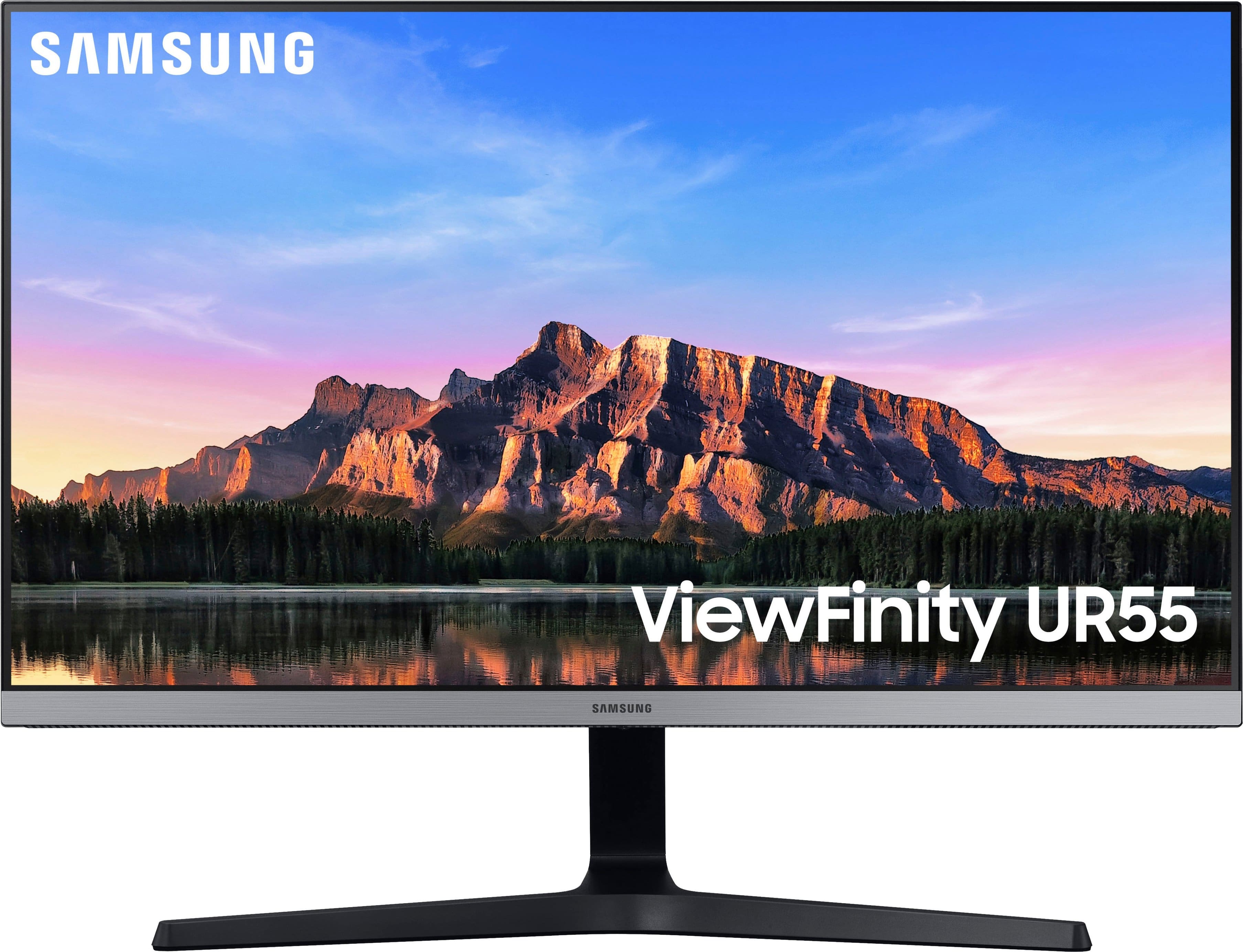
A:AnswerI recently purchased this monitor, and upon inspection, the only blue I found was a tiny blue light emanating from the small control button just underneath the Samsung logo. Otherwise, the entire monitor is black save for the silver strip at the bottom bezel. As far as I've seen, this light only turns on when the button is clicked to power on or off.
A:AnswerThis is NOT a "12-bit" panel, but is instead 8-bit, or 10-bit (8-bit plus FRC to simulate a billion colors of 10-bit), but not 12-bit in any documentation I can find. The panel Samsung used in this (back in 2019) is an Innolux M28ODCA-E3B and I cannot find any AdobeRGB certification anywhere, much less sRGB
A:AnswerYou can select a lower resolution, but only certain (much lower) resolutions support above 60Hz. Per the monitor's official specifications in the user manual, you have to go down to 1280x1024 to get 75Hz. 1920x1080 runs at 60Hz on this display, the same as 4K.
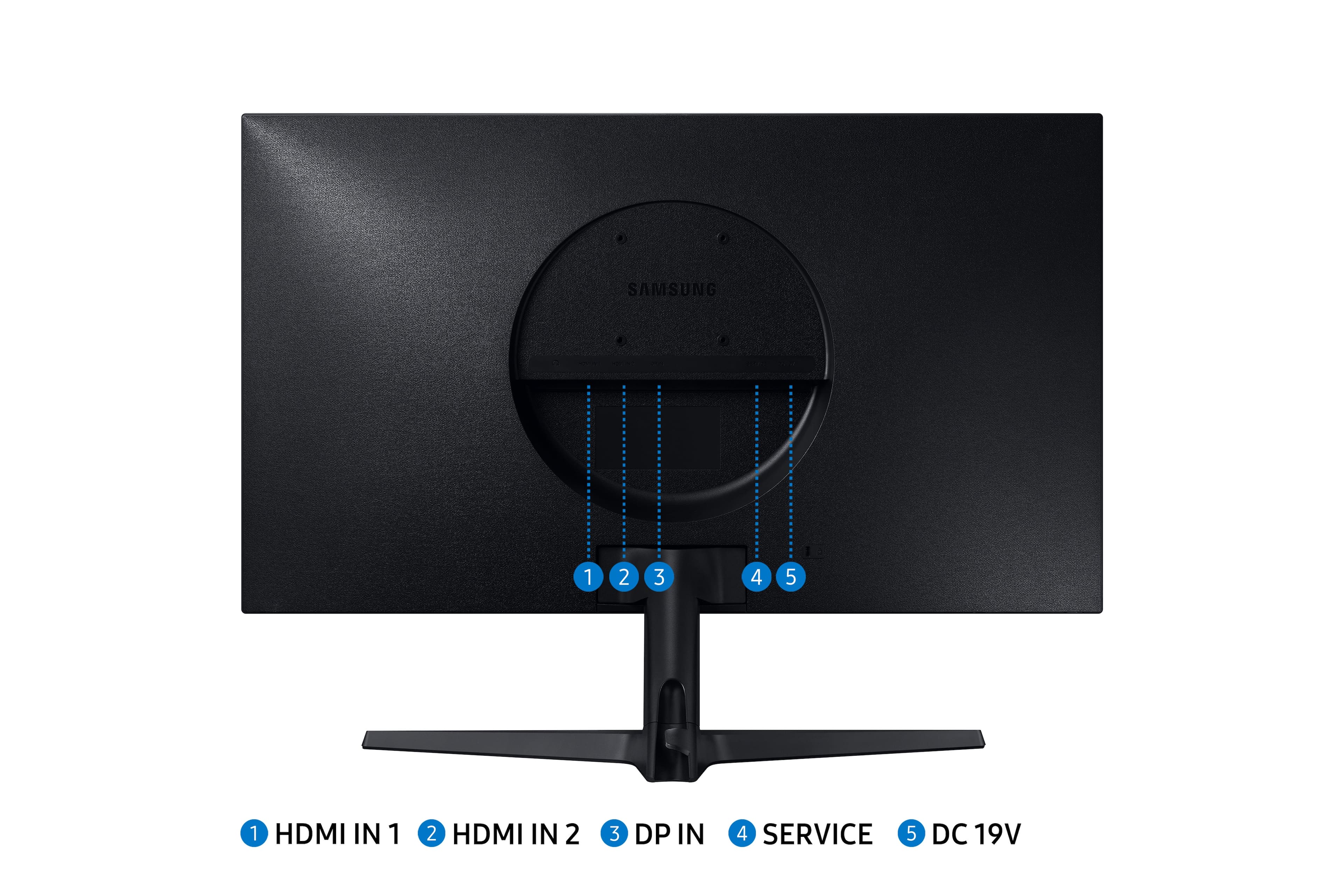
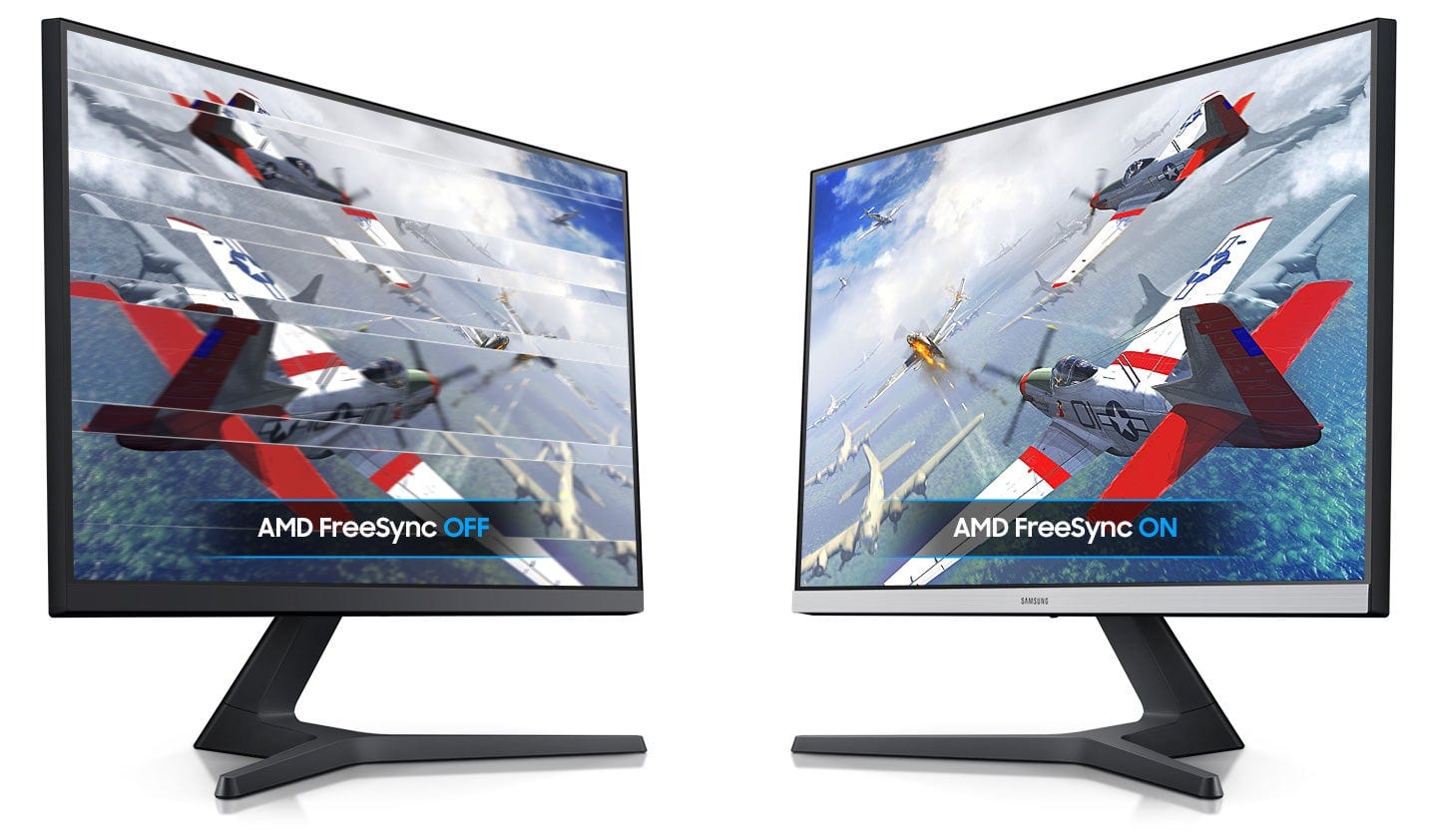
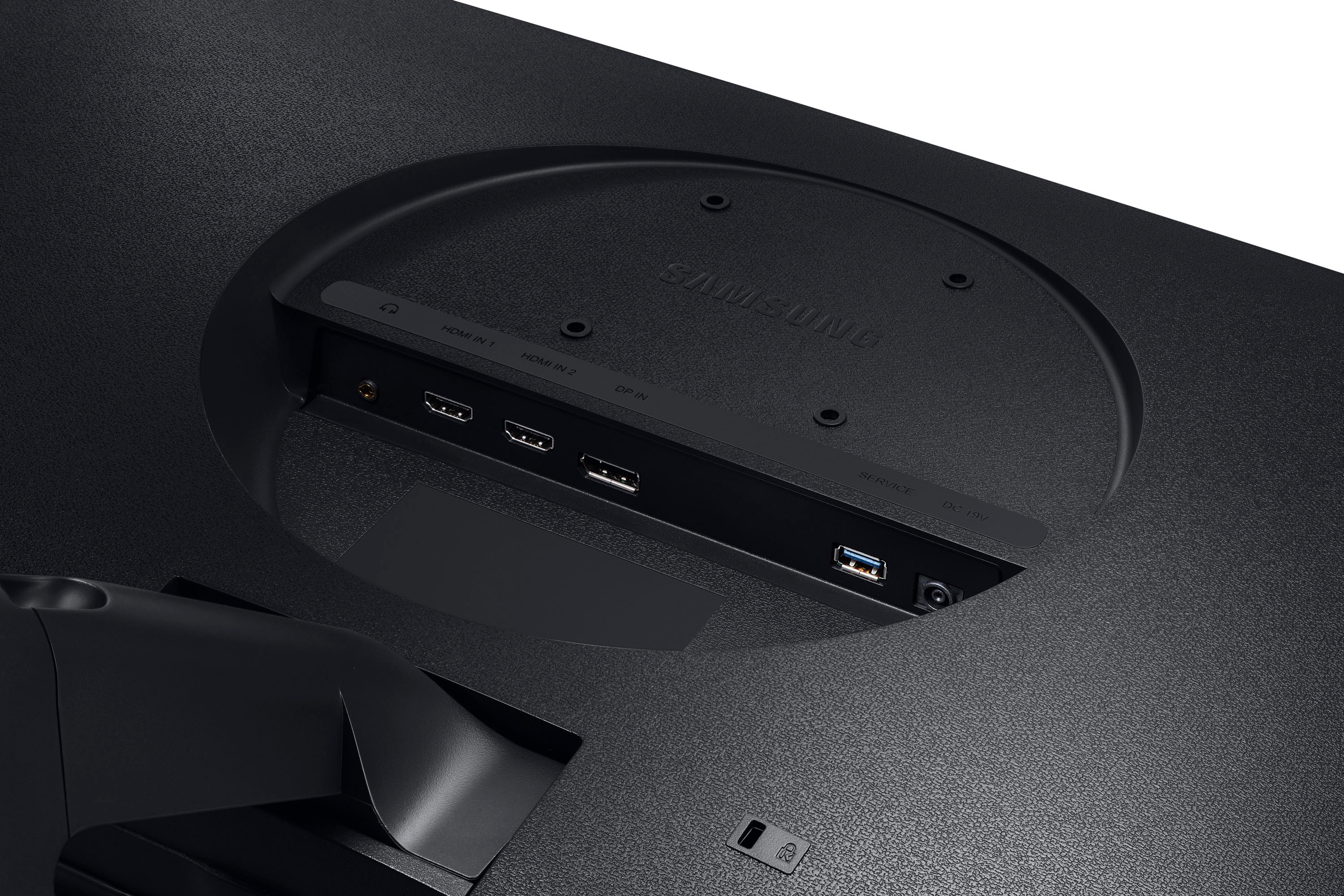
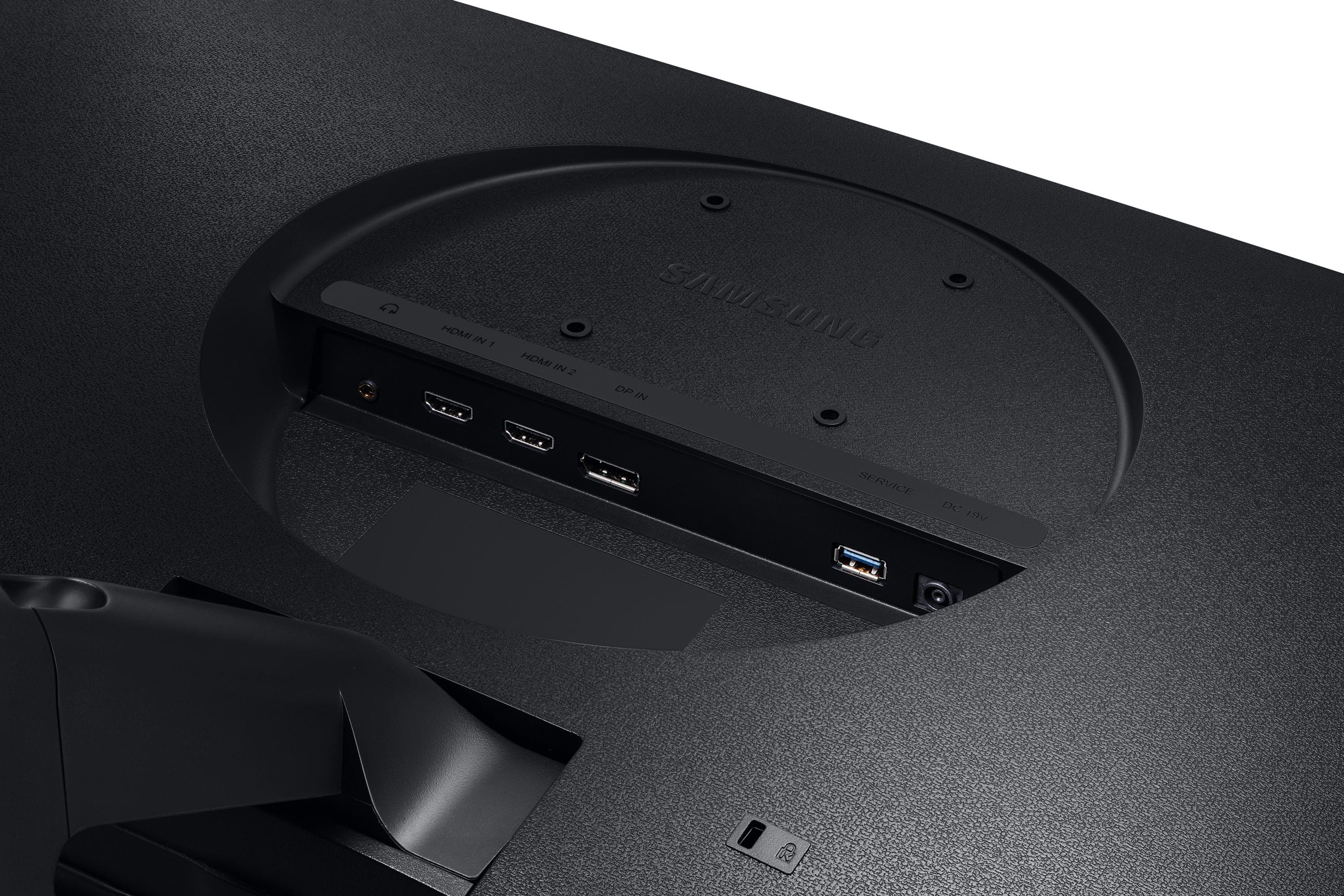
A:AnswerDisplayport is just another form of Audio/video connection like HDMI, but usually has higher support. But HDMI isn't too far behind on the Specs for future support. Another reason to use Displayport is for the Freesync support on an Nvidia GPU, as the Nvidia Freesync support only works with Displayport.
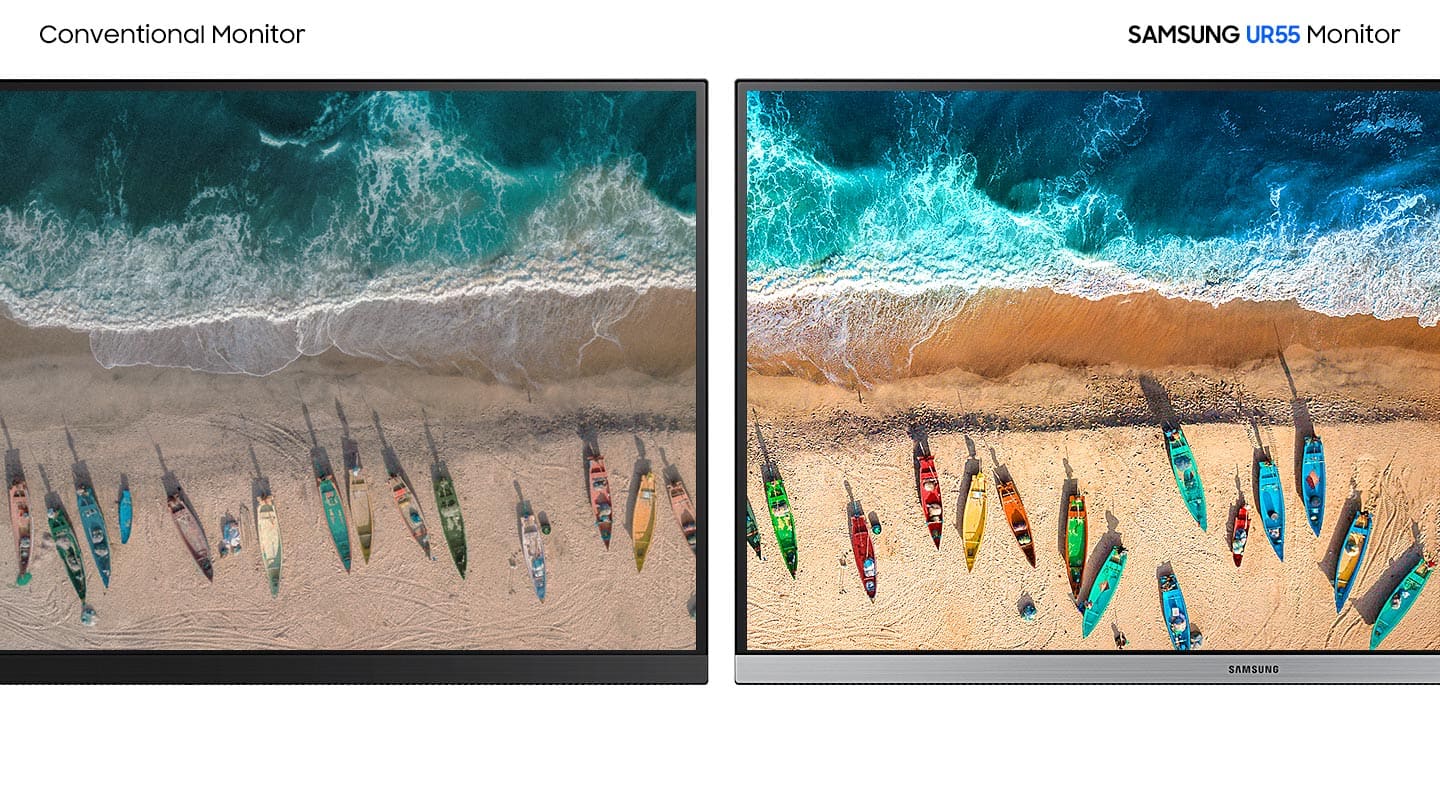
A:AnswerYes. I currently have it hooked up to my M1 Mac mini and find it to be a nice combo. Colors are a bit weird out of the box, with whites being more warm. They tend to lean toward a yellowish tint, so if color accuracy is important to you then you should consider fiddling with the color settings within the monitors menu directory. But other than that, 4k looks great on this monitor and the M1 registers the max refresh rate of 60hz without fail.
A:AnswerActually it could also be a hardware implementation of HDR over DP port. I read somewhere in one of the sites.
Well it is true that HDR extensions were specified in version 1.4 of the DisplayPort standard, but as far as what devices support, it depends on what you mean by "DP 1.2" since version numbers apply to the DisplayPort Standard (a PDF document) not to actual hardware. There is no technical meaning to "this device supports DisplayPort 1.2", it's just a casual shorthand people use. Usually what people (and manufacturers) mean when they say "DP 1.2 port" is just that it supports up to HBR2 speed. It may or may not also support the HDR extensions as defined in version 1.4 of the DP standard, depending on how new the controller is. But even if it does, some manufacturers will still label this as a "DP 1.2" port, because it is normally used to just indicate the maximum speed of the port. So there are monitors with "DP 1.2" ports that support HDR (i.e. LG 32UD99).
Basically from a technical perspective, the question "do DP 1.2 monitors support HDR" has no answer since there is no technical definition of what a "DP 1.2 monitor" is. The only real question one can ask is "do monitors that are labeled as 'DP 1.2' by the manufacturer support HDR?" the answer is "yes, it's possible".
A:AnswerYes that’s correct you have to use Bluetooth with your computer or laptop or if you laptop or computer has a headphone jack then you have to use that one. Hope that helps, I recommend using a long audio cord.
A:AnswerYes -- the poor handling of input changes is one of the weak points of this monitor, in my opinion. Given the ratio of price-to-picture quality in this monitor, however, it's a weak point I am willing to accept.
A:AnswerYes! I have the base M1 Mac mini and this monitor supports 4K and HDR through it. I did have to tweak the color on the Mac mini but it didn’t take more than 5 minutes for the whole process.