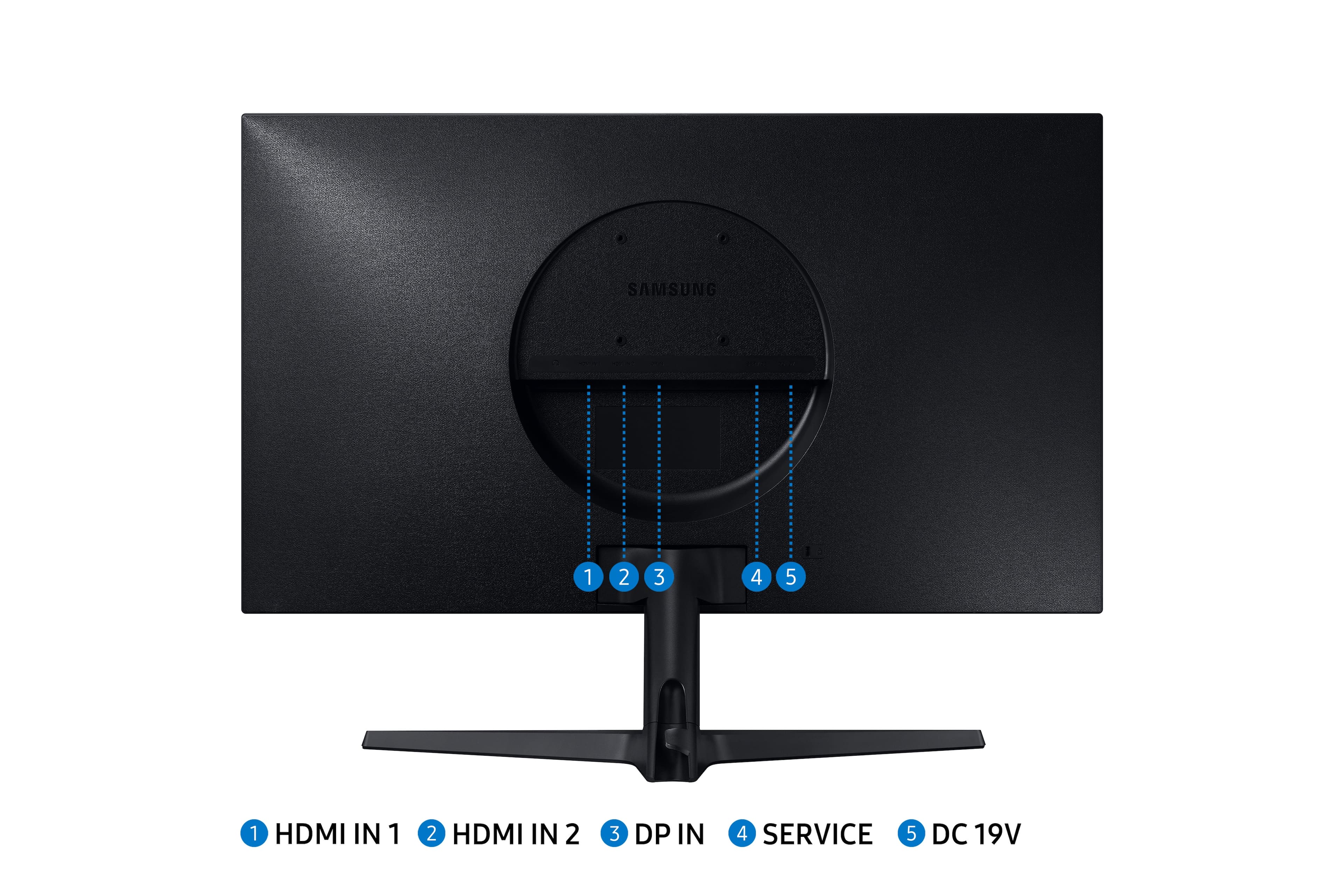
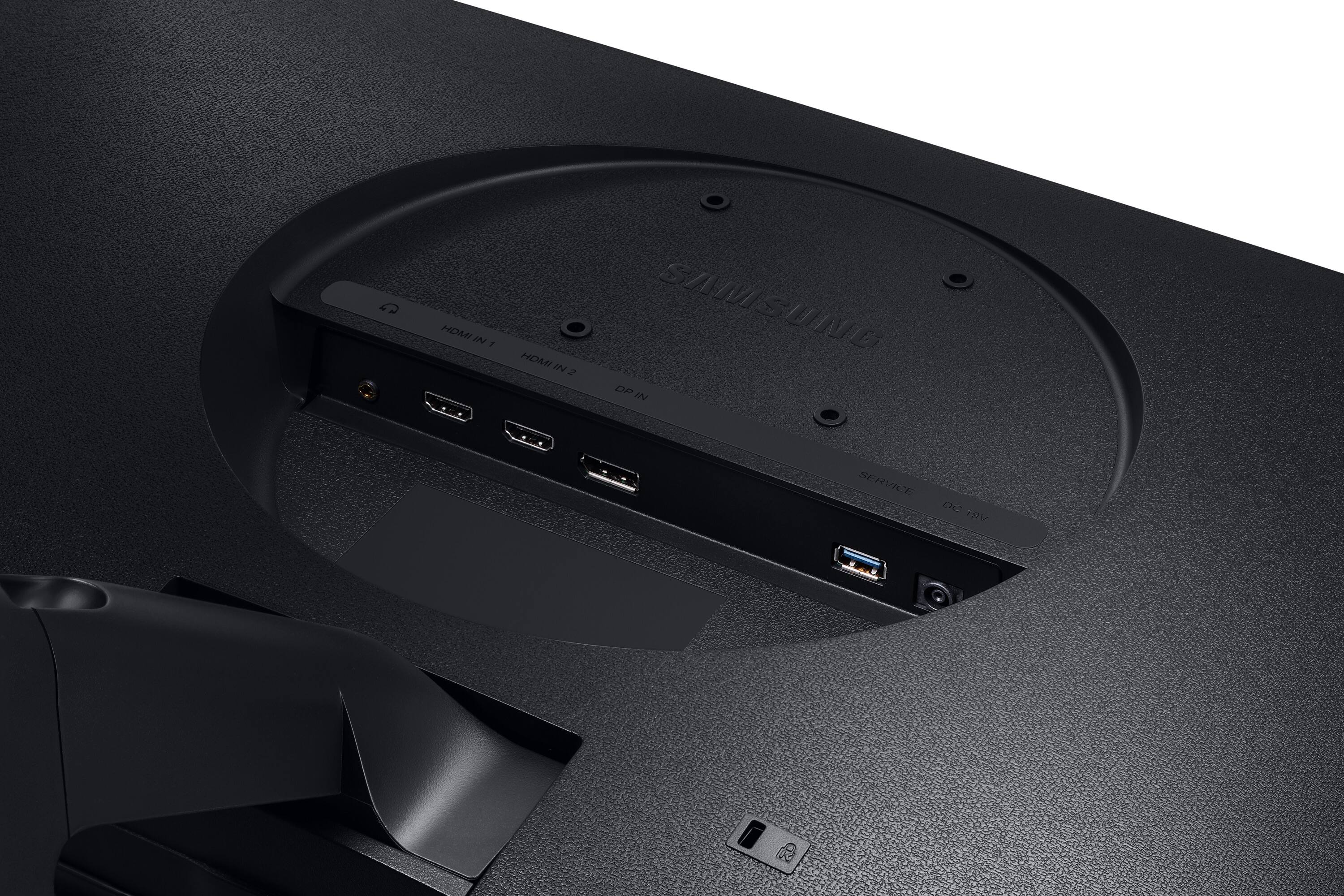
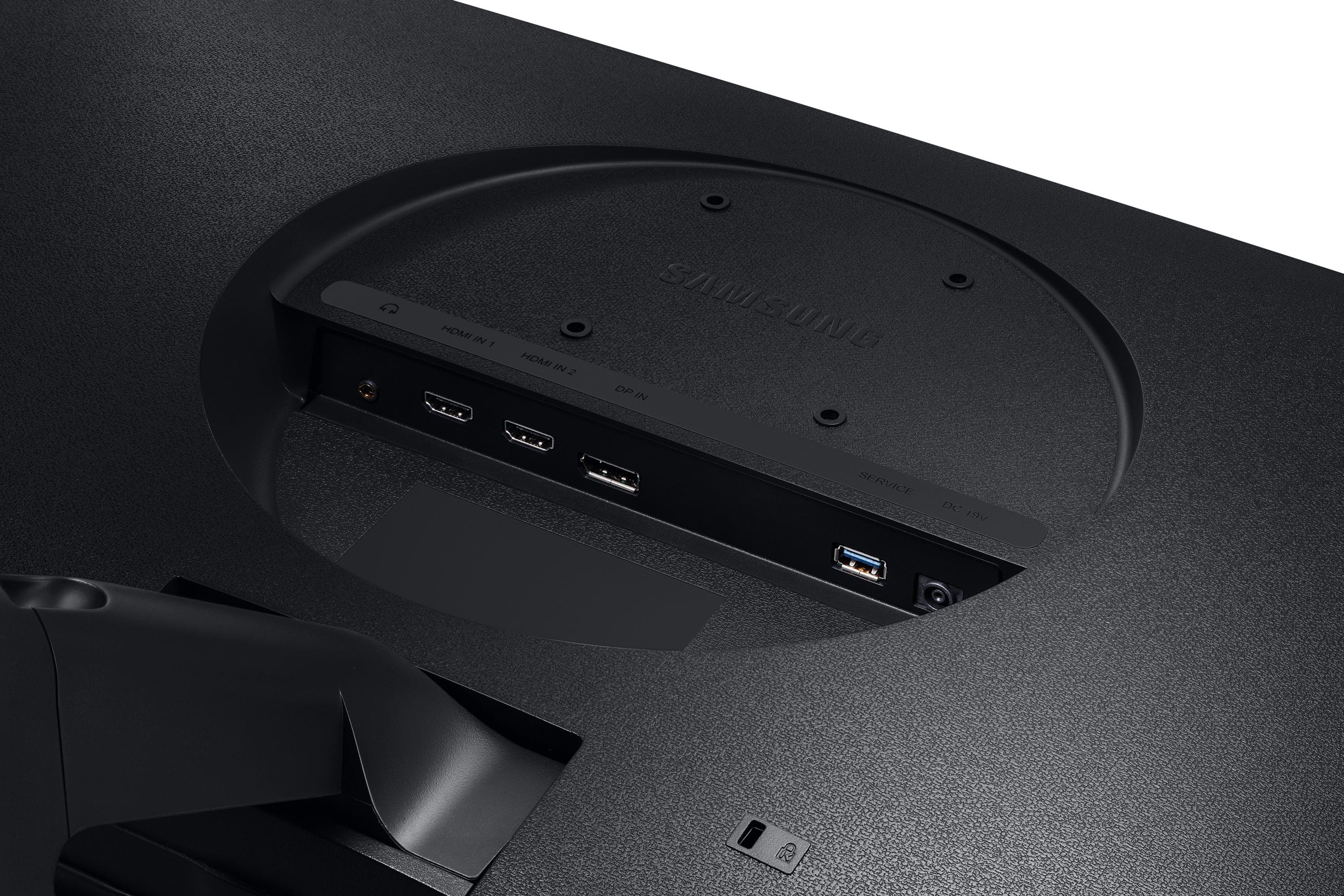
A:AnswerMany users can't make the move to 4K because of their system's video output. The latest Intel HD4400/4600 graphics technically support 3,840 x 2,160 at 60Hz, but not all systems with Intel HD 4000 Graphics have the DisplayPort output needed to carry the signal. Other, older desktops can't support the resolution at all.
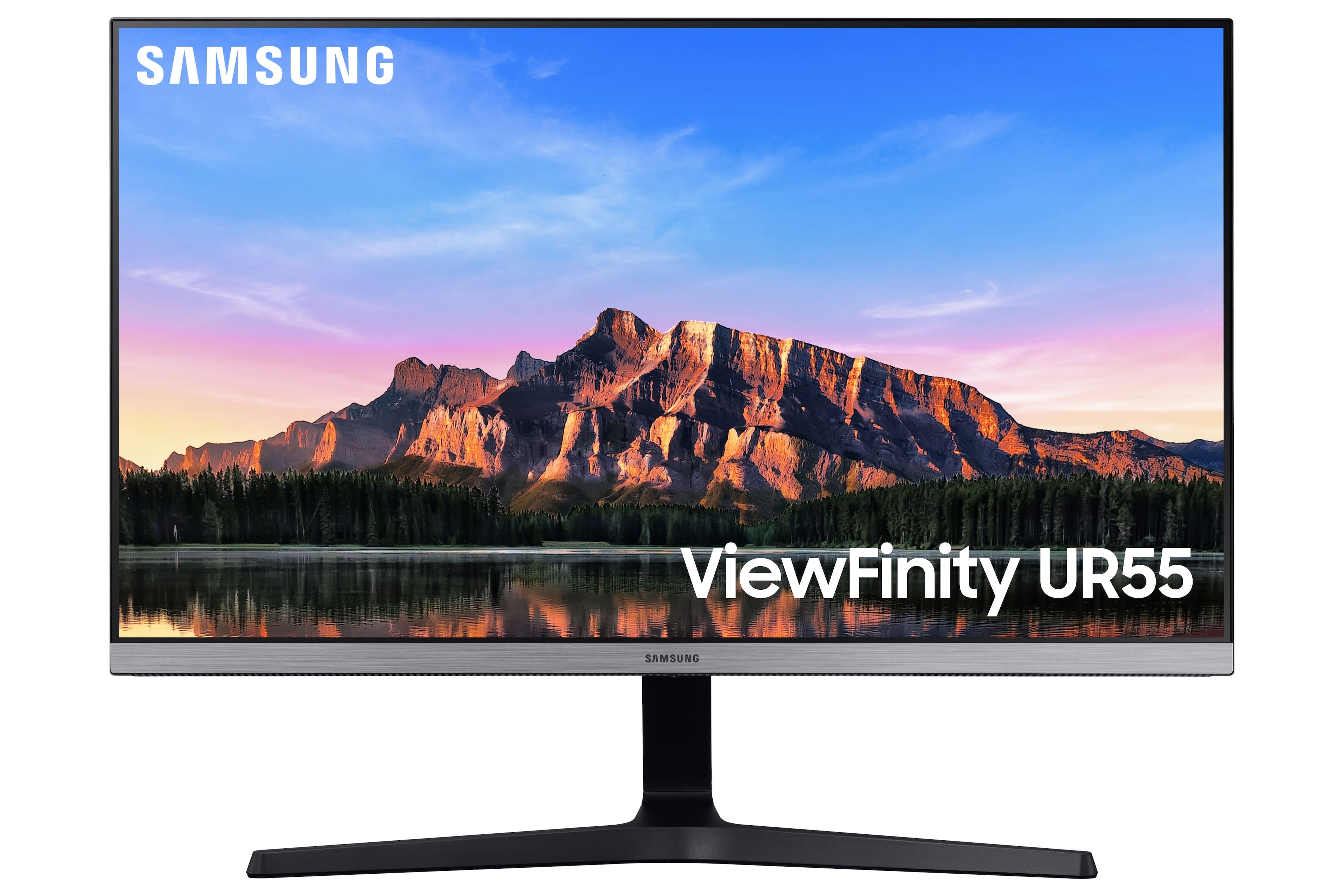
A:AnswerYes you can, but a word of caution. Don't skimp on the docking station as that will determine the performance you'll get from the monitors. I have two connected to my 2015 HP Omen and it initially couldn't handle supporting multiple 4K devices (my laptop screen is also 4K). I'm using a WAVLINK USB-C Dual 4K universal docking station (Model UG69PD2) with E-mark chip and it supports two monitors - 4K@ 60Hz.

A:AnswerHDMI is fully capable of 4K for most uses. DisplayPort can support higher refresh rates, but this is dependent on the DisplayPort revision number and the capabilities of your graphics card or system, in addition to what the monitor can do. I personally wouldn't spend the extra $$, the HDMI cable it comes with is fine for most uses.