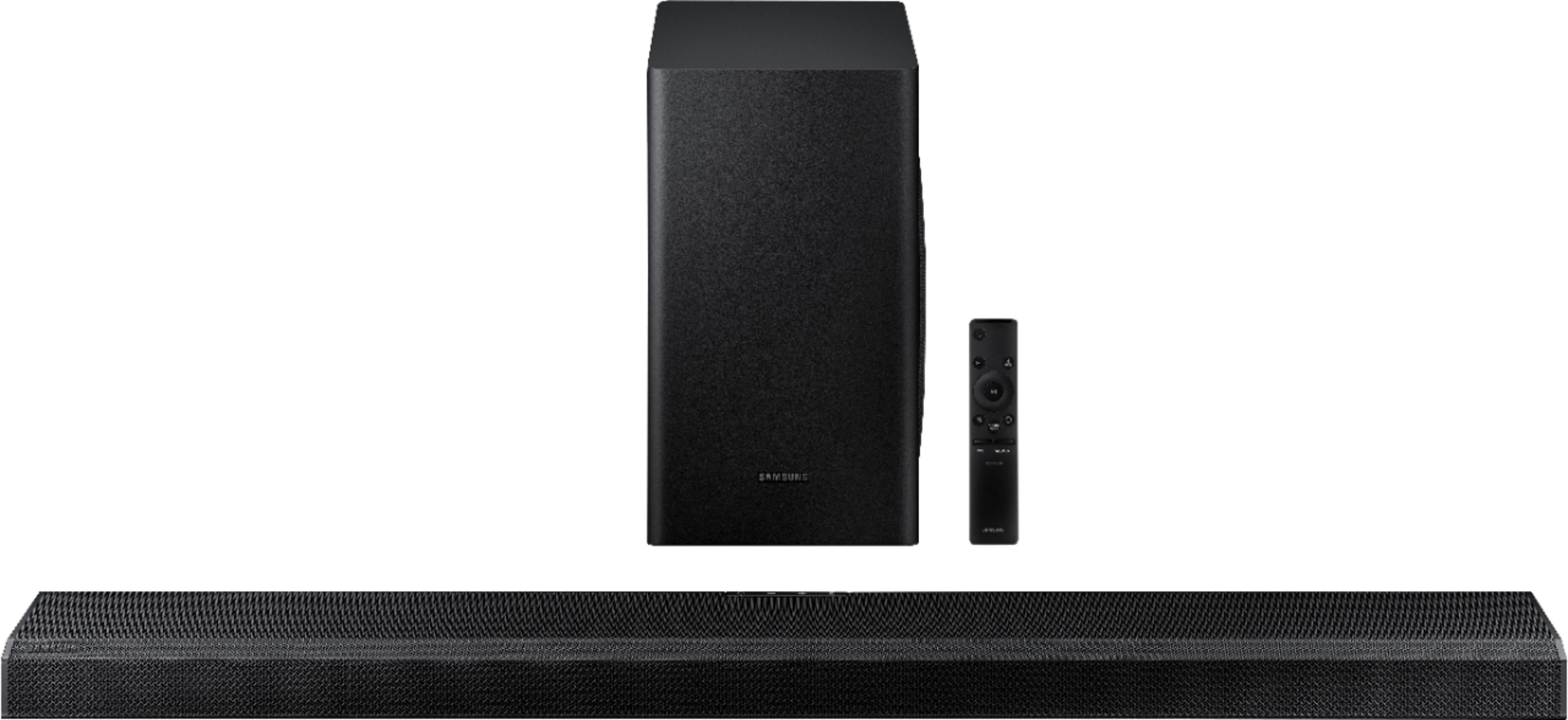
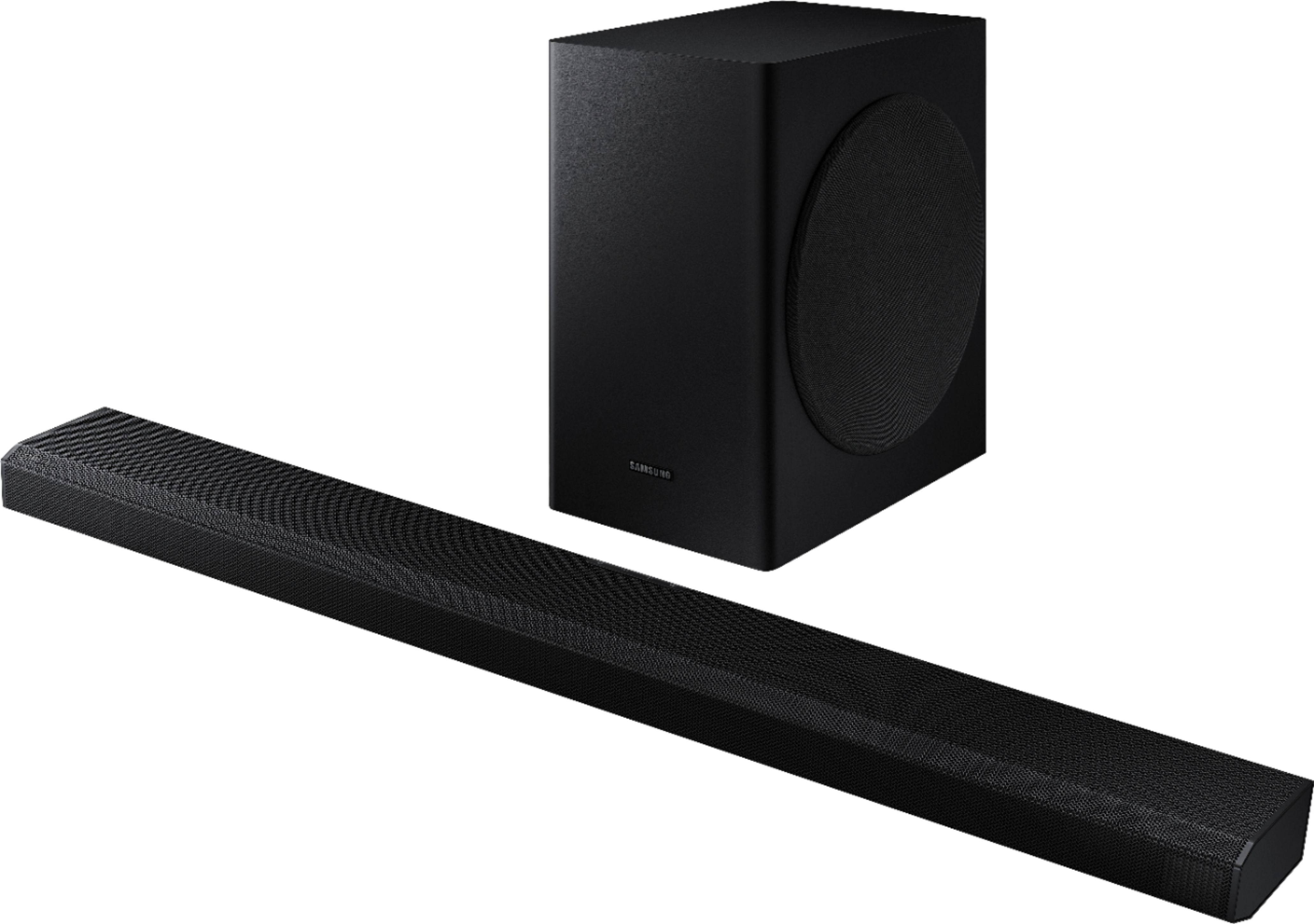
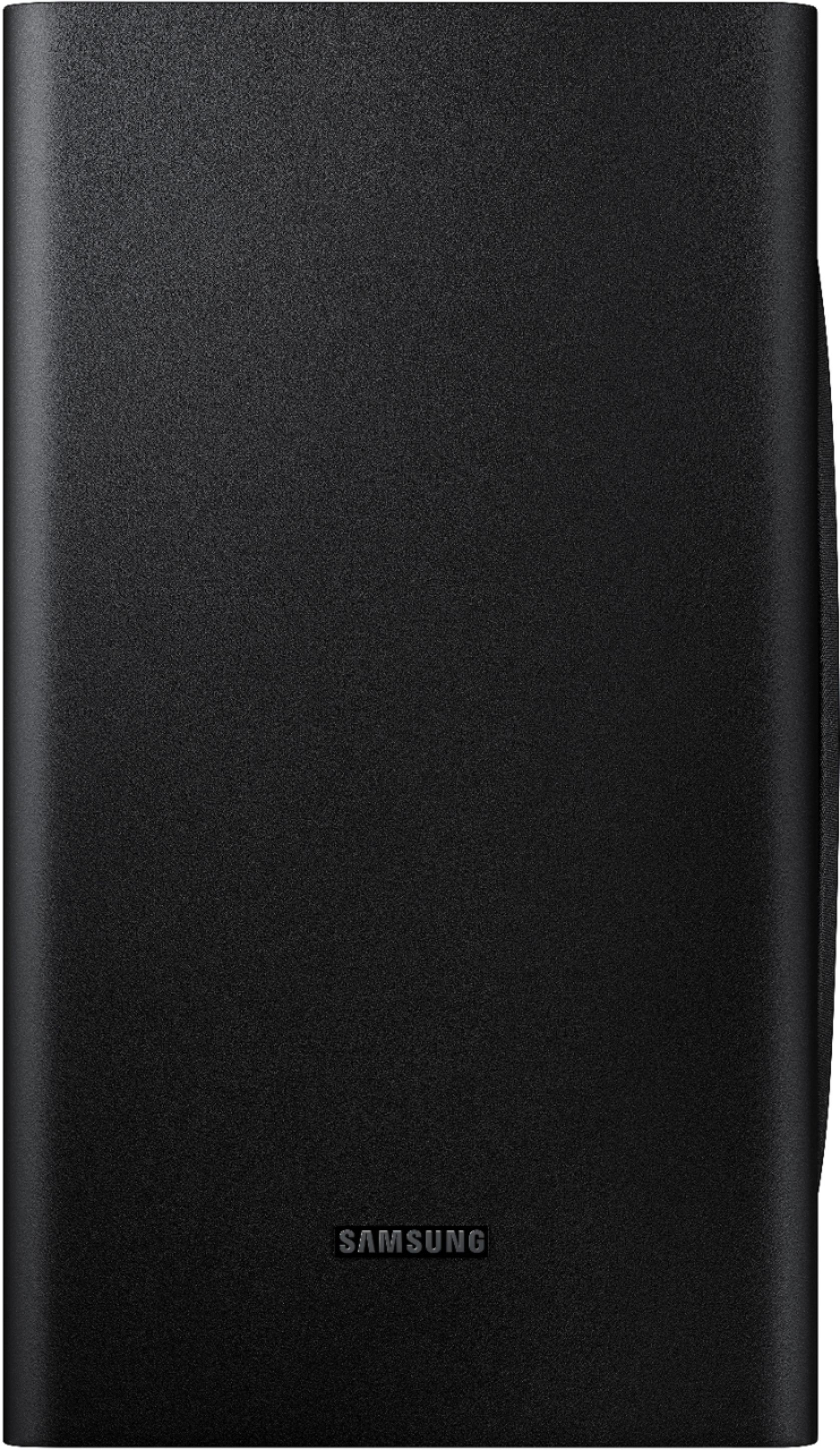
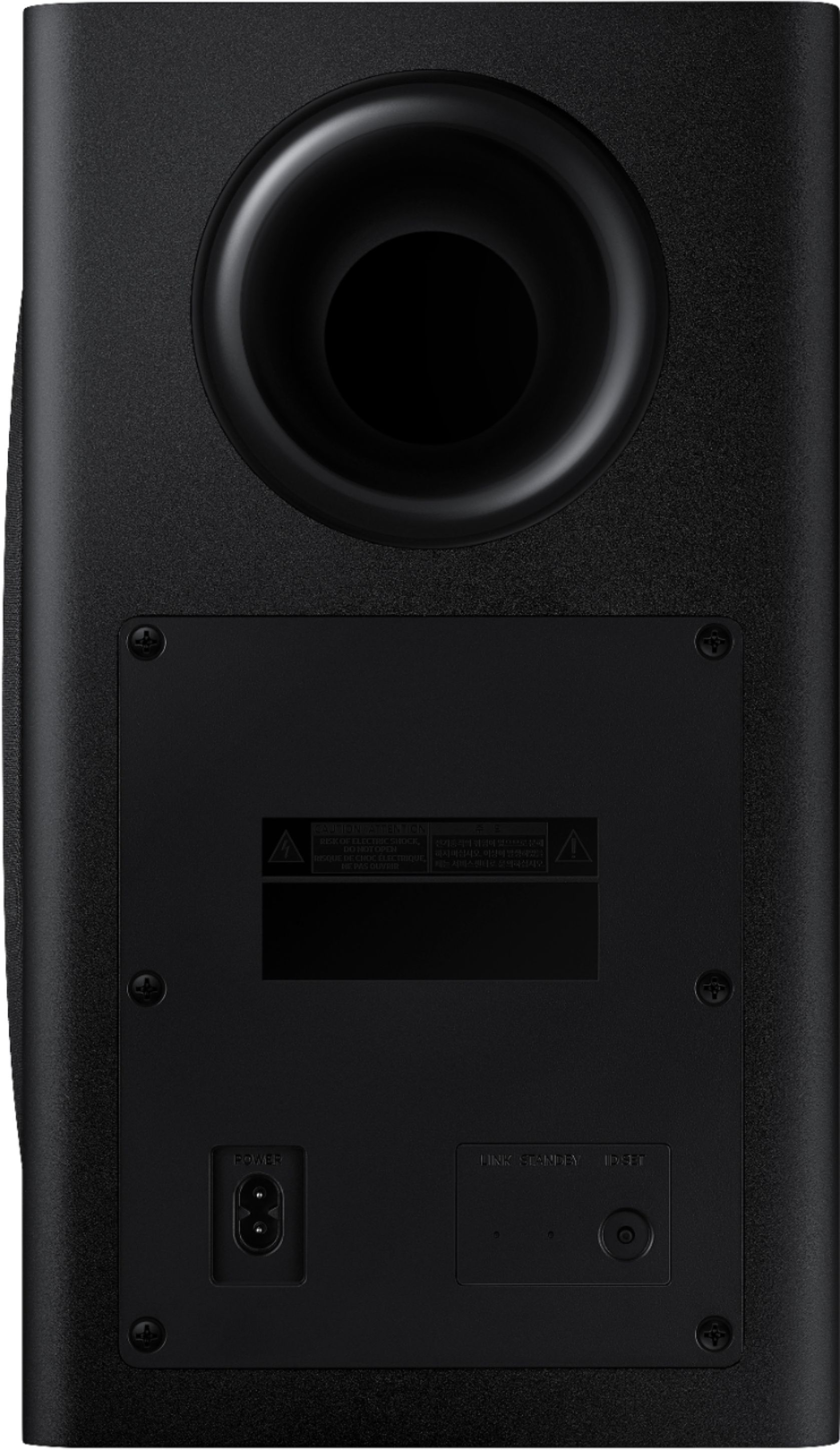
A:Answersonafro - The HW-Q70T works with Alexa this year, has a 6.5" sub woofer (instead of 8"), and the Accoustic Beam 2.0 has been moved to the front of the soundbar. The optional rear kit is the SWA-9000S. ^Cris
A:AnswerI recently purchased this sound bar, the sound bar has 2 upfiring speakers that project sound to bounce off the ceiling and then end up at the user on the couch, giving the "allusion" of surround sound. This "allusion" is not the same as having speakers right next to the couch. I would definetly disagree to say the quality by itself is poor. I did purchase the SWA-9000 Wireless Rear Speaker Kit from Samsung to try it out. The SWA-9000, added another "dimension" of sound. For example, when I watch Star trek, I can hear the phaser fire clearly start from the left rear speaker, and then travel over to the right rear speaker, as if the phaser fire is in the room, or when the Enterprise is warping away, again I hear the sound start from the left rear speaker and move its way to the right rear speaker. It is quite amazing. The SWA-9000, connects wirelessly-ish. There will be no cable between the sound bar and the SWA-9000, but there is a cable that goes between each rear speaker and the wireless sender, I was able to hide that cable behind the couch.
A:AnswerHi Major! Press and hold the ID SET button on the back of the SWA-9000S wireless transmitter until the blue light starts flashing indicating the device is ready to pair. Using the soundbar remote, power off the soundbar, then press and hold the Up button on the Soundbar remote control for 5 seconds. The ID SET message appears on the display of the Soundbar for a moment, and then it disappears. The HW-Q70T soundbar will establish the connection and power on automatically. If you need additional assistance with the connection process, please contact Samsung Support at:
― Phone: 1-800-SAMSUNG / Available 8AM - 12AM EST, 7 days a week
― LiveChat or Email: https://www.samsung.com/us/support/#contact_us_for_support
We look forward to hearing from you.
^Tim
A:AnswerHi Swan! You can connect the soundbar to any brand TV supporting HDMI, digital optical audio, or Bluetooth audio. The soundbar features an HDMI input and output allowing you to utilize HDMI pass-through to send video and audio to the TV when you connect an HDMI device directly to the soundbar. ^Tim
A:AnswerHi JP, if your audio input is set to the soundbar already the Xfinity remote should control your volume with no problem as long as the soundbar is plugged into the eARC/ARC port in the TV. Hope this helped! ^Scott
A:AnswerHi Chris! For optimal surround sound performance with no delay, I recommend connecting the soundbar to the TV utilizing HDMI ARC or a digital optical audio cable. ^Tim
A:AnswerHi Bandoo! If you connect the soundbar to the TV with Digital Optical instead of HDMI you can access the Multi Output Audio setting in the TV menu to enable both the soundbar and TV speakers at the same time. This can be found by heading to Settings > General > Accessibility > Multi-output Audio. ^Tim
A:AnswerHello Guest101,
I was able to find the instructions for adjusting sound setting for the HW-Q70T on page 11 of the user manual.
https://www.samsung.com/us/support/owners/product/2020-q-series-soundbar-with-dolby-digital-and-dts-hw-q70t
When pressed, the setting items such as TREBLE, BASS, SYNC, CENTER LEVEL, FRONT
TOP LEVEL, and VIRTUAL ON/OFF are displayed in sequence. The desired item can be
adjusted using the Up/Down buttons.
– To control the volume of the treble or bass sound, select TREBLE or BASS in Sound
Settings, and then adjust the volume between -6~+6 by using the Up/Down buttons.
– Press and hold the (Sound Control) button for about 5 seconds to adjust the
sound for each frequency band. 150Hz, 300Hz, 600Hz, 1.2kHz, 2.5kHz, 5kHz, and
10kHz are selectable using the Left/Right buttons and each can be adjusted to a
setting between -6 to +6 using the Up/Down buttons.
(Make sure the Sound mode is set to “STANDARD”.)
– To control the volume of the each speaker select CENTER LEVEL, or FRONT TOP
LEVEL in Sound Settings, and then adjust the volume between -6~+6 by using the
Up/Down buttons.
– If the video on the TV and audio from the Soundbar are not synchronized, select
SYNC in Sound Control, and then set the audio delay between 0~300 milliseconds by
using the Up/Down buttons.
– SYNC is only supported for some functions.
– If Surround Speakers are connected, select REAR LEVEL and then use the Up/Down
buttons to adjust the volume within a -6 to +6 range.
– The VIRTUAL Speaker function can be turned ON/OFF by using the Up/Down
buttons.
^Cristian
A:AnswerHi there, The soundbar should be placed approximately 8 inches (depending on the model) below the TV to ensure proper dispersion of Atmos/DTX:S soundscape.
^Scott
A:AnswerHi MaxGreen! The SWA-9000S Rear Speaker Kit does not support Dolby Atmos; only the HW-Q70T Soundbar will play Atmos content. The HW-Q950T Soundbar includes rear speakers which do produce Dolby Atmos content. Check out the HW-Q950T at Best Buy: https://www.bestbuy.com/site/samsung-hw-q950t-9-1-4ch-soundbar-with-dolby-atmos-dtsx-and-alexa-built-in-2020-black/6420988.p?skuId=6420988 ^Gina
A:AnswerHi Jason! We recommend keeping the subwoofer as close to the ground as possible due to the power cord, which is only about 5' long. The subwoofer is also meant to be placed upright, as the subwoofer provides side-firing bass. ^Gina
A:AnswerHi RPhoenix, You can hook up a Bluetooth headset to any 2020 TV to recieve audio. You can play music from a bluetooth device (like a phone) on the soundbar. But you cannot send the audio from the soundbar to a bluetooth headset as the soundbar is designed to be a final audio output. ^Scott
A:AnswerHi ReeRee - The HW-Q70T subwoofer is responsible for low frequency sounds, like the rumbles of an explosion in an action movie or the bass guitar and drum in your favorite music. It adds rich bass tones and deepens the sound quality you hear, but since the subwoofer only plays low tones, it will be silent when low frequency sounds are not in use. Should you have additional questions or would like to try troubleshooting your subwoofer, please contact Samsung Support at 1-800-SAMSUNG. ^Gina
A:AnswerHi suggeiry! Samsung TVs do not support DTS; you will have to connect any external devices that support DTS content directly to the soundbar. ^Gina
A:AnswerJerry
Had same issue with my Samsung Q90 smart tv. Go to your settings, then to sound settings and then to expert settings. Set your settings to Passthrough and that will correct the video and sound synch issue.
Hope that helps you.
RT
A:AnswerSamy - it’s a smallish driver, so it’s not going to “punch” like a larger, high-powered sub. Room placement and orientation are especially important with smaller, side firing drivers like this one. There are countless articles online that talk about placement, so I commend you to them if you want to get down into the details. Short of that, try moving the sub around in your room - corners are likely to be best for wave reflection (I recommend you start with the cabinet within an inch of the walls. Once in the corners, try turning the cabinet in different directions. When deciding what sounds “best” (to your ear), sit in your preferred listening location and run a track or movie clip that you know well and which will allow you to gauge where the placement works best. Good luck!