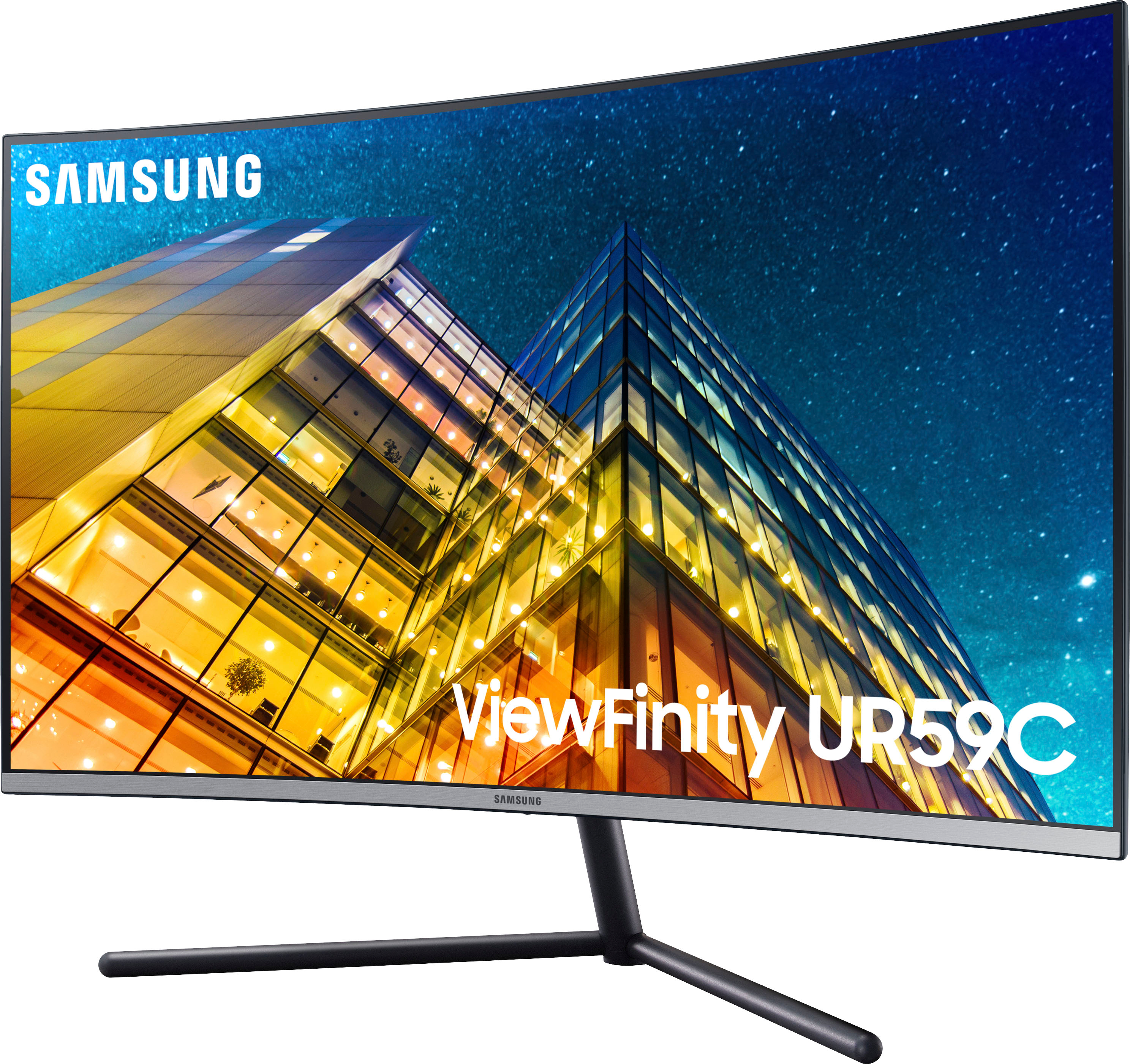
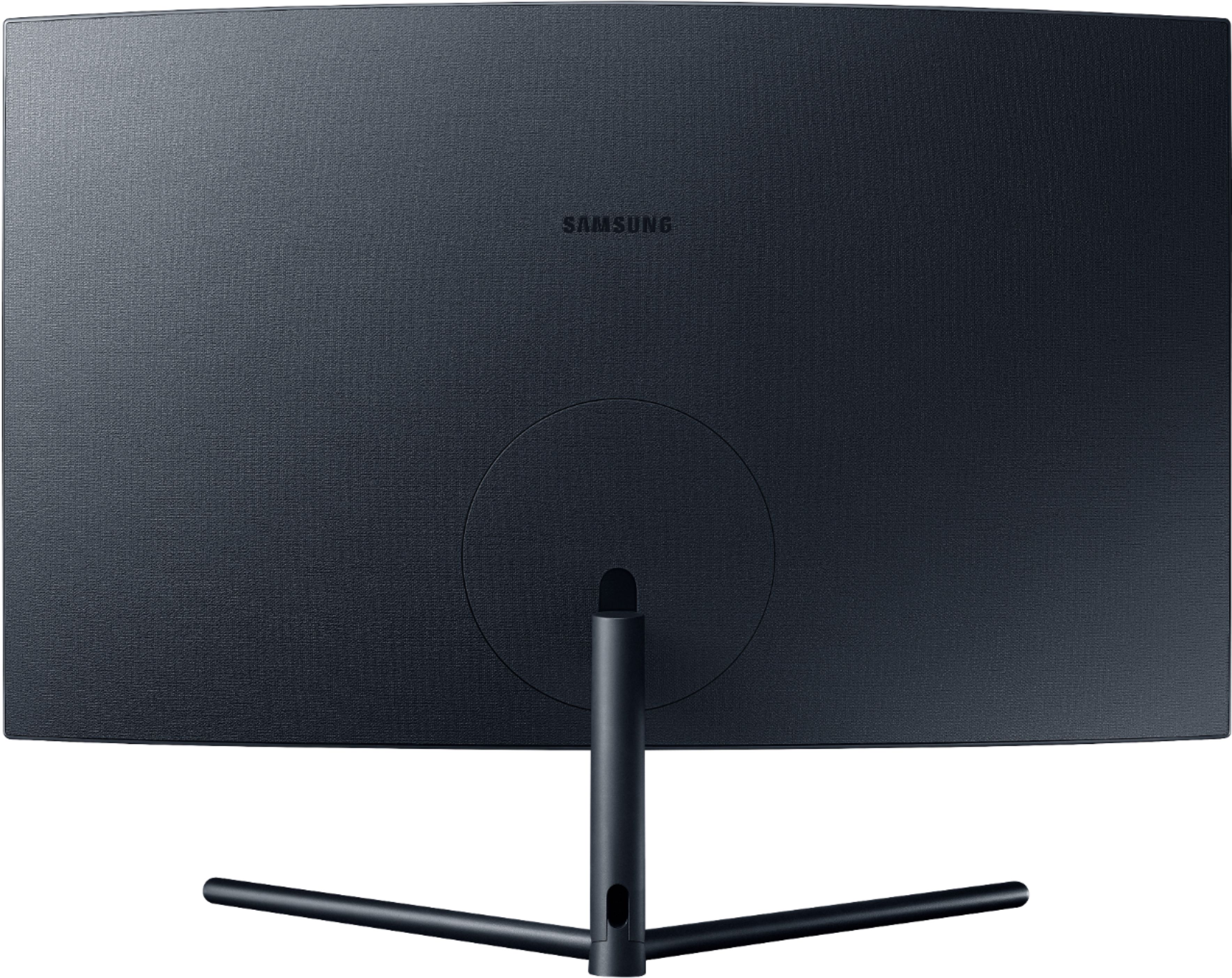
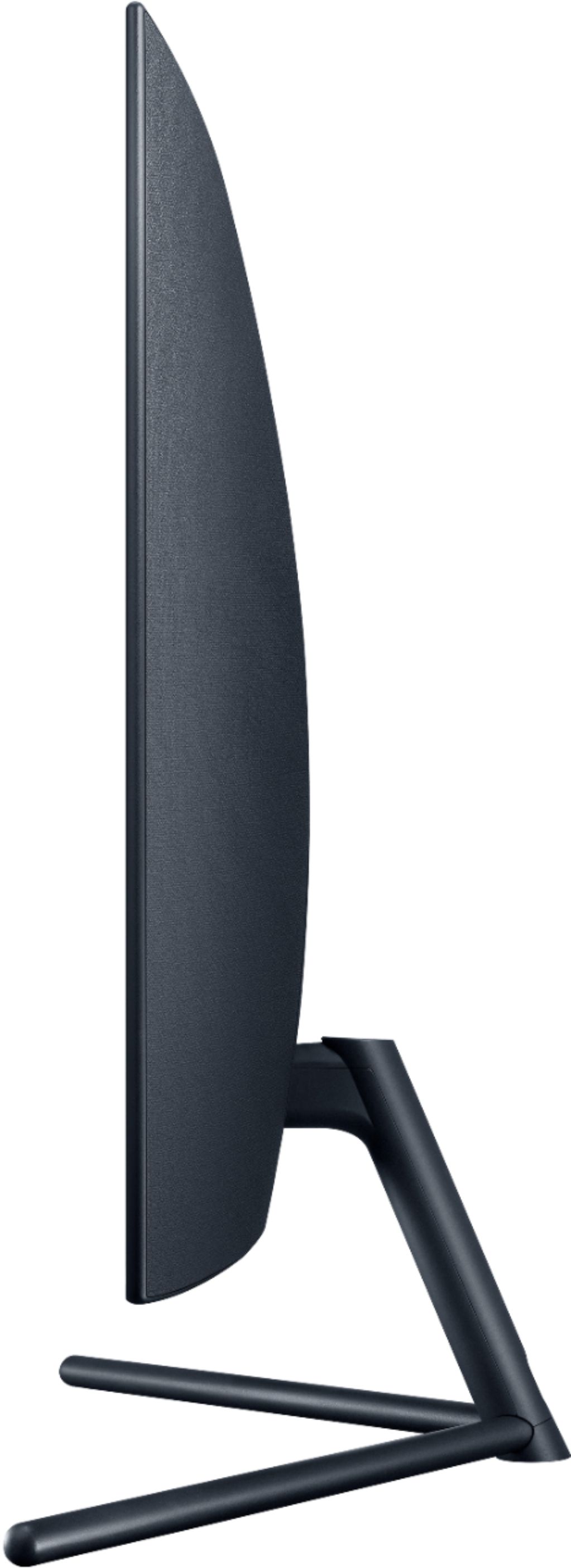
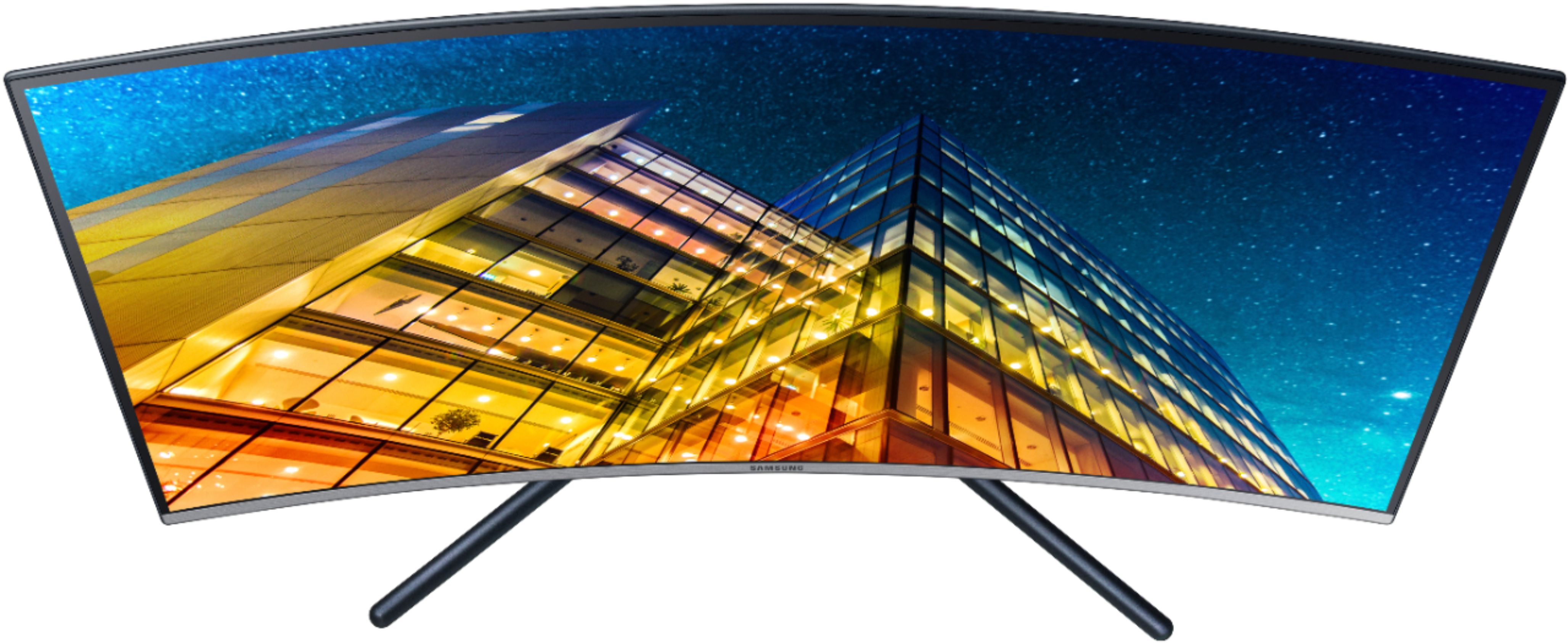
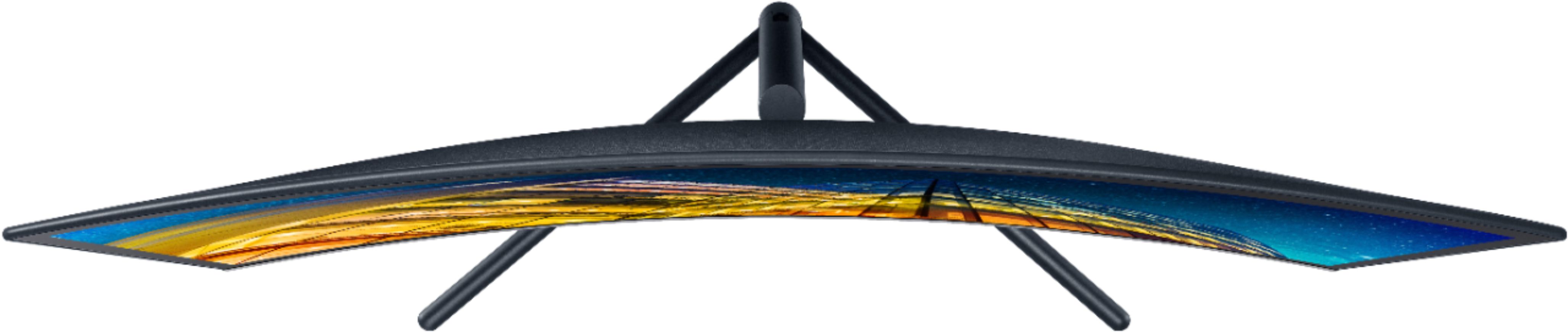
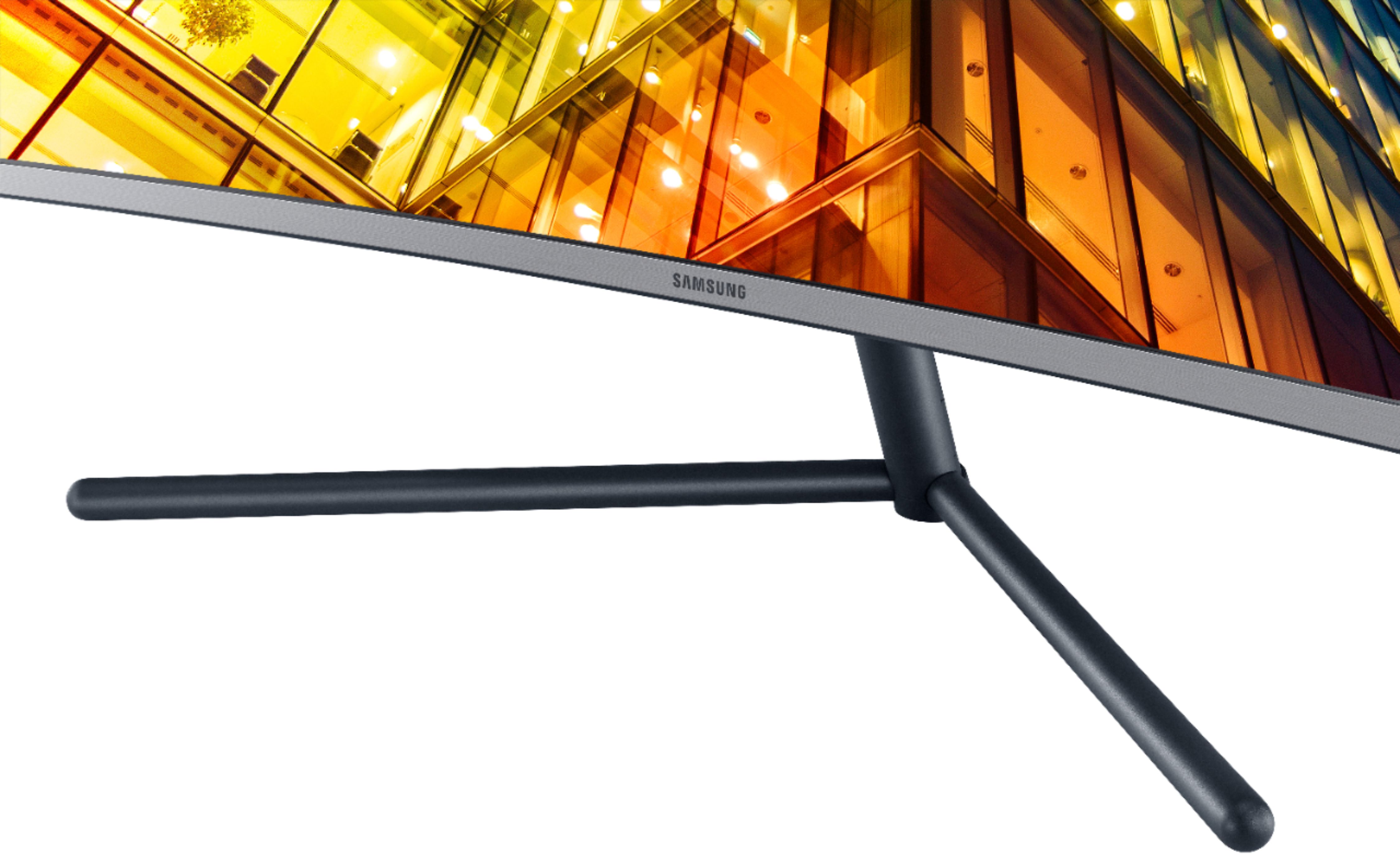
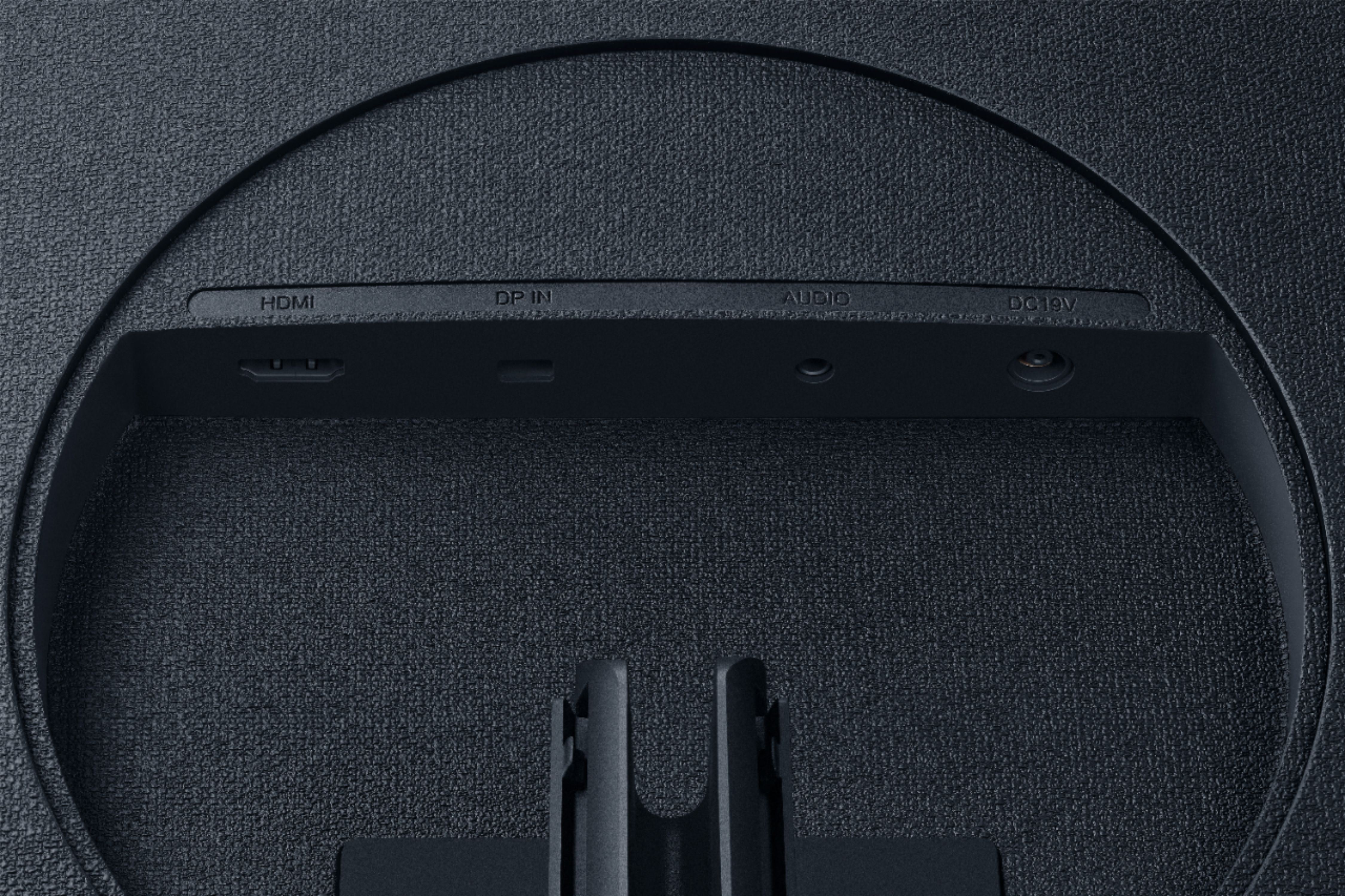
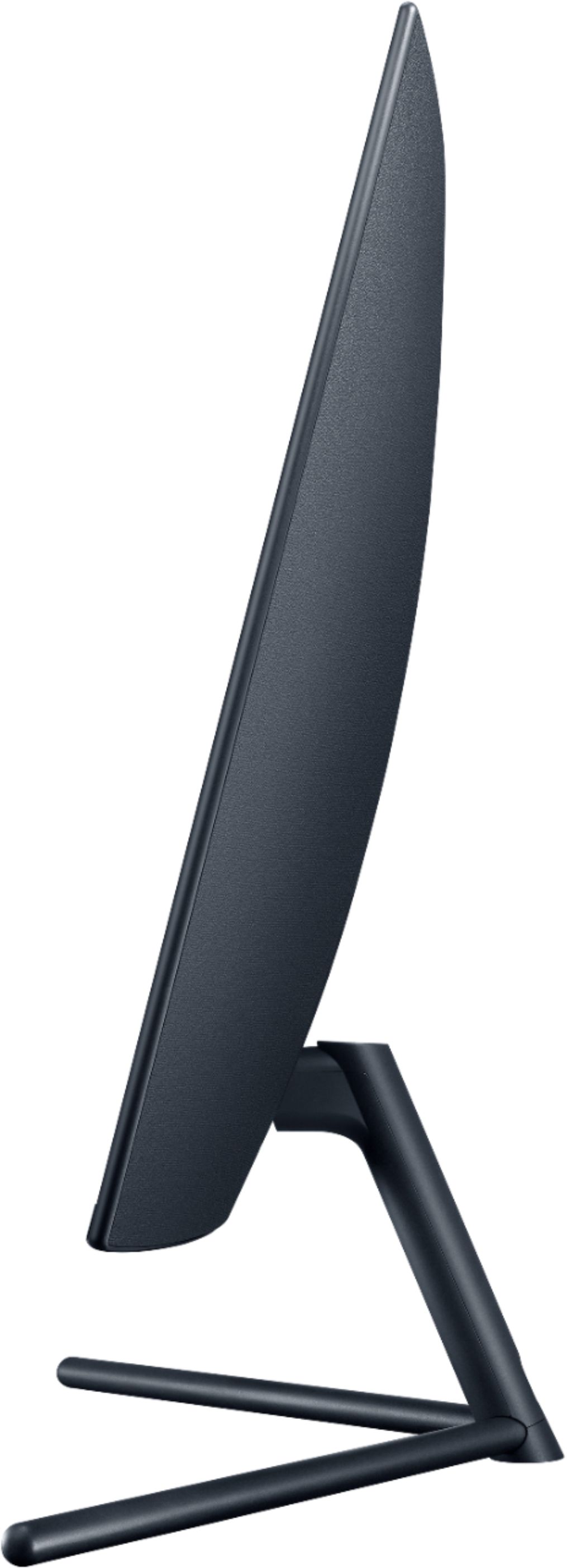
A:AnswerThe monitor is unable to use your standard desk mount. However, there is a company that offers an adapter to allow you to do so. If you search the web with the samsung model number and mount, you will find the adapter.
Otherwise, you're only able to use the included stand.
A:AnswerYes! I have it in this exact setup and love it. No adjustments are needed, but you may want to change the scaling—by default, everything will be pretty small.
A:AnswerI have a surface book 2 and just bought this monitor. Duplicating display gives you the black bars on the sides, but whenever you switch to extend display or only use the monitor screen the 16:9 ratio is used and the image takes up the entire display. This is the first day I've had the monitor, and it seems to work well.
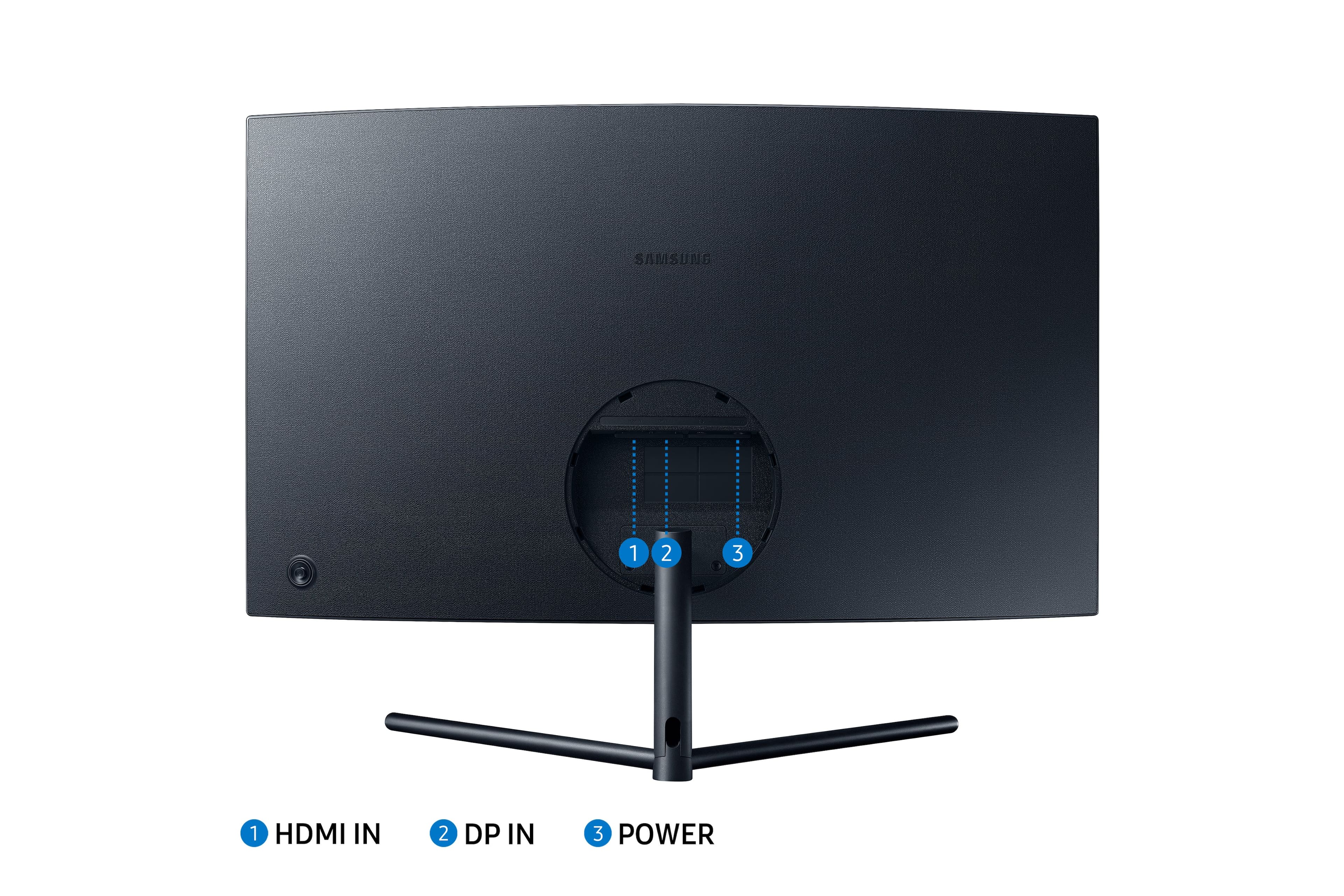
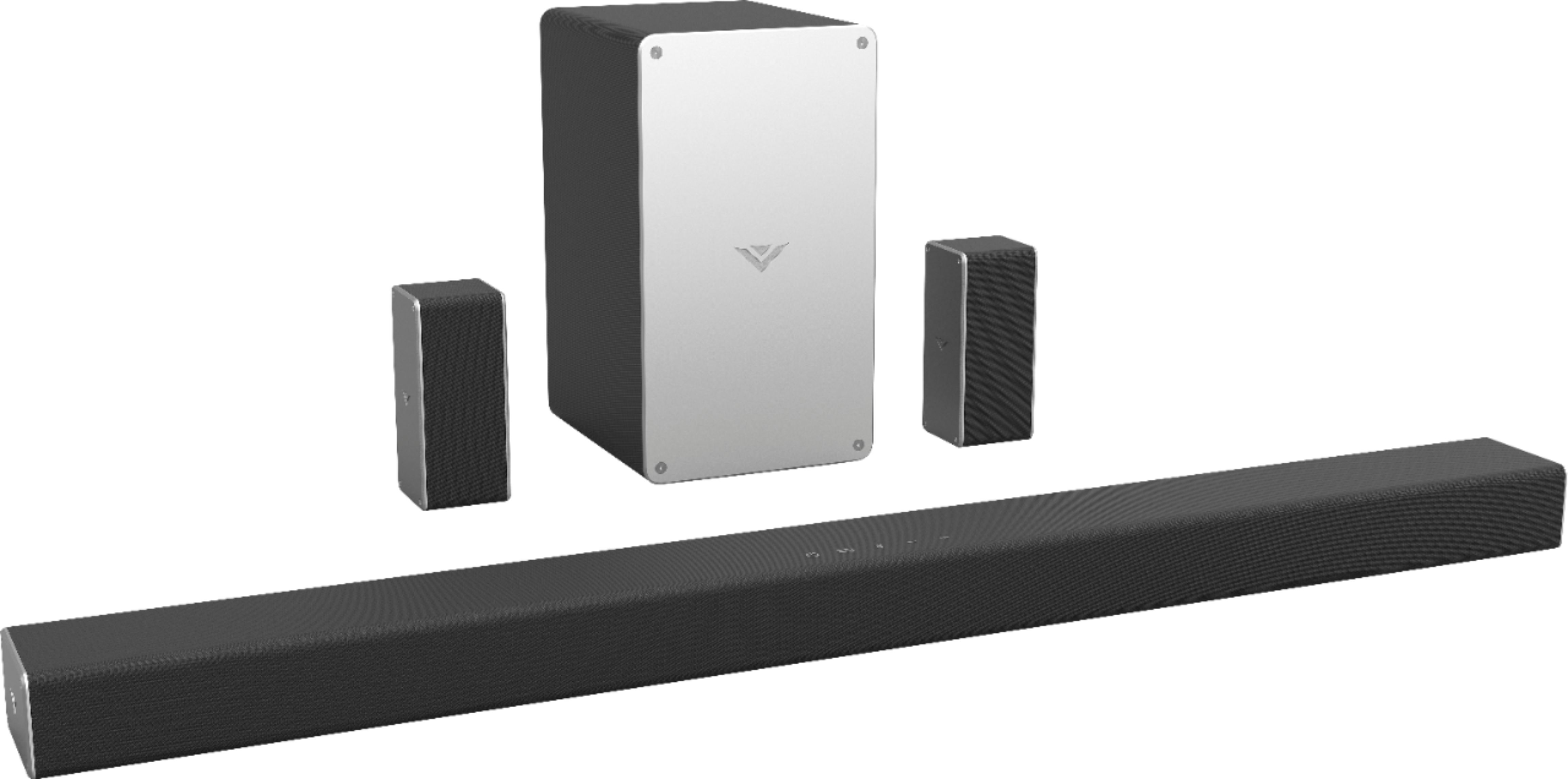
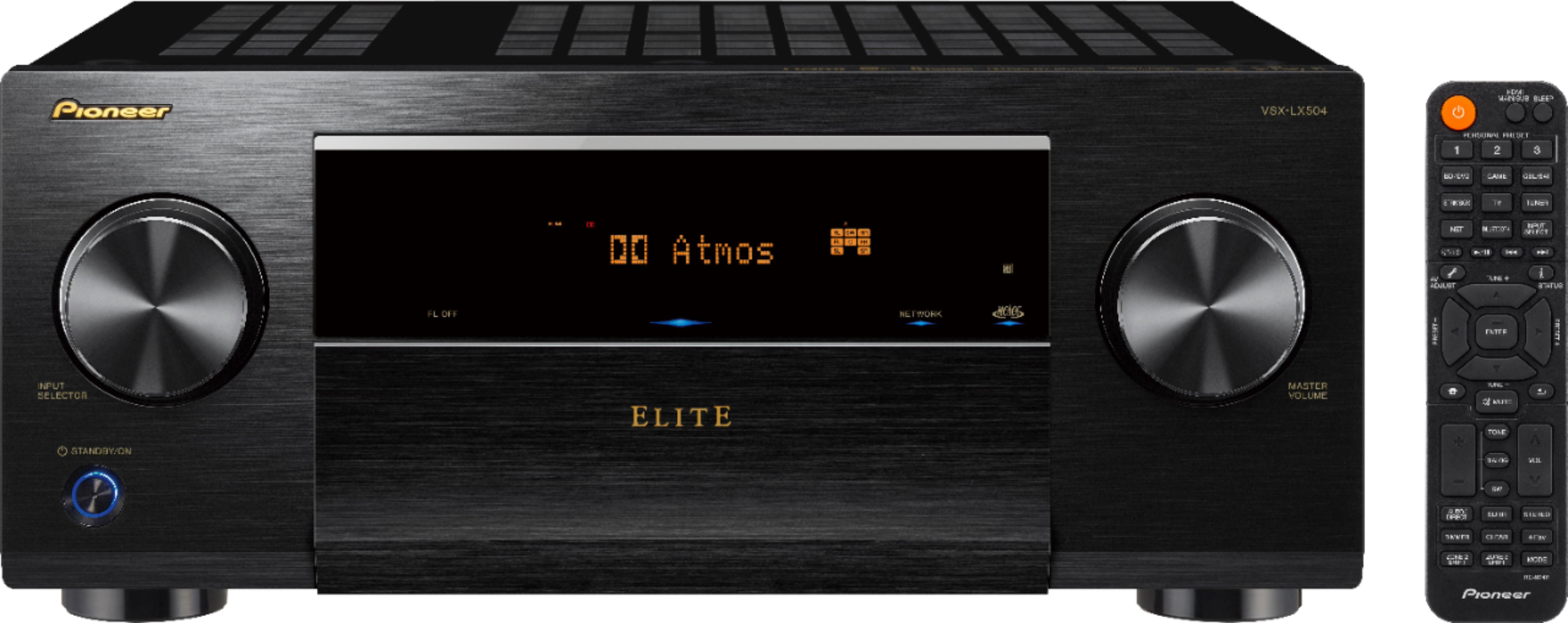
A:AnswerThe short answer is yes, but only for video. This monitor has an HDMI port, so it should have no problem displaying 4K video. However, since it does not have built-in speakers, you'll need a Sound Bar or an AVR and speakers. An AVR would be better because it would be able to extract the audio from the HDMI input, and pass the video on to the Monitor. Otherwise, your TV source will to also need audio output that can be ran to the sound bar.
If you currently have a TV and a Sound bar, and you keep the TV volume muted while listening to the sound bar, then replacing your current TV with this monitor will be easy.
A:AnswerShould work just fine for someone with normal eye sight, providing they can live with the 60 Hz refresh rate. The only restriction will be that these four views will have to be combined into a single video feed going to the monitor. In other words, if your PC can partition the desktop into 4 proportional sections, then this monitor would allow each of them to have a resolution of 1920x1080 (1/4 of 4K).