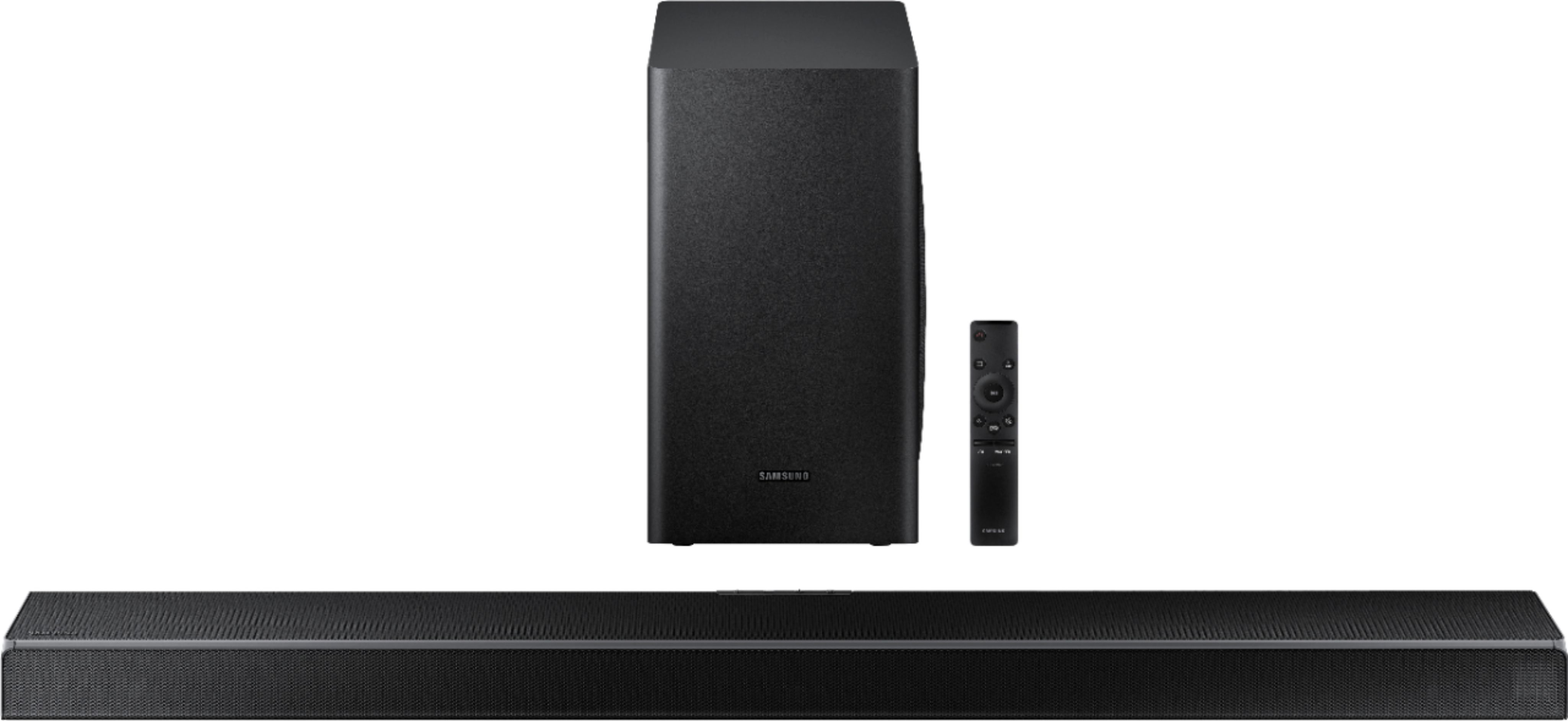
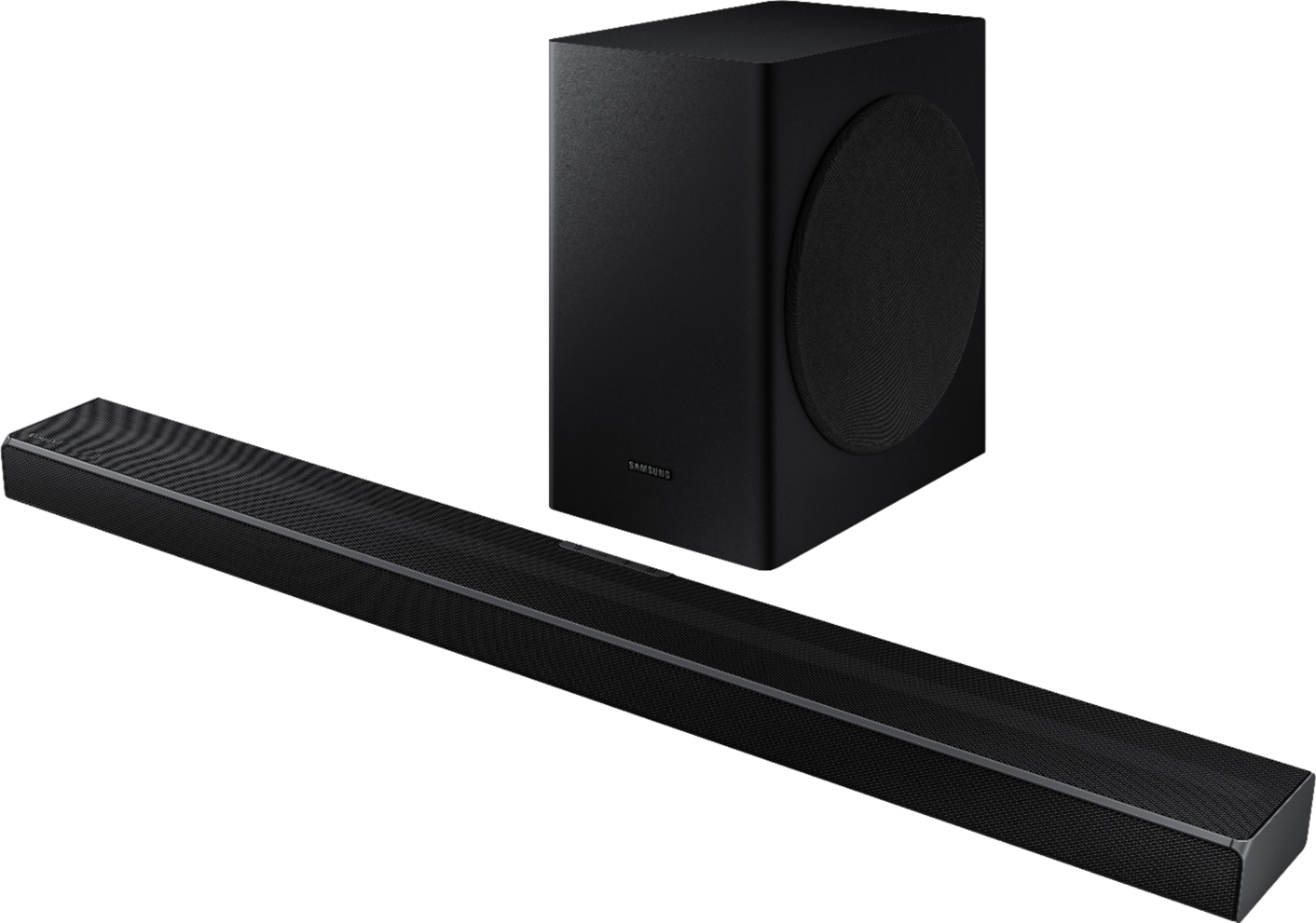
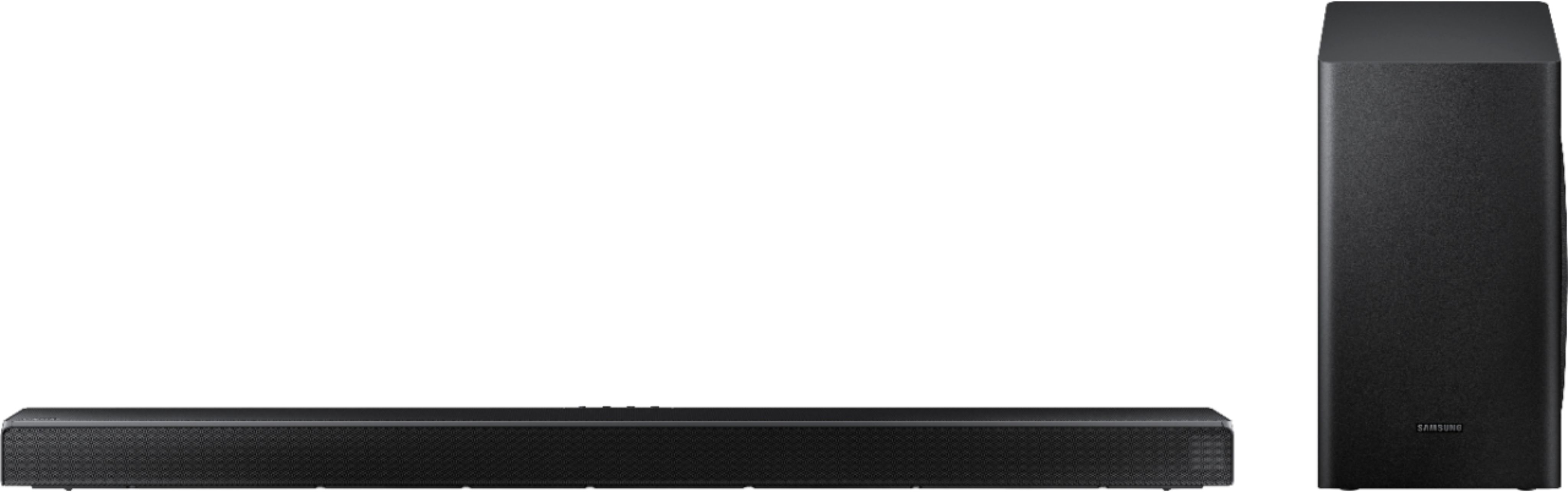
A:AnswerThe HW Q60T does have e/arc, and the set-up directions are easy enough to follow. The display on the right side of my brand new 2020 Samsung Q60T Soundbar does read TV ARC following setup, and it appropriately briefly reads D.IN, as it's supposed to when properly set up IAW the instructions. BUT, the Sound source on my (also brand new) 2020 Samsung Q80T TV does NOT read "Soundbar + TV" as it's supposed to, and the TV's integral speakers do NOT work along with the soundbar, as they're supposed to. This soundbar is designed to do something different than most soundbars before it. It's supposed to work ALONG WITH a compatible TV's integral speakers for a surround-sound, symphony-like experience. Samsung calls this feature Q Symphony, and it just came out this year. But, despite the fact that my compatible brand new Samsung TV is properly hooked up with my brand new Q60T Soundbar, this selling feature does NOT work. I've spent hours on the phone with Samsung Tech Support and Best Buy Total Tech Support. All technicians agree that my TV and Soundbar are set up perfectly ... AND that the Q Symphony feature is NOT working as advertised. (My TV's speakers will NOT work with the Soundbar, as advertised.) But there's nothing that can be done about it, short of returning the soundbar and/or the TV. According to the latest Samsung tech, I either purchased a lemon Soundbar ... or there's a bug in the Soundbar system that Samsung has yet to work out. Their techs have submitted a ticket to let Samsung know about this problem and I'm told they'll eventually be in touch with me to discuss it.
A:AnswerHi Louis! The HW-Q70T is a 3.1.2 soundbar with the Acoustic Beam 2.0 adding true Dolby Atmos and DTS:X playback for a more immersive surround sound experience. This model is also compatible with Wi-Fi for music casting, and works with Alexa. ^Tim
A:AnswerHi there, Great question, the Adaptive Sound feature optimizes any source for the clearest dialogue. If you wanted to take it a step further; the clarity of a voice is found in the mid-frequencies – say from 2 kHz to 6 kHz. If you press and hold the (Sound Control) button for about 5 seconds you can adjust the sound for each frequency band. 150Hz, 300Hz, 600Hz, 1.2kHz, 2.5kHz, 5kHz, and 10kHz are selectable using the Left/Right buttons and each can be adjusted to a setting between -6 to +6 using the Up/Down buttons. This should help to amplify the dialogue and make it cut through better. Another way of approaching this is to cut around the 300 – 800 Hz range. ^Scott
A:AnswerHey Mike - The optional rear speaker kit SWA-8500S would produce surround sound as long as the HW-Q60T soundbar is receiving a 5.1 audio source. ^Jason
A:AnswerRuben, you sure can use your Samsung TV remote to control your Samsung Soundbar! Our Smart TVs include our OneRemote, which automatically detects and controls all compatible connected devices. ^Gina
A:AnswerI've only had this a few days but I find that I can hear it a little better. It has different modes to use for different events. I do find clarity a little hard to come by. I'm also having trouble with the sound bar syncing with the tv. You see the actors talking but the sound is a little disconnected. I have to be honest and say I'm a little disappointed for the price I paid. I expected better. I'm still trying different settings to see if I can get better sound out of it.
A:AnswerBryan, ensure the HW-Q60T HDMI cable is plugged into the HDMI ARC port on your TV, as this should allow your soundbar to turn on and off with your TV. ^Gina
A:AnswerHi Jules! To improve your sound experience, press the Sound Mode button on your remote control and select Adaptive Sound. In Adaptive Sound mode, the soundbar analyzes the content and volume to optimize the audio rendering resulting in clearer dialogue.
Using Dynamic Range Control (DRC). DRC lets you apply dynamic range control to Dolby Digital tracks. With DRC turned on, loud sounds will be reduced.
1) Turn off your Soundbar. 2) While the Soundbar is off, press and hold the Sound Mode button on the remote control for 6 seconds until you see “DRC ON” shown on the display. 3) To turn off DRC, repeat steps 1 and 2 above. ^Patty
A:AnswerHi,
The 3 and the 5 mean the number of tweeter speakers in the soundabr. The .1 means the number of subwoofers that can be supported by the soundbar at a time.
A:AnswerHi Mike, You could hook the soundbar up to the eARC port through HDMI and connect to the audio in HDMI port on the soundbar. Then hook up your other devices as usual and you're off to the races. Cheers! ^Scott
A:AnswerHi Roci! Q-Symphony is a new feature that allows Samsung's Q80T TV and above to play TV audio and Samsung Soundbar audio simultaneously; you will need to have a 2020 Q80T TV or above, and a 2020 Q-Series Soundbar for this feature to be activated. The HW-Q60T Soundbar is compatible with this feature. ^Gina
A:AnswerHi 4KHDMI! The issue is likely due to the TV not recognizing the PS4 since it is going through another source and not direct to the TV. By not recognizing the PS4, the TV will have no way to automatically turn on HDR with input signal plus. You can try connecting the PS4 direct to the TV to allow the TV to recognize the PS4 and automatically detect HDR content, or you can try turning on and off the Input Signal Plus feature when you are watching HDR content or playing HDR enabled games.
For additional troubleshooting solutions in the event these steps do not resolve the issue, please reach out to Samsung TV Support at:
― Phone: 1-800-SAMSUNG / Available 8 AM - 9 PM EST, Mon - Fri
― LiveChat or Email: https://www.samsung.com/us/support/#contact_us_for_support
We look forward to hearing from you.
^Tim
A:AnswerHi norm! The soundbar is designed to work with a wireless rear speaker kit if you are looking for additional surround sound. Additional speakers cannot be hardwired to the soundbar. ^Tim