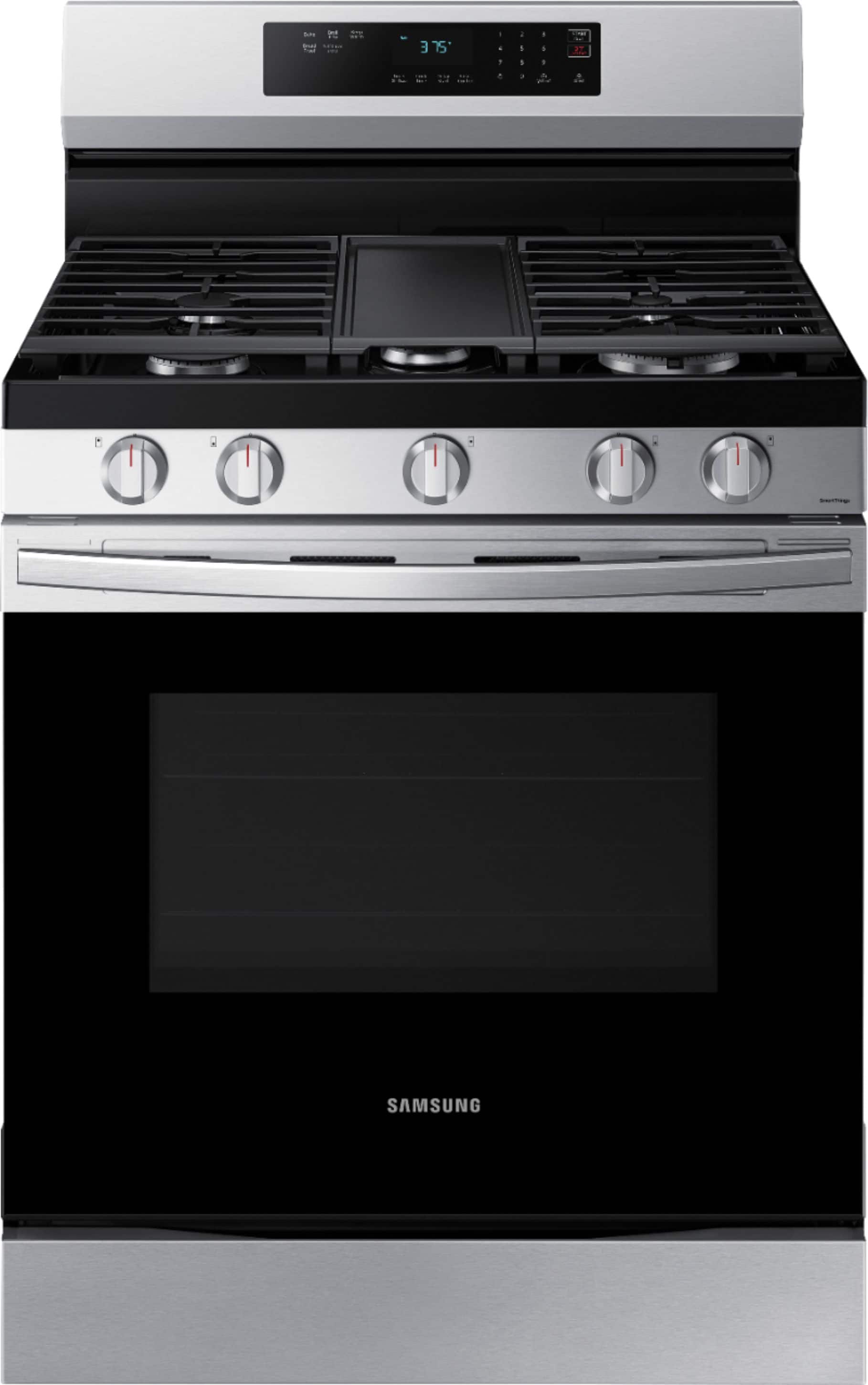
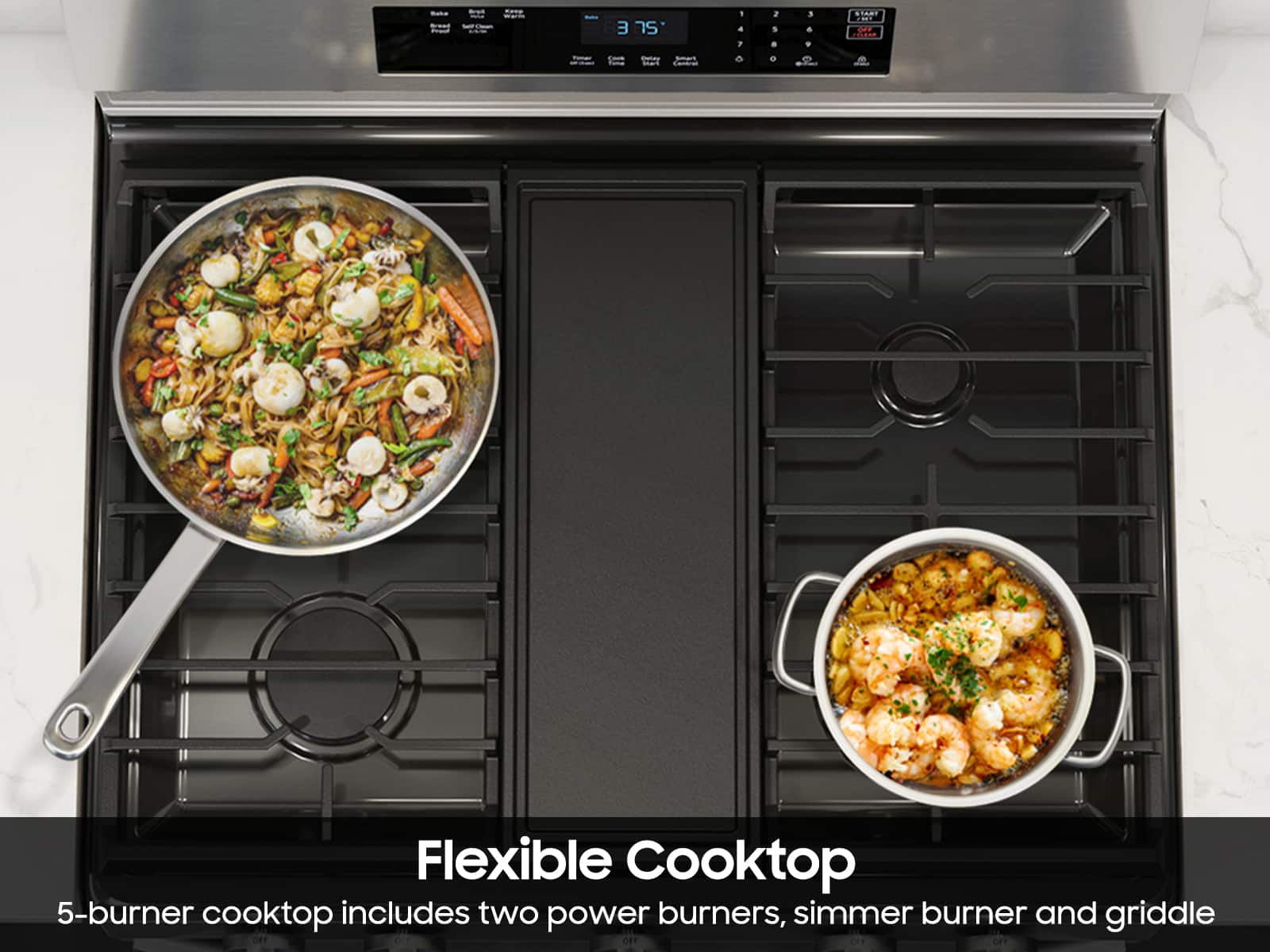
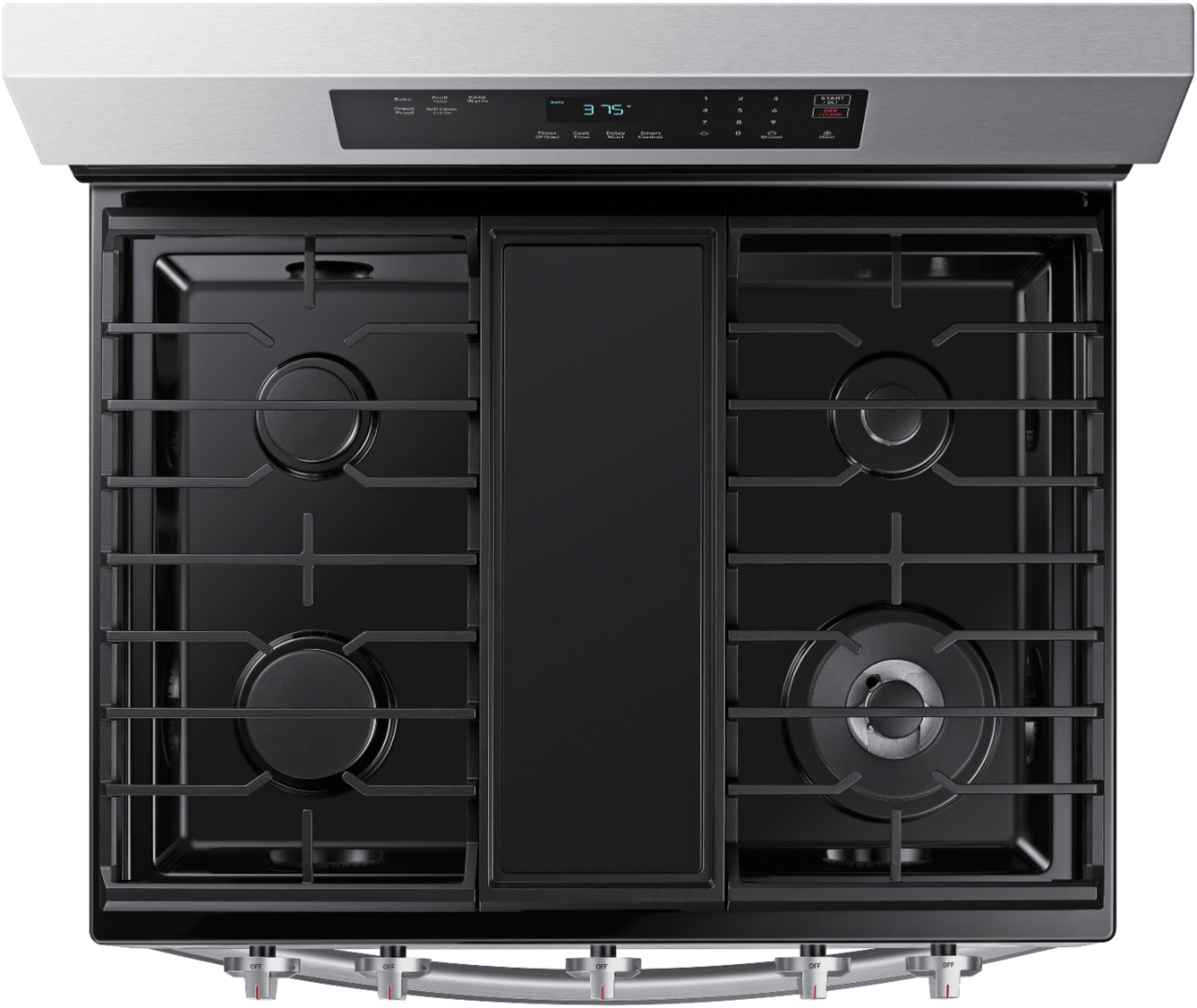
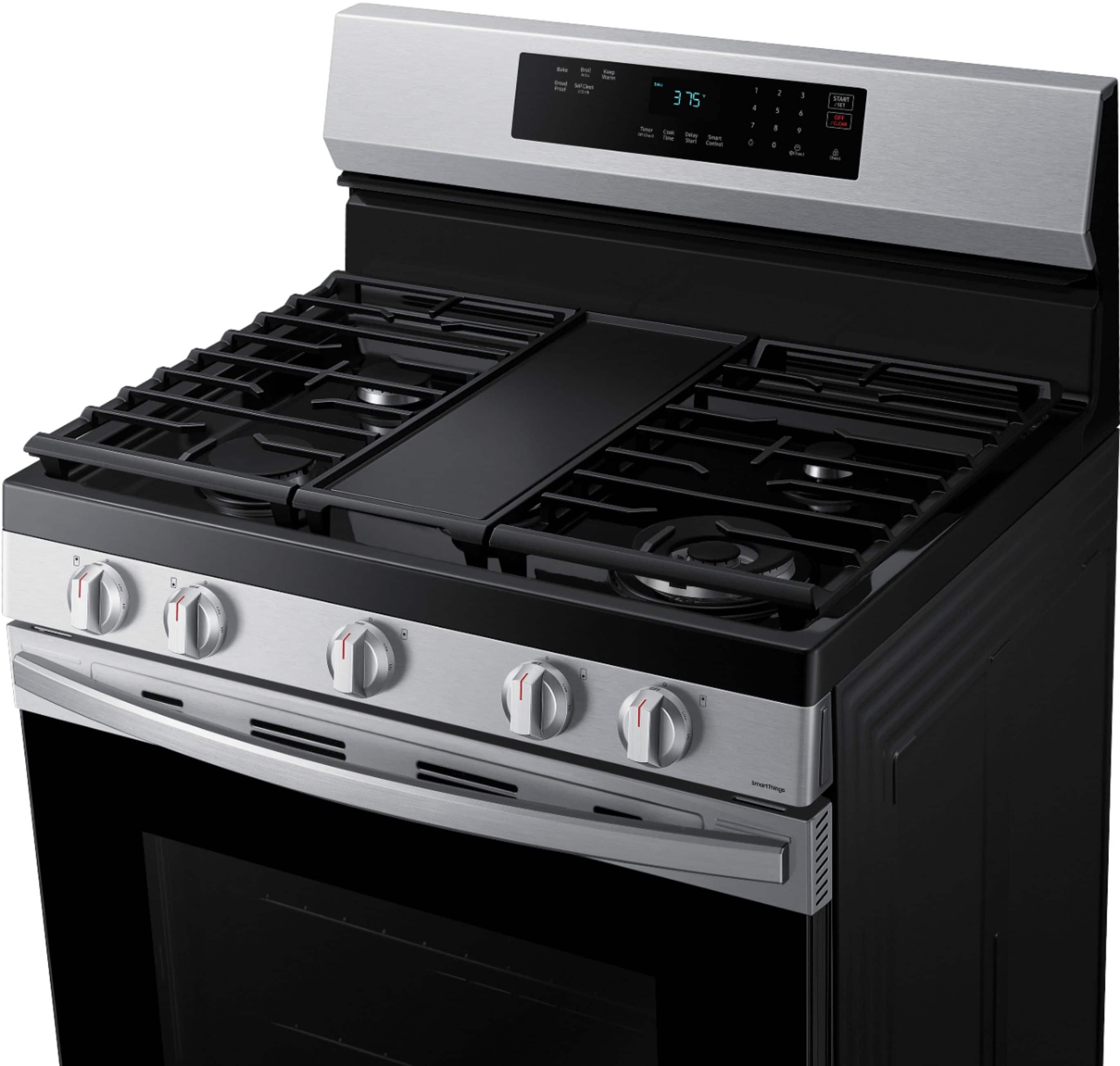
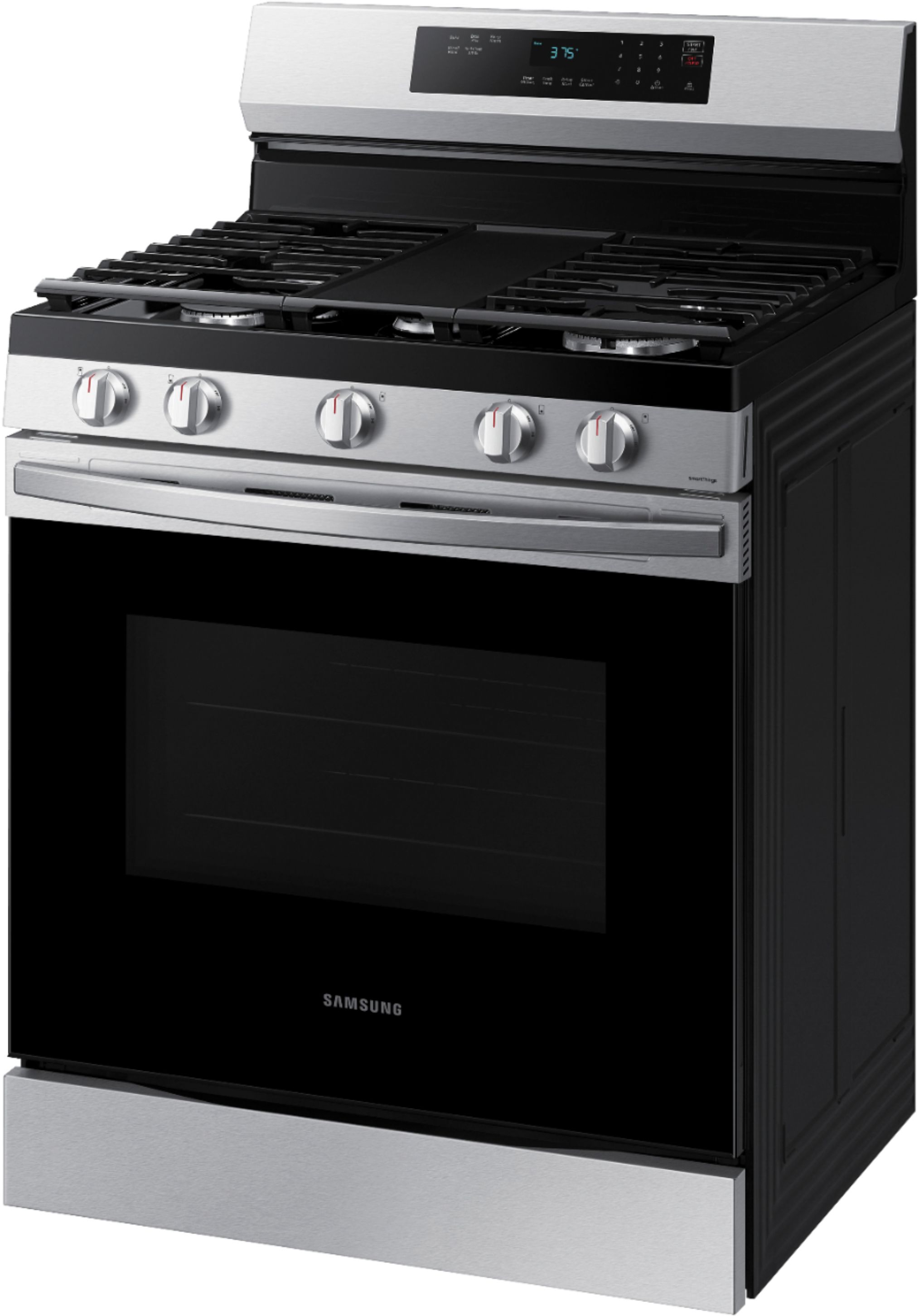
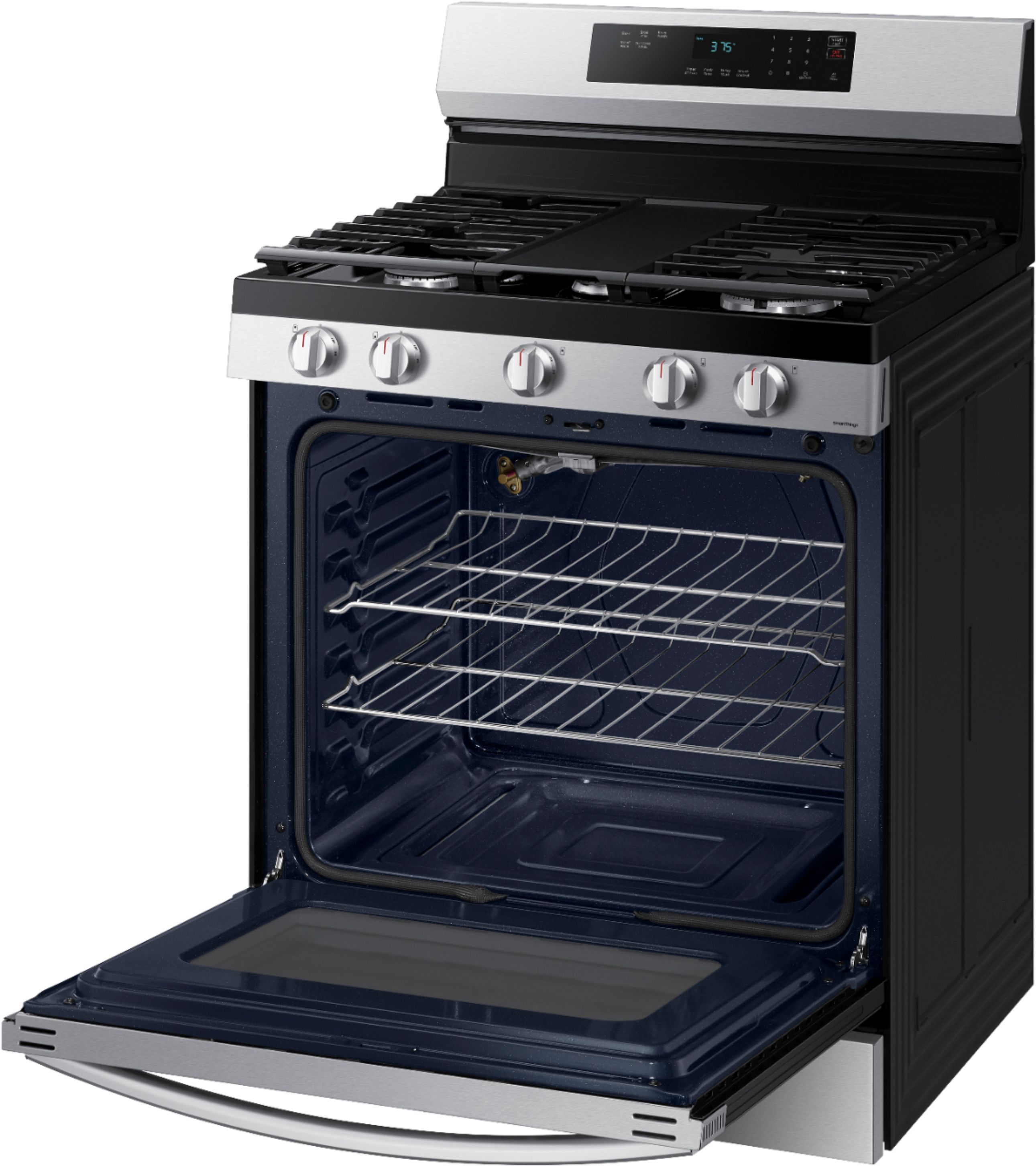
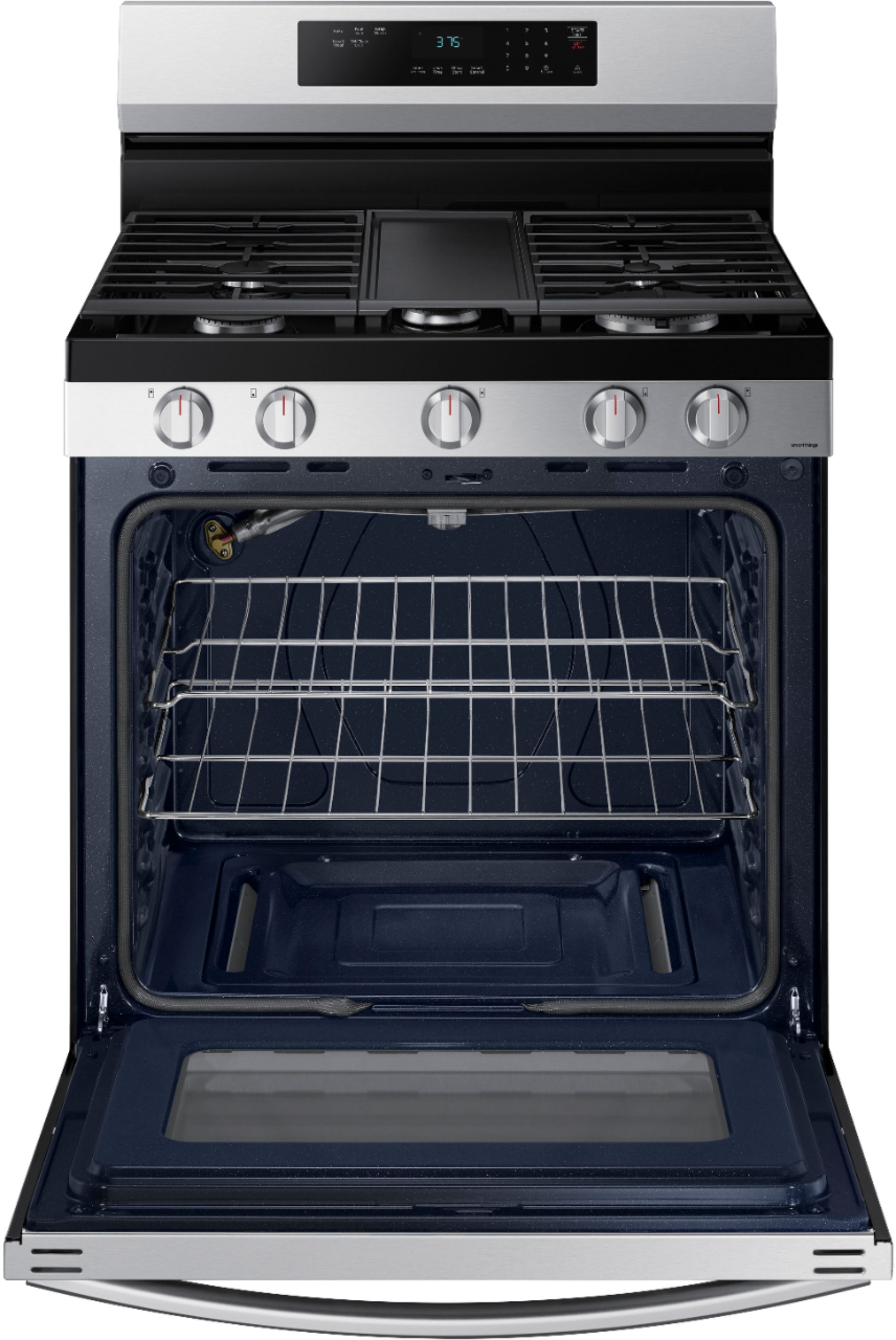
A:AnswerThe true measurements are listed in the information about the product explanation but be sure to know that the door handle and control knobs on the front of it stick out a bit more than mentioned, I had to take the door trim off down to the casing as I misjudged the measurements given.
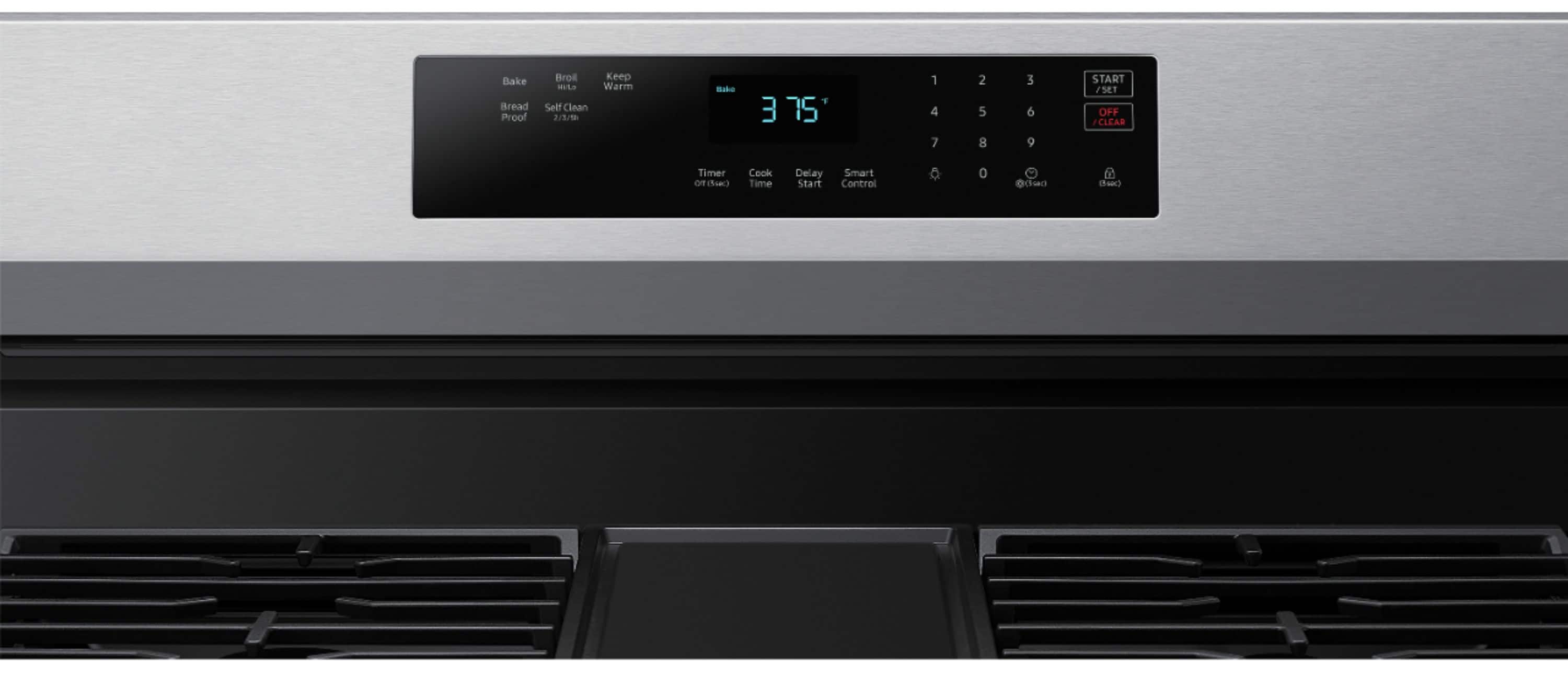
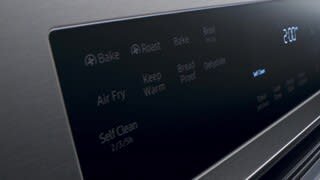
A:AnswerI'm happy to help with this, Carla! Changing the temperature after the oven is already heated is the same process as setting the temperature initially. You will need to press the button for the cooking mode you are using, for instance "Bake". Next, use the number pad to enter the new temperature, then press "Start". ^Jecca
A:AnswerHello.
Thank you for reaching out regarding your Samsung - 6.0 cu. ft. Freestanding Gas Range with 18K BTU Dual Power Burner, WiFi & Self Clean on where I can get knobs DG9403950. Regarding your concern, it would be best to contact our Samsung Parts team for them to assist you further. You can contact them at 800.627.4368 Mon - Fri 9:00 AM ~ 6:30 PM EST.
I suggest you check this link for further assistance,
https://www.samsungparts.com/PartsList.aspx?Catalog=Parts_and_Accessories&PartSearch=DG9403950
Should you need more assistance, please feel free to get back to us via the following options:
1. Facebook Messenger: http://m.me/samsungsupport
2. Twitter: https://twitter.com/messages/compose?recipient_id=18768513
3. Samsung Community: https://us.community.samsung.com/t5/Samsung-Community/ct-p/us
Reference Ticket Number: 1144735424
Thank you for being a valued customer of Samsung. Have a great day.
^Camille
A:AnswerDid you pull it out past the clips on the hinges? If so you need to insert both clips simultaneously while pushing the drawer into the slots, it is real troublesome feat, you have to make sure the clips on the hinge are just touching the slot, it doesn't look like it would go back in properly but with patience and repeated tries I actually got #@*!?$#@!! thing back in, the clips are on the back edge of the hinge like a little piece of metal looking thing that moves up and down and has a spring action that has to be very carefully moved, slid into the opening, both at the same time or you can't slide the drawer in, it will not go in lined up, it's very tricky. If I had pictures of it I would explain it better but to do that I would have to pull the #$@&*!#*@ drawer out and I'm not going through that again even though I know how to do it.
A:AnswerThanks so much for asking! This model is not listed as having the air fry feature. However, if that is a feature you are looking for, I can provide this link (https://bit.ly/3pwZuMS) to a full list of Samsung's currently available freestanding gas ranges that do have the air fry feature. ^Jecca
A:AnswerI'm happy to help with this, Bill! In order to use the Smart/Wi-Fi features, you will need to connect the range to the internet. I can also provide this link (https://bit.ly/3zzWxwQ) to the user manual for this model. Page 31 begins the section on how to connect and use the Smart features. ^Jecc
A:AnswerHi Help,
We appreciate your question about getting a grate to replace the griddle for your range. I understand your reasons for wanting to change the griddle for a grate.
You may visit the website of our authorized distributor for parts and accessories. I have shared their website below.
http://www.samsungparts.com/CustomerService.aspx
Should you need more assistance, please feel free to get back to us via the following options:
1. Facebook Messenger: http://m.me/samsungsupport
2. Twitter: https://twitter.com/messages/compose?recipient_id=18768513
3. Samsung Community: https://us.community.samsung.com/t5/Samsung-Community/ct-p/us
When you message us, give them this number 1144838263 and it will help our team pull up your information.
Leo
A:AnswerHi NJRosie.
Thank you for reaching out regarding Samsung - 6.0 cu. ft. Freestanding Gas Range with 18K BTU Dual Power Burner, WiFi & Self Clean on how to set the clock. I am sorry to learn you have a hard time setting your clock. Regarding your concern, here are the steps.
1. Press the clock symbol
2. Enter the current time using the number pad.
3. Press START/SET to confirm the settings.
I suggest you check this link to your user manual for further assistance. Please go to page 15.
https://downloadcenter.samsung.com/content/UM/202105/20210525183423589/NX60A6311SS_AA_DG68-01340A-02_EN-MES-CFR_210511.pdf
Also you can check this link for assistance.
How to set the clock on your Samsung range
https://www.samsung.com/us/support/answer/ANS00089342/
Should you need more assistance, please feel free to get back to us via the following options:
1. Facebook Messenger: http://m.me/samsungsupport
2. Twitter: https://twitter.com/messages/compose?recipient_id=18768513
3. Samsung Community: https://us.community.samsung.com/t5/Samsung-Community/ct-p/us
Thank you for being a valued customer of Samsung. Have a great day.
Reference Ticket Number: 1144461374
^Camille
A:AnswerHi there,
Thank you for reaching out to us. Let us extend our help by providing the details you need for your range.
If the range shows an error code “test”, this means that it is in Demo mode. The oven and cooktop will not heat (gas cooktops will still ignite).
Below is a guide on how to turn off Demo mode for your model. Please turn to page 29 (Demo mode) of the user manual.
User manual:
https://downloadcenter.samsung.com/content/UM/202502/20250214150403730/O_01._DG68-01340A-08_IB_FULL_EN.pdf
Should you have other query, feel free to connect with us through the following platform.
1. Facebook Messenger: http://m.me/samsungsupport
2. Twitter: https://twitter.com/messages/compose?recipient_id=18768513
3. Samsung Community: https://us.community.samsung.com/t5/Samsung-Community/ct-p/us
4. Customer Care: 1-800-726-7864 (1-800-SAMSUNG)
Please provide us with this reference number (1151782856) when you message us so our team can retrieve your information.
Thank you.
Nicole
A:AnswerYes, Rob, this range can be converted to propane, and we require a qualified gas technician to do this. We recommend consulting a qualified gas technician for the cost.
Please refer to your installation manual for more details. Turn to page 15, "Gas requirements."
Installation Manual
https://downloadcenter.samsung.com/content/EM/202212/20221227115216685/Install_NX60A6_DG68-01337A-00_EN-MES-CFR_201230.pdf
Have a great day.
^Camille
A:AnswerHello there,
Thank you for asking. Let's get the details you need.
To check the availability and compatibility of your range's plastic cover on the side of the knob, you can contact Samsung's official parts distributor for customers purchasing Samsung parts or accessories.
Orders can be placed online at www.samsungparts.com or by phone at 800-627-4368; hours of operation are 9:00 am – 6:30 pm EST, Monday–Friday.
Have a great day.
^Camille
A:AnswerDear Valued Best Buy Client,
Our goal is to assist you at any time. Don't hesitate to contact our Best Buy Customer Service department at (888) 237-8289 for assistance. They are available 24 hours a day. They can answer your question, transfer you to your local store to inquire about their installation and haul-away services, and provide the cost.
Have a great day.
-John
A:AnswerHi Sammy,
We're happy to help with your question about this Samsung range model.
There are three possible locations where you can find the serial number along with the model code. Please check the following areas:
1. Behind the drawer (right side): The label may be located behind the drawer, on the right-hand side.
2. Behind the drawer (left side): The label may also be on the left-hand side behind the drawer.
3. Inside the oven (left side): Open the oven door and look on the upper left side, just before the oven cavity.
Leo
A:AnswerHi there,
This unit is a gas model oven.
Should you need more assistance, please feel free to get back to us via the following options:
1. Facebook Messenger: http://m.me/Samsungsupport
2. Twitter: https://twitter.com/messages/compose?recipient_id=18768513
3. Samsung Community: https://us.community.Samsung.com/t5/Samsung-Community/ct-p/us
When you message us, please provide us with this reference number (1148899225) to help our team pull up your information.
Have a great day
^Charles
A:AnswerHi there,
We would like to assist you further with your concern.
Please feel free to get back to us via the following options:
1. Facebook Messenger: http://m.me/Samsungsupport
2. Twitter: https://twitter.com/messages/compose?recipient_id=18768513
3. Samsung Community: https://us.community.Samsung.com/t5/Samsung-Community/ct-p/us
Please provide us with this reference number (1148405099) to help our team pull up your information when you message us.
Have a great day,
-Ernest-
A:Answeryou might be able to reset by unplugging and plugging back in after 5 minutes. if that does not work you might have a dead control panel or a defective touch pad. these are very expensive repairs un less you can diy.