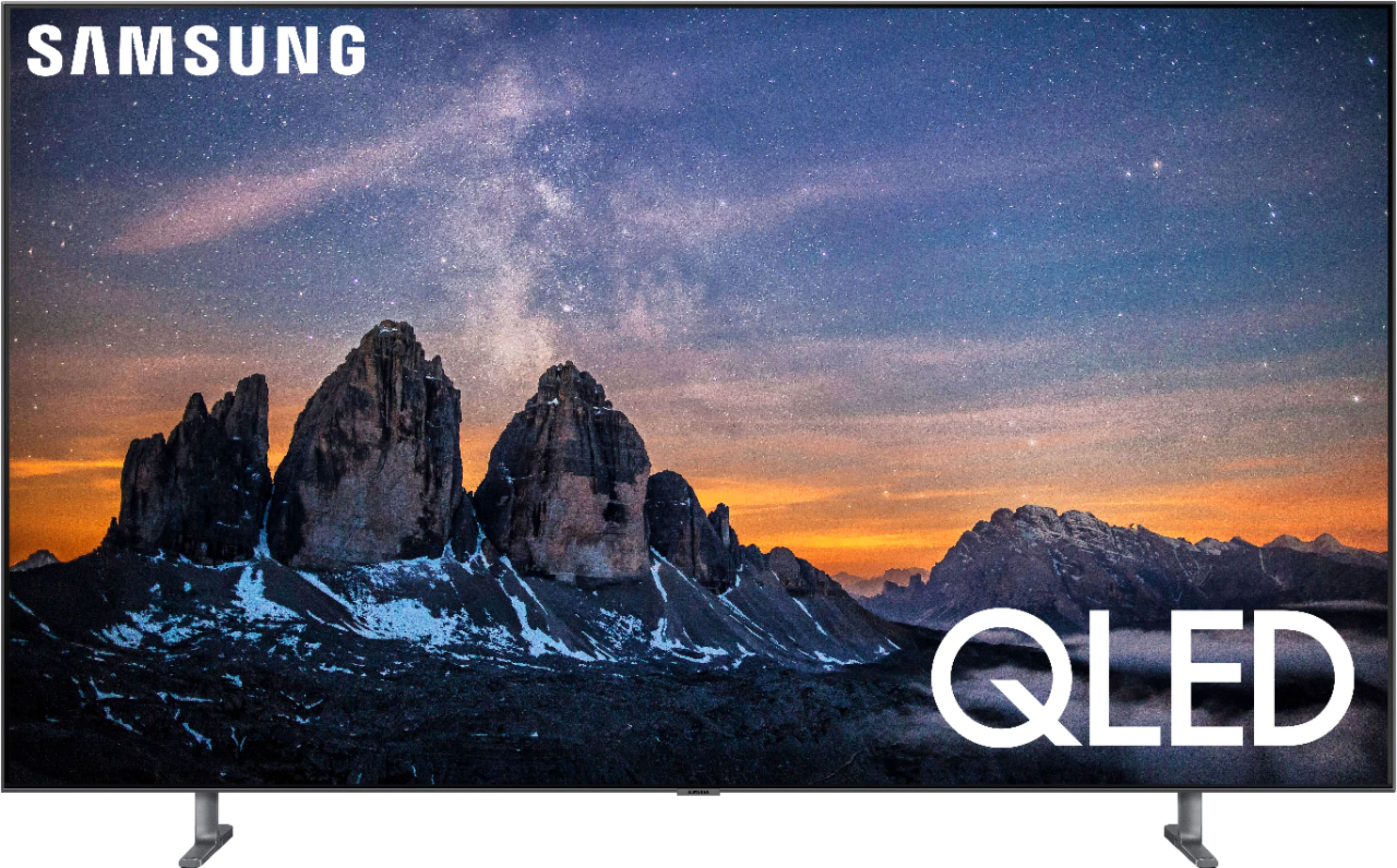
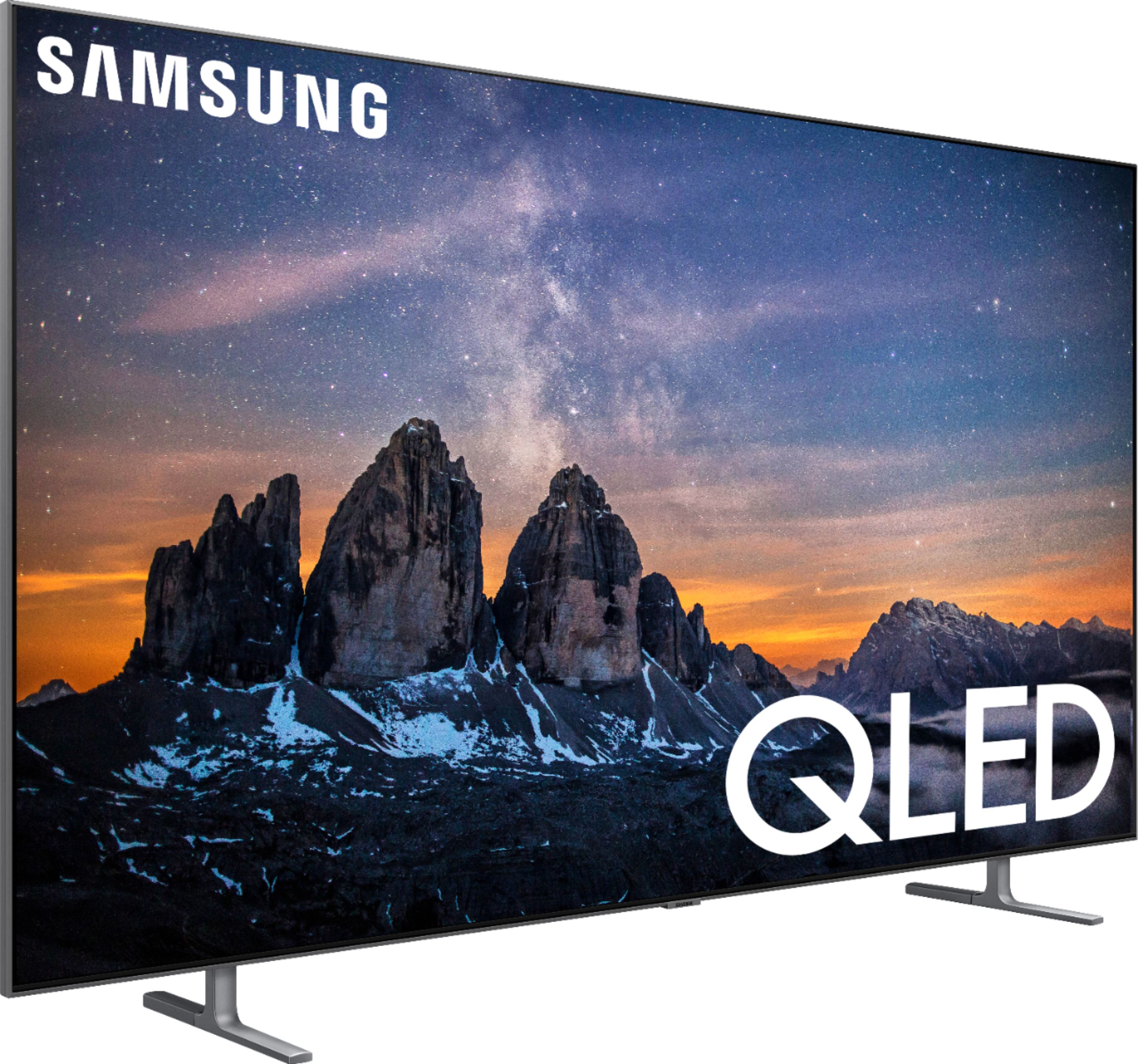
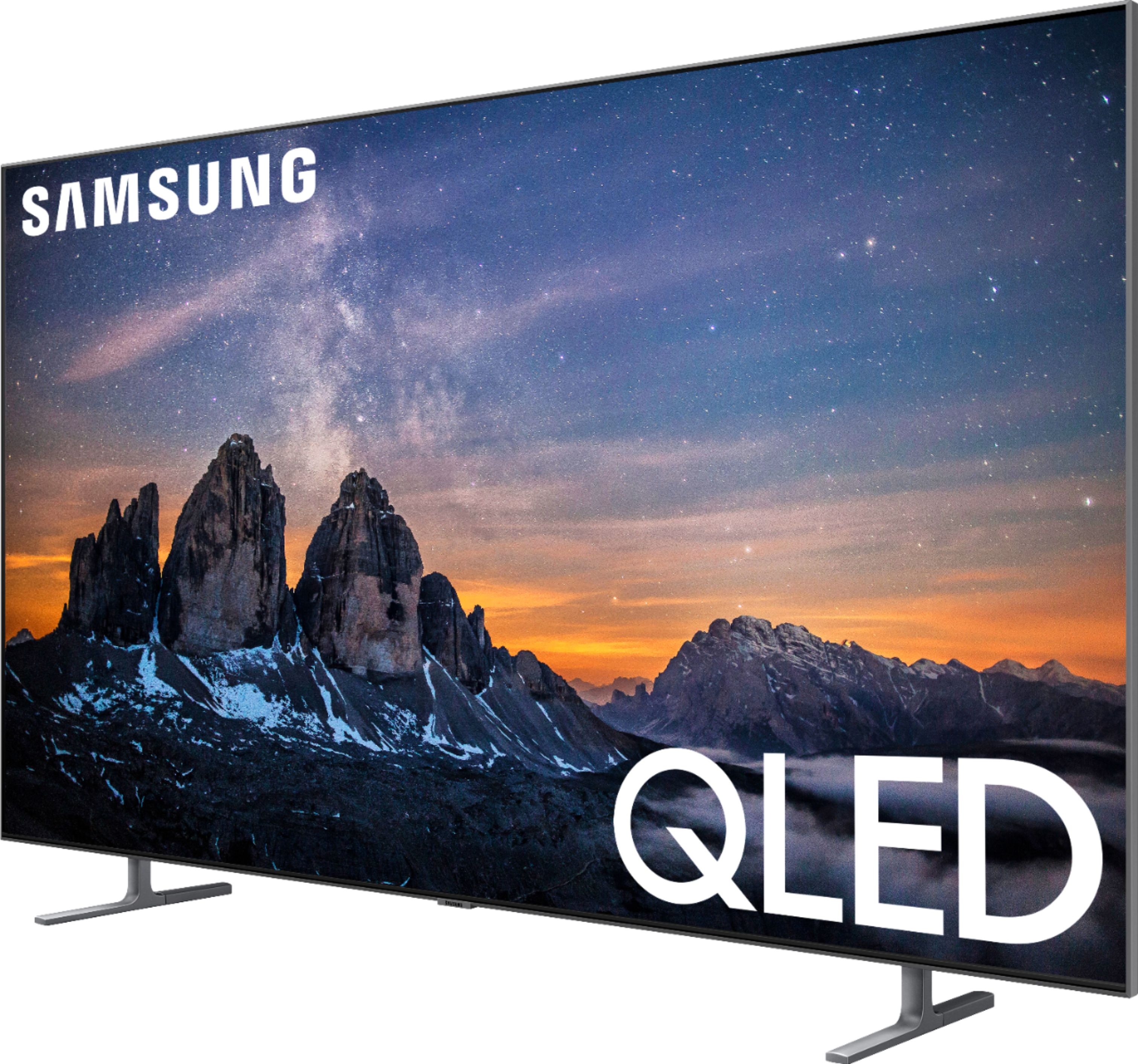
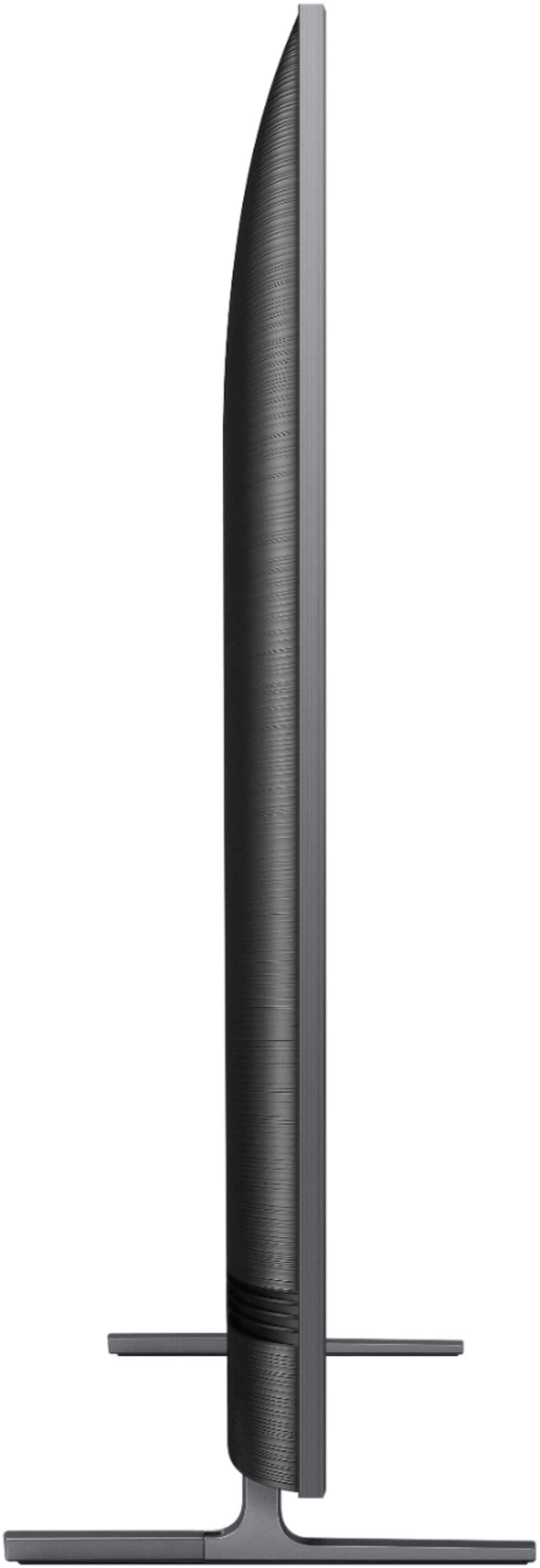
A:AnswerThe 2019 Samsung Q80 is superior to the 2018 Q8/Q7 in a number of ways:
1) The 2019 Q80’s Direct Backlight/Full Array Panel has twice the number of LED zones, compared to the 2018 Q8. The 2018 Q7 was an Edge Lit LED panel, so both the 2018 Q8 and 2019 Q80 are superior in contrast, black level, and overall picture quality.
2) The 2019 Q80’s “Quantum Processor” has been upgraded and now includes Machine Learning Super Resolution (AI Upscaling). It will be able to upscale non-4K content better than the 2018 QLED lineup.
3) The 2019 Q80 also receives an upgrade to its HDMI ports—which are now HDMI 2.1. This means that the TV will be able to support 120 frames per second (FPS) on 4K/UHD content, as well as 1080P. The HDMI ports on the 2018 models were HDMI 2.0, and only supported 60 FPS for 4K/UHD content. The 2018 models supported 120 FPS for 1080P and below, but not 4K UHD content.
4). The 2019 Q80 supports Virtually Assistant Voice Control by Google Home and/or Amazon’s Alexa.
5). The 2019 Q80 also has Apple’s Airplay 2 built-in, therefore giving Apple device users the ability to cast and mirror compatible iOS/MacOS video/picture/music content, without the need for an Apple TV device
Additionally, the 2019 Q80 will have iTunes Movie and Television apps available in the Samsung Smart Hub (again, without the need for an Apple TV device).
It’s been reported that the 2018 Models will receive a firmware/software update in 2019, which will include the iTunes Movie/TV apps and Virtual Assistant voice-control compatibility.
Lastly, there are other improvements to the 2019 lineup, but the ones I listed above are the big changes/upgrades to the model/models.
A:AnswerI still have the film on mine since haven't had TV very long. Should be able to wait until after relocated to decide on removing it. It makes dusting the screen easy. Don't use any cleaning chemicals on screen with or without the protective film.
A:AnswerYou have to have a 4K or HDR signal to the TV. What ever you are trying to watch or stream must have that quality. The store images are super high quality and calibrated specifically for the tv. It’s a sales tactic.
A:AnswerYes there is a screen protector. After you take off the protective strips on the left and right there are pull tabs on the top corners to remove the film.
A:AnswerI use it for my ps4 and ive had my gaming pc on it a few times for some couch gaming time. It has freesync and a high refresh rate plus it does native 4k and the upscaler is good if it is needed. Game mode drops lag down a little more than standard but I'd say an OLED is probably a little quicker. Overall ive had a good experience gaming on this and if you are using any console the freesync and hdr features are a nice bonus for better picture and frame times.
A:AnswerHello Peter,
You will receive automatically Netflix, Prime Video and Hulu. However, you can delete these if you wish.
You are able to search and add any application that you wish.
The “only” downside is that Samsung comes. With it’s own app (Universal Guide) that personally, I don’t use. This app is NOT deletable!!!! This is a problem for some and annoying for others.
I still recommend this TV
A:AnswerI have no idea but think the info you need may be in the specs section on the website. Not easy to find but I think I saw it there. As for transporting it on its side, they should be able to tell you that in Best Buy. I replaced a Samsung flatscreen that was old and broken. This is a phenomenal choice. I am so happy with it. I had it installed on the wall. The ambient mode is so worth it and picture is great. You won’t be sorry.