A:AnswerI didn’t do the software update and just did the plug and play to test. It was running the full speed. But I had read that you can ask the Geek Squad to update the firmware though I’m not sure if they charge for that.
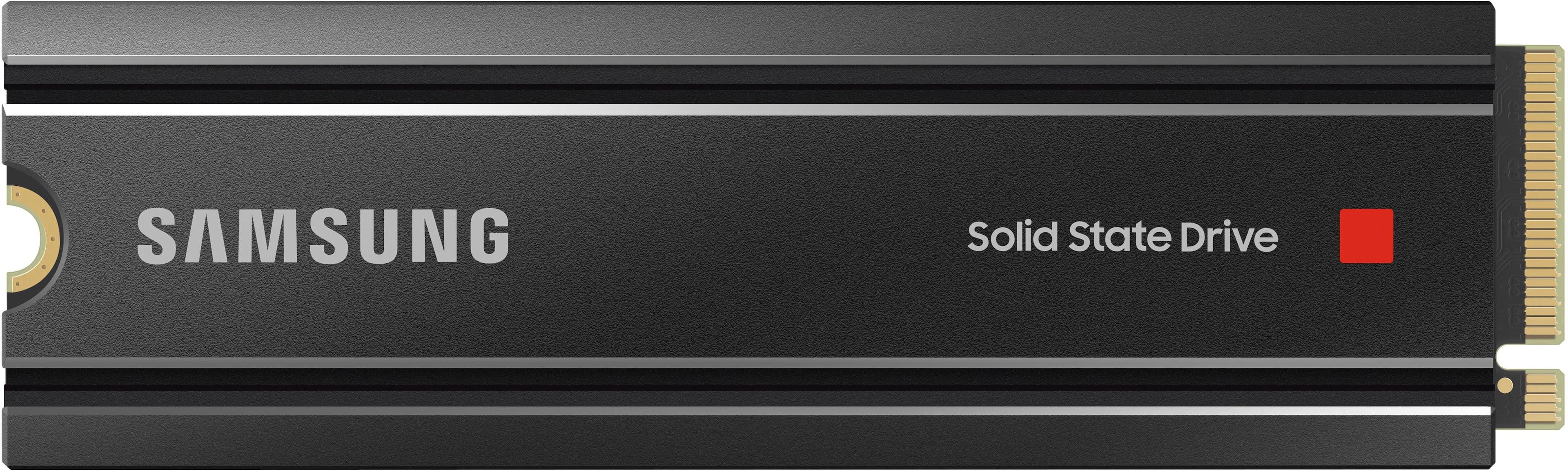
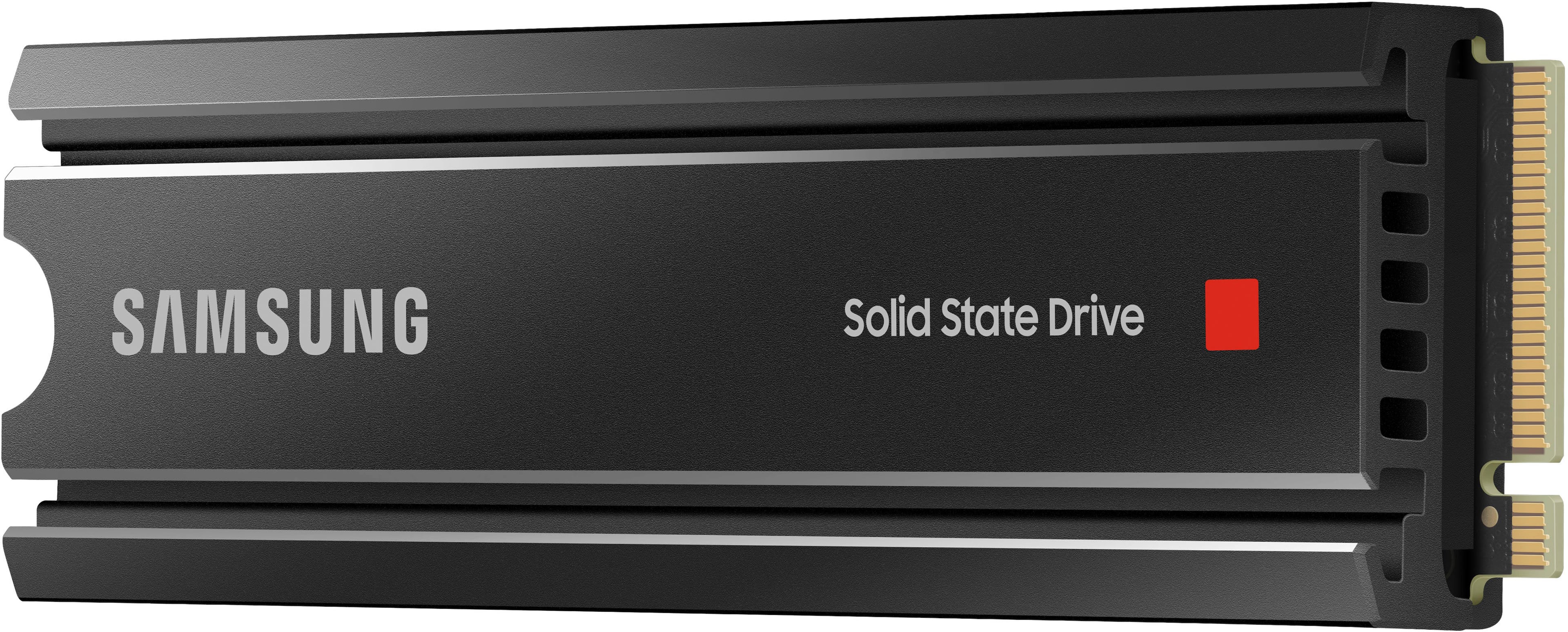
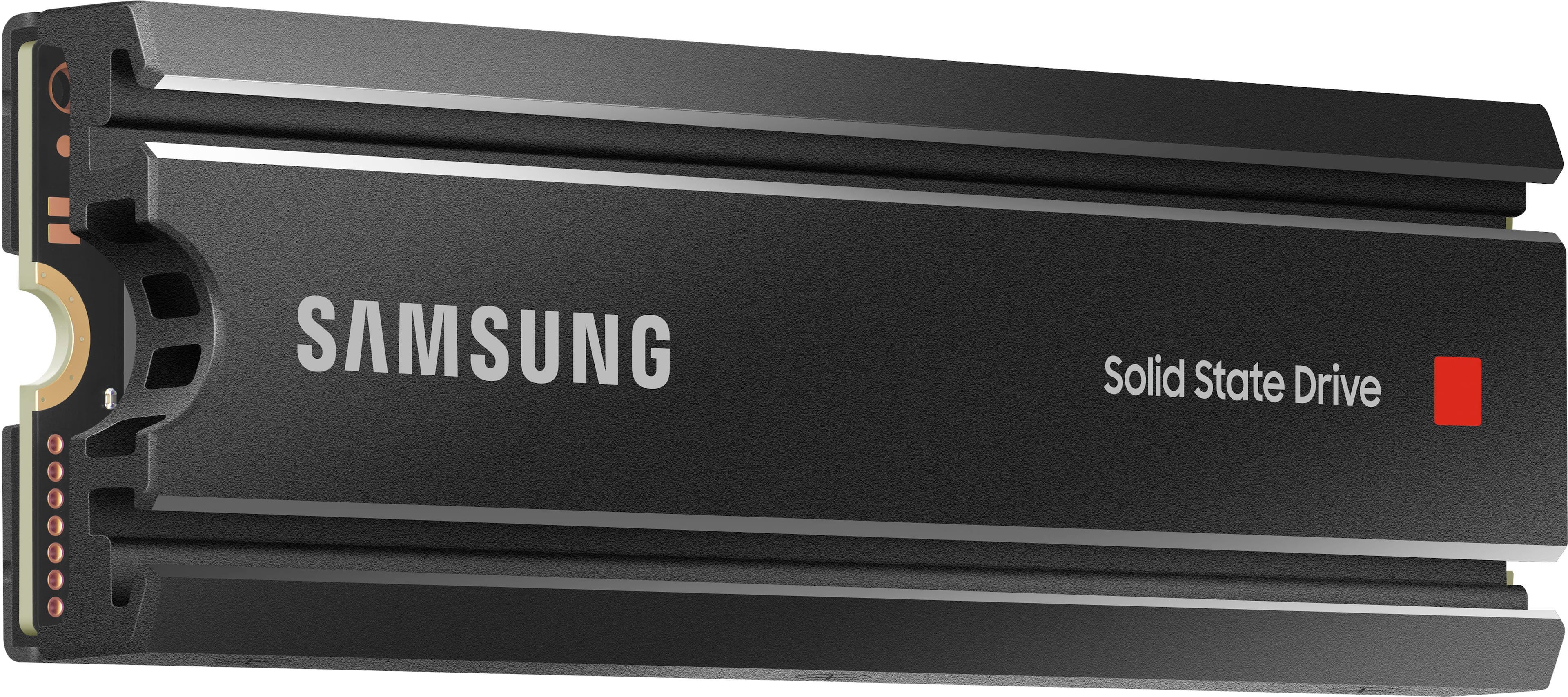
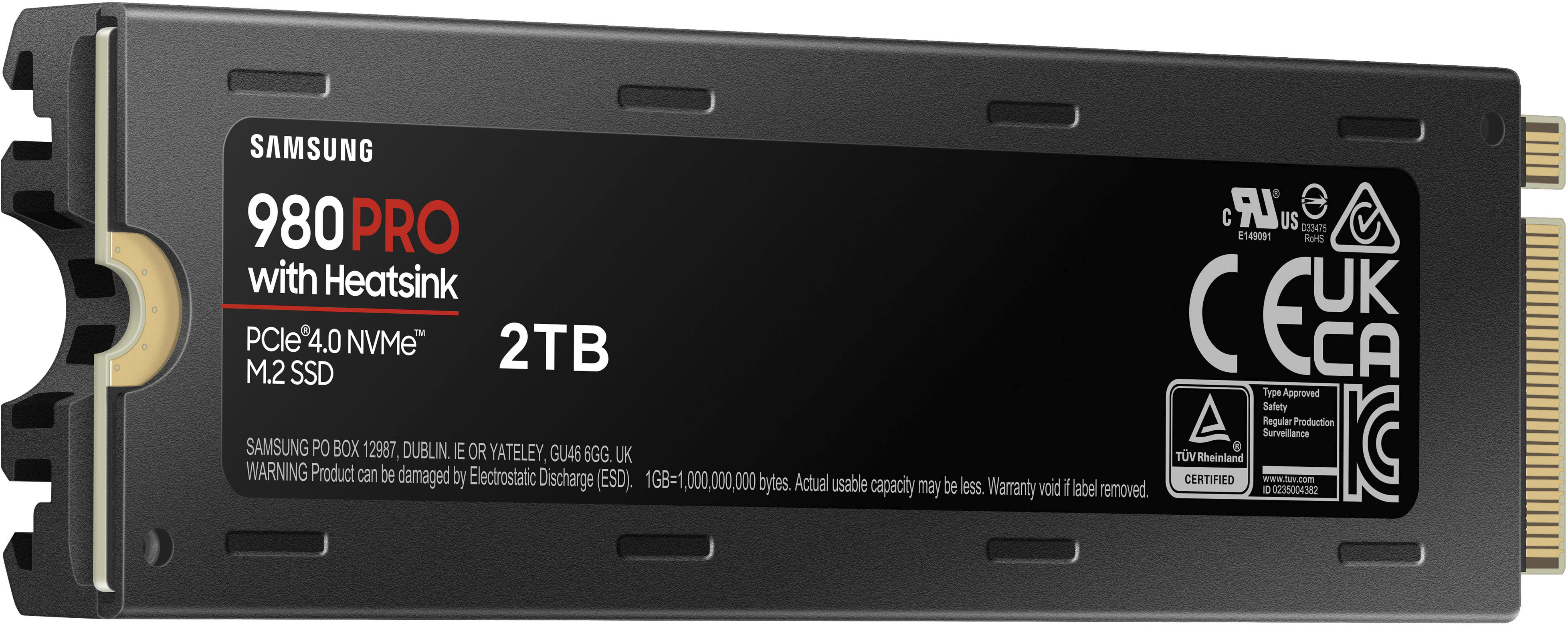
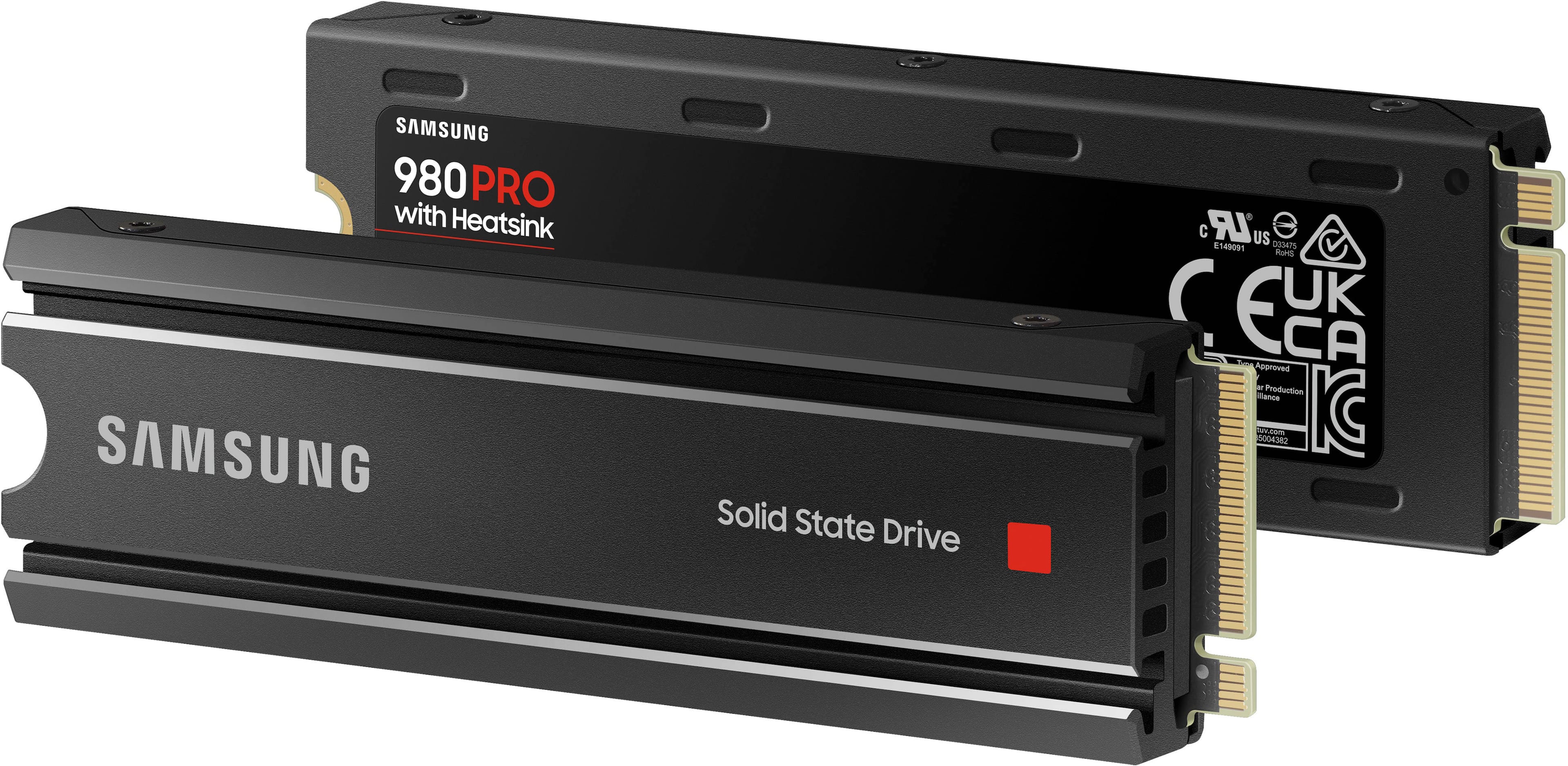
A:AnswerNope, didn't fit. The specs are wrong here -- it's actually 0.35" tall, not 0.09". I removed the heatsink and it fits with the laptop's OEM heatsink.
A:AnswerThe PS5 designation simply means that Sony has approved the use of this chip for their PS5 system. Other than that it's a standard solid state drive, it should install and format as any other SSD would
A:AnswerThis product comes with it, so why not install it? Otherwise buy the one without the heatsink. If you're installing in a pc I think it'd be fine as you're likely to have case fans blowing on it.
A:AnswerYes, if you have a good enclosure. I have one of these on usbc on the back of my PS5 for extra storage. (in this configuration you can not run your games for it but you can store movies, media and backup games
A:AnswerBufis:
Simply plug in the 980 PRO into a M.2 slot and let the updated migration software take care of the rest. Should you have additional questions or need step-by-step instructions, please contact Samsung Customer Support.
Call: 1-800-SAMSUNG (ask for Memory) Available 9AM – 12AM EST (Mon-Fri)
- Samsung Memory
A:AnswerYes on both questions, once installed it basically becomes part of your operating systems. It even asks you if you want your future downloads to go straight to it instead of the default HD.
A:AnswerShort answer yes. I moved several games from the internal storage to this recently and was shocked at the transfer speeds.
No issues with this drive so far.
A:Answer2 completely different questions, first one, yes this can be your boot drive/ your windows bootable drive. Second question has way to many answers narrow your question or refer to the product manual (its available online).