A:AnswerHi Blake,
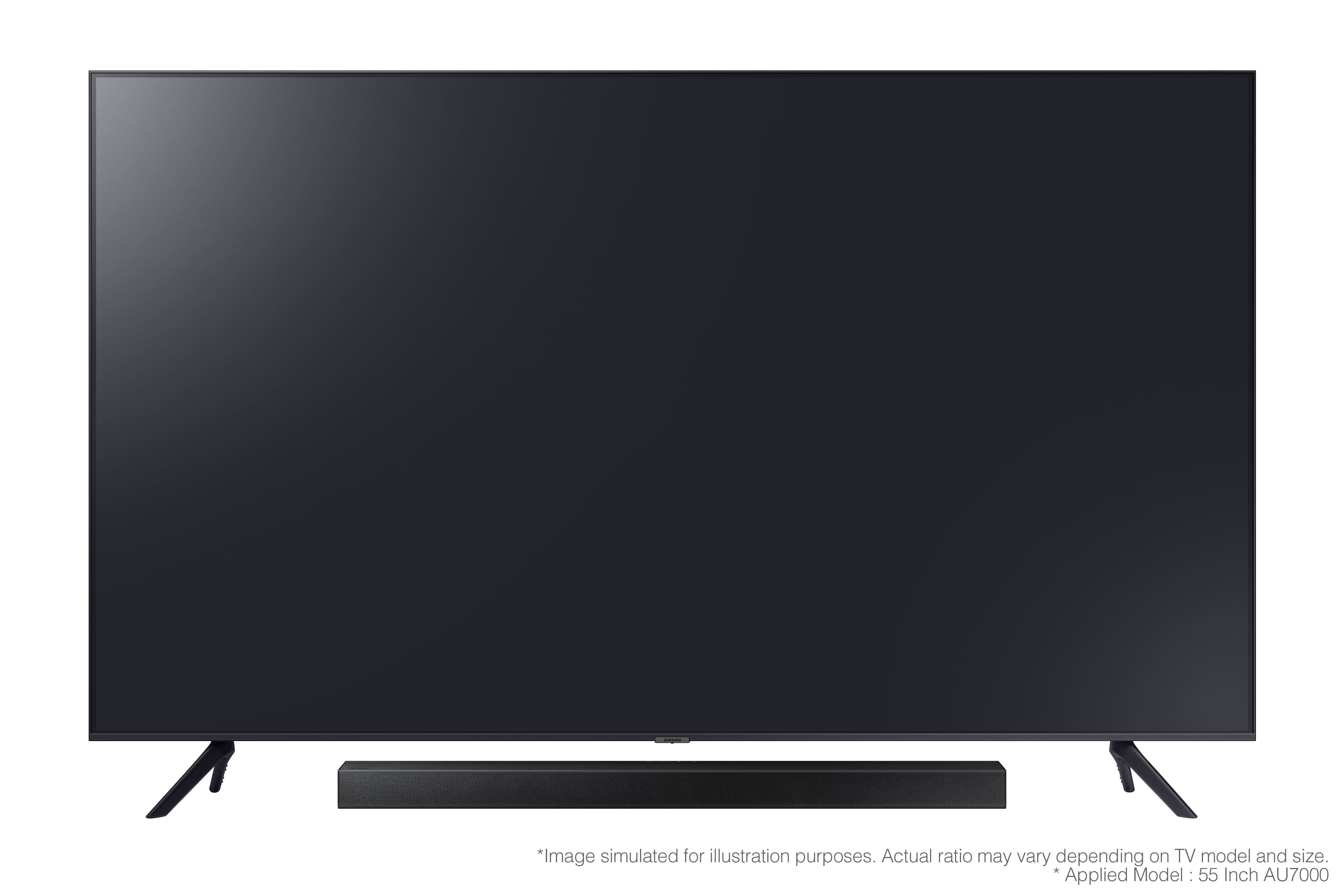
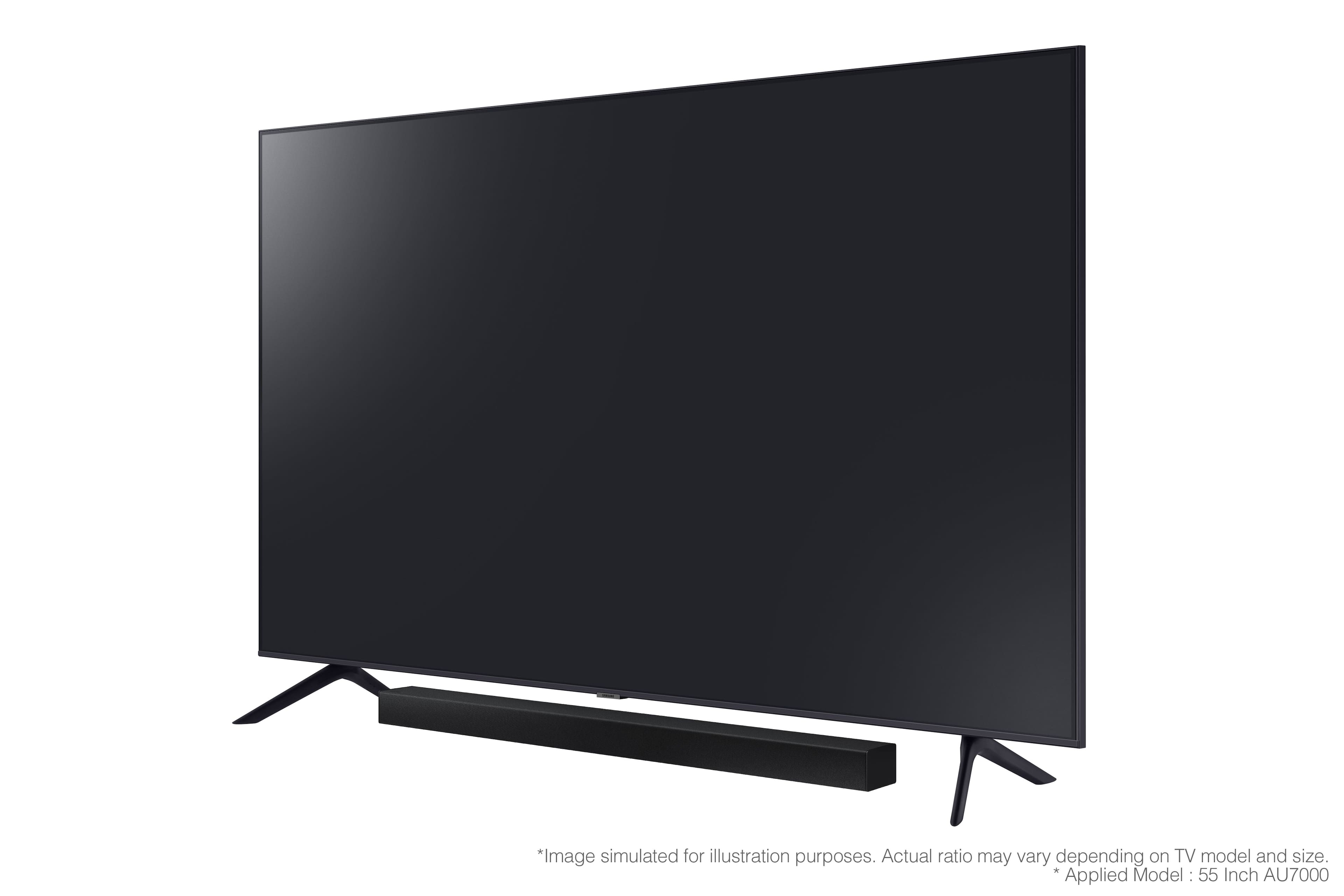
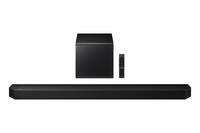
The HW-A445 Soundbar will work with any TV that supports Bluetooth or Digital Optical. We do recommend using Digital Optical as this will offer the best user and audio experience available.
~Samsung Solutions
A:AnswerHi Carline,
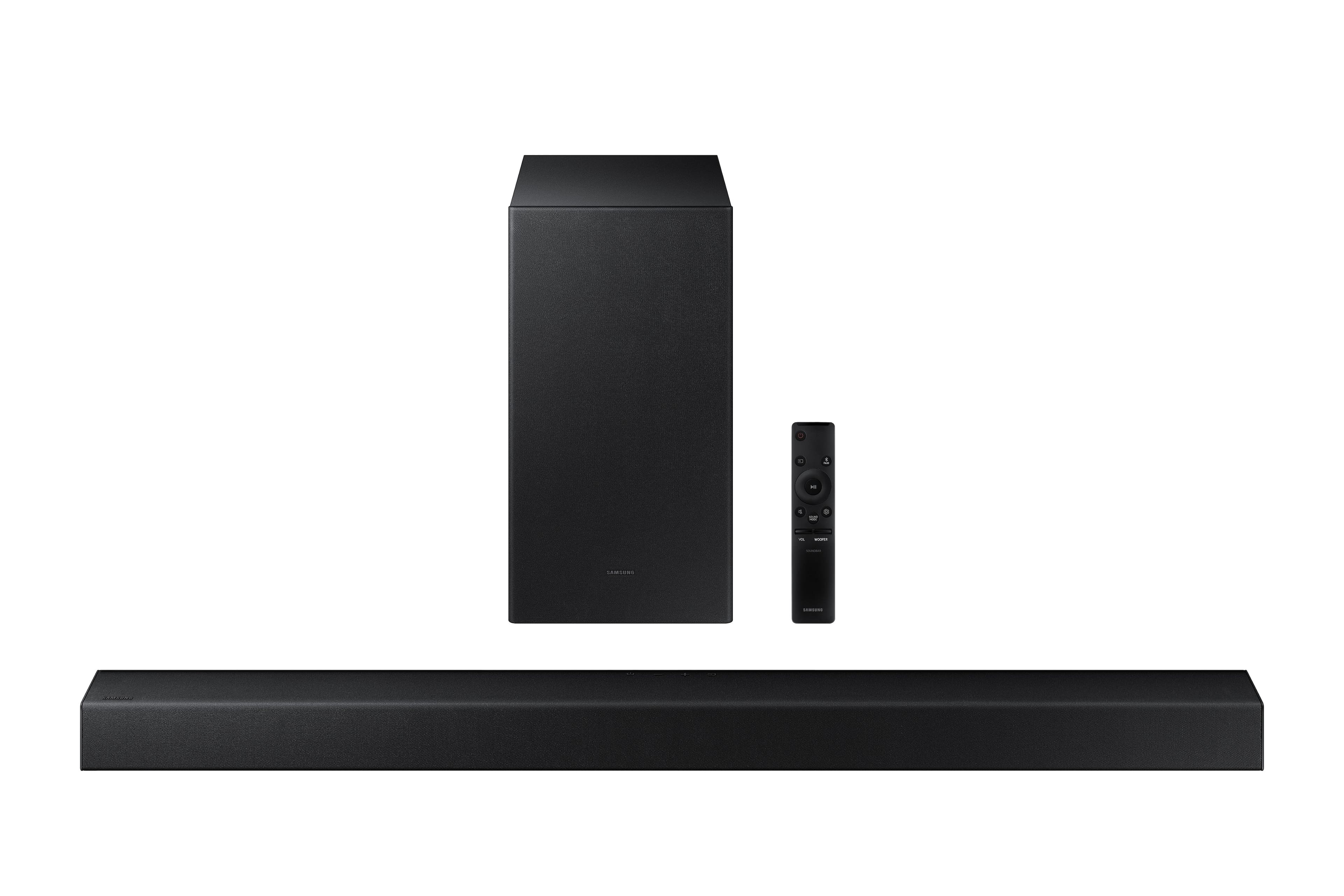
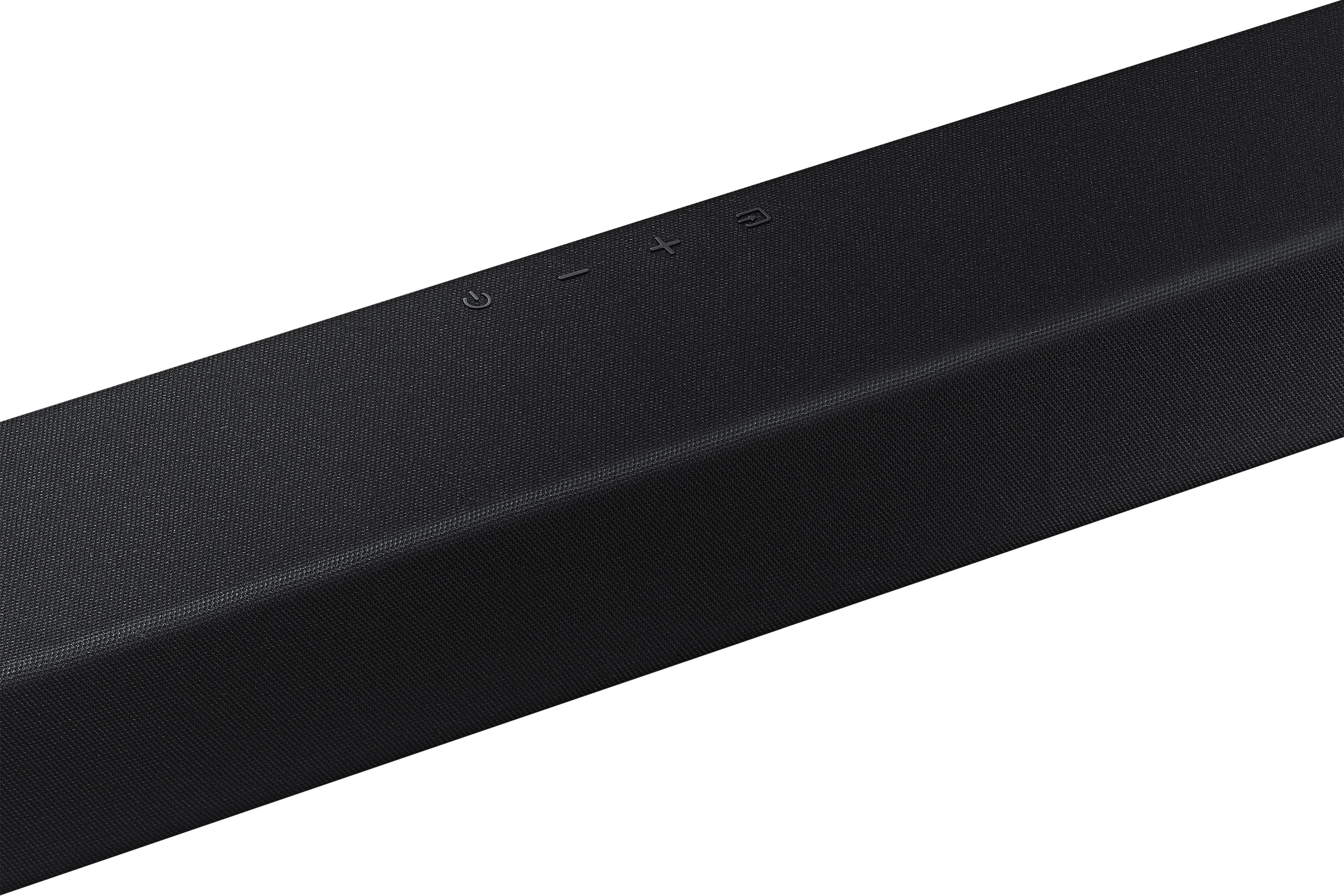
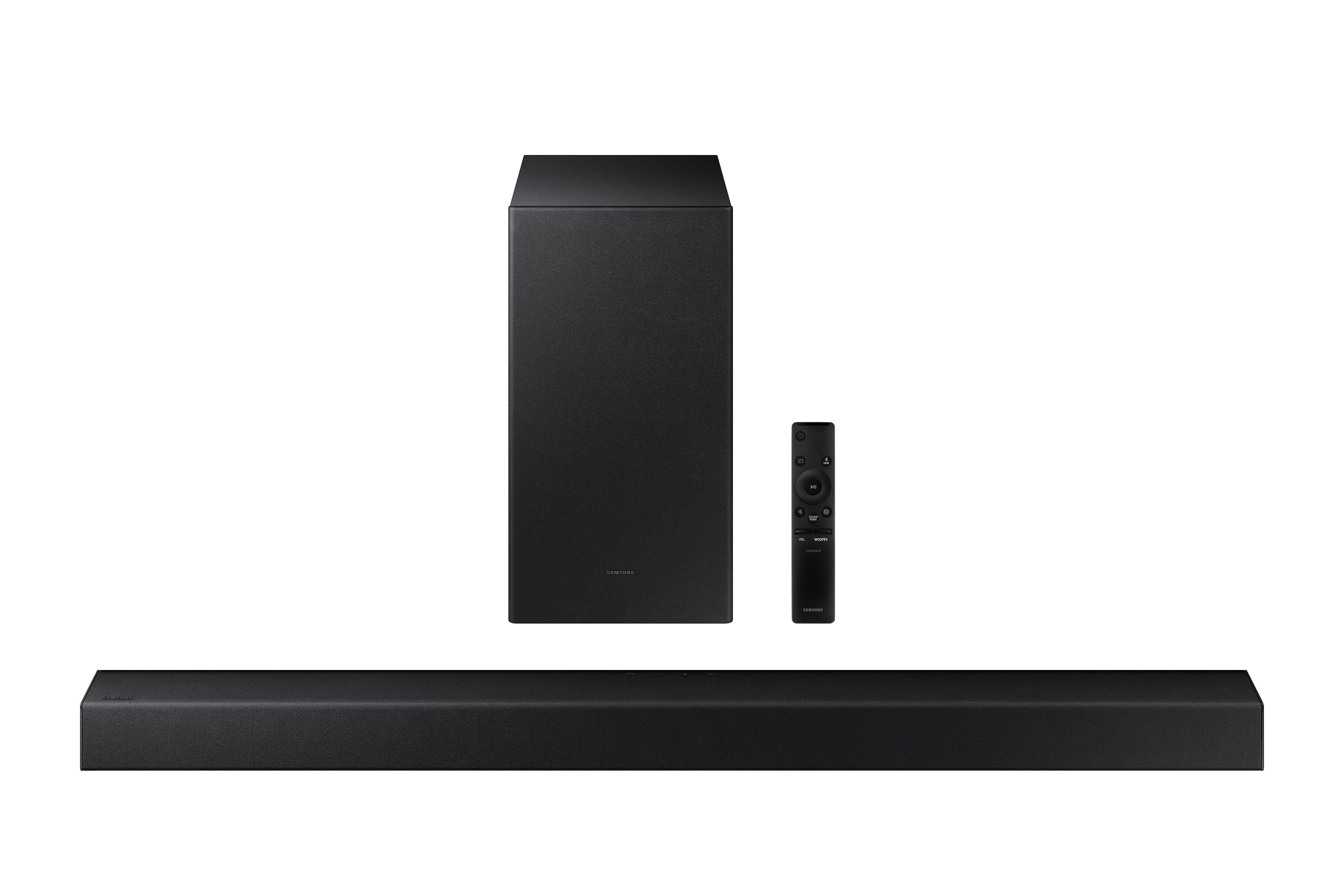
The Volume and Woofer buttons need to be thought of as a toggle switch. You will push or pull the switch to increase/decrease the volume of your Soundbar or Woofer. If you press the button IN this will mute your Soundbar or set your Woofer to 0.
~Samsung Solutions
A:AnswerGo into your tv settings and there should be an Bluetooth option. You also have to turn the Bluetooth option on , on the sound bar and it should connect
A:AnswerIf you are connected via Bluetooth - I would suggest trying optical and see if the problem does away. Otherwise, most likely a DVD player output issue. Does this disc work on other DVD players you might own? Nothing else I can think of except a possible firmware update. When you think about it - the TV is really only the video.... try plugging the DVD into the ARC hdmi port.
A:AnswerHi Pete,
The volume button is a toggle switch with the added function of being able to be pressed in. When you PRESS DOWN the button it will mute/unmute your Soundbar. When you push the switch forward or pull it back then it will increase/decrease the volume.
~Samsung Solutions
A:AnswerHi there,
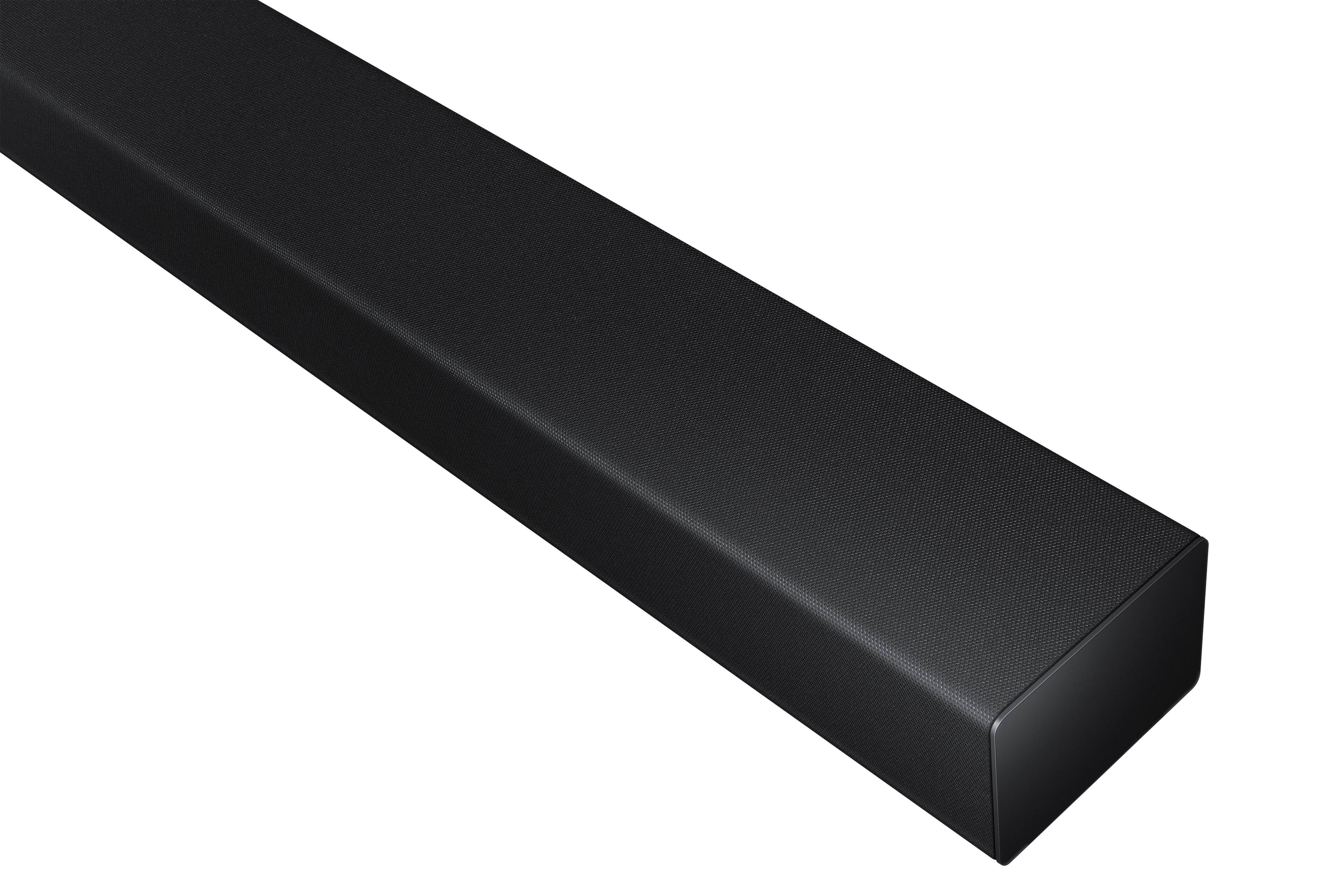
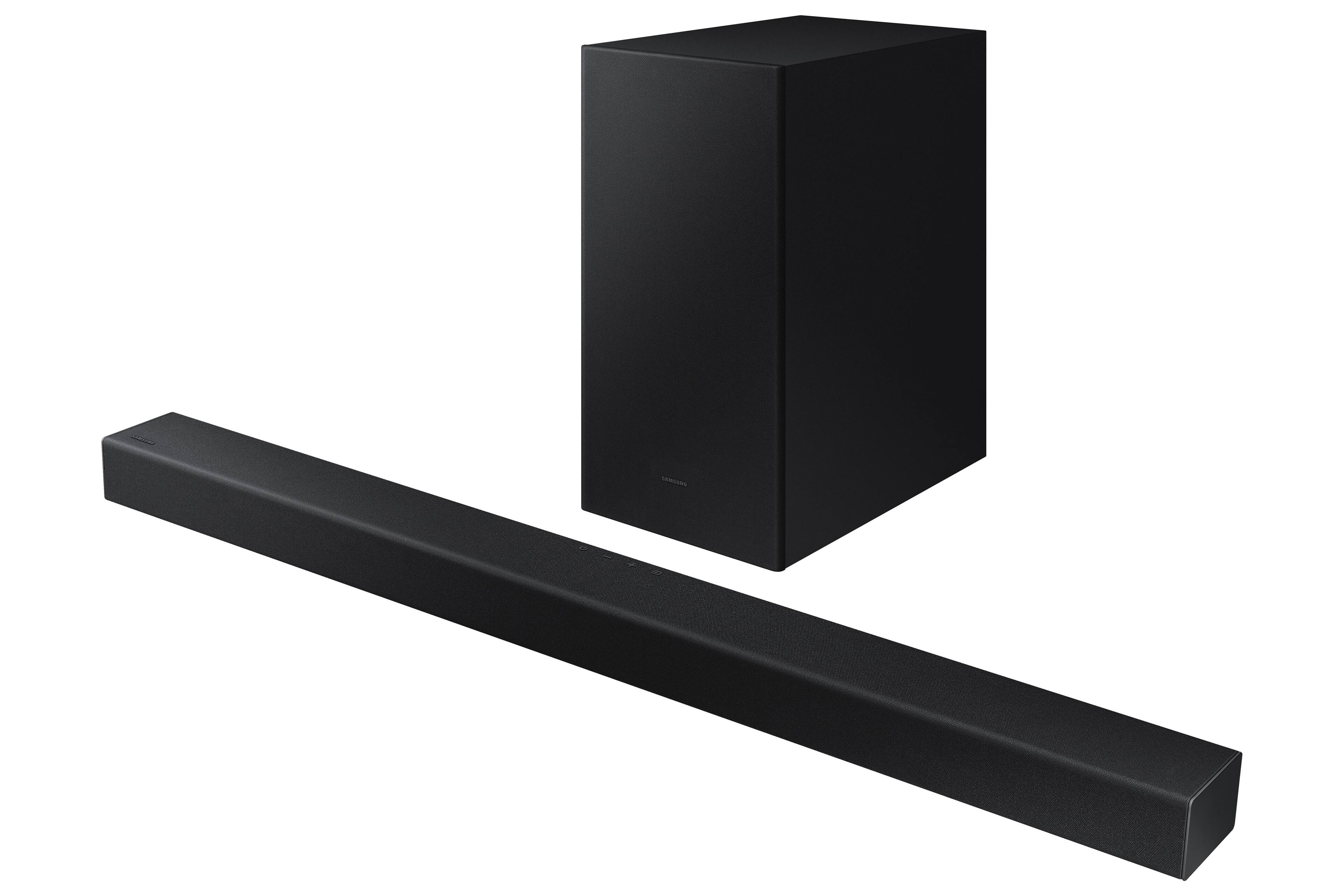
You can mount the HW-A445 Soundbar on the wall with the included Soundbar fixed brackets. The mounting guide will come with the Soundbar.
~Samsung Solutions
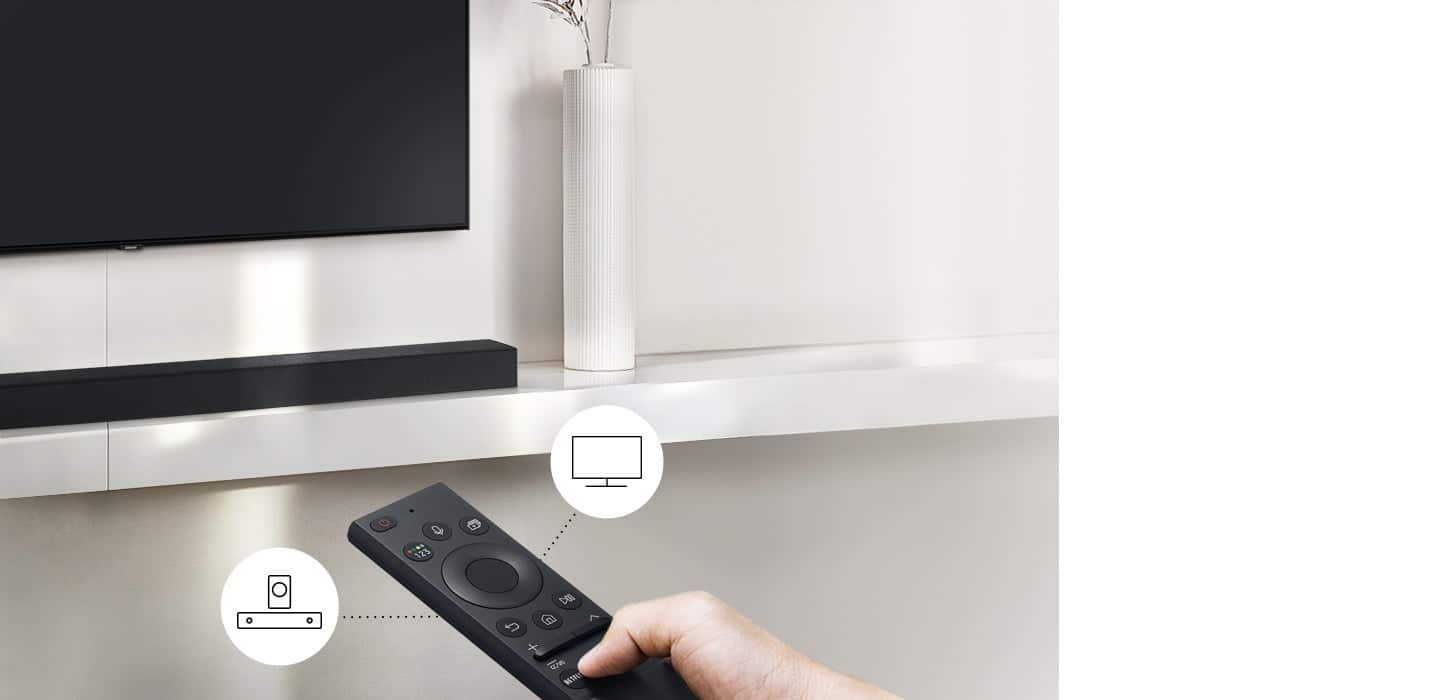
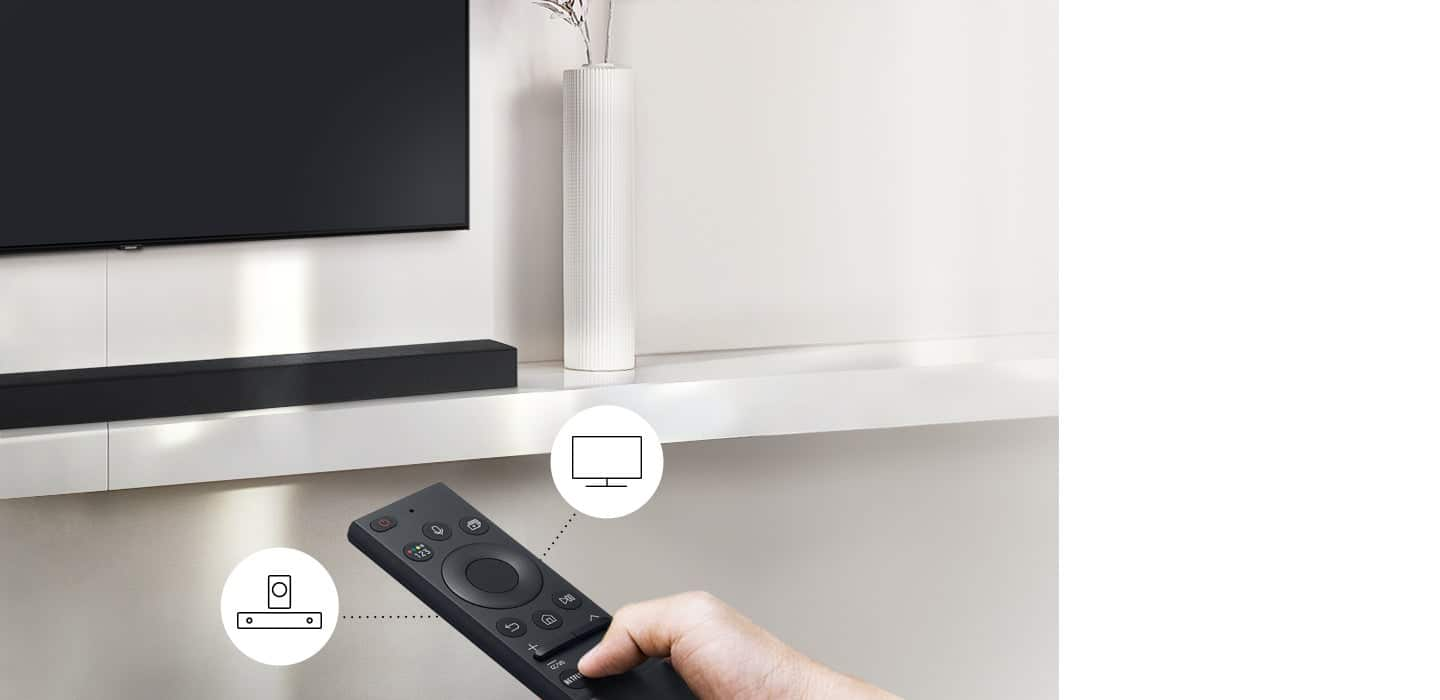
A:AnswerThe volume will change with the TV remote - up or down. the soundbar gets it's signal from the TV. The other features of the soundbar will need to be accessed from he soundbar remote unless you pair the 6300 to the soundbar.