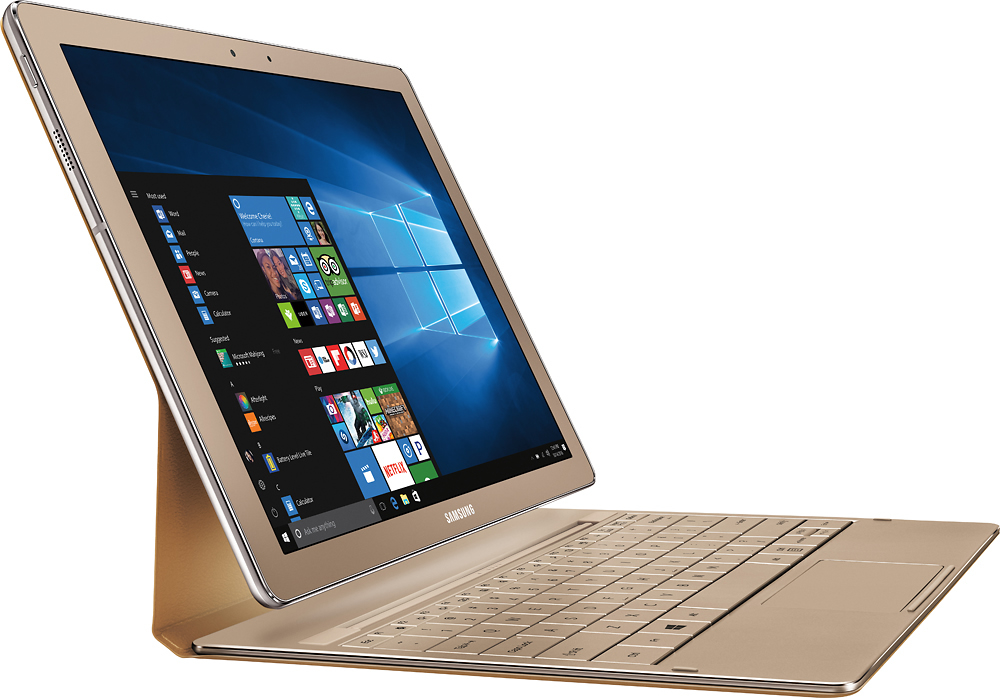
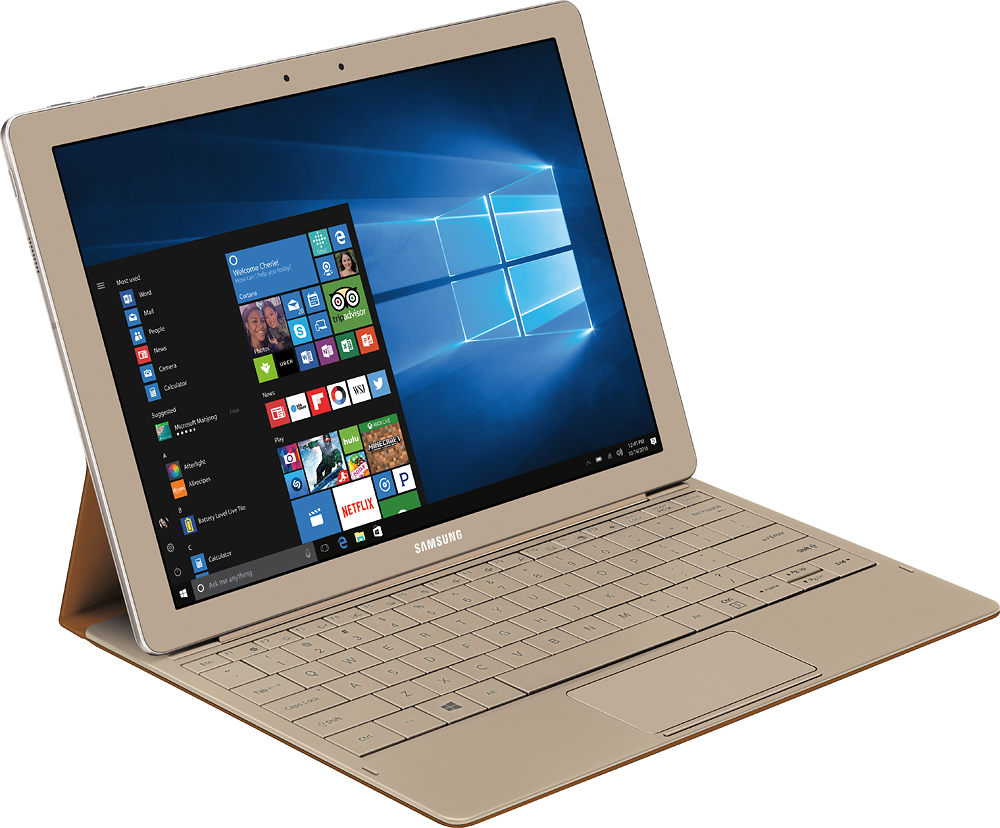
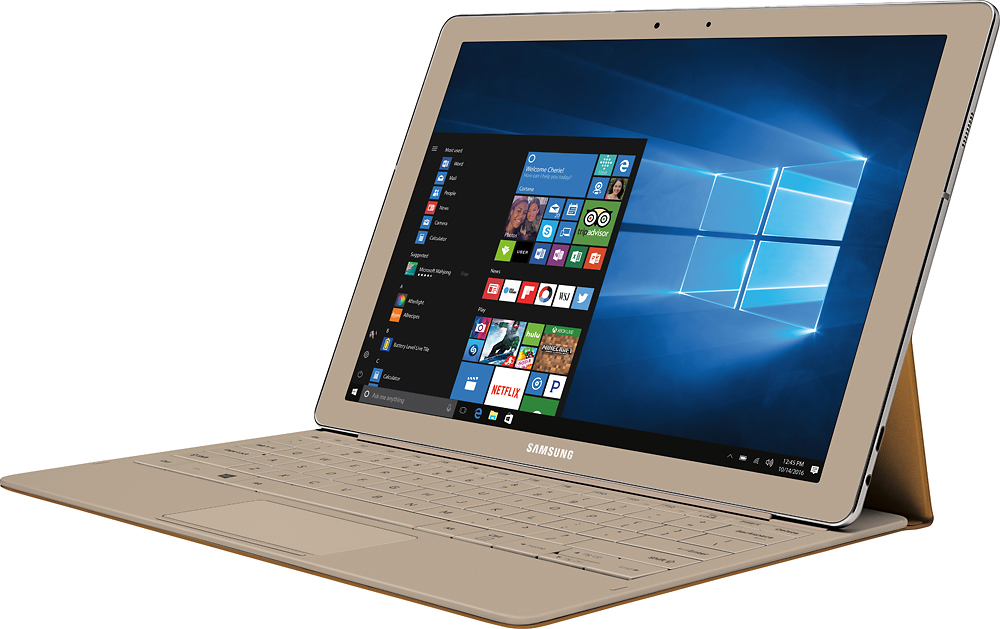
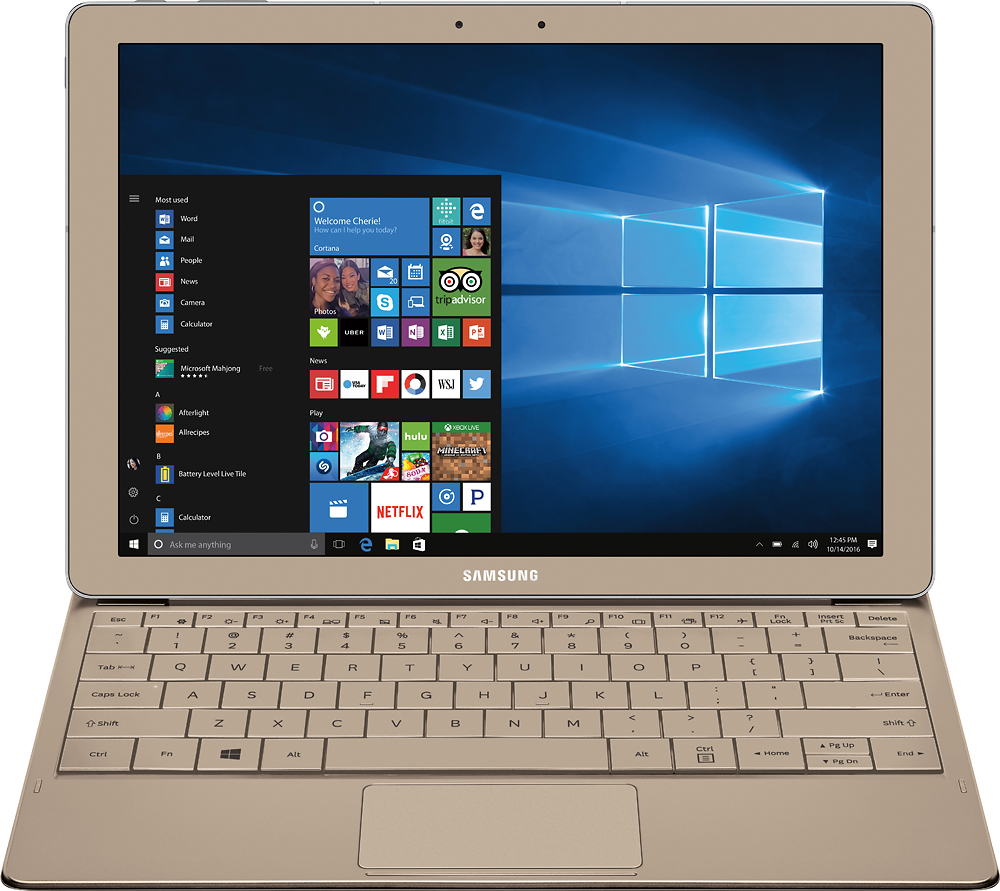
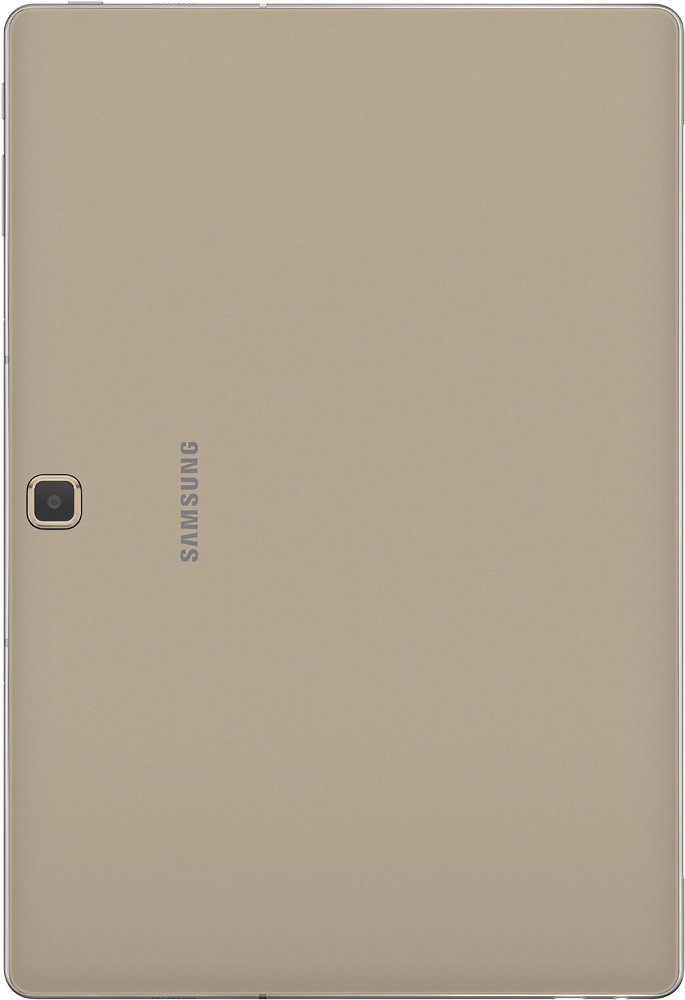
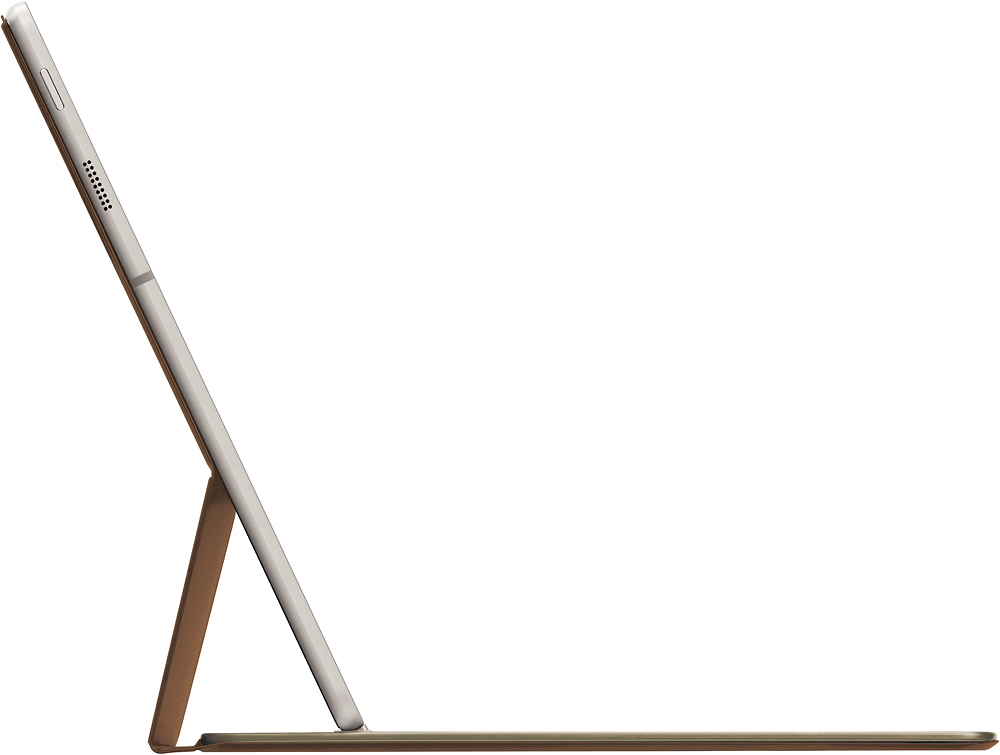
A:AnswerThe key board portion is attached to the "case" and the screen portion can be removed easily, sometimes too easily. It is possible to set it up so the screen is up. Look closely at the photos that show this device.
A:AnswerThis is a Win 10 computer. If that is what you want, it is fine. I don't know how it compares to the Surface. It is not android, which some Samsung are.
A:AnswerBelieve it or not it has something to do with the magnets inside. They're based off of the sensor and when it goes defective the touchscreen starts to act up and the drivers keep going corrupt. Best bet is to contact Samsung and they'll swap the device out once sent in for repair. Same thing happened to me and I was within 14 days swapped it out the second one's been perfect. You may also notice the magnets for the back of the case don't hold up as well and that's because the sensor is going bad.
A:AnswerThis will get a WiFi signal. If you don't have WiFi, maybe your ;phone can be used as a hot spot to provide WiFi for the tablet. That's what I do. There is no way to have it get a phone signal for internet otherwise.
A:AnswerWell it's Windows 10. Cortana can be used but it's as robust as Google Assistant or Siri. I would recommend 3rd part software but it depends on what you're wanting to have the system do.