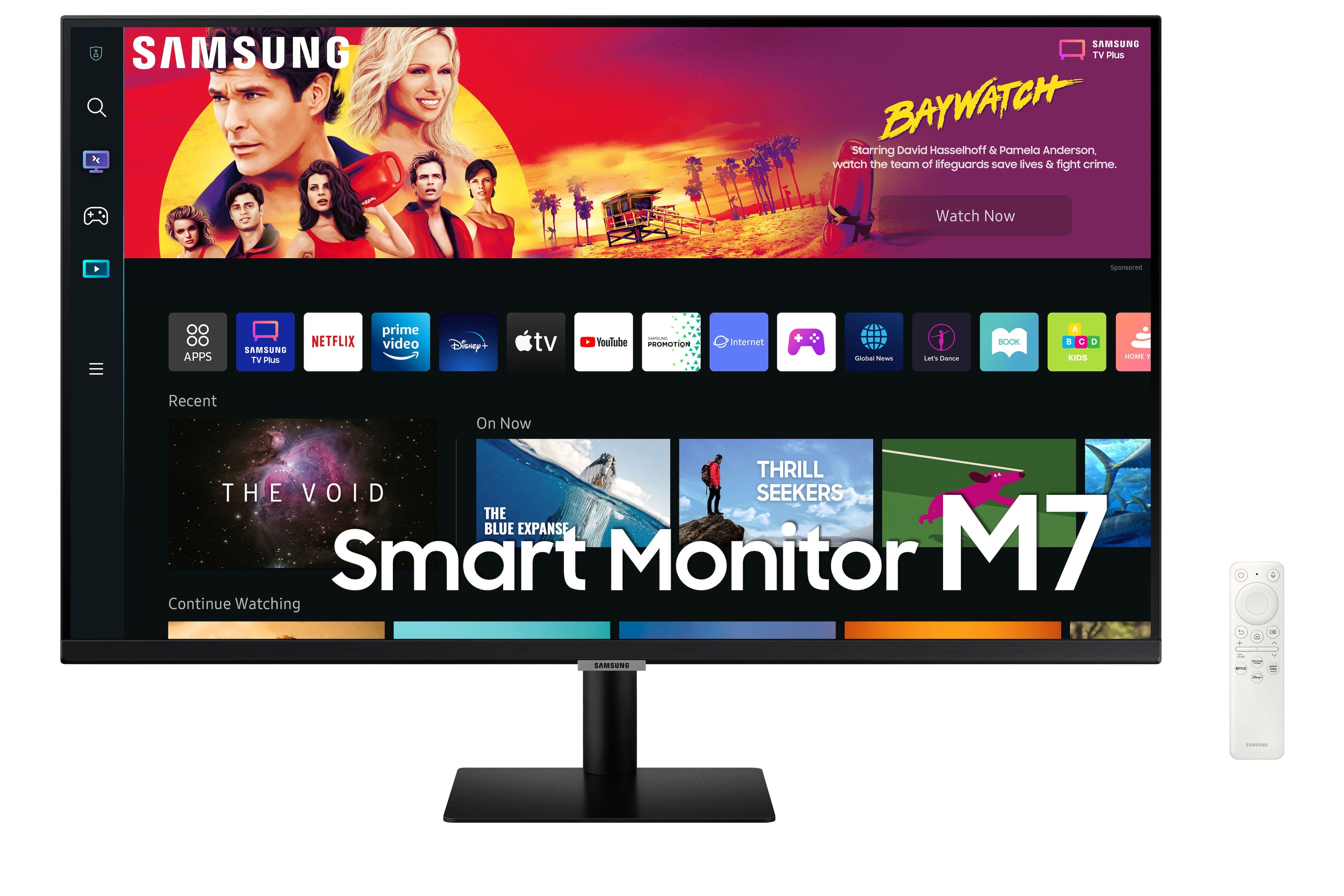
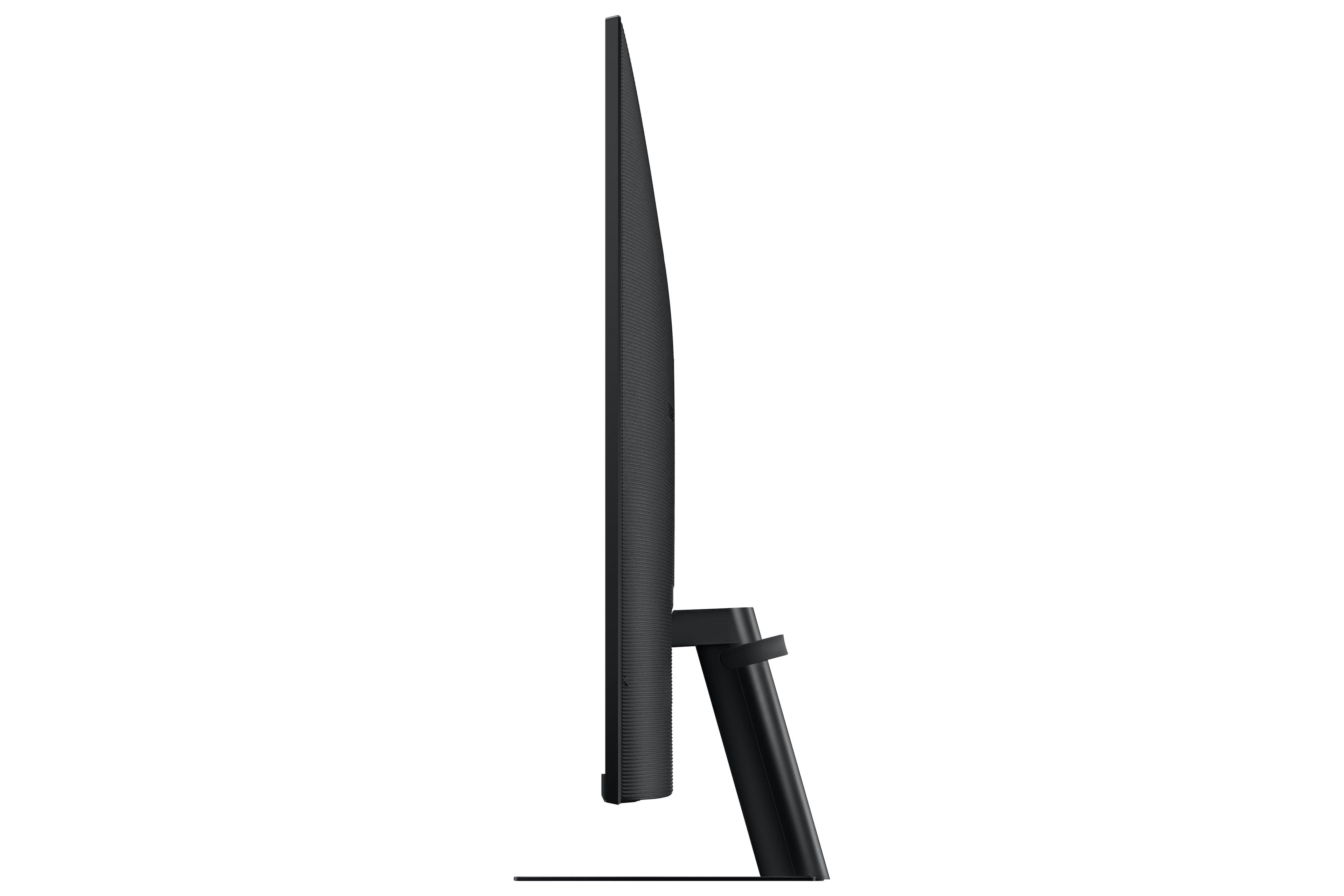
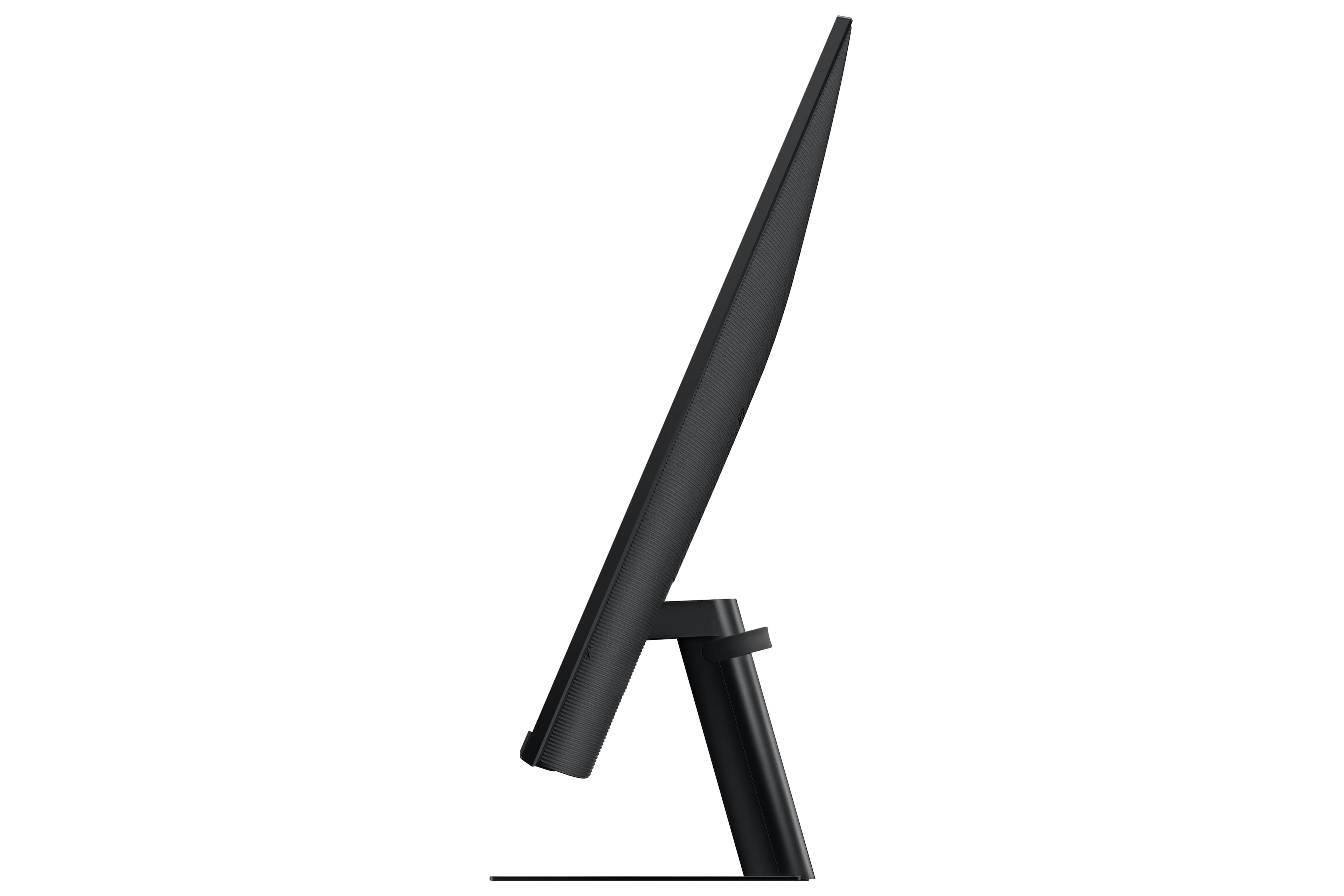
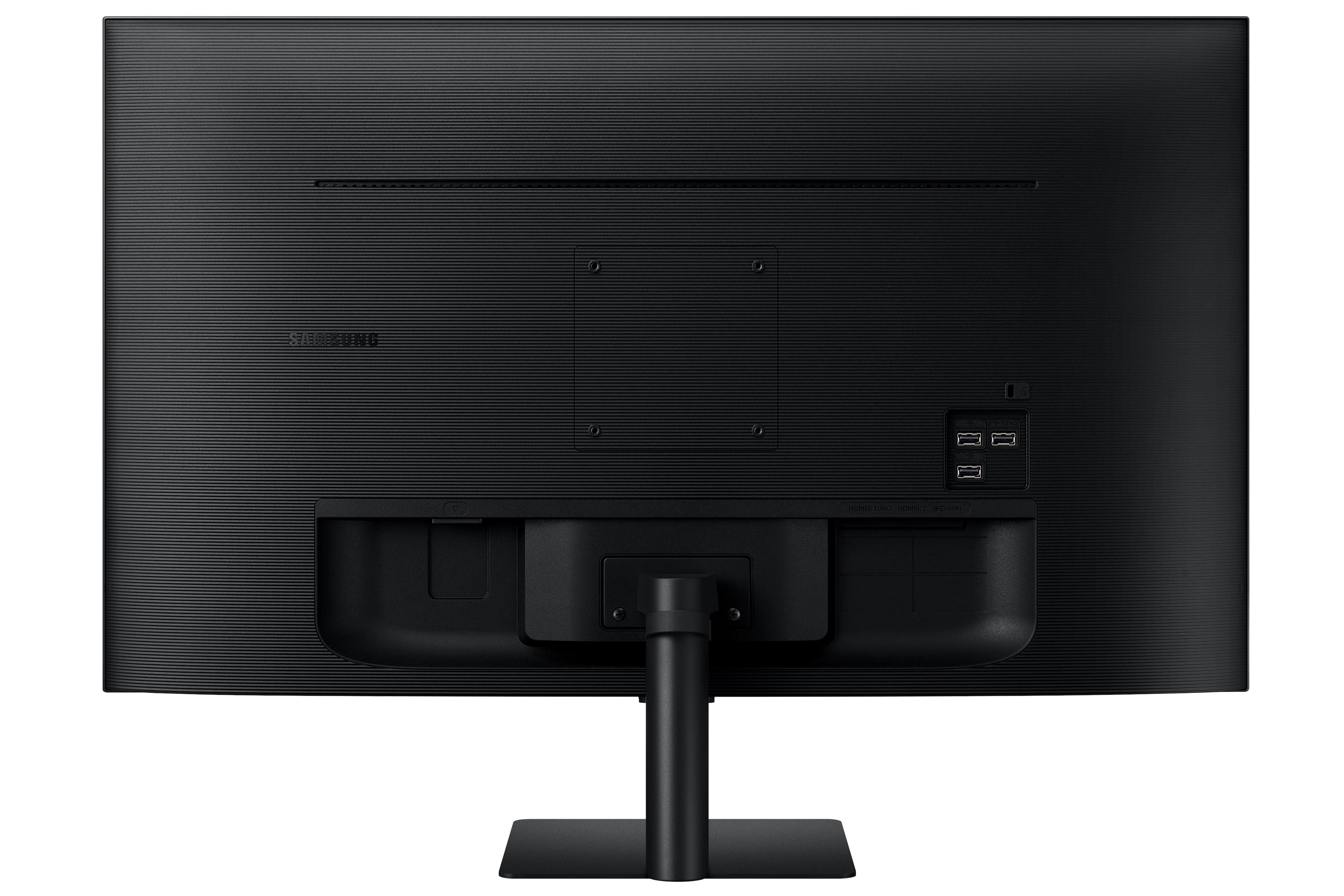
A:Answer There are a few things you can try to improve the sound quality of your Samsung M7 Series 32 Tizen 4K with built-in speakers:
Adjust the TV's sound settings. Try adjusting the TV's sound settings to see if that helps. You can adjust the treble, bass, and other settings.
Use the TV's sound mode. The TV has a variety of sound modes, such as standard, movie, and music. Try using different sound modes to see which one sounds best to you.
Use the TV's equalizer. The TV has an equalizer that allows you to adjust the sound levels of different frequency bands. Try using the equalizer to boost the bass or treble, or to reduce the midrange.
Use a soundbar. If you are still not satisfied with the sound quality, you can use a soundbar. Soundbars are designed to provide better sound quality than the built-in speakers on TVs.
Check the TV's speakers for damage. If you think that the TV's speakers may be damaged, you can contact Samsung support for assistance.