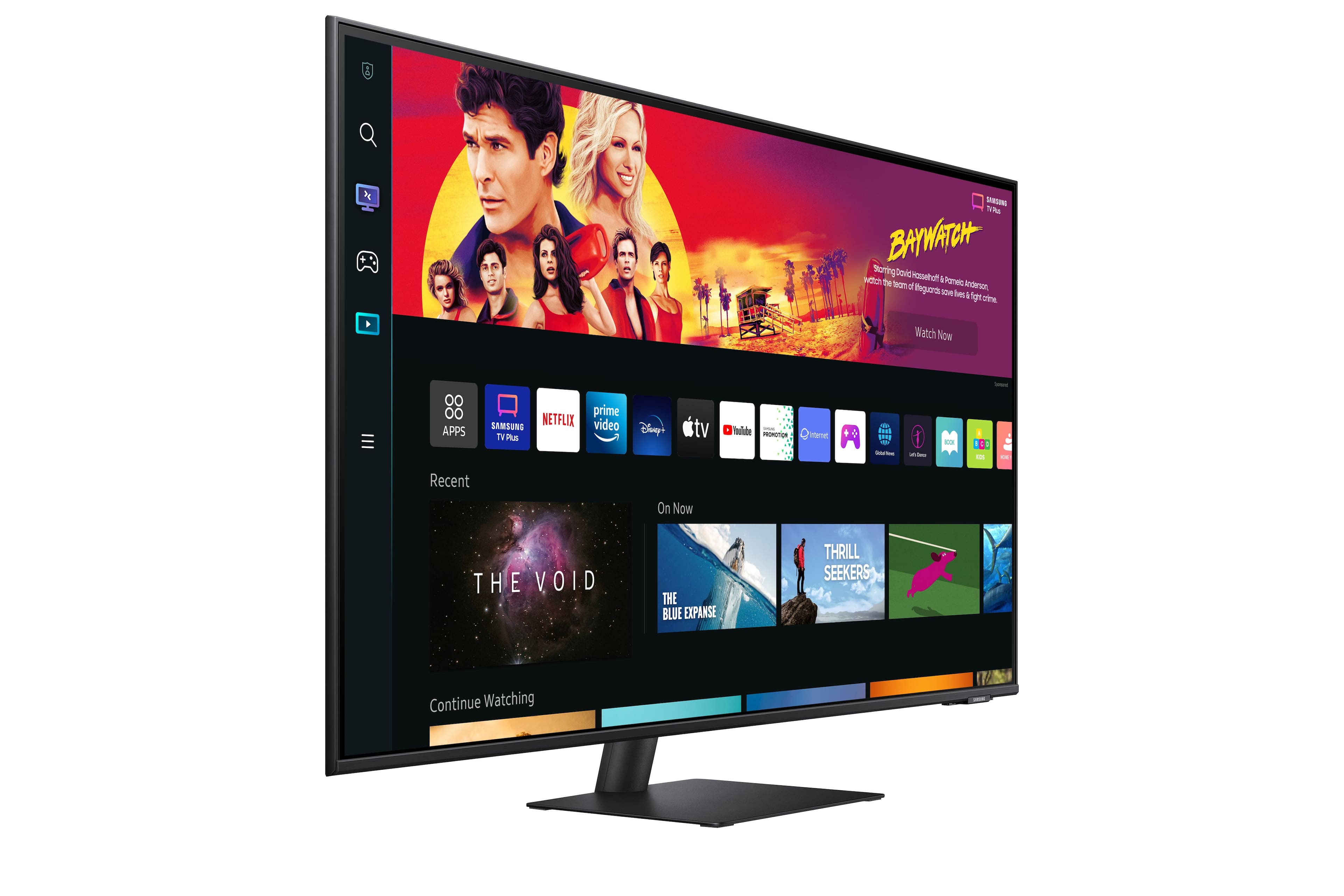
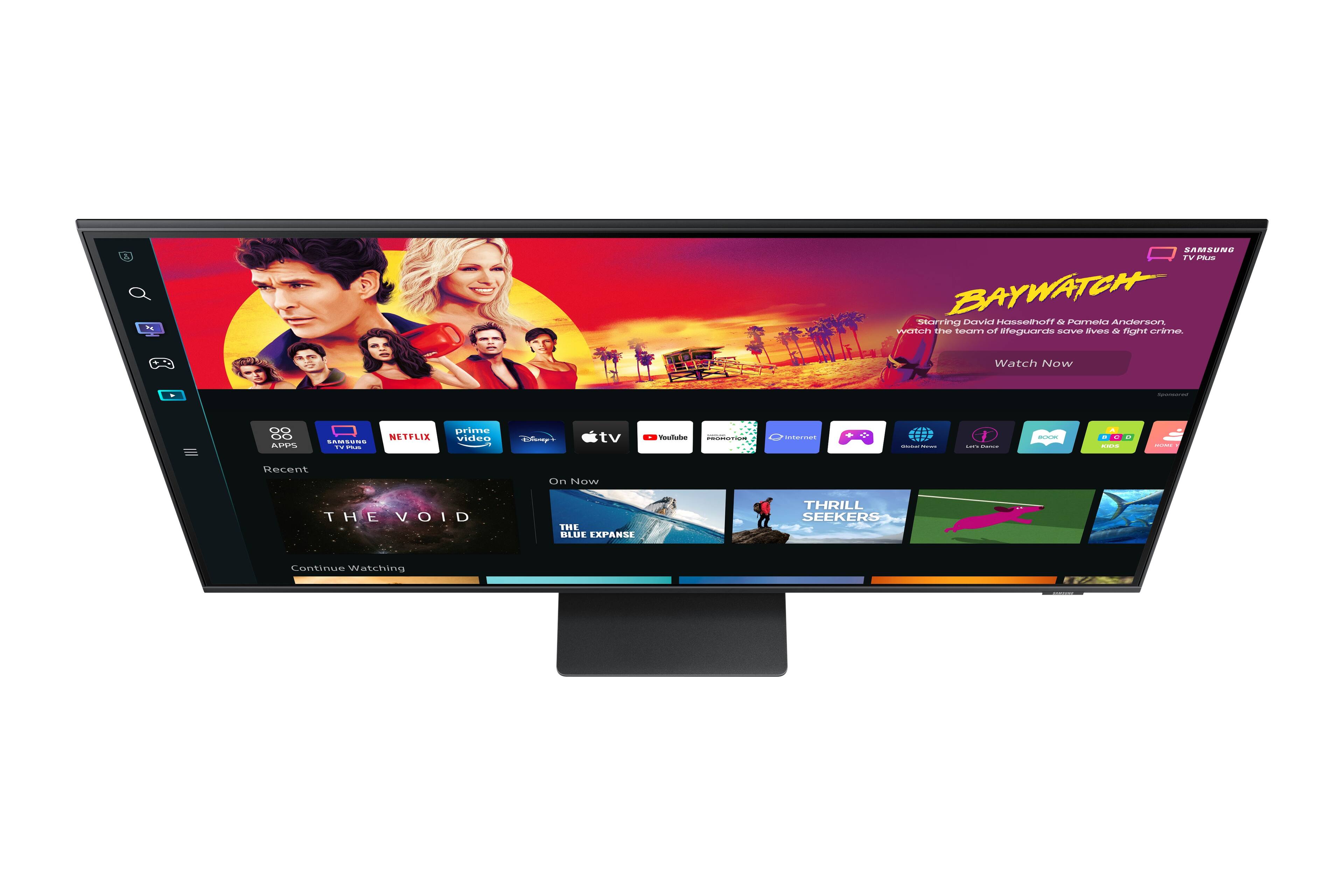
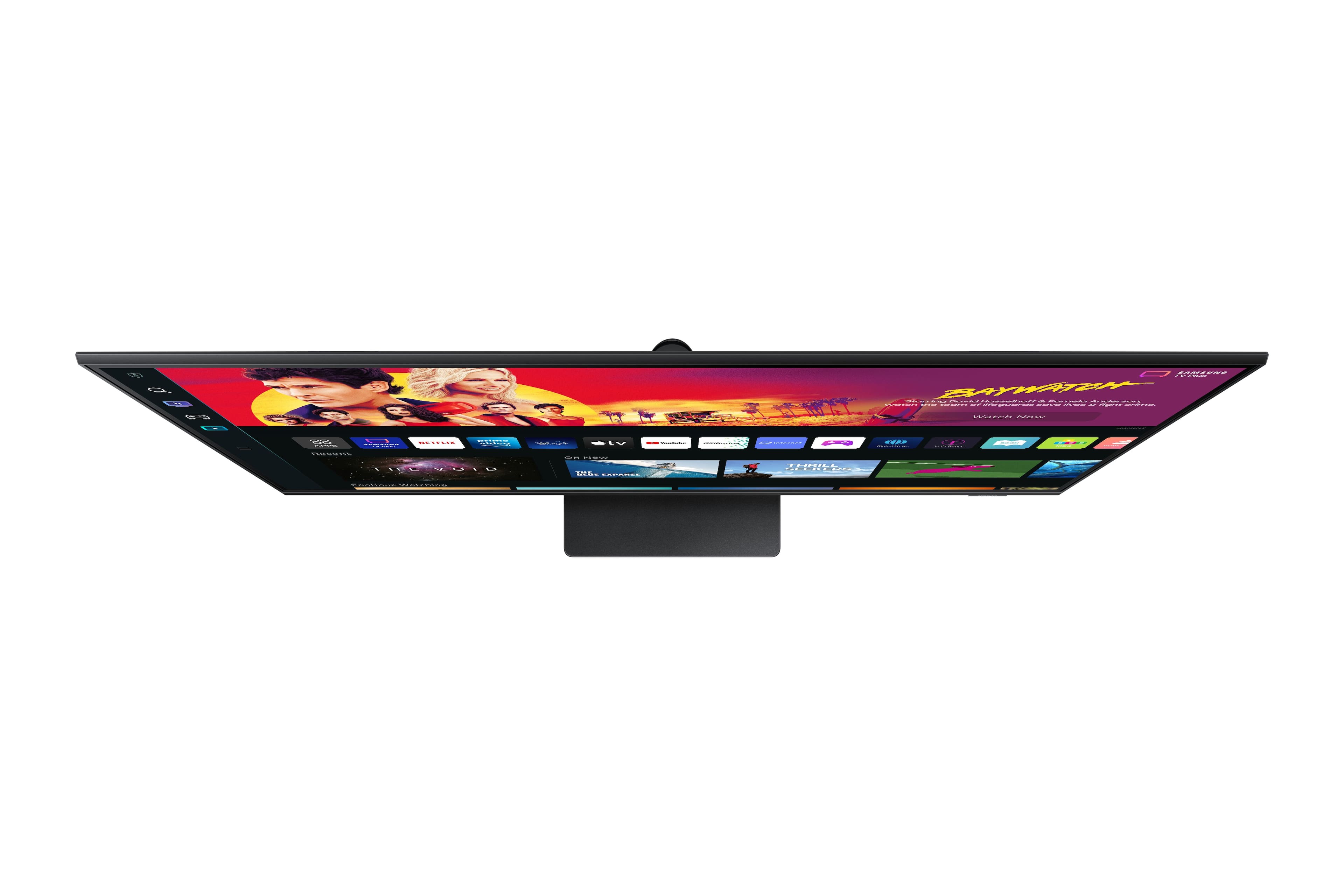
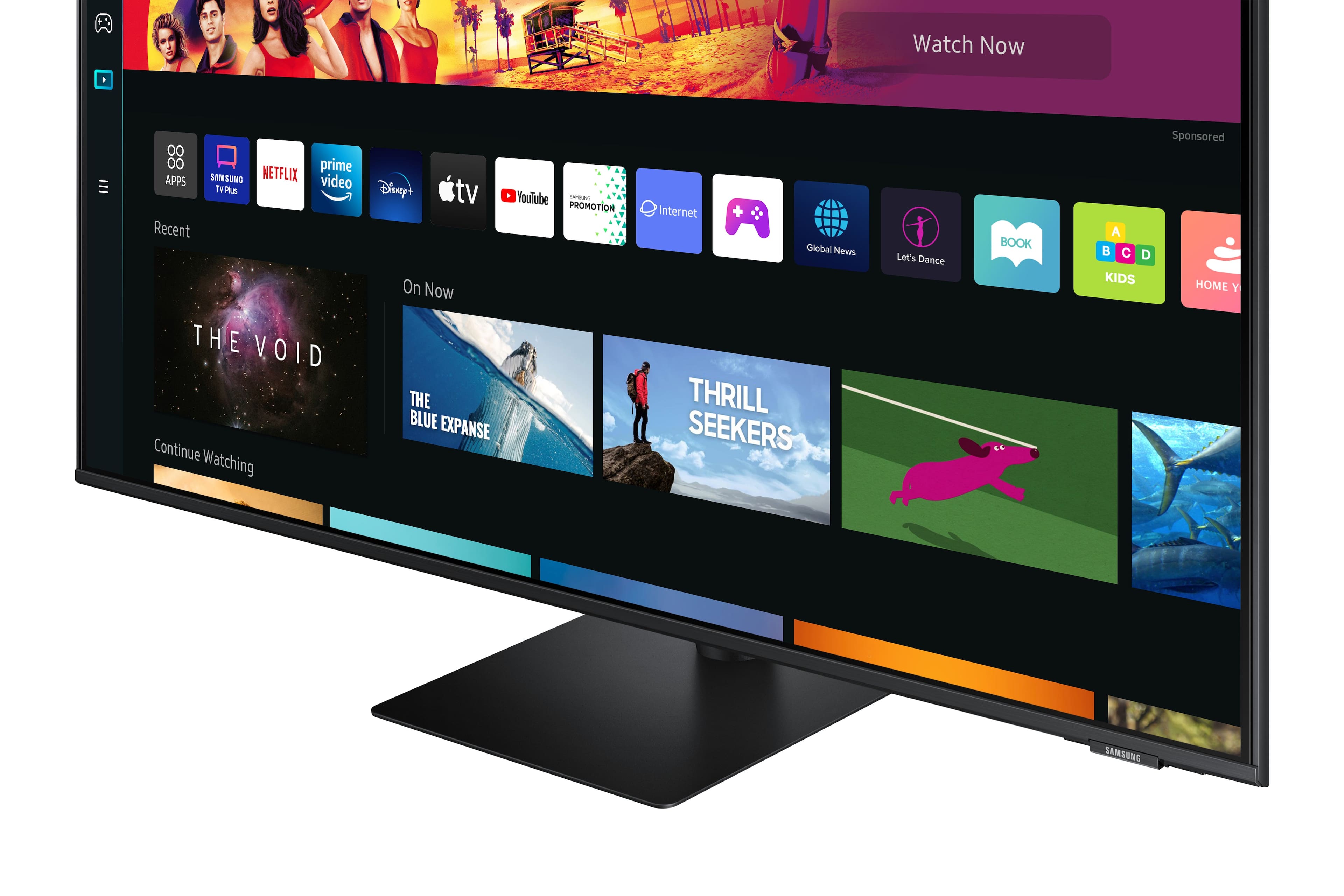
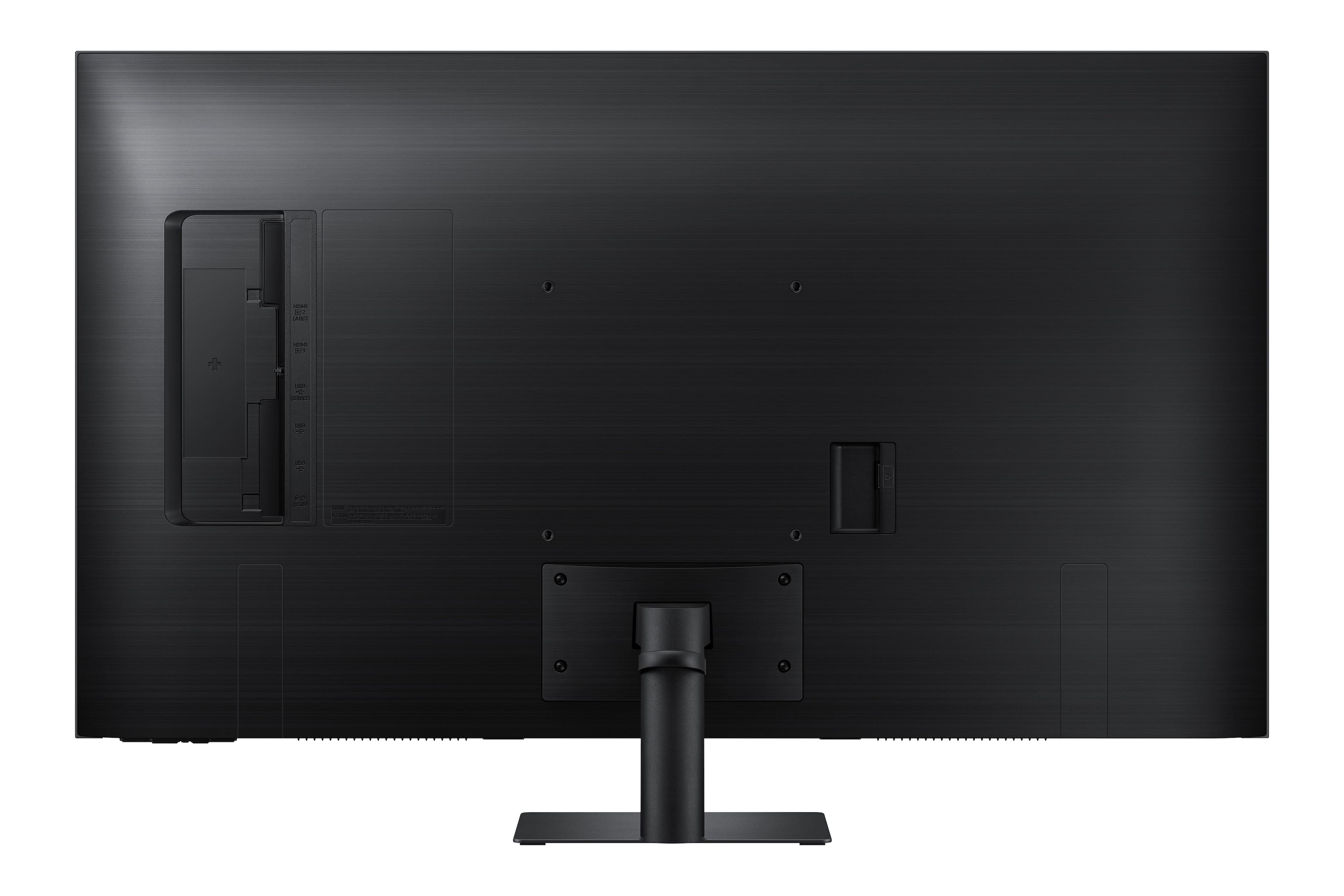
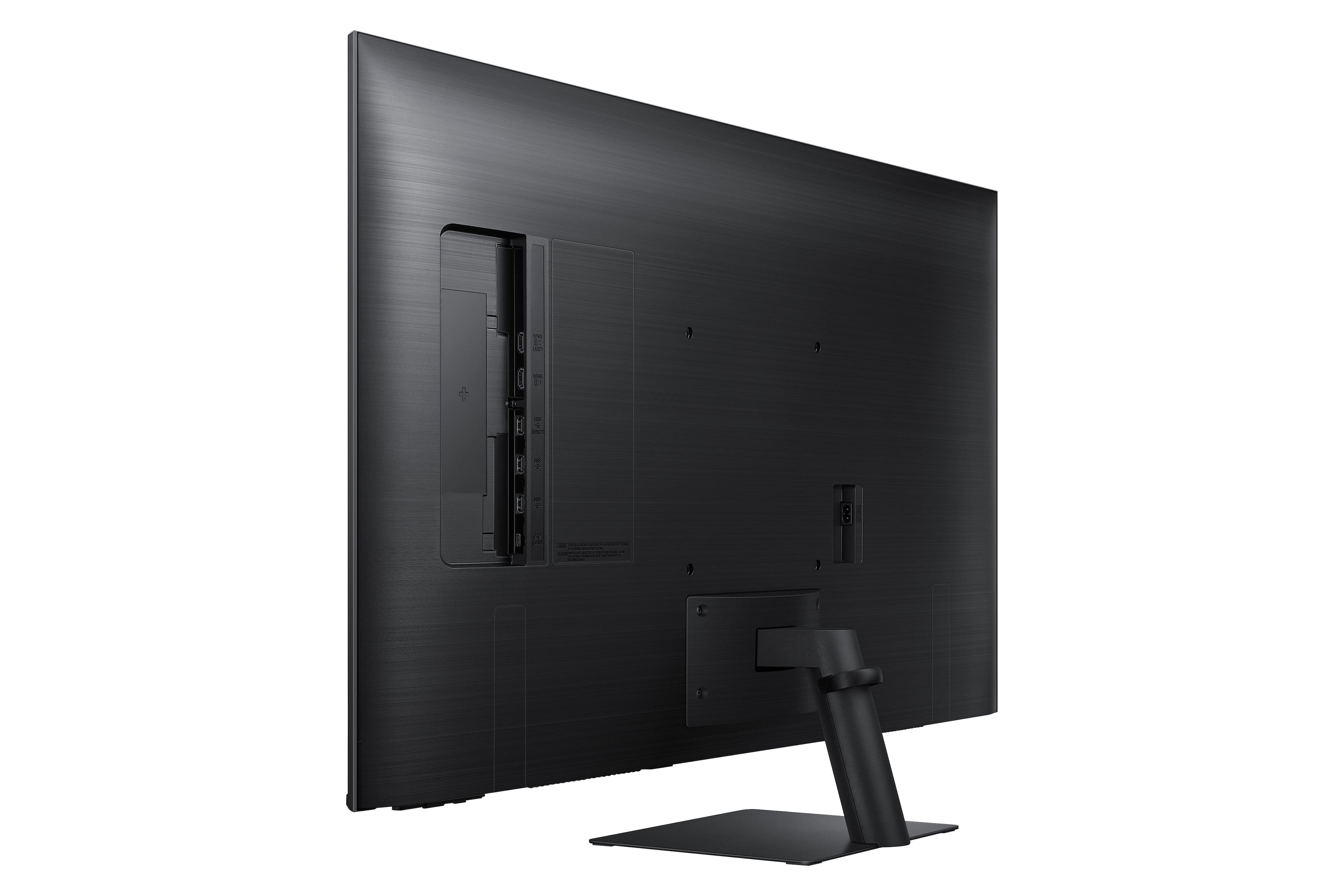
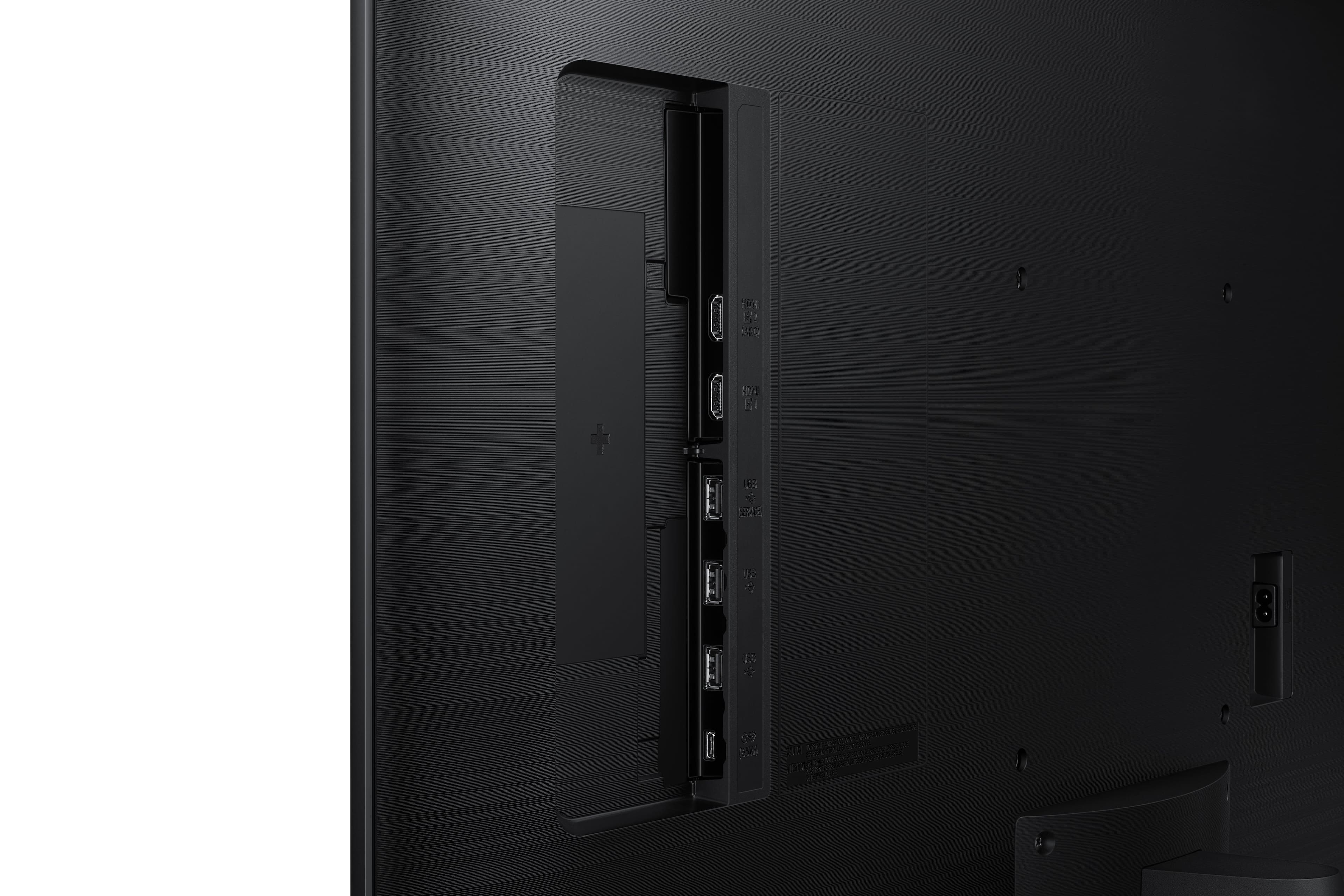
A:AnswerThank you for your question! Th M7B monitor features 2 HDMI ports (version 2.0), USB-A, USB-C, and bluetooth. If your DVD player has any of these connections it should be able to connect directly to the monitor itself.
A:AnswerHi DocRock - yes you can hook up your Apple and PC to the 43” M70B but you will not be able to see both at the same time since this monitor does not support Picture in Picture or Picture by Picture. You can connect your two devices to either the (2) HDMI ports or 1 HDMI and 1 USB-C connection.
A:AnswerThank you for your question! The 43" M7B features two HDMI ports and does not feature direct compatibility with display port. You would need to utilize an adapter cable, however, we suggest using the native connection for the best experience. In this case, using HDMI to connect direct to your video card would provide the best results.
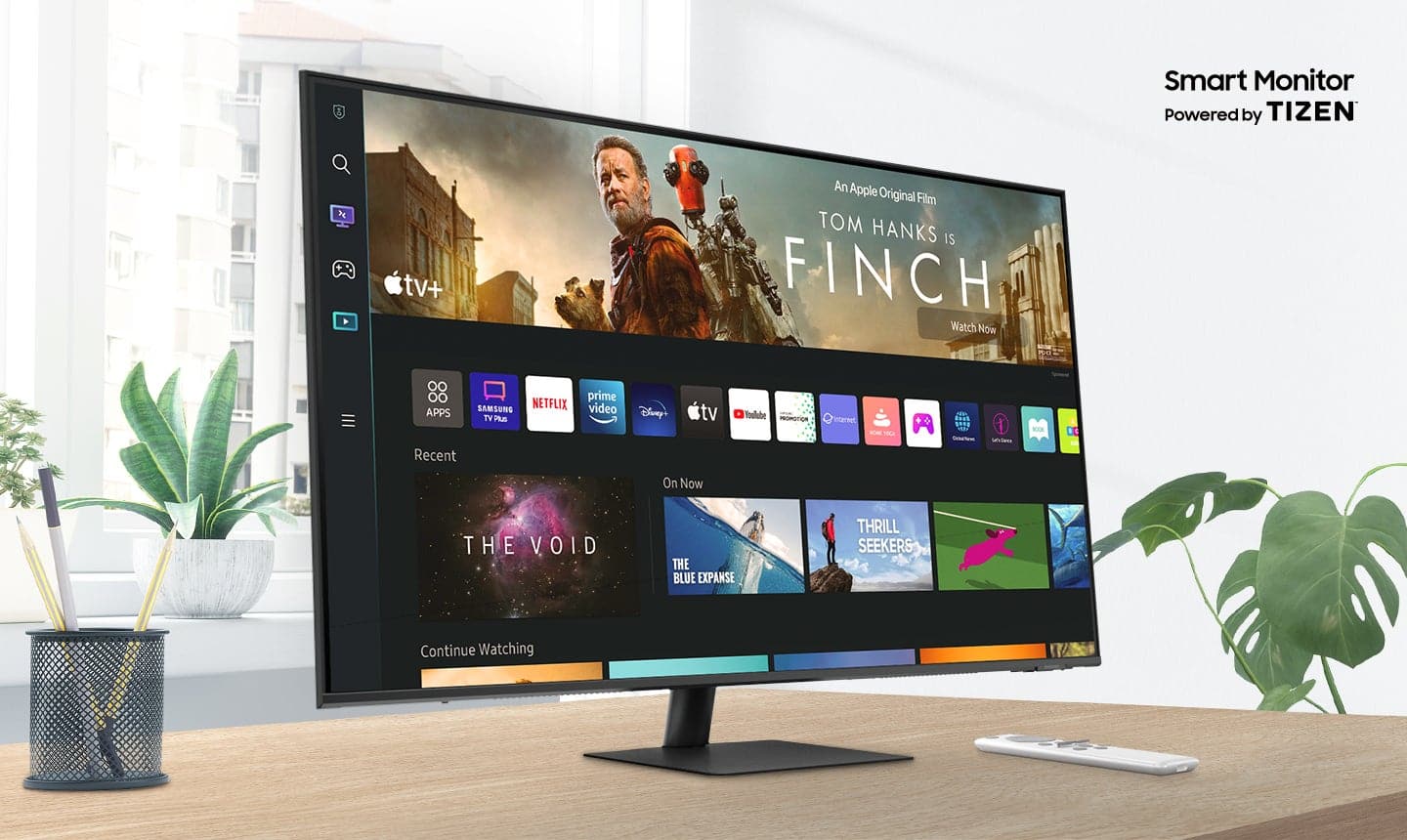
A:AnswerYes! LOL! Seriously, it is a monitor that includes all of the features of Samsung Smart Tv's, along with a "Workspace" feature, that allows you to use Microsoft 365, and similar web services without a computer. Lots of bang for your buck!
A:AnswerYes, I would recommend a longer cable though the one Samsung provides is short and makes it hard to use your Mac at your desk with the display.
It also have Air play if you wanted to connect wirelessly. If you don't have great wifi though using airplay can be laggy.
A:AnswerYes, You can use an M1 Mac running Ventura with USB C Cable, Air Play, or HDMI if you Mac has it. I use my MacBook Pro with the USB C cable as it will also charge the Mac while using the display.
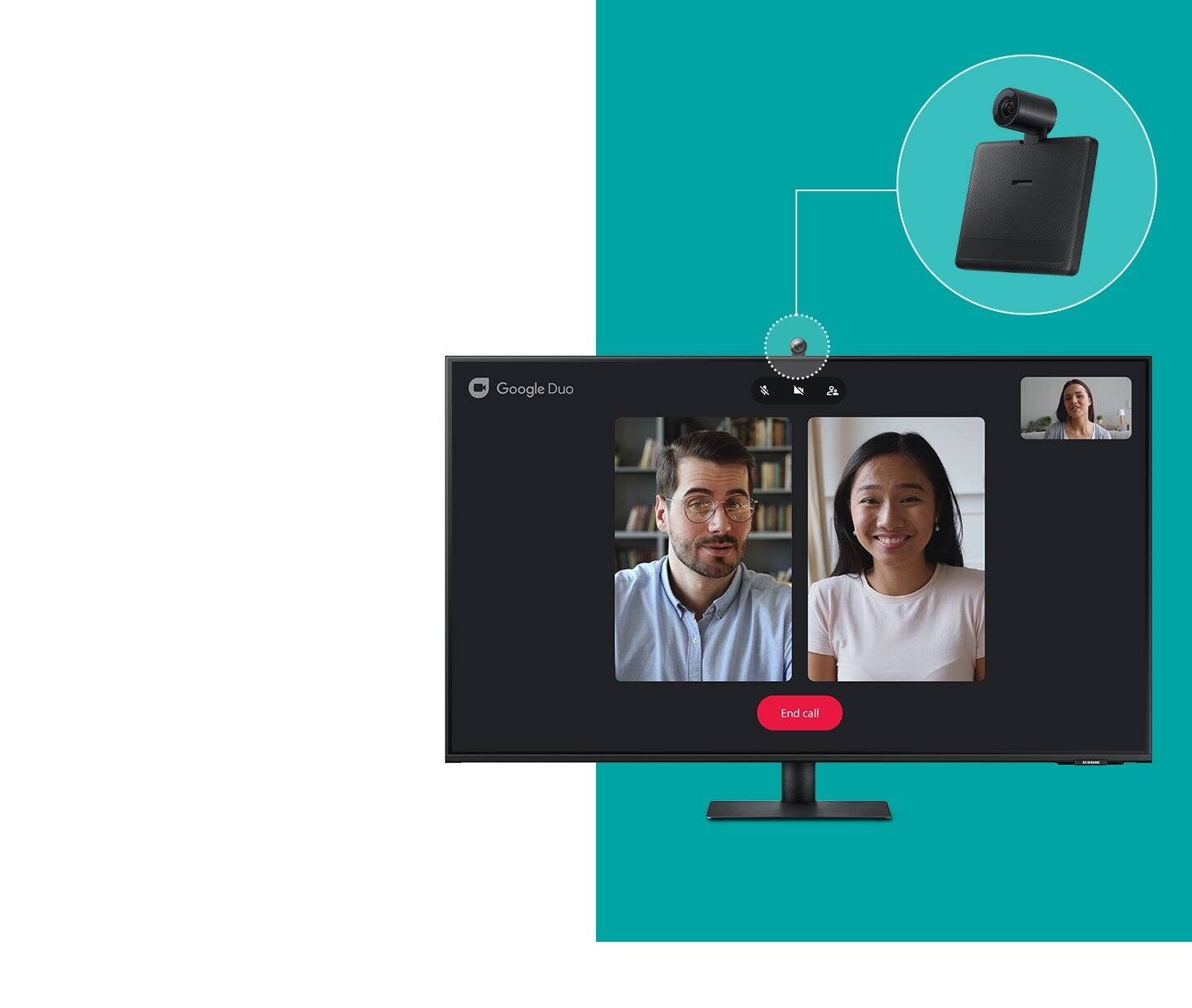
A:AnswerSo they word it in such a way that is weird. A webcam is not included but a supported webcam can be directly hooked up to the monitor and uses the monitor processing instead of being hooked up to your computer. This is why they use the term "integrated"( definition when you look it up is "with various parts or aspects linked or coordinated.") and not internal.
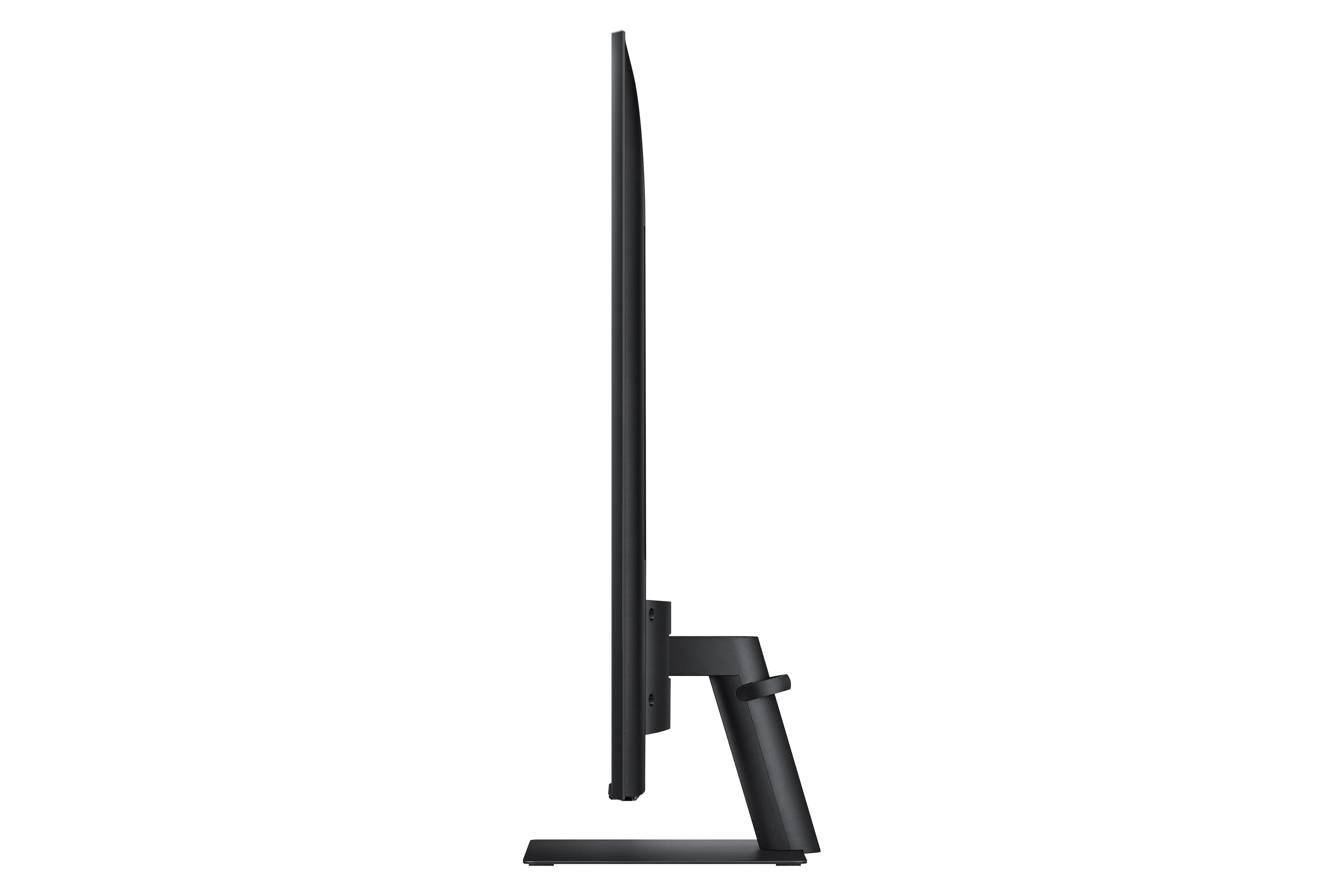
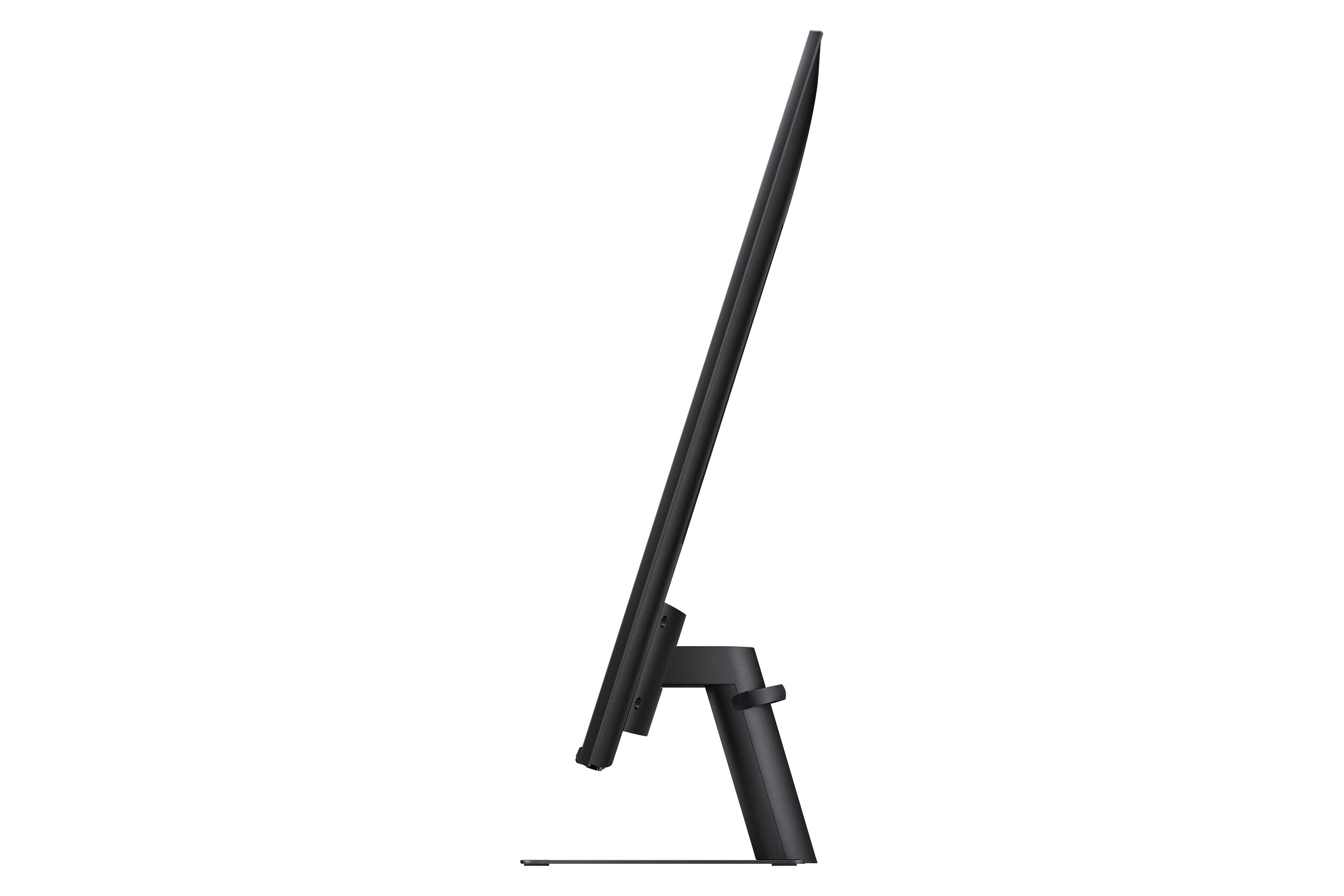
A:AnswerYes & No, it can be used as Landscape or Portrait monitor. But those settings are adjusted through the display settings on your computer. The built in Apps (Netflix, Prime Video, etc.) cannot be displayed correctly with the monitor in the portrait (vertical) position.