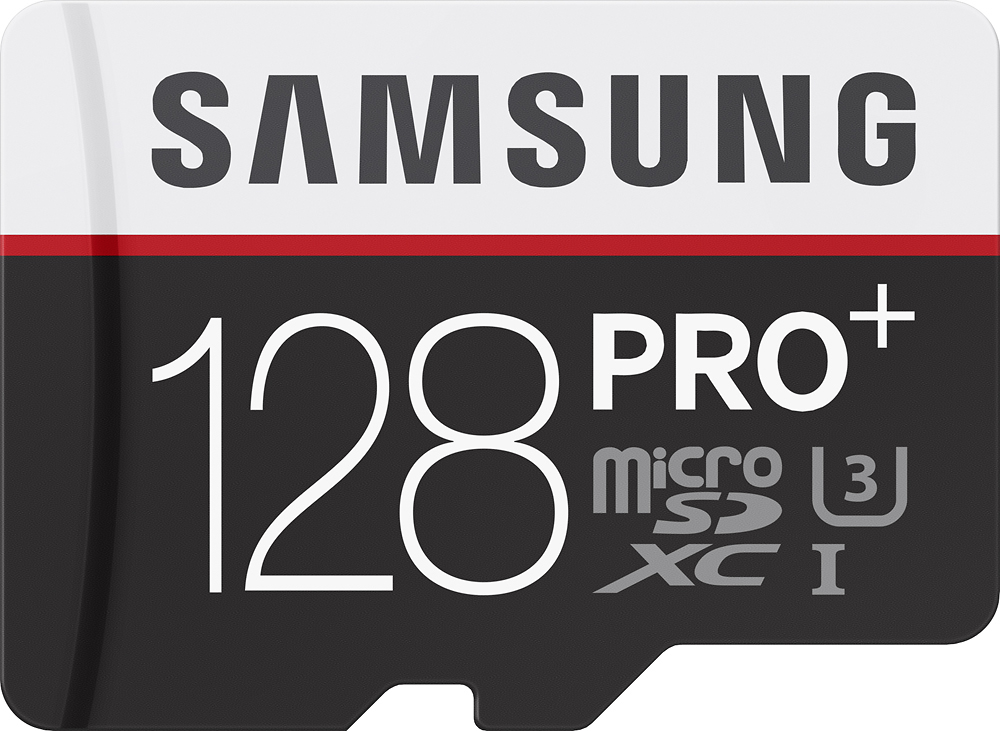
A:Answer Yes, works great in the Samsung Galaxy Note 4.
Please read the following if your phone restarts itself after installation of this SD card. It helped me a lot.
Hope this helps anyone experiencing phone restarting on its own after installing thus SD card.
Galaxy Note 4 restarted on its own throughout the first day and the following week. Restarting phone on my own, unmounting, remounting, removing battery, changing battery, fully charging batteries, clearing background processes, nothing helped.
Finally removed all apps I wasn't absolutely wanting to use, figuring they might be causing an issue somehow (though no previous problems with the Samsung 32GB card).
As I was doing that, it ocurred to me to try and clear out all other unnecessarily stored info, as well, just in case.
Tapped on Settings>Storage>Internal Storage, then scrolled down and "Cached Data" caught my eye. Well, it might erase stuff I wanted to save, but I figured it could be replaced later.
So I clicked on it (message :"This will clear cached data for all apps" popped up), and proceeded.
After it was done, I turned the phone off, removed the battery, took out the Samsung 128GB SD card (maybe I unmounted it first, I forget), then put the battery back in, inserted the SD card, and powered on the phone, and it has not auto restarted at all for over a month! Praise the Lord! So happy about that!