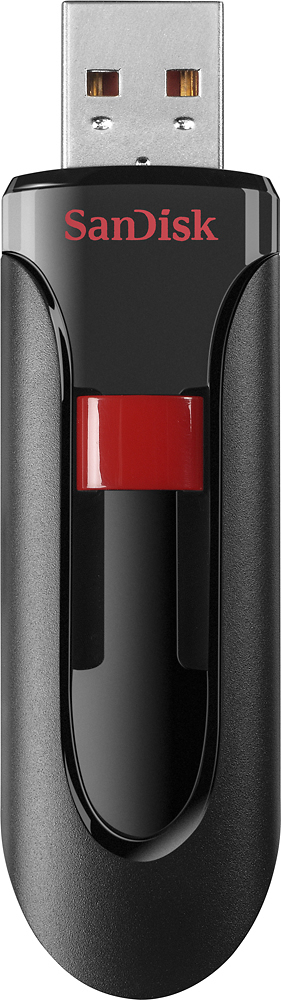
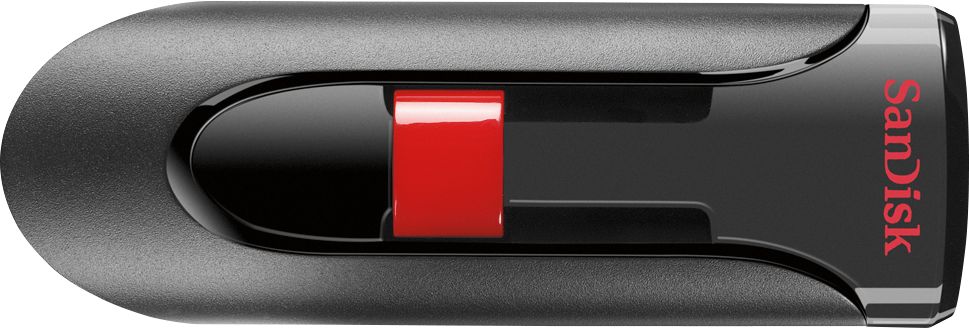
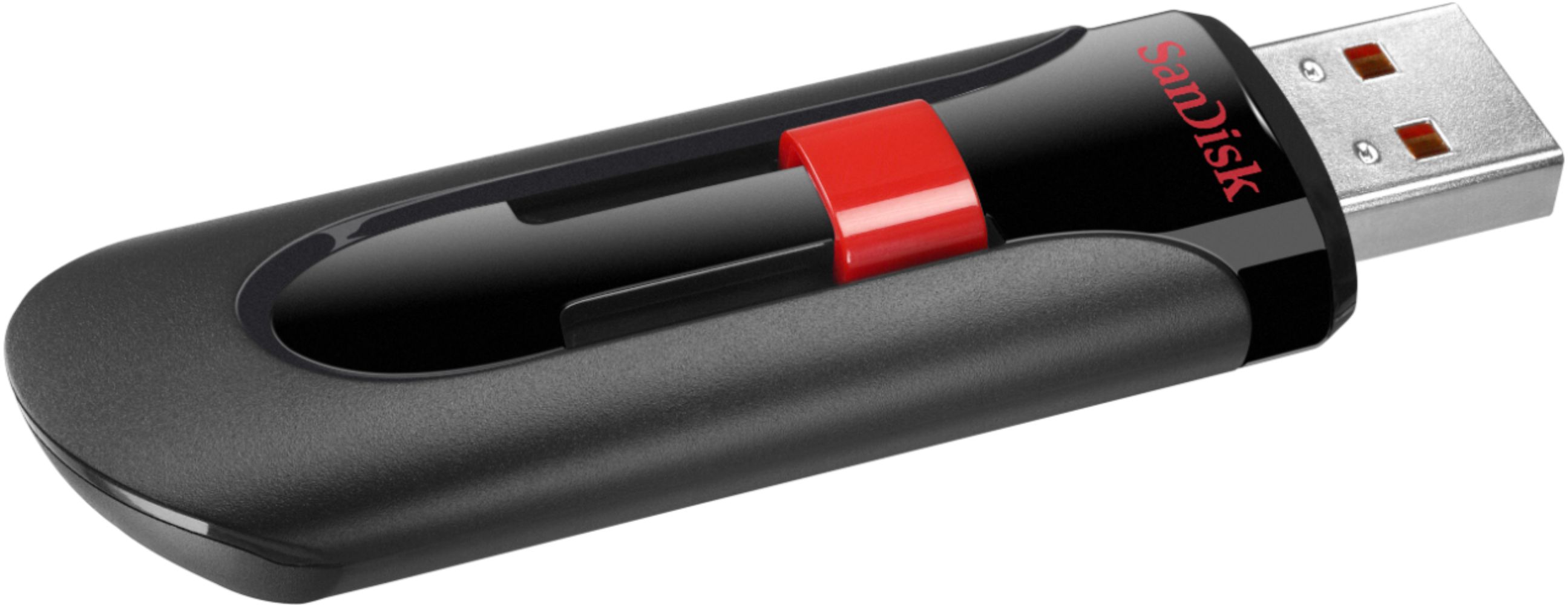
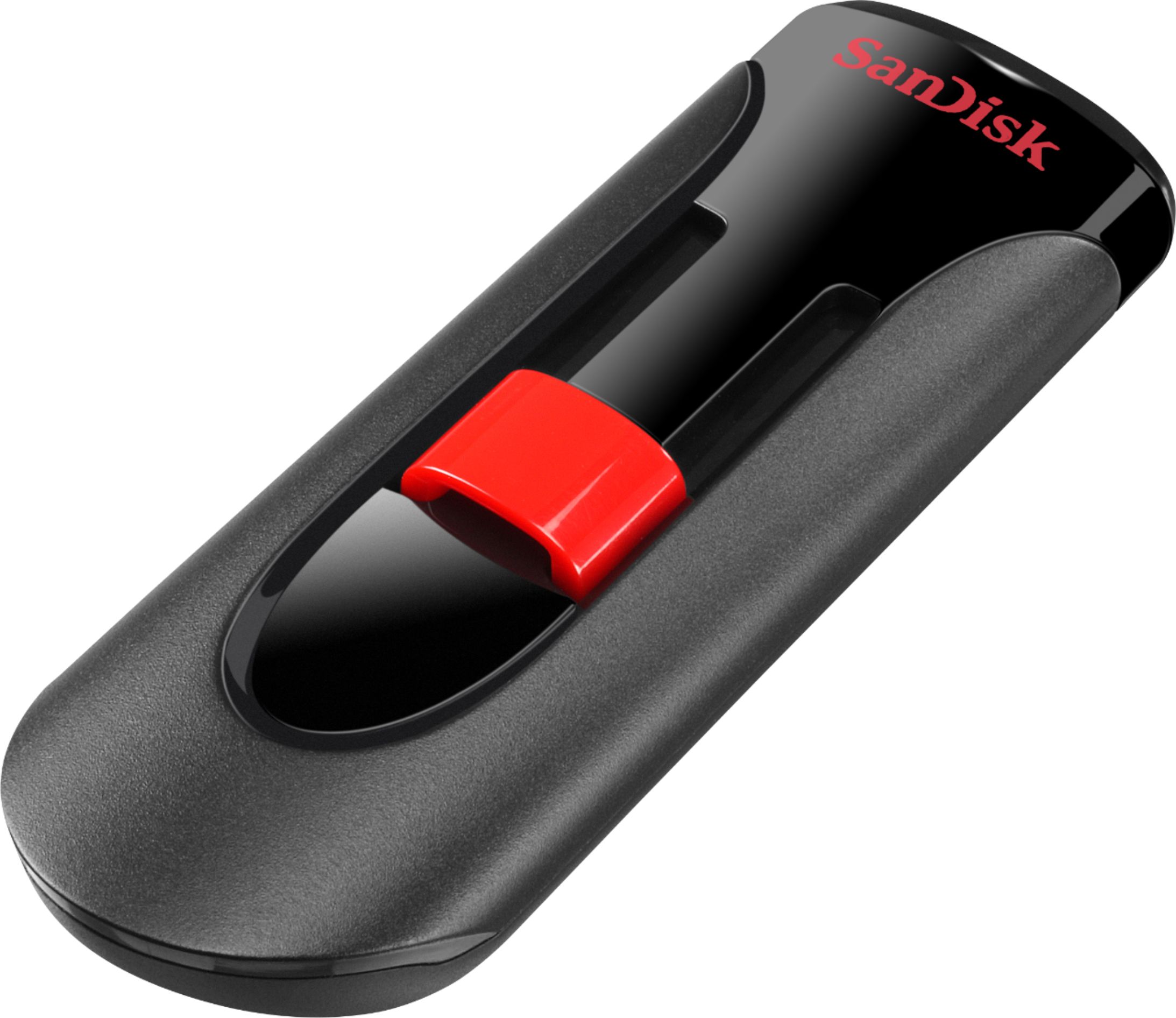
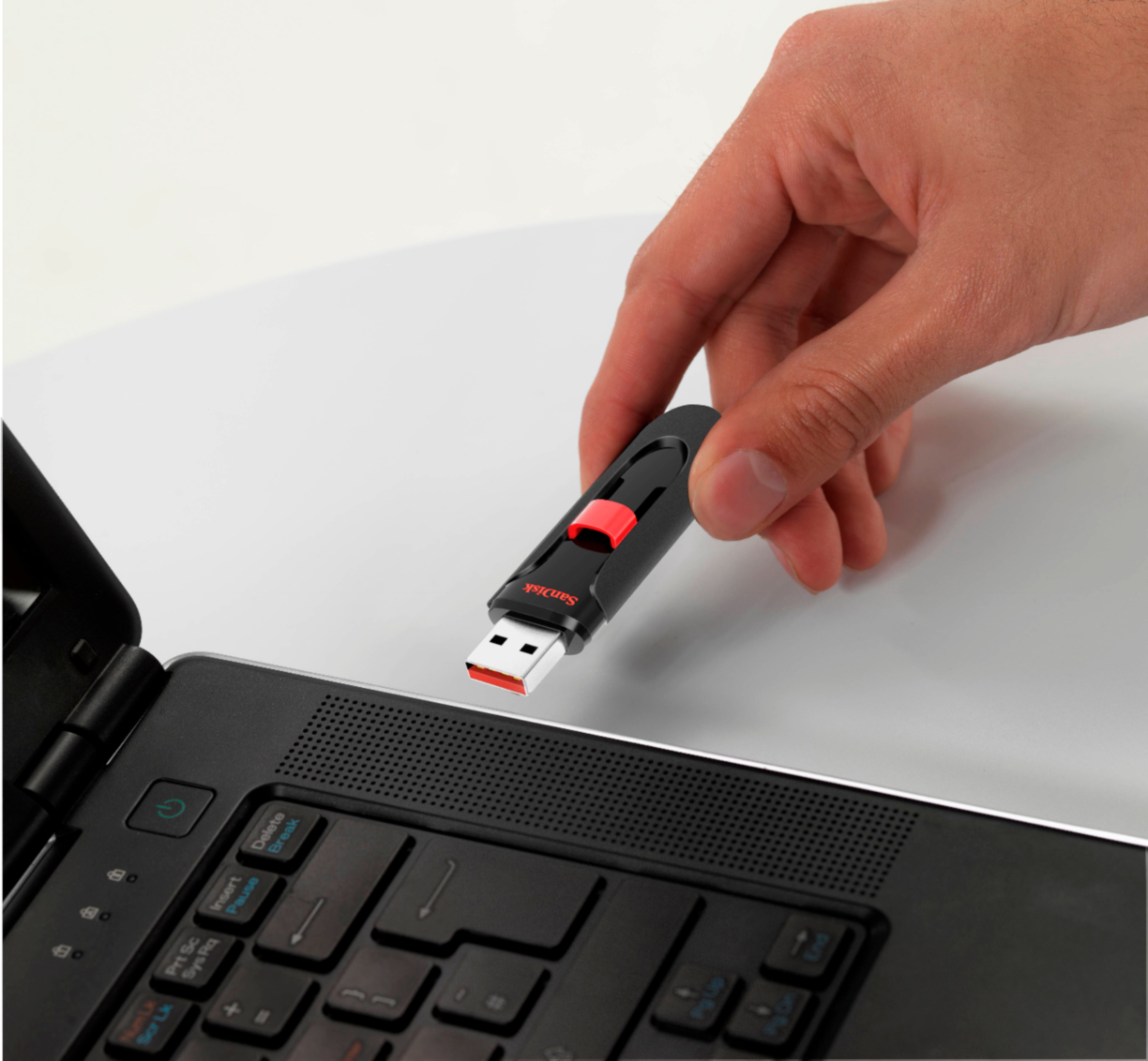
A:AnswerPlace your information in a folder. Put the Sandisk in the computer and open it up. Take the folder and move it over to the Sandisk. It will only copy and it will not remove the folder from your computer. Very easy. Eject the Sandisk before removing from your computer. The Sandisk can be a temporary storage for you to use.
A:Answerhighlight music on you computer file you want to copy to flash drive. Hold down left button on mouse and drag into flashdrive in the usb port it's plugged into..
A:AnswerSearch for “recovery”
It will walk you through how to create a recovery drive, nothing else can be on the drive and it can not be used for anything else