A:AnswerMaking a MacOS system disk is more difficult with the latest MacOS versions. I reinstalled from the Apple system installer. You must format with the proper apple format. If the SSD is working properly electronically, just “Erase” to the correct format.
A:AnswerPlease allow us to inform you that the SanDisk®️ portable SSDs are a plug and play devices. You can connect the drive to the computer and start transferring the data using drag and drop or copy/paste method. You do not require any special driver, firmware update or software to use the drive on computer. Our drives use the native drivers of the host device. To know the number of pictures of this drive can store, please refer to the below mentioned link :
-- https://kb.sandisk.com/app/answers/detail/a_id/69
A:AnswerPlease allow us to inform you that the thunderbolt and USB are different interface. For further assistance, please reach out to our support available at https://www.sandisk.com/about/contact/customer-care.
A:AnswerHi, we apologize for the inconvenience this has caused you. This matter can be best addressed through our technical support team. Please visit our support site where you can find our customer technical support phone numbers, open a ticket, chat live or check the status of an open ticket https://www.sandisk.com/about/contact/customer-care.
A:AnswerAbsolutely you can. Just remember that being an SSD if you do not use those files long enough they can go corrupt or disappear. Save them on more than 1 external drive if you wont be regularly using the files you saved to the SSD
A:AnswerIt should be able to connect natively using the files app. I have done so with other drives. It may be easier to use a second or third party app though
A:AnswerPlease allow us to inform you that this SSD has not been tested on DVR and we would request you to contact the host device manufacturer to check compatibility.
A:AnswerHi, we would be happy to help, but it would be best to contact us directly so that we can investigate further and provide you with an appropriate resolution. You can use the Ask form at https://kb-eu.sandisk.com/app/ask/ and there is also a phone number you can call available at https://www.sandisk.com/about/contact/customer-care.
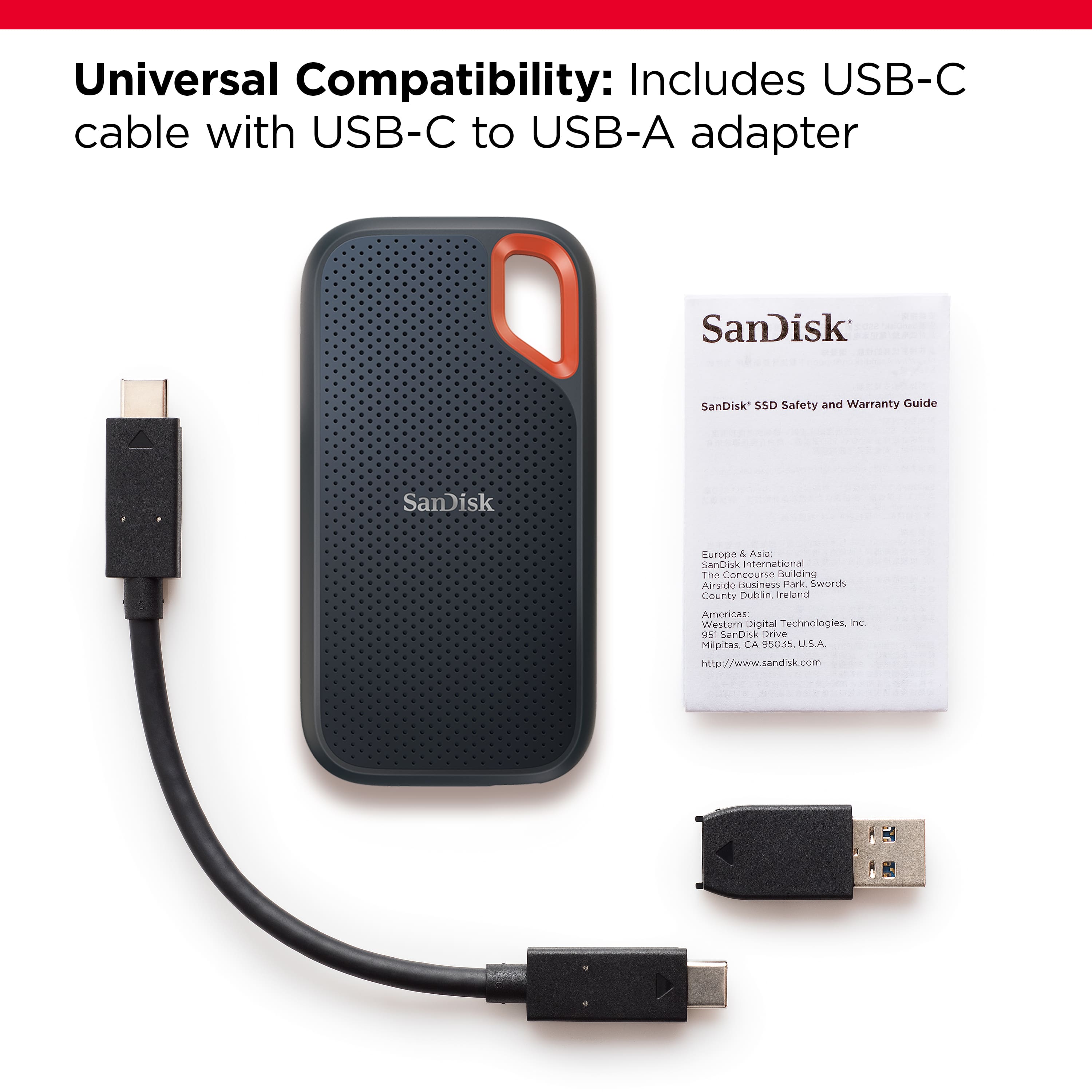
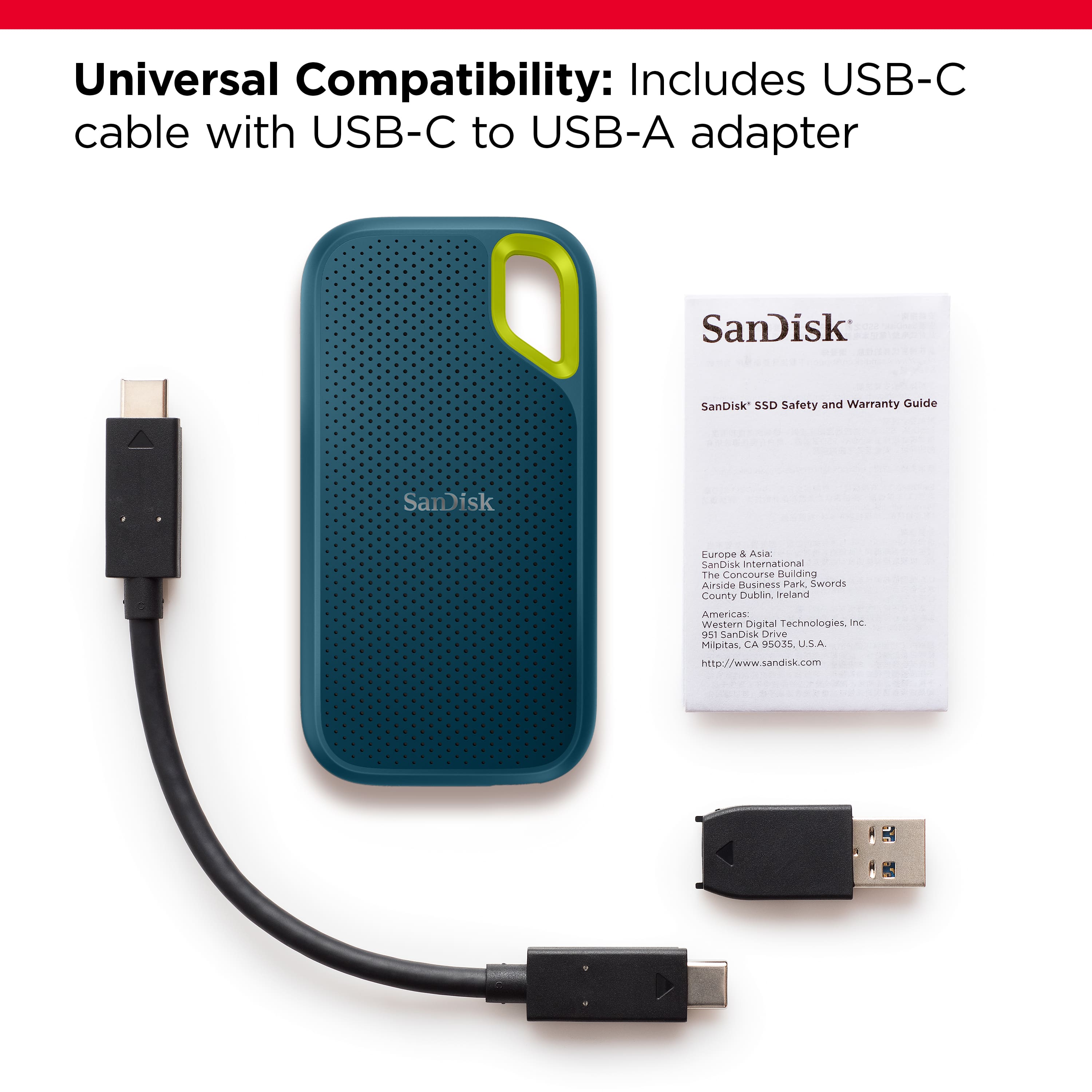
A:AnswerHi, please be informed that all our external storage devices including the SSD Drives are simple plug and play storage devices which you can connect to your Windows/ Mac computers using the USB Type-C/ A ports. However, please note that you might not get optimal data transfer speeds when connected to a USB interface older than USB 3.1 Gen 2.