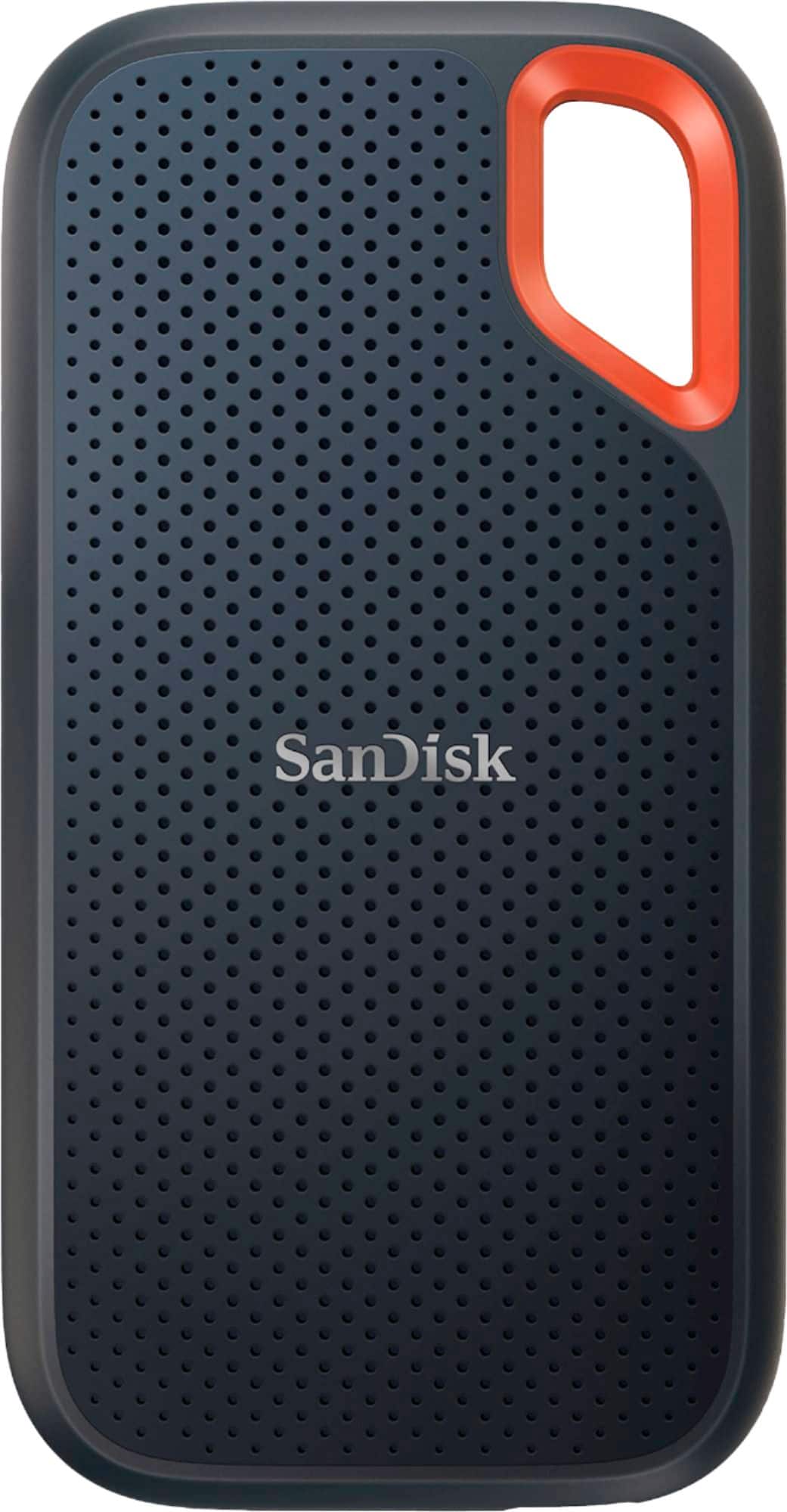
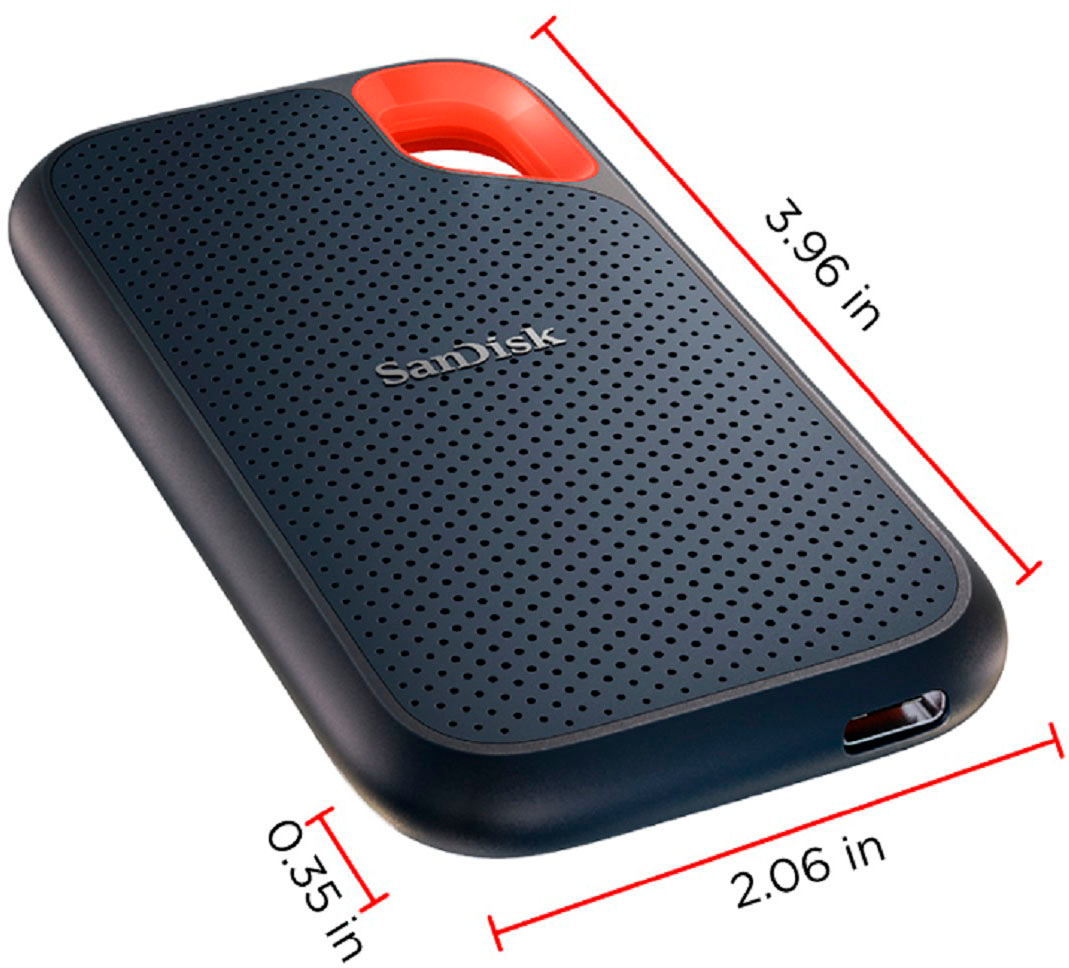
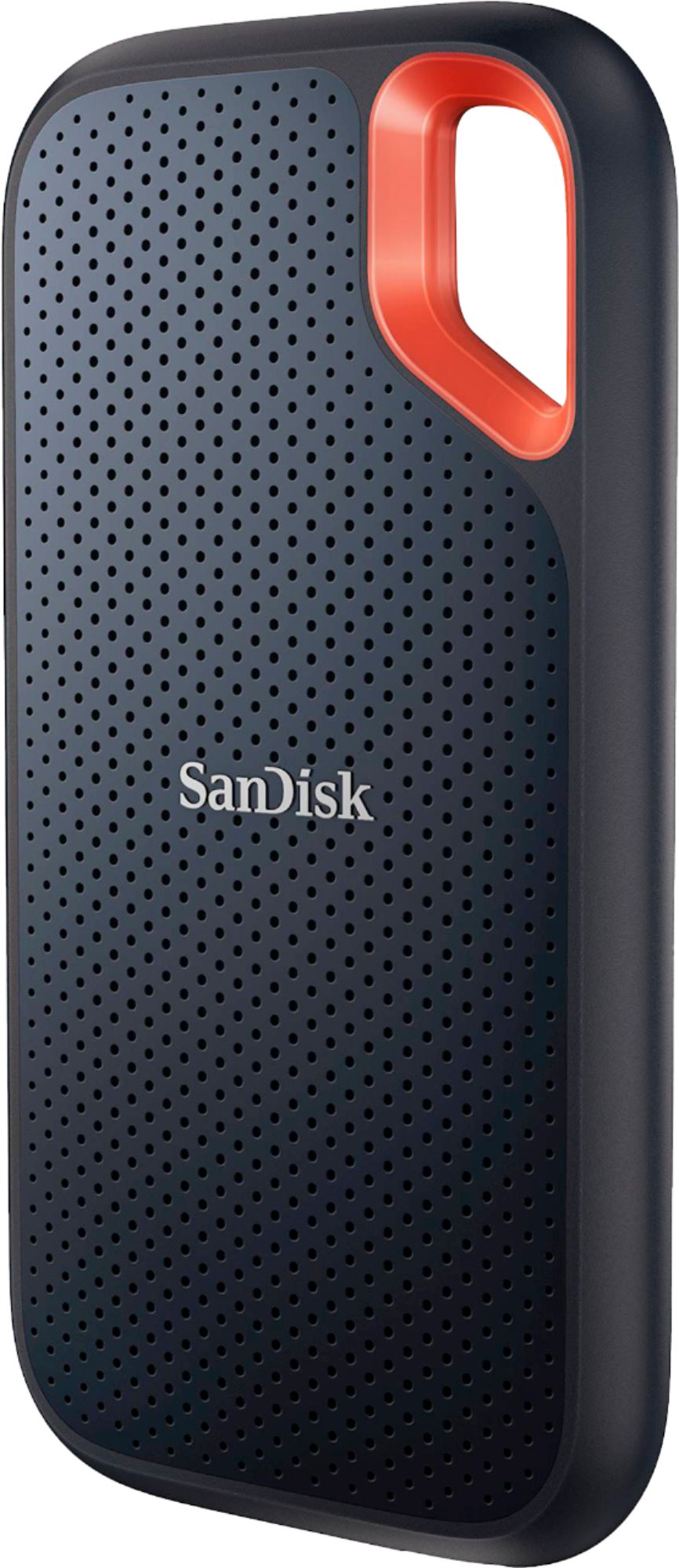
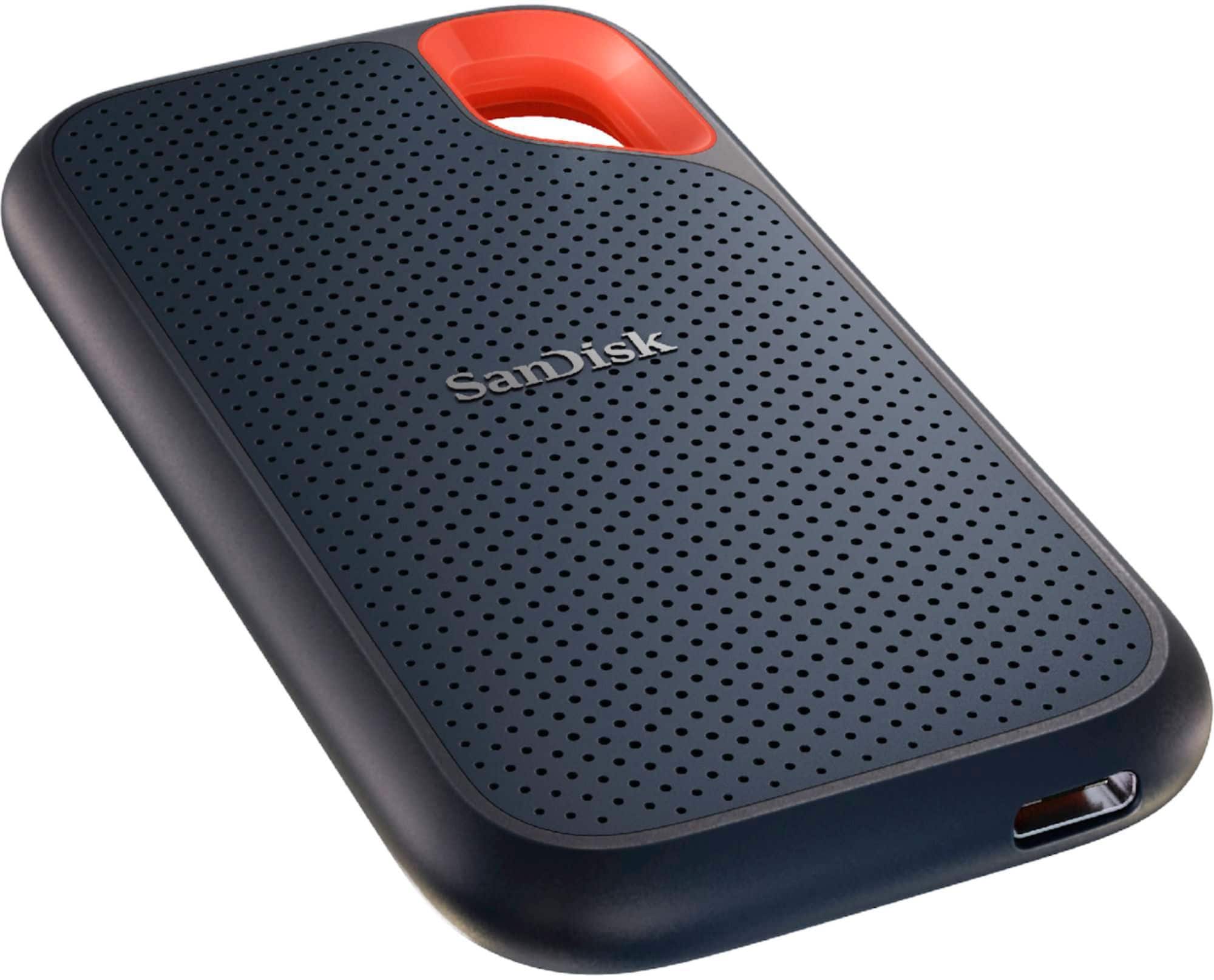
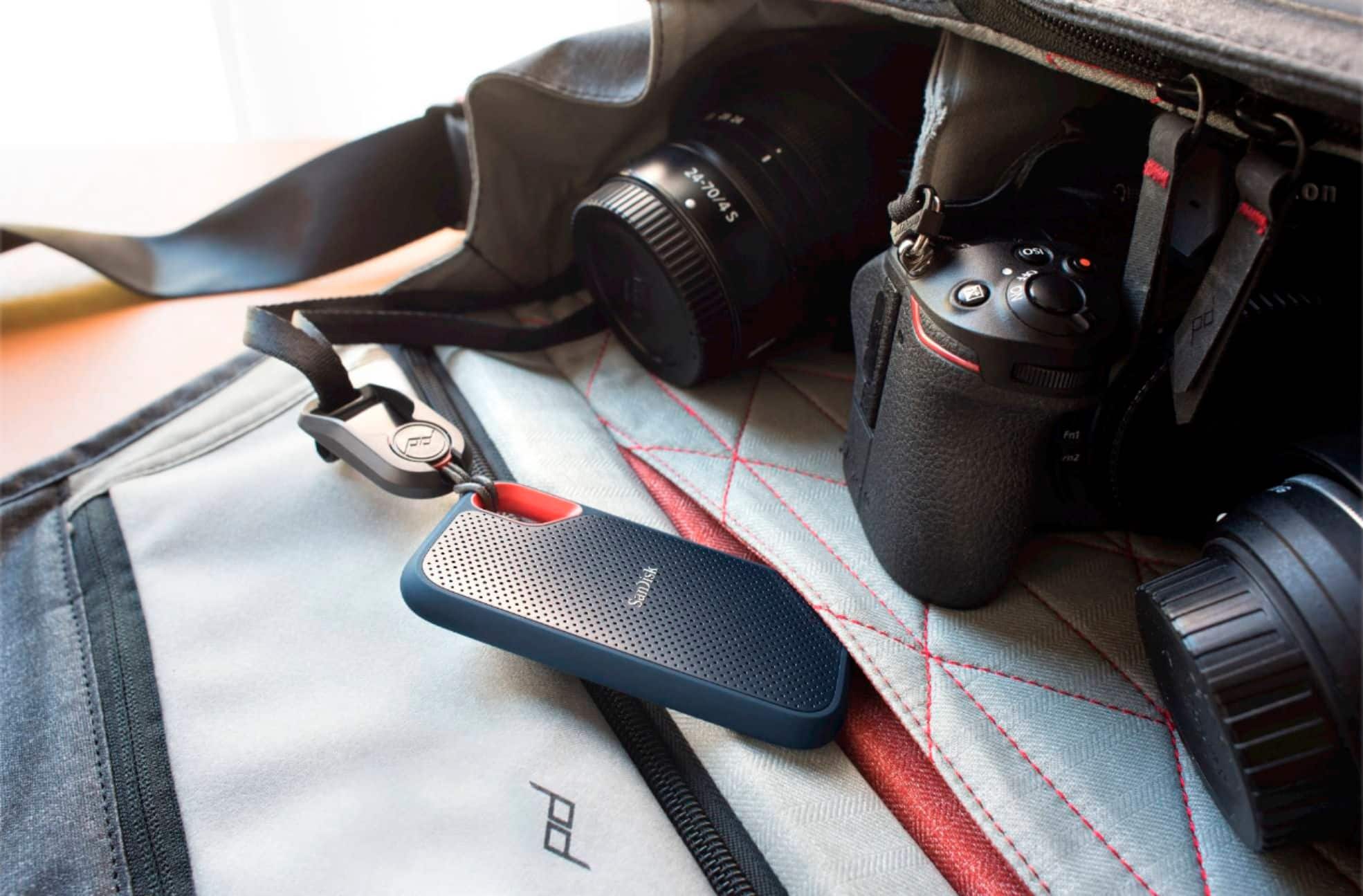
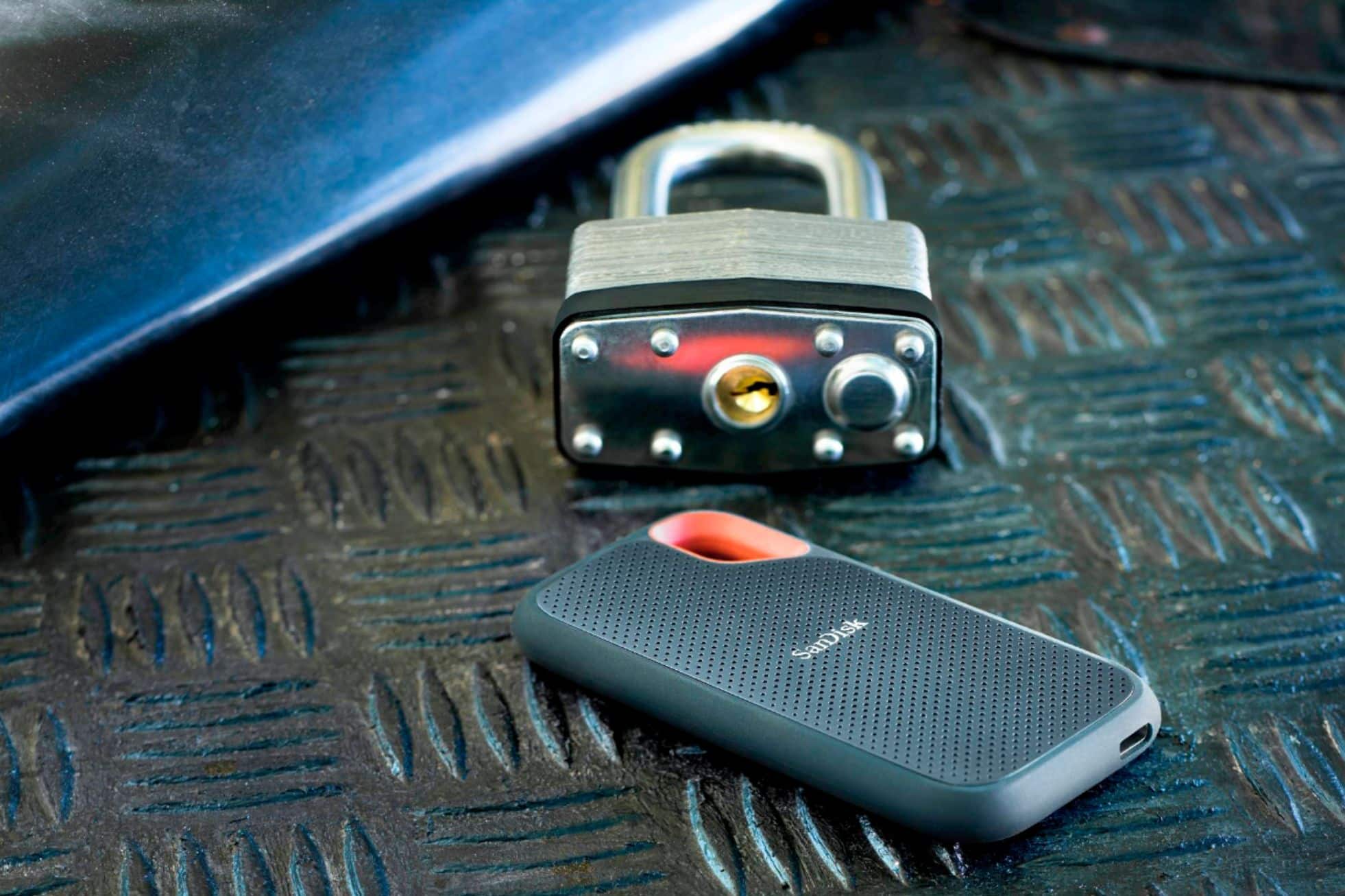
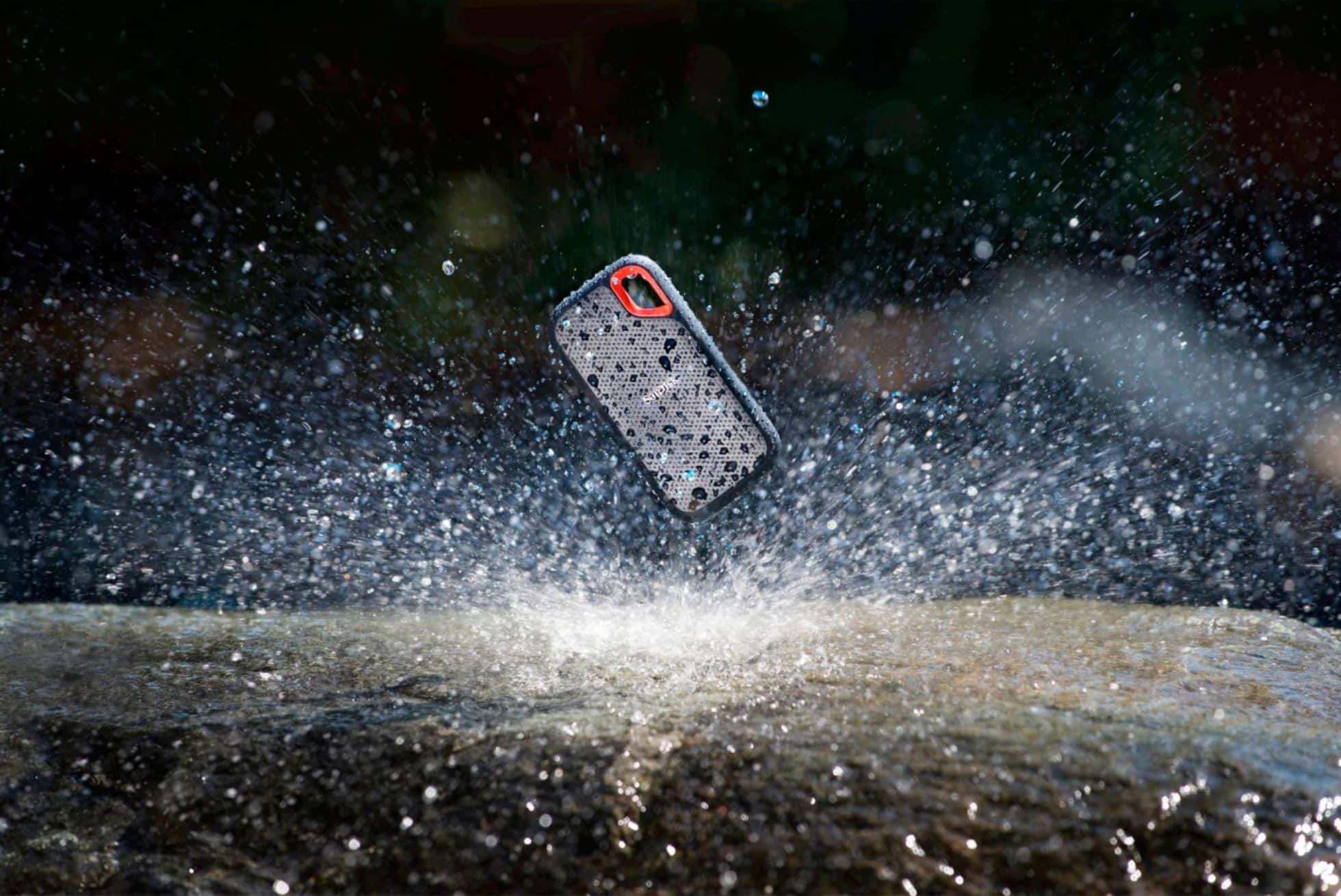
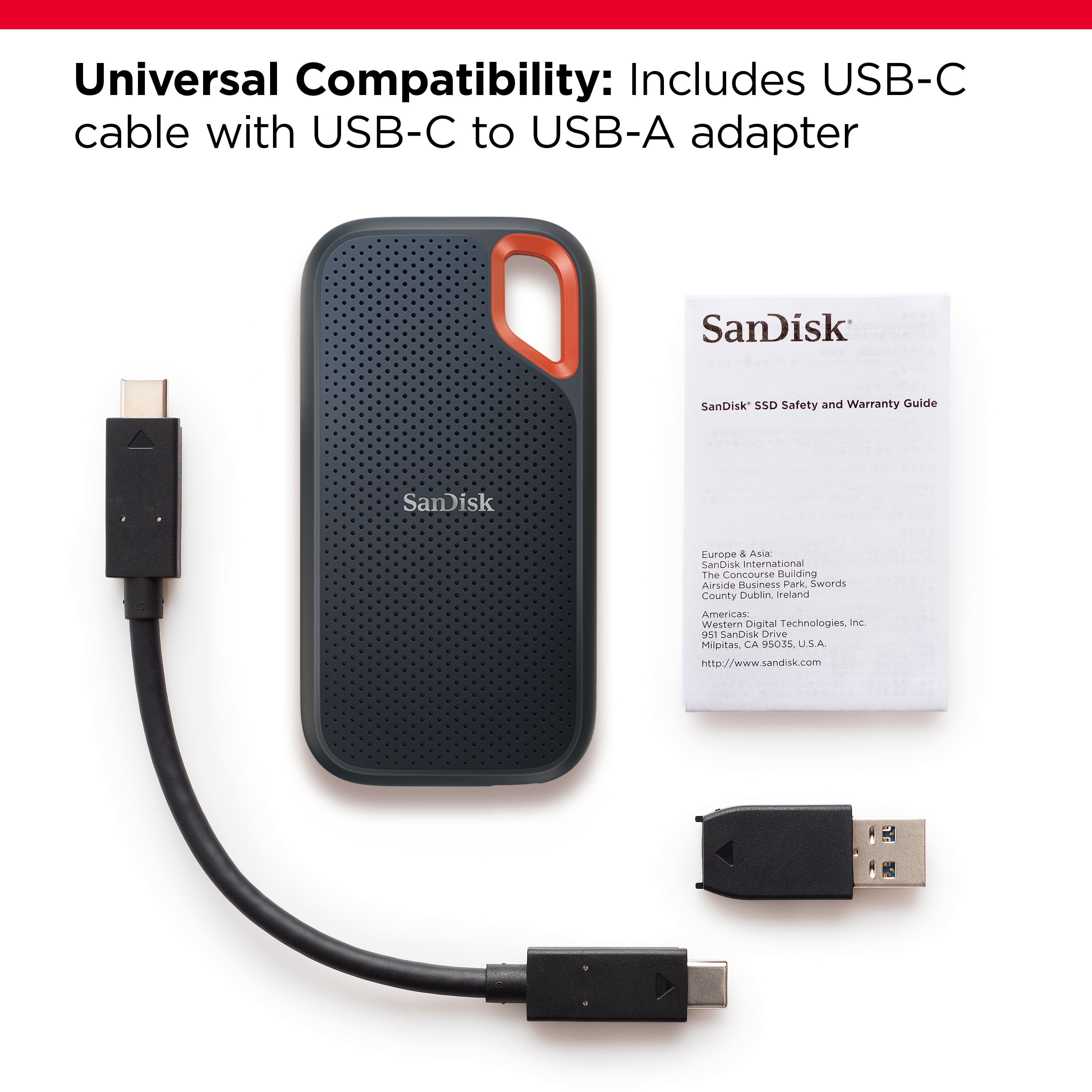
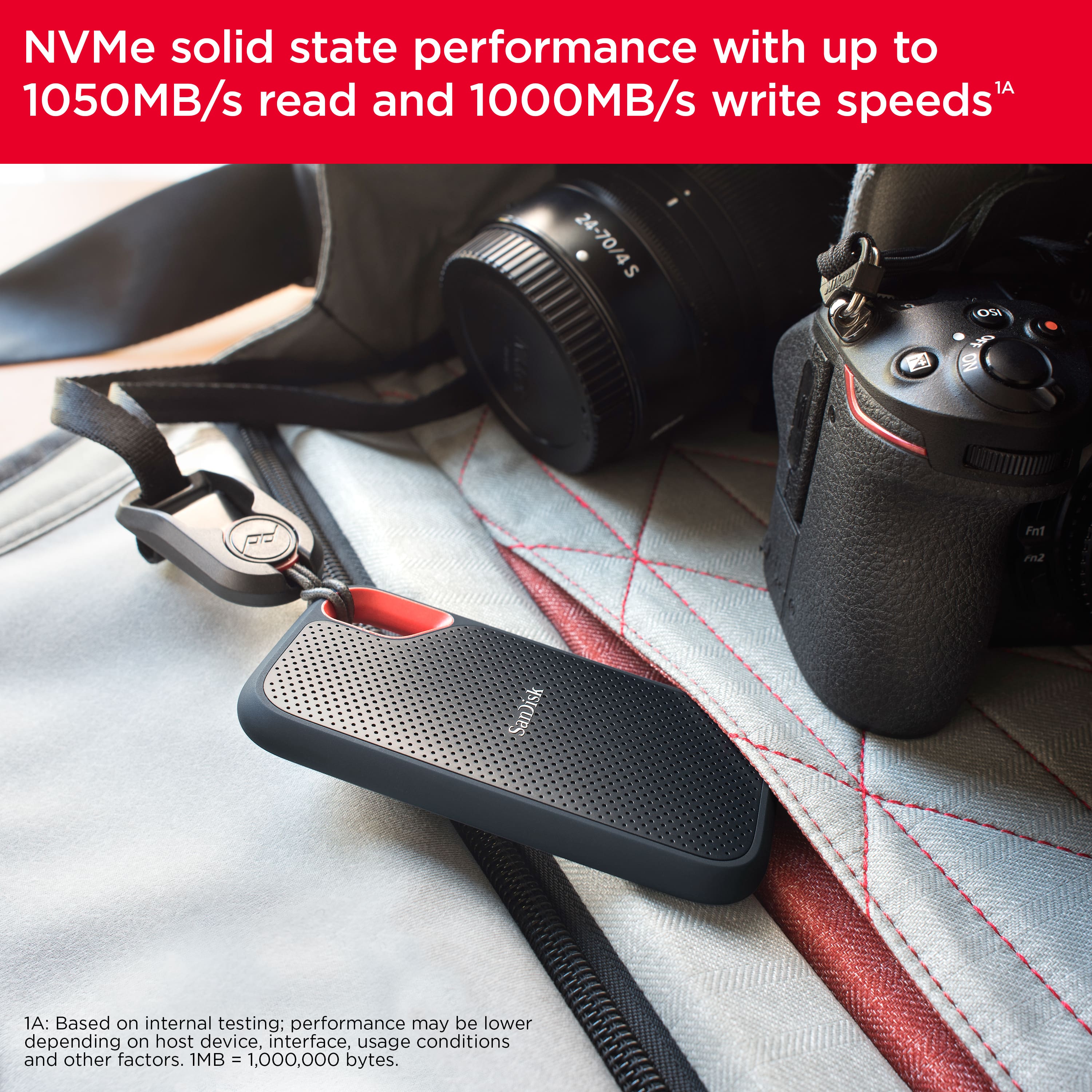
A:Answer Hi, the SanDisk Extreme Portable External USB-C NVMe SSD is built and designed for tough tasks like photo/video editing, backup, and large file transfers, providing great durability and performance. Although SanDisk does not publicly list the typical write endurance (TBW) for this external model, but based on NVMe drives of the same class and capacity, you can comfortably expect good write endurance. If you encounter any problems, you can always open a ticket at (https://support-en.sandisk.com/app/askweb)