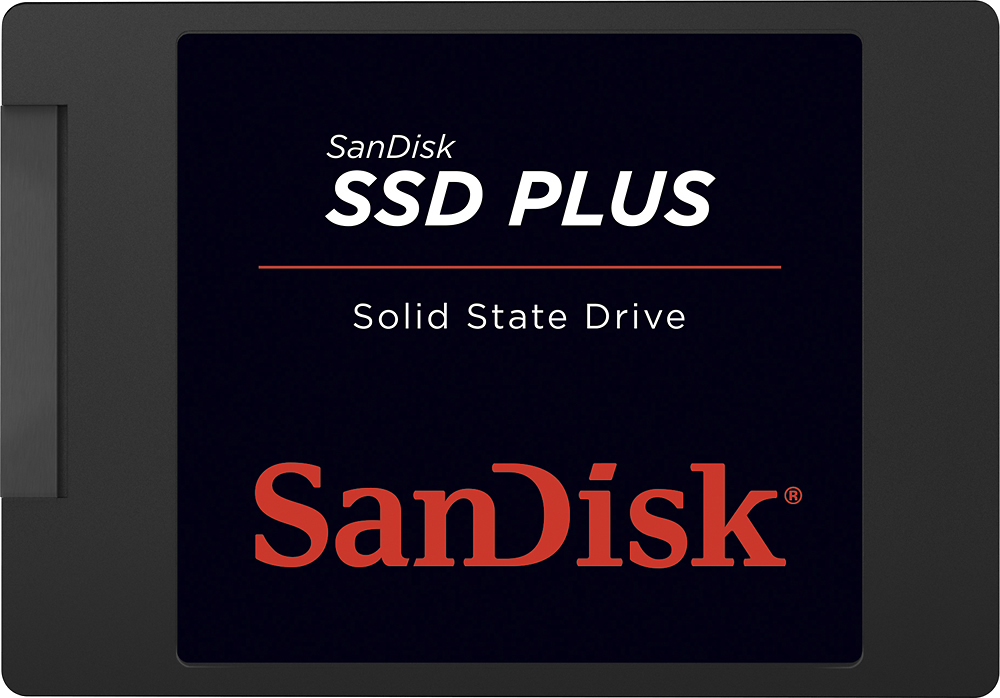
A:AnswerSo far I've used two different cloning software (one for the desktop to replace the old SSD with this one, and one for the laptop to install the old SSD) and everything worked perfectly the first time. My laptop went from booting in 10 minutes down to booting in 20 seconds. I also had Windows 7 now upgraded to Win10.
I used Macrium Reflect free and it worked like a charm. Try it here:
http://www.macrium.com/reflectfree.aspx
A:AnswerYes, this will work just fine as the main HD in your computer. It may be a little small so I would recommend a larger HDD as a backup/storage drive. I just built a computer and used one of these as the primary boot/os drive and a 2TB HDD as the storage drive and it works wonderfully.
A:AnswerYes BUT it's only 120GB, more than enough for your operating system and apps but you're losing A LOT of storage. Consider a larger size (storage not physical) or using an external storage solution if you want to use this drive. They do make 240gb and 480gb models too for only a few bucks more.
A:AnswerNo this won't work on your laptop. Here's the website on how to upgrade and know what kind of hardware you need. http://laptopmedia.com/highlights/inside-lenovo-yoga-900s-disassembly-internal-photos-and-upgrade-options/ Hope you find a way around.
A:AnswerSolid state drives (SSDs) are best used for operating system and application files where being able to read/write from/to those files makes your system perform significantly better than it would when using a traditional platter-based hard drive. You wouldn't see much benefit from putting files that don't change frequently (i.e. pictures/movies/music) on an SSD with the exception of videos/photos that you are in the middle of editing. Since SSDs typically are much smaller than traditional platter drives people tend to keep a platter drive available as well (either internally or externally) to store large media files.
A:AnswerThis won't work on a Wii U because the only expansions slots for external data storage is either a SD Memory Card or an external hard drive through USB. Now if you have a USB enclosure, you can buy this SSD, insert it into the enclosure and use it that way.
It's easier to buy the WD external hard drives with USB 3.0 and use it to expand the storage for the Wii U.
A:AnswerI do not think this will work. Based on the detailed specs your Satellite uses a 32gb eMMC hard drive. This are not the same thing as a solid state drive such as the one you are asking about.