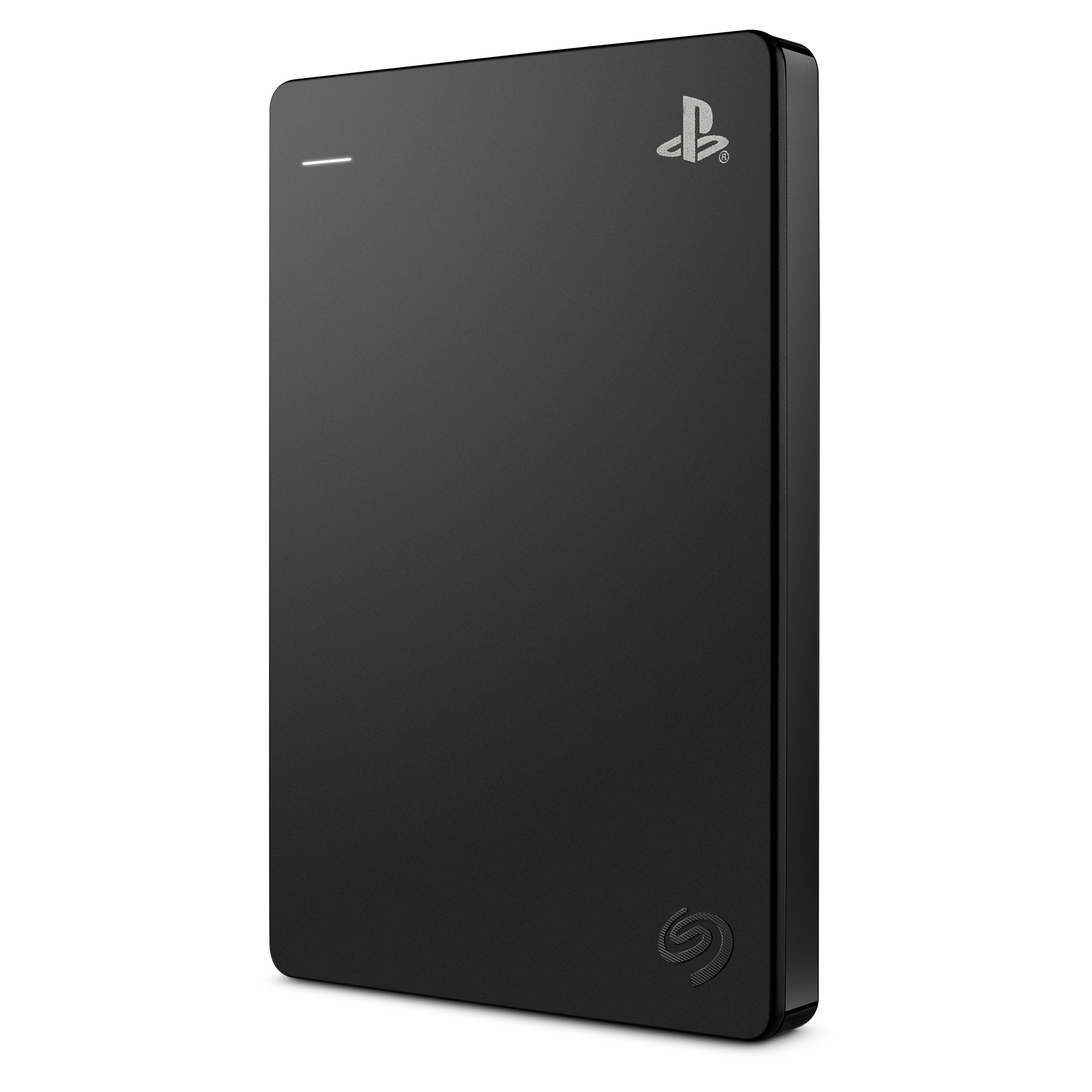
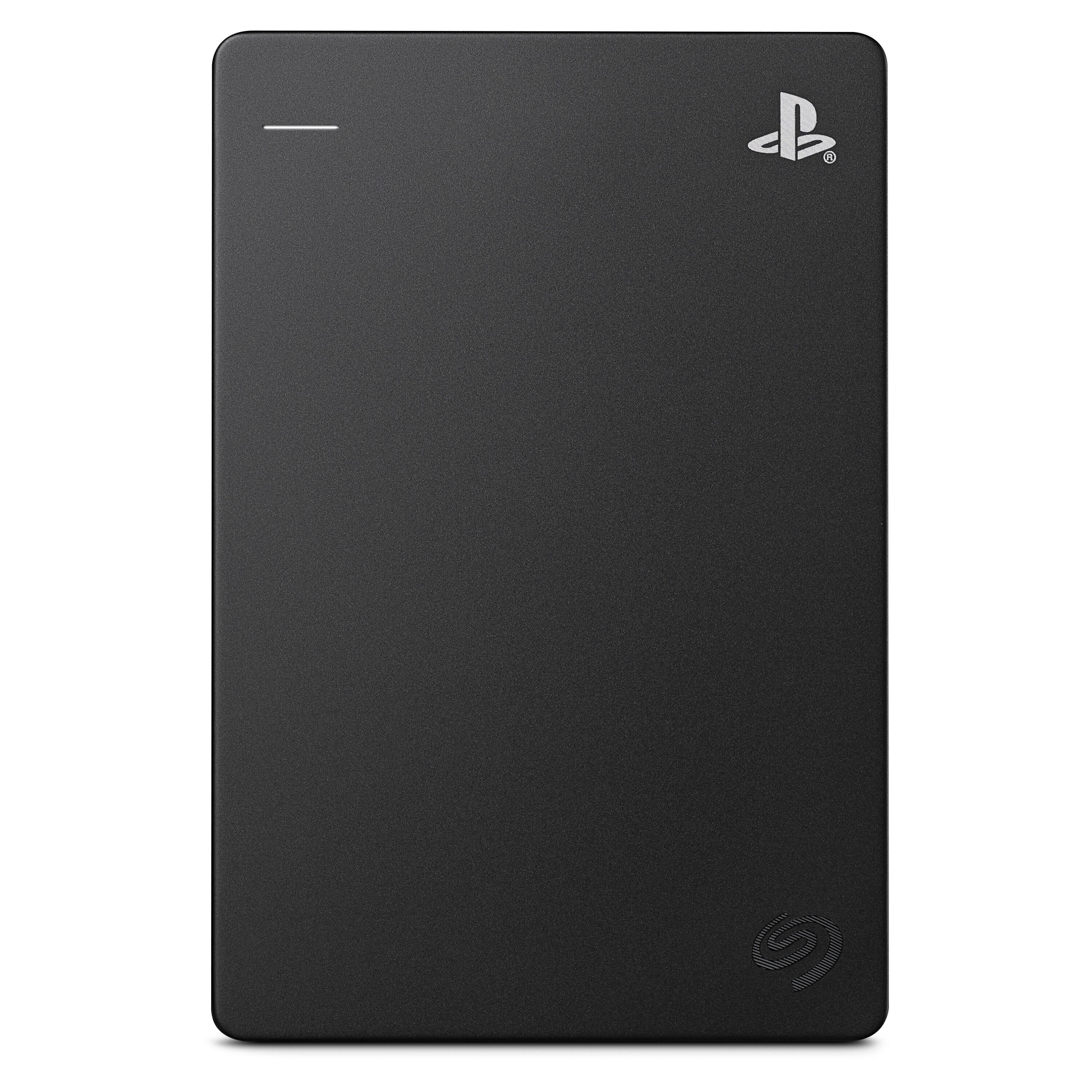
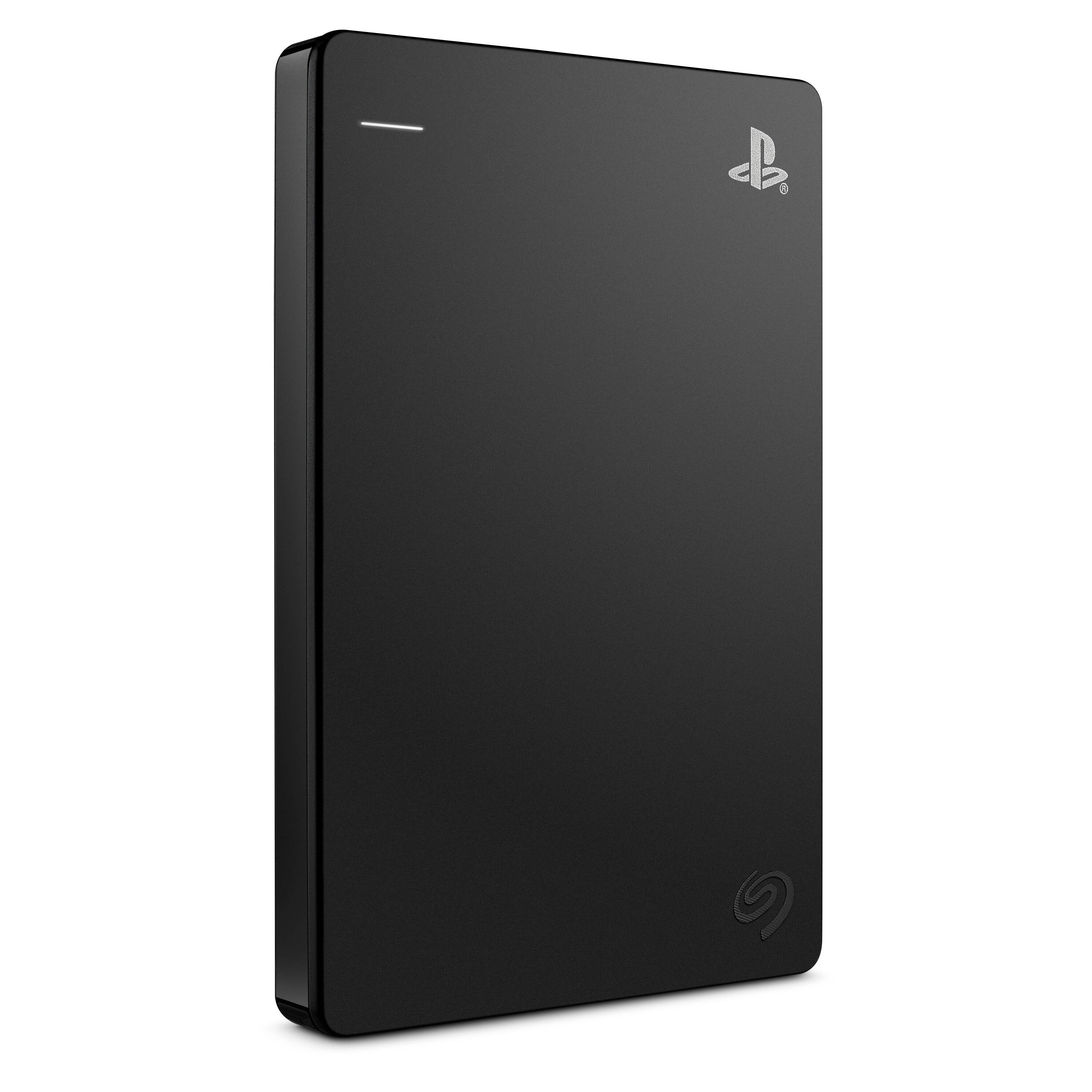
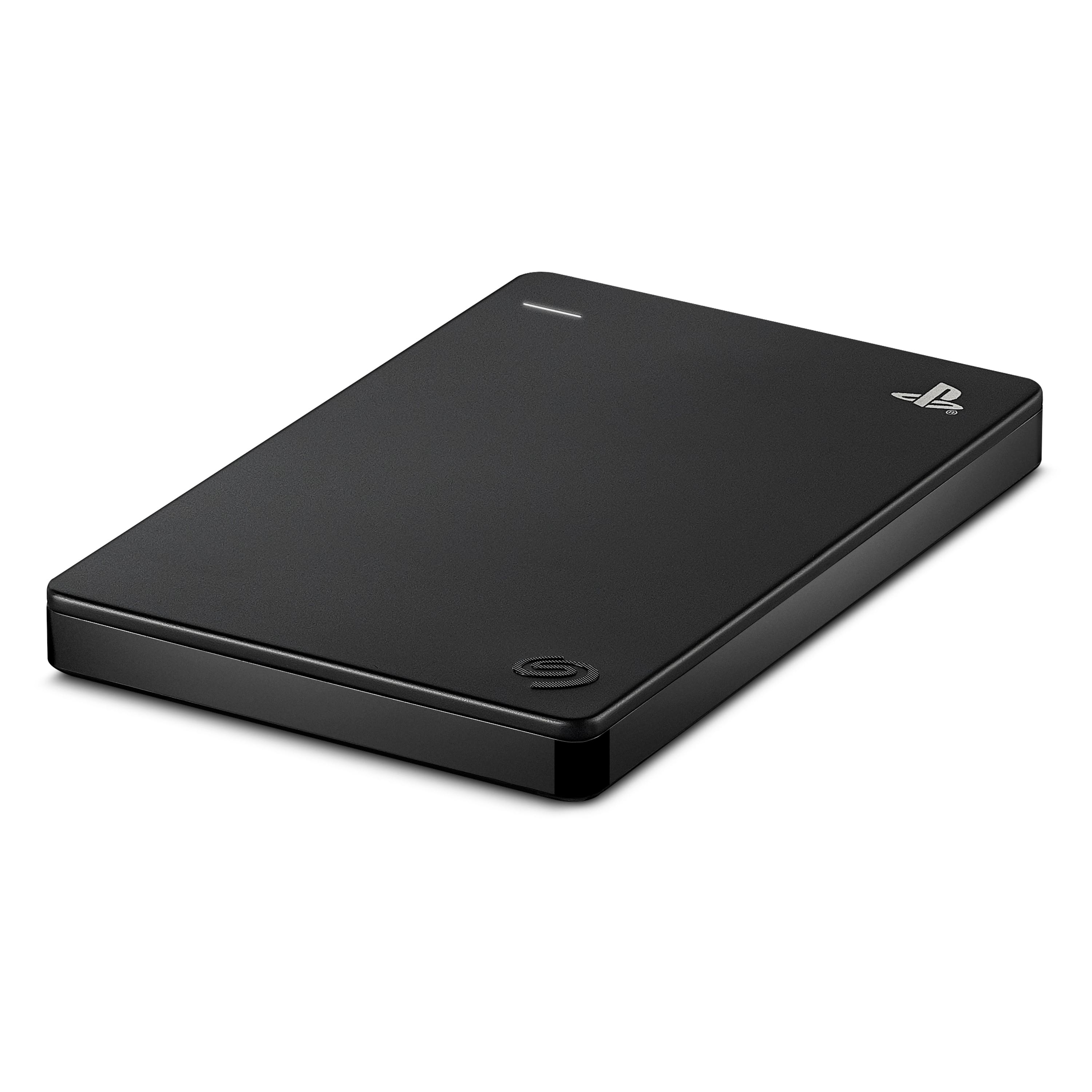
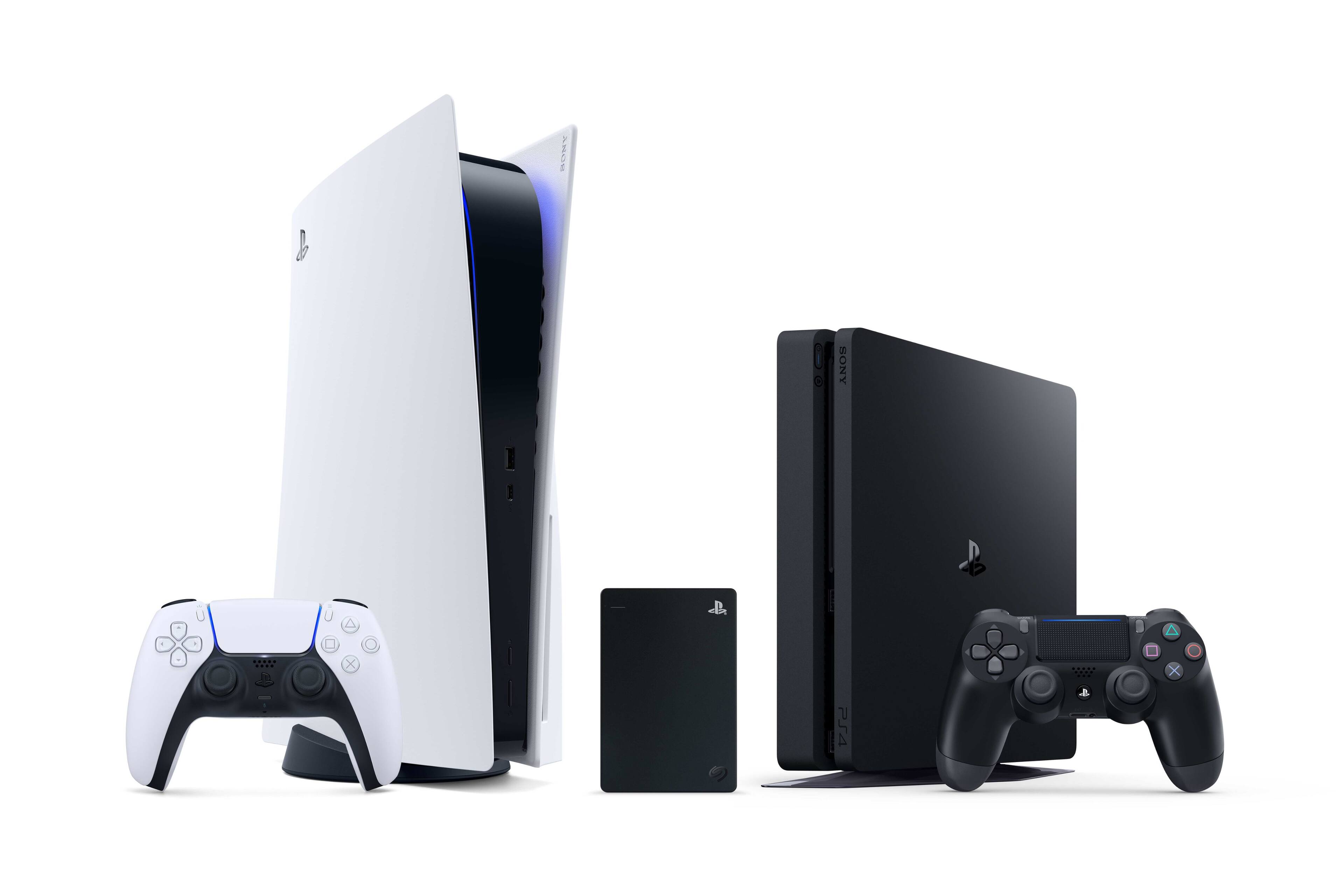
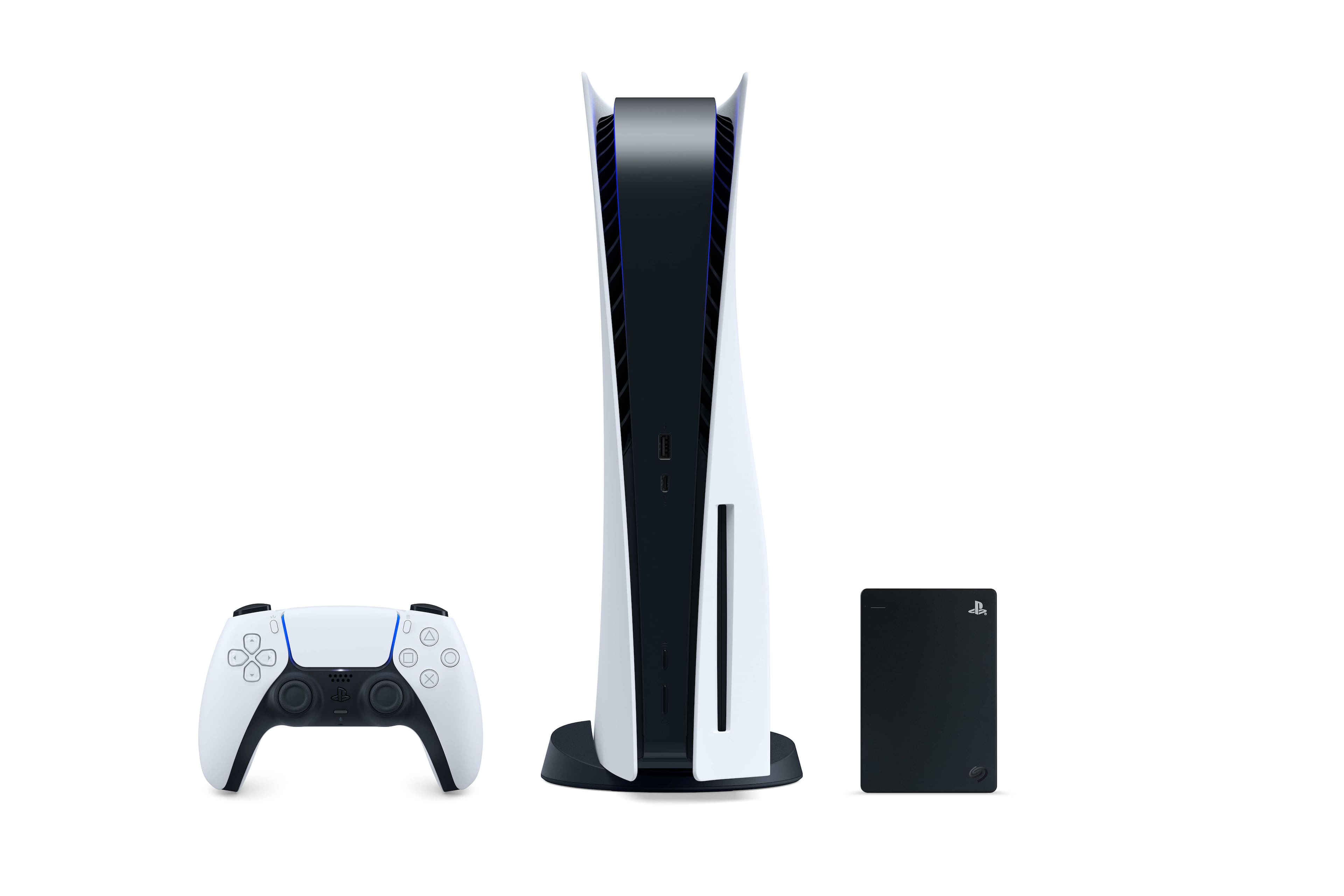
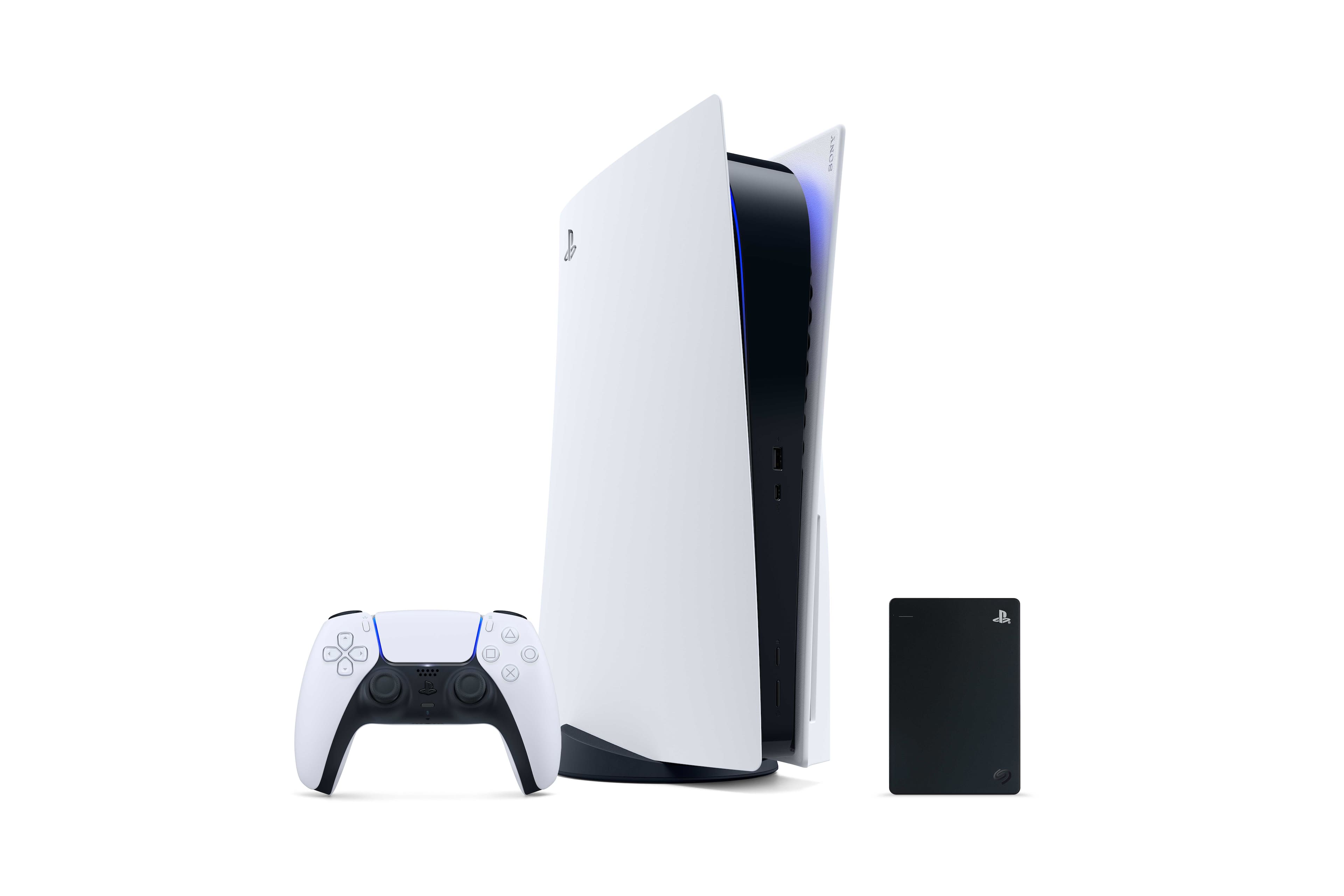
A:AnswerI’m absolutely positive that this will work with the PlayStation 5, but hear me out. PS5 games have to be installed on the internal storage. Only PS4 games will be able to be installed on this.
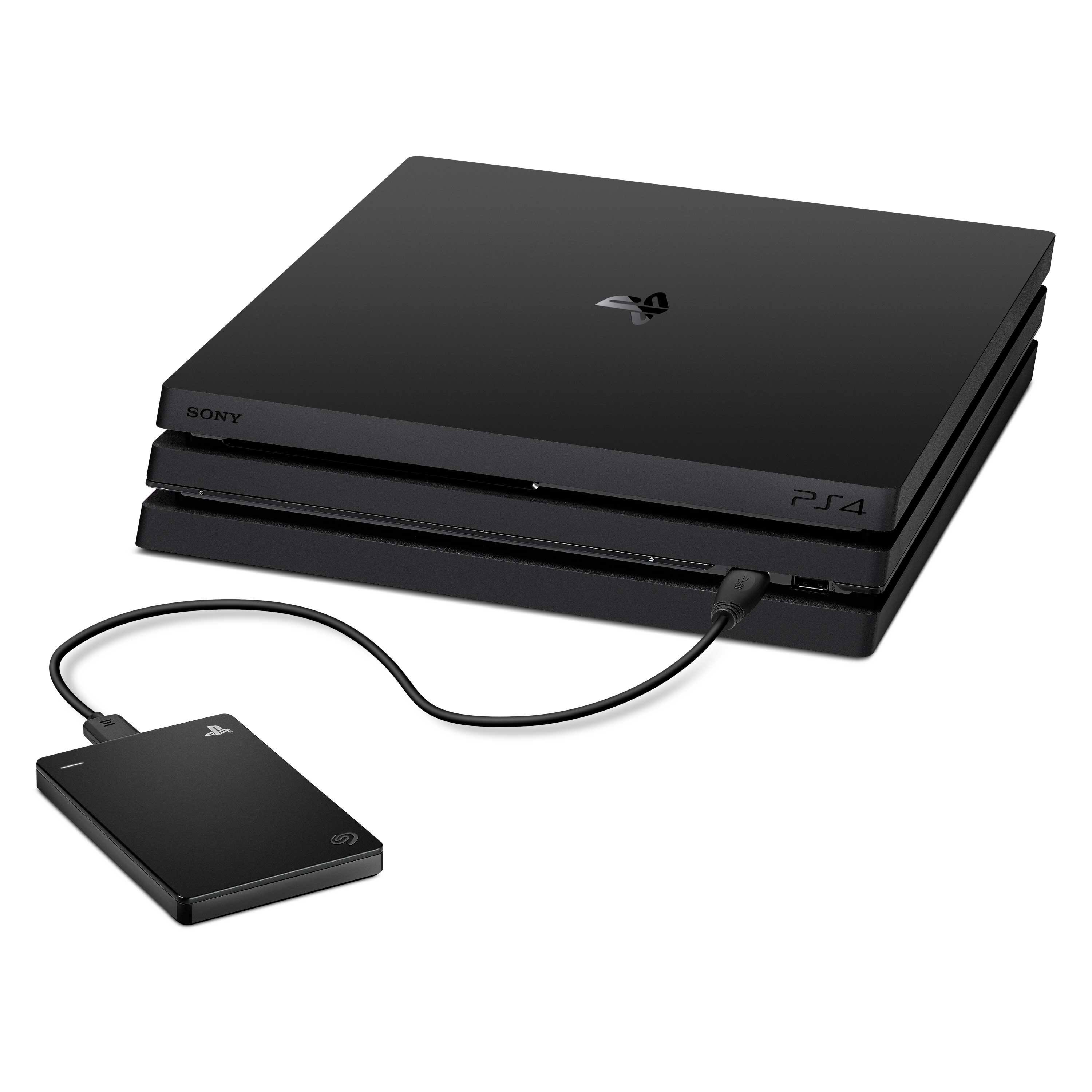
A:AnswerThat is correct; after connecting the USB drive to your PS4 you will need to navigate to the storage settings and format it but that is all pretty straightforward. I just followed the instructions that came with the HDD.
A:AnswerYou would need to purchase a new internal hard drive because PlayStations are only designed to start up from internal hard drives and use external hard drives for storage.
A:AnswerEither way any external you buy has to be formated for you to put games on, no matter if they are PS4 or 5. You can save PS5 games to the drive just like PS4 games. Only difference is you cannot play PS5 games from the drive like you can PS4. Thats nothing wrong with the external but a Sony thing
A:Answer1. Connect External Harddrive
2.Transfer files you want to Harddrive
3. Properly eject harddrive from ps4 settings
4. All game data is now portable. Enjoy
A:AnswerNone at the moment, you can only use HHD for storage and to play PS4 games directly from it… you can use internal SSD if you’re a beta tester tho, there are plenty that work for the PS5.
A:AnswerYes, It comes with the cord to pug in and the system will pick up the new hard drive. This item is great and my kids more than enough storage for all their games.