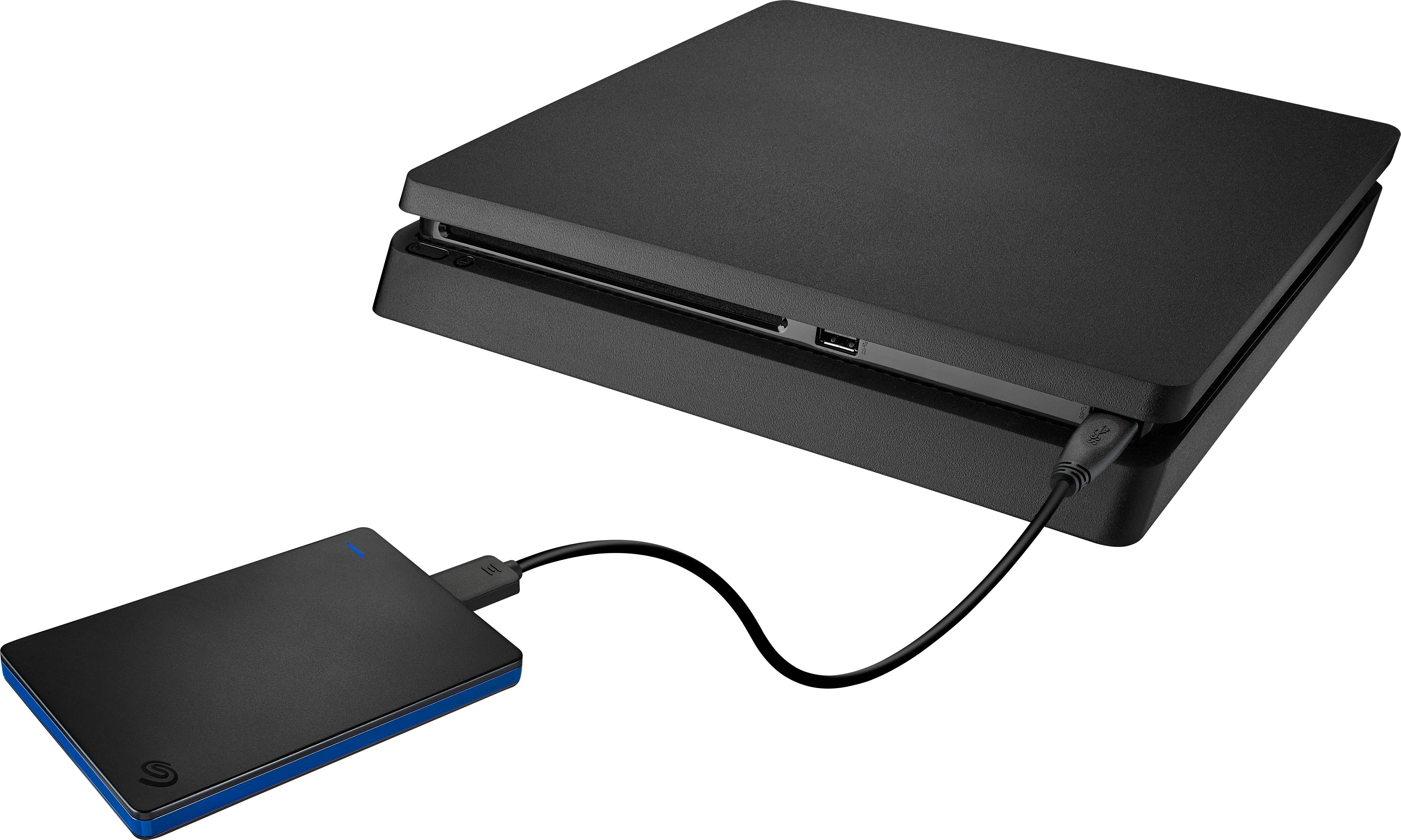
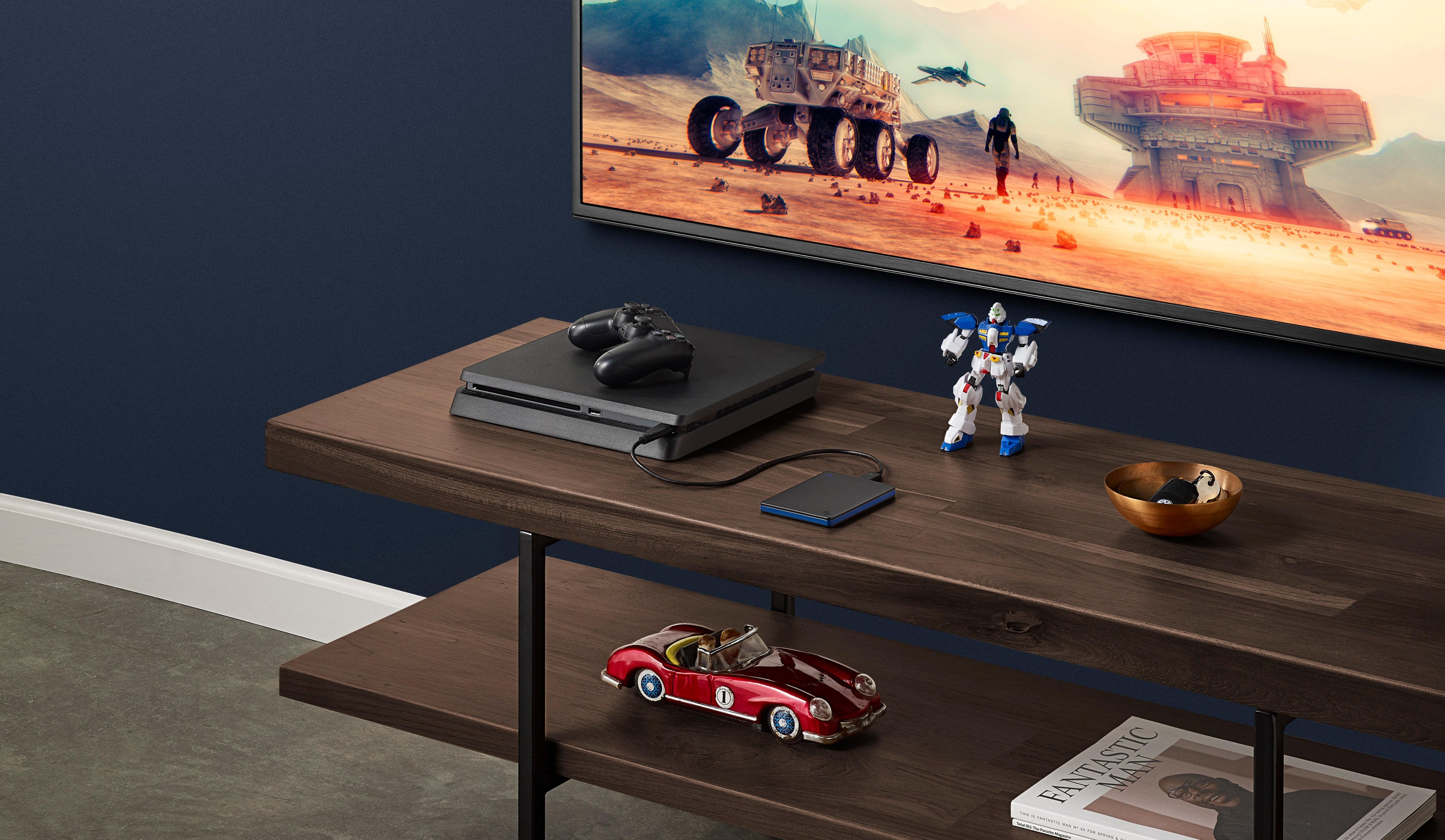
A:AnswerWell my system automatically recognized it when I plugged it in but if you just go to storage in the system settings you should see it there as extended storage and then click on that and it will ask you if you want to set it up as extended storage you click yes and that should be it. That's how I set mine up
A:Answeryes it is worth it all you have to do is ones it the USB is plunged in the PS4 system that has to a basic setup, and it does matter in ways to transfer all of the data you had installed with each game to have a physical copy's.
A:Answersounds like the drive might be generating some sort of interference...? perhaps try with another controller, or plug it in to see if it still happening while plugged.
A:AnswerIt works with almost anything. Drivers included for PC and MAC. I don't know about ps3 but if it has a USB port then you can usually get these devices to work..