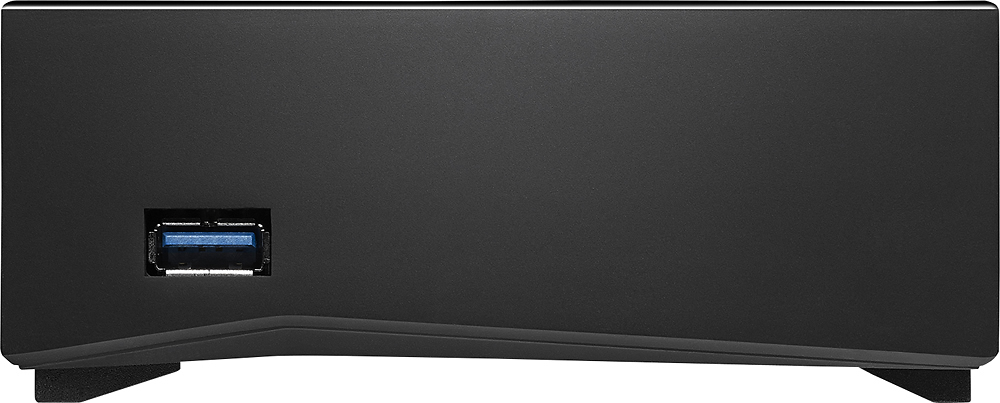
A:AnswerI got it around 110 Mbps its peak. Though its not consistent but on Average you may get 60-80 Mbps depending on USB (3.0 or 2.0) and your hard disk (source).
A:AnswerThis isn't a cloud subscription service, this device is the cloud storage. Seagate provides software/a means for you to access the device remotely but there isn't any cost to that. If Seagate cease that service in the future the device will become somewhat more limited but would still function for a home network based cloud storage system. There's only the upfront cost nothing more.
A:AnswerThe Seagate drive is a standalone device, and doesn't need to be connected to a server at all. The 5TB is all on the machine. "Cloud" in this case just means that you can access the device from anywhere through the internet, but only if your device is connected and powered on. In essence, it's a mini-server. If you were to disconnect your seagate drive you would lose your "cloud" access.
A:AnswerHow much memory are you using?
The
1TB
External Hard drive will help but you might want to consider splitting up you Data/memory to more than one place. Like using Dropbox, Cloud and this device if you need to transfer files not on the internet.
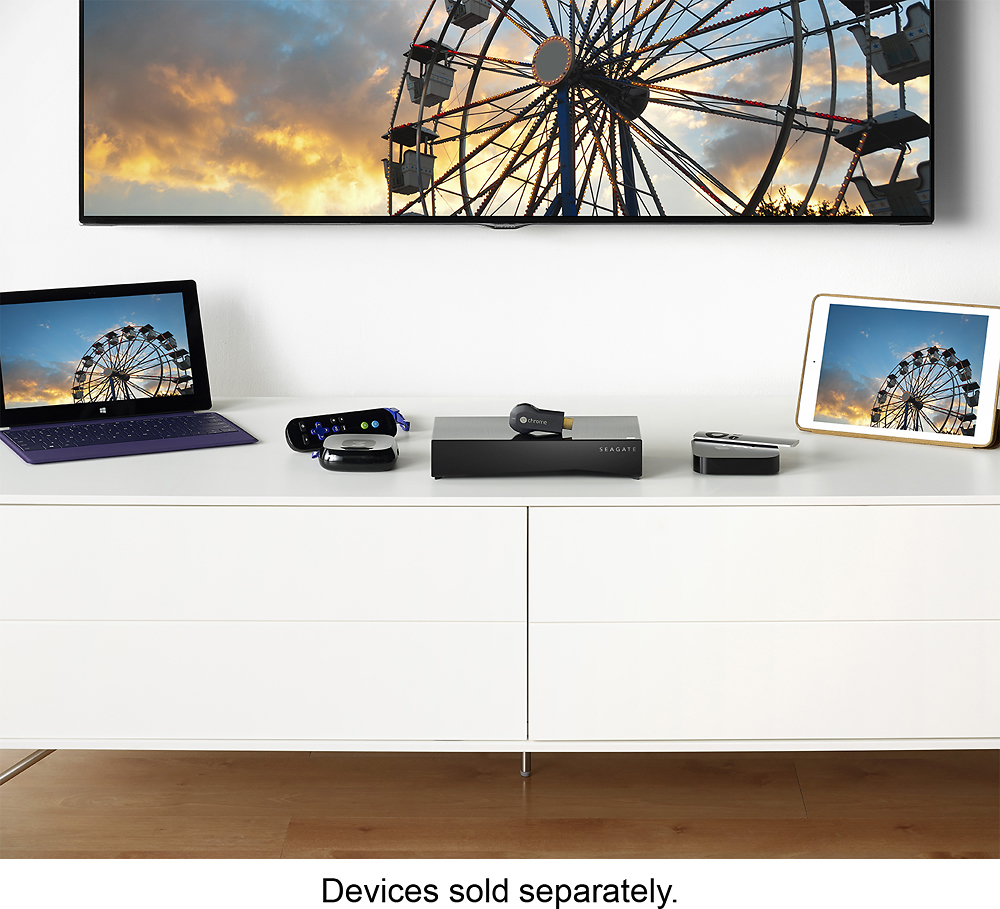
A:AnswerI would assume the best way to answer this is as follows: If the device is hooked up to a wireless router, the Surface should be able to access this via that wireless connection.
A:AnswerYou can, but once you start streaming movies then the performance is simply not there for the Seagate to deliver since it has to encode/decode the movie all while streaming. TV shows? Oh yeah, easily. But let's say you have a Blu-Ray rip of let's say a 2-3 hour movie? Forget it. Not happening. Too much processing power for the drive to handle.
A:AnswerThere may be an app to use that will make it work similarly but this is basically an external hard drive that can be hooked up to your network as a standalone device. You can map it as another hard drive on your computer and drop files there.