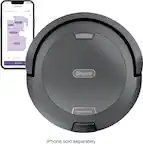
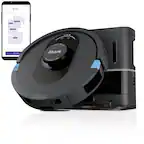
A:AnswerWe are glad to assist you today. We would like to inform you that this robot can only be used on hard floor surfaces or low-pile carpet. If you have any other concern, we ask that you reach out to Shark® Customer Care at 877-581-7375. Representatives are available Mon.-Fri. 9am - 9pm ET | Sat. 9am - 6pm ET.
A:AnswerMy guess is that if you have the ion robot 750, there is a little yellow cap that the roller attaches too and I was noticing that there was hair getting behind that and we couldn't remove the yellow cap. Probably a ton of hair trapped behind it binding with the mechanism. Ours just died a couple of days ago, we diidnt' even own it for a year...and I'm betting that that is what happened. But it also sounded like our electronic board was frying. If you can figure out how to remove the yellow cap, I'd really love to know since they are sending us a replacement and I don't want it happpening again.
A:AnswerHello Fred,
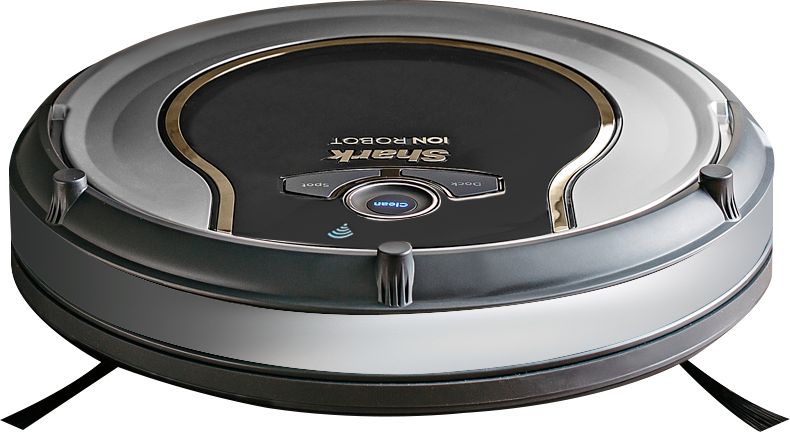
We are happy to assist you with your inquiry about the Shark - ION™ 750 App-Controlled Robot Vacuum. We recommend that the side brushes be replaced when they are visibly worn.
We hope this information helps.
The Customer Support Team
A:AnswerHello Lisa,
We are sorry to hear that you are experiencing difficulty with your Shark - ION™ 750 App-Controlled Robot Vacuum. We ask that you reach out to Shark® Customer Care at 877-581-7375. Representatives are available Mon.-Fri. 9am - 9pm ET | Sat. 9am - 6pm ET.
Thank you,
The Customer Support Team
A:AnswerHello Lynno,
We are sorry to hear that you are experiencing difficulty with your Shark - ION™ 750 App-Controlled Robot Vacuum. We ask that you reach out to Shark® Customer Care at 877-581-7375. Representatives are available Mon.-Fri. 9am - 9pm ET | Sat. 9am - 6pm ET.
Thank you,
The Customer Support Team
A:AnswerHello mom4lots,
We are sorry to hear that you are experienceing difficulty with your Shark® vacuum. We ask that you reach out to Shark® Customer Care at 877-581-7375. Representatives are available Mon.-Fri. 9am - 9pm ET | Sat. 9am - 6pm ET.
Thank you,
The Customer Support Team
A:AnswerHello LadyDi,
We are sorry to hear that you are experiencing an issue with your Shark ION™ Robot Vacuum. We ask that you reach out to Shark® Customer Care at 877-581-7375. Representatives are available Mon.-Fri. 9am - 9pm ET | Sat. 9am - 6pm ET.
Thank you,
The Customer Support Team
A:AnswerHello Lori,
We are sorry to hear that you are experiencing an issue with your Shark - ION™ 750 App-Controlled Robot Vacuum. We recommend putting the charging dock in a central location in your home. We also recommend that the dock has at least 3 feet of clearance on either side and 5 feet of clearance in the front.
We hope this information helps.
The Customer Support Team
A:AnswerMine does it to at times maybe it got stuck but took awhile to get itself unstuck it then moves from that area and can’t get back to base in time is what I’m guessing?
A:AnswerIt took a few weeks of occasionally visiting their web site but I finally was able to order the spare parts kit. It has extra brushes and filter. Every couple weeks I clean the filter with the "canned air" you get for your computer equipment. This has kept the filter very clean. We've had the unit about 5 months and it runs at least once a day. We still haven't had to replace any of the parts although the side brushes are showing signs of wear but we will probably get a few more months out of them and the original filter.
A:AnswerWe are sorry to hear that you are experiencing a difficulty with your Shark® vacuum. We ask that you reach out to Shark® Customer Care at 888-228-5531. Representatives are available Mon.-Fri. 9am - 9pm ET | Sat. 9am - 6pm ET.
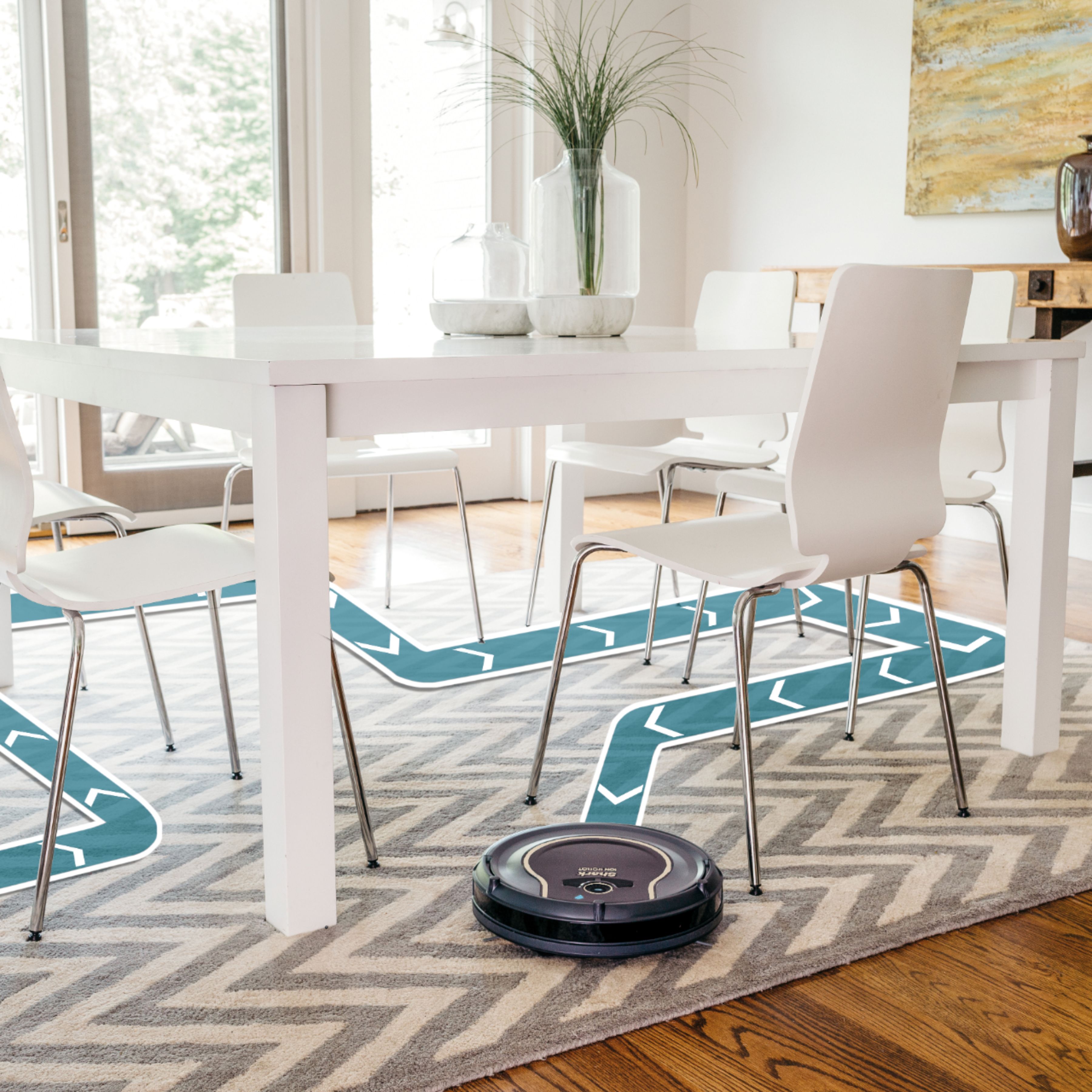
A:AnswerWe are glad to assist you today. This robot is designed with Smart Sensor Technology so it can navigate around obstructions as it cleans your floor. By using an array of sensors, the robot will steer itself around your home, using walls and objects as its guide and gently bumping them. This method allows the robot to travel in and out of rooms and around obstacles. The robot might not hit every area in one cleaning, but by scheduling daily cleaning, you'll notice its cleaning path will differ with each run to ensure it is maintaining your floors.
If you still have concerns/questions, we ask that you reach out to Shark® Customer Care at 877-581-7375. Representatives are available Mon.-Fri. 9am - 9pm ET | Sat. 9am - 6pm ET.
A:AnswerHello LG,
We are happy to assist you with your inquiry about the Shark - ION™ 750 App-Controlled Robot Vacuum. The robot is designed with Smart Sensor Technology so it can navigate around obstructions as it cleans your floors. By using an array of sensors, the Shark ION™ Robot will steer itself around your home, using walls and objects as its guide and gently bumping them. This method allows the robot to travel in and out of rooms and around obstacles. Your robot might not hit every area in one cleaning, but by scheduling daily cleaning, you'll notice its cleaning path will differ with each run to ensure it is maintaining your floors.
We hope this information helps.
The Customer Support Team
A:AnswerWhatever you do, don’t call Shark. They were not helpful at all. All they did was make me waste time creating a profile then tell me that this unforeseen event has voided my warranty. Like I planned to for my dog to get sick and intentionally run the mess over with my vacuum. Not to mention the extremely generous 20% discount on a new unit. Oh yeah, couldn’t forget that I still had to pay for the shipping if I did want to purchase it.
I don’t know what happened to Shark. They used to be a really great company. I once had ups deliver my vacuum to the wrong home and shark sent me a new one. No questions asked. And when it turned up, they told me to keep it. If you ask me, they’ve really screwed up on this one. I will never be purchasing another Shark product or recommending their products again.
A:AnswerWe are sorry to hear that your robot is not working as intended. to assist you with this, we ask that you reach out to Shark® Customer Care at 877-581-7375. Representatives are available Mon.-Fri. 9am - 9pm ET | Sat. 9am - 6pm ET.
A:AnswerI have my docking station in a clear area but have noticed that if the robot doesn’t have a direct sight line to it, it keeps cleaning until it does. It seems like it can’t find the dock (it doesn’t make a beeline to it when you push the docking button) it just lights the button, keeps on cleaning, and when it gets directly across from it (at seemingly any distance) it will head right to it. It may take quite a few minutes for it to clean to that point, but once it has a clear, direct path, it heads right to the dock.