A:Answer Pause & Replay gives you the opportunity to “hear that again” by temporarily storing and then letting
you access the stored content. For the currently tuned channel, you can pause and replay for as long
as you have been tuned to the channel, up to a maximum of approximately 60 minutes.
You can also pause and replay up to approximately 30 minutes from channels which you have saved
as favorite channels. (Refer to “Favorite Channels” on page 33 for more information on favorite
channels.)
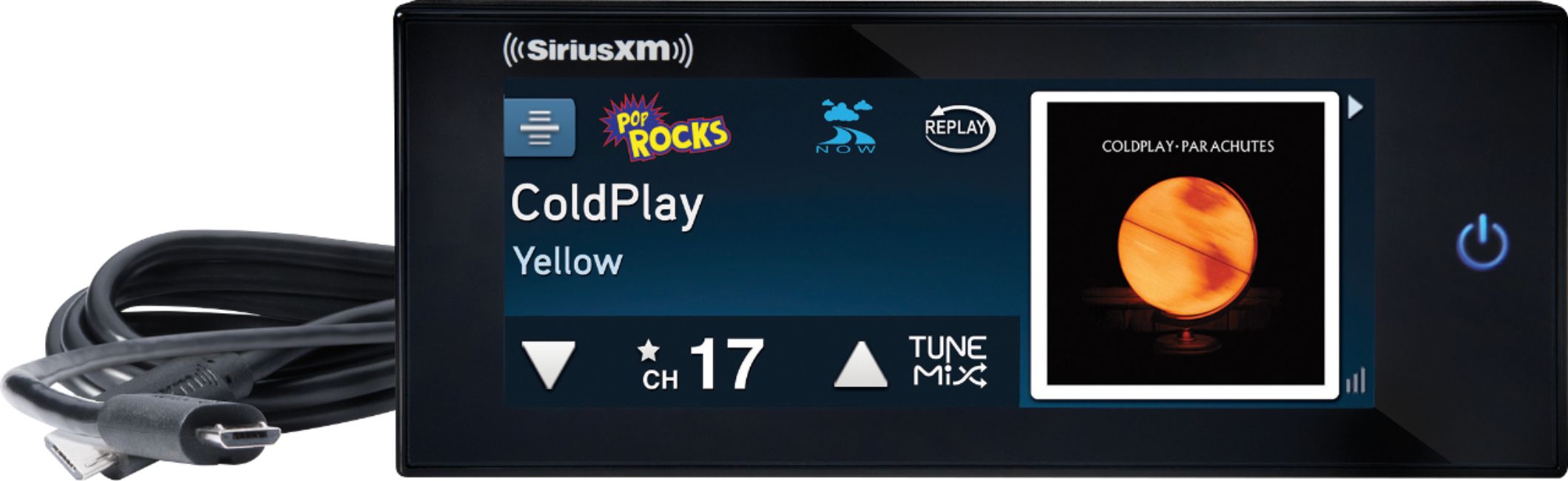
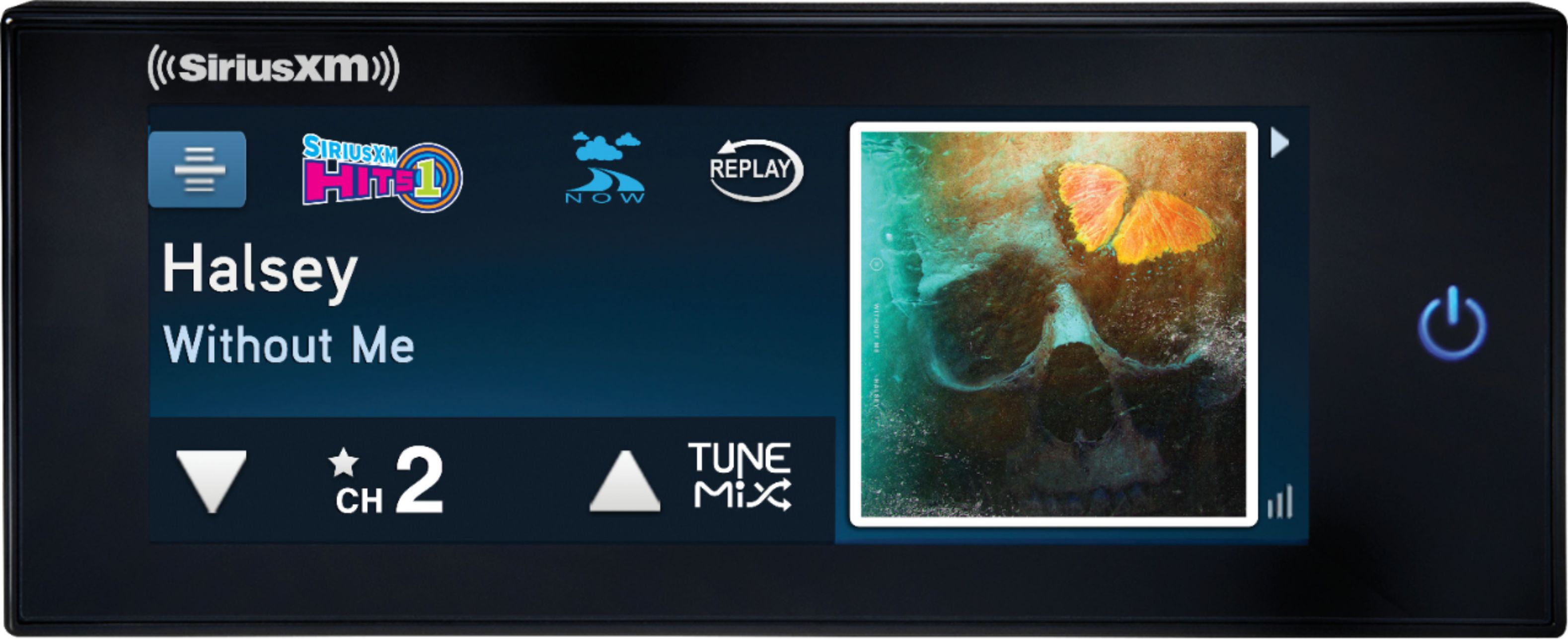
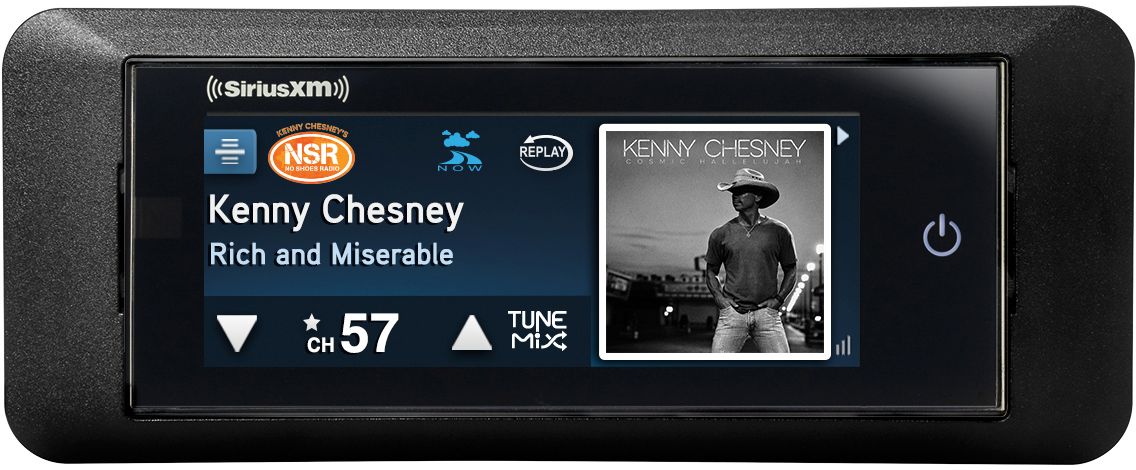
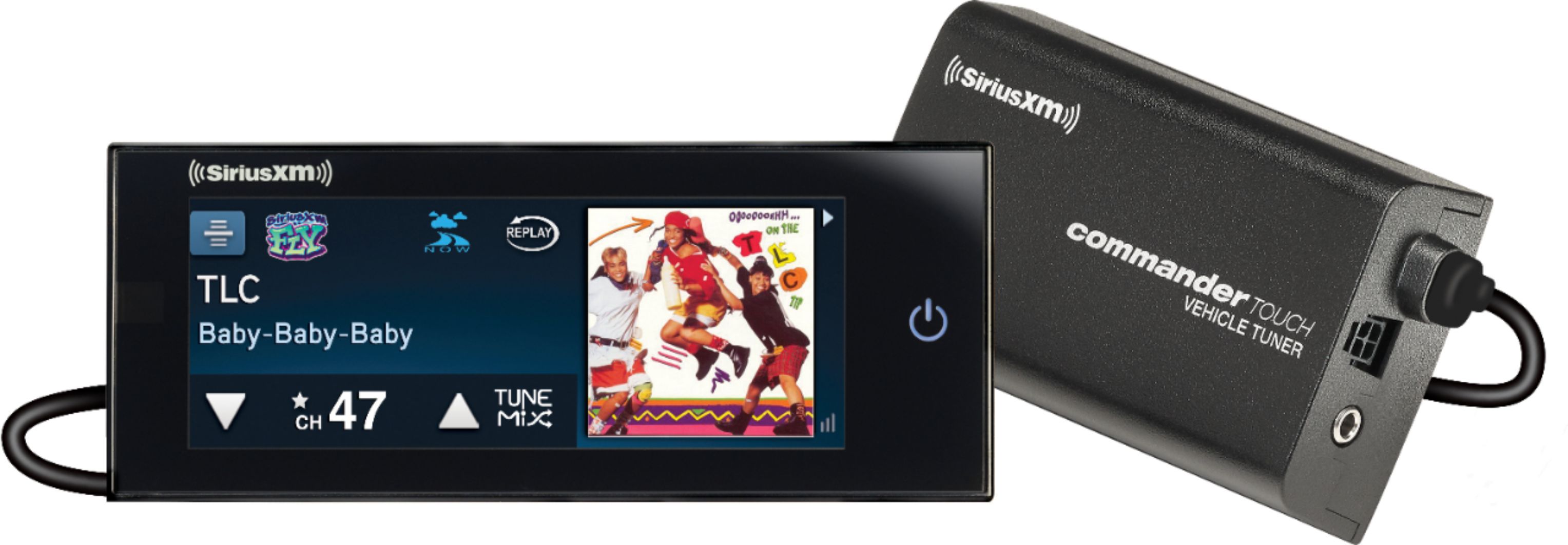
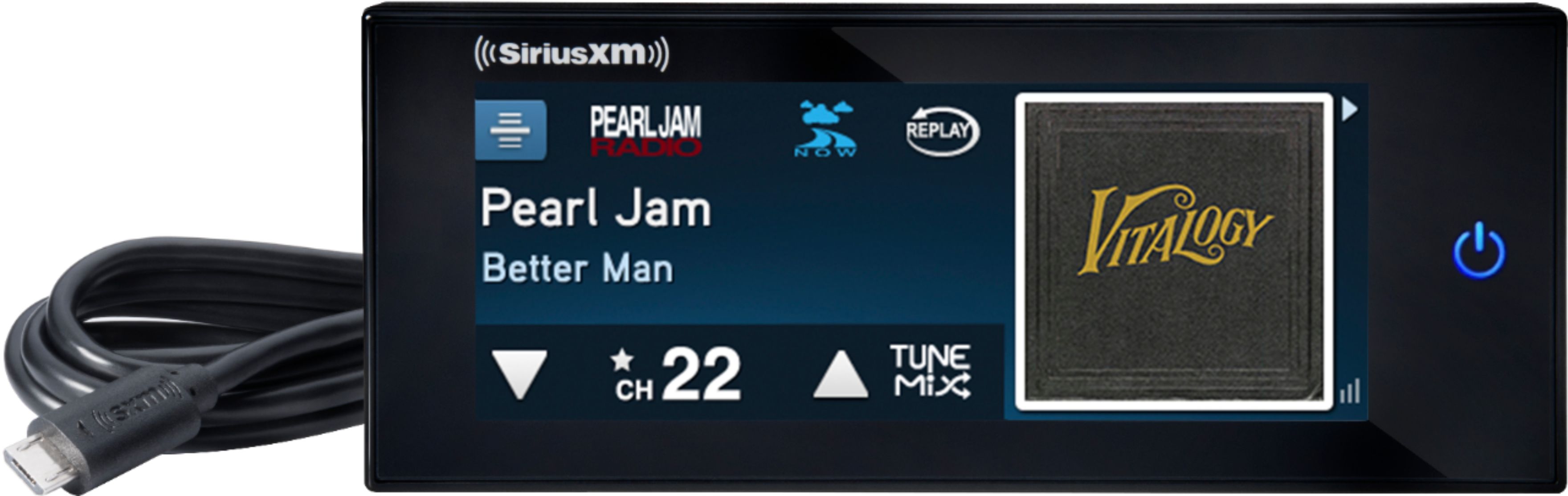
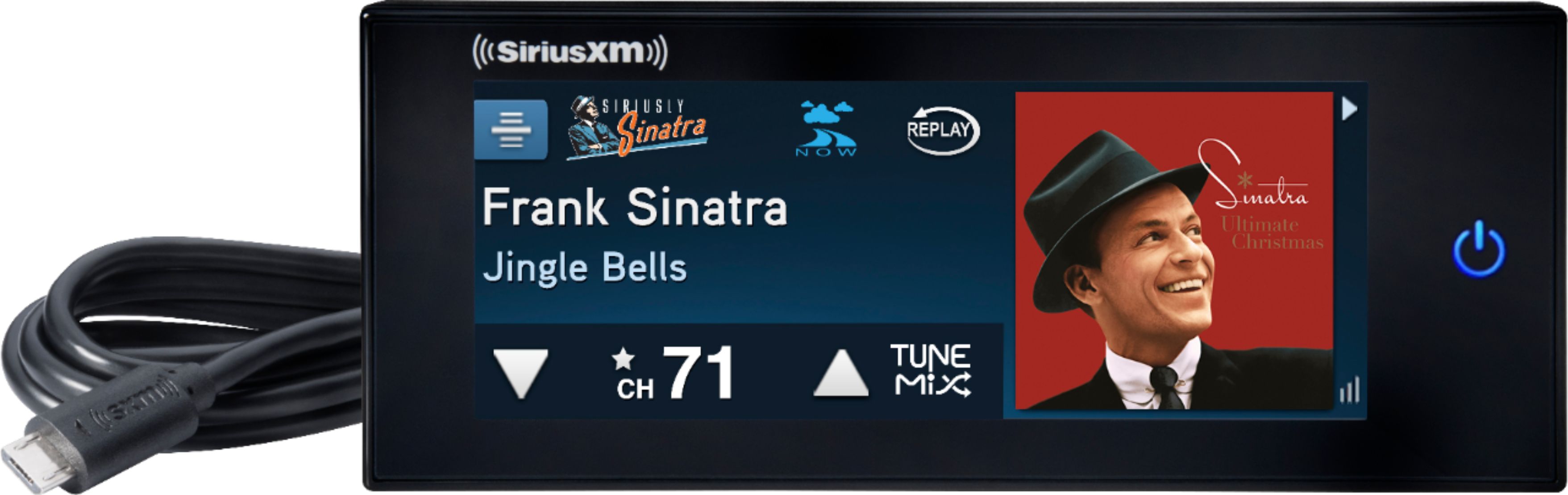
You can toggle between the channel and replay controls by tapping the Replay icon.
Tapping Play/Pause or Rewind places the Commander Touch into pause & replay
mode, and the time bar is displayed.
TIP! Turning Commander Touch off removes the temporarily stored content. Note that if the
ACC (accessory) power connection is used, and the power option mode is set to Standby
mode, and the delayed power mode is not set to Off, Commander Touch will continue to
store content for the amount of time that was selected for delayed power mode, 10, 20, or
30 minutes. After the time selected for delayed power mode expires without power returning
to the ACC power connection, Commander Touch will turn off and the temporarily stored
content will be removed. Refer to “Power Options” on page 50 for more information.