A:AnswerI just had this issue with these headphones and my phone. I think it has to do with which device is sending the pair request. What i did was this and i don't know why it worked:
1. Opened up found/nearby bluetooth devices on my phone
2. Turned on headphones and waited until i saw them pop up on phone.
3. Did NOT try to connect
4. Turned off headphones, but they still appeared on my phone screen because I hadn't refreshed the search for nearby devices
5. Try to connect to headphones even though I know they're powered off
6. Wait until it says cannot connect.
7. Turn on headphones.
8. Click them one last time and try to pair from the phone
9. This time it said "a device would like to pair" and I clicked yes and it paired
So anyway good luck
A:AnswerWOW! how was no one able to answer this question after 3 pages of trouble shooting...
Let me guess..... Your head phones aren't showing up as discoverable on your list of available devices?
HERE IS HOW YOU PAIR YOUR SKULLCANDY HEADPHONES!
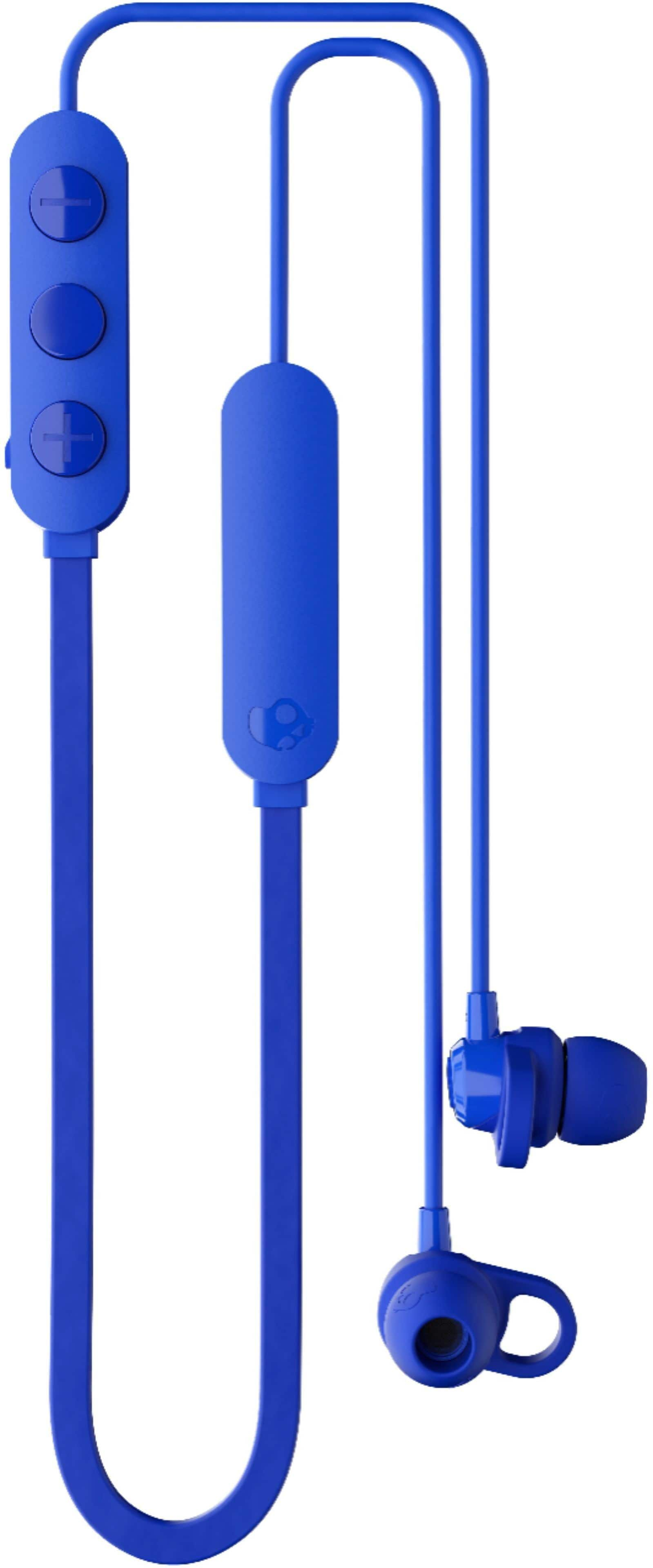
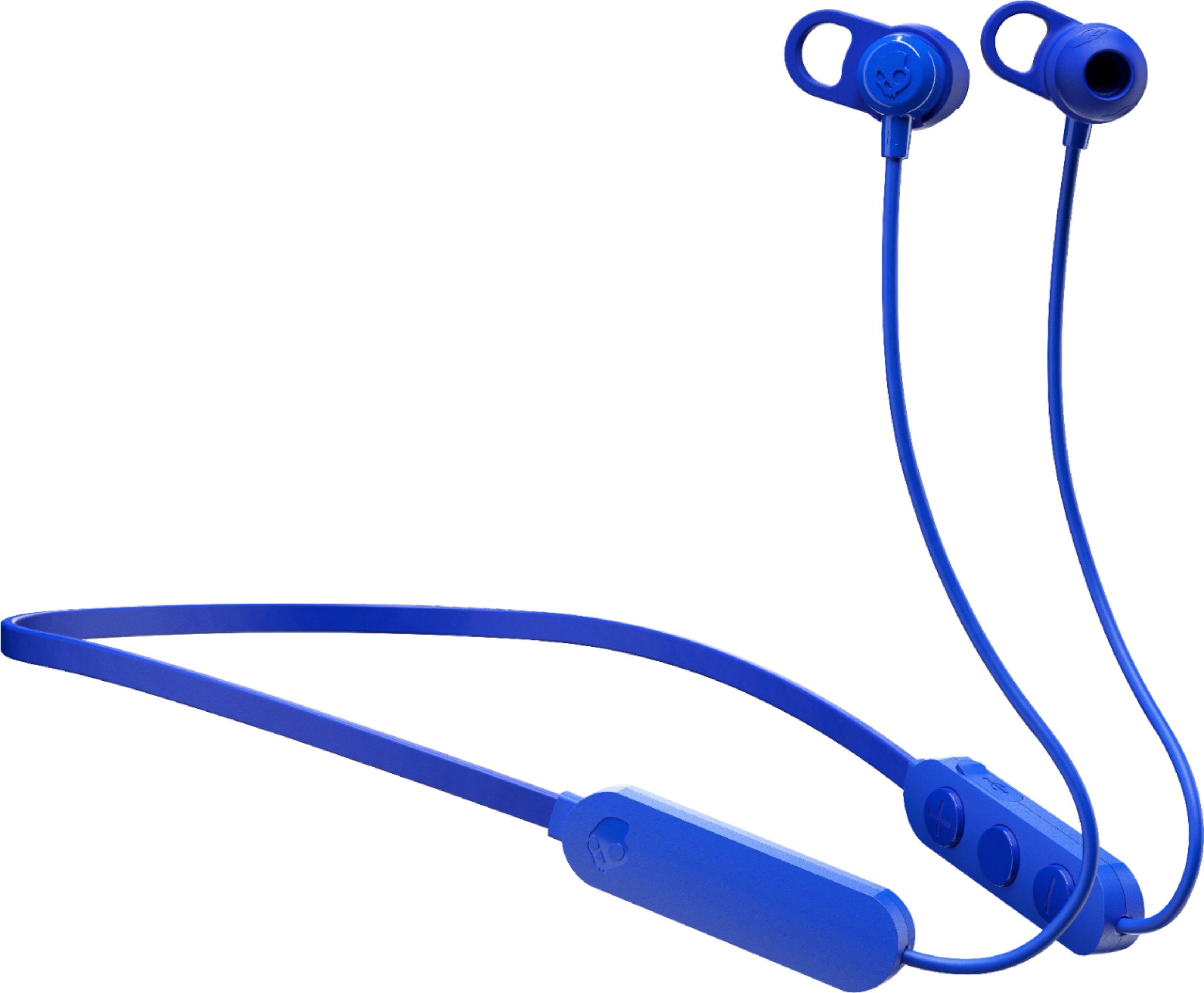
The power button is, indeed, also the pairing button.... However.....
1.) Make sure your headphones are OFF.
2.) Press and hold power button (MIDDLE button) for 5 seconds. Do not release the power button until 5 seconds has passed. After 3 seconds, your headphones will power on. Continue to hold for 2 seconds longer after the head phones have turned on, and then your head phones will go into discoverable pairing mode.
=)
A:AnswerUsually every rechargable battery require a pre-charging break-in period. It usually fully empty and fully charged for 16 hrs twice at the begining of its lifetime
A:AnswerWhen the Jib+ wireless earbuds are fully uncharged there will be a red light next to the charging port. You can use any USB port to plug the micro USB into to charge the Jib+ wireless earbuds.
A:AnswerGood Afternoon,
When using your JIB Wireless headphones for calling, there should be no issue with the receiving end having audio quality problems. Please feel free to visit Skullcandy.com and submit a claim direct through our help platform. This is the best way to get you taken care of if the mic is not working properly on your headphones.
Thanks again for reaching out and choosing Skullcandy!
Best,
SKDY
A:AnswerTo answer in order:
Yes it works with calling. Picking up the phone is play/pause, same with hanging up.
Yes it has a microphone
It does not have ACTIVE Noise cancellation, but there is a good amount of passive noise cancellation if you get the eartip size right
A:AnswerHold power button until after you hear “power on” continue holding and you will hear “pairing.” Open your Bluetooth settings and click on the headphones.
A:AnswerPlease see the link below for product specs and help.
https://info.skullcandy.com/Support?Dest=hc%2Fen-us%2Fcategories%2F360000831554-Product-Help-
A:AnswerMondo, try turning your headphones off then holding the power button for about five seconds. This should reset the headphones and put you into pairing mode. If that doesn't working feel free to visit our website at skullcandy.com for troubleshooting videos.