
Deals for every list.It’s officially saving season.Shop now

Main Content

Questions & Answers

Page Showing 1-20 of 80 questions
  • QuestionDoes this calendar have a touchscreen?

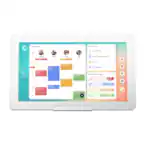
    • Answer Yes, this calendar has a 15" touchscreen.
    This question and answer was generated by AI based on customer and product data.
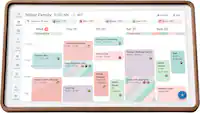
  • QuestionWhat type of wireless connectivity does the calendar have?

    • Answer The calendar has Wi-Fi wireless connectivity.
    This question and answer was generated by AI based on customer and product data.
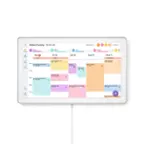
  • QuestionWhat is the built-in storage capacity of this calendar?

    • Answer The built-in storage capacity is 32 gigabytes.
    This question and answer was generated by AI based on customer and product data.
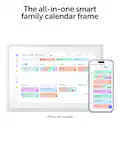
  • QuestionIs there a way to display photos on this calendar?

    • Answer Yes, the calendar can convert into a digital photo frame.
    This question and answer was generated by AI based on customer and product data.
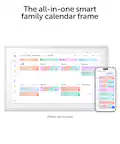
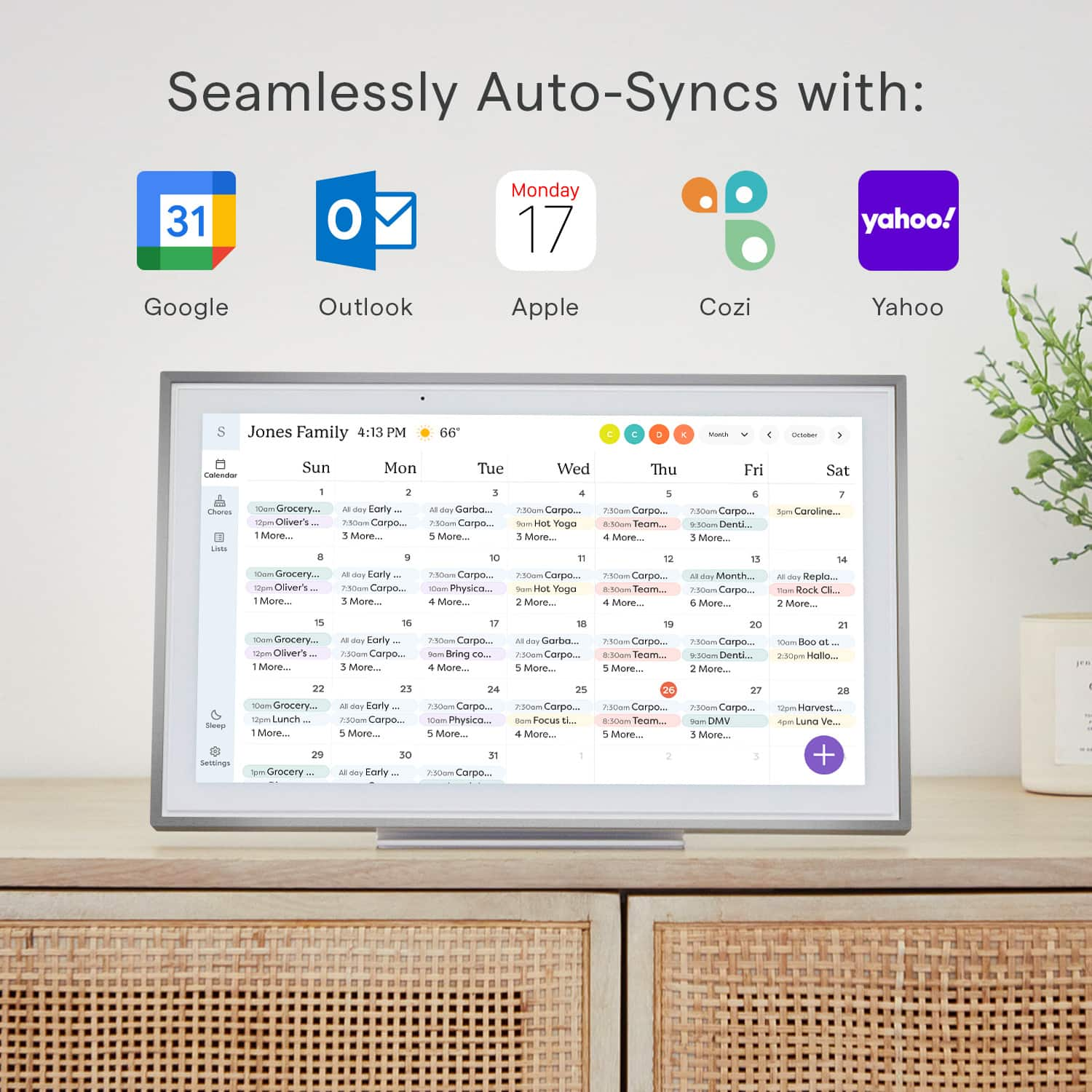
  • QuestionDoes this smart calendar sync with Google calendar?

    • Answer Yes, this smart calendar seamlessly auto-syncs with Google.
    This question and answer was generated by AI based on customer and product data.
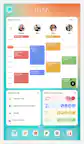
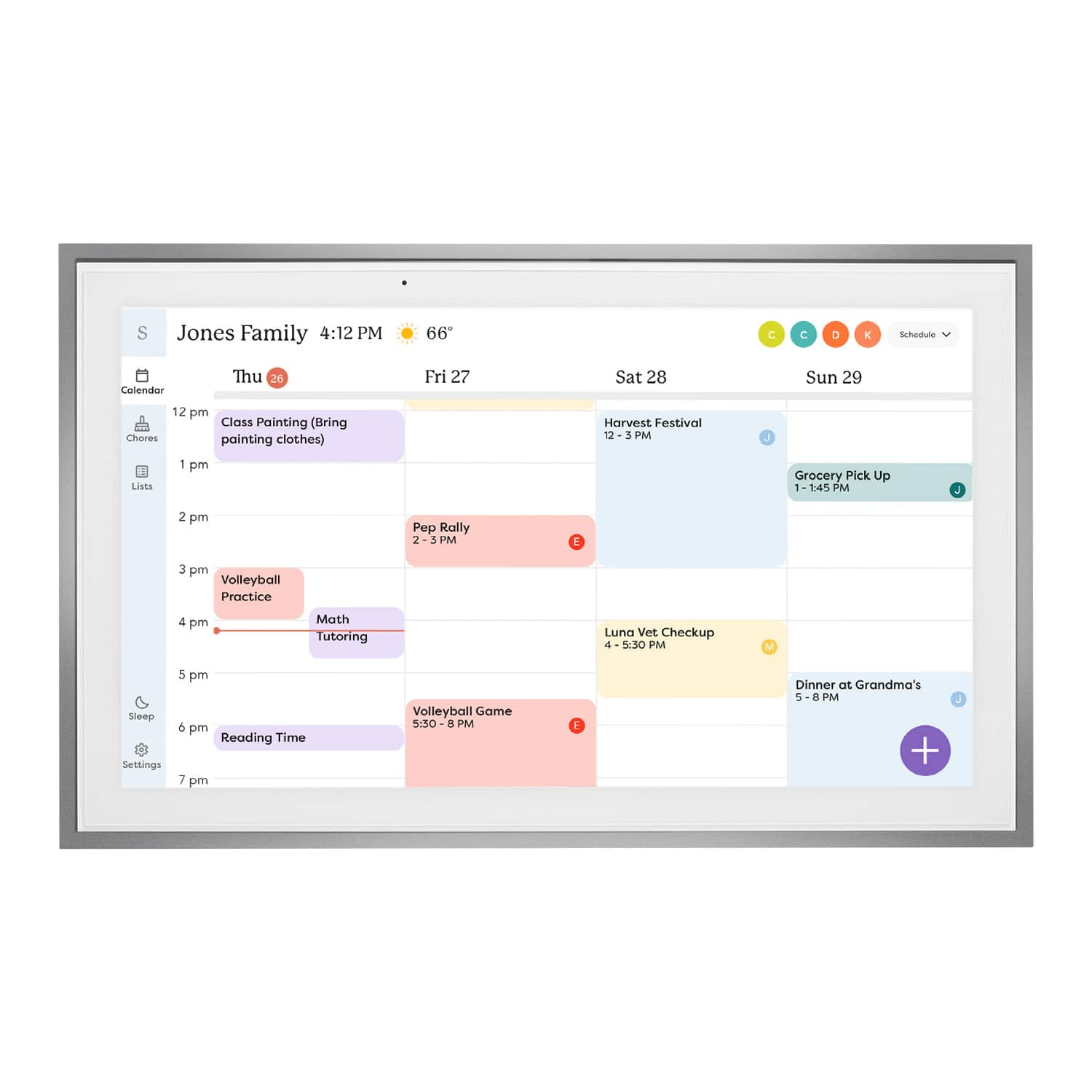
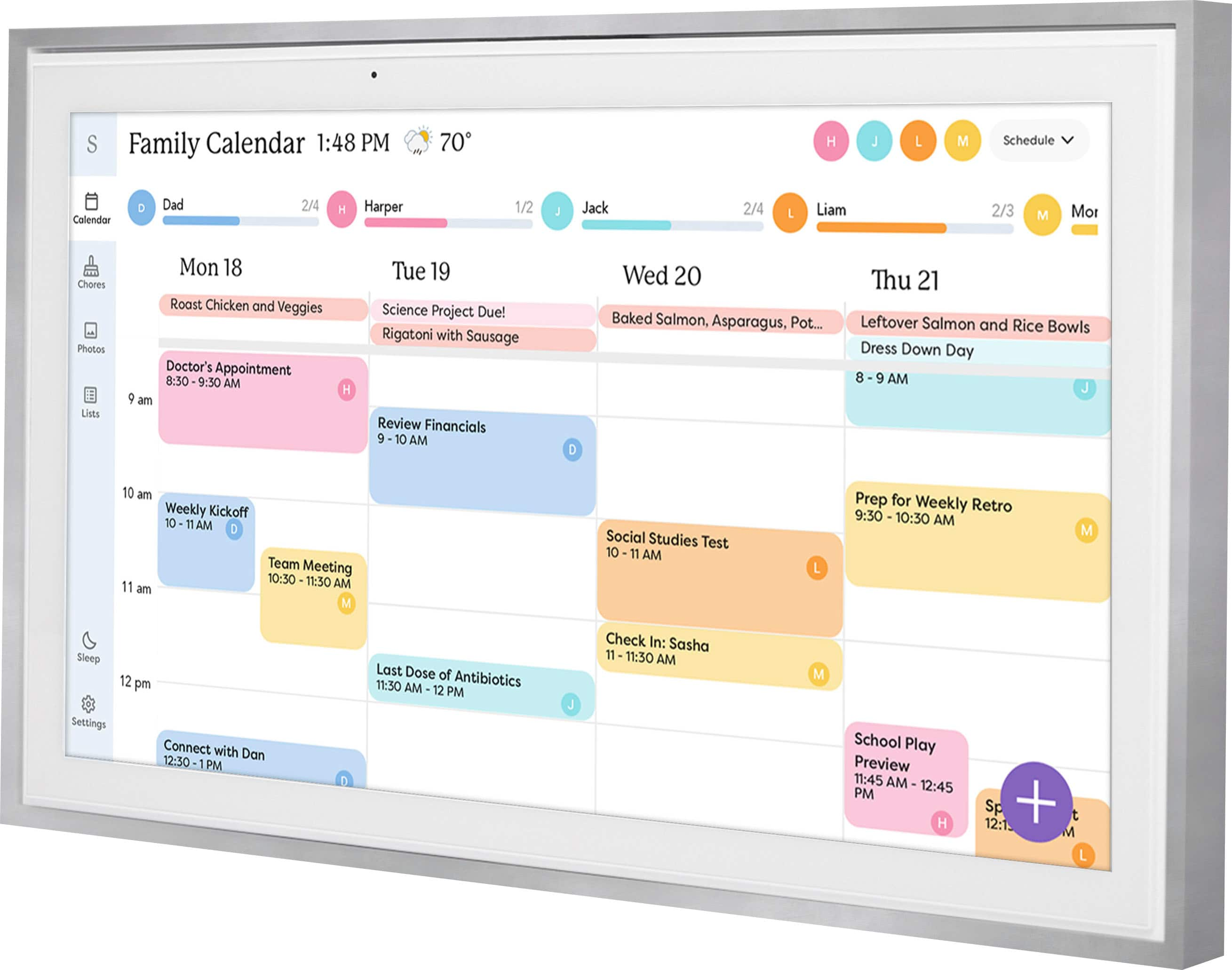
  • QuestionCan this calendar be used for meal planning?

    • Answer Yes, you can use this calendar for meal planning.
    This question and answer was generated by AI based on customer and product data.
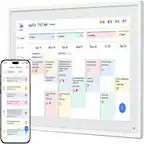
  • QuestionCan I manage tasks using this smart calendar?

    • Answer Yes, you can manage tasks using this smart calendar.
    This question and answer was generated by AI based on customer and product data.
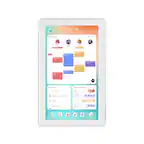
  • QuestionCan the calendar and grocery list be up dated from an app? Is there an ongoing subscription cost?

    Asked by Anonymous.

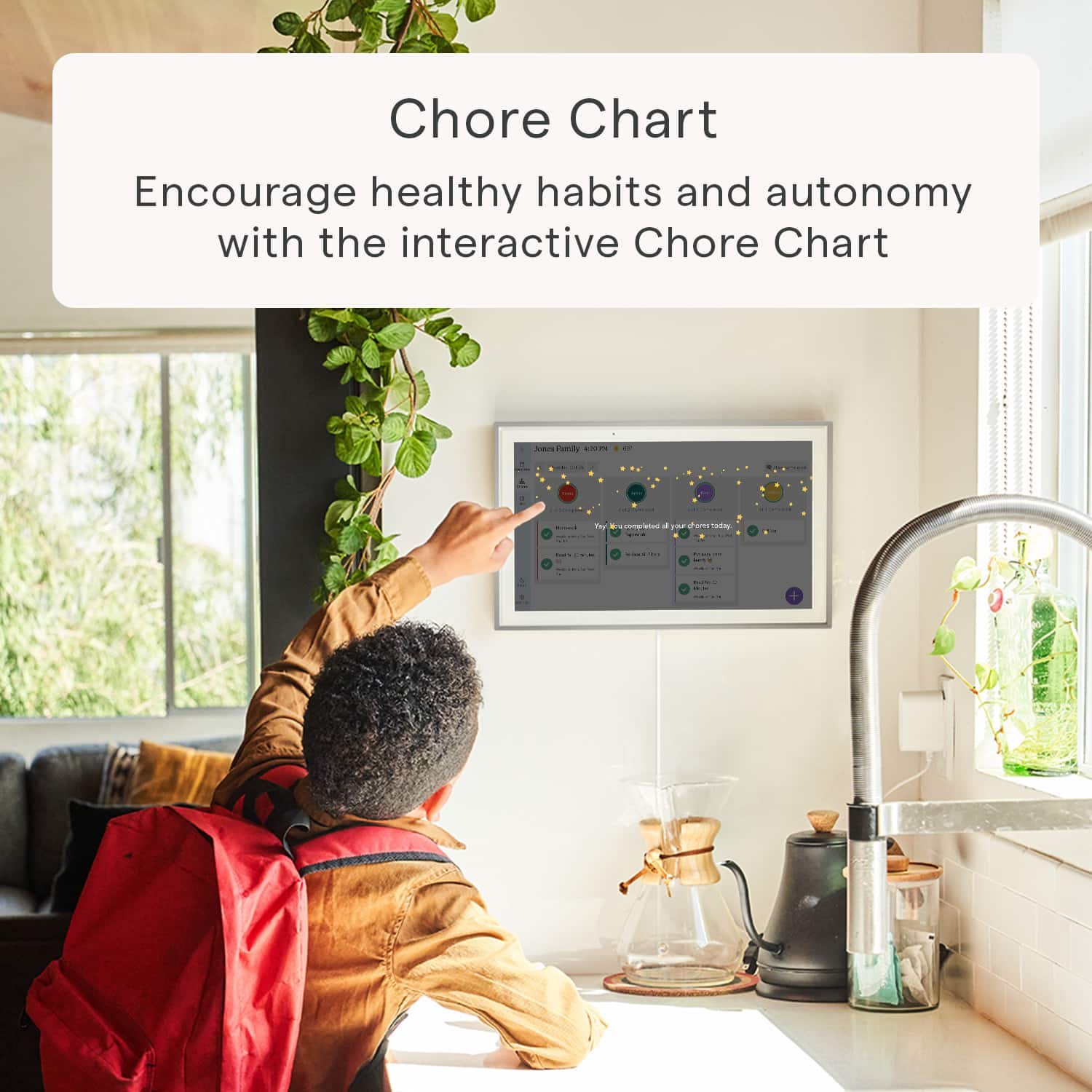
    • Answer Yes. The grocery list and chore chart can be updated from the Skylight app. The calendar can be updated from the calendar on your device. The subscription is only if you would like to convert emails, meetings etc into events and/or upload photos. You don’t need a subscription to link your calendar on your device such as your phone, iPad, laptop, etc. I hope this helps.

      Answered by BeckyP

  • QuestionCan you have multiple users in app, for kids to complete chores on their phones not only in the app?

    Asked by Daddy.

    • Answer Yes! I have myself and husband synced to our calendar. I created the account with my email and then logged him in on the app as another user. I can have as many people logged into the app on their own phone as I want synced to my calendar. Basically, anytime he or I add something on our phones or the main calendar device (chores, to do list, groceries, etc.) it syncs to all devices connected to that calendar. Hopefully that made sense! It is amazing to use!!

      Answered by Anonymous

  • QuestionWe need a suscription to use only de Family Calendar features?

    Asked by Marketaa.

    • Answer No. The subscription is needed if you want to download photos and use the meal planning features.

      Answered by C940owner

  • QuestionCan this be used with an android?

    Asked by Anonymous.

    • Answer Hi there, Thank you for reaching out to us! Yes, you may access the Skylight application using an Android or Apple device. You can also access the remote settings via the Skylight application. I hope this answers your question. If you have other questions or concerns, please reach out to us at help@skylightframe.com. We're happy to help!

      Answered by Skylight

  • QuestionIs it able to sync with Proton Calendar? Or just the typical google and outlook?

    Asked by Erin.

    • Answer Thanks for your question! Whether or not a calendar will sync to Skylight depends on if it has the ability to generate an external syncing link that can be shared. You can download the Skylight App, create an account, and test syncing any calendar you use for free. I hope that helps!

      Answered by Skylight

  • QuestionCan you show photos via SD card?

    Asked by CLTGT.

    • Answer No, Skylight Calendar does not have a port for an SD Card. Photos can be uploaded via our app or email.

      Answered by Skylight

  • QuestionCan this be displayed Portrait (up and down) all pics show it landscape (laying flat). Sorry for the descriptions, it’s the best I can think of (haha).

    Asked by DianaM.

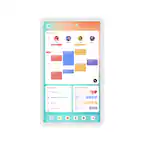
    • Answer Yes, you can set frame in either direction at the time of the initial set up.

      Answered by Losman

  • QuestionTwo Questions: 1. How do I print lists I've created so I have a hard copy? 2. In the app, is it possible to cross off items in a list that have been completed? I do not want them deleted as I reuse some of them.

    Asked by Charlie.

    • Answer Hi There, Thank you for your inquiry! At the moment, we don't have an option to print out anything from the Skylight Calendar. However, we thank you for providing this feedback, the Skylight Frame is an actively evolving product and as we continue to roll out new features and updates we count on great feedback like this to steer us in the right direction. Although this feature isn’t currently supported, this is great feedback & I have passed it along to our product development team to implement it in a future update. We appreciate your patience and understanding. If you have any other questions or need further information, feel free to reach out at help@skylightframe.com. We're happy to help!

      Answered by Skylight

  • QuestionHas anyone tried hanging this with heavy duty command strips with success or issues?

    Asked by Jfretz85.

    • Answer Hi There, Thank you for reaching out to us. Yes, many of our customers have successfully mounted the 15" and 27" Skylight Calendar using heavy-duty Command Strips without any issues. We recommend using heavy-duty Command strips that are rated for that weight to ensure a secure installation. I hope this information helps. If you have any other questions or need further information, feel free to reach out at help@skylightframe.com. We're happy to help!

      Answered by Skylight

  • QuestionCanyou print out the calendar?

    Asked by Anonymous.

    • Answer Hi There, Thank you for your inquiry! At the moment, we don't have an option to print out anything from the Skylight Calendar. However, we thank you for providing this feedback, the Skylight Frame is an actively evolving product and as we continue to roll out new features and updates we count on great feedback like this to steer us in the right direction. Although this feature isn’t currently supported, this is great feedback & I have passed it along to our product development team to implement it in a future update. We appreciate your patience and understanding. If you have any other questions or need further information, feel free to reach out at help@skylightframe.com. We're happy to help!

      Answered by Skylight

  • QuestionCan u mount on fridge?

    Asked by Jenjen.

    • Answer I would say no. There is a power cord that is needed at all times.

      Answered by ChelseaV

  • QuestionDoes the grocery list save items? Can you check items off while shopping using app? Can you click on items crossed off to add back to list? The same for chores and other lists? Can you add notes/pcs so you can shop for specific items?

    Asked by JessRock.

    • Answer Hi There, Thank you for reaching out with your questions! Yes, you can cross off items when they’re completed, and you can tap the “X” button to delete items if you no longer wish to see them. You can also cross off items and then add them back to the list, or directly edit your lists either from the calendar or through the Skylight app. However, at this time, there isn’t an option to add notes to chores or other lists. We appreciate your feedback and will keep it in mind for future updates. If you have any other thoughts or need assistance, please feel free to reach out at help@skylightframe.com. We’re happy to help

      Answered by Skylight

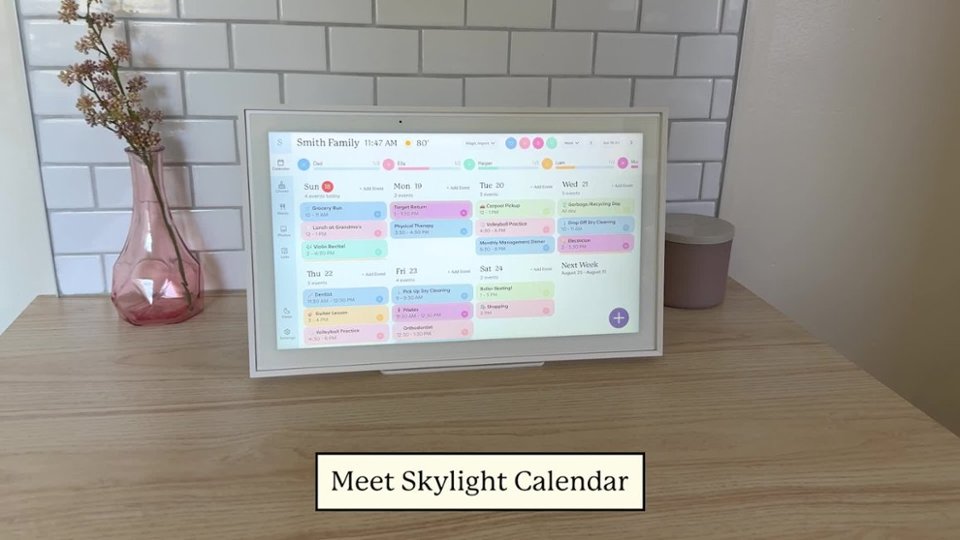
  • QuestionCan you see the whole month at one look or just week by week?

    Asked by BusyMom2.

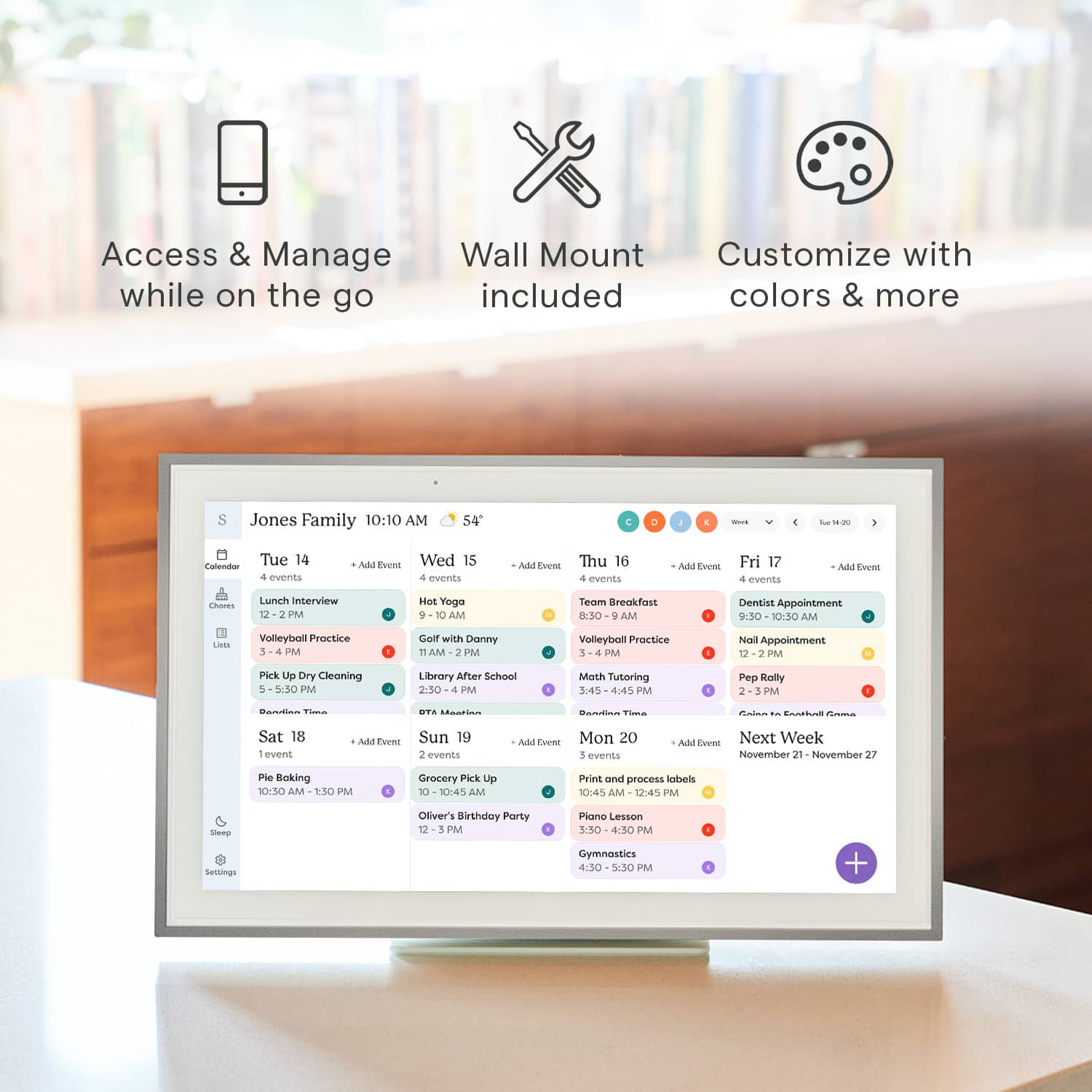
    • Answer Thanks for your interest. You have an option to display the calendar monthly or weekly. If you want to see an example of the monthly or weekly view, feel free to email us at help@skylightframe.com.

      Answered by Skylight