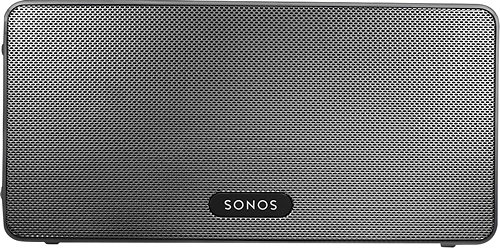
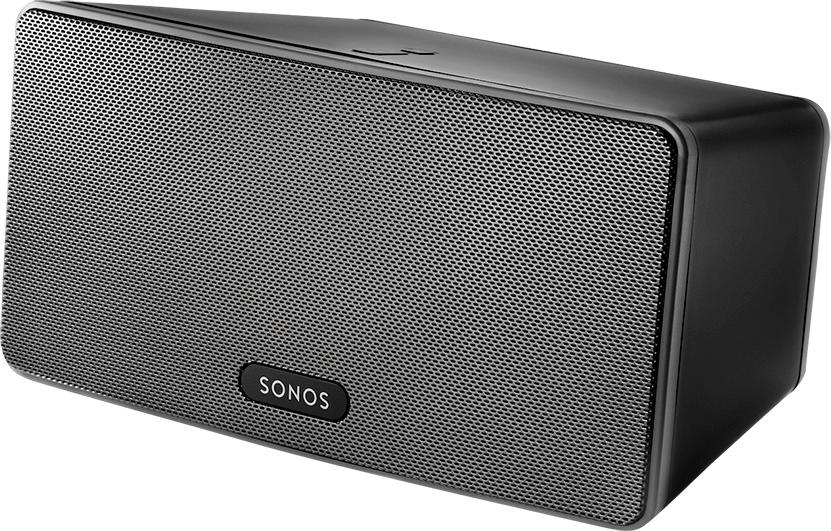
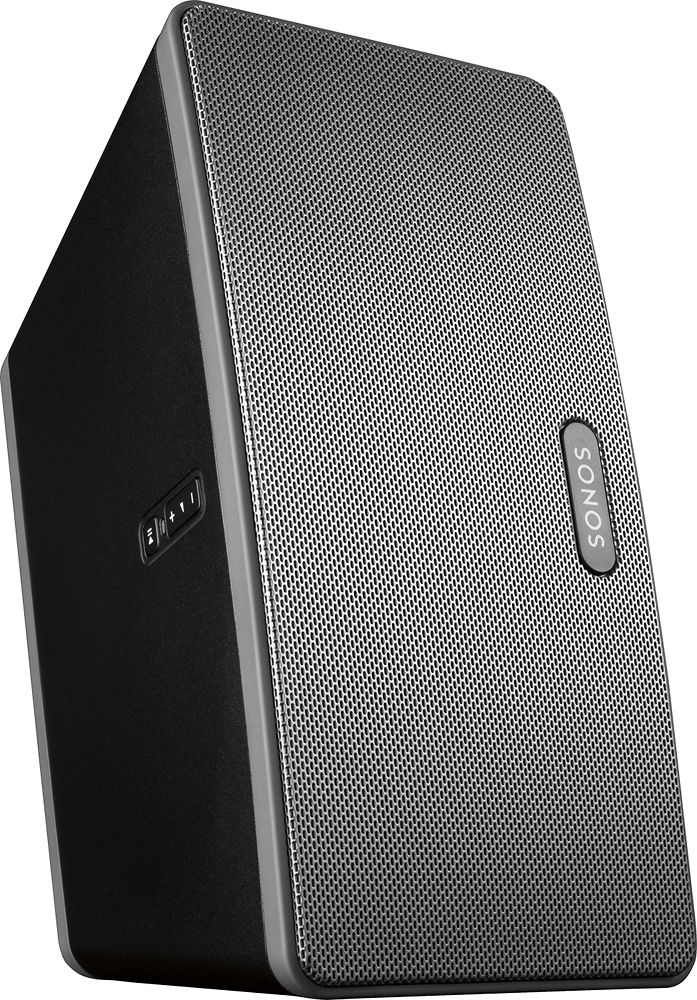
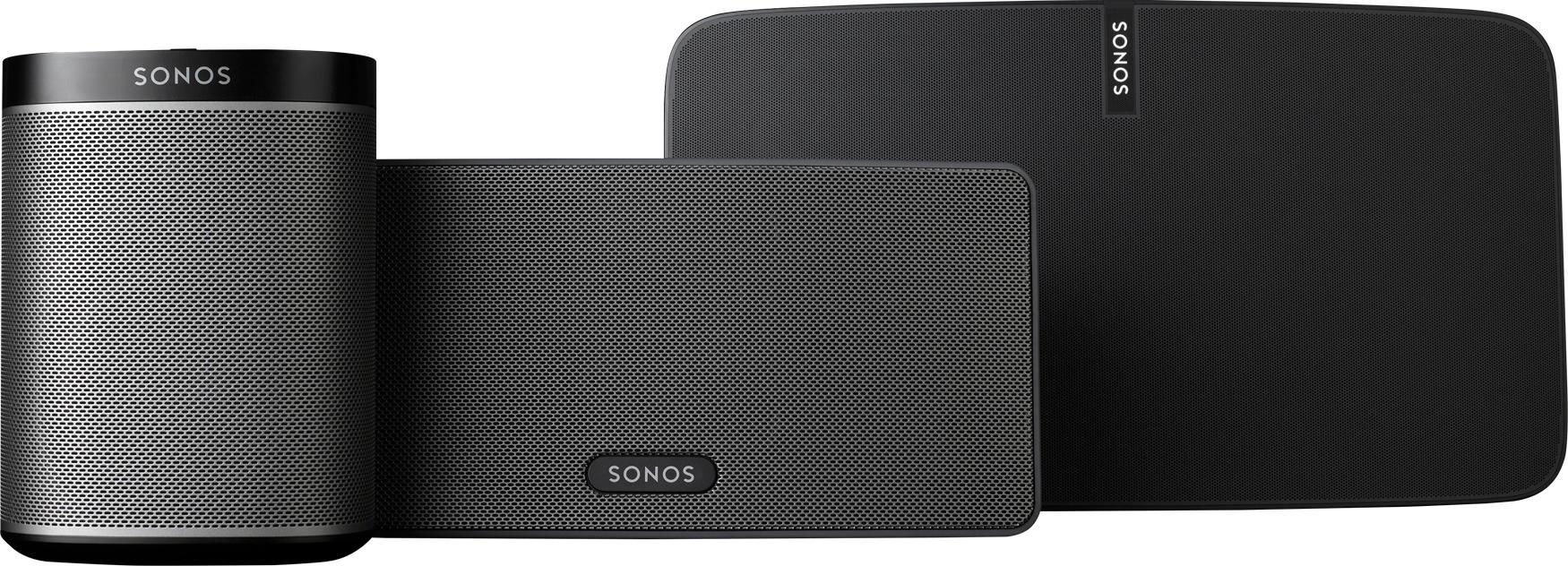
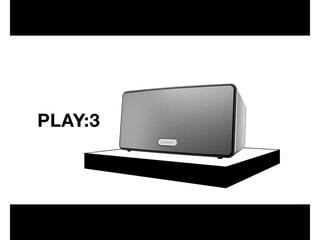
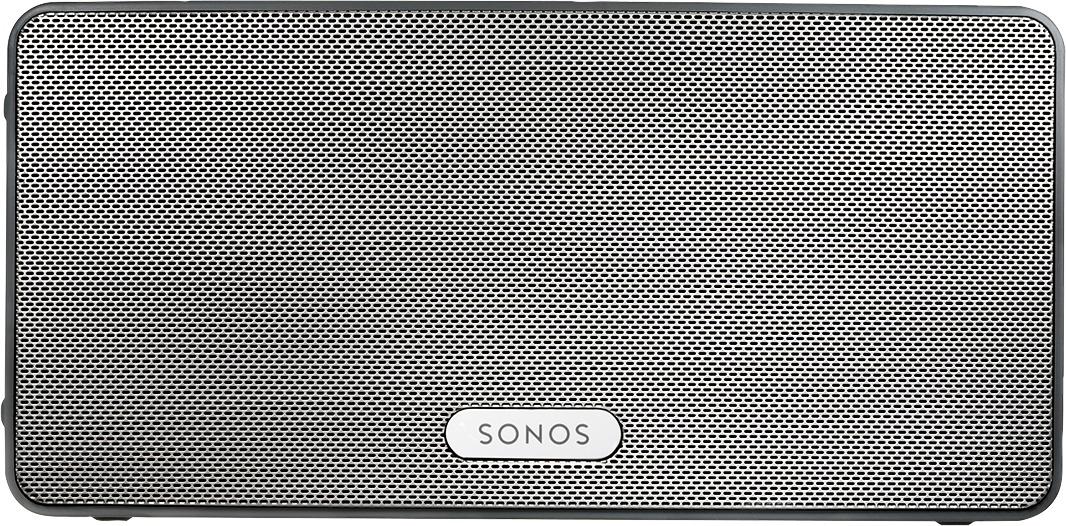
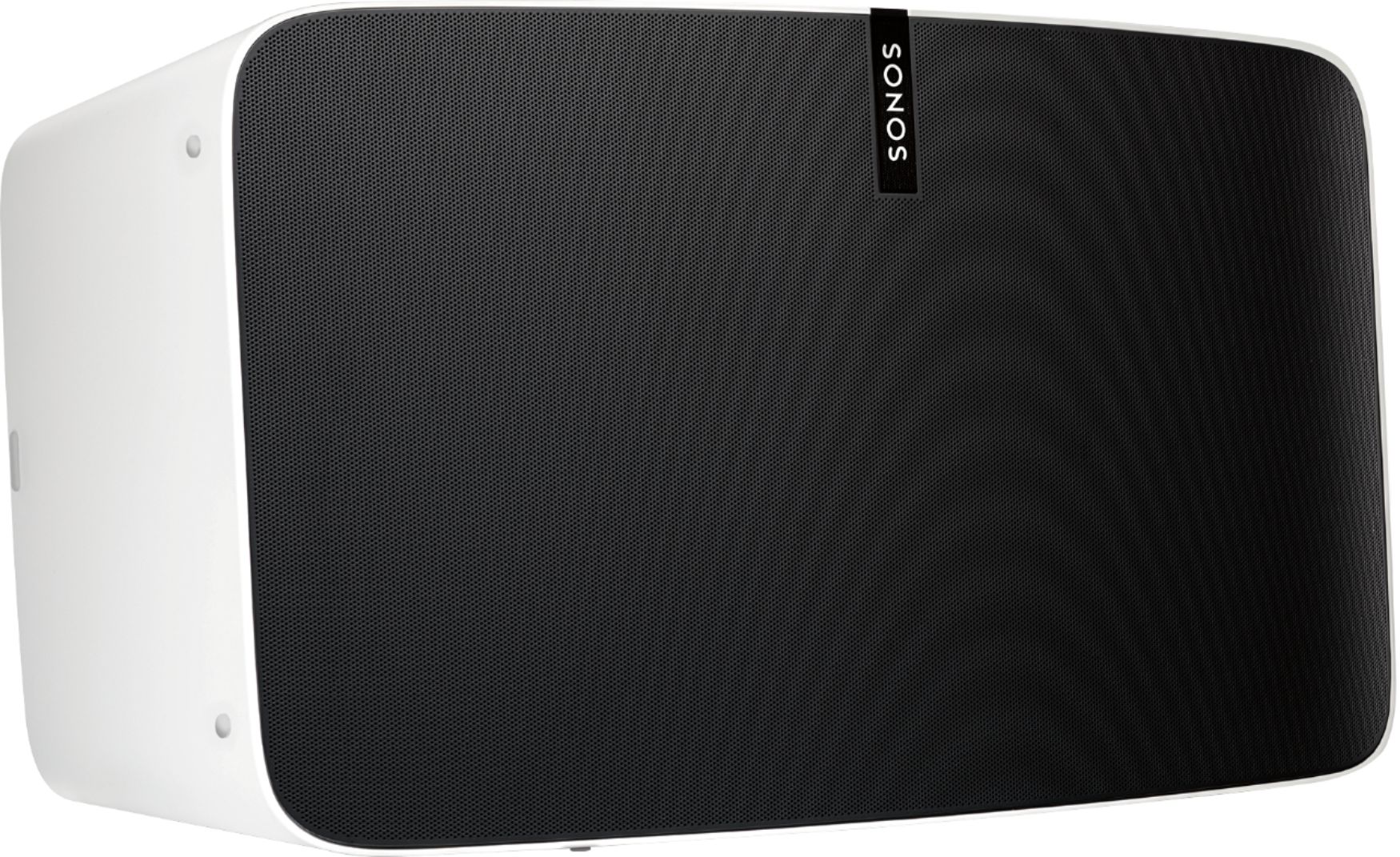
A:AnswerWe were originally planning on the Sonos 1. After listening in the store, the sound quality of the 3 is MUCH superior. Sonos 3 is "rich", wheras the Sonos 1 sounds "tinny" by comparison. If you're going to take the plunge with Sonos, I'd recommend the 3 series. Paired in stereo, they are superb, and even individually, they're excellent.
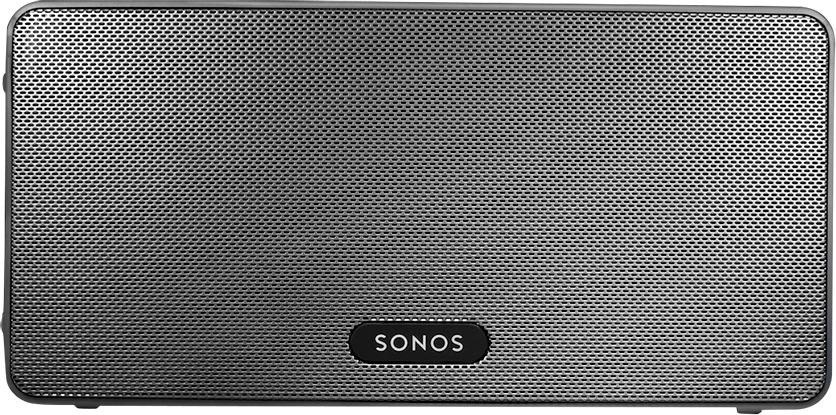
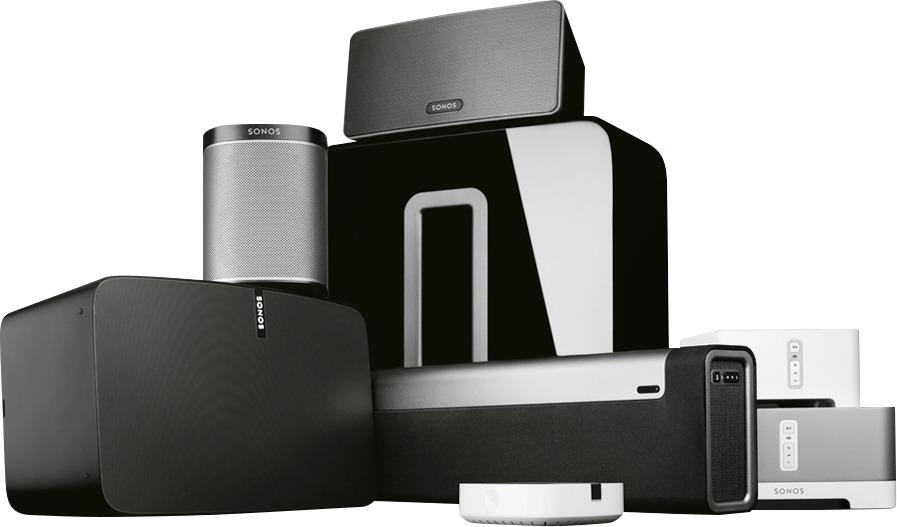
A:AnswerAll you need is to buy a $40 bridge, plug that into your router and you can add 20 speakers if you like. they all communicate via wi fi like your laptop, tablet or phone.
A:AnswerYes, you can. I have a play1 and play3. You can play different songs/stations/apps on each speaker or you can group them together to play the same thing. You can also adjust the volume of each speaker separately from your phone.
A:AnswerNo, the Play 5 2nd gen has a 3mm plug but the Play 3 and Play 1 only work via Wifi with the Sonos app or Spotify if you have a premium account.

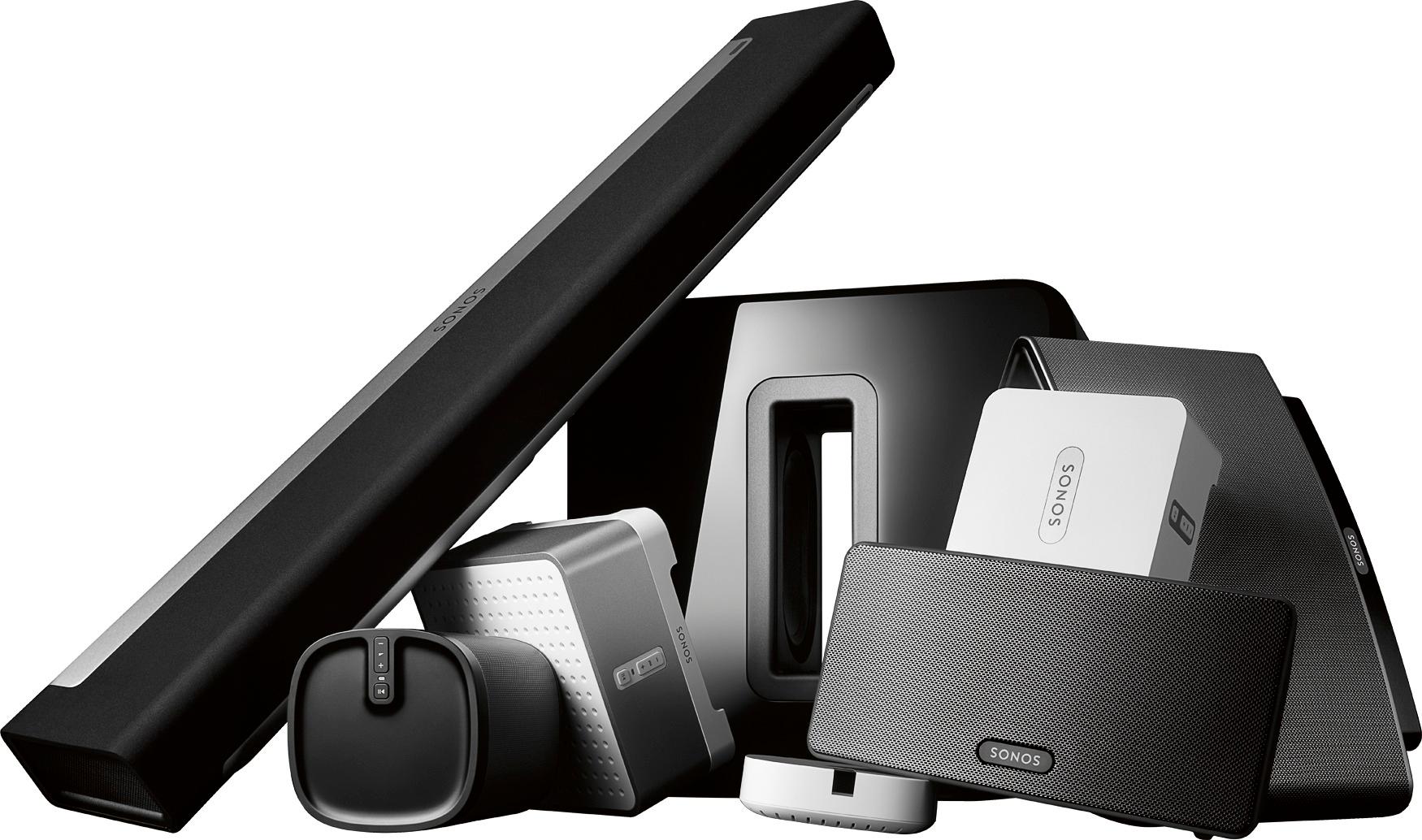
A:AnswerWhat is a CD? Haha, I'm an old guy, and cut my teeth on vinyl, so I do know what you mean. My CD's have largely been loaded on my iPad, and the Sonos can access my music using the app. To use a CD player, you'd have to buy a Sonos Connect($349) and use that as your CD player's wifi-portal to the Sonos network.
A:AnswerIt would not be "compatible" out of the box. I would assume you are looking to extend your home theater system with a couple of Play:3s. To use another sound system, including a non-Sonos soundbar, with a Sonos speaker you would need a Connect:AMP to connect to your existing system.
The Play:3 is not intended to be an extension of your Samsung home theater device, but rather a component of your larger Sonos network of speakers.
A:AnswerNo, you can use your existing wi-fi network, if you have one. But a Sonos Bridge will create a dedicated, robust wi-fi network for your sound system. I'd recommend purchasing a bridge, it allows a super easy way to expand your speaker system with clear sound always.
A:AnswerYou have options. If iTunes is off a computer that is connected to the Internet via WiFi (or hard wired), you can cast to your Sonos or you can use the Sonos app to select your iTunes library as a source (assuming your computer is awake). If using a phone, iPad or otherwise, you can still cast to the Sonos speaker if on the same WiFi / home network. You can also cast from Microsoft Windows Media Player, but if you have multiple Sonos speakers, you'll have a tough time figuring out which one to select as all you see is an IP address and the model.
A:AnswerThe Sonos 3 sounds pretty good, especially if you have a stereo pair and you equalize the speakers to optimize the sound in a specific room. SONOS has an easy to follow procedure for that using an app you can put on a smartphone. The Play 5 speakers are a better sound with respect to range and bottom end, and they have an important advantage over the Play 3 or Play 1: they can act as a controller so you don’t have to buy a separate one. I have a pair of Play 5 speakers in one room and a pair of Play 3 speakers in another room that serves as a gym. While the sound from the Play 5 is amazing, the pair of Play 3 speakers in the basement gym is fantastic with great bass sound and no sub woofer. But I did not have to buy a separate controller.
BTW, all of my SONOS speakers were Best Buy open box items. I just kept looking until they had what I wanted and saved a ton of money. They have no defects and work great.

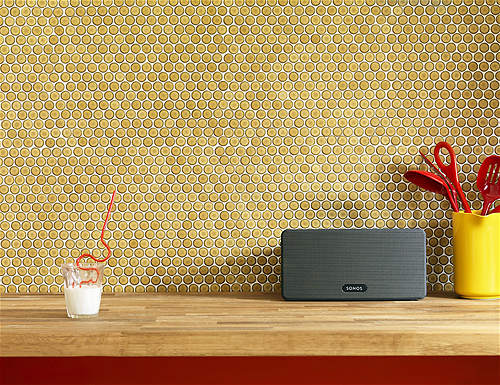
A:AnswerThe speakers are not "waterproof" although I was told they are 'water resistant'. Having said that I would not permanently mount them outside. I wanted to do the same thing you are asking about but, instead, I just move the speakers outside, plug them in and turn on the music as needed. It is a bit more "work" but once plugged in they reconnect immediately to your network so it really isn't that tedious (unless you can't easily access the speakers in the first place...).
A:AnswerYes, you can use the audio output of the TV to send signal to the Sonos speaker. I used an RCA to 3.5m adapter to make the connection. The Sonos app allows you to select that alternate source.
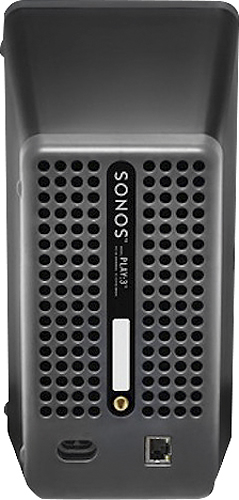
A:AnswerThere is no input on the play3
but I also bought the play5 and
There is one on that. Not sure
on the music we use pandora and
other sources but you can google
that.
A:AnswerWe have 1 sonos connected by ethernet to my computer. All of our Sonos zones can behave independently and can stream, play the TV sound, Iheart radio, pandora or run my favorite playlist. I was under the impression that it would work with WiFi as well...
A:AnswerI actually have an old Dual turntable. I connected a Sonos Connect to a TX-NR555 Onkyo receiver( not all receivers can be connected to turntables) and used a Sonos Play 3 speaker. I had to call Onkyo and Sonos to get some help. They were very helpful. With a CD player and turntable connected to the receiver, I can play music all through the house and out in the garden. The desktop computer is where I control everything. Hope this helps.