Year-End SaleEnds 1/1/26. Limited quantities. No rainchecks.

Main Content

Questions & Answers

Your price for this item is $299.99
Page Showing 61-80 of 176 questions
  • QuestionDoes it have an HDMI E ARC connection

    Asked by Art.

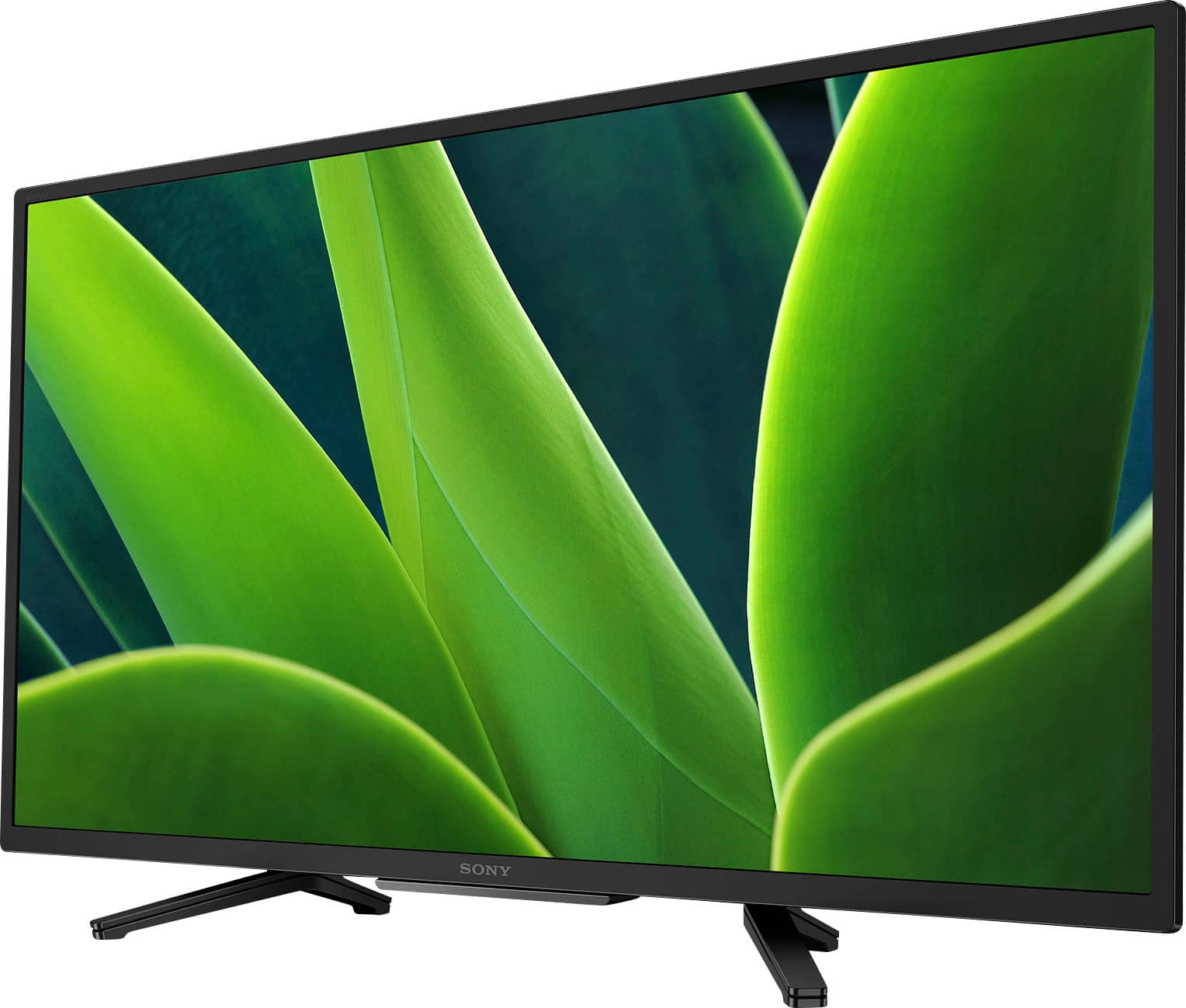
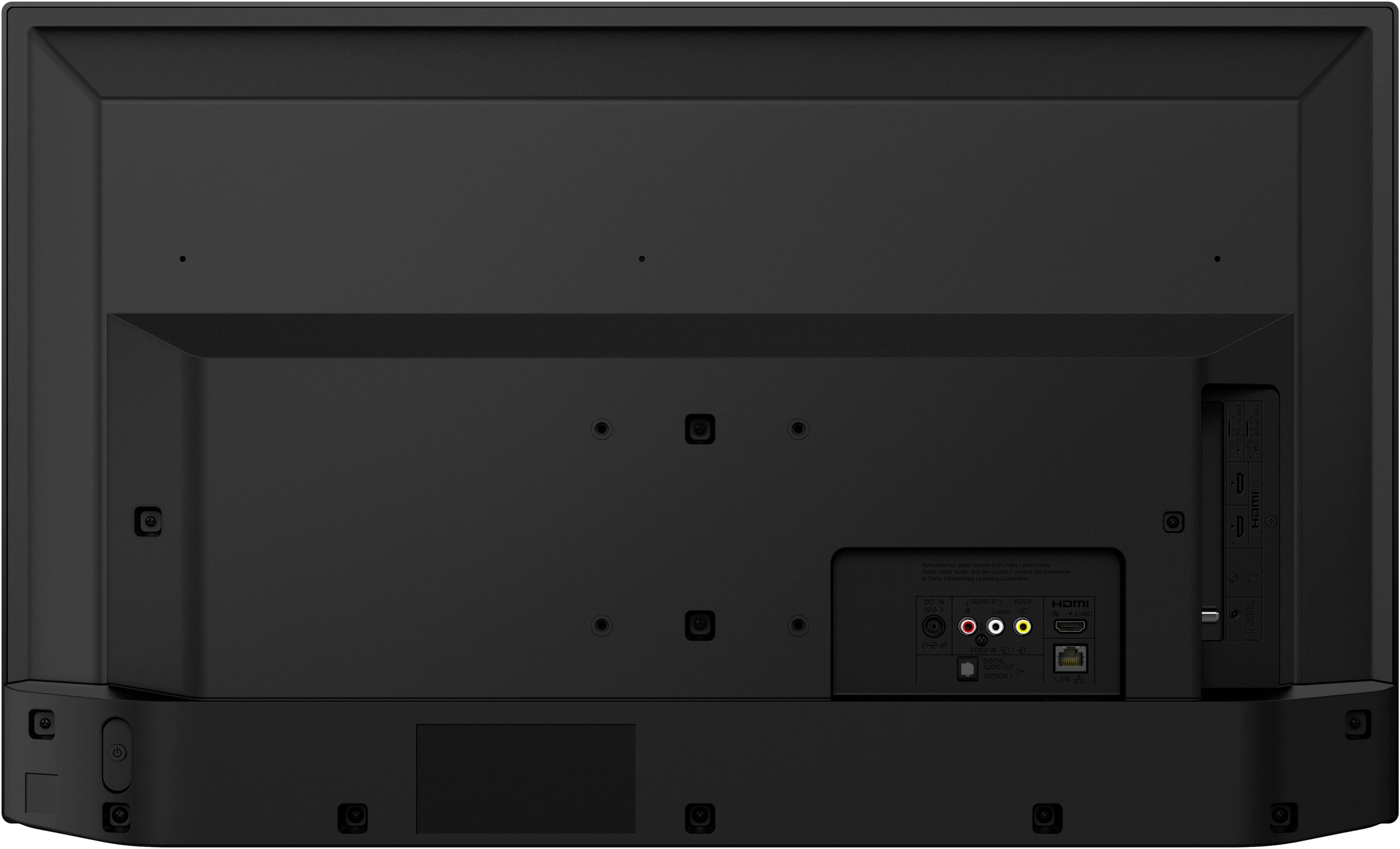
    • Answer Hi Art, Thanks for reaching out. We appreciate your inquiry about our Sony TV. To answer your question, the KD32W830K does not have an HDMI eARC connection. It only has ARC connection. We hope this helps. Thanks for considering Sony products! Best regards, Stephanie

      Answered by SonyListens

  • Questionwill best buy install this tv for me?

    Asked by willy.

    • Answer Absolutely!

      Answered by VickyH

  • Questiondoes this support all types of dvd

    Asked by db.

    • Answer Hi db, Thank you for your inquiry! The Sony TVs does not directly support playing DVD discs on its own since it does not have an integrated DVD player. However, you can connect an external DVD player to the TV using its HDMI or other compatible ports. Once connected, you will be able to play various types of DVD discs on your Sony W830K TV through the external DVD player. Hope this information helps! This BRAVIA TV includes a host of eco-friendly features that are designed to save energy without negatively affecting your use of the TV. Best, Maria

      Answered by SonyListens

  • QuestionWhat full motion wall mount works with this tv?

    Asked by Trish.

    • Answer Any of them will work as long as you get one that is made to support a 32" monitor.

      Answered by SandraP

  • QuestionDoes the power cord have a low profile plug. (The end that plugs into the wall)

    Asked by Jim.

    • Answer Its is a standard plug.

      Answered by WendyJ

  • QuestionI have a slim portable DVD player/writer with a USB which plugs into my computer. Can it be connected to the TV? What kind of adapter would it require?

    Asked by CJ.

    • Answer There is a USB port on the TV., so I would not think you would need an adapter.

      Answered by WendyJ

  • QuestionIs it possible to turn off the wi-fi signal?

    Asked by steve.

    • Answer Yes. I have it disabled since I only turn on my router when I use the computer. On occasion I'll activate the wifi so the tv can check for s/w updates but otherwise it is off. However, with the wifi off it seems the s/w starts corrupting it's operation after 2-3 weeks. I address this problem by unplugging for a few minutes which appears to clear all the data it collects but can't send out via wifi.

      Answered by 2ndsonymodel

  • QuestionCan the Sony TV 32" W830K be hooked up to a Sony DVD/Video Player?

    Asked by Ernie.

    • Answer Yes. With monster cables.

      Answered by AnnemK

  • QuestionIs there a wall mount?

    Asked by dogwalker.

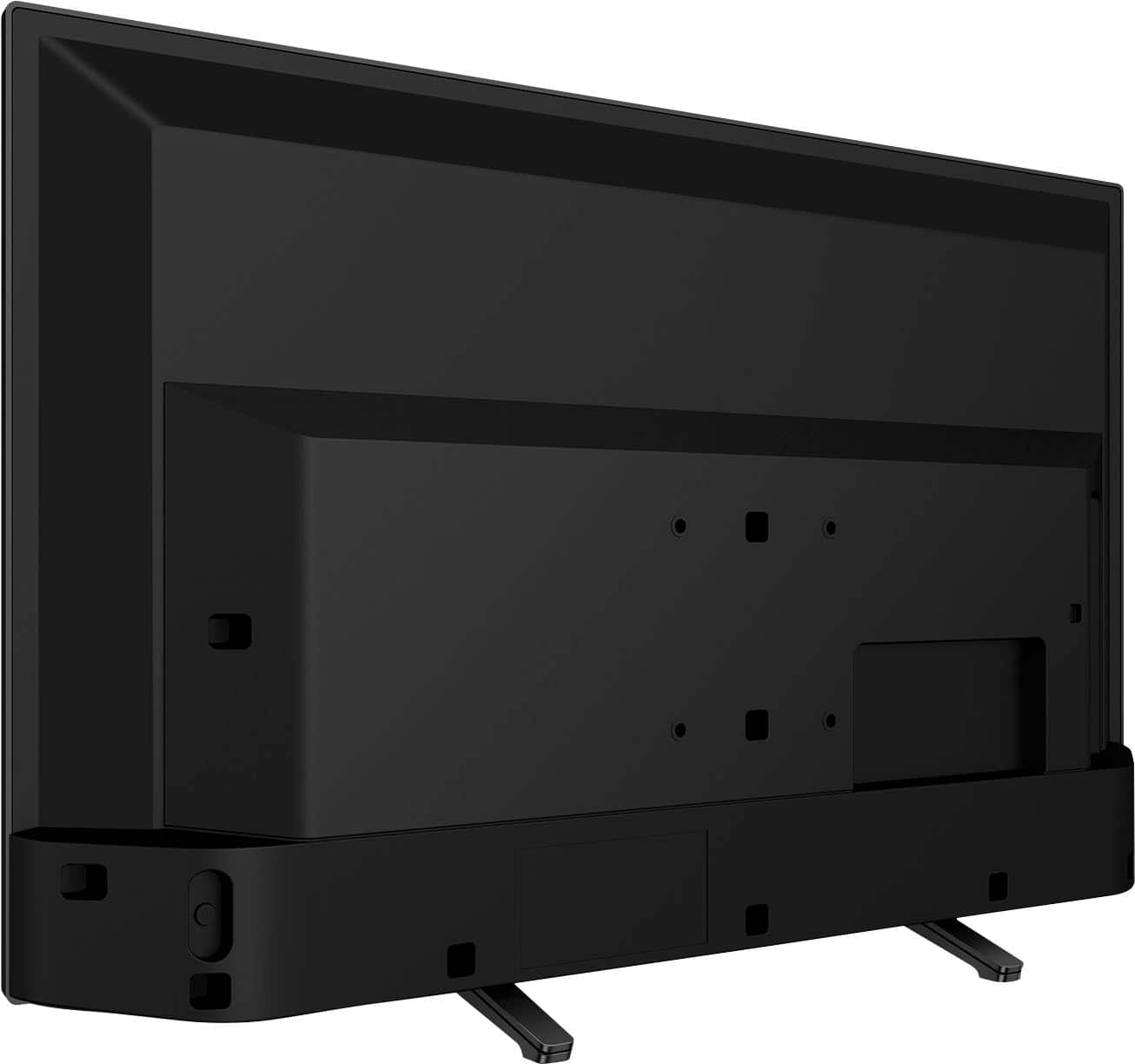
    • Answer No. Table mount included. Wall Mount bought Separately

      Answered by AnnemK

  • Questioncan it work with roku?

    Asked by Anonymous.

    • Answer Yes, if you buy the roku set up package.

      Answered by AnnemK

  • QuestionI want to pair up with a 5g network. Is this compatible? So far I have only been able to find TV's that only pair with 4g.

    Asked by Sprowtness.

    • Answer It can and does. It does depend on your internet/wifi service capabilities. Some wifi services are not capable of Consistent 5G Connectivity and depending on varying factors waver between 4G and 5G. Check with your internet provider.

      Answered by AnnemK

  • QuestionMy TV screen shows 7 small icons at the bottom or the top through out viewing. These icon are annoying and take up 1/6th of the screen. How can I delete them permanently from my screen? Below is a picture of the icons on screen.

    Asked by Craigo.

    • Answer I suggest going into the tv settings and look for on screen settings. If this doesn't work, call Sony. If your TV is new and it sounds like it is, they will provide support at zero cost. Here's info I found easily on Copilot: To remove or hide the icons at the bottom or top of your Sony Google TV screen while viewing, you can adjust the settings related to the user interface. Steps to Hide Icons on Sony Google TV Access the Home Screen: Press the Home button on your remote control to bring up the main screen of the Google TV interface. Navigate to Settings: Use the directional keys to scroll down to the Settings icon (typically represented as a gear symbol) and select it. Select Display & Sound: In the Settings menu, choose Display & Sound. Here, you will find options related to the visual output of your TV. Find Screen Saver Options: Depending on your model and firmware, look for Screen Saver settings or Home Screen Settings. Here, you may find options to customize which icons appear and whether they show while watching content. Adjust the Icons' Display Settings: In the Screen Saver or Home Screen settings, you can typically toggle icons or notifications on and off. Look for settings like “Show or hide suggestions,” “Hide status bar,” or “Hide home screen icons” depending on your version of Google TV. Save Changes and Exit: After you adjust your settings, make sure to save any changes and exit settings back to the main screen. Additional Tips Using a Different Viewing Mode: Sometimes, switching to a different viewing mode or aspect ratio can help minimize the visibility of icons. Consult your TV's manual for specific modes available. Consult User Manual: If you continue to see unwanted icons, check the user manual specific to your model for more detailed options related to customizing the interface. By following these steps, you should be able to effectively manage and remove any unwanted icons from the screen while enjoying content on your Sony Google TV. If you have further issues, consider reaching out to Sony customer support for assistance tailored to your specific device and software version. Hope this helps.
      Answered by SandraP

  • QuestionCan this TV install the Optimum TV app?

    Asked by BionicHips.

    • Answer Hi BionicHips, Thank you for your question. Unfortunately, the Optimum TV app is not available on the Google Play Store for the KD32W830K model. See pictures full of vivid detail and texture on this TV. X-Reality™ PRO upscales every pixel for exceptional clarity, analyzing frames and matching each scene with our unique database to refine images and reduce noise. Best regards, Romeo

      Answered by SonyListens

  • QuestionI have a Roku player and remote that I prefer to use. Please confirm if the tv model is Roku compatible.

    Asked by Anonymous.

    • Answer A Roku device can be plugged into any HDMI port on a television and work as intended, so yes this tv will support a Roku player.

      Answered by BobbieD

  • QuestionCan the color buttons be programmed for specific apps?

    Asked by CindyG.

    • Answer Hi Lulu, Thank you very much for your question. Unfortunately, no. The color buttons on the remote control for the KD32W830K model cannot be programmed for specific apps. These buttons can only be used within certain menus or apps, and the menu or app will provide information regarding what function corresponds with each color button. I hope this helps! With the W830K, you can see pictures full of vivid detail and texture. X-Reality™ PRO upscales every pixel for exceptional clarity, analyzing frames and matching each scene with our unique database to refine images and reduce noise. Best regards, Romeo

      Answered by SonyListens

  • QuestionI want to use this to display pictures as a slide show via a USB stick. I would like it to autoplay without entering the setup menu. Also are there manual controls so I do not need the remote? I have other TV's in the same room.

    Asked by Randy.

    • Answer Hi Randy, Thank you for your question! Unfortunately, the KD32W830K does not support autoplaying a slideshow directly from a USB stick without some initial setup. You will need to navigate through the setup menu to start the slideshow. For setting up the slideshow: Connect the USB stick to the TV. Press the HOME button on the remote. Navigate to the Media Player or Album app. Select the USB device and choose the folder containing your photos. Start the slideshow by selecting the appropriate option. And also, the TV does have some manual controls, but they are limited. Most of the functionality, including starting a slideshow, requires the use of the remote control. Hope this helps! See pictures full of vivid detail and texture on this TV. X-Reality™ PRO upscales every pixel for exceptional clarity, analyzing frames and matching each scene with our unique database to refine images and reduce noise. Regards, Sam

      Answered by SonyListens

  • QuestionI did a search on picture in picture and this model came up (as well as several others) but there is no mention in the specs / features to indicate it actually has it. Please confirm.

    Asked by flygirl.

    • Answer Hi flygirl, Thank you for your inquiry! The Sony W830K doesn't have a Picture-in-Picture (PIP) or Twin Picture capability. However, similar functionality may be available through a third-party service or channel for sports, videos, etc. Check with your cable or satellite TV provider for options. Hope this helps. See pictures full of vivid detail and texture on this TV. X-Reality™ PRO upscales every pixel for exceptional clarity, analyzing frames and matching each scene with our unique database to refine images and reduce noise. Regards, Sam

      Answered by SonyListens

  • QuestionHow much does this TV weigh? How wide is this TV?

    Asked by LongIslandwoman.

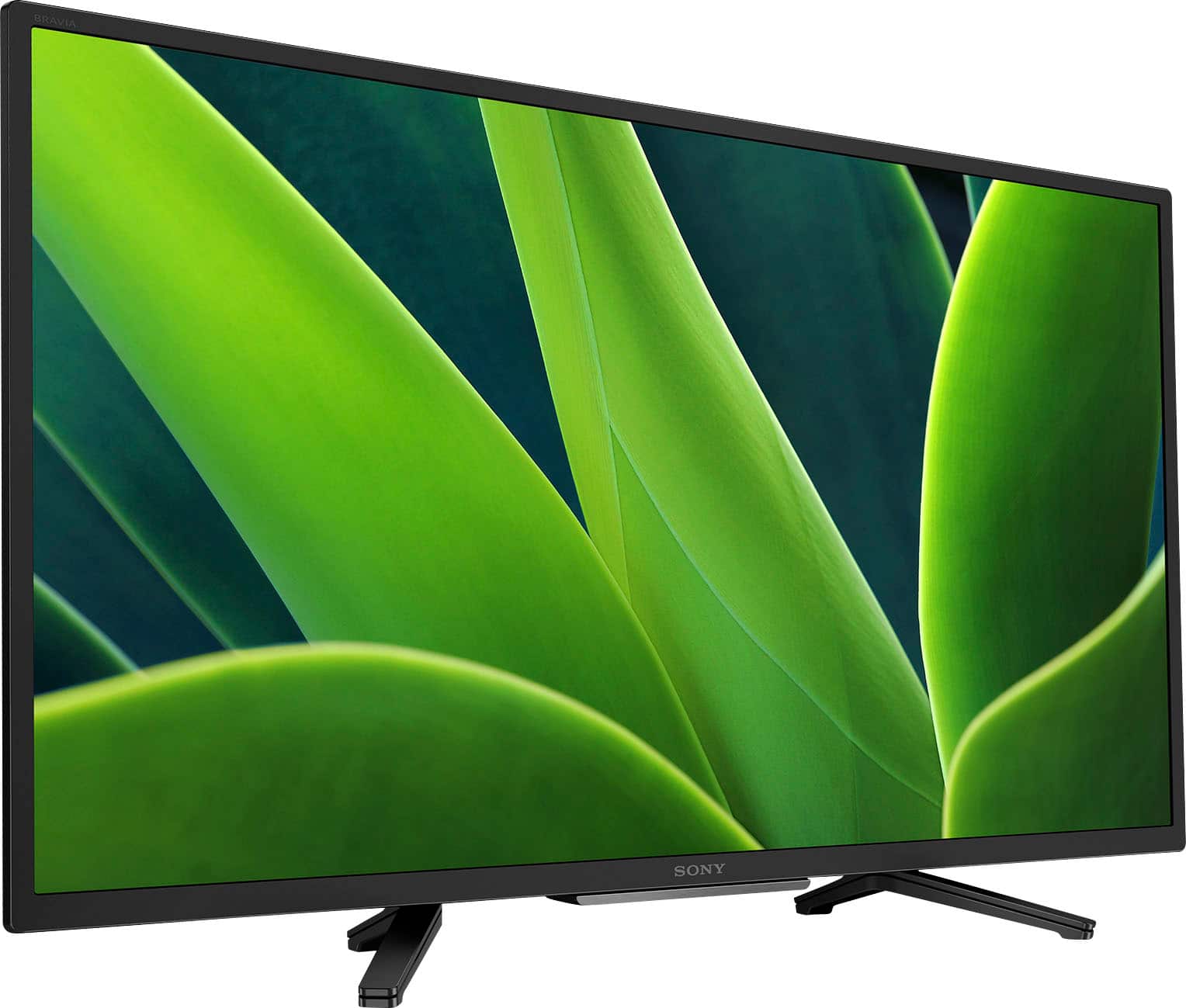
    • Answer Hi LongIslandwoman, Thank you for your inquiry! The weight of the TV including the TV stand is approximately 11.1 lb. (5.0 kg) and the width is 28.75 inches (730 mm). Hope this helps! See pictures full of vivid detail and texture on this TV. X-Reality™ PRO upscales every pixel for exceptional clarity, analyzing frames and matching each scene with our unique database to refine images and reduce noise. Regards, Sam

      Answered by SonyListens

  • QuestionIs the headphone jack on the LEFT side of the TV?

    Asked by Name.

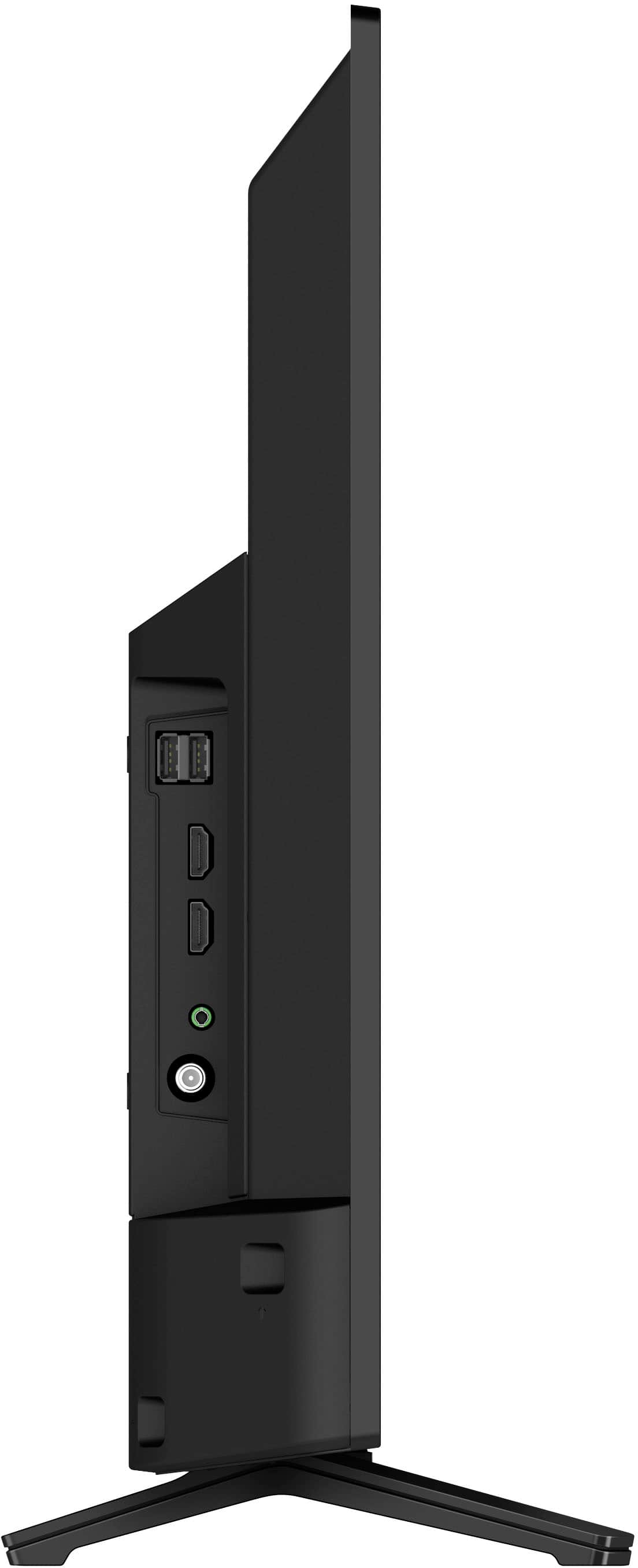
    • Answer Hi Name, Thank you for your question! Yes, the headphone jack is located in the left side of the TV. Hope this helps! See pictures full of vivid detail and texture on this TV. X-Reality™ PRO upscales every pixel for exceptional clarity, analyzing frames and matching each scene with our unique database to refine images and reduce noise. Regards, Sam

      Answered by SonyListens

  • QuestionCal a 4K player be used on this unit?

    Asked by Anonymous.

    • Answer Hi there, Thank you for your question. Yes, you can. Most of the latest DVD players/Blu-ray players usually connect to a TV using an HDMI connection. The KD32W830K features 3 HDMI inputs (1 Side/2 Rear) where you can connect your player. While the KDXXWXXXK doesn't support 4K, you can playback the following HDMI video resolutions: 2160p (30, 24, 60 Hz), 1080/24p, 1080i (60, 50 Hz), 1080p (30, 24, 60 Hz), 720/60p, 480p, 480i. I hope this helps! See pictures full of vivid detail and texture on this TV. X-Reality™ PRO upscales every pixel for exceptional clarity, analyzing frames and matching each scene with our unique database to refine images and reduce noise. Best regards, Romeo

      Answered by SonyListens