






Deals Worth GiftingShop now

Main Content

Questions & Answers

Your price for this item is $171.99
Clearance
The comparable value price is $699.99
Page Showing 1-20 of 110 questions
  • QuestionCan I stream content from my Apple device to this Sony TV?

    • Answer Yes, you can stream content from your Apple device to this Sony TV using AirPlay2 support.
    This question and answer was generated by AI based on customer and product data.

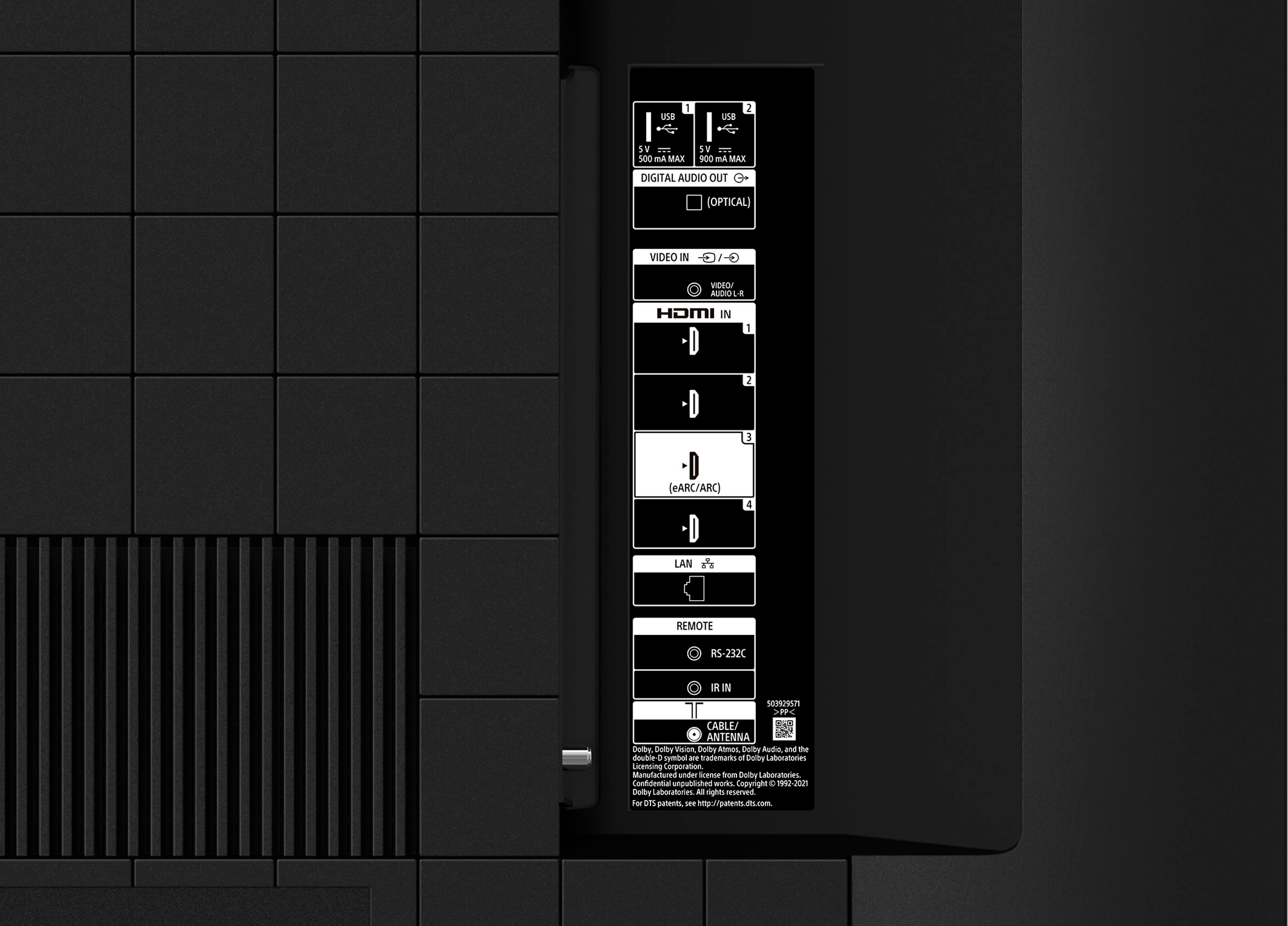
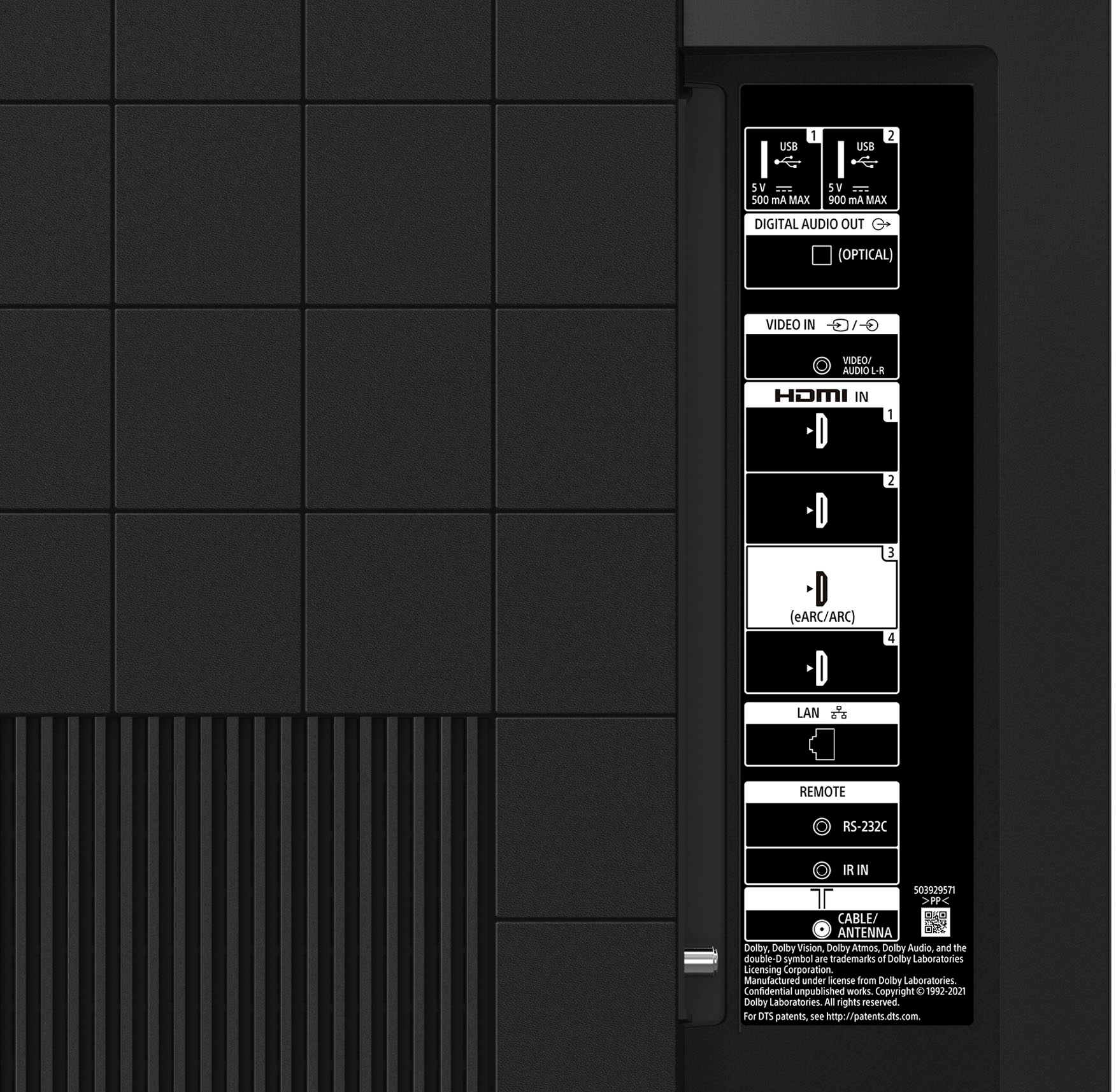
  • QuestionHow many HDMI inputs does this Sony TV have?

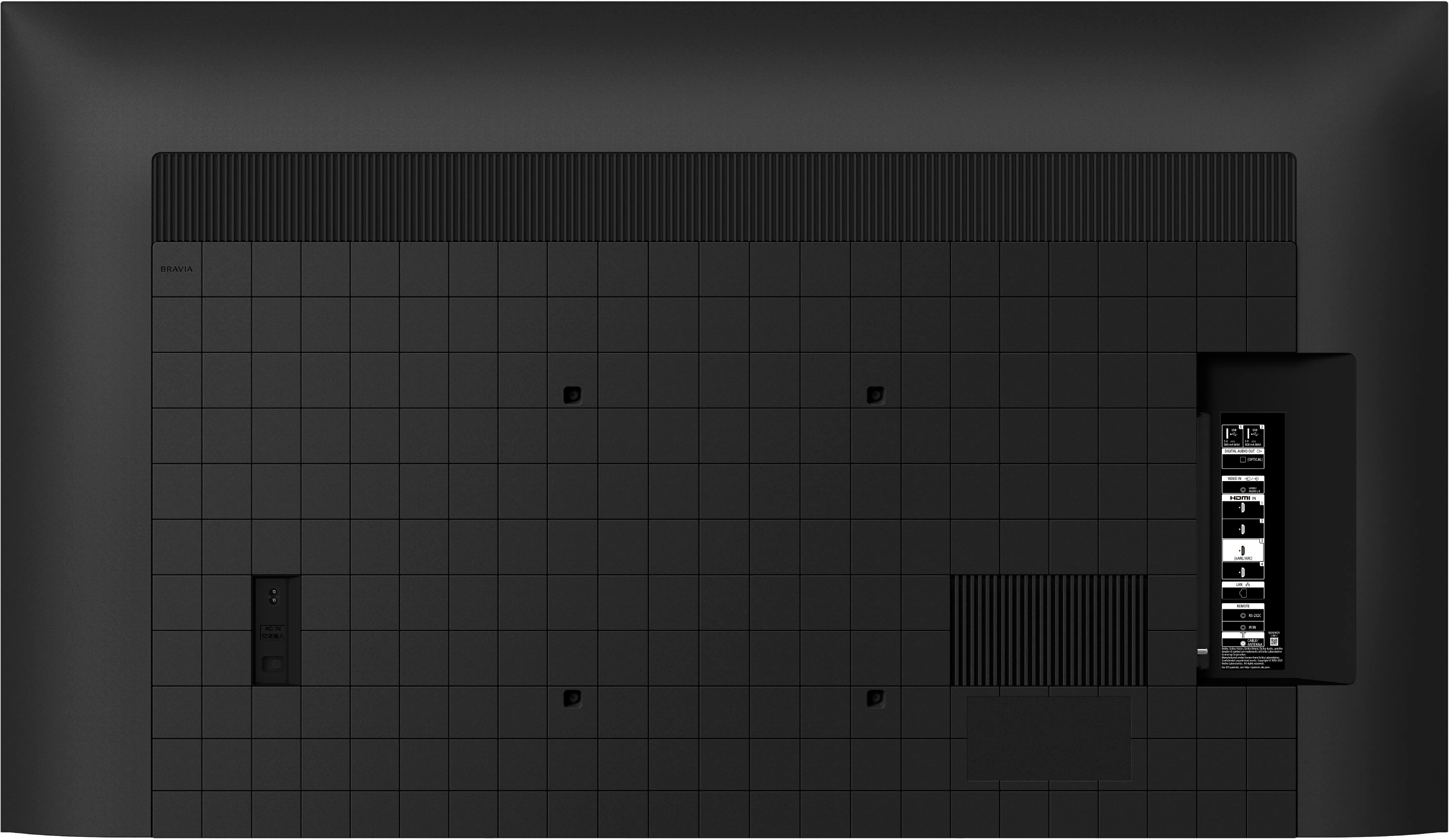
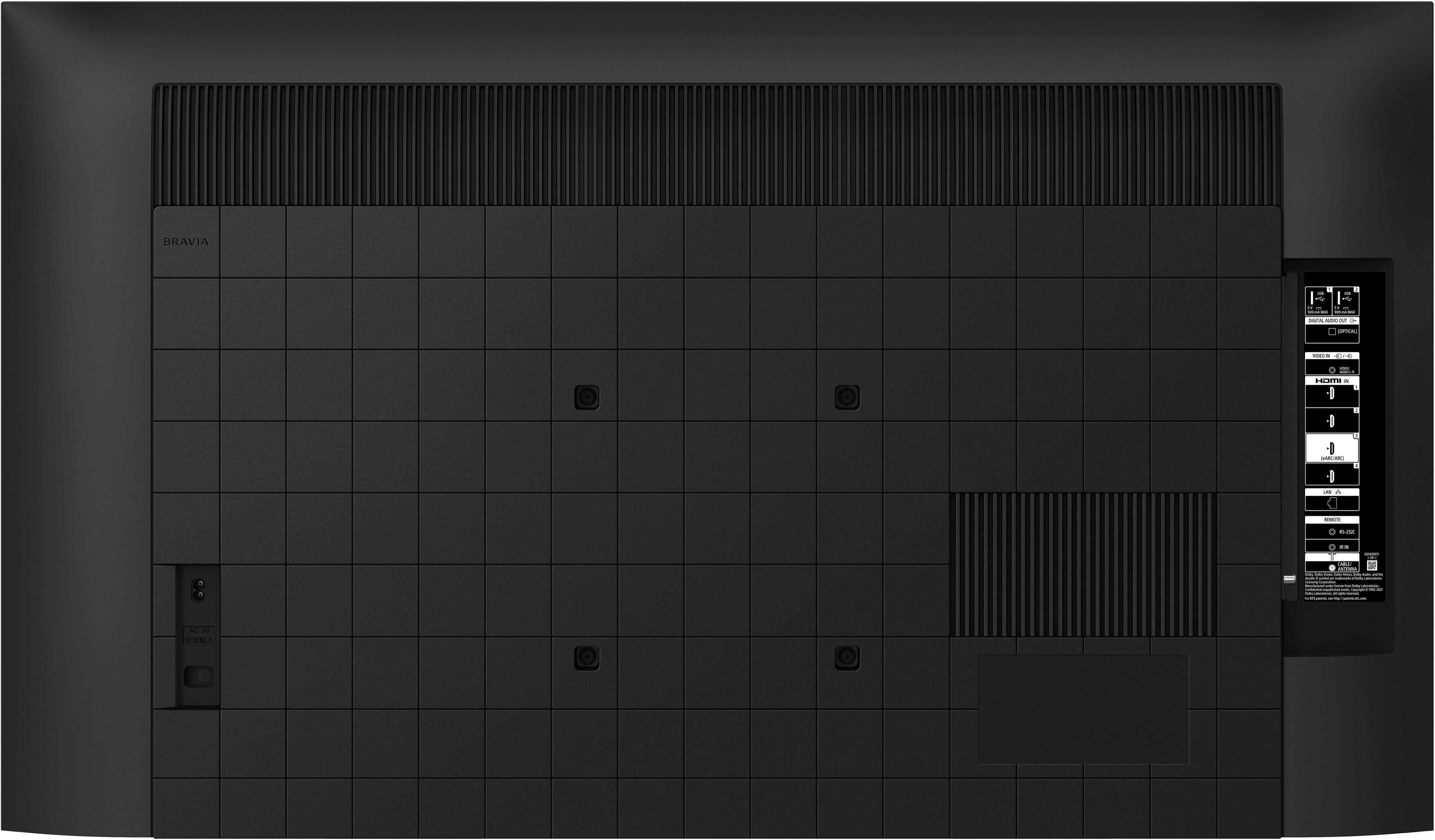
    • Answer This Sony TV has a total of 4 HDMI inputs.
    This question and answer was generated by AI based on customer and product data.
  • QuestionDoes this Sony TV have built-in speakers?

    • Answer Yes, the Sony TV has built-in downward firing speakers.
    This question and answer was generated by AI based on customer and product data.

  • QuestionWhat is the resolution of this Sony TV?

    • Answer This Sony TV has a 4K (2160p) resolution.
    This question and answer was generated by AI based on customer and product data.
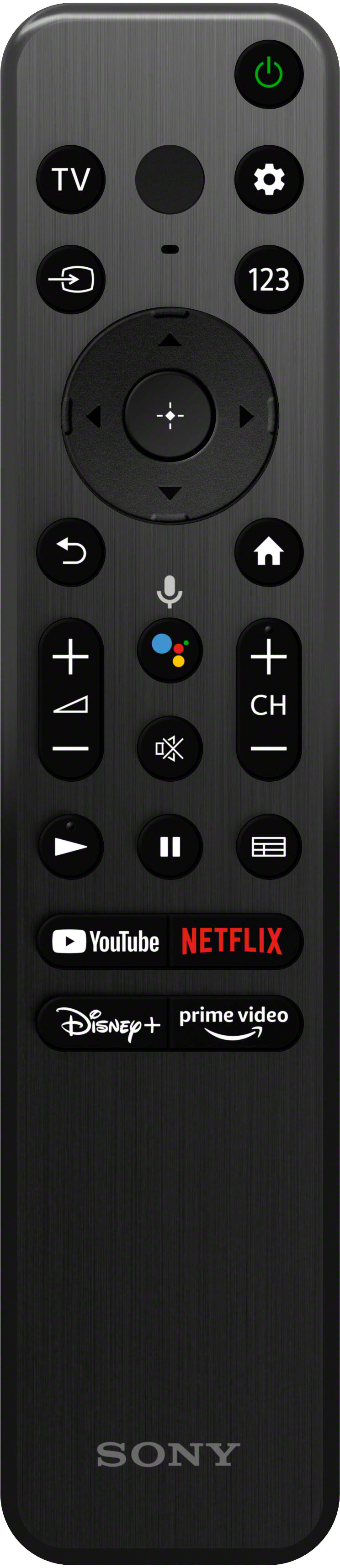
  • QuestionWhat type of remote control does this Sony TV come with?

    • Answer This Sony TV comes with a voice control remote.
    This question and answer was generated by AI based on customer and product data.

  • QuestionWhat is the screen size class of this Sony TV?

    • Answer The screen size class of this Sony TV is 55 inches.
    This question and answer was generated by AI based on customer and product data.
  • QuestionHow do I remove the TV from its packaging to avoid damage?

    • Answer To avoid damage, carefully follow the detailed instructions provided in the box for unboxing and assembling the stand.
    This question and answer was generated by AI based on customer and product data.

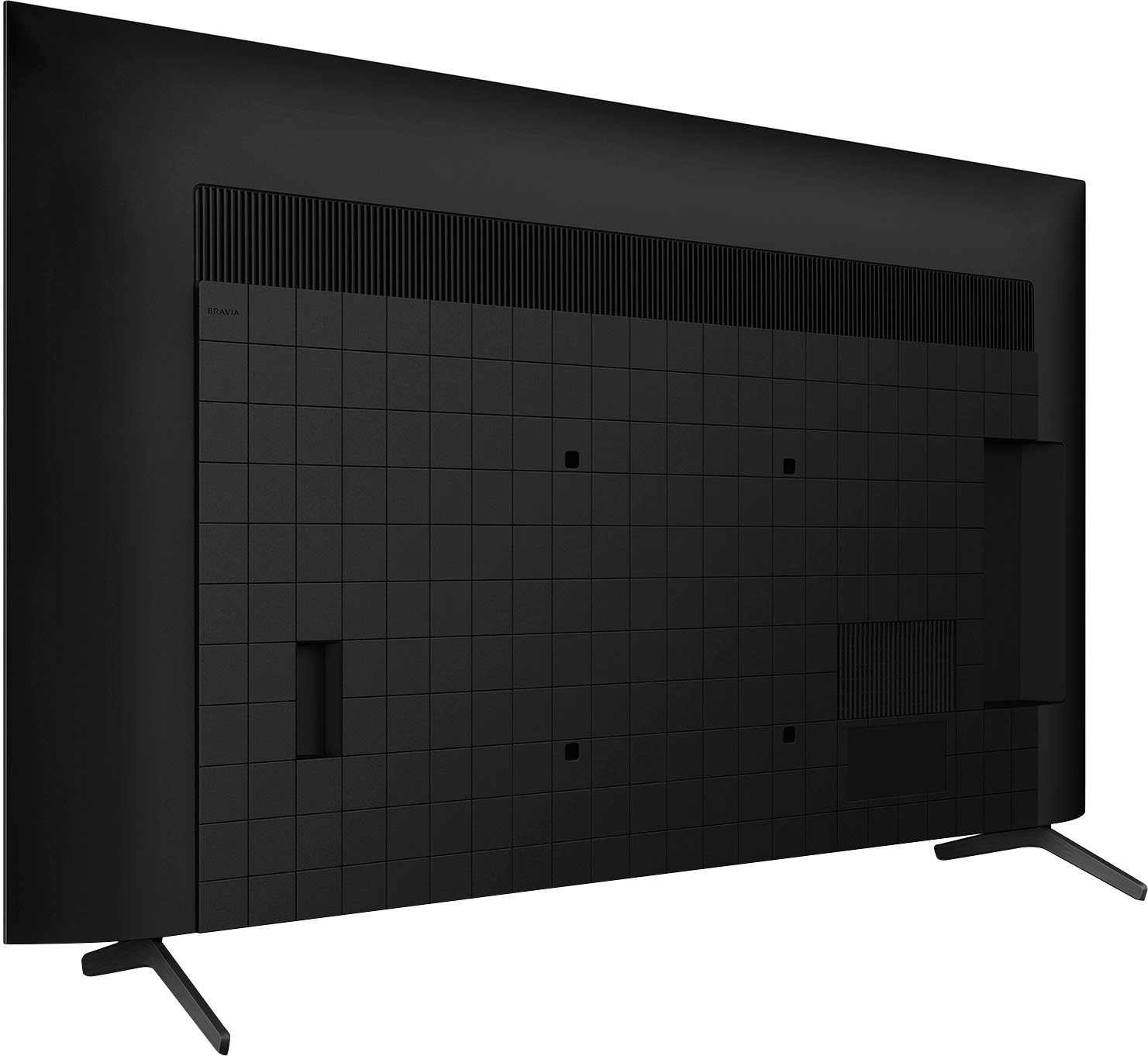
  • QuestionWhat's the distance between the two legs?

    Asked by Chingu.

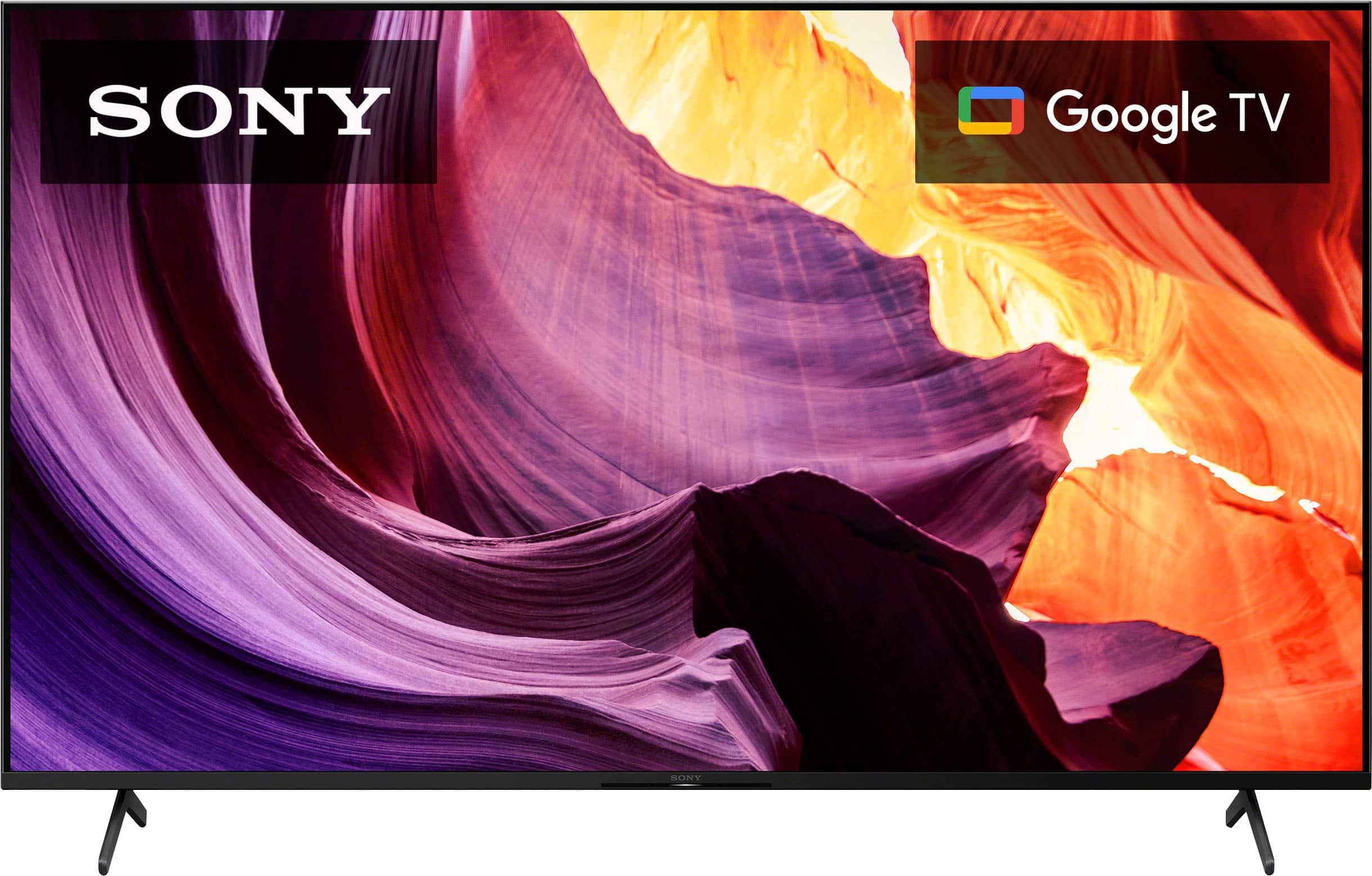
    • Answer Hi Chingu, Thank you for the inquiry! The distance between the two legs of the KD55X80K is 41 1/8 inches. I hope this helps! Jay

      Answered by SonyListens

  • QuestionIf you add a Roku streaming stick to this tv, do you still need to do Google TV setup before you add Roku stick or can you simply install Room stick to make it a Roku tv?

    Asked by Customer.

    • Answer No I have mine hooked up with a Roku. It was plug and play.

      Answered by Pilot

  • QuestionSo I did a simple google search for “Black Friday outdoor TVs” and the first link was to this TV. It clearly states “outdoor TV” but in the specifications it says “indoor”. So is this indoor only or outdoor as well? What temps are we working with here?

    Asked by JoeBirds.

    • Answer Google has been ruined by SEO ads- if it doesn't explicitly say "outdoor TV" in the description here or on Sony's site, I would not risk cold temps with this TV since LEDs can be damaged by cold.

      Answered by Misha

  • Questionwhy doesn't my yellow video cable plug fit in the video jack on the tv

    Asked by Anonymous.

    • Answer I assume you have an RCA-type pin plug for your composite video signal. The Sony TV jack requires a 3.5 mm 3-conductor plug that can accommodate video and 2-channel audio. A cable that converts these is readily available.

      Answered by WilliamO

  • QuestionDoes it come with a web browser application to surf the net? Ethernet-cable accessible?

    Asked by RealLifeTsundere.

    • Answer Hi RLT2088, Thank you for the inquiry! The internet browser of this TV is Vewd (not pre-installed). Your Android TV™ has a built-in wireless adapter that enables it to use Wi-Fi® technology to connect to your network. If you choose to use a wired connection, connect a network cable, also known as an Ethernet or LAN cable, from the router to the LAN port on the back of the TV. I hope this helps! Jay

      Answered by SonyListens

  • QuestionI use my smart phone as a hotspot for internet to connect my laptop, tablet, printer and in my car; I can I use my phone's blue tooth connection hotspot to use with this television?

    Asked by Dogpilot.

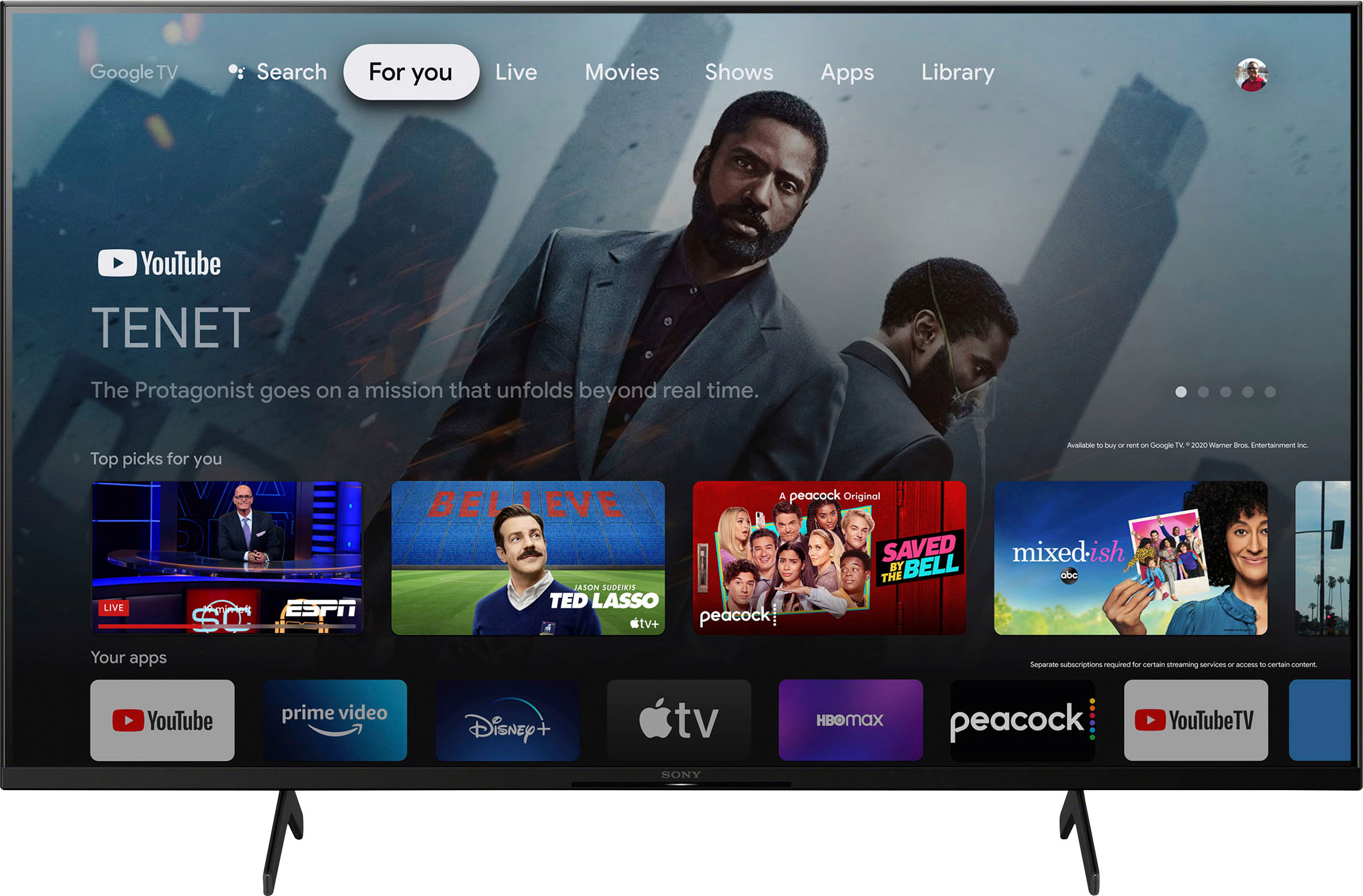
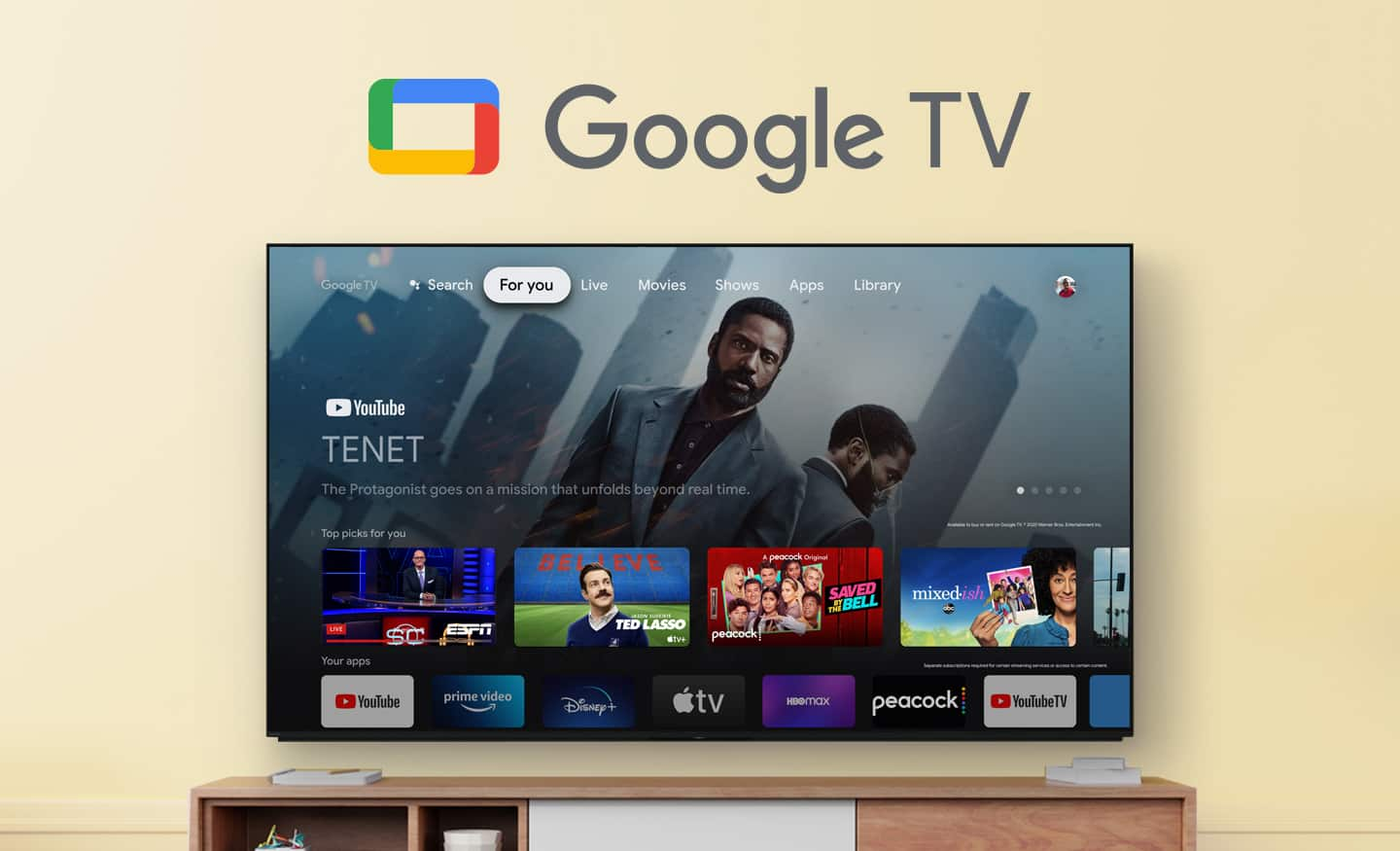
    • Answer Hi Dogpilot, Thanks for the question! You may use your cellphone data to stream apps on the TV using mobile hotspot. It is the same as how you are connecting your smart TV to WIFI wirelessly. However, this may lead to data overcharges or slow internet connection when data usage is reached. This can quickly burn through a cellphone data plan if not careful. Additional information: Enjoy an intuitive smart TV experience with natural color and clear sound with the BRAVIA X80K LED TV. The powerful 4K HDR Processor X1 reduces digital noise and boosts details for lifelike picture quality. Google TV gives you access to all your favorite streaming apps, while Google Assistant easily searches for content and controls your smart home simply by using your voice. We really appreciate you being a loyal customer and helping to share the word about us. Hope this helps! - Kris

      Answered by SonyListens

  • QuestionCan this TV be viewed from a wide angle without distortion?

    Asked by uffdacrew.

    • Answer Yes it can

      Answered by lglover

  • QuestionDoes this TV support local Comcast and Xfinity?

    Asked by Coco.

    • Answer Yes

      Answered by AnnM

  • QuestionWill this tv allow the use of Hulu even though my cable provider (astound/rcn) has stopped supporting it through their tivo interface?

    Asked by Hogroller.

    • Answer Hi Hogroller, If you are referring to the Hulu app alone, yes. You can download and install Hulu app on this TV and use it without your cable. The app will run on the Google TV interface and will not interact with your cable. Our BRAVIA X80K has an intelligent TV processing technology powered by 4K HDR Processor X1 that delivers picture quality full of rich colors and detailed contrast. You will also enjoy the Google TV with Google Assistant which organizes your content all in one place. You can also stream from your Apple device with AirPlay 2 support. This TV has Motionflow XR technology which allows you to see blur-free picture quality in fast-moving sports and movies. Hope this helps! Vincent

      Answered by SonyListens

  • QuestionIs the power cable rated for in the wall use?

    Asked by Mike704.

    • Answer Hi Mikem704, Avoid running power cables inside of walls. It's actually against article 400.8 in the NEC (National Electrical Code). You should not run power cables through a wall as a substitute for permanent wiring, i.e. wired outlets. Our BRAVIA X80K has an intelligent TV processing technology powered by 4K HDR Processor X1 that delivers picture quality full of rich colors and detailed contrast. You will also enjoy the Google TV with Google Assistant which organizes your content all in one place. You can also stream from your Apple device with AirPlay 2 support. Hope this helps! Vincent

      Answered by SonyListens

  • QuestionWill this TV accept HM1 cable from Verizon?

    Asked by Monte.

    • Answer Hi Monte, Thank you for the inquiry! You can use Premium High-Speed HDMI (High-Definition Multimedia Interface) cables to this TV. I hope this helps! Jay

      Answered by SonyListens

  • QuestionWhat is the weight of this tv?

    Asked by Anonymous.

    • Answer Hi there, Thanks for the question! Below are the following weight of the KD55X80K: WEIGHT OF TV WITHOUT STAND 35.1 lb (15.9 kg) WEIGHT OF TV WITH STAND 37.1 lb / 16.8 kg You may find the dimensions of our Sony TVs on the Sony Support Site. The website has a page for each TV model where you can find the dimensions in the specification sections. Additional information: Enjoy an intuitive smart TV experience with natural color and clear sound with the BRAVIA X80K LED TV. The powerful 4K HDR Processor X1 reduces digital noise and boosts details for lifelike picture quality. Google TV gives you access to all your favorite streaming apps, while Google Assistant easily searches for content and controls your smart home simply by using your voice. Hope this information helps! - Kris

      Answered by SonyListens

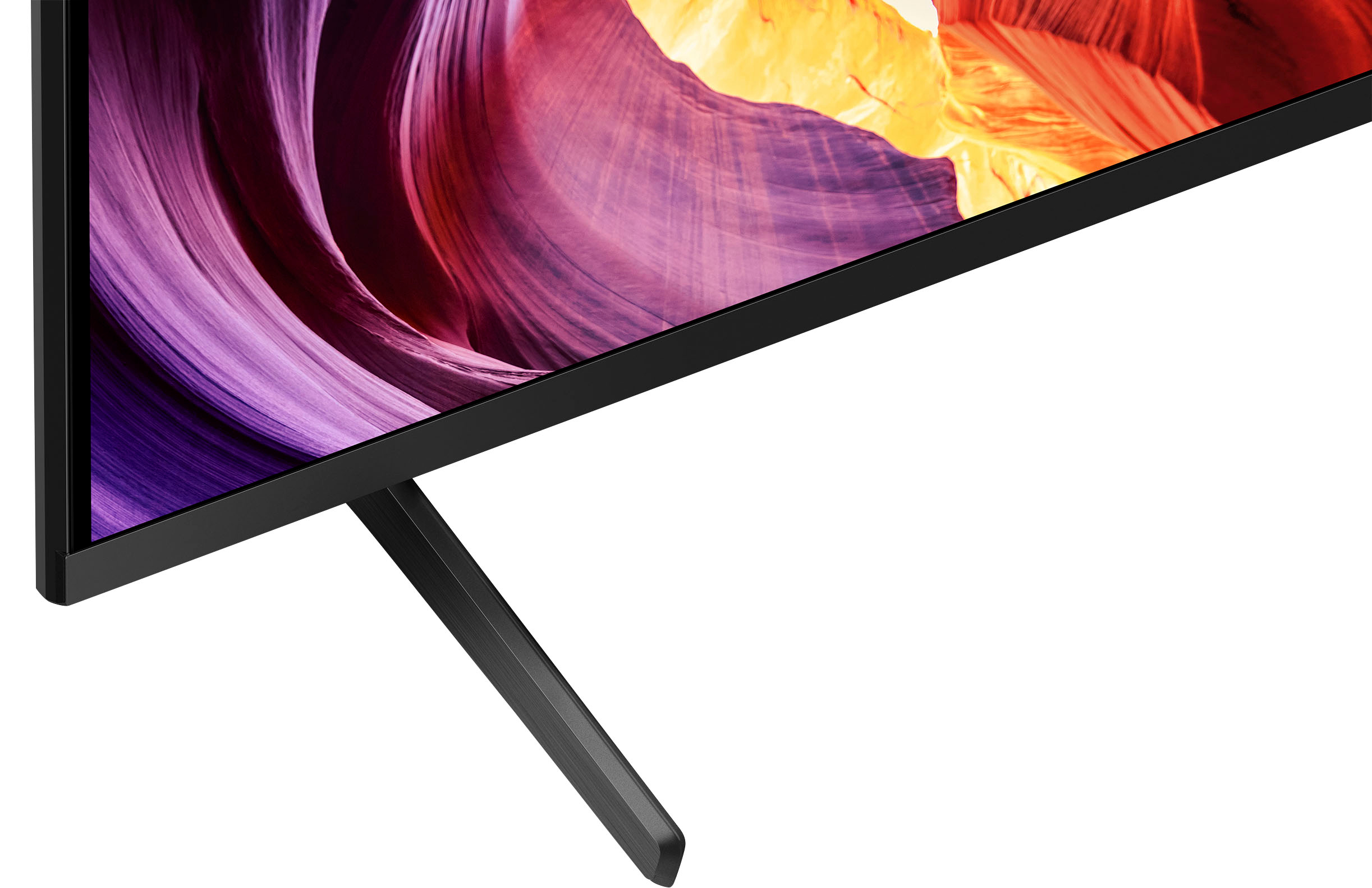
  • QuestionCan you attach a center stand on the tv.

    Asked by Lao.

    • Answer Hi Lao, Thanks for the question! Yes, you can. However we do not recommend using a third-party TV stand as we cannot guarantee its stability and may cause the TV set to topple over, fall down, and cause personal injury or damage to the TV. We recommend the use of the supplied TV stand because it is designed for the TV stability which is essential when you want to be assured of the safety of your TV. The KD55X80K can also use multiple TV mounts that support a VESA pattern of 11 13/16 x 11 13/16 in(300 × 300 mm). Sony offers a flush mount TV bracket designed to mount the TV flush to the wall (SU-WL855). Sony strongly suggest that the installation of our TV on a wall be performed by qualified professionals. Additional information: Enjoy an intuitive smart TV experience with natural color and clear sound with the BRAVIA X80K LED TV. The powerful 4K HDR Processor X1 reduces digital noise and boosts details for lifelike picture quality. Google TV gives you access to all your favorite streaming apps, while Google Assistant easily searches for content and controls your smart home simply by using your voice. Hope this information helps! - Kris

      Answered by SonyListens







