A:AnswerHi Albert,
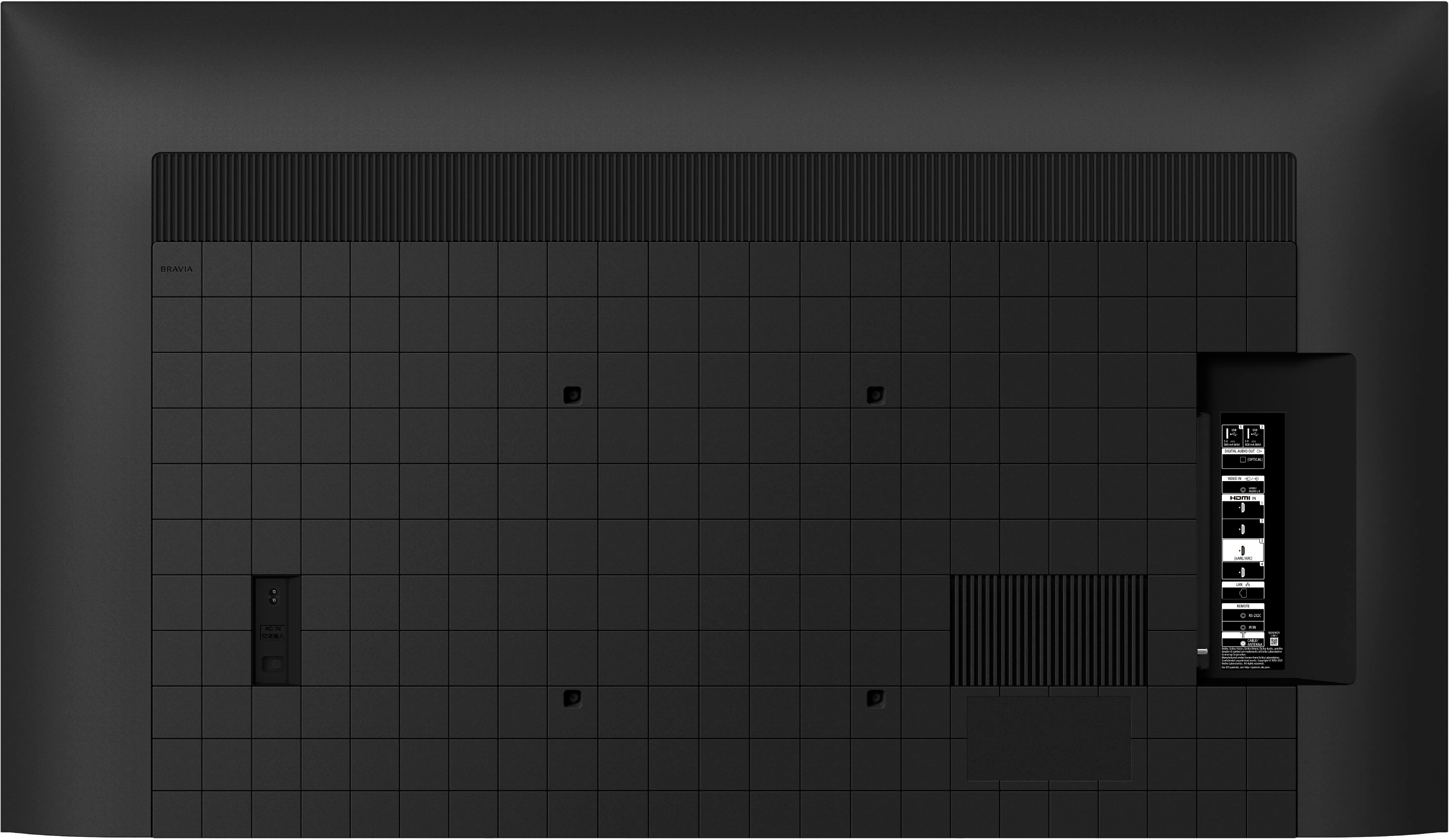
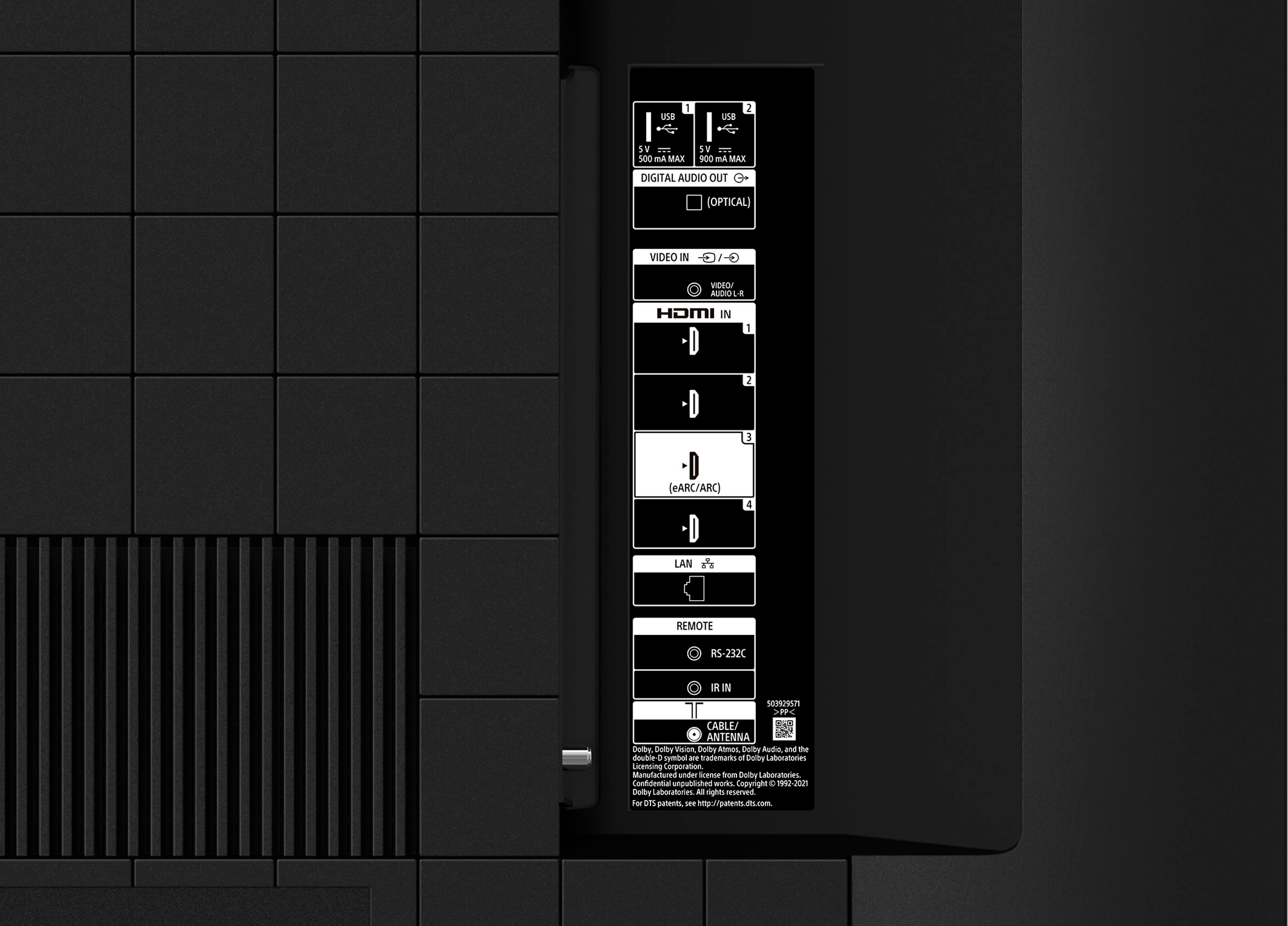
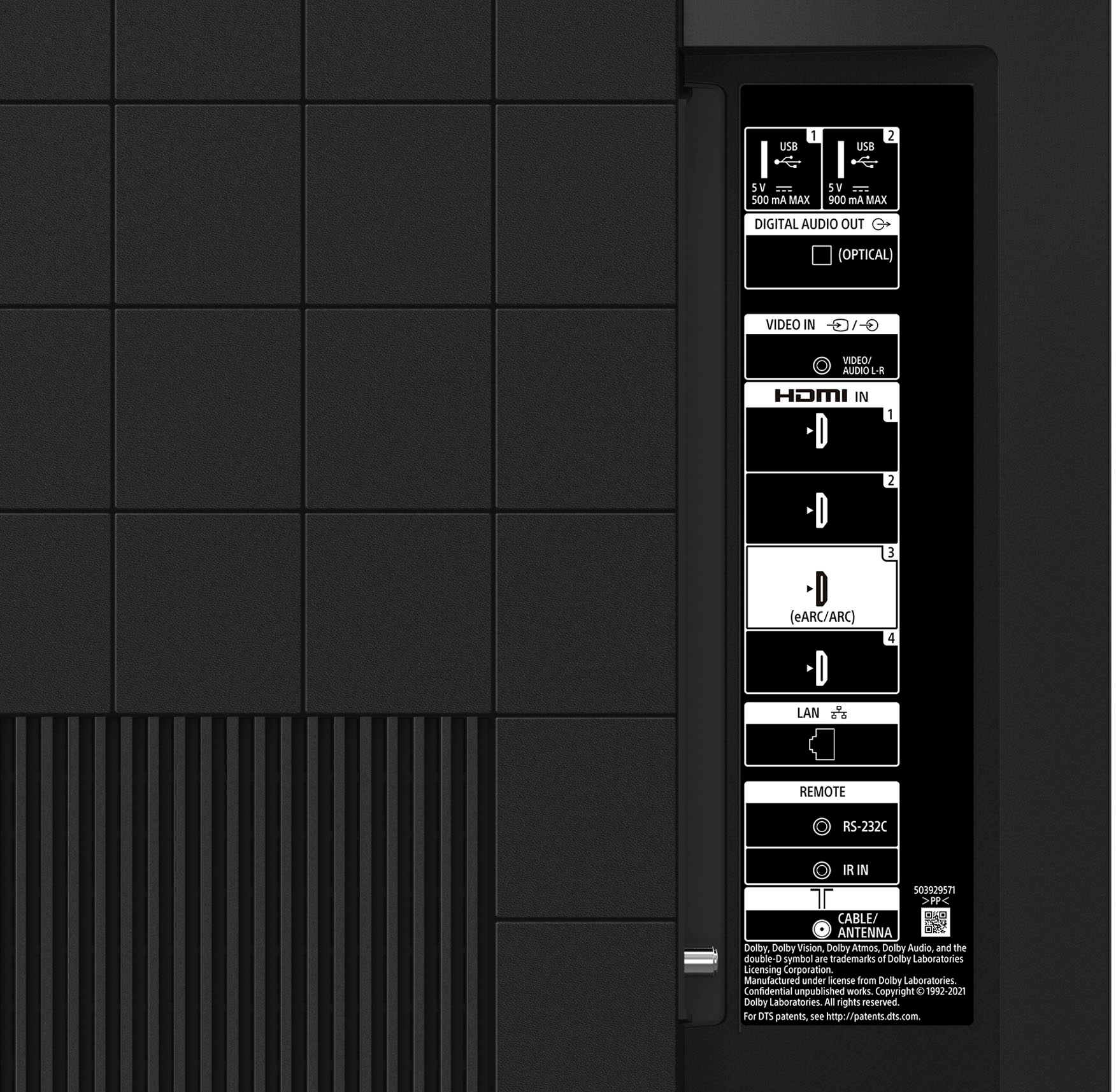
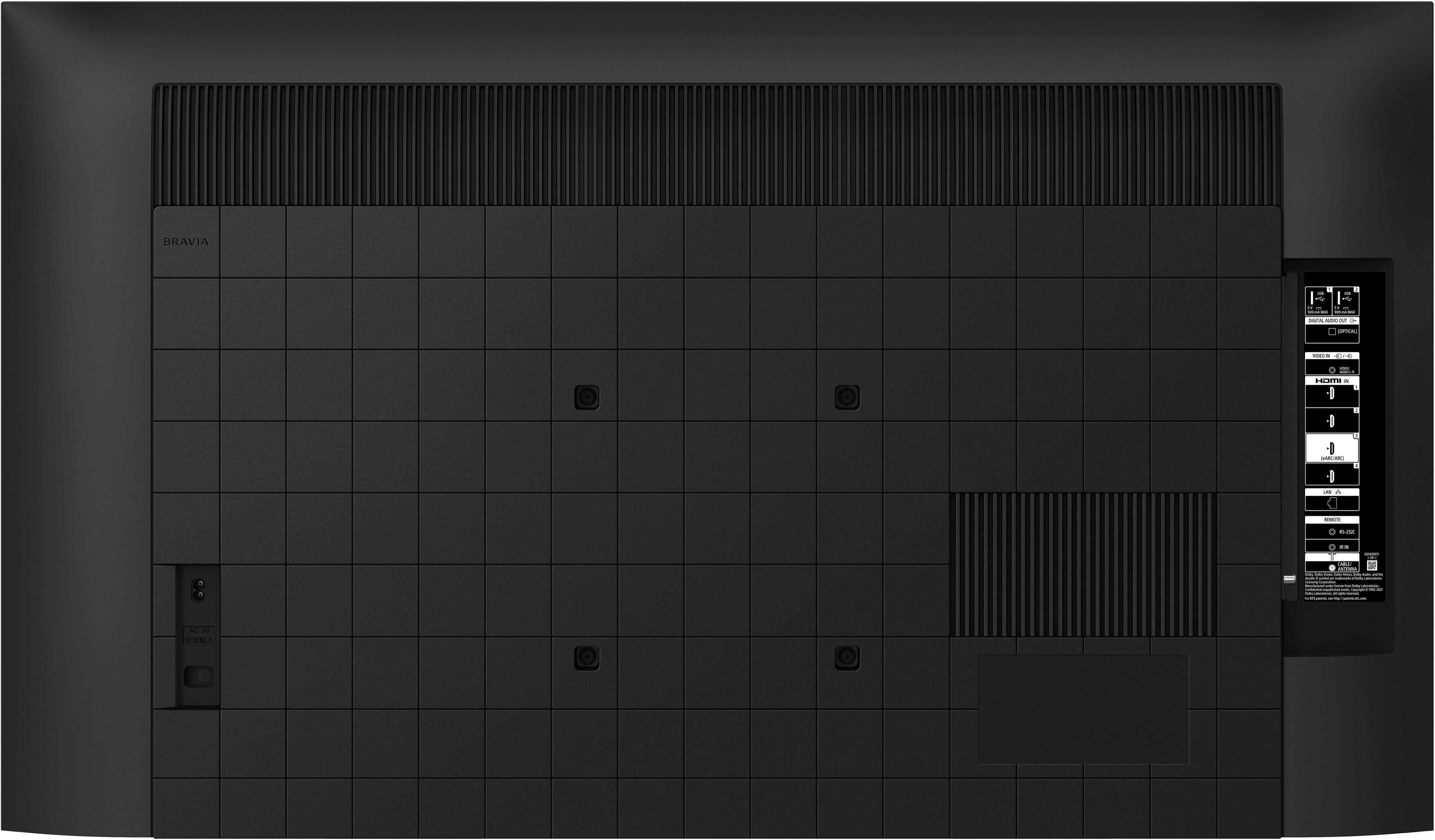
Thanks for the question! RS-232C cable is not a supplied accessory of the KD55X80K TV.
NOTE: An RS-232 serial port is most often used by repair technicians to perform diagnostics and service updates. It may also be used to control a device when connected to a computer running a home automation system or Custom Integrated Audio/Video (A/V) system.
The RS-232 feature is not part of the normal operation of the product. As such, any support for using this port or its functionality is not available. Due to the complexity of installation and issues that may occur during an installation using the RS-232 port, it is recommend that it only be completed by a professional custom installer.
Additional information:
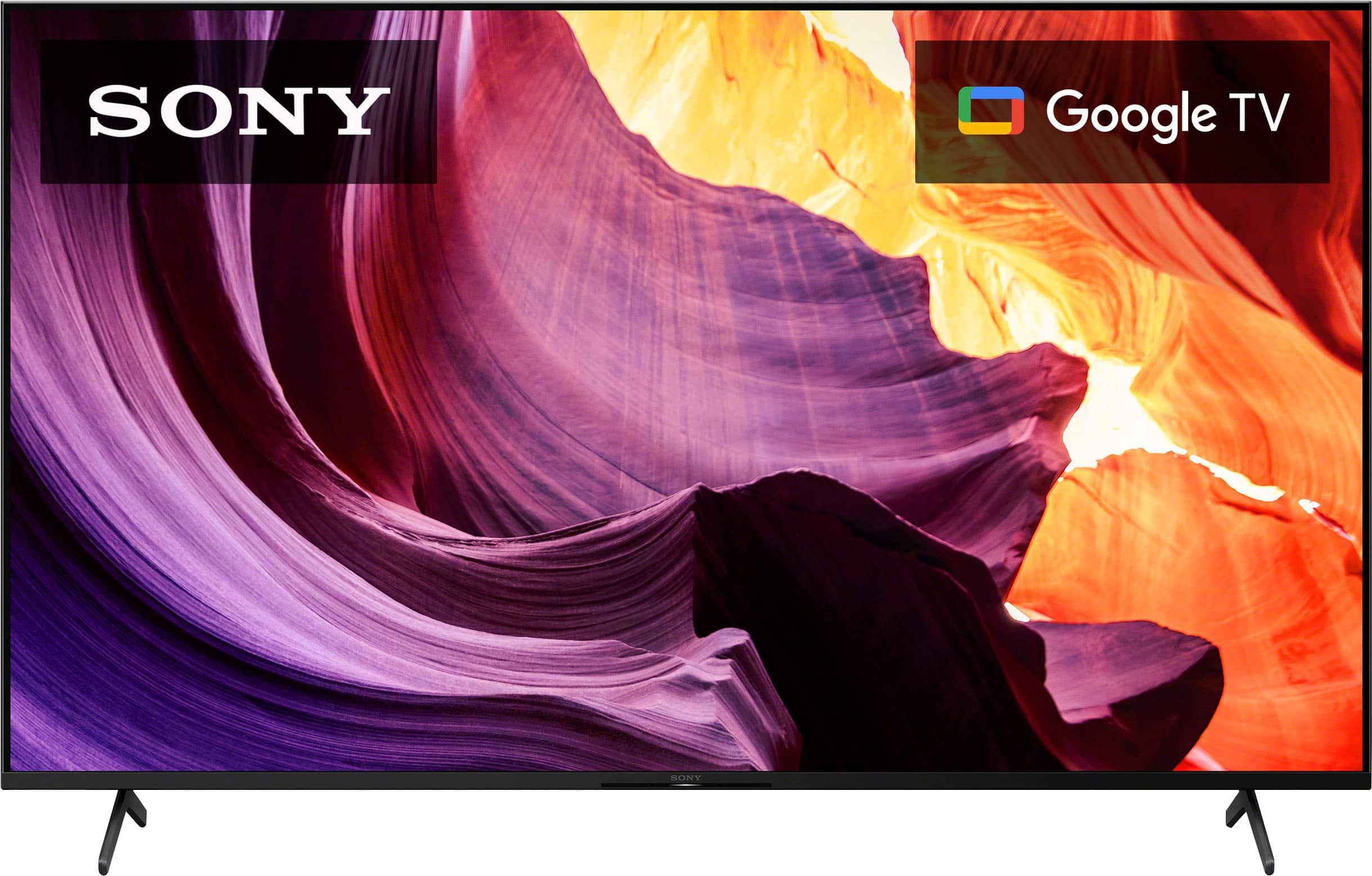
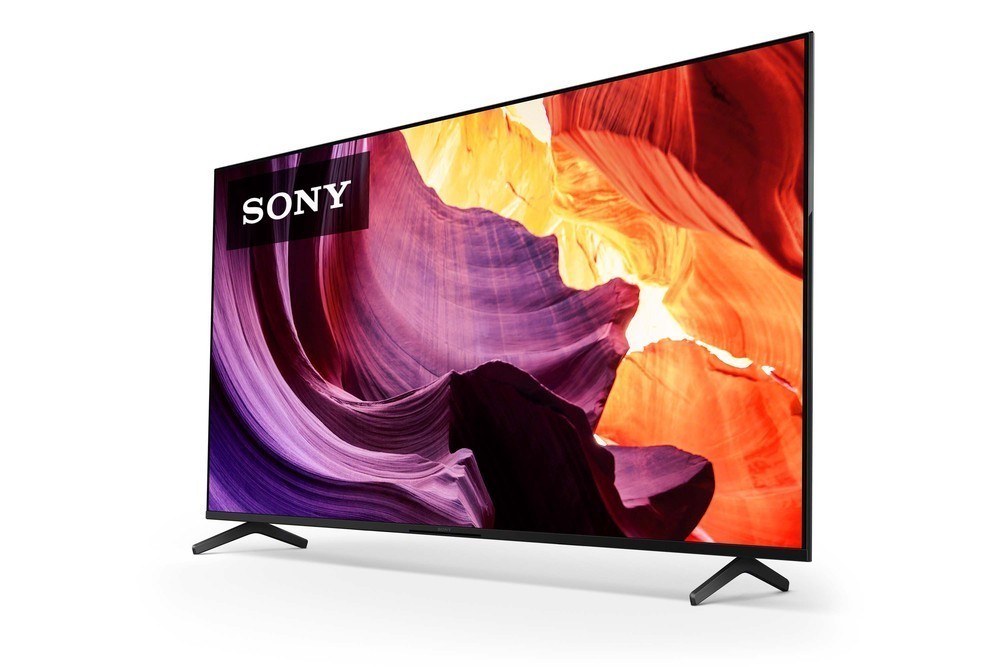
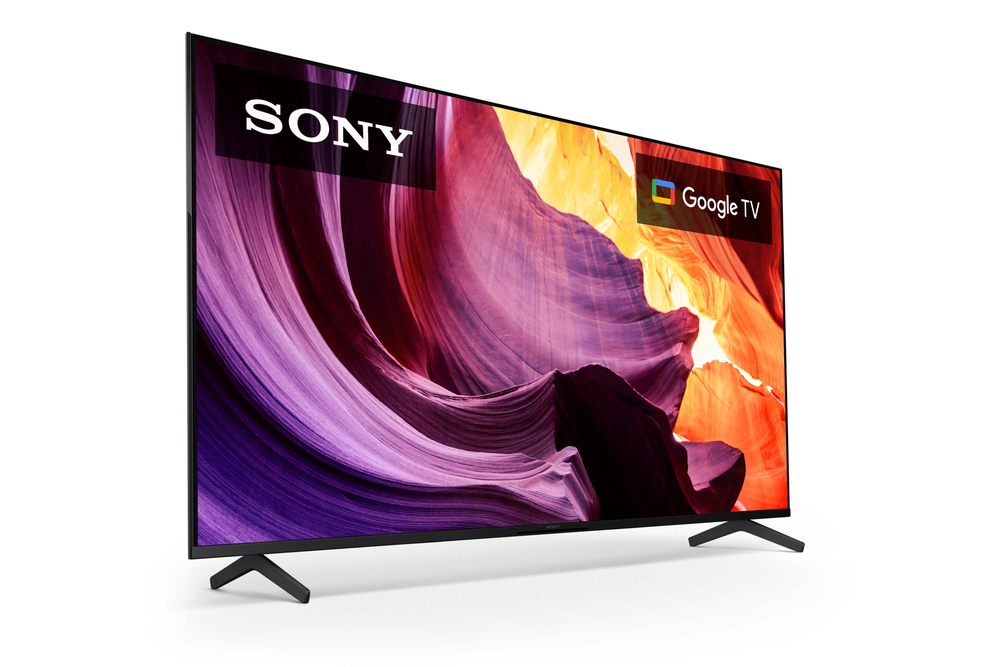
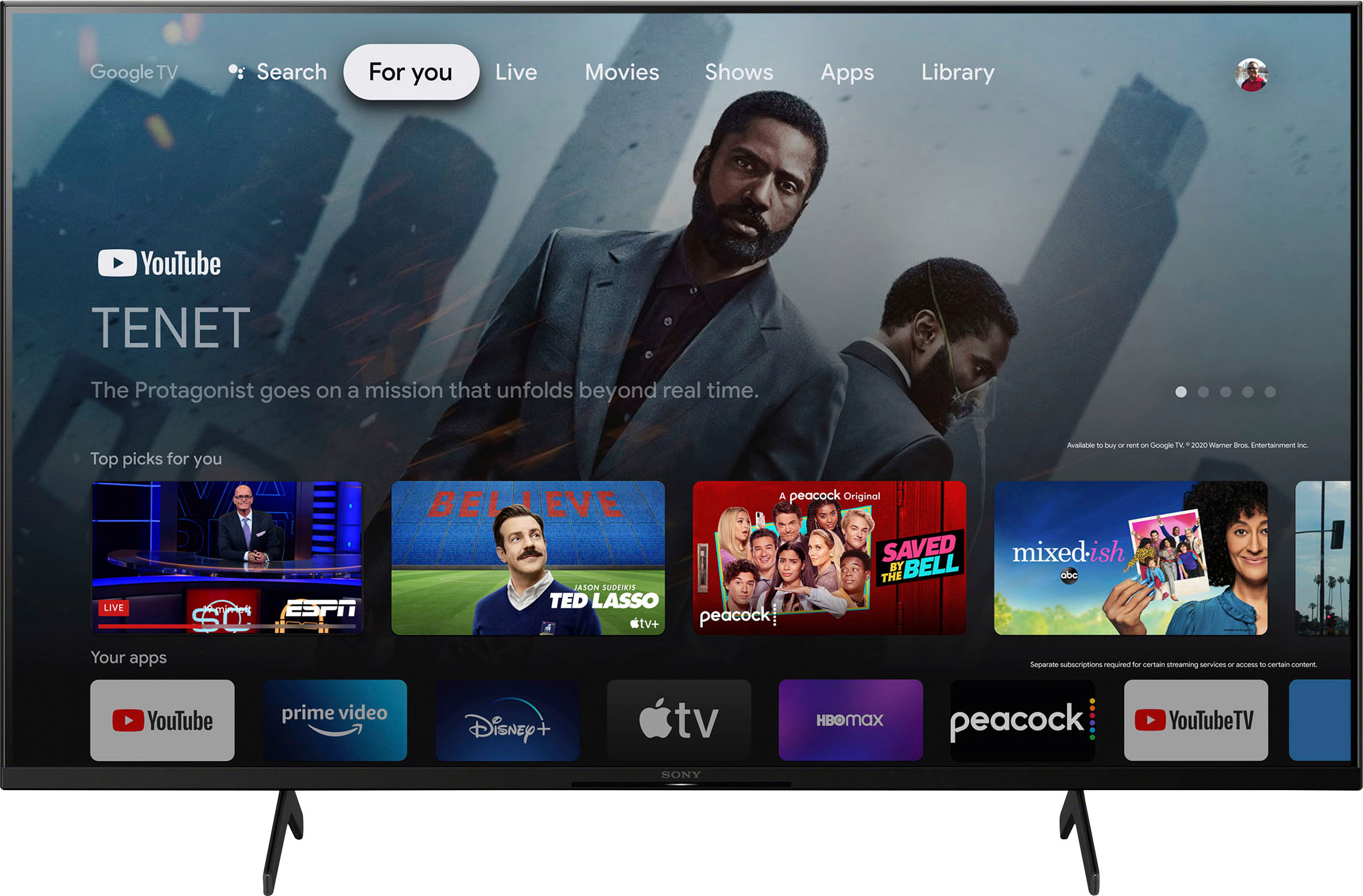
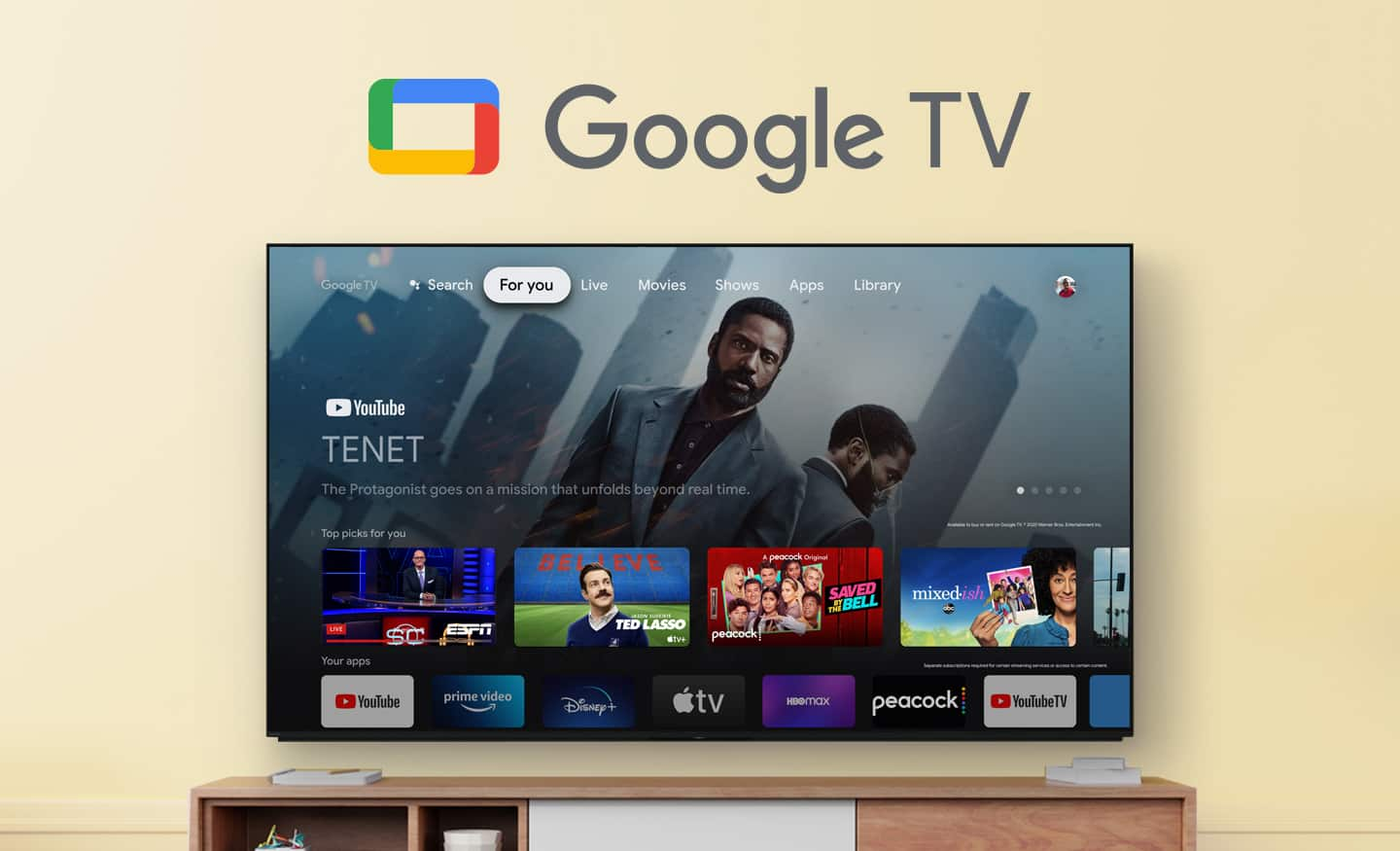
Enjoy an intuitive smart TV experience with natural color and clear sound with the BRAVIA X80K LED TV. The powerful 4K HDR Processor X1 reduces digital noise and boosts details for lifelike picture quality. Google TV gives you access to all your favorite streaming apps, while Google Assistant easily searches for content and controls your smart home simply by using your voice.
Hope this information helps! - Kris
A:AnswerIt should be compatible with Xfinity Comcast and any other streaming service. I know it works very well with Roku and Hulu but if you’re having issues with connectivity, I would request geek squad come and set it up for you. It’s pretty simple for them.
A:AnswerHi 1948,
Thank you for reaching out us. We're sorry to hear if you are having an issue with the picture format on your KD55X80K when you connect your camera system on HDMI 2 input. Allow us to help troubleshoot the issue.
When the picture is cut-off, stretched, zoomed, or doesn't fit the screen, this is due to the type of signal the input source sent to your TV. Here are some steps you can try to fix the issue:
Check the settings of the device connected to the TV. You should check the settings of the external device to match the highest resolution your TV can process. Devices can affect the resolution and aspect ratio of your TV.
Change the Automatic Picture setting in the TV menu.
Manually change the Wide Mode setting.
This TV have a screen mode feature called ZOOM or WIDE that allows the picture to be adjusted to fill the entire screen. Many set-top boxes, DVD players, Blu-ray Disc players, etc. may also have a setting that allows the picture on the TV to be adjusted. If the picture have black bars or picture does not fit on the screen, you can manually change the wide mode settings to further adjust the displayed picture or adjust the vertical and horizontal screen position. However, stretching or zooming the image to fill the space and get rid of the bars will distort the image or cut off parts of the original recording, resulting in objects appearing wider horizontally.
May we contact you to help and get more information? If so, please email the below information to Sony E-support that you can find on Sony’s official website.
Name:
Best Buy Username:
Telephone Number:
Model Number:
Issue:
Unfortunately, due to the current Best Buy phishing protocol for your protection, we cannot provide a direct email or phone number for customer support as of now. Please find Sony Electronics' Support information: Go to our support website > click on “Support” > scroll down click on “Contact Support” > click on "TV & Projectors" and from there you'll see different ways to contact us.
We are sorry for the inconvenience and hope to speak to you to resolve this matter. - Kris
A:AnswerHi Mark,
Yes. You can download and use the Zoom app if you will purchase this TV together with the BRAVIA CAM. Once the Zoom app is installed on this TV, you can now easily communicate through the big screen with the BRAVIA CAM.
Our BRAVIA X80K also has an intelligent TV processing technology powered by 4K HDR Processor X1 that delivers picture quality full of rich colors and detailed contrast. You will also enjoy the Google TV with Google Assistant which organizes your content all in one place.
Thank you for your inquiry and I hope this helps!
Vincent
A:AnswerHi MataLeao,
Thanks for the question! The X80K TV does not have a dedicated "picture frame mode". However, it does offer features that allow you to achieve a similar effect. This TV does have the living decor app that allows you to display a screensaver with your favorite images on the TV screen. The Living Decor app can transform your TV into an interior accessory with sophisticated images and music themes, photos, and clock functions. By connecting the app with Google Photos, you can also display your own photos on the TV.
Additional information:
Enjoy an intuitive smart TV experience with natural color and clear sound with the BRAVIA X80K LED TV. The powerful 4K HDR Processor X1 reduces digital noise and boosts details for lifelike picture quality. Google TV gives you access to all your favorite streaming apps, while Google Assistant easily searches for content and controls your smart home simply by using your voice.
Hope this information helps! - Kris
A:AnswerHi Mark,
Thanks for the question! The X80K TV has a power range of 110-240 V. TV models purchased in the US/Canada has a power requirement of 120 V AC, 60 Hz and 110-240 V AC, 50/60Hz for other countries. You will need a power converter if you want to use the TV outside the US and Canada or in countries with different power requirements.
With the BRAVIA X80K LED TV, you will enjoy an intuitive smart TV experience with natural color and clear sound. The powerful 4K HDR Processor X1 reduces digital noise and boosts details for lifelike picture quality. Google TV gives you access to all your favorite streaming apps, while Google Assistant easily searches for content and controls your smart home simply by using your voice. Hope this helps! - Kris
A:AnswerHi Meli,
Thanks for the question! No need to connect a soundbar to our X80K TV. Designed to complement the sound quality and slimness of the TV with its unique new shape, our X-Balanced Speaker drives movies and music with clear sound. However, adding a soundbar to the TV is also a great idea. If you connect a soundbar, your cinematic experience will amplify and you will have a much more unique experience of the content you are watching. You may want to check our Sony soundbar line up that will perfectly matches this TV. For details, please visit our Sony website.
Enjoy an intuitive smart TV experience with natural color and clear sound with the BRAVIA X80K LED TV. The powerful 4K HDR Processor X1 reduces digital noise and boosts details for lifelike picture quality. Google TV gives you access to all your favorite streaming apps, while Google Assistant easily searches for content and controls your smart home simply by using your voice. Hope this helps! - Kris