Deals Worth GiftingShop now

Main Content

Questions & Answers

Your price for this item is $239.99
Clearance
The comparable value price is $1,199.99
Page Showing 21-40 of 73 questions
  • QuestionWhat are the dimensions of this TV

    Asked by Vivi.

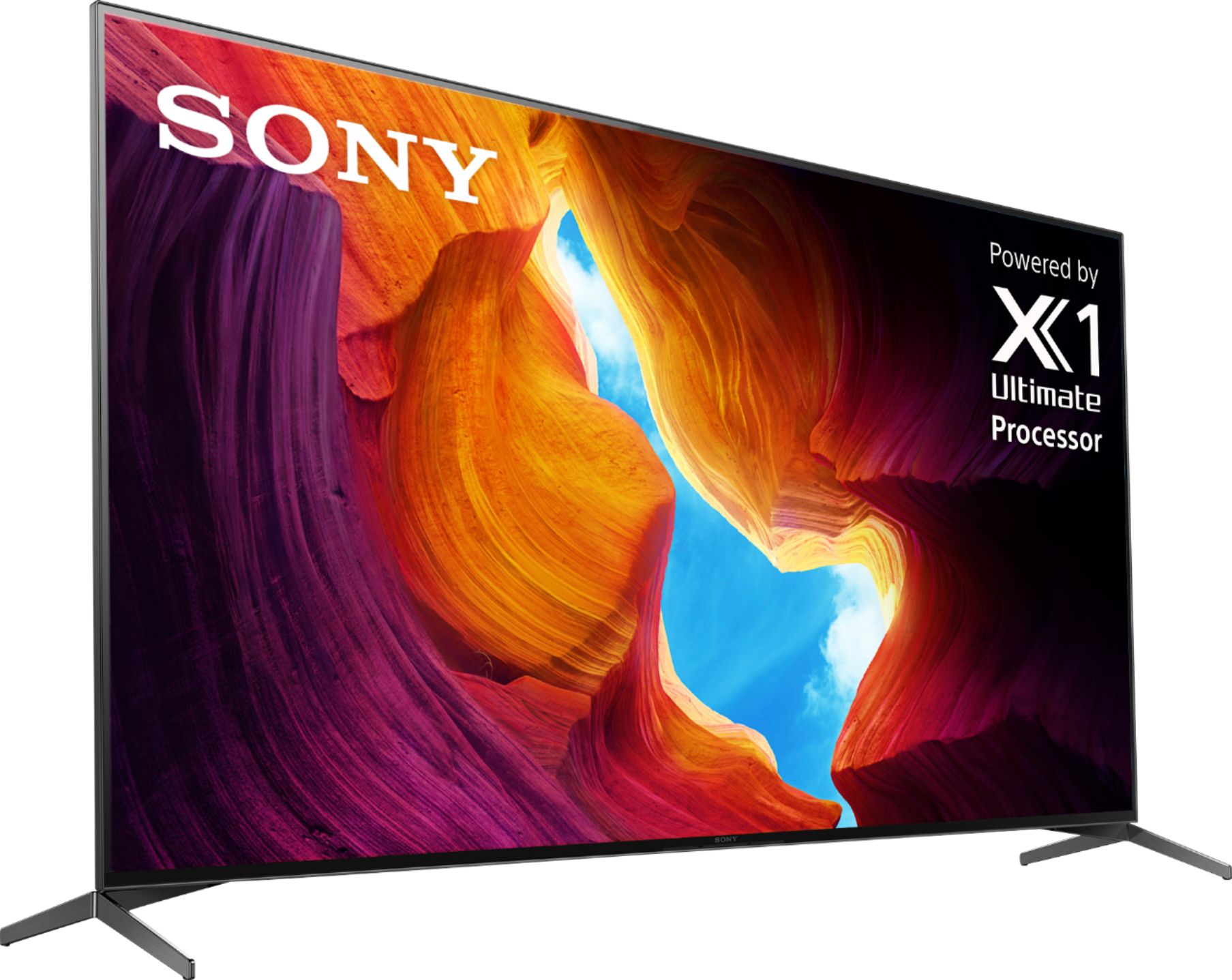
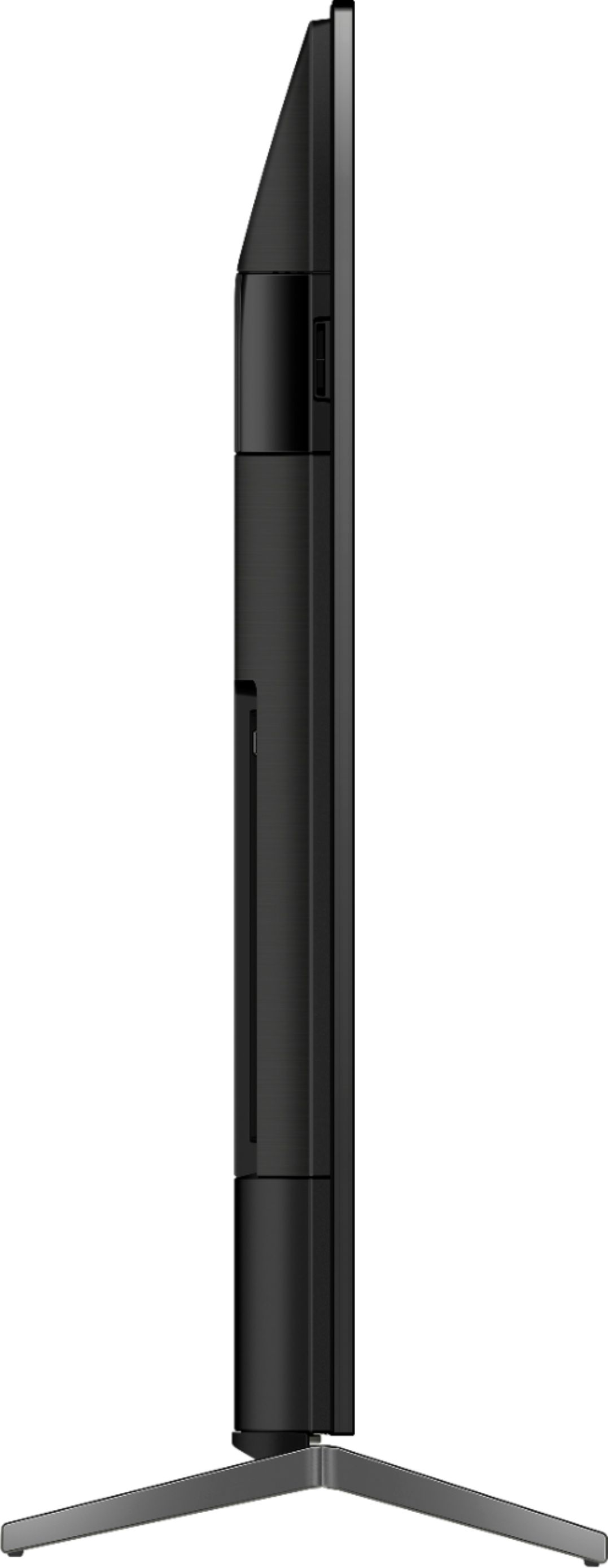
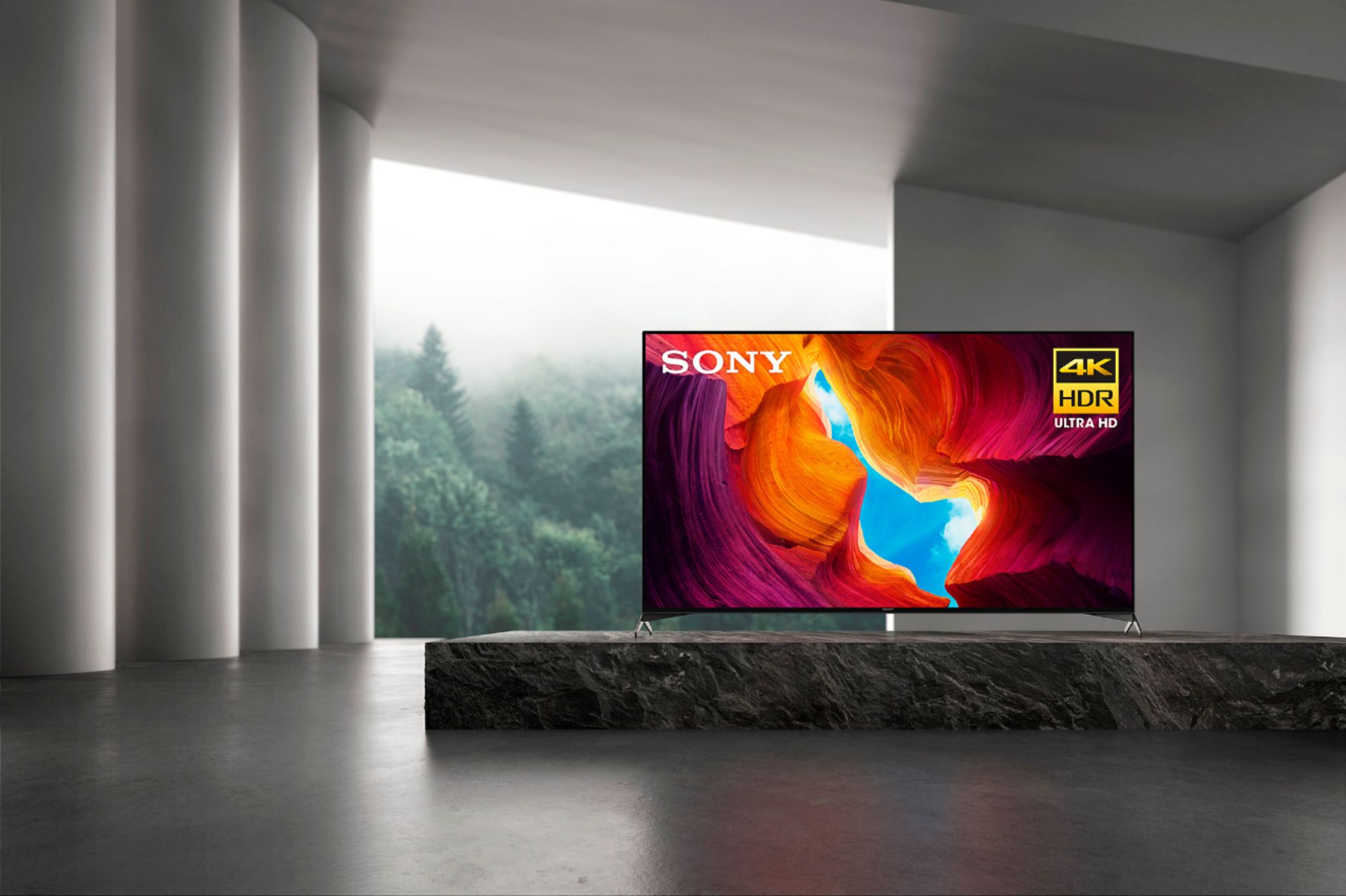
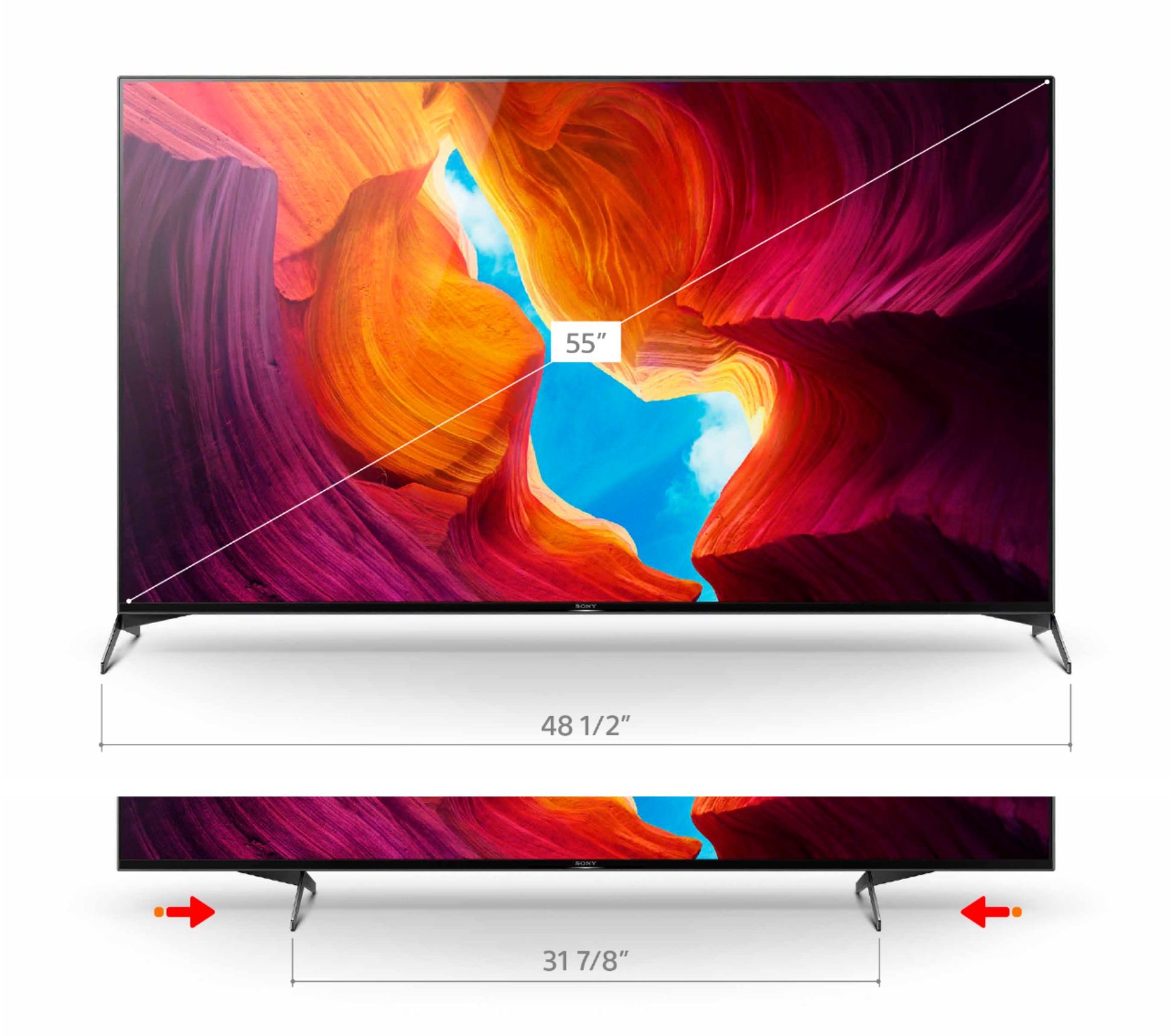
    • Answer Hi Vivi, Thank you for your inquiry. The following below are the dimensions and weight of the XBR55X950H TV: DIMENSION OF TV WITHOUT STAND (W X H X D) Approx. 48-1/2 x 28 x 2-7/8 inch (1,229 x 710 x 70 mm) DIMENSION OF TV WITH STAND (W X H X D) Approx. 48-1/2 x 30-3/4 x 12-1/4 inch (1,230 x 779 x 310 mm) DIMENSION OF PACKAGE CARTON (W X H X D) Approx. 53 1/8" x 32 7/8" x 6 3/8" (1348 x 833 x 160 mm) WEIGHT OF TV WITH STAND Approx. 39.9 lb (18.1 kg) WEIGHT OF TV WITHOUT STAND Approx. 37.1 lb (16.8 kg) STAND WIDTH Approx. 48-1/2 inch (1,230 mm) SCREEN SIZE (CM, MEASURED DIAGONALLY) 139 cm For reference, please refer to this link: https://www.sony.com/electronics/support/televisions-projectors-lcd-tvs-android-/xbr-55x950h/specifications Regards, Kris

      Answered by SonyListens

  • QuestionWhat is the width of tv itself and how high is it on the feet?

    Asked by Anonymous.

    • Answer 48 1/2" wide and 30 3/4" High

      Answered by RSD737

  • QuestionDoes the x950 have Apple TV preloaded?

    Asked by BCgolf10.

    • Answer Hi BCgolf10, Thanks for your inquiry. Support for Apple TV app is now available on the X950H TV model through a software update. If you enabled the Automatically check for update feature, a notification will appear on your TV when the update is available. Once you have done that, it will be listed in the apps section of the Home screen, then select All Apps, and launch the Apple TV apps which allows you to access Apple TV+, premium Apple TV channels, and buy or rent over 100,000 movies and TV shows. I hope this helps! - Kris

      Answered by SonyListens

  • QuestionHow much ram and harddrive on a sony x950 55in tv?

    Asked by edrobins.

    • Answer Hi edrobins, Thanks for your inquiry. The RAM of the TV is not an information that we disclose as of the moment. The ON-BOARD STORAGE (GB) of the X950H TV is 16GB and consist of the following: Internal storage Also known as system memory Stores the operating system and system files Not accessible to users User-accessible storage Storage for apps and user data Regards, Kris

      Answered by SonyListens

  • QuestionFubo is our streaming provider. Can I access Fubo on the 55" X950H? Will my ROKU stick work. It requires an HDCP 2.2 HDMI port?

    Asked by Paul.

    • Answer Hi Paul, Thank you for your inquiry. Fubo TV can be access on the X950H 4K TV by downloading the app from the Google Play Store of the TV. Roku stick will also work on this TV as all 2020 and 2019 4K / 8K TV models supports HDCP 2.2 and HDCP 2.3 protocol on all HDMI input ports. I hope this helps. Regards, Kris

      Answered by SonyListens

  • QuestionWhat do you recommend for cleaning the screen?

    Asked by BW.

    • Answer Hi BW, Thank you for your inquiry with the X950H 4K TV. For cleaning your TV screen, please try some of these steps below: Make sure to unplug the power cord from the wall outlet. Gently wipe the screen or the exterior with a dry, soft cloth, such as an eyeglass cleaner. For inks from oil markers on the screen, soak a cloth in a non-soap cleanser diluted (by less than 1% ) with water. Squeeze it tightly, then wipe gently to remove the ink. Use non-soap cleansers cautiously because it may cause environmental problems when disposed improperly. Immediately afterwards, gently wipe the screen with a soft, dry cloth. Don't use detergent with abrasives such as a cleanser. The liquid crystal order may collapse if you apply pressure when you wipe the LCD, and it may look like a dirt. Turn the power off and on to recover this condition. The printed surface could be damaged if scratched by your nails. It's recommended to use a small duster to clean narrow spaces like between the television and stand (tabletop stand) For reference, please open this link with solution article on how to properly clean your TV screen: https://www.sony.com/electronics/support/televisions-projectors/articles/00167099 May we contact you to help? If so, please email the below information to [email protected].. Apologies if you disclosed some of this information in your review and to customer service, we just want to ensure that we have your accurate details at the time of communication. Full Name: Best Buy Username: Telephone Number: Sony TV Model Number: Issue: Regards, Kris

      Answered by SonyListens

  • QuestionDoes this model support the apple tv app

    Asked by billk.

    • Answer Hi billk, Good news! Support for Apple TV app is now available on the X950H TV model through a software update. If you enabled the Automatically check for update feature, a notification will appear on your TV when the update is available. Once you have done that, it will be listed in the apps section of the Home screen, then select All Apps, and launch the Apple TV apps which allows you to access Apple TV+, premium Apple TV channels, and buy or rent over 100,000 movies and TV shows. I hope this helps! - Kris Thank you, Kris
      Answered by SonyListens

  • QuestionI will be replacing a Samsung that got burn out and I want to use the Samsung sound bar and subwoofer Samsung HW-K450 2.1 Channel 300 Watt Wireless Audio Soundbar (2016 Model) that I purchased. Sony Bravia X950H/XH95 4K LED-LCD will they be compatible?

    Asked by Mimo.

    • Answer Hi Mimo, Thank you for your interest with our XBR55X950H 4K TV. For best results please use a high speed HDMI ARC cable for connection to the tv from the soundbar. This model supports A2DP Bluetooth profile that can be connected with Bluetooth audio devices such as headphones or speakers. Sony carries a selection of soundbars that also would be a great addition to your new tv. We recommend the HT-Z9F with the optional Z9R rear speaker setup. I hope this helps. Regards, Kris

      Answered by SonyListens

  • QuestionI am having sound problems with this TV. It worked fine when I had cable, (tv speakers and external audio.) On streaming it does not work at all, only works on a Roku stick, I have done the factory reset on it and checked for software upates

    Asked by sse5010.

    • Answer Hi sse5010, Thank you for sharing your experience with the XBR55X950H TV. We regret to hear the sound issues that you are encountering when streaming apps. We'd like to help troubleshoot and isolate the issue. May we know how is the TV connected to the internet? Can you check the TV network status? For the meantime, please open this link with steps to follow for app-related issues. https://www.sony.com/electronics/support/televisions-projectors-lcd-tvs-android-/xbr-55x950h/articles/00155548 May we contact you to help? If so, please email the below information to [email protected]. Apologies if you disclosed some of this information in your review and to customer service, we just want to ensure that we have your accurate details at the time of communication. Full Name: Best Buy Username: Telephone Number: Sony TV Model Number: Additional Information regarding your experience with the X950H: We are sorry for the inconvenience and hope to speak to you to resolve this matter. We appreciate you and thanks again for shopping Sony! Sincerely, Kris

      Answered by SonyListens

  • QuestionHow is the picture with an antenna over the air broadcast?

    Asked by Knuckles.

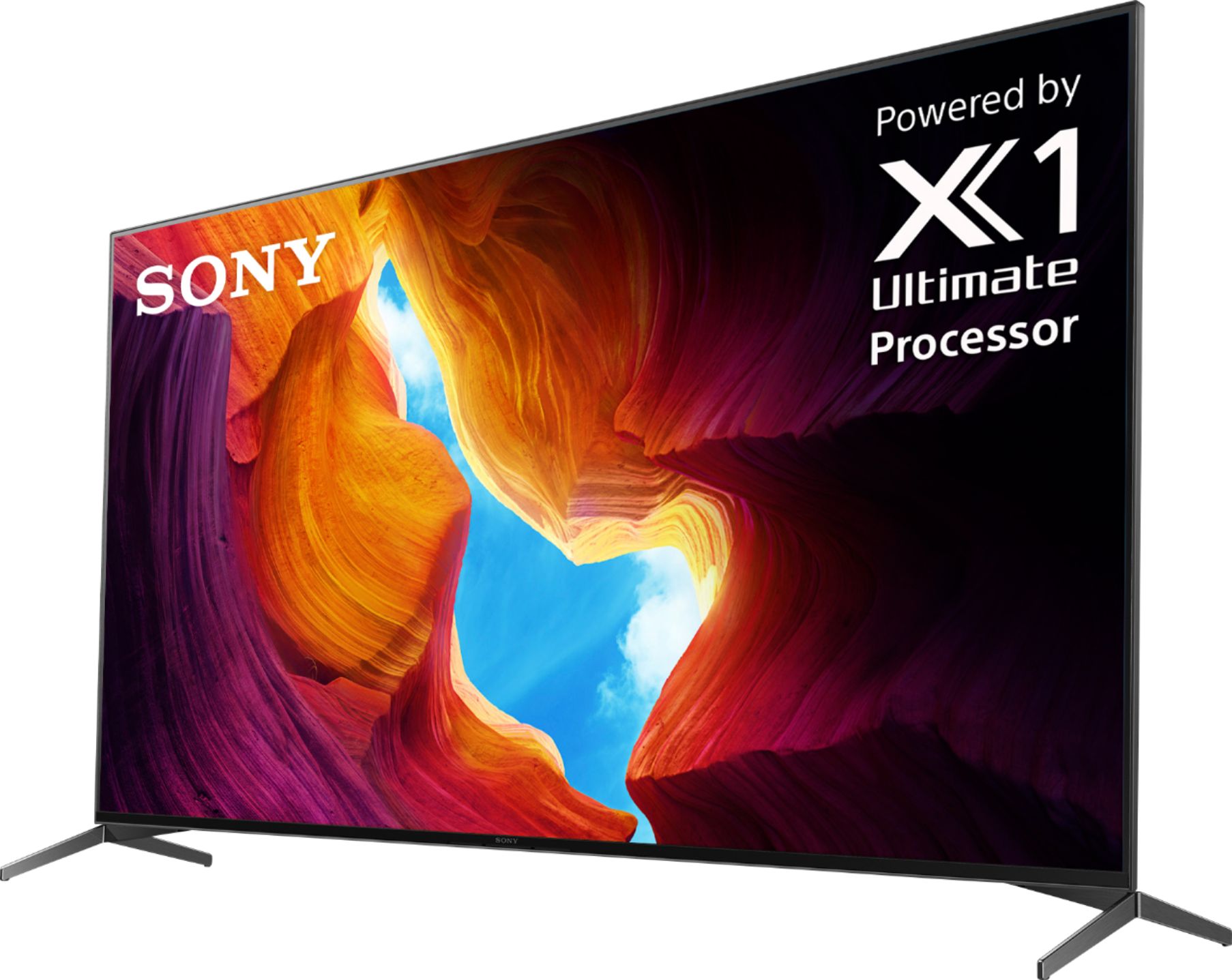
    • Answer Hi Knuckles, Thank you for your inquiry with our X950H TV. This model has X1 Ultimate Processor, Sony’s best processor to date, which delivers a picture with ultimate realism and upscales everything you watch to near-4K HDR. With regards the picture when using an antenna, the type of reception that you'll receive will depend on the antenna type that you're using and how far a particular station is from you. TVs with digital tuners require a signal strength of at least 25% before a digital broadcast displays on the screen. A low digital broadcast signal may also cause intermittent signal loss. Please visit the AntennaWeb website to check which stations are available in your area and the recommended type of antenna to use. Regards, Kris

      Answered by SonyListens

  • QuestionWhat is the size of the shipping box for the SONY XBR55X950H? Thanks

    Asked by flyboy2160.

    • Answer 53x33x6 inches

      Answered by spacehawk

  • QuestionWhich TV is better in terms of picture quality and video performance: 55" X950H 2020 or 55" X90J 2021 ? I do not care about playing games. From the perspective of TV user: watching movies and any other video content which is better and why?

    Asked by NICHOLASPETRE1.

    • Answer Hi NICHOLASPETRE1, 2021 Sony TVs will have a new processor called the Cognitive processor XR. Unfortunately, we can't disclose yet any information on 2021 Bravia TV to compare to 2020 models since they are not yet officially released to the public but for an overview of the X90J here is a link with information on the Cognitive processor XR and more. Sorry for inconvenience. https://www.sony.com/electronics/televisions/x90j-series Hope this helps. THanks, Kris

      Answered by SonyListens

  • QuestionHow much does this model weigh

    Asked by Russ.

    • Answer Hi Russ, Thank you for your inquiry with the XBR55X950H. The TV weight without stand is Approx. 37.1 lb (16.8 kg) and with stand is Approx. 39.9 lb (18.1 kg). Regards, Kris

      Answered by SonyListens

  • QuestionHas anyone had problem with sound going out on this TV? We got ours 3 months ago. Picture awesome and we enjoyed it until we had no sound when turning it on tonight. Sound was working fine last night.

    Asked by KMom.

    • Answer yes I have had the same issue several times. I thought it might be the sound bar because as I increase volume, the tv speakers kick in but sound bar is dead even though the system said "transferring to external speakers. hate to deal with a tv return but will probably take the sound bar in. may purchase extended warranty now. I changed the input source and returned to my show and the sound returned.

      Answered by gary

  • QuestionThis model pulls up under 3D TVs. Is it actually a 3D TV?

    Asked by Jared.

    • Answer Hi Jared, Thank you for your inquiry. No, it is not a 3D TV. This model is an LED 4K HDR TV. With X950H, you may explore a new level of contrast with the Picture Processor X1™ Ultimate. With advanced Full Array LED technology, you'll see crystal-clear 4K HDR in everything you watch. Bright and dark scenes feel more natural, and colors are even more true to life with the TRILUMINOS display. Regards, Kris

      Answered by SonyListens

  • QuestionSony Brava Tv XBR-55X950 H if a use my Bluetooth head sett the tv speakers not giving sound, how can i get sound from both in the same time ?

    Asked by john.

    • Answer Hi john, Thank you for your inquiry. Unfortunately, if you connect the device to the TV headphone jack, the HDMI ports, or through Bluetooth, the TV can't output sound from both the TV speakers and the audio device at the same time. However, to output sound from both the TV speakers and an audio device: Connect your audio device to the DIGITAL AUDIO OUT port. Note: If you connect the audio device to the HDMI ports or through Bluetooth, the TV can't output sound from both the headphones and the audio device at the same time. Regards, Kris

      Answered by SonyListens

  • QuestionWill a Cheetah APDAM3B wall mount work with this TV set 55"X950H series 4K uh smart android tv

    Asked by Lester.

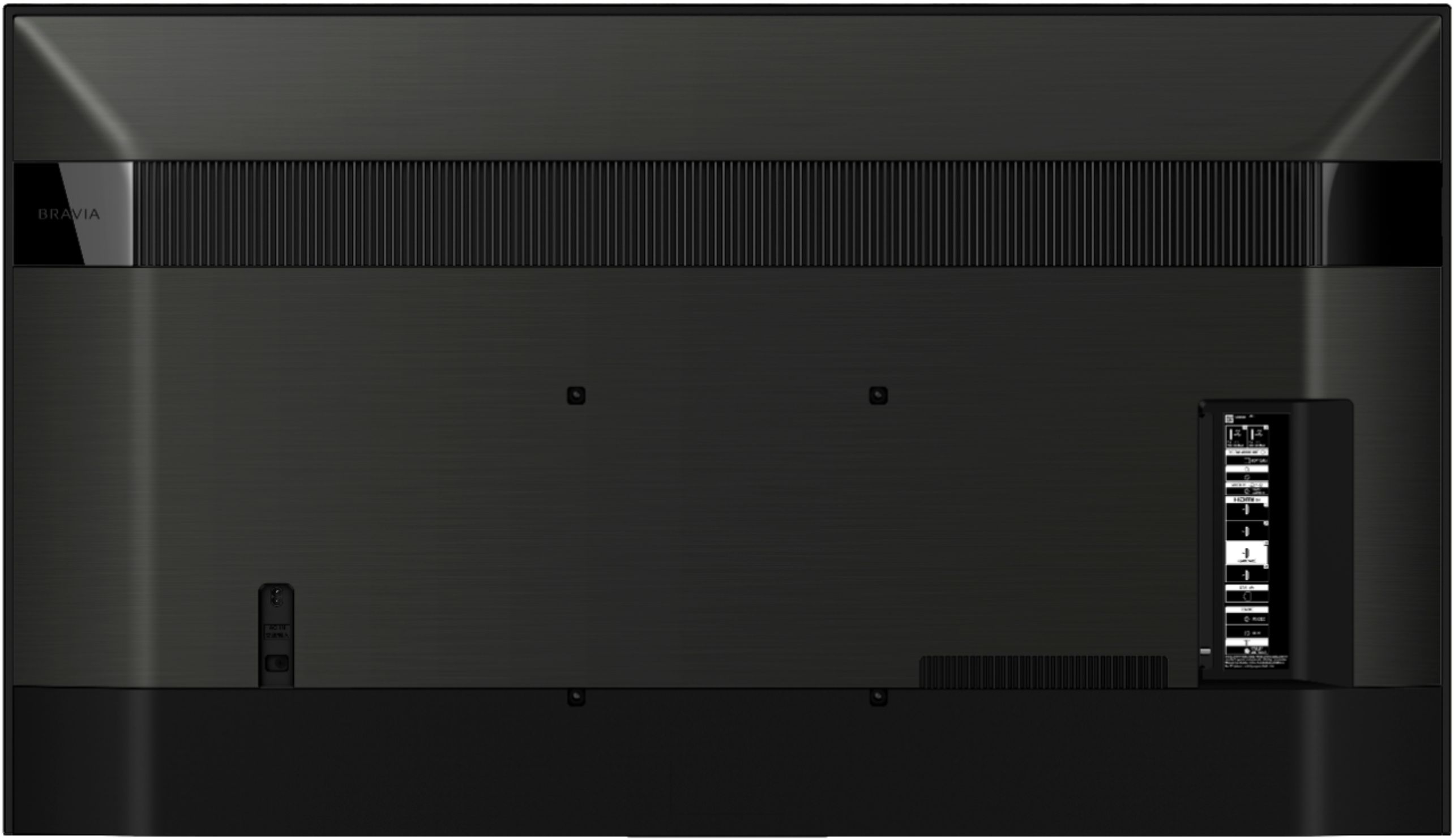
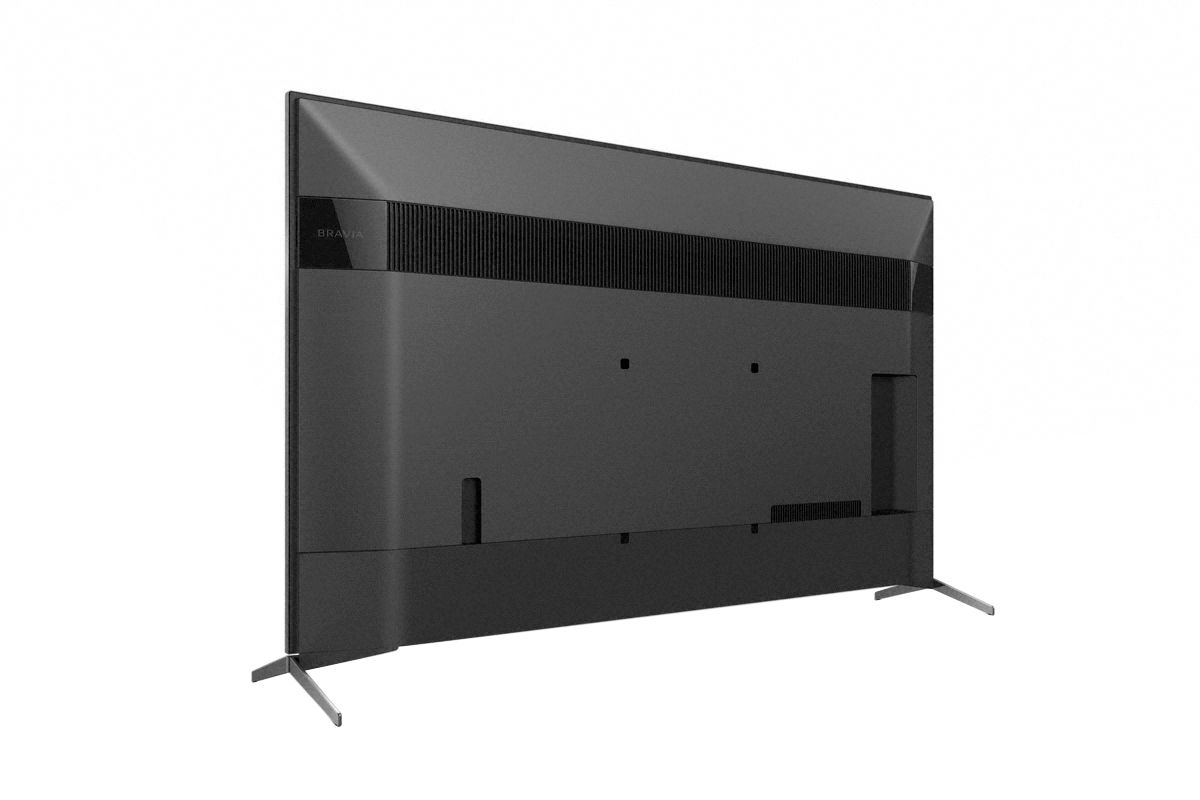
    • Answer Hi Lester, Thank you for your inquiry! We highly recommend the use of the supplied TV stand. Please contact your local retailer to find a VESA stand that meets the size of your TV, your wall or environmental requirements, and stylistic preferences. You may also open this link below for more information about TV Wall mount and VESA Hole Patterns for TV Wall Mounts. We also recommend the SU-WL855 with any 55” up to 77”. I hope this helps. https://www.sony.com/electronics/support/televisions-projectors-lcd-tvs-android-/xbr-55x950h/articles/00124300 Regards, Kris

      Answered by SonyListens

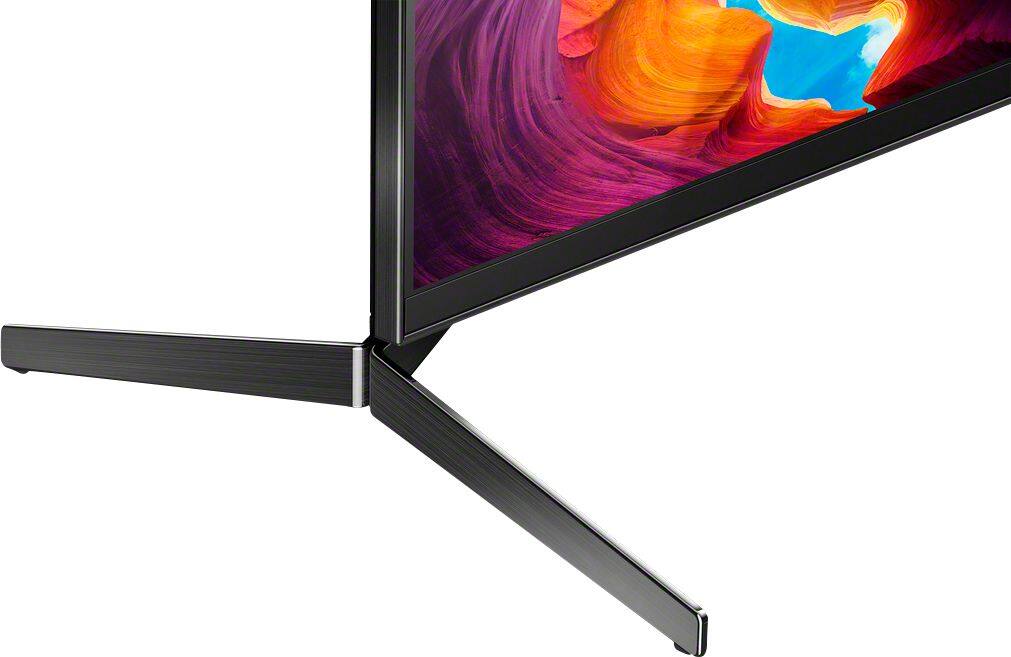
  • QuestionCan you get an extra set of legs to make it more stable

    Asked by Kris.

    • Answer Pearlsmith TV Stand Model: PSTVS11 works great for x900h or x950h set up until 65 in or less

      Answered by zephyr

  • QuestionIs there a specific type/brand of wall mount for this tv? or will any do

    Asked by mount.

    • Answer We were able to use our old mount. We had picked up another when buying the new TV just in case. Just make sure it is made to fit the size of the TV that you are mounting. That’s about all I can tell you.

      Answered by Annie

  • QuestionWhy does the picture go blank for a few seconds when my boiler engages? I did not get this with my previous tv (a plasma) or any other television in my house. I bought a surge protector for the outlet and still doesn't help.

    Asked by Tom22.

    • Answer Hi tom, Thank you for choosing and purchasing our Sony X950H Ultra HD Smart TV. We are sorry to hear that you're experiencing picture-related issue on the TV. We'd like to help troubleshoot the issue and make this a better experience for you. Please make sure that the power cord is firmly connected on the TV. Make sure that the power cord is plugged all the way into the wall outlet. Remove any power strips, surge suppressors, or similar devices from the TV to verify that the problem isn't caused by these devices. Try a different wall outlet and make sure that it doesn't have a switch that turns the power on / off. If the issue is only happening when the boiler is engaged, it is possible that this is caused by a sudden change of power rate. We'd also like to make sure you are taken care of. May we contact you to help? If so, please email the below information to [email protected]. Apologies if you disclosed some of this information in your review and to customer service, we just want to ensure that we have your accurate details at the time of communication. Full Name: Best Buy Username: Telephone Number: Sony TV Model Number: Additional Information regarding your experience with the X950H: We are sorry for the inconvenience and hope to speak to you to resolve this matter. We appreciate you and thanks again for shopping Sony! Sincerely, Kris

      Answered by SonyListens