Questions & Answers
- Model:
- K65S20M2
- |
- SKU:
- 6623764
Highly rated by customers for: Picture Quality, Brightness, Setup Ease
$699.99Your price for this item is $699.99
Page Showing 21-40 of 44 questions
Q: QuestionDoes the display language of the TV contain Korean language? I see the text input language includes Korean language, but don't see it in the display language.
Asked by Billy.
- A:Answer Hello Billy, Thank you for considering Sony! We appreciate your question and are here to assist you. The K65S20M2 TV supports Korean for text input, but Korean is not available as a display language for menus and system messages. The supported display languages include English, Spanish, French, German, Chinese (Simplified and Traditional), and many others. For full details, please visit: https://www.sony.com/electronics/support/televisions-projectors-lcd-tvs-android-/k-65s20m2/specifications Best regards, -Fred
Answered by SonyListens
Q: QuestionIs FUBO loaded onto the TV or do I need an external FUBO device?
Asked by Steve.
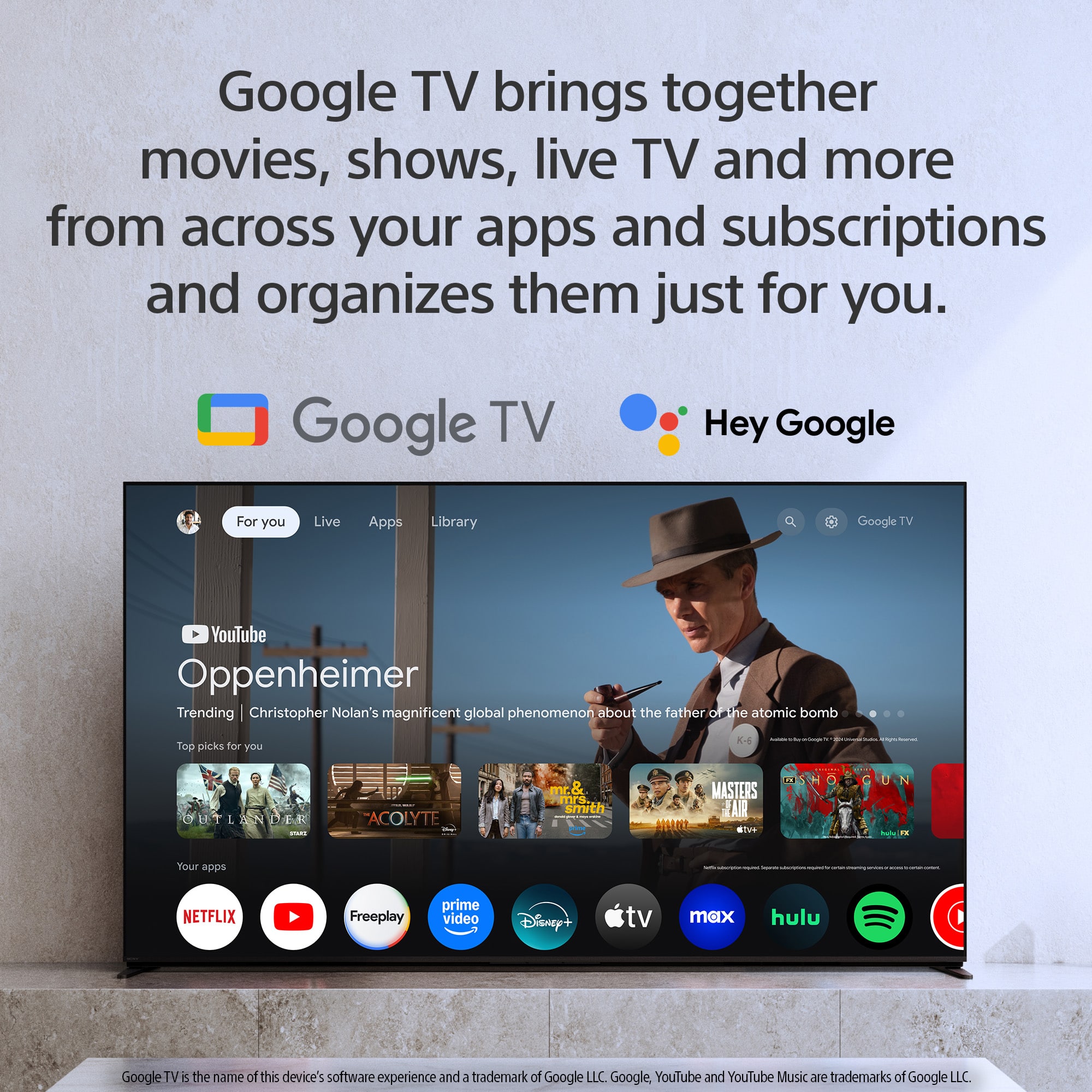
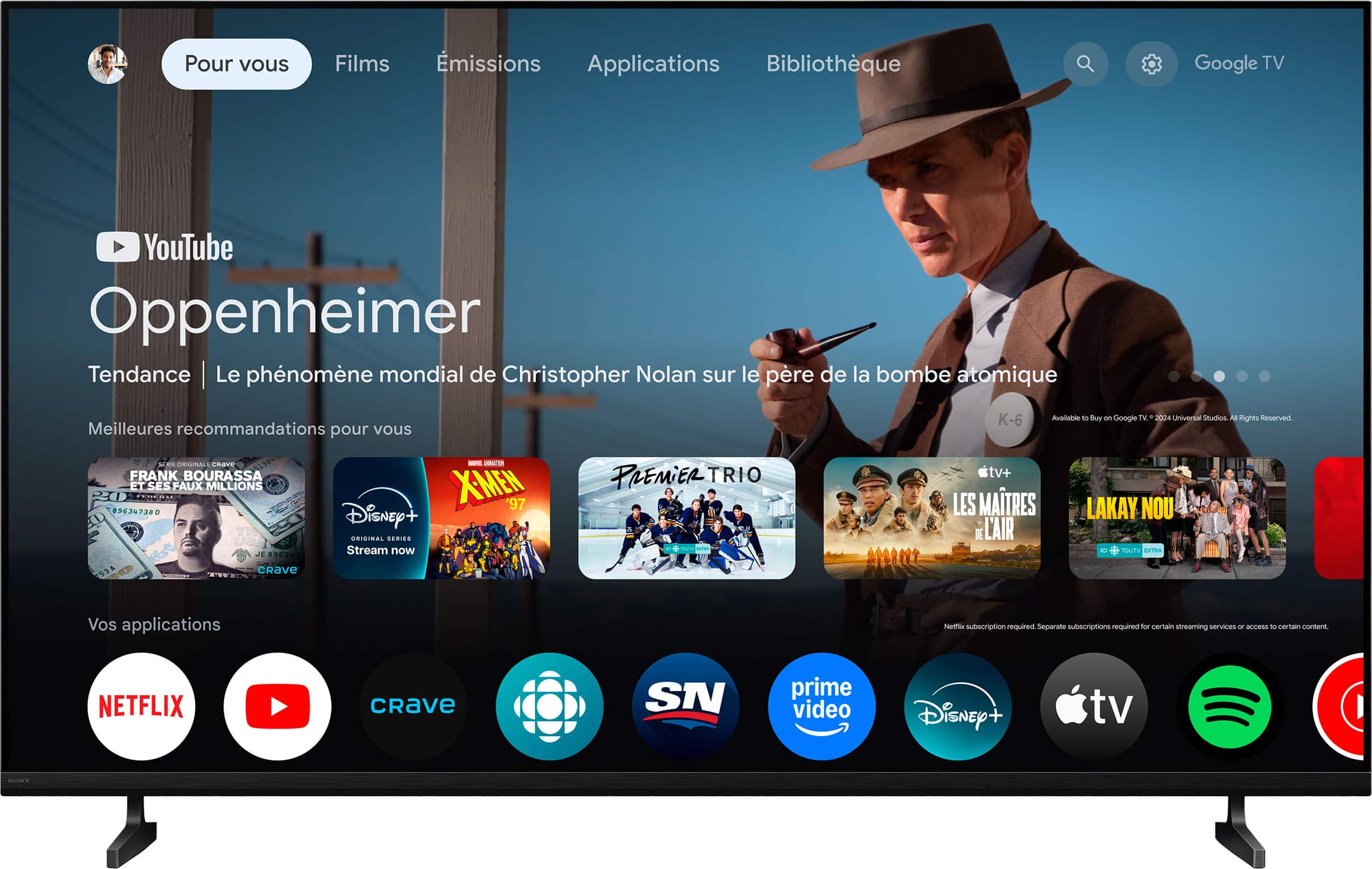
- A:Answer Hi Steve, The Sony BRAVIA 2 II LED 4K UHD Smart Google TV is a Smart TV and uses the Google TV operating system. Fubo is available as a dedicated app on the Google Play Store. Therefore, you do not need an external device (like a Fire Stick or Apple TV) to watch Fubo. You can simply go to the Apps tab on your Google TV home screen, search for the Fubo app, and install it directly onto your Sony TV. Thanks for choosing Sony. Best regards, Eliab
Answered by SonyListens
Q: Question1) Is TV stands are included in the box? 2) I have Xumo Stream box I got during my Spectrum connection. Is it possible to connect and install in SONY TV like this one?
Asked by Sadique.
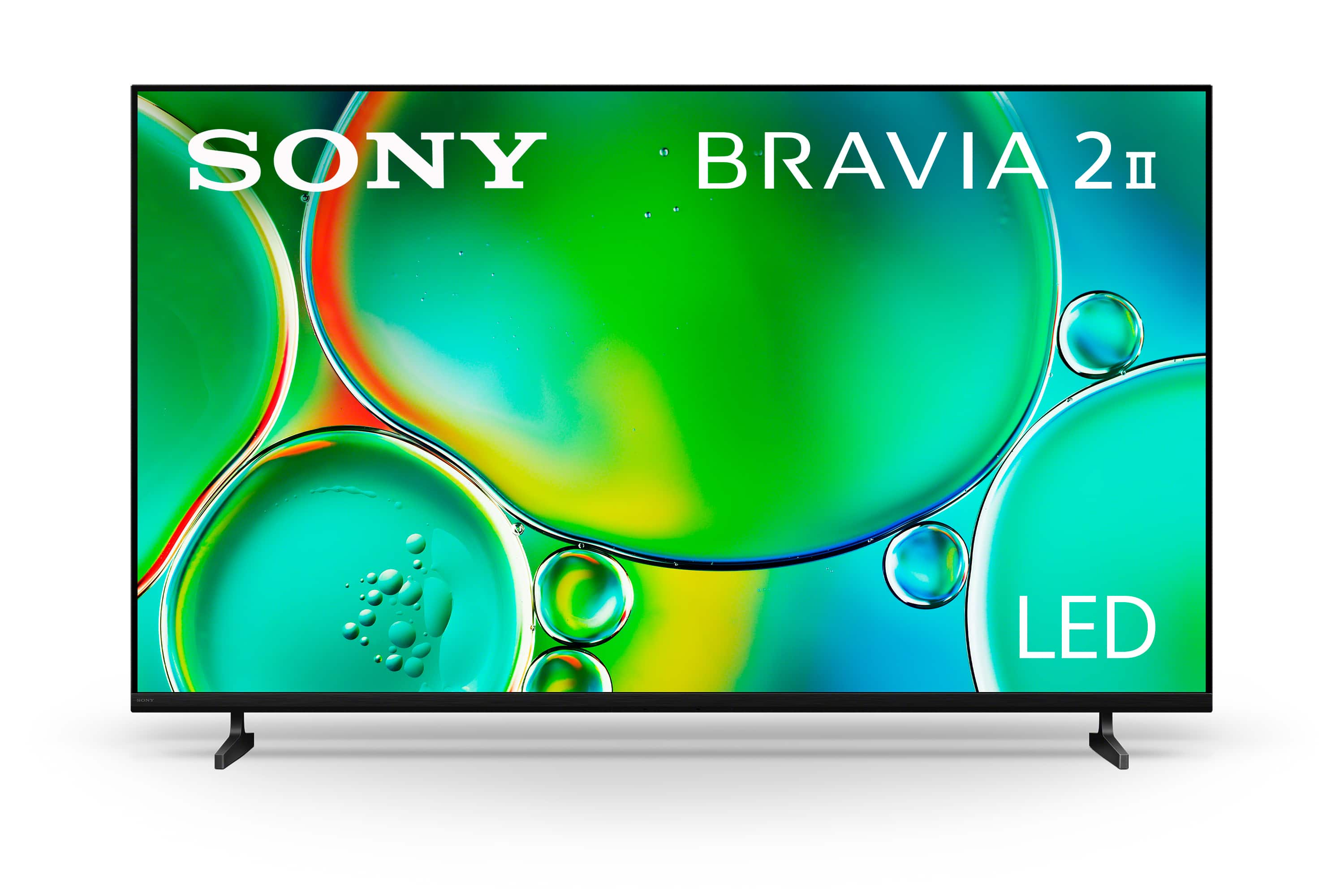
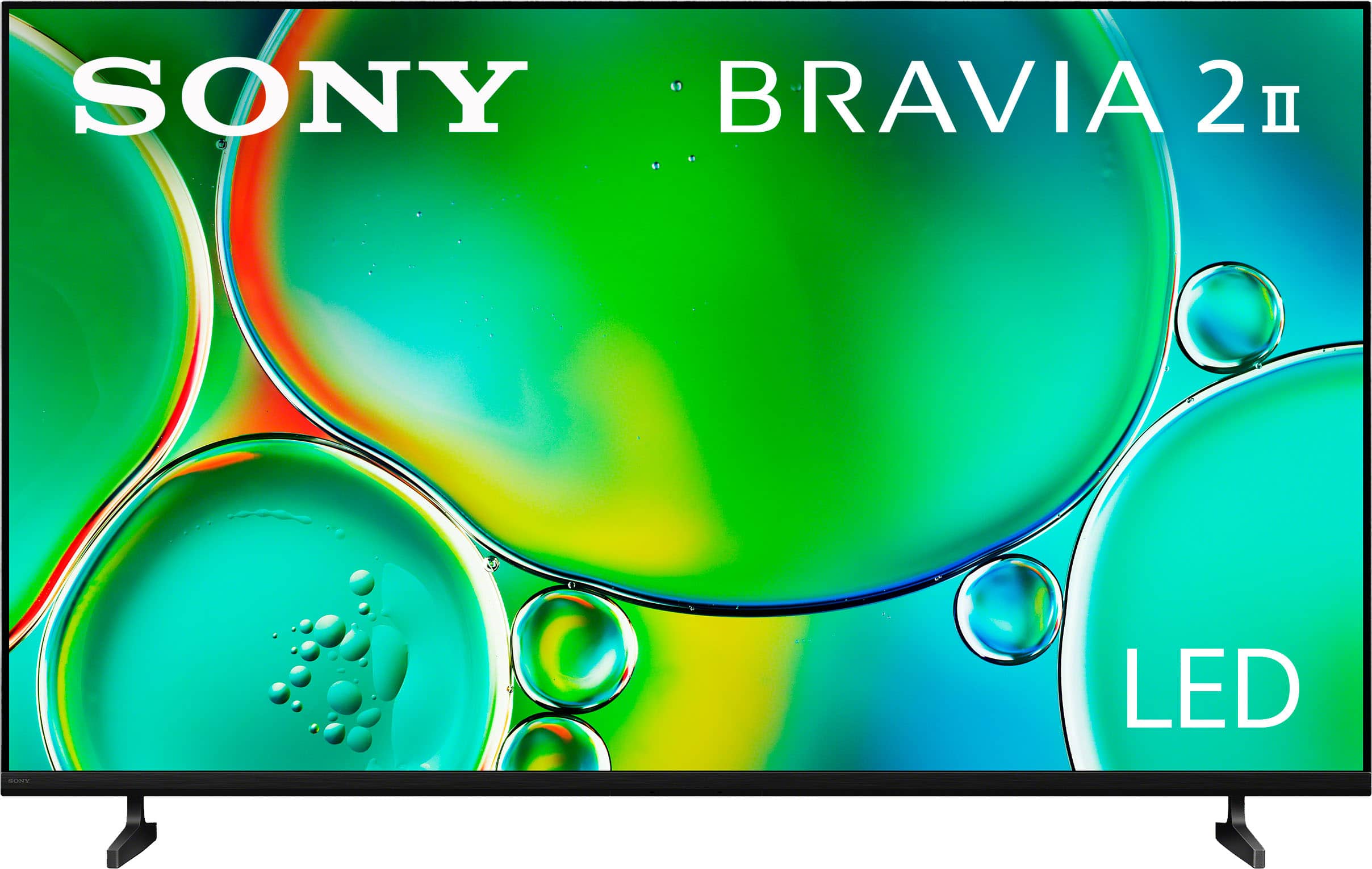
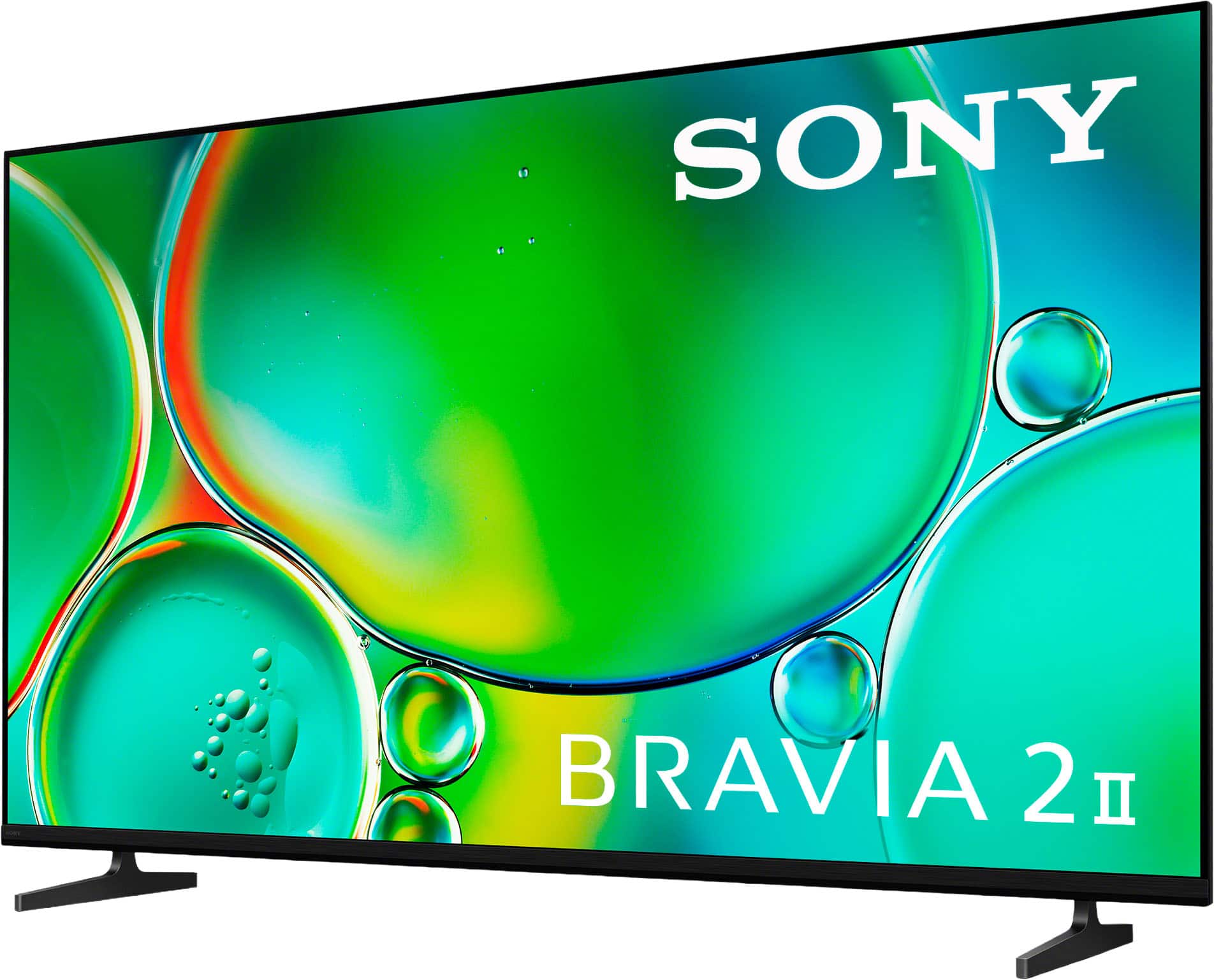
- A:Answer Hi Sadique, We're glad to see your interest in the 65" BRAVIA 2 II LED TV! To answer your first question, yes, the standard TV stands are included in the box with this model. Regarding the Xumo Stream Box, you can easily connect it using one of the TV's available HDMI ports. Simply plug it in, switch to the correct HDMI input using the TV remote and follow the on-screen setup prompts from Xumo. Thanks for choosing Sony. Best regards, Eliab
Answered by SonyListens
Q: Questiondoes this tv have atsc 3.0?
Asked by BA.
- A:Answer Hi BA, Thanks for your question about the K-65S20M2. We're happy to assist! The K-65S20M2 doesn't include a built-in ATSC 3.0 tuner. It's equipped with a standard ATSC tuner for receiving today's digital over-the-air broadcasts. To check more specifications of this model, please check this link: https://www.sony.com/electronics/support/televisions-projectors-lcd-tvs-android-/k-65s20m2/specifications If having that feature built-in is important to you, you should check out our X90L series! These models come equipped with the integrated ATSC 3.0 (NextGen TV) tuner. We sincerely appreciate you considering a Sony product! Best regards, Estefany
Answered by SonyListens
Q: QuestionHow to set auto picture mode?
Asked by moninus.
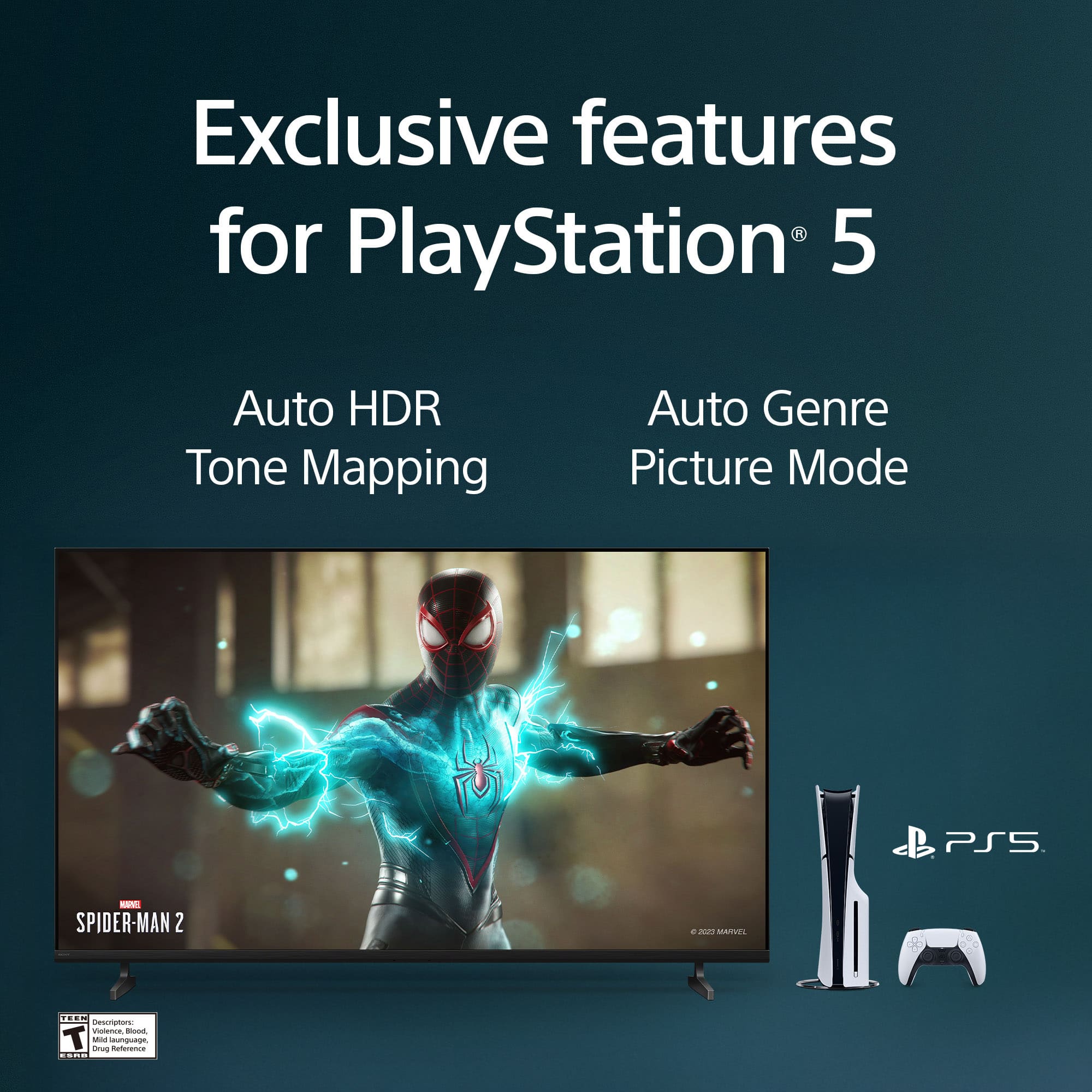
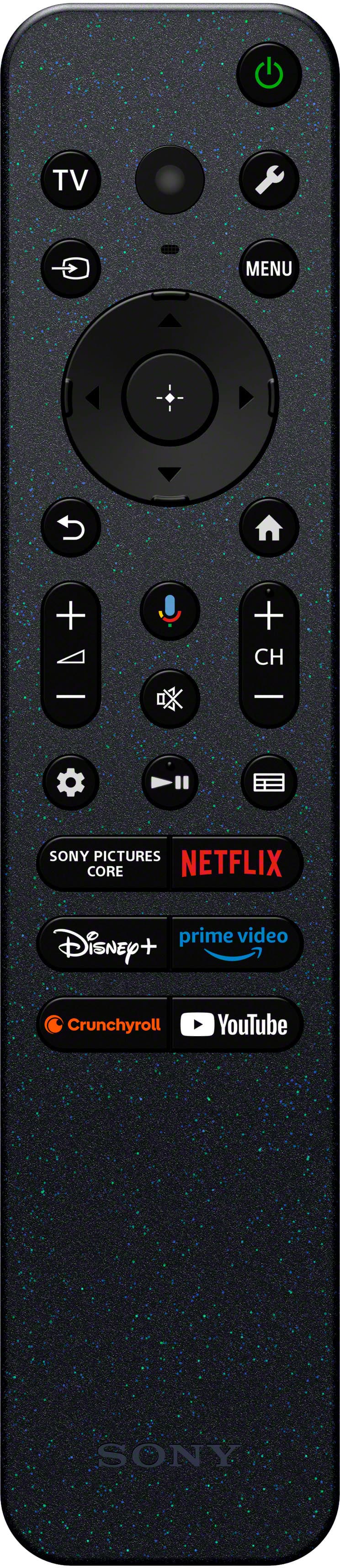
- A:Answer Hi moninus, Setting Auto Picture Mode is simple on your Google TV! Press the Quick Settings (gear icon) button on your remote - Select Settings - Display & Sound - Picture.- Look for and select the Auto Picture Mode setting, and set it to On. This will automatically select the best Picture Mode for the content you are viewing, such as switching to Game mode when you power on a console via HDMI. Thanks for choosing Sony. Best regards, Eliab
Answered by SonyListens
Q: QuestionNew Sony - 65" Class BRAVIA 2 II LED 4K UHD Smart Google TV (2025) The volume has to be on 70 for normal listening. Other tv’s it is 6-8 volume setting. What’s wrong? And how to correct this. There must be something in the settings that isn’t right.
Asked by Rvn4me.
- A:Answer Hi Rvn4me, Thanks for your question! We're very sorry to hear you're running into volume level issues with your Sony - BRAVIA 2 II. Needing to set the volume to 70 just for normal listening is definitely not the experience we want you to have, and you are absolutely right—this often points to a setting that needs a small adjustment. We've put together a few troubleshooting steps below that should help you pinpoint and correct the cause of the low volume. 1. Power Cycle Your TV: A simple reset can clear up many audio issues. Please unplug your TV from the power outlet for two minutes, then plug it back in. 2. Isolate the Source: Check if the problem occurs on all inputs. Please test different sources like built-in streaming apps (Netflix, YouTube), your cable/satellite box, or a connected DVD player. This helps us rule out an issue with just one specific device. 3. Check for Software Updates: Ensuring your TV has the latest software is crucial for optimal performance. Go to Settings > System > About > System Software Update > Update your TV software. 4. Check the Volume Level Setting: Double-check the main system audio settings. Navigate to Settings > Display and Sound > Sound > Volume Level. Increase this setting as necessary. 5. Test Internal vs. External Audio: If you are using a soundbar or other external audio system, please test the TV's built-in speakers separately. This will help determine if the problem is with the TV's audio output or if it's related to the connection with your external sound system device. We sincerely hope these steps help you get your TV to a normal volume range. If the issue persists, or if you prefer personal assistance with your TV settings, we highly encourage you to contact our technical support team directly using this link: https://us.esupport.sony.com/support/s/support-contact?language=en_US&category=tv Thanks again for considering Sony products! Regards, Dominick
Answered by SonyListens
Q: QuestionDoes Sony Internet channels require a membership or a multitude of commercials?
Asked by Rickness.
- A:Answer Hi Rickness, The Sony BRAVIA Google TV offers two types of internet channels: Free Channels: The TV comes with Google TV Freeplay, which offers hundreds of live streaming channels that require no membership or subscription to access. However, these channels are ad-supported and contain commercials. Paid Apps: Accessing services like Netflix, Hulu, or Max requires you to have an active, paid subscription with those specific providers. The presence of commercials depends on the subscription tier you choose with that individual service. Thanks for choosing Sony. Best regards, Eliab
Answered by SonyListens
Q: QuestionIs this tv good if you only watch streaming channels & don’t have cable ?
Asked by Anonymous.
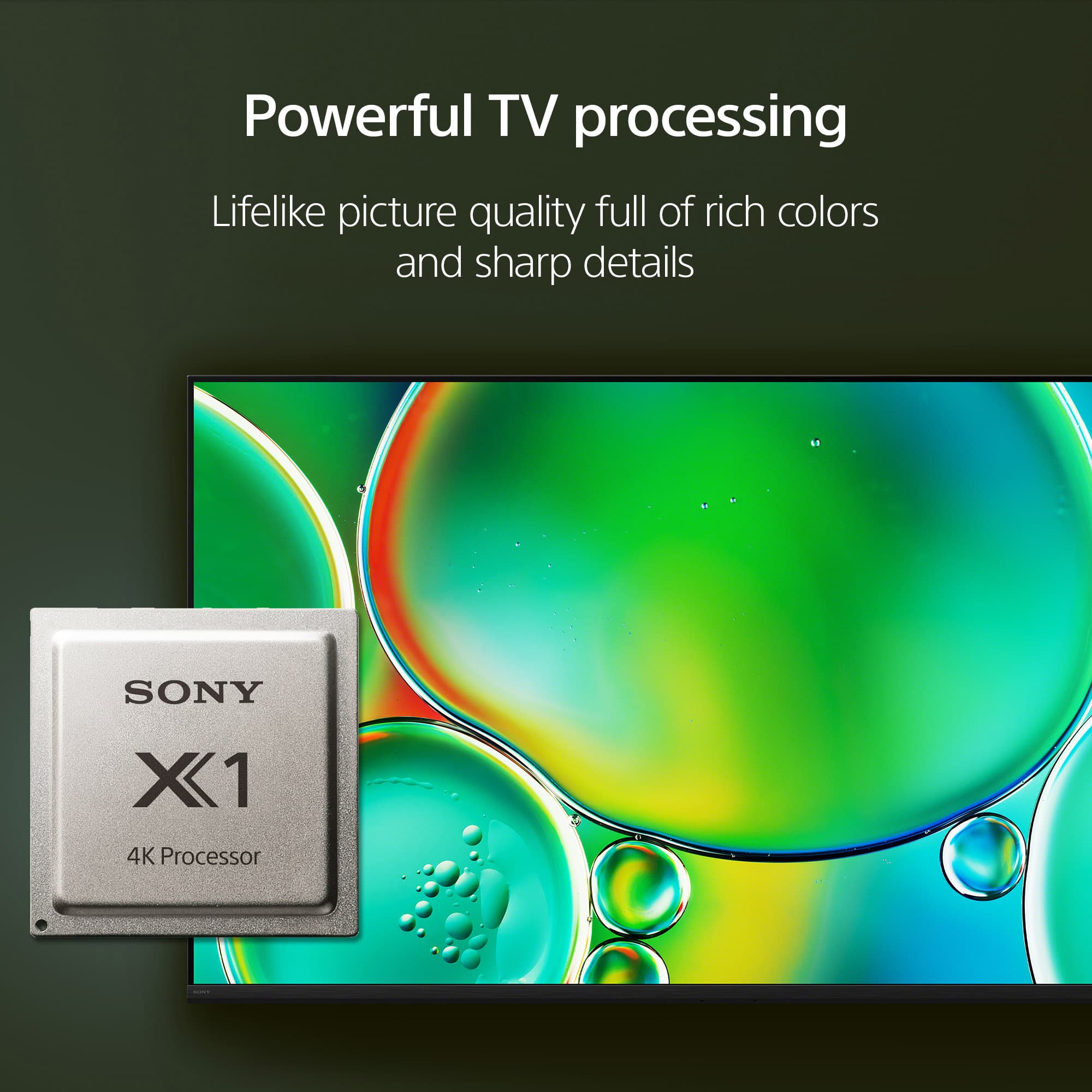
- A:Answer Thanks for contacting Sony. The BRAVIA 2 II is absolutely more than perfect to use exclusively for streaming without a cable box. It was truly designed for the modern streaming viewer. The built-in Google TV operating system brings all your entertainment directly to the screen and offers several key benefits for a cable-free experience: Unified Entertainment Hub: Google TV organizes over 700,000 movies and TV episodes from all your different streaming apps (Netflix, Disney+, Max, etc.) into one easy, centralized place. Complete App Access: You can effortlessly download virtually every major streaming service and app directly through the integrated Google Play Store. Seamless Mobile Integration: Need to share content? The TV supports Chromecast built-in for Android and Apple AirPlay 2 for iOS, making it simple to cast content from your phone or tablet. Enhanced Picture Quality: Many older streamed shows aren't 4K. Our 4K Processor X1 uses 4K X-Reality™ PRO technology to automatically upscale your HD and SD streaming content, ensuring that even your favorites look sharp and clear in near-4K quality. In short, the BRAVIA 2 II provides a comprehensive, high-quality, and user-friendly experience built specifically around your streaming needs! We appreciate your interest in Sony products, if you need further assistance, don't hesitate and reach us for support! You can find contact options on the link below: https://us.esupport.sony.com/support/s/support-contact?language=en_US&category=TV Best regards, Gus, Sony North America Customer Support
Answered by SonyListens
Q: QuestionDoes this tv have wifi to spectrum cable so I don't need to get a box from the cable company?
Asked by mike.
- A:Answer Hi Mike! Thanks for your interest in our television. We can definitely clear that up for you. The K-65S20M2 is a Google TV and it absolutely has built-in Wi-Fi. That means you can connect it directly to your home network for streaming. However, the TV's Wi-Fi itself won't replace the Spectrum cable box for live cable TV channels. A cable box is usually needed to decode the traditional cable signal. We always recommend consulting directly with your provider, to get all the final details on what they require for your specific services. We hope this helps! We really appreciate you thinking of Sony for your purchase! Best regards, Estefany
Answered by SonyListens
Q: QuestionDo you need to download a app on your phone to access this TV?
Asked by Kay.
- A:Answer Thanks for contacting Sony, Kay. You do not need to download an app on your phone to set up or use this television. The TV comes with a remote control that you can use for the initial setup, voice commands, and all basic operations. For your convenience, we also offer the "Sony | BRAVIA Connect" app. While it is completely optional, it provides a second way to control your TV from your phone, giving you more flexibility. So, you have two great options to control your television: the included remote or the app. We appreciate your interest in Sony products, if you need further assistance, don't hesitate and reach us for support! You can find contact options on the link below: https://us.esupport.sony.com/support/s/support-contact?language=en_US&category=tv Best regards, Gus, Sony North America Customer Support
Answered by SonyListens
Q: QuestionIs there a compatible remote available with a number key pad available for the Bravia 2 ? I use OTA outdoor antenna and receive a little over 100 channels depending on the weather a direct number channel number key pad would be best.
Asked by Robert.
- A:Answer Hi Robert, Thank you for your question. While the remote for the BRAVIA 2 does not include a number keypad, many older Sony TV remotes are compatible, such as the RMF-TX621U model. You can also use the Sony | BRAVIA Connect app on your phone to control the TV, which includes an on-screen number pad for easy channel access. Thanks for choosing Sony. Best regards, Eliab
Answered by SonyListens
Q: QuestionDoes this tv have a ethernet port?
Asked by Derrick.
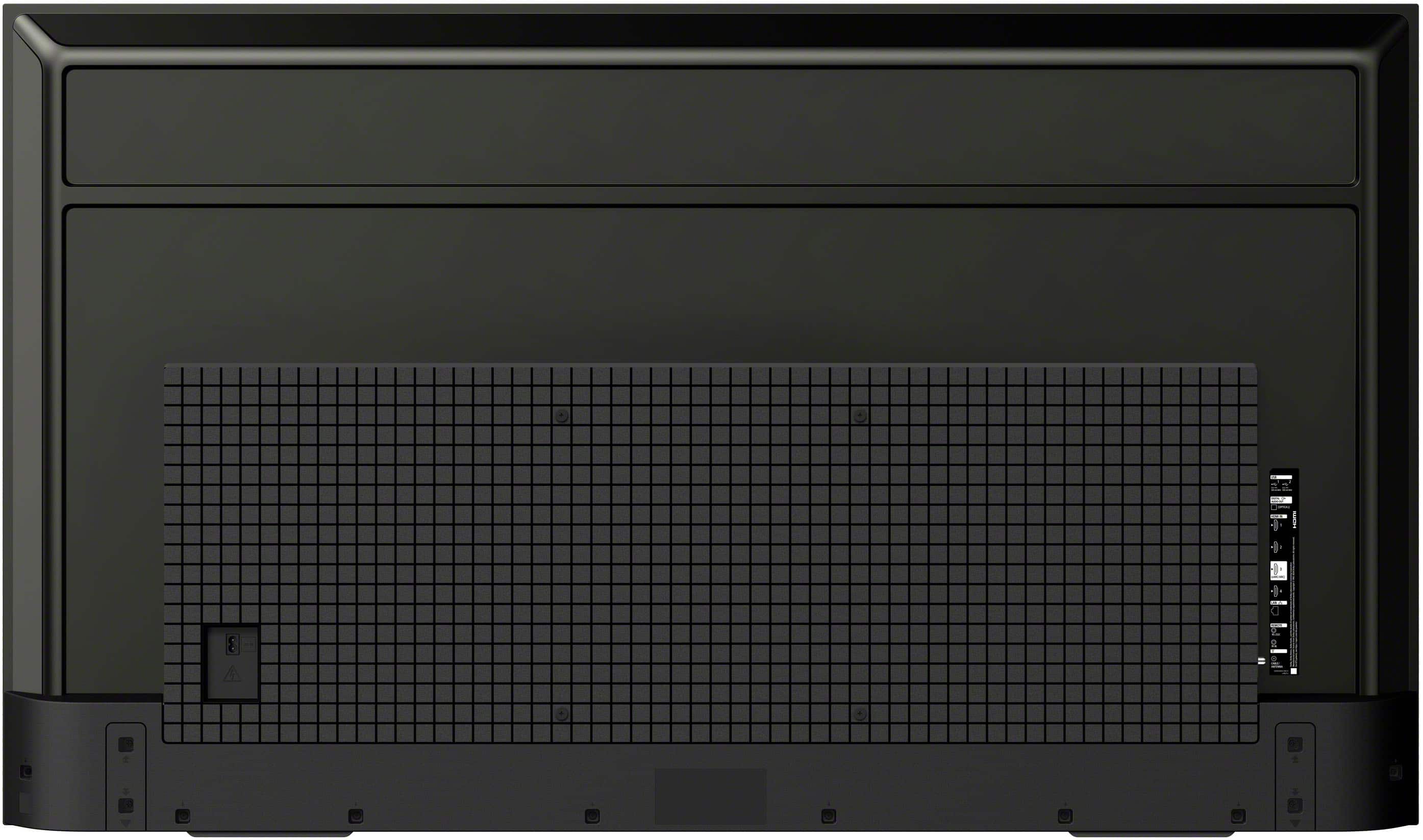
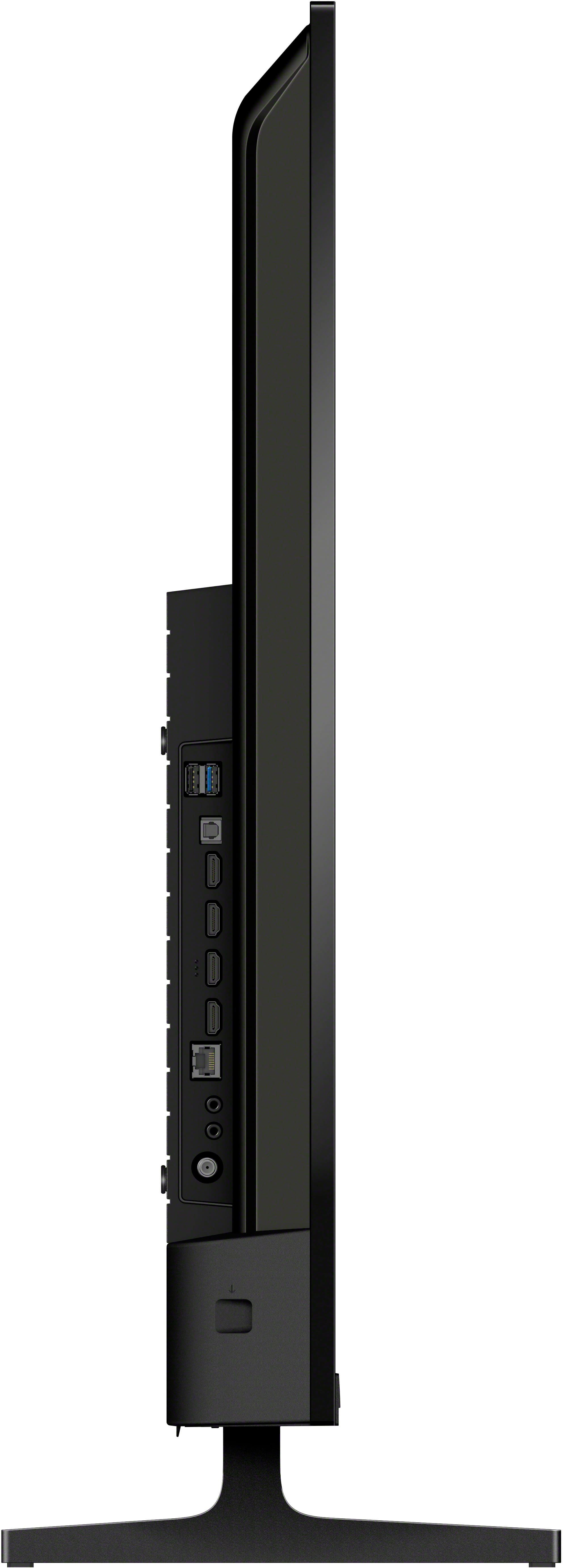
- A:Answer Yes, actually most smart TVs do and will have a Ethernet port.
Answered by DanielSkater
Q: QuestionHow many remote controls come with this tv? Can you purchase an extra remote control. If so, where?
Asked by LeftyMike007.
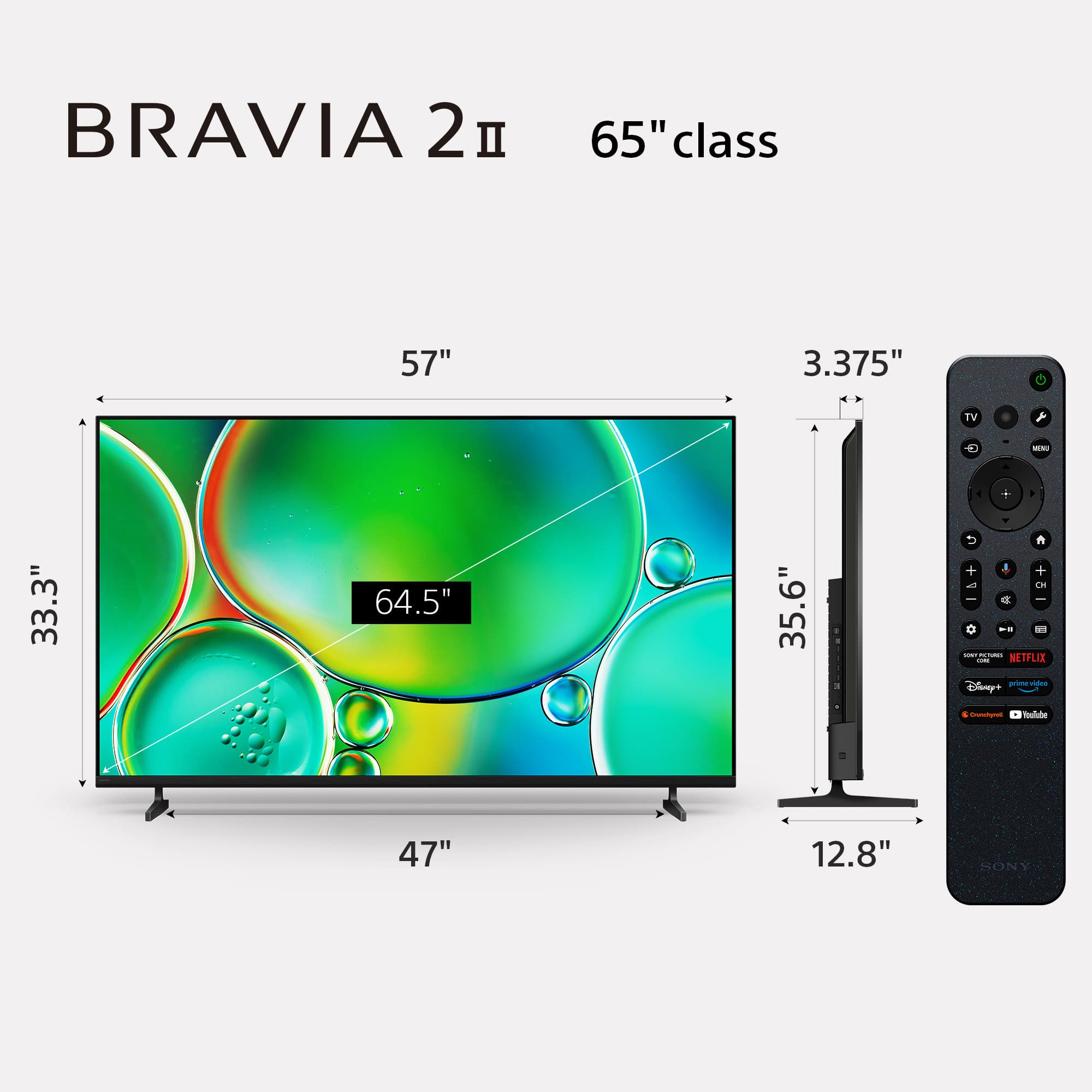
- A:Answer Thank you for reaching out with your question, LeftyMike007. The K65S20M2 television comes with one voice remote control (RMF-TX820U). This remote is designed to be your primary controller for navigating the TV and its features. Regarding your second question, yes, you can purchase an extra remote. You can purchase original Sony remote controls from Sony Encompass (https://sony.encompass.com/). For the best and most seamless experience, we always recommend purchasing an original Sony remote. For the most accurate information on availability and to ensure you get the correct remote for your TV, we suggest checking with your local authorized Sony dealer or visiting our official parts and accessories support page. Thank you again for being a Sony customer! Best regards, Gus, Sony Social Media Team
Answered by SonyListens
Q: QuestionCan this tv be connected to a dvd player? And does it come with coax to connect to cable?
Asked by Murphy.
- A:Answer Thank you for contacting Sony, Murphy. The K65s20m2 comes with 4 HDMI IN where you can connect your DVD player, and also it comes with a coax input so you can connect your antenna with no problems. Once you have connected your antenna, you just have to scan for channels, and you will have access to OTA channels. For detailed information, you can check the following links: Setup Guide https://www.sony.com/electronics/support/res/manuals/5065/c7f865fe0f9965090bc8b6676e70566f/50653400M.pdf Program or Add Channels on a TV https://www.sony.com/electronics/support/articles/00172503 We hope you find this information helpful. If you have any further questions, please feel free to reach out to us! Best regards, Gus, Sony North America Customer Support

Answered by SonyListens
Q: QuestionDo U have 100 inches
Asked by Anonymous.
- A:Answer Thanks for contacting Sony. Unfortunately, the BRAVIA 2 II does not come in a 100" size. The available sizes for this model are 43", 50", 55", 65", and 75". If you are looking for a bigger TV, some options we can suggest are: K98XR50 (BRAVIA 5, 98") XR85X93L (BRAVIA XR Mini LED, 85") K85XR90 (BRAVIA 9, 85") K85XR70 (BRAVIA 7, 85") K85S30 (BRAVIA 3, 85") XR98X90L (BRAVIA XR Full Array LED, 98") Thanks for considering Sony products! Best regards, Gus, Sony North America Customer Support
Answered by SonyListens
Page 2, Showing 21-40 of 44 questions
Top Rated
- Year End Deal$199.99Your price for this item is $199.99
- Year End Deal$329.99Your price for this item is $329.99
- Clearance$315.99Your price for this item is $315.99
- Year End Deal$329.99Your price for this item is $329.99
- Year End Deal$79.99Your price for this item is $79.99
- $249.99Your price for this item is $249.99$379.99The comparable value for this item is $379.99
- Year End Deal$449.99Your price for this item is $449.99
- $1,399.99Your price for this item is $1,399.99$2,699.99The comparable value for this item is $2,699.99
- Year End Deal$949.99Your price for this item is $949.99
- $419.99Your price for this item is $419.99$599.99The comparable value for this item is $599.99
- $799.99Your price for this item is $799.99$1,099.99The comparable value for this item is $1,099.99
- $149.99Your price for this item is $149.99$199.99The comparable value for this item is $199.99
- Year End Deal$59.99Your price for this item is $59.99
- Year End Deal$699.99Your price for this item is $699.99
- $449.99Your price for this item is $449.99$689.99The comparable value for this item is $689.99
- Year End Deal$249.99Your price for this item is $249.99
- $219.99Your price for this item is $219.99$319.99The comparable value for this item is $319.99
- Year End Deal$1,996.99Your price for this item is $1,996.99
- $996.99Your price for this item is $996.99$1,999.99The comparable value for this item is $1,999.99
- $229.99Your price for this item is $229.99$299.99The comparable value for this item is $299.99