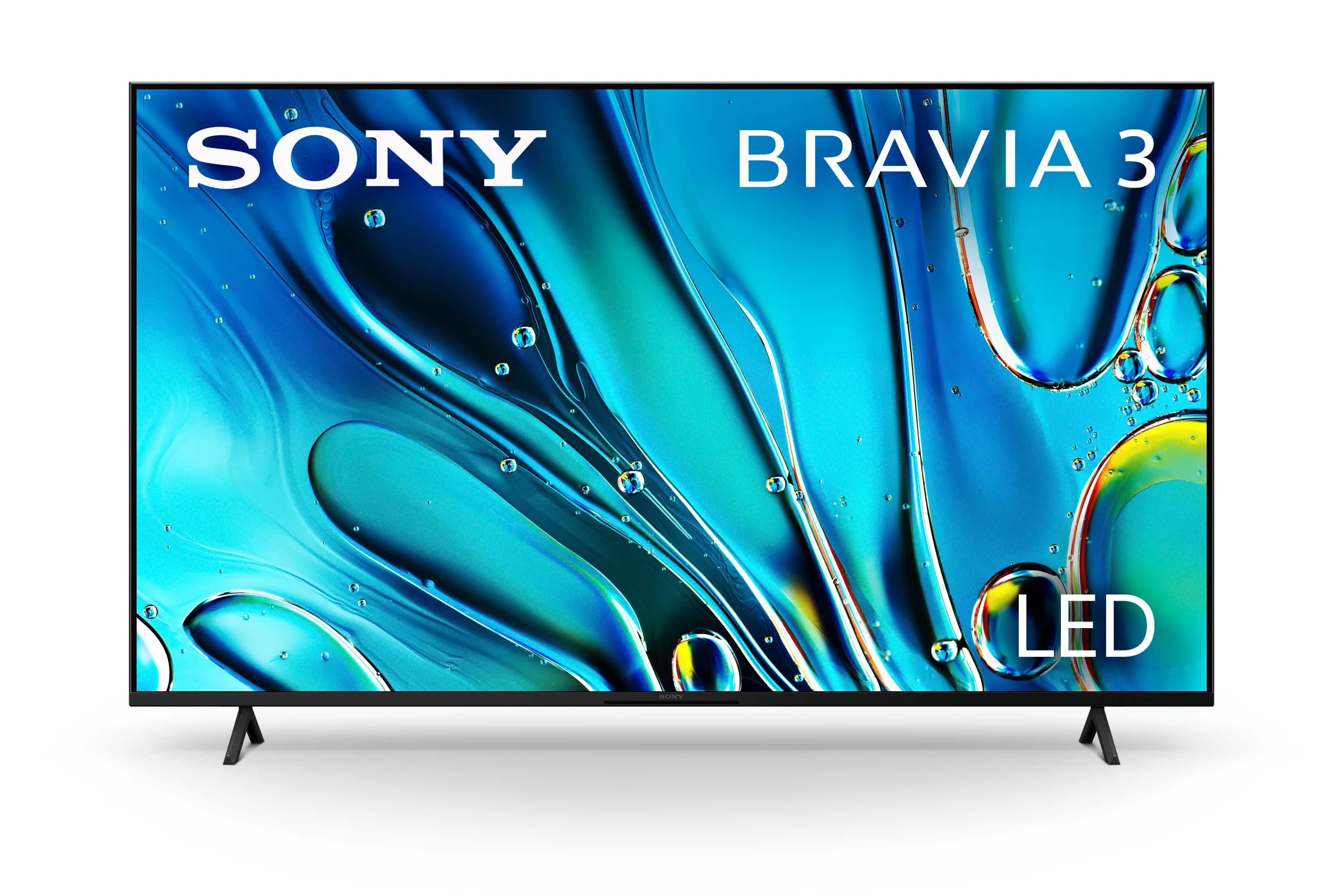
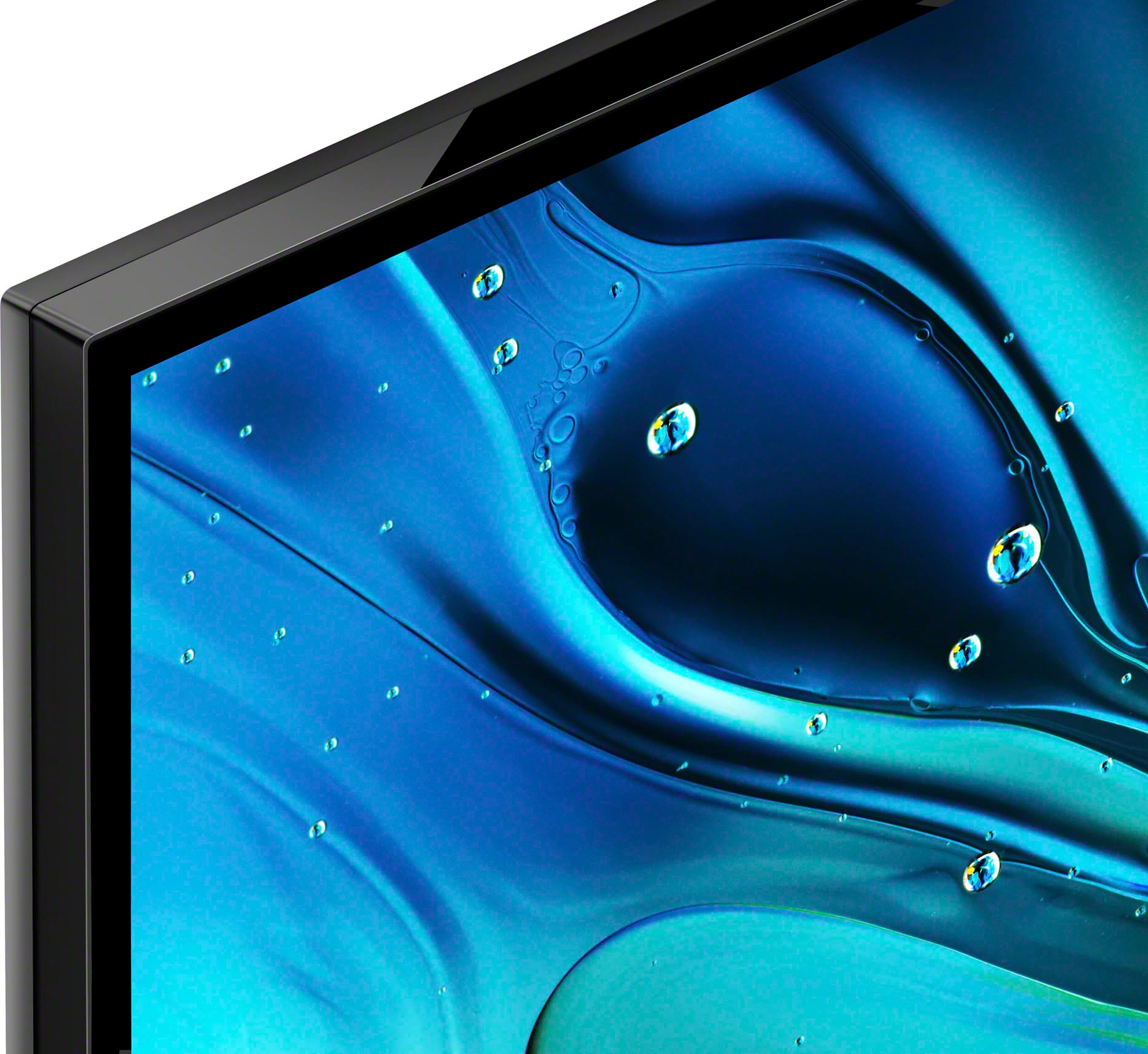
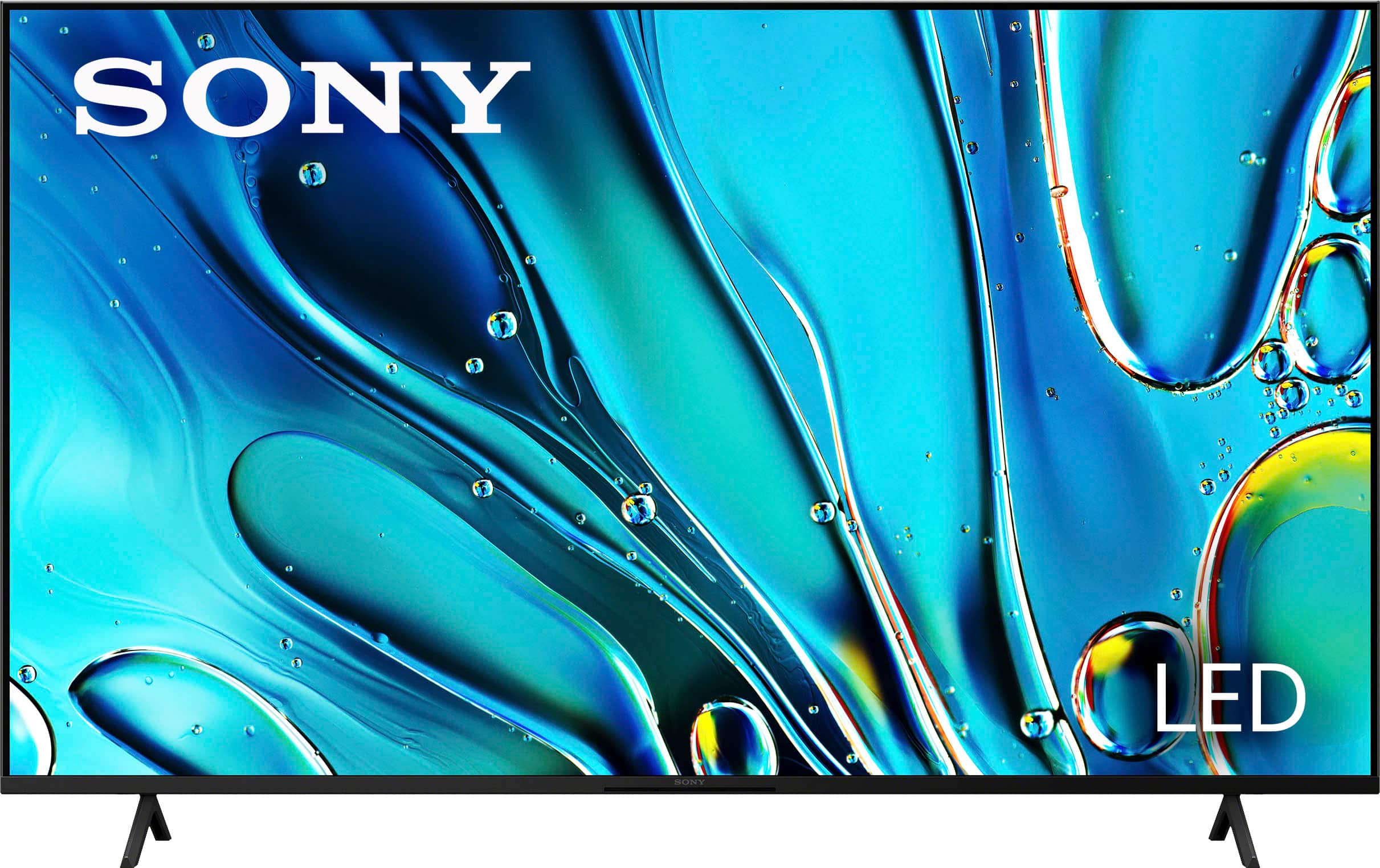
A:AnswerHi Nightowl, thank you for reaching out to us. We are pleased to assist you with your inquiry regarding the Bravia 3!
The Bravia 3 doesn't have a branded "dark mode," but it offers picture settings like "Calm" and "Cinema" for night viewing.
- The "Calm" mode features soft colors and gentle contrast, ideal for low-light environments.
- The "Cinema" mode balances brightness and color depth for an optimal movie-watching experience at night.
You can also manually adjust brightness, black levels and use the light sensor to automatically dim the screen in dark conditions, providing a comfortable viewing experience similar to a "dark mode."
For detailed information, please visit the following link: https://helpguide.sony.net/tv/lusltn2/v1/en-003/01-03-09_01.html
Thanks for considering Sony products!
Best regards,
Stephanie
A:AnswerHi Thedoll, we're sorry to hear that your TV has stopped working, we understand how frustrating that can be. The Sony - Bravia 3 comes with a 1-year limited warranty for brand-new purchases, and if your unit is not turning on, we'd like to share with you some simple steps that may help:
1- Try unplugging the TV from the outlet for 2 min and plug it back to a different electrical outlet
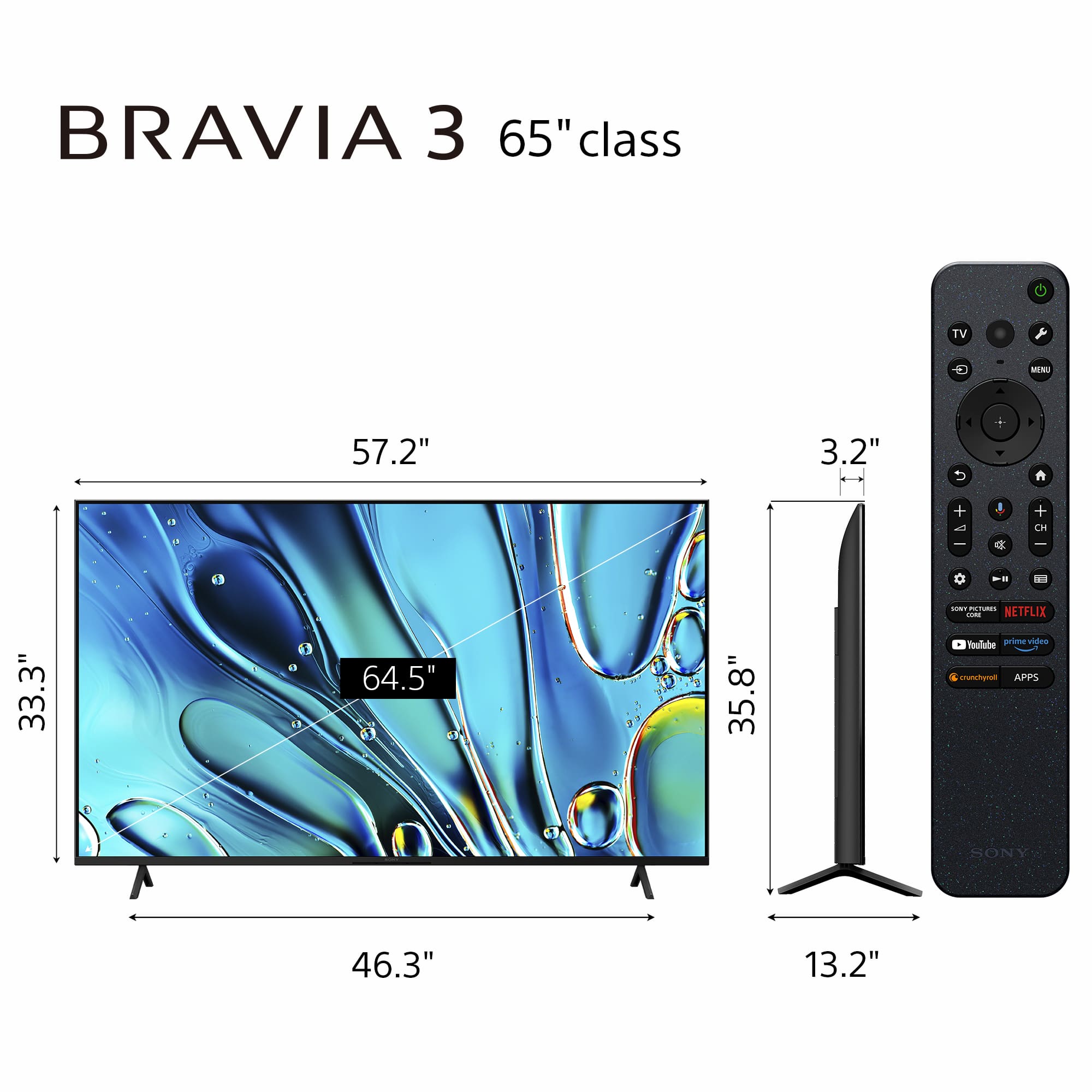
2- Turn on the TV using the physical power button located at the bottom of the unit in the middle
3- Disconnect all external devices and try powering on again.
We hope these steps can help you, in case you need further help please contact our technical support team via: https://us.esupport.sony.com/support/s/support-contact?language=en_US&category=tv

Thank you for considering Sony products! Best regards, -Dominick
A:AnswerHi Toby,
On the BRAVIA 3 model, it is not possible to use the TV speakers and a Bluetooth headset simultaneously. If you want to do so, you will need to look at models like the A95L series, XR90, XR80, XR70 since they support simultaneous audio output from the TV speakers and connected headphones or audio devices via Bluetooth.
-Aldair
A:AnswerHi JORGE, thank you for the question! TV's for the North American Market are assembled in Mexico. Hope this helps!
Our BRAVIA 3 Smart TV is exceptionally easy to use with a variety of all-in-one smart features for stress-free viewing. With a large screen, detailed pictures full of color and dynamic sound, everything you love feels so much more exciting. ~Earl
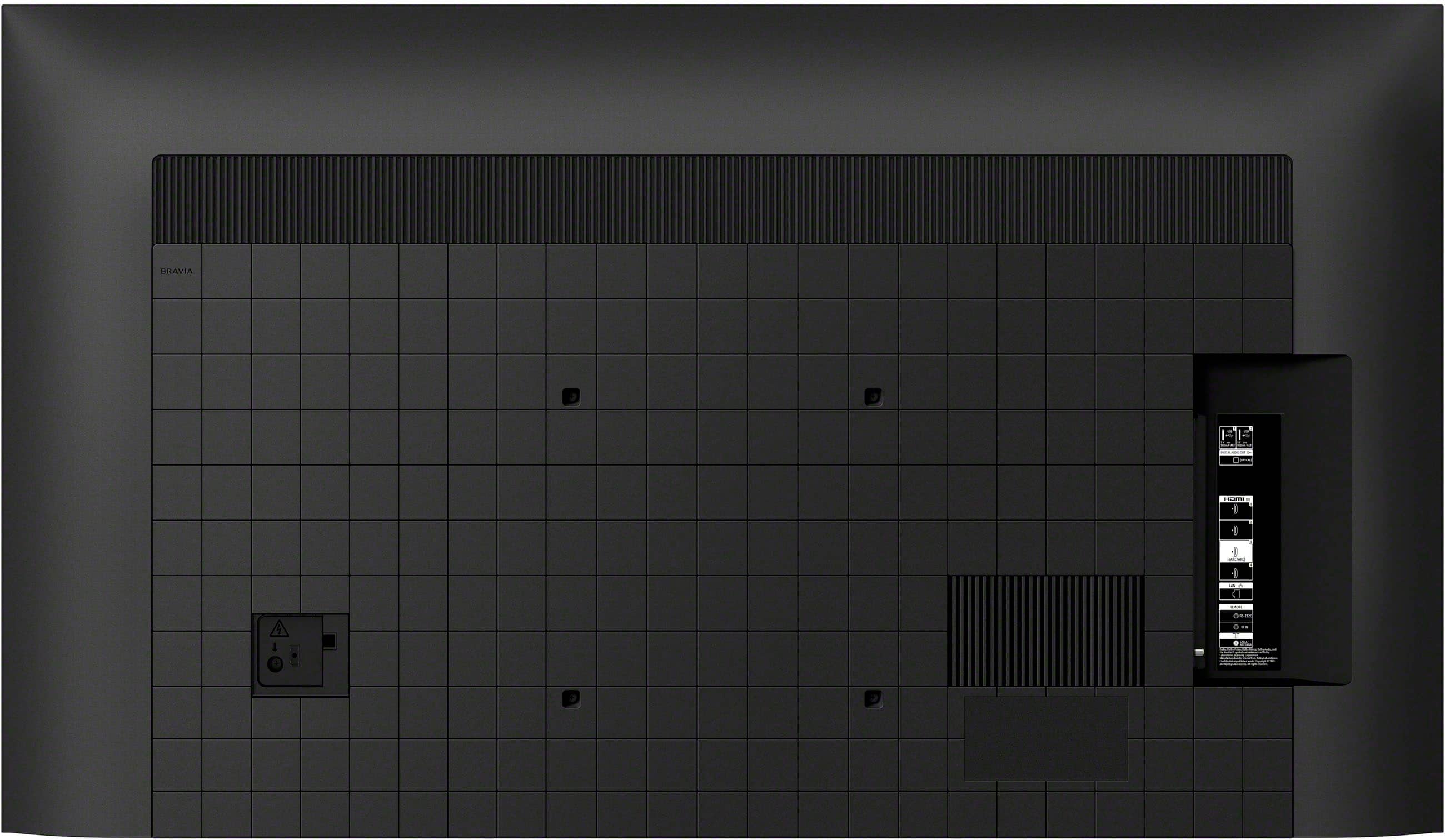
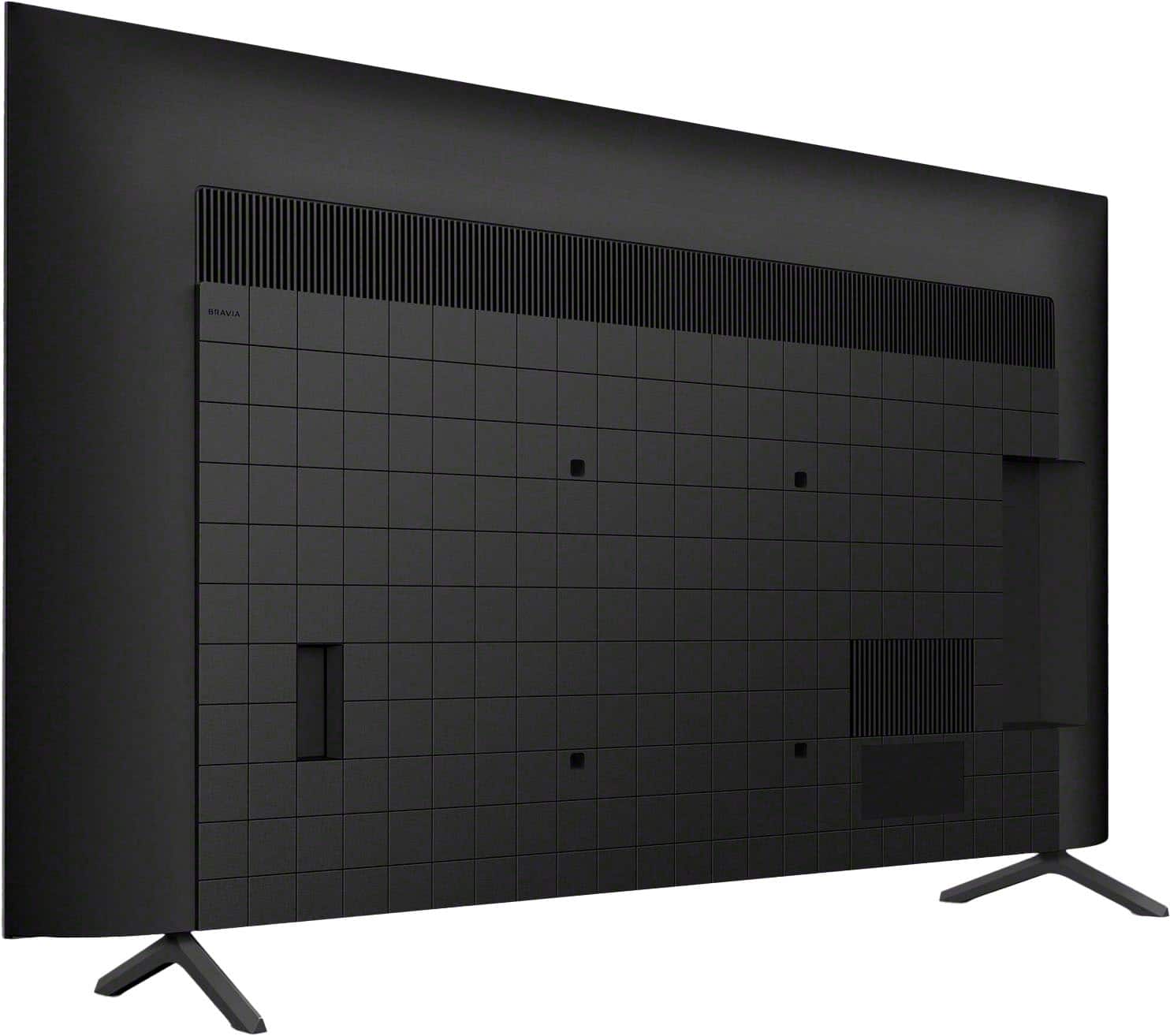
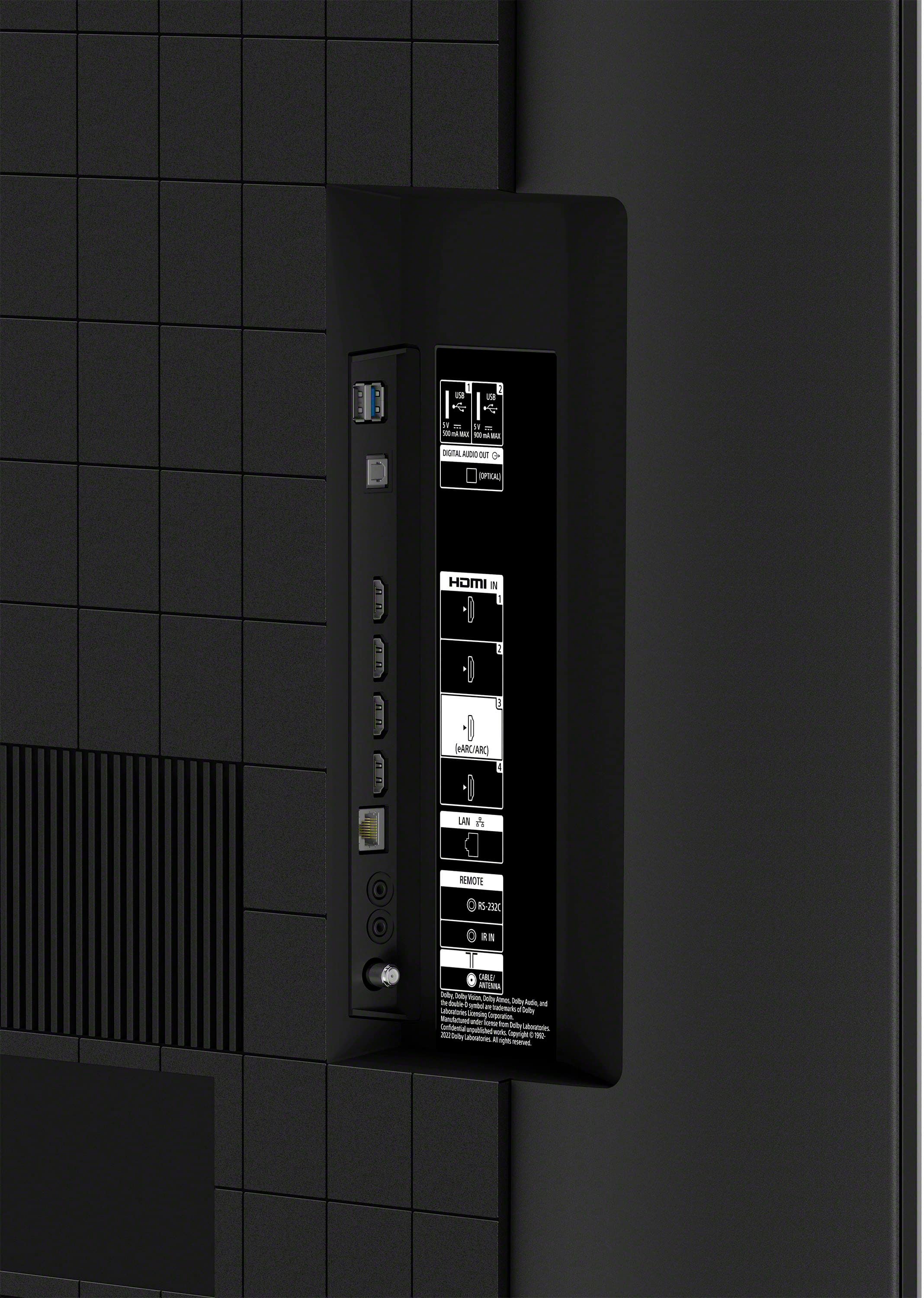
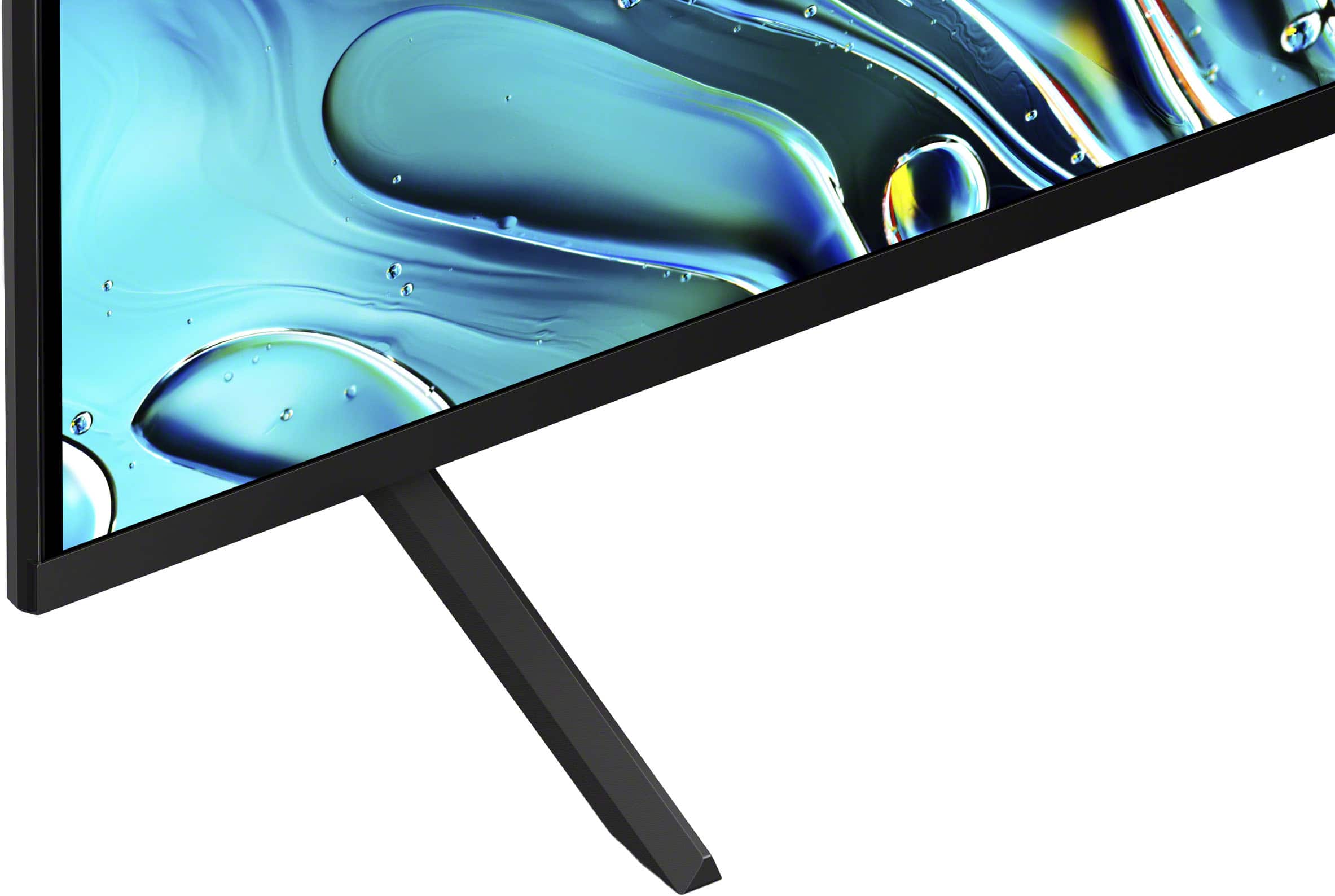
A:AnswerHi Gonzzo, Thanks for reaching out. Yes. You can connect your stereo system to your TV as long as they support HDMI or Optical connection. Unfortunately, the TV does not have RCA ports. As for the stands. As for the stand, they are not adjustable. Hope this helps. Regards, -Craig
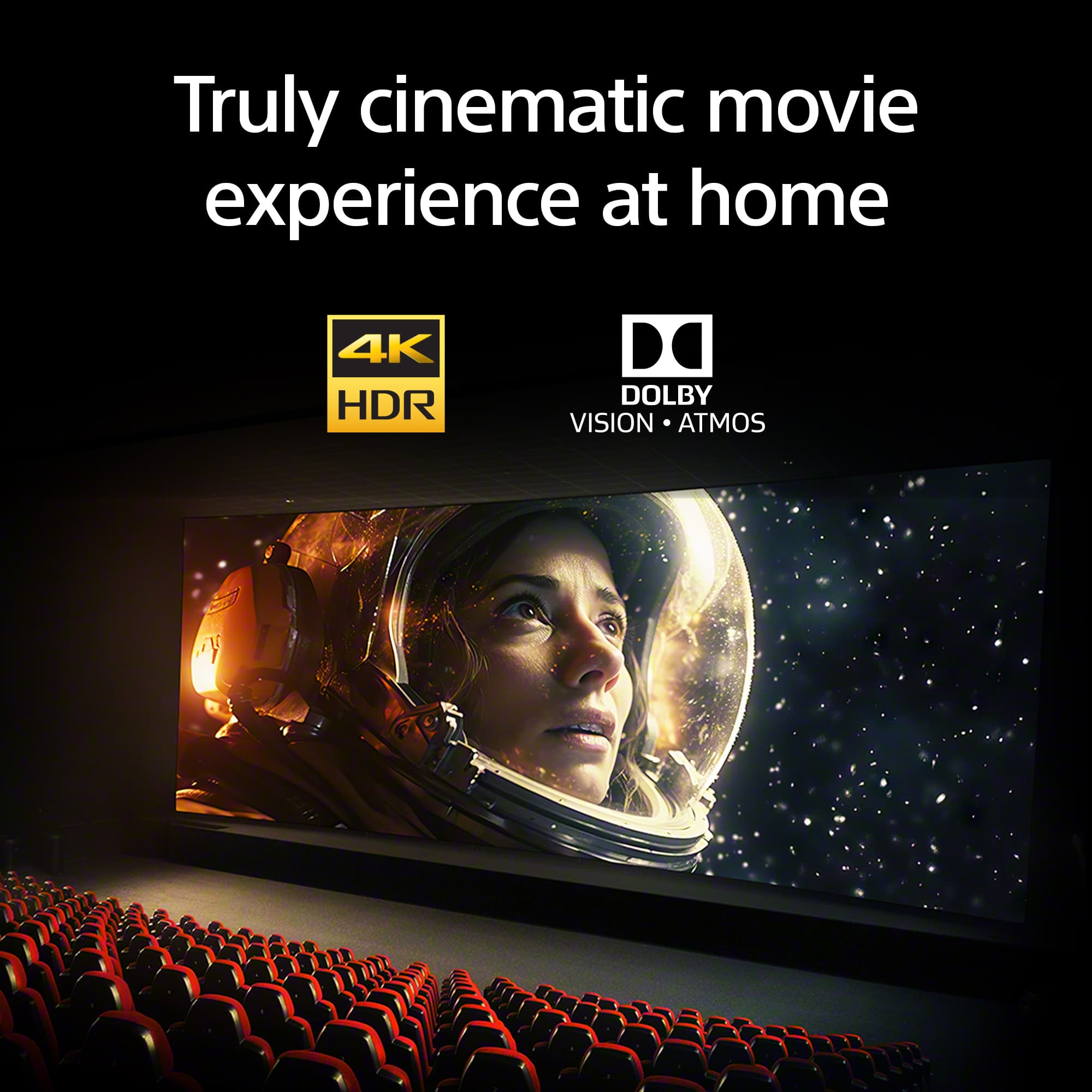
A:AnswerHi lol, thanks for your question. Modern Sony BRAVIA models come with enhanced audio features and better sound quality compared to older models. Our BRAVIA 3 has innovative X-Balanced Speaker™, and support for Dolby Atmos®, provides clear natural sound for all your favorite content. Hear sound moving overhead across the screen with more depth and clarity. Dolby Atmos® draws you in deeper for truly atmospheric entertainment.
For your current issue where the sound is not coming on, you can troubleshoot it by following this link:
https://www.sony.com/electronics/support/articles/00023579?utm_source
If you require any additional support with regard to this product, please email us at [email protected] with the following details: Name: Username: Model Number: Issue: Telephone Number:
~Earl
A:AnswerHi Tony, thanks for your question. Yes, this TV has 2 USB ports at the side. Hope this helps.
Our BRAVIA 3 Smart TV is exceptionally easy to use with a variety of all-in-one smart features for stress-free viewing. With a large screen, detailed pictures full of color and dynamic sound, everything you love feels so much more exciting. ~Earl