Black Friday is hereShop new DoorbustersShop now

Skip to content
Gift Ideas
26 Cypress St
Williston, VT 05495
Opens at 9 am
Find Another Store
Main Content

Questions & Answers

Your price for this item is $1,499.99
The comparable value price is $2,299.99
Page Showing 61-80 of 102 questions
  • Questionis ths roku compatiblr

    Asked by curois.

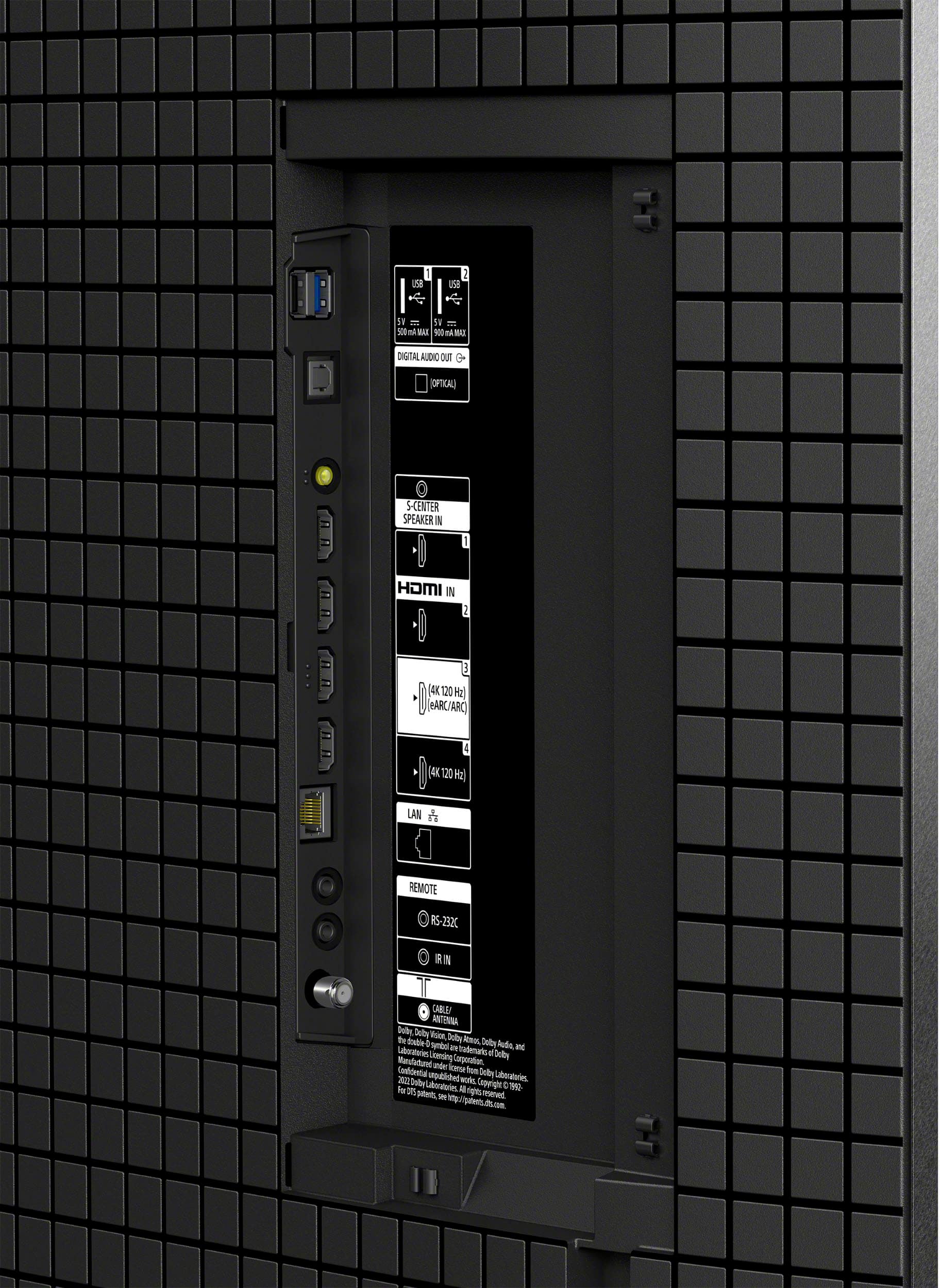
    • Answer Hi Curois, Thank you for your inquiry. Our BRAVIA 8 doesn't come with built-in Roku, but it offers a variety of built-in apps similar to those found on Roku. You can also download additional apps directly from the Google Play Store or Search for apps available on the TV. If you have a Roku streaming device, simply connect it to any available HDMI port to enjoy all your favorite streaming services on this TV. Additional information: You can connect the playback devices (i.e. BD player, streaming devices, etc.) to any available HDMI inputs on your TV. To enjoy high quality 4K contents, connect a Premium High Speed HDMI Cable(s) that supports speeds of 18 Gbps (or better) and set the [HDMI signal format] to [Enhanced format]. Regards, Jess
      Answered by SonyListens

  • Questionlooking for a 65"or 55" sony tv on clearance

    Asked by bert.

    • Answer 65

      Answered by Linda12211940

  • QuestionI would like to keep Xfinity cable. Would I be able to access on that tv

    Asked by JAM.

    • Answer Hi JAM, Thank you for your inquiry. You can enjoy the BRAVIA 8 TV with Xfinity or any other cable and internet provider. However, please note that the Xfinity Streaming app is currently not available for installation on this TV. You can explore alternative options. One possibility is to connect an external device that is compatible with the Xfinity app to one of the TV's available inputs. Additionally, if your phone or tablet has Chromecast built-in or supports AirPlay, you can use these features to cast content from the Xfinity Stream app on your mobile device directly to the TV. For further information, please refer to the link below: https://www.sony.com/electronics/support/articles/00279172 Regards, Jess

      Answered by SonyListens

  • QuestionWhat is the Energy Star rating? How much electricity is it estimated to use? Thx.

    Asked by Anonymous.

    • Answer Hi there, Thank you for inquiring about the TV. The estimated annual energy cost for this model is approximately $57, which is calculated based on an electricity rate of 16 cents per kWh and an average usage of 5 hours per day. This translates to an expected yearly electricity consumption of 355 kWh. Please note that your actual costs will vary based on your utility rates and usage. For accurate information, it is advisable to consult the product's energy label. Although this unit does not explicitly state its Energy Star compliance, it is equipped with an Eco Dashboard. This user-friendly interface allows you to easily adjust energy-saving settings, and check the TV’s current and past power consumption. Hope this helps. Regards, Jess
      Answered by SonyListens

  • QuestionIs this tv good for a bright room with windows. Will the picture still be good in bright room with windows?

    Asked by Jep.

    • Answer Yes just set the color to vivid.

      Answered by TimothyF

  • QuestionDoes this tv have auto volume leveling

    Asked by Chuck.

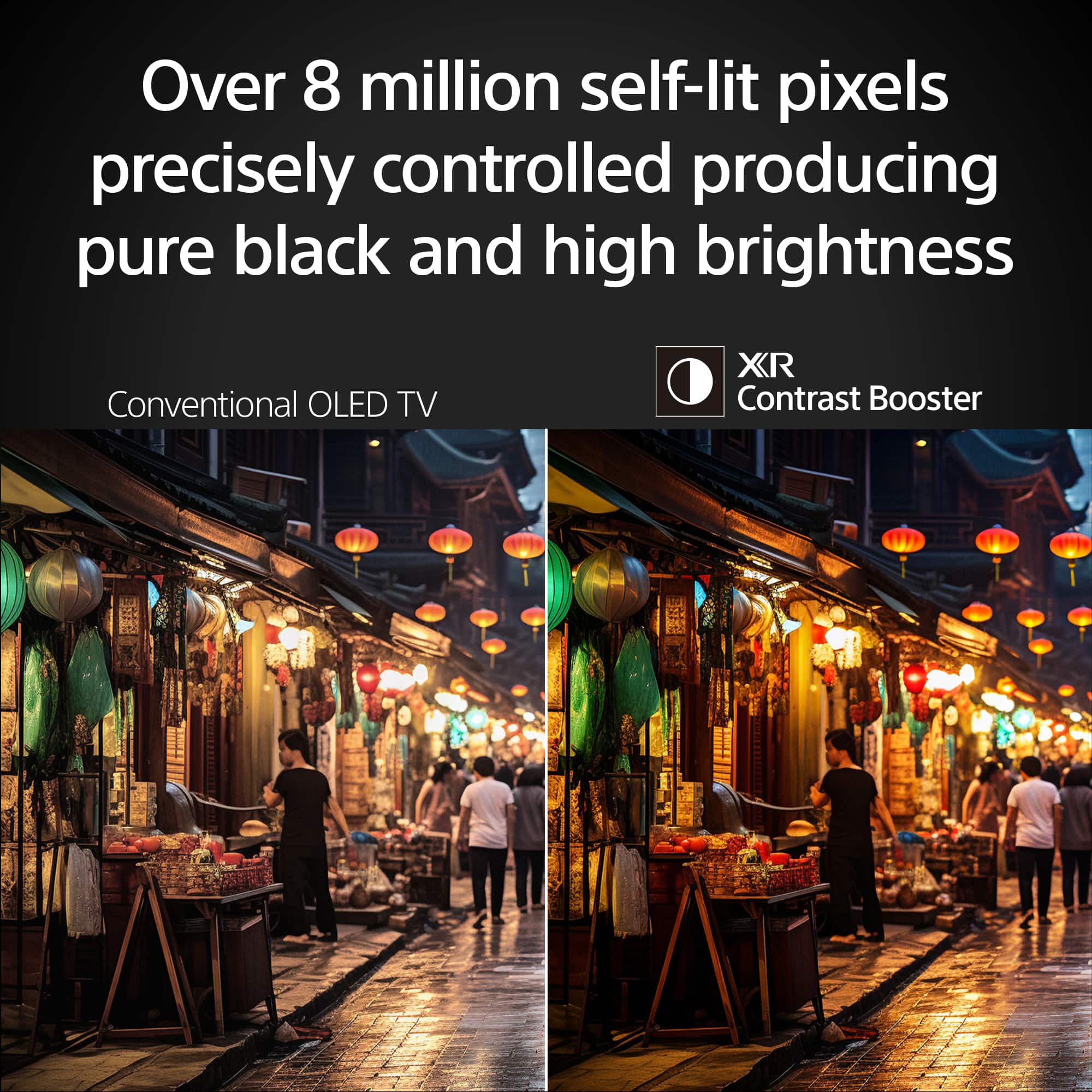
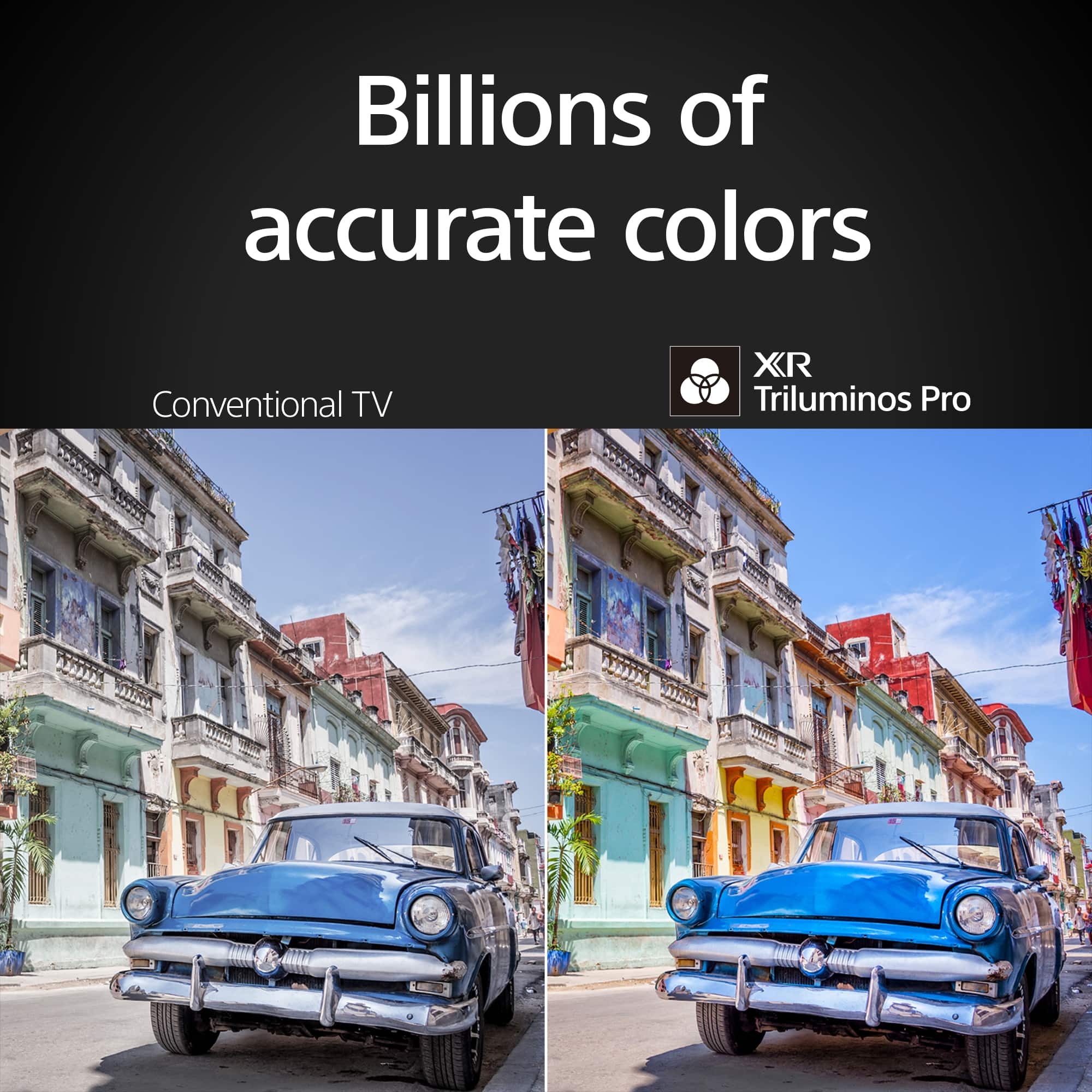
    • Answer Hi Chuck, Thank you for the question. Sony does offer Advance Auto Volume, to keep volume levels constant for all inputs sources. Hope this information helps! With a sleek design, cinematic audio, and stunning visuals, the Sony BRAVIA 8 K65XR80 65" 4K HDR Smart OLED TV makes the perfect centerpiece for your main TV viewing area. An incredibly accurate picture is created by millions of self-lit pixels, precisely controlled to produce pure black, with high brightness, and billions of shades of color. Best regards, Maria

      Answered by SonyListens

  • QuestionDoes the TV have an ATSC 3.0 tuner?

    Asked by Thebest.

    • Answer Yes.

      Answered by PeterD

  • QuestionHow many speakers are built in?

    Asked by RJ.

    • Answer Better with a Bose center channel

      Answered by TimothyF

  • QuestionSpeech does not does not match mouth movements. It appears like lip speaking.

    Asked by Anonymous.

    • Answer I had that problem at the start but sound setting fixed it. I use the optical connection to our soundbar.

      Answered by PeterD

  • QuestionI have a sony oled tv now. I have burn in. Wil this tv eventually experience burn in?

    Asked by Jay.

    • Answer Hi Jay, Thank you for reaching us with your concern. We understand your concern about screen image retention or burn-in. We're sorry that you had to experience all of these inconvenience with your Sony BRAVIA 8 TV. This is not the news we want to hear. Image retention occurs due to the degradation of screen uniformity as a result of continuous display of the same screen for a certain period of time. To reduce image retention, we recommend that you turn off the TV on a daily basis for more than four hours using the remote control or the power button on the TV. Images that include clocks and bright colors easily cause image retention. Avoid displaying these types of images for long periods of time, otherwise image retention may occur. The good news is that we have equipped this TV with functions that automatically adjust the screen conditions, to protect the TV from screen image retention. Respectively: Panel refresh and Pixel shift to name a few. These functions automatically run according to your TV’s condition or you can run them manually. For more on "Notes on using OLED TVs (about image retention)", please visit the link below. https://www.sony.com/electronics/support/articles/00173479 For further assistance, please email the below information to [email protected]. Apologies if you disclosed some of this information in your review and to customer service, we just want to ensure that we have your accurate details at the time of communication. Full Name: Best Buy Username: Telephone Number: Sony TV Model Number: Additional Information regarding your experience with the BRAVIA 8: Thank you for your patience, and we look forward to improving your experience! Sincerely, Maria

      Answered by SonyListens

  • Questionwill my sound bar with 2 rear a sub woofer and front speakers dolby atmos and Dts X other then sony work on this BRAVIA 8

    Asked by barnone.

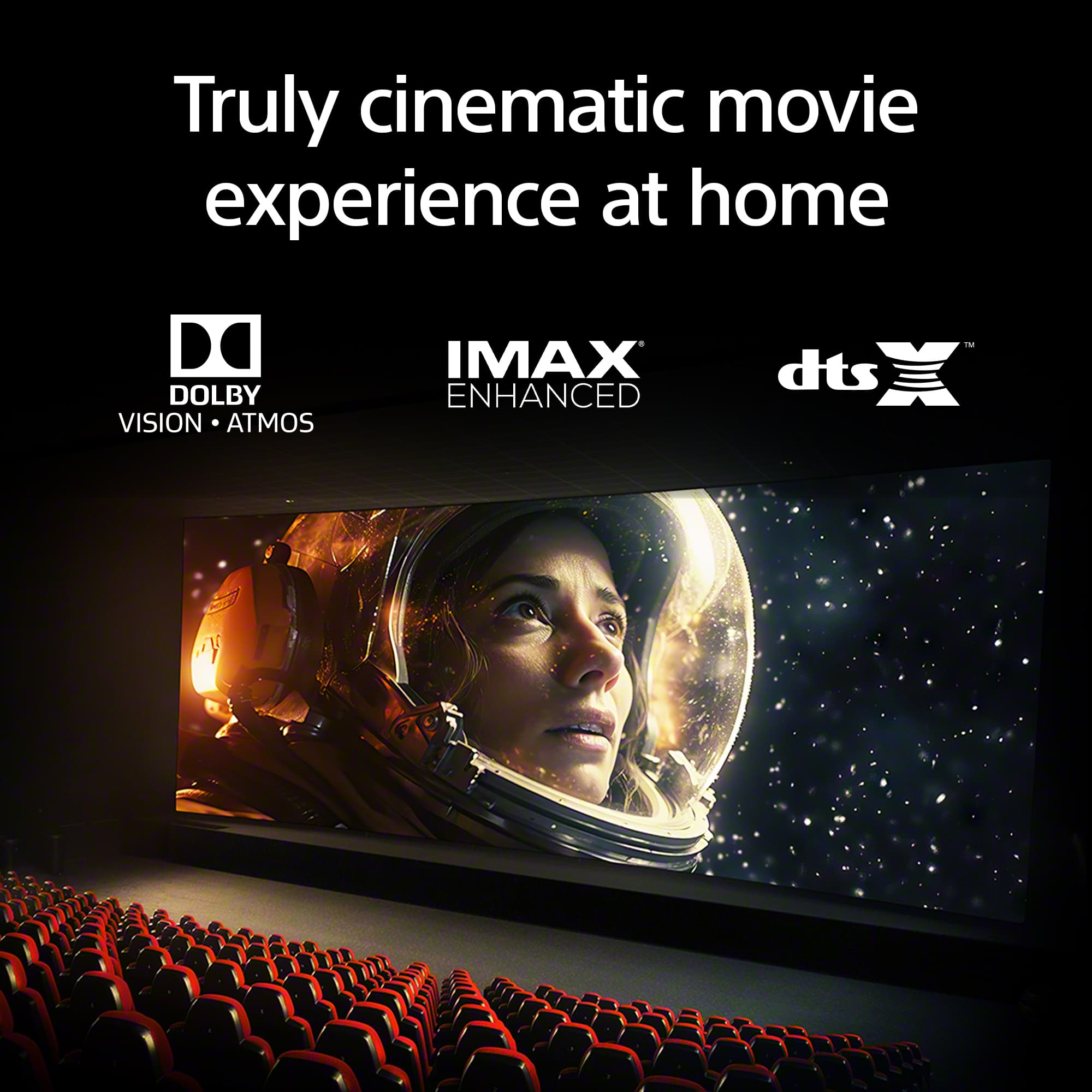
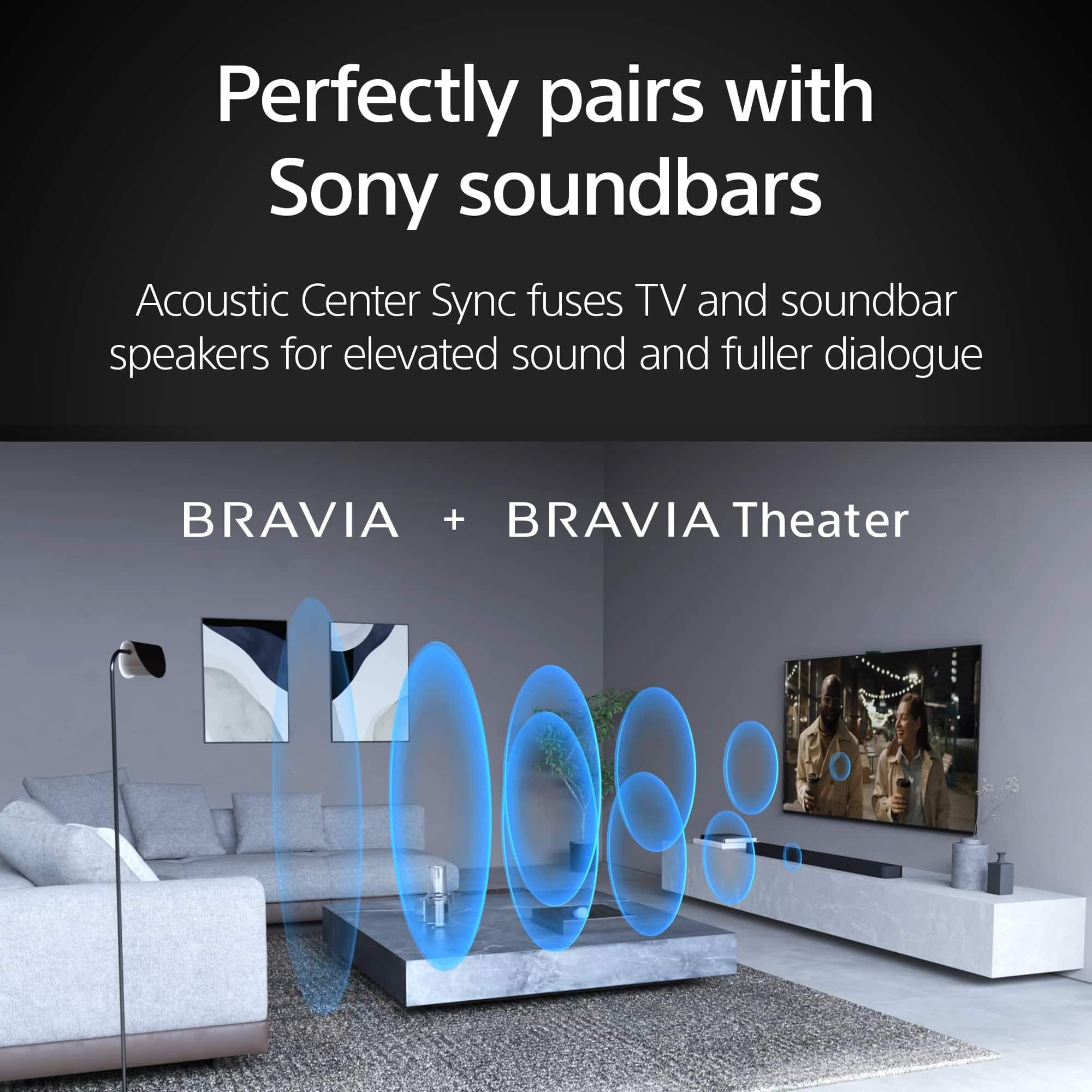
    • Answer Hi barnone, Thank you for your interest in the Sony BRAVIA 8! Yes, your soundbar with 2 rear speakers, a subwoofer, and front speakers that support Dolby Atmos and DTS:X should work with this TV. To ensure compatibility and optimal performance, connect your soundbar to the TV via the HDMI (ARC/eARC) terminal. Hope this helps! With a sleek design, cinematic audio, and stunning visuals, the Sony BRAVIA 8 Smart OLED TV makes the perfect centerpiece for your main TV viewing area. An incredibly accurate picture is created by millions of self-lit pixels, precisely controlled to produce pure black, with high brightness, and billions of shades of color. Regards, Sam

      Answered by SonyListens

  • Question. I watched a hockey game on an OLED / QLED TV before and the puck was distorted. Instead of a round black puck , it looked like a bad version or ATARI. the puck was a small, gray, blurry square going back and forth . Is this tv the same ? Thnx.

    Asked by Dan.

    • Answer Hi Dan, Thank you, The XR80 has multiple settings that allow you to adjust picture and motion to bring life like action to your living room. Can not comment on your previous experience but the BRAVIA 8 has great picture motion capabilities. With a sleek design, cinematic audio, and stunning visuals, the Sony BRAVIA 8 Smart OLED TV makes the perfect centerpiece for your main TV viewing area. An incredibly accurate picture is created by millions of self-lit pixels, precisely controlled to produce pure black, with high brightness, and billions of shades of color. Regards, Sam

      Answered by SonyListens

  • QuestionCan I set the TV to show my U-Verse receiver connection on start up ?

    Asked by LEBL.

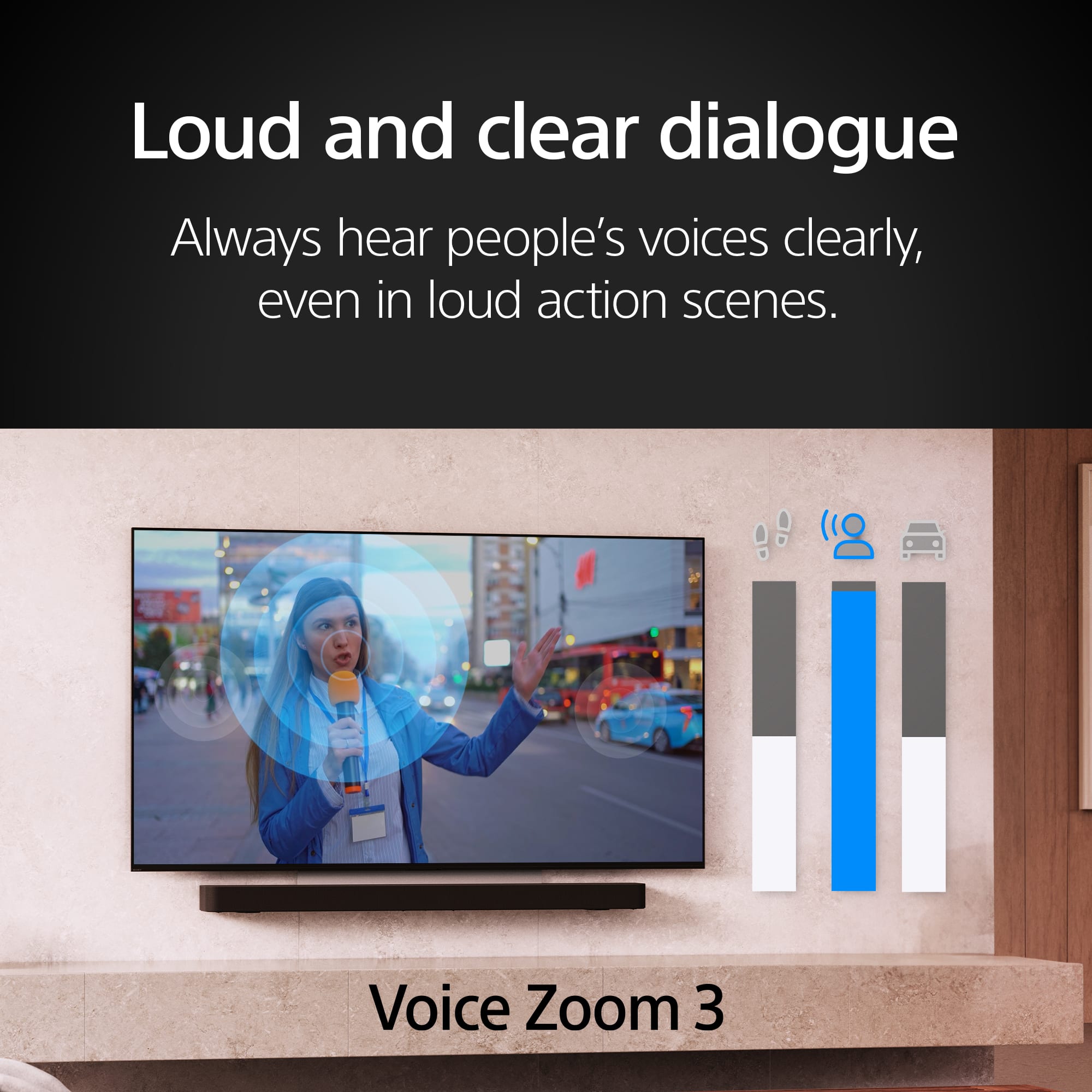
    • Answer Hi LEBL, Thank you for your interest in the Sony BRAVIA 8! Yes you can. Go to settings> then System> then Power and Energy> select to power on behavior> then select last input used. This will start your TV to whatever input was last used i.e. your Uverse. Hope this helps! With Acoustic Surface Audio+, actuators behind the TV panel turn the entire screen into a speaker producing a wider, elevated soundstage, enabling audio to follow the action on screen. Voice Zoom 3 intelligently controls dialogue so that every word in a scene is always loud and clear. With support for Dolby Atmos, DTS:X, and 3D Surround Upscaling, everything you watch gets the surround sound treatment. Regards, Sam

      Answered by SonyListens

  • QuestionWhere do I find closed caption for this TV/remote? Thank you

    Asked by Lost.

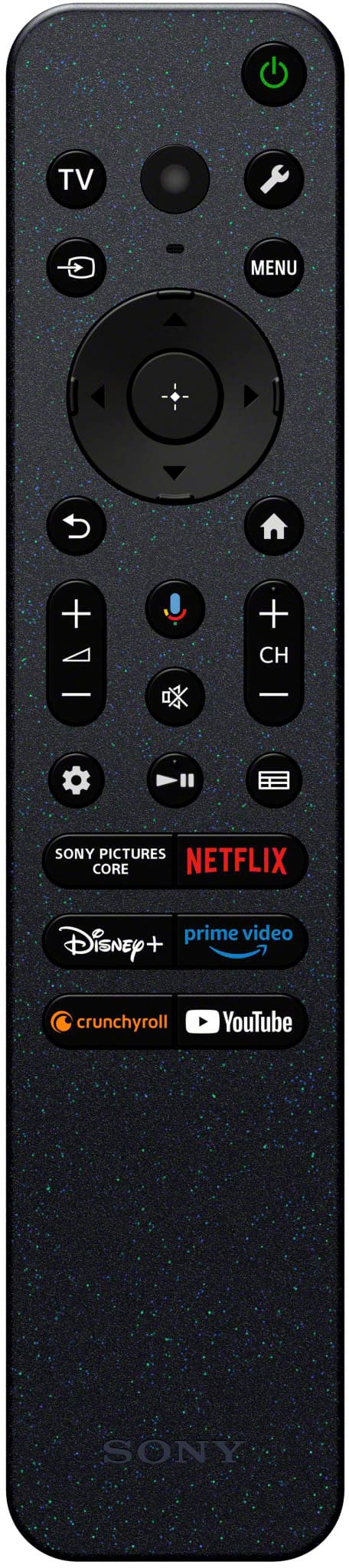
    • Answer Hi Lost, Thank you for reaching us with your concern! Closed Captions feature is enabled by pressing the MENU button to access the Control Menu and selecting the CC/Subtitle option. For further guidance and information on displaying Subtitles (Closed Captions), you may find the following link useful: https://www.sony.com/electronics/support/articles/00260887?utm_source. Please keep in mind that the availability of Closed Captions can depend on the source: TV broadcasts: Some may not have Closed Captions available. Apps: Support varies by app. For example, Netflix enables Closed Captions through its in-app settings, rather than the TV's CC button. Hope this information helps! Watch everything with lifelike picture quality, powered by the intelligent XR Processor. Hundreds of thousands of individual on-screen elements are processed and enhanced in real-time, boosting color, contrast, and clarity. Best regards, Maria

      Answered by SonyListens

  • QuestionSecond question. Is this TV compatible with FIRESTICK?

    Asked by tgirl.

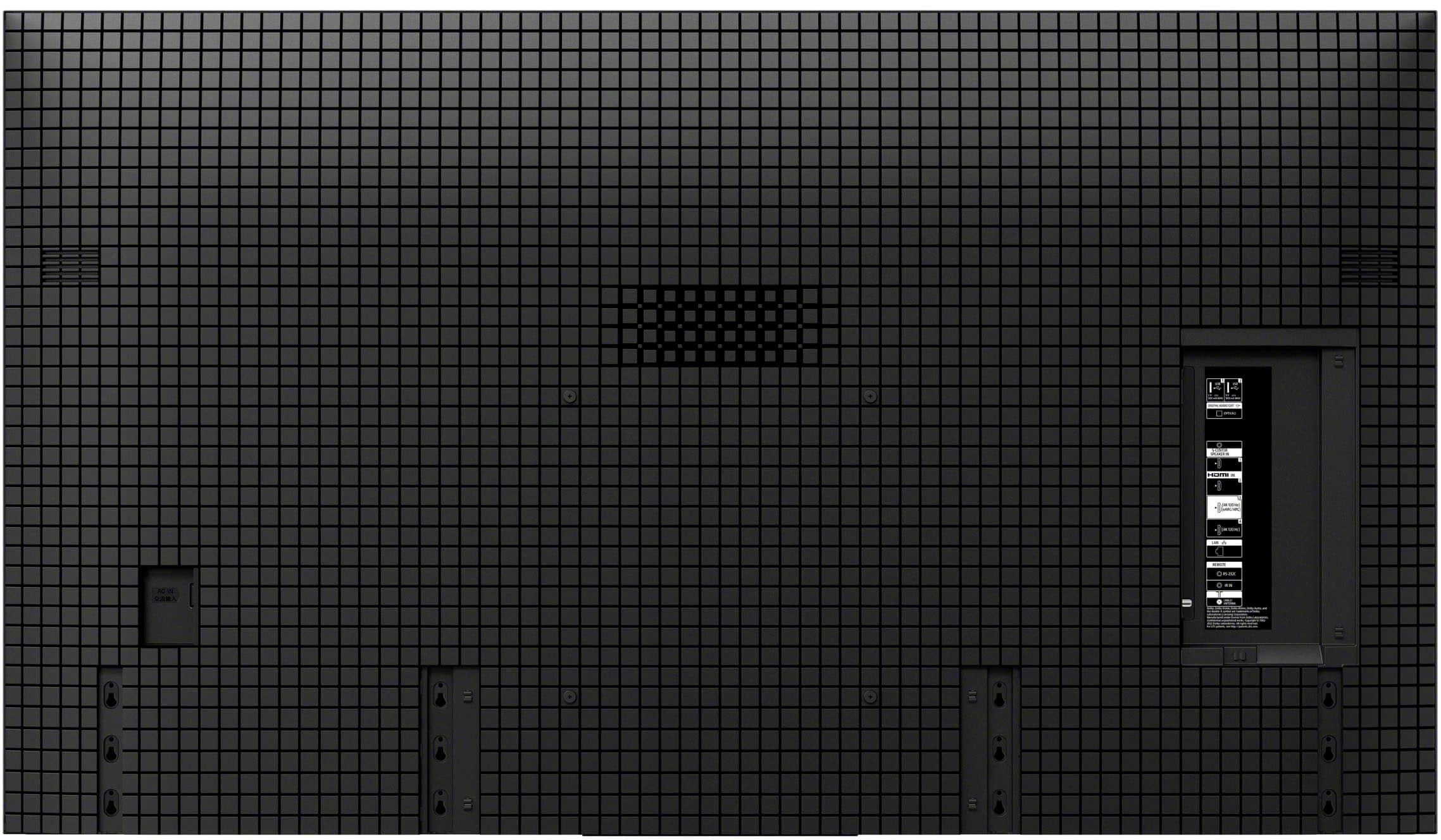
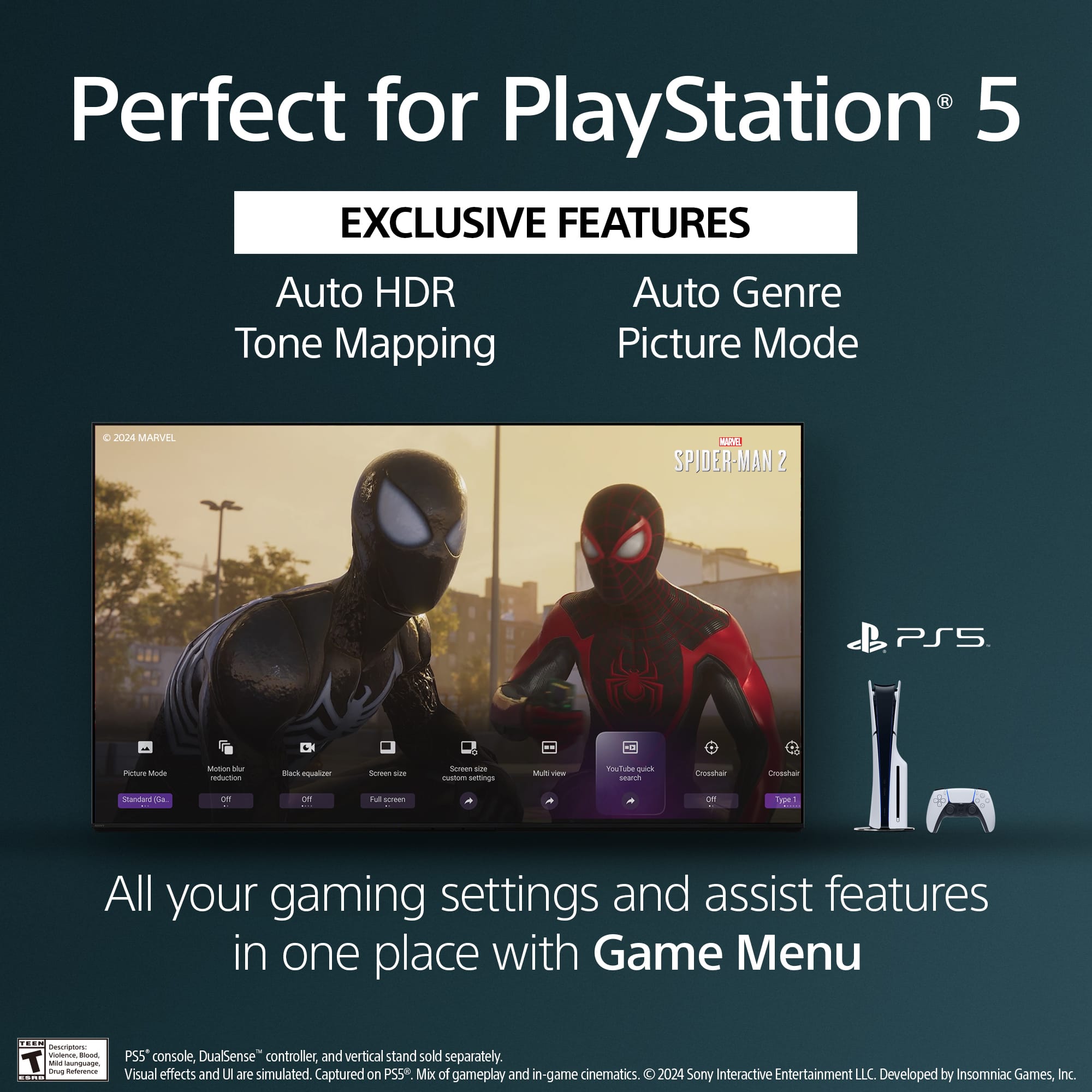
    • Answer Hi tgirl, Thank you for your interest in the Sony BRAVIA 8! In response to your inquiry, we’re pleased to confirm that you can indeed use your Amazon Firestick with the Sony BRAVIA 8 TV. The Firestick connects through an HDMI port, and the BRAVIA 8 model is equipped with four HDMI ports that are compatible with this device. Just plug the Firestick into any of the available HDMI ports on your TV, select the corresponding HDMI input using your remote, and follow the on-screen instructions to complete the setup for your Firestick. Hope this information helps! Get detailed, responsive game play with BRAVIA TV exclusive features for the PlayStation 5 console. Auto HDR Tone Mapping instantly optimizes HDR settings during your PS5 initial setup for detailed, high-contrast scenes. Auto Genre Picture Mode automatically switches the TV to Game Mode when gaming to ensure reduced input lag, and back to Standard Mode when streaming for optimized picture quality. Best regards, Maria

      Answered by SonyListens

  • QuestionWhat is the country of origin for K65XR80CB TV?

    Asked by nochina.

    • Answer Hi nochina, Thank you for your question! Sony TV's for the North American Market are assembled in Mexico. Hope this information helps! Bring back lost detail with reduced noise and see all your HD and digital content upscaled to near-4K resolution with XR Clear Image. See the authentic features of people's faces, identify every blade of grass, and marvel at the precise texture of buildings and scenery. Upscaled, simulated, and enhanced 4K images will vary based on source content. Best regards, Maria

      Answered by SonyListens

  • QuestionWhat receiver goes best with this tv

    Asked by Don.

    • Answer Hi Don, Thank you for your question! Pairing your Sony BRAVIA 8 TV with a compatible receiver can truly elevate your home entertainment experience. Sony offers a range of receivers tailored for different needs and setups. Here are some excellent options from Sony: STRDH190 STRDH590 STRDH790 STRDN1080 STRAN1000 STRAZ1000ES STRAZ3000ES STRAZ5000ES STRAZ7000ES For more detailed information about these receivers, you may visit this link: https://electronics.sony.com/c/av-receivers Each of these receivers is compatible with the advanced features of your TV, such as 4K HDR and Dolby Atmos, ensuring seamless integration for movies, games, and music. Your choice will depend on the size of your room, speaker configuration, and desired features. Hope this information helps! Over 8 million self-lit pixels are precisely controlled to produce pure black with high brightness. Enhanced by XR Contrast Booster 15, the K65XR80 produces contrast with deep, detailed blacks and dazzling highlights, allowing you to see movies and shows as the creators intended. Best regards, Maria

      Answered by SonyListens

  • QuestionIf I buy tv from local store will it be shipped to my home from the local store

    Asked by Bob.

    • Answer Yes

      Answered by JohnG

  • QuestionCan I use my firestick with this TV

    Asked by Anonymous.

    • Answer Hello there, Thank you for your inquiry! Yes, you can use your Amazon Firestick with the Sony BRAVIA 8 TV. The Firestick connects via an HDMI port, and the BRAVIA 8 model has 4 HDMI ports that support this connection. Simply plug the Firestick into one of the HDMI ports on your TV, select the corresponding HDMI input using your TV remote, and follow the on-screen instructions to set up your Firestick. Hope this helps! With a sleek design, cinematic audio, and stunning visuals, the Sony BRAVIA 8 K65XR80 65" 4K HDR Smart OLED TV makes the perfect centerpiece for your main TV viewing area. An incredibly accurate picture is created by millions of self-lit pixels, precisely controlled to produce pure black, with high brightness, and billions of shades of color. Regards, Sam

      Answered by SonyListens

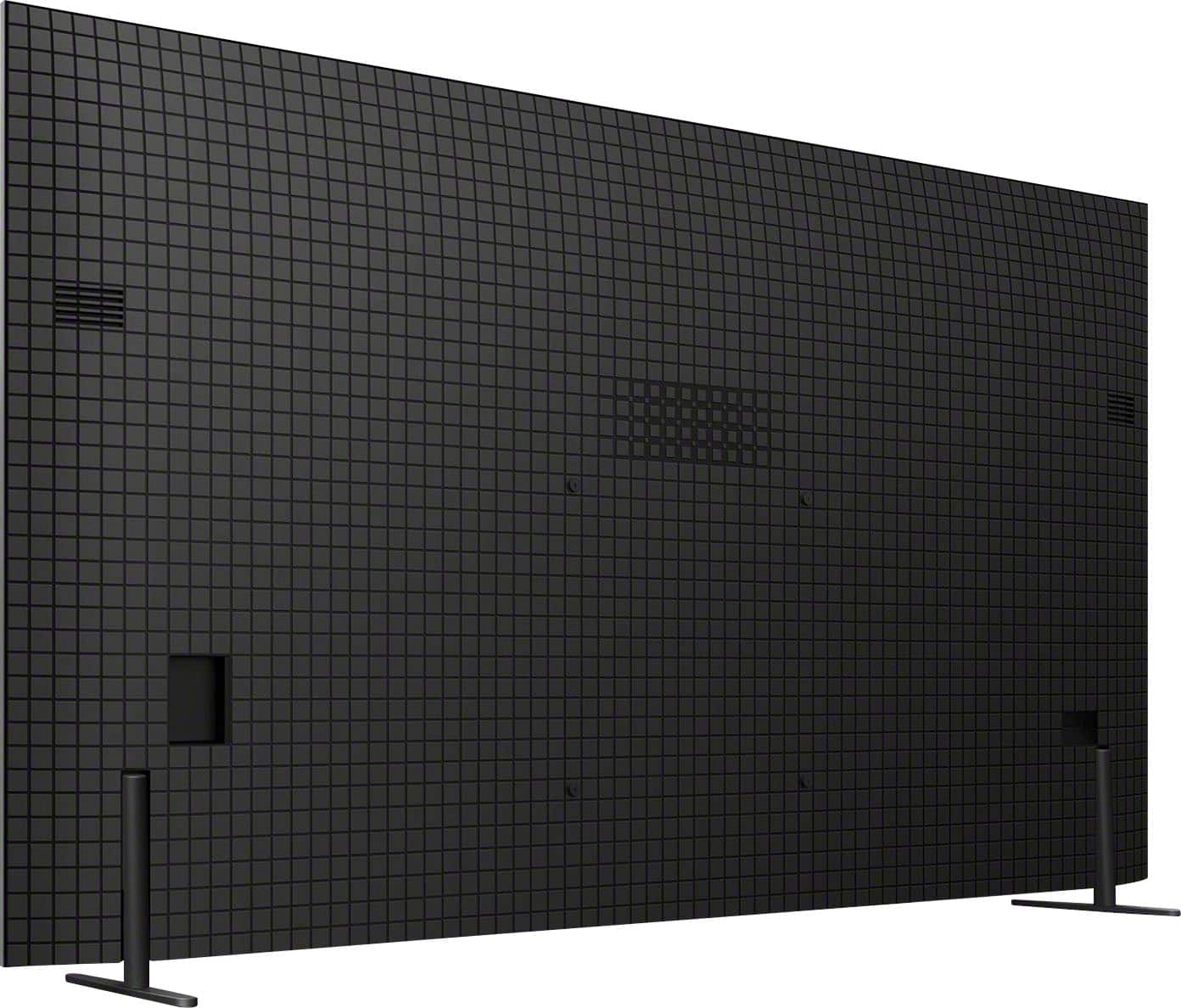
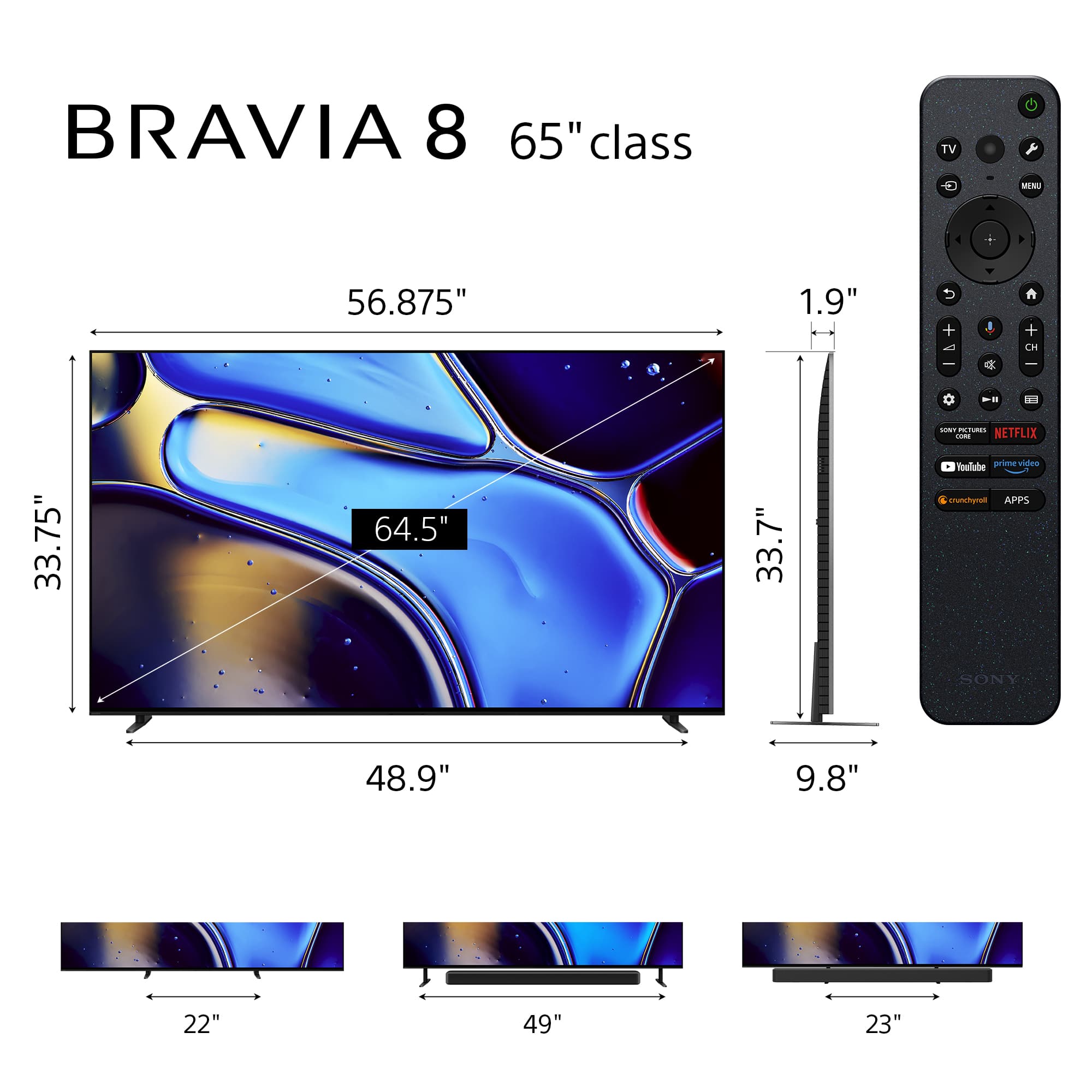
  • QuestionCan you use a universal adjustable TV stand with center base with the Sony Bravia 8?

    Asked by BigCat1.

    • Answer If the stand supports the VESA mounting convention, then likely yes is your answer.

      Answered by EC01