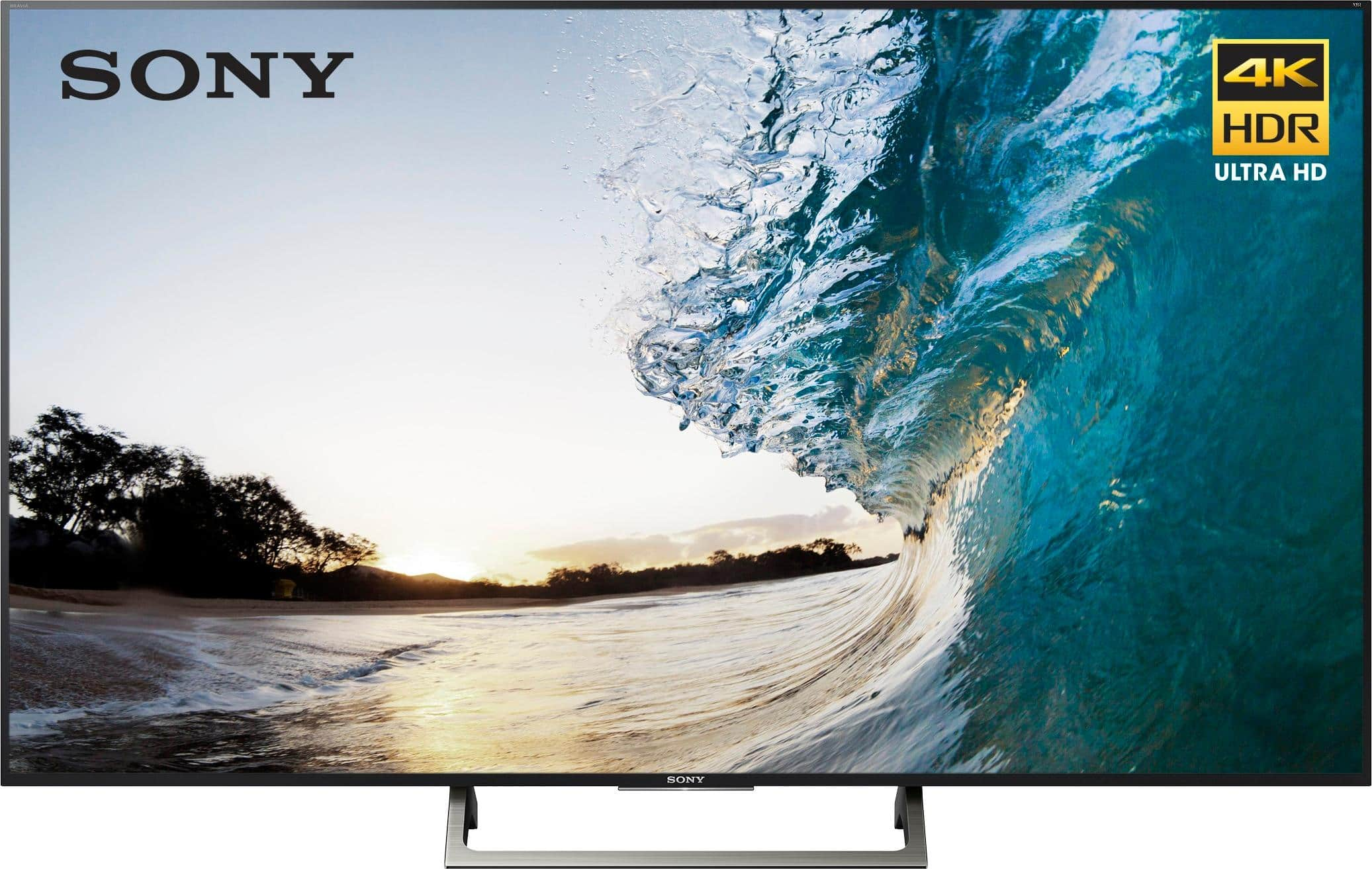
A:AnswerBroadcast television is currently transmitted in 720p and 1080i resolutions or 1280x720 and 1920x1080 pixel dimensions. For comparison, this would be the equivalent of either 0.9 or 2.1 mega-pixel (approximately) still photos playing in sequence to create motion. 4K UHD TVs have a screen resolution of 3840x2160 pixels, regardless of TV size (approximately 8.3 mega-pixels), which means 720p and 1080i TV broadcasts have to be "upscaled" (or enlarged) to fill the screen of a 4K TV. This means that all cable company broadcasts from any service provider and free over-the-air broadcasts won't look their best on a 4K TV since they all have to be enlarged. High-bandwidth transmission options like fiber and satellite can sometimes look better than traditional cable transmissions since they often don't compress their TV signals as much (resulting in fewer compression artifacts like pixelization, banding, color loss and noise) but they still have to be upscaled to show on a 4K TV. For true 4K viewing, UHD Blu-ray and 4K streaming from services like Netflix and Roku are currently the only options. Your 4K home movies can also be shown on your 4K TV. Broadcast television standards are slow to change because of the complexity of issues involving industry-wide standards and FAA broadcast regulations. So don't expect 4K cable or local TV any time soon.
Other factors like viewing distance, TV size, the quality of the TV's upscaling hardware and software and personal preference play a role in how your cable broadcasts will look on a 4K TV. The smaller the screen at a given viewing distance, the less you'll notice upscaling artifacts. Likewise, the further the viewing distance from a given screen size, the less you'll notice the issues. I have Frontier FiOS (formerly Verizon FiOS in my area) and I've noticed it offers a slight but noticeable improved picture quality over Spectrum (formerly Brighthouse in my area) but your experience may vary.
Just a final note, even though we call 3840x2160 resolution TVs "4K" (meaning 4 thousand pixels across), it is obviously just short of true 4K resolution. 3.8K doesn't sound as catchy, though. There actually is a true 4K resolution that is 4096x2160 pixel dimensions but it is generally reserved for motion picture cameras or high-end prosumer cameras.
So, to answer your question, your Spectrum cable feed - or any cable or broadcast feed - will have to be upscaled to show on your UHD TV. But, since we're nowhere close to having UHD TV broadcasts in North America, it doesn't really make sense to wait on 4K cable broadcasts before making your 4K TV purchase, especially if you plan on taking advantage of UHD Blu-ray (which can be amazing) or UHD streaming services (which are getting quite good if you have the bandwidth). I hope this helps some. Good luck!
A:AnswerWe originally bought the 850, then I did some research on the 900, found that it had full backlight instead of edge light so went back to the store to look again. The 900 was in the Magnolia room along side much more expensive sets. I found the 900 to have a picture quality just as pleasing to my eye as the expensive ones. I felt it was worth paying the extra over the 850 so returned the 850. The 850 has a nice crisp picture but I am much happier with the 900. I felt it was worth the extra money but not everyone may feel that way. The colors remain equal across the screen of the 900 where I did see a bit of difference on the 850 due to the edge lighting.
A:AnswerNo Dolby Vision on this model but it does support HDR so your 4K Ultra HD Blu-rays, Apple TV 4K and some online content will take advantage of the high dynamic range playback. Definitely a noticeable difference over non-HDR content like 1080p Blu-rays. I doubt Dolby Vision will be added as there's likely a licensing cost which wasn't built into the cost of the TV. But the TV does have a firmware update feature built into the menu system so it's perhaps a possibility.
A:AnswerHi Linda, the 2017 model features Object-based HDR remaster and Super bit mapping 4K HDR which gives your better contrast and a smoother, more natural picture. You may also check this link out for more comparison of the units:
https://www.sony.com/electronics/tv/t/televisions?view=compare
~Ralph
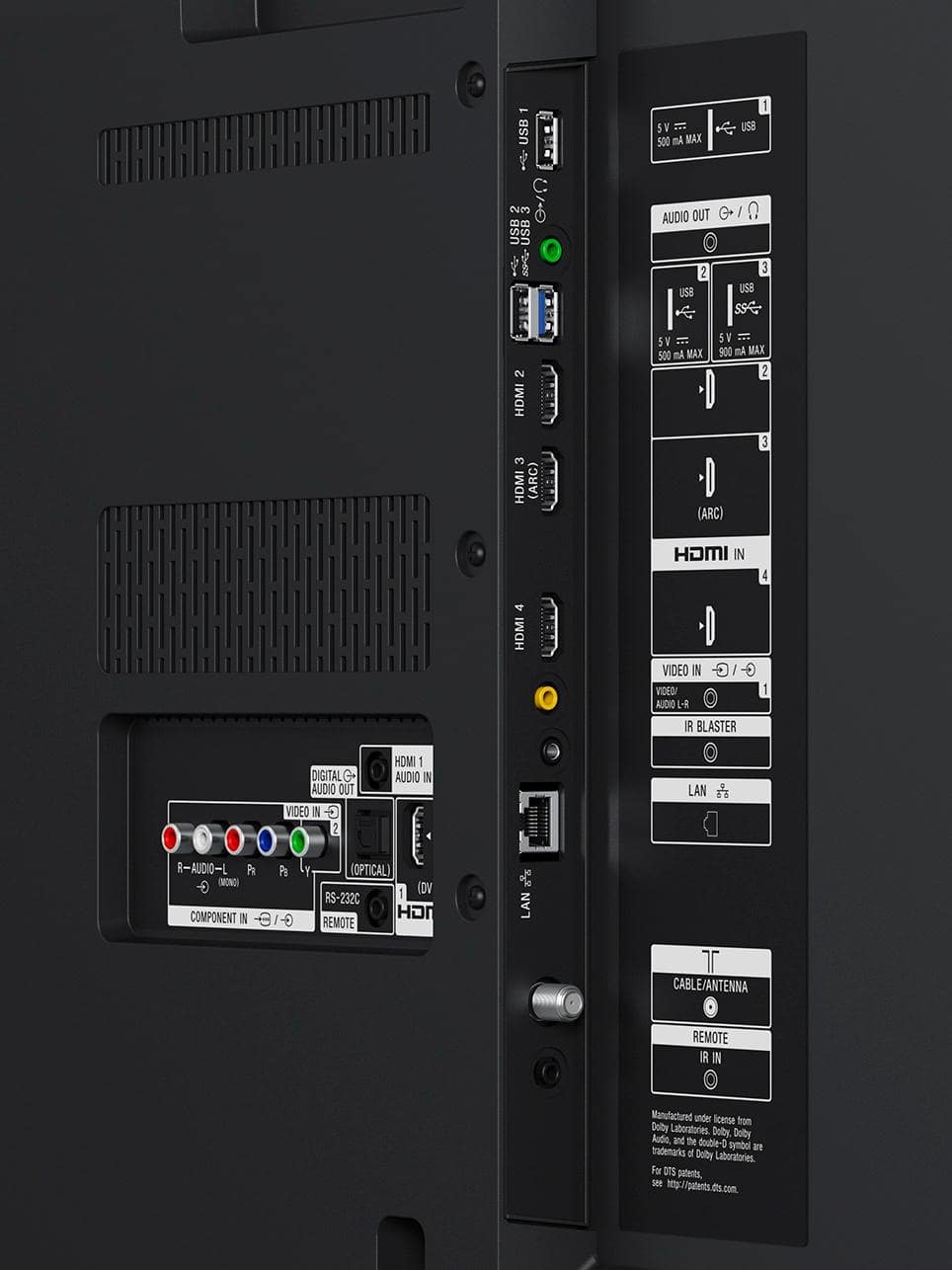
A:AnswerFrom the satellite receiver to the TV via HDMI assuming you have an HD satellite receiver if it's not an HD receiver then you will use the coax or RCA (red, white and yellow) cable. Without an HDMI cable you will not benefit from HD content from your satellite receiver.
A:AnswerPicture quality is better on the 900. Honestly it came down to our budget. We wanted a 75 inch and couldn't afford the 900 in a 75 inch, only 65 inch. We really wanted the 75 inch so we went with the 850 which has a lesser picture quality so we could get the bigger size. We love our TV but if you afford it I would definitely say go with the 900
A:AnswerHi Dazdnconfusd, the XBR75X850E is equipped with RVU technology which may allow it to connect to compatible satellite receivers over your home network without the need for a dedicated box. If you need additional information, we suggest contacting your satellite provider. Regards, -Mark
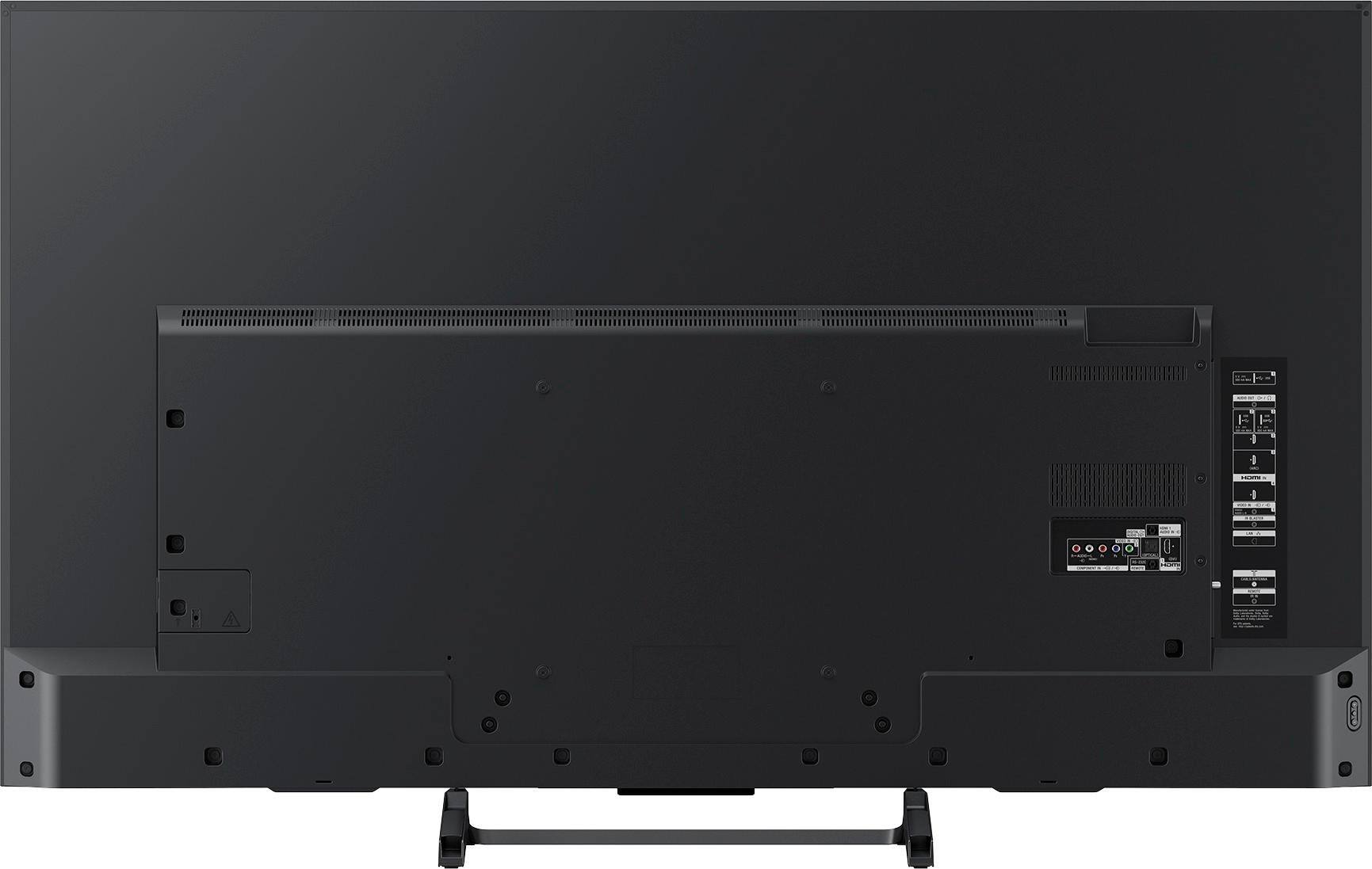
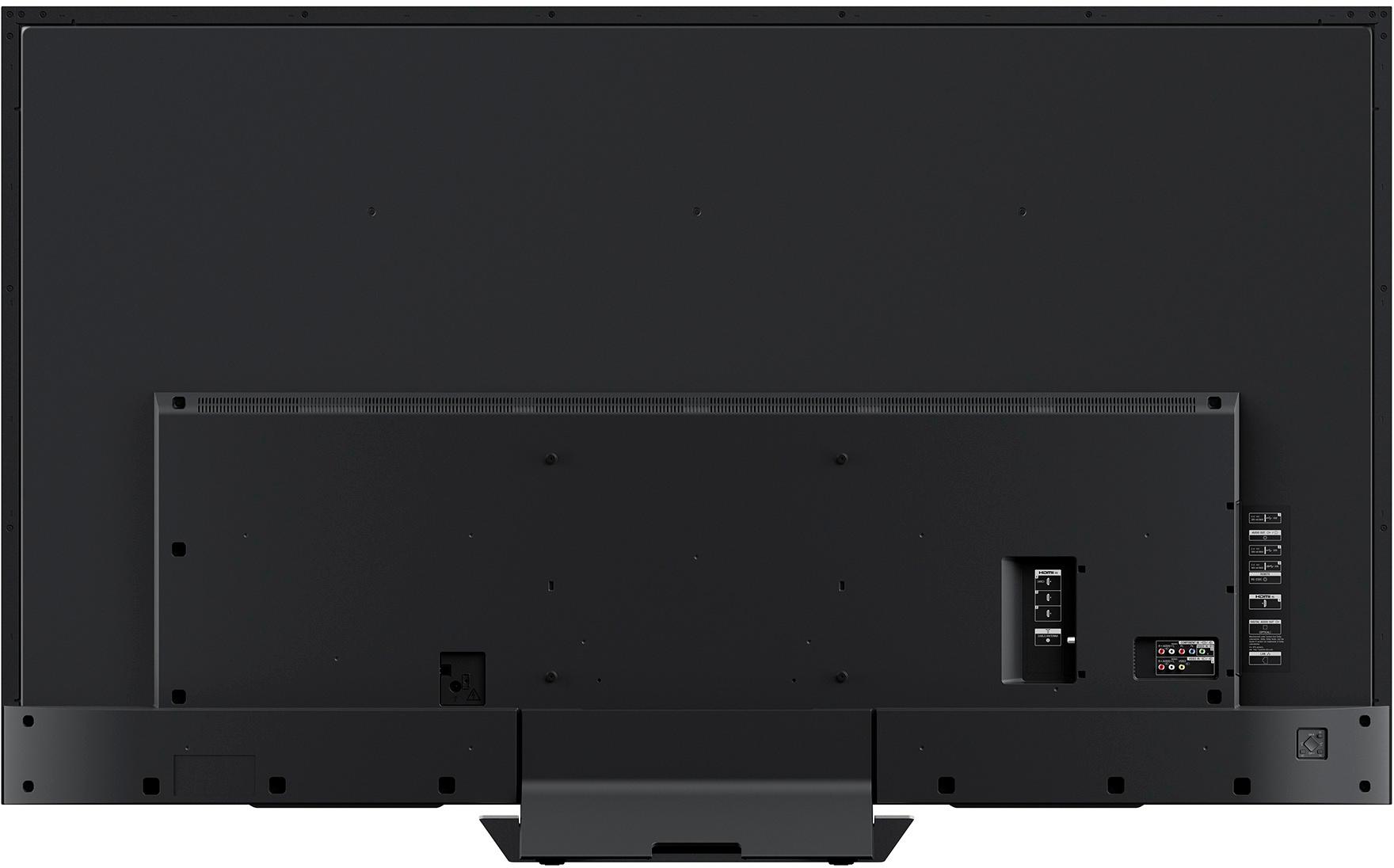
A:AnswerThe answer being searched for is whether the 4 holes are centered on the tv vertically. Answer is No, there is about 19" from top row.of screws to tv top edge, and 5" from bottom row of screws to bottom of tv.