A:AnswerHi Benpumpiner,
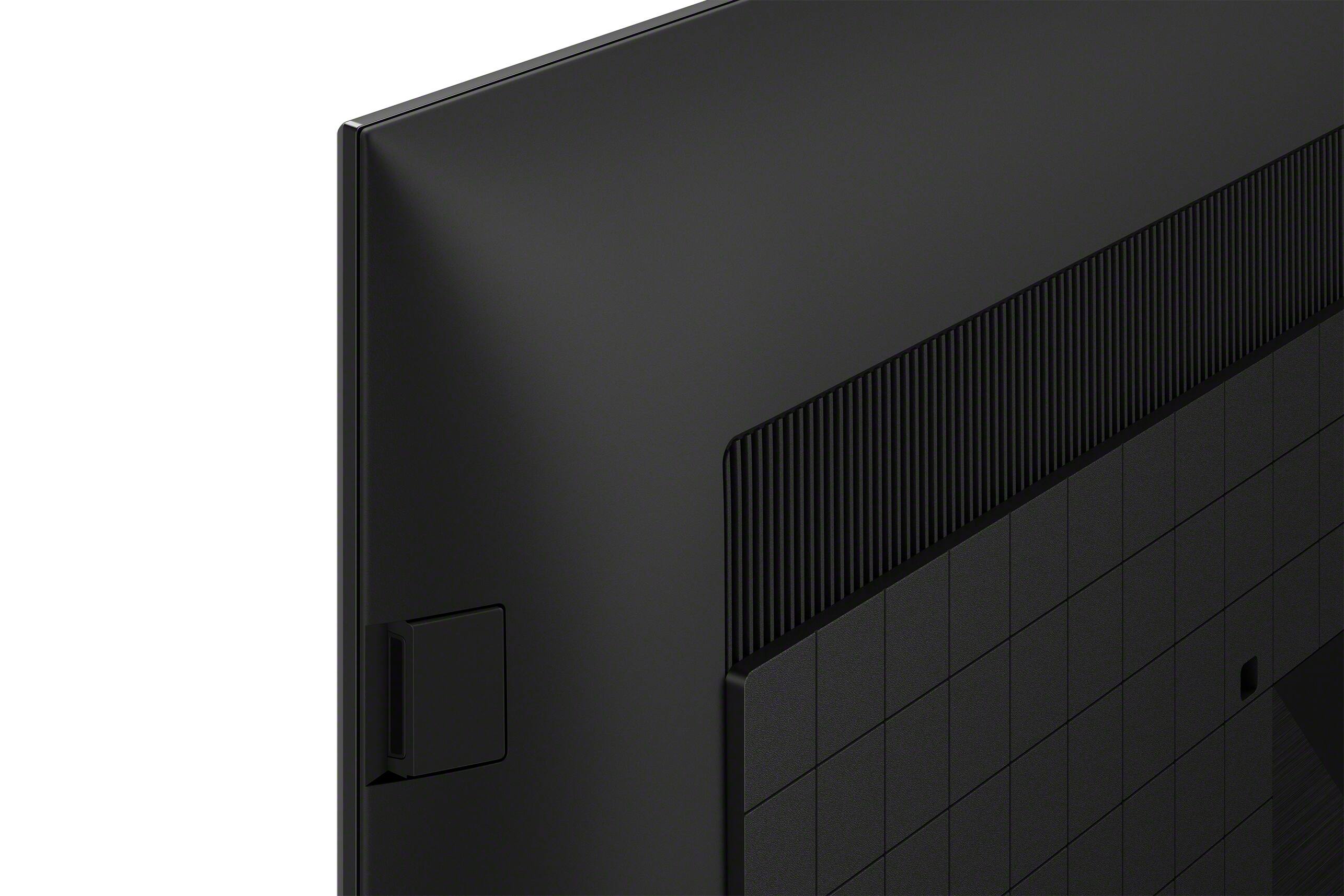
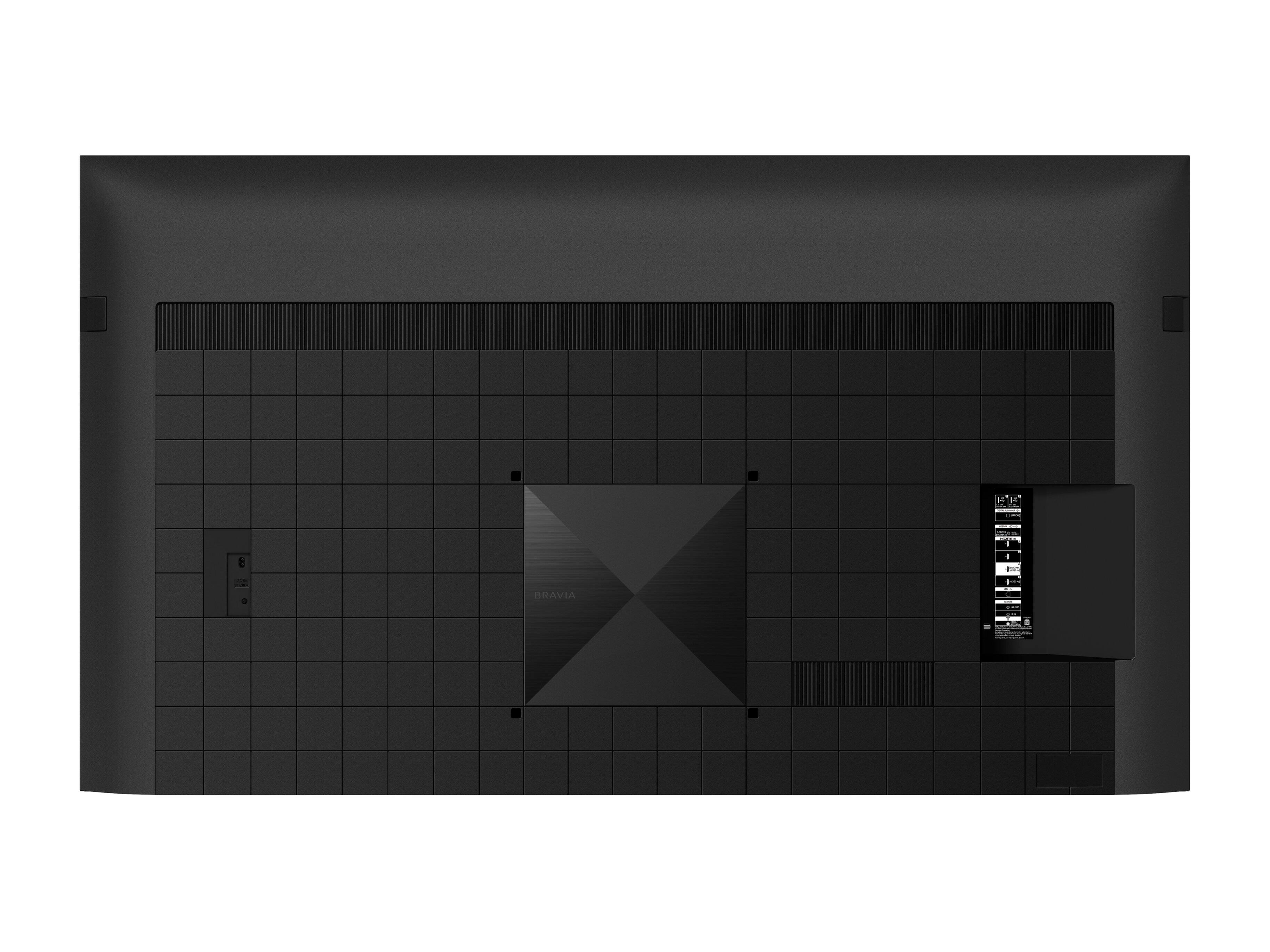
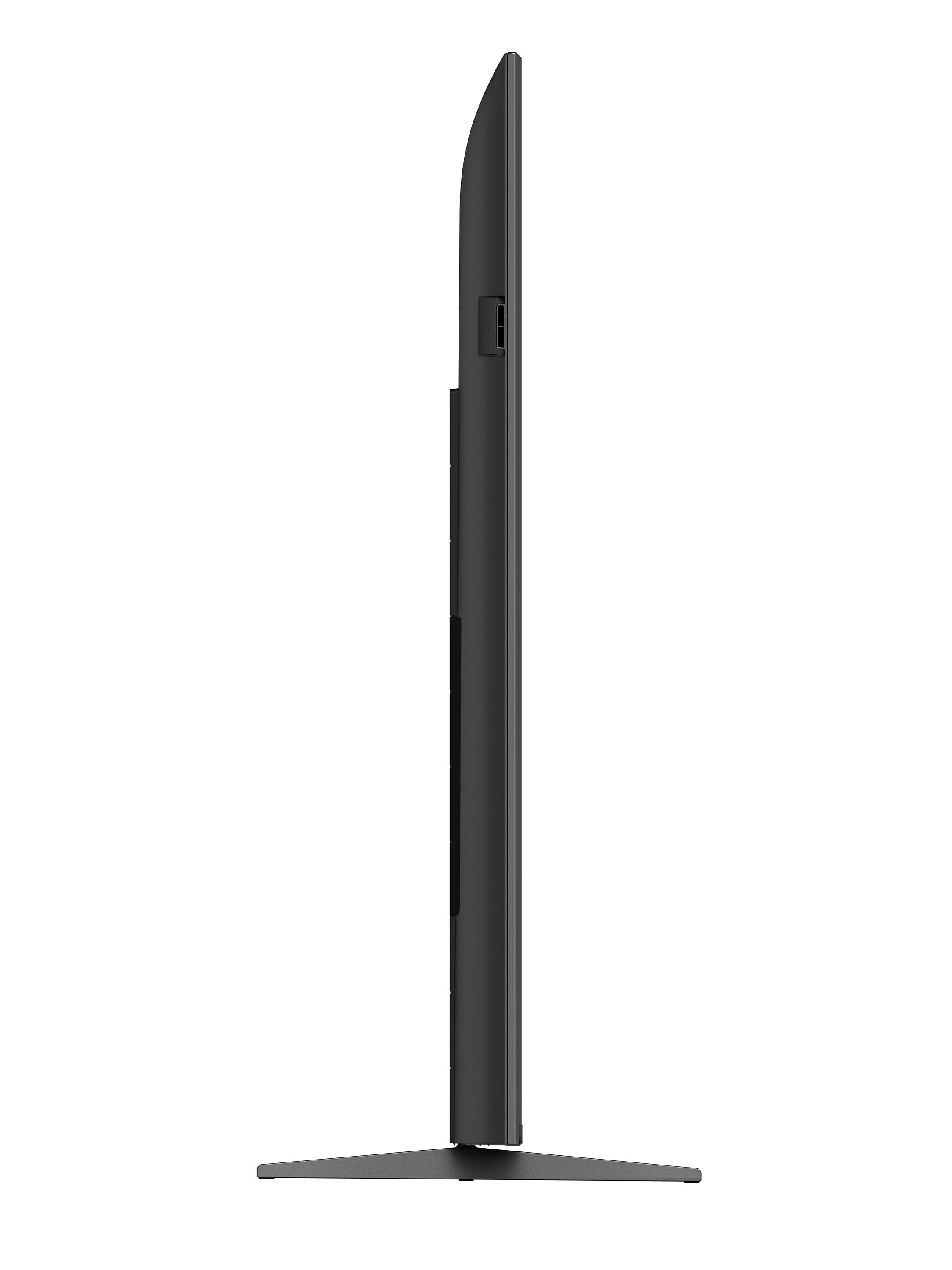
Thank you for your question. The stand legs (standard position/soundbar position) of our XR-85X90K have a width of approximately 61 3/4 inches (1,567 mm) and approximately 18.5 inches (469 mm) deep. The width and depth of the TV stand are not adjustable. However, the height is now adjustable and can be raised to accommodate a sound bar or lowered to sit flush with the stand legs.
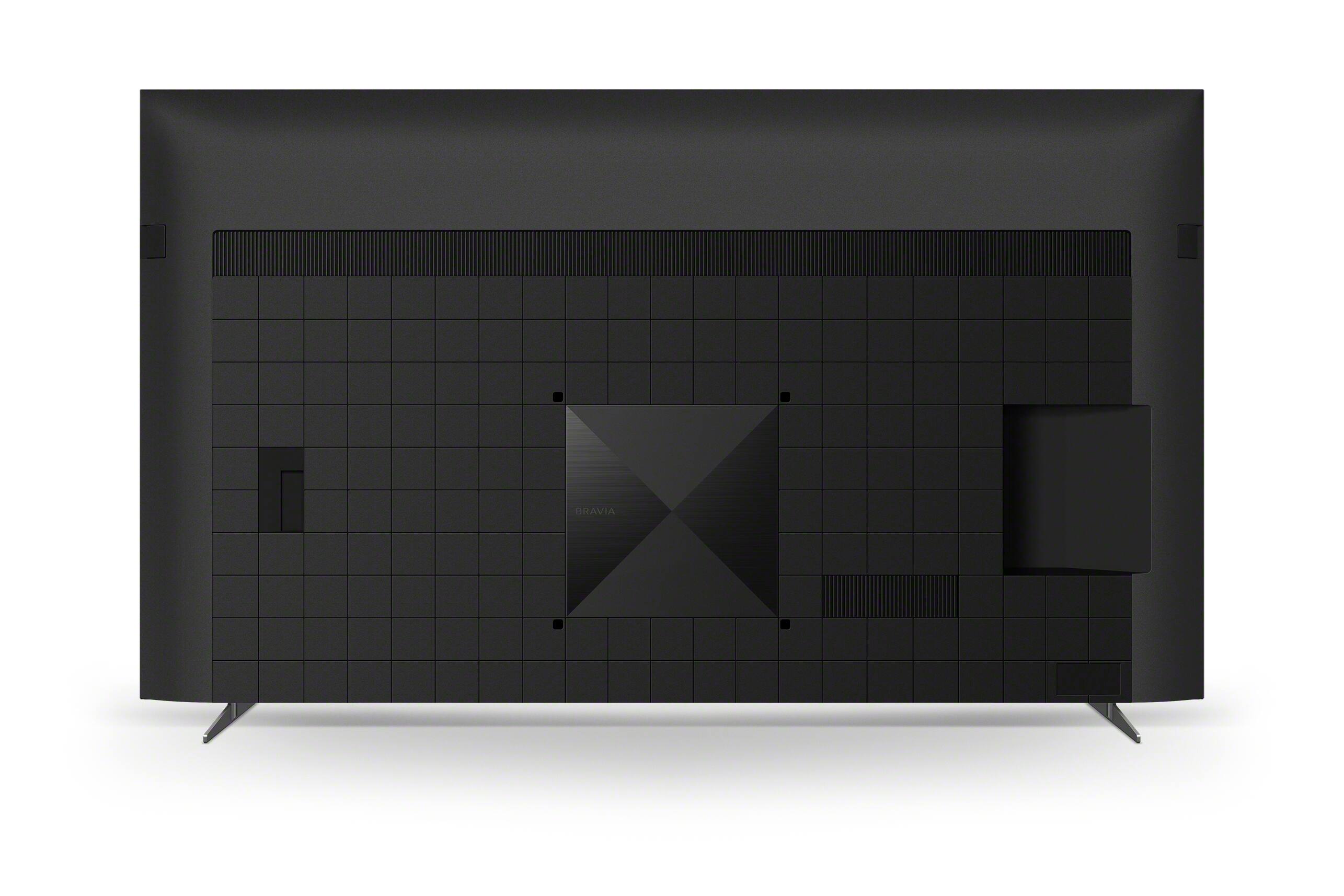
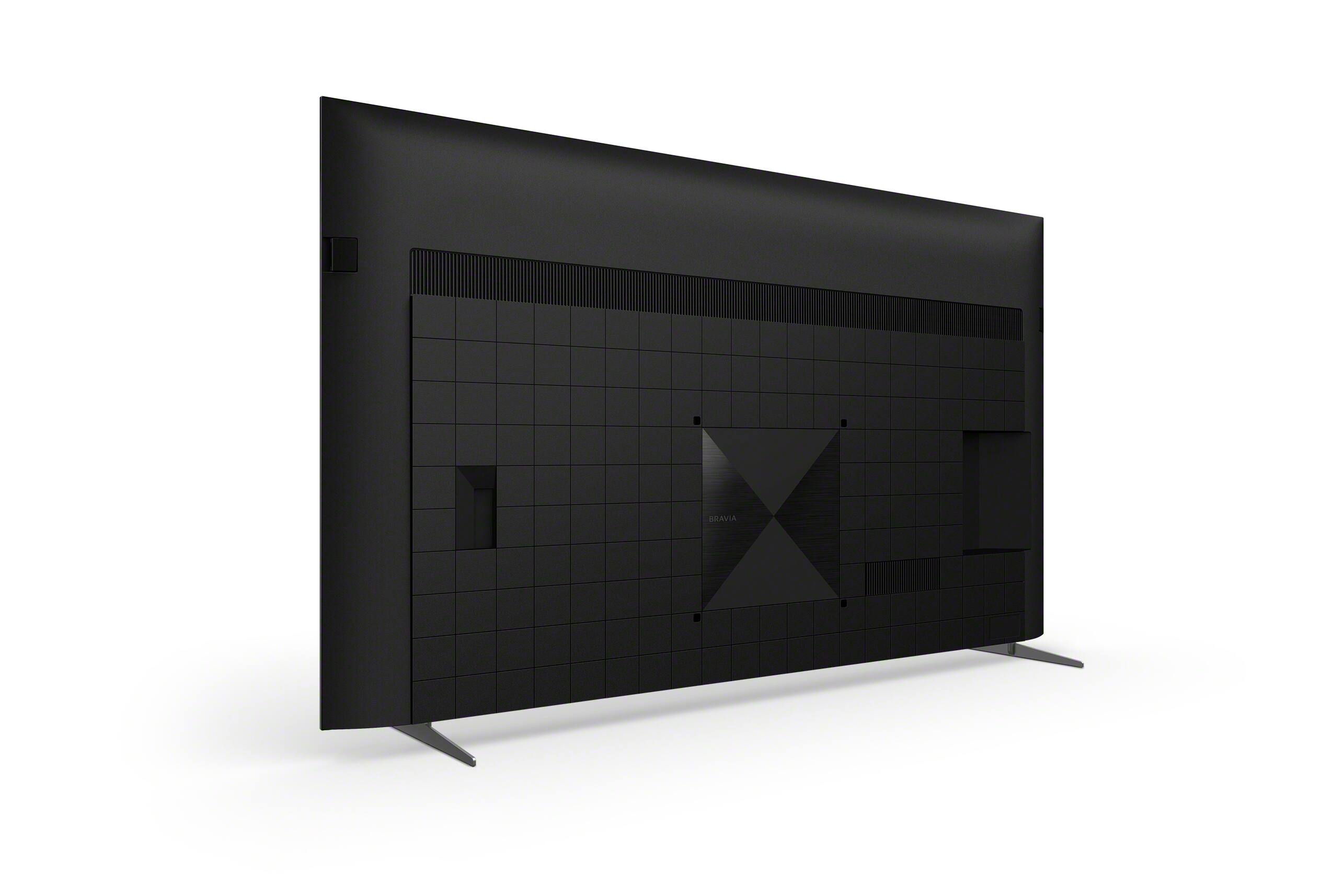
Unfortunately, the stand legs of the TV will not fit a TV furniture stand that only has an 18 inches deep measurement. We recommend using only a TV furniture stand that can accommodate the measurements and weight (104.7 lb (47.5 kg) - with TV stand) of the TV to avoid any issues. If the TV stands will not fit your TV entertainment console, as an alternative option, you can mount the TV to a wall using a suitable Wall-Mount Bracket (not supplied). When wall mounting this TV, we always recommend using a Vesa compliant wall mount bracket with Vesa Hole pitch of 15.75 x 15.75 in (400 x 400 mm). The wall mount bracket should also be able to hold the TV weight (without stand - 100.9 lb (45.8 kg)) to avoid any issues. For safety reasons, product protection, and to make sure that the installation is performed correctly, Sony strongly recommends that the installation of our TV on a wall be performed by qualified professionals. You may visit your local retailer/dealer or contact Best Buy to find the best VESA-compliant wall mount bracket that meets the size of our TV, your wall or environmental requirements, and your stylistic preferences.
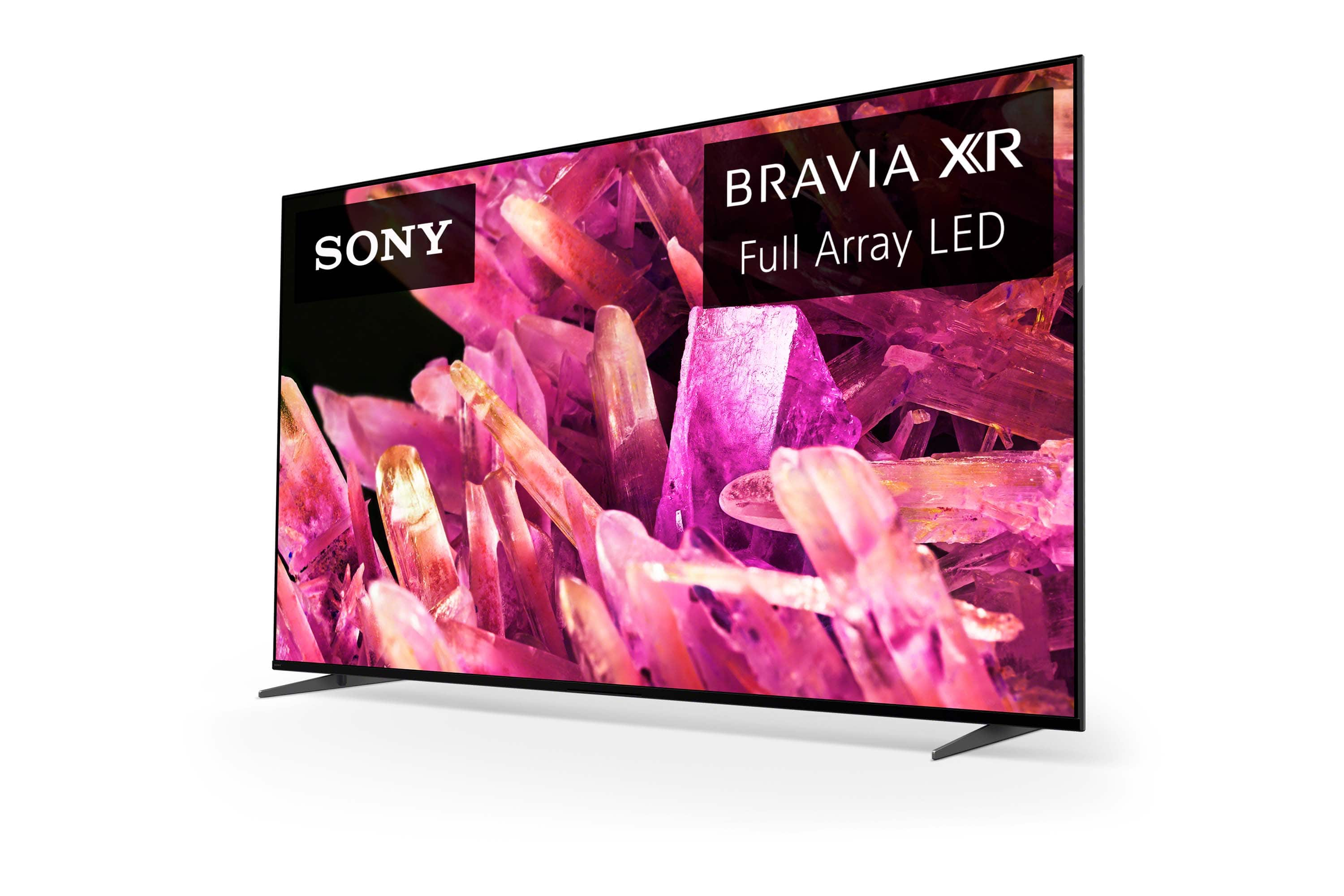
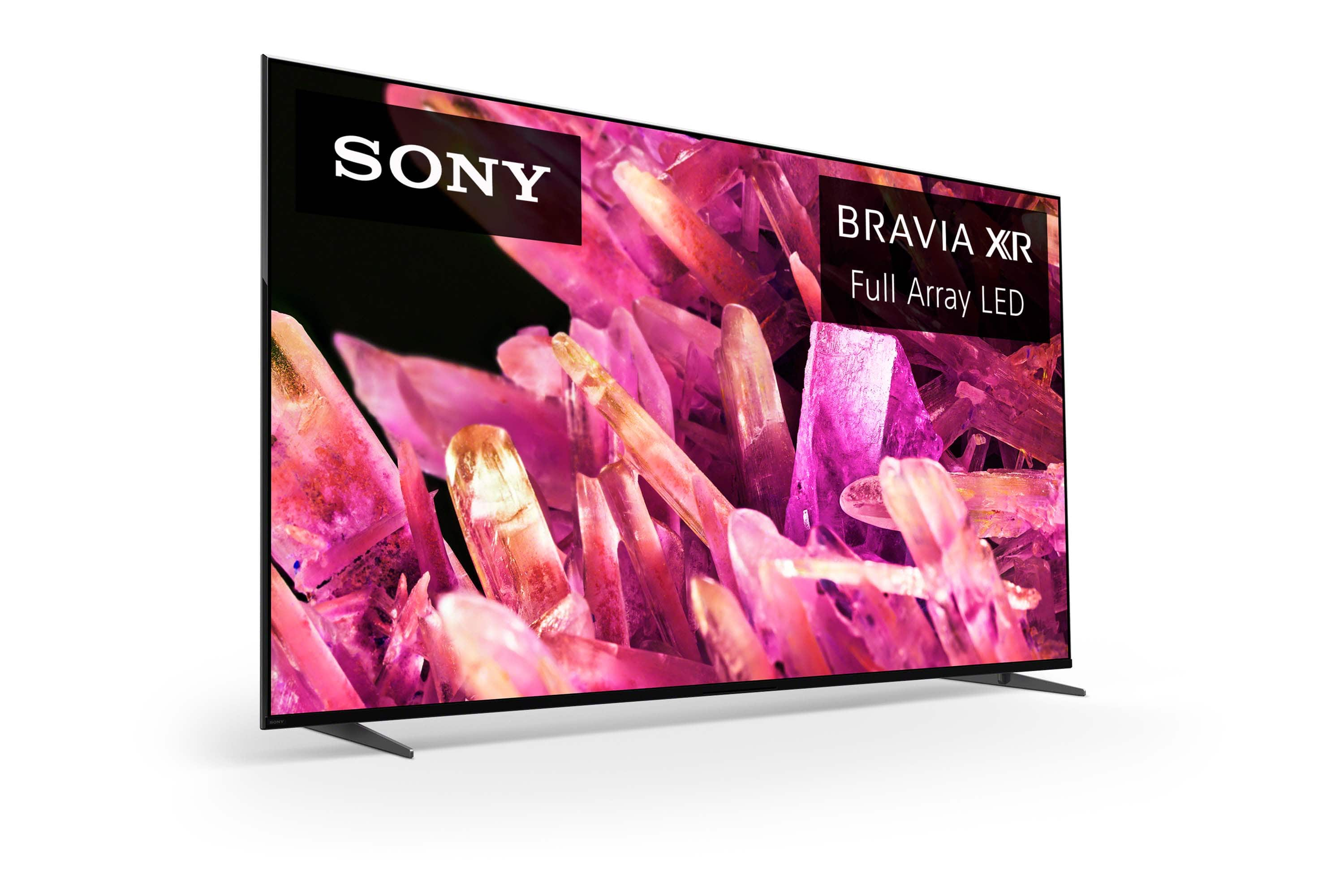
With the BRAVIA XR X90K Full Array LED TV, everything you watch becomes more detailed and immersive with true-to-life 4K picture, powered by the Cognitive Processor XR™. With immersive picture and sound, and sleek flush bezel design, be prepared to level up your favorite movies, TV shows, and games.
I hope you find this answer helpful, and thank you very much for your inquiry!
Best regards,
Romeo
A:AnswerHi EricFromSanFrancisco,
Thank you for your question. The X90K Google TV includes Basic TV mode. You can setup this TV without creating or logging into your Google Account. You can choose the "set up BASIC TV" option at the start of the initial setup if you want to skip the Google TV set up. However, this setup does remove some functionality like installing apps, services and features that require signing into your Google Account, and Google Assistant.
With the BRAVIA XR X90K Full Array LED TV everything you watch becomes more detailed and immersive with true-to-life 4K picture, powered by the Cognitive Processor XR™. With immersive picture and sound, and sleek flush bezel design, be prepared to level up your favorite movies, TV shows, and games.
I hope this helps you, and thanks again for your inquiry!
Best regards,
Romeo
A:AnswerThank you for your question, Antonio!
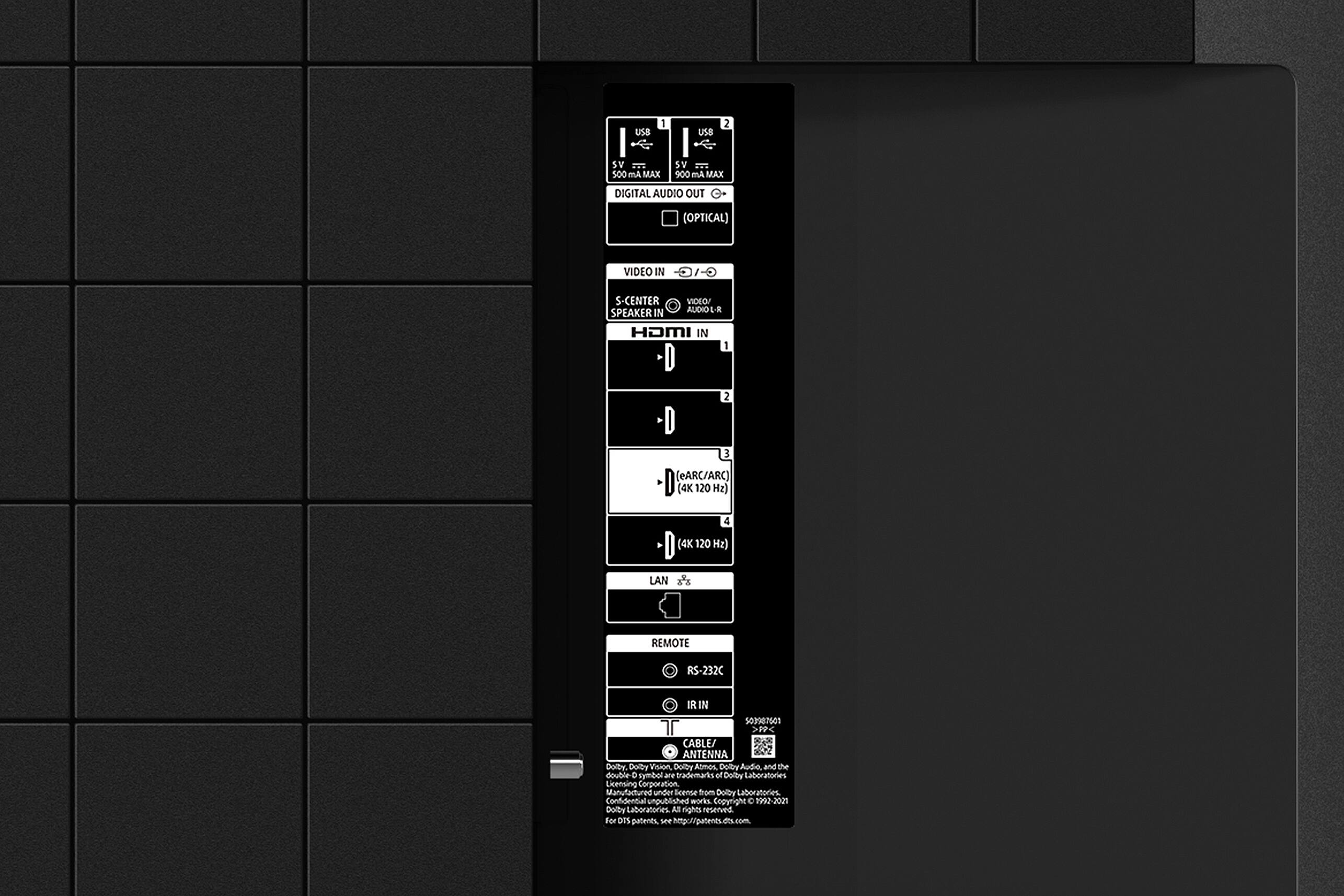
Unfortunately, the XR-85X90K doesn't feature a 3.5mm headphone audio out port for wired headphones. However, it features Digital Optical audio out port and Bluetooth for headphones connection. You may check our support site for more details.
Note:
• For home theater headphones that support DIGITAL OPTICAL OUT, we can recommend you the WH-L600 as a compatible option.
• For Bluetooth connection, the wireless headphones must support the A2DP (Advanced Audio Distribution Profile) Bluetooth profile to use with this TV.
With the BRAVIA XR X90K Full Array LED TV everything you watch becomes more detailed and immersive with true-to-life 4K picture, powered by the Cognitive Processor XR™. With immersive picture and sound, and sleek flush bezel design, be prepared to level up your favorite movies, TV shows, and games.
Hope this helps, and thanks again for your inquiry!
Best regards,
Romeo
Sony Social Support
A:AnswerI connected my Sonos Playbar to my XR85X90K via the optical audio cable. The port is located in the back of the tv. My sound bar included this cable. I had to purchase a longer one from Best Buy.
A:AnswerYes.
This tv has blue tooth built in.
Simply go to settings on the tv when installed and select wireless devices.
You will have the option to start the Bluetooth pairing process and also start the pairing process on your device and in a few seconds you will see your wireless headset show up in the wireless device menu.
Select your device and a check mark will show up beside it showing you are connected.
A:AnswerI have Disney+ on mine no problem. Are you having problems downloading them or logging into them? When setting up the tv you should have been able to select the apps you want preloaded which Disney was one of them. As long as your tv can access the network, then you can get them. If you are having issues logging into them, make sure the tv is on the most up to date firmware. Had an issue logging into Apple TV app and that was the fix for that.
A:AnswerWe just bought the Sony Bravia 85” TV. It measures approximately 42 3/4” high. You will need a minimum of 1 1/2” to 3” to lift the tv up & onto a wall mounted bracket. Once it is seated in the bracket, we have 1 1/2” above & below are TV in an enclosed wooden cabinet.
A:AnswerWe have the Sony Bravia 85” TV, the dimensions for each brand are slightly different so check online. Our Sony Bravia TV measures approximately 74 3/4” wide x 42 3/4” high.