A:AnswerHi Shmewn, Thank you for your inquiry. Unfortunately, no. The HTG700 does not have built in applications. For these features, you may want to consider our TV products that has the features that you are looking for. You may check on this link for more information.
https://electronics.sony.com/tv-video/televisions/c/all-tvs
Regards,
Carl
A:AnswerNo, only the subwoofer provided with the soundbar can pair with it. If I remember correctly straight out the box the sound bar and sub are already paired together.
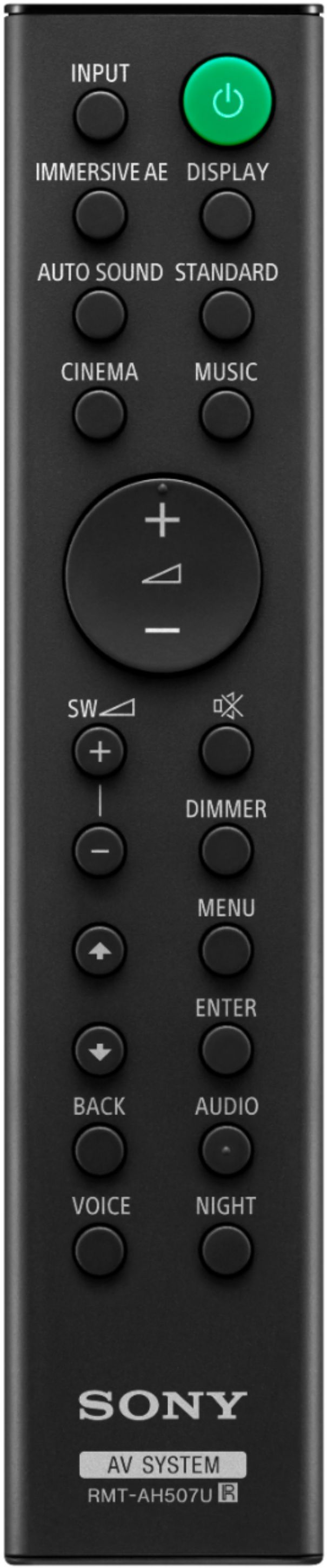
A:AnswerI have a Samsung tv and that remote will control the volume of the sound bar. Just need to use Sony remote to control sound inputs if you have multiple items running to it.
A:AnswerHi Thomasr1950, We are sorry to hear about your experience. We would like to reach out and assist you with your issues and make this a better experience for you. May we contact you to help? If so, please email the below information to [email protected]
Apologies if you disclosed some of this information in your review and to customer service, we just want to ensure that we have your accurate details at the time of communication.
Full Name:
Best Buy Username:
Telephone Number:
Model Number:
Issue:
Regards,
Carl
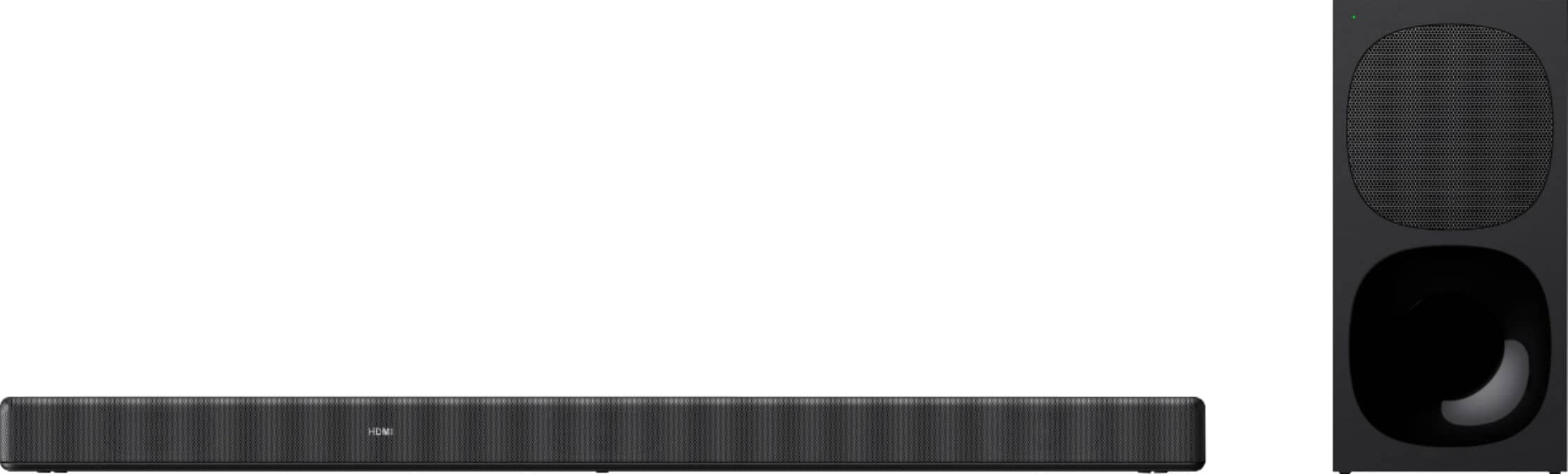
A:AnswerHi James, Thank you for choosing Sony! If you are experiencing issues with audio delay on the HTG700. A time gap between the sound and picture may occur depending on the sound source.
If the TV picture has a delay with the audio on the soundbar, you can adjust the delay between the picture and sound. You can adjust from 0 msec to 120 msec in 40 msec increments. The default setting is [0ms]. To check on how to adjust the [Sync] feature of the soundbar, please refer to this link: https://www.sony.com/electronics/support/res/manuals/5013/c617d547e6b6b0e2ecfe0fbdb69b919c/50130581M.pdf page 34
Also, if your TV or device connected to the soundbar has a function that delays the image, please use it for adjustment.
Should you need further assistance with your HTG700, please contact us for help.
Please email the below information to [email protected]
Apologies if you disclosed some of this information in your review and to customer service, we just want to ensure that we have your accurate details at the time of communication.
Full Name:
Best Buy Username:
Telephone Number:
Model Number:
Issue:
Regards,
Carl
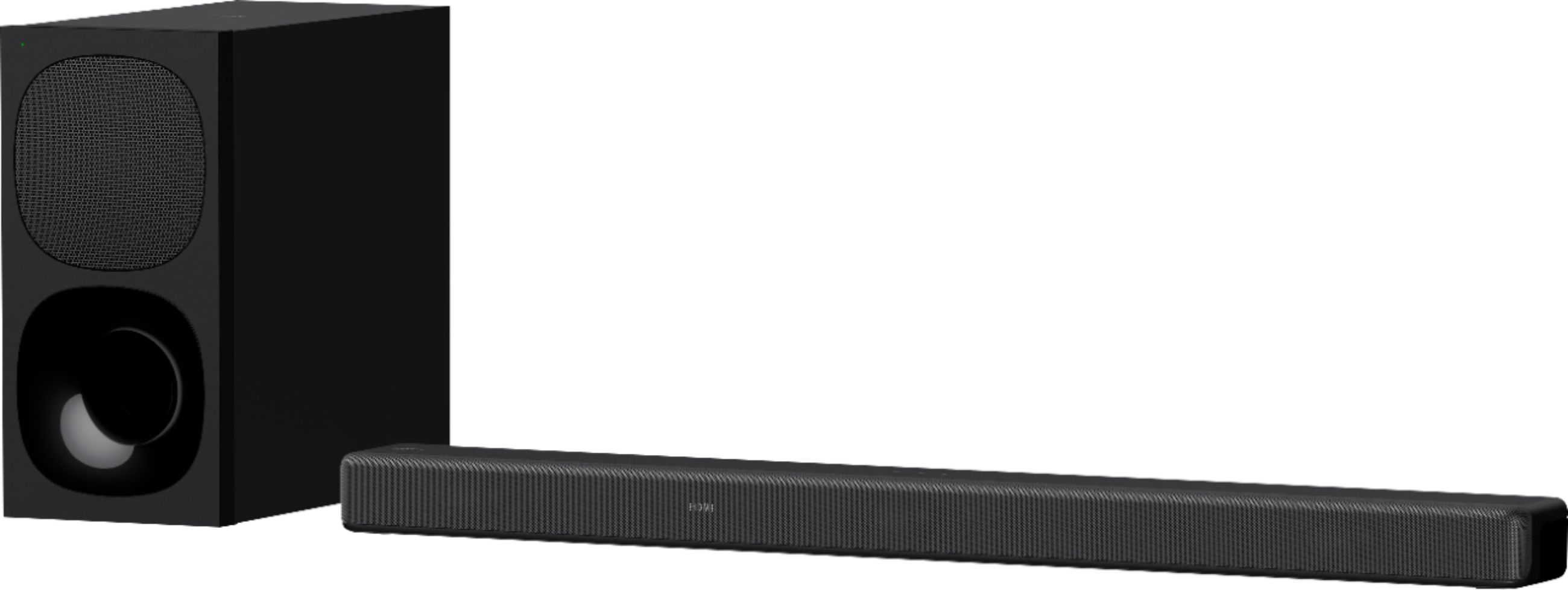
A:AnswerThis happened to me when I first bought it. I treated it like a router by unplugging and disconnecting everything and it started working. I've notice that "auto 2" works best for me under sound settings, especially for apps like Netflix which have Dolby Atmos. It also would connect automatically via Bluetooth which seemed to cancel out the hdmi and Bluetooth simultaneously so I had to unpair it after trying it out for the first time. It does, however, have a 2 second delay when using hdmi so I'm using an optical cord for now with my 950G. Good luck!

A:AnswerIf you look carefully, some streaming apps offer Dolby Atmos on certain movies, shows etc and when that kicks in it will display and you'll not just hear but feel the difference