A:AnswerYes, I switch my sound setting to dialog and voila, all voice/speech more clear and sound effects doesn’t scare the neighbors anymore..... enjoy!
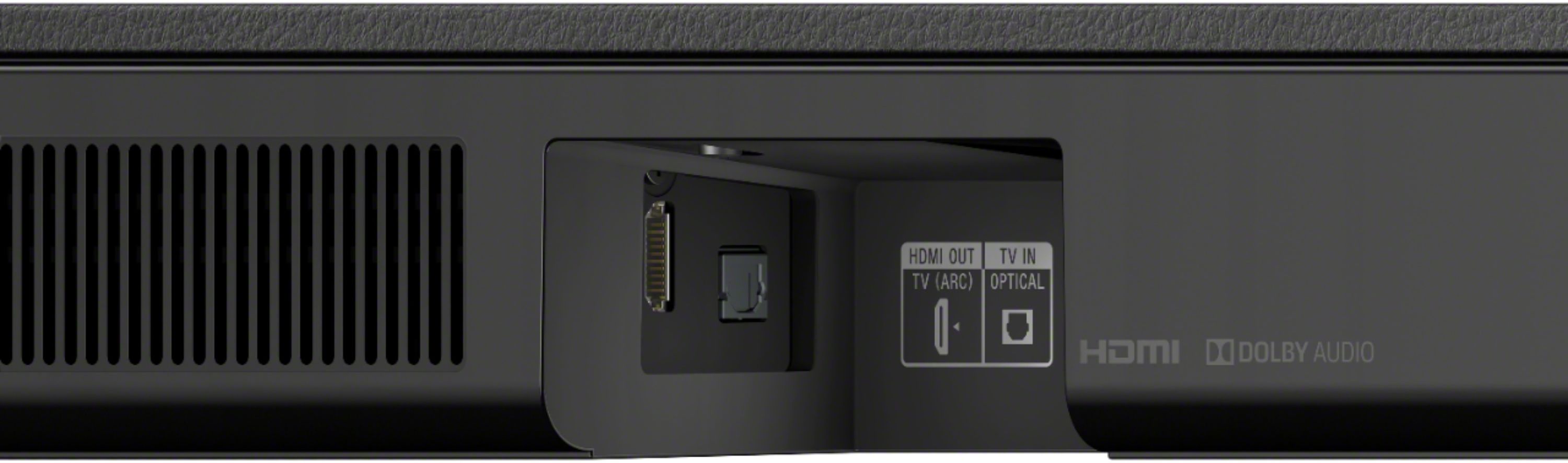
A:AnswerIf your sound bar is plugged into your TV using the HDMI arc port the TV volume controls will adjust the sound on the sound bar. MUST USE ARC PORT FOR THIS FUNCTION TO WORK. Hope this helps.
A:AnswerI think - at this price point - it is excellent. Even SONY has much more expensive choices and I am a believer in "one gets what one pays for." If you are not an audiophile (and I am not) you will be satisfied. If you are, you know you should probably invest more and compare other higher end audio brands as well.
A:AnswerA few things to check, if it is connected to your tv through an ARC (HDMI) channel then it will power on when the tv does. So if one device senses power from the other it will auto turn on.
Second, the lights are a bit counterintuitive. They can be turned off without actually turning off the soundbar. I know I've left it on a few times and not known.
Lastly it does have touch controls on top. If you have an animal that gets into stuff it might be stepping on the power "button" and turning it back on
A:AnswerHi. I had the same issue so I moved the sub across the room and it is excellent. Also depends on what you are watching. I have watched some good SciFi movies and the sound quality was just like sitting in a cinema. Regular TV shows, some are good sound and some are just okay. Playing music DVD’s is also excellent. So try moving the sub to a different location in the room and away from the sound bar. Hope this helps.
A:AnswerHi Chris, Thanks for your inquiry. Yes, you can. There are three ways of connecting this soundbar to your PC. HDMI ARC, Optical, and Bluetooth connection. Hope this helps! -Sam
A:AnswerThere is no need for 2 connections, I use HDMI ARC only and I can control my system with either the Sony remote or the TV’s remote. YouTube is a good source for information for setting up HDMI ARC; not sure why your Sony remote is useless
A:AnswerHi Squeaky, Thank you for your inquiry. It doesn't have to be a 4K cable. a regular or a high-speed HDMI cable will suffice. Hope this helps! -Sam
A:AnswerHave you try’d the optical cord that it comes with.. Once plug in it should pair automatically to your tv. I also wouldn’t recommend connecting it to Bluetooth the audio isn’t on que. For best performance by a hdmi it connects automatically as well. Connect to hdmi1 or the one that has ARC.
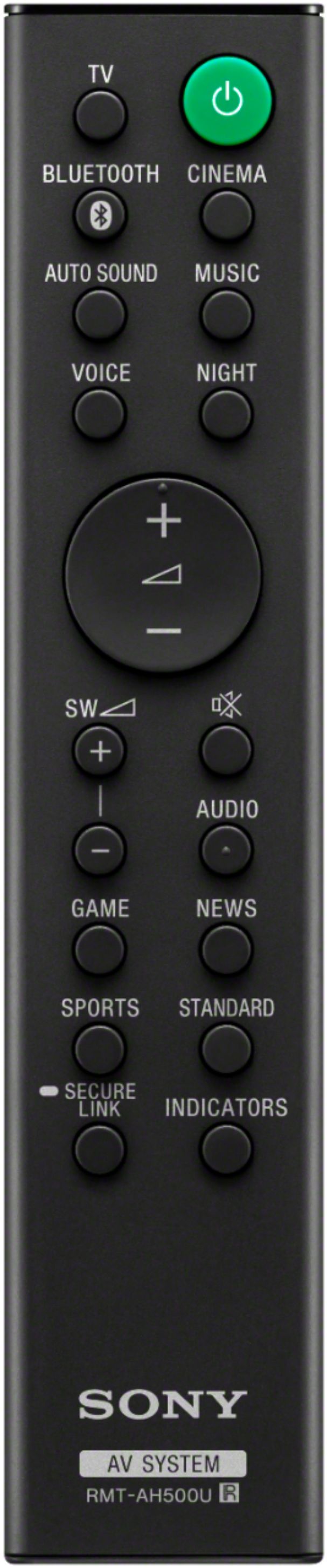
A:AnswerI only hit the TV button when I wasn't hearing audio with just the bluetooth light on. The manual says that both the bluetooth and tv light should be lit. Never happens. Either the bluetooth or the tv light go on, never both. Possibly a defective unit.
A:AnswerHello, Steph!
As long as your TV can be hooked up using an HDMI or an optical cable then this will work. The wireless connection is only compatible with a SONY TV. Happy to help!
~Zac